Get 20% OFF All Premium 3D & STL Models!

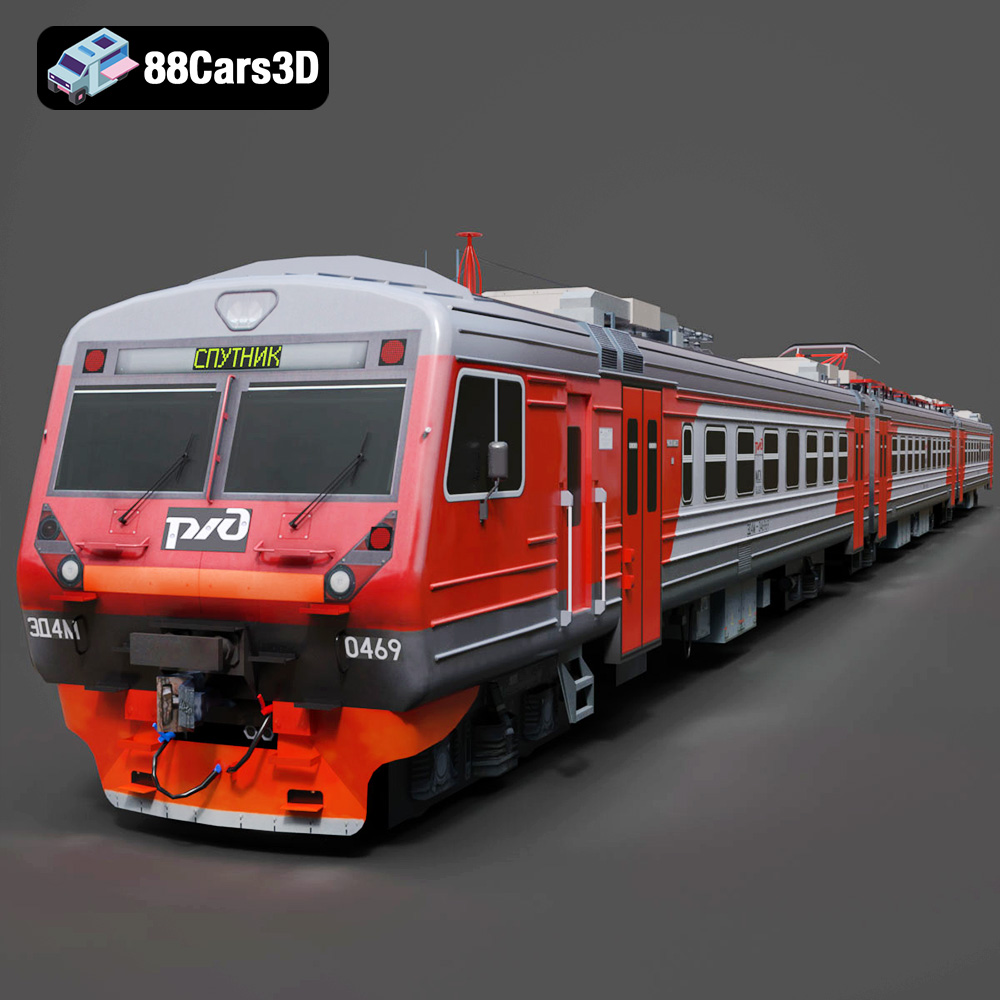
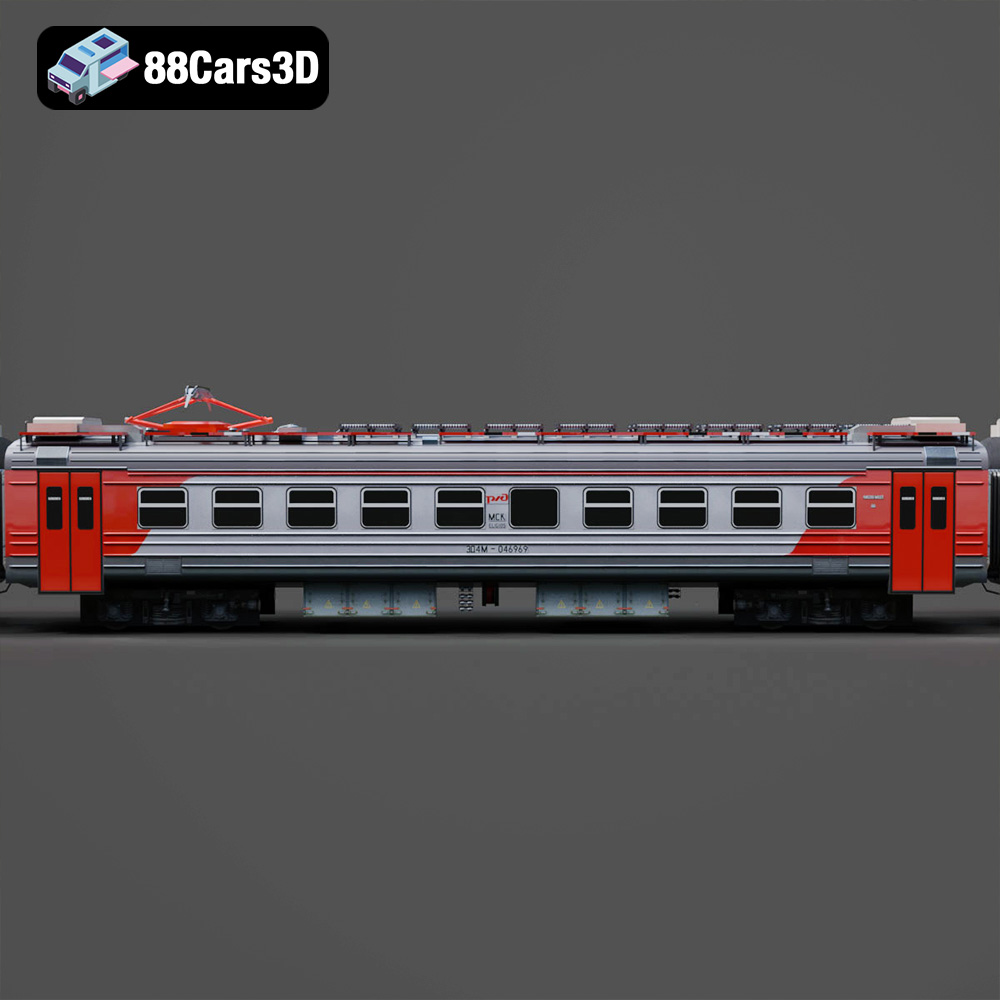
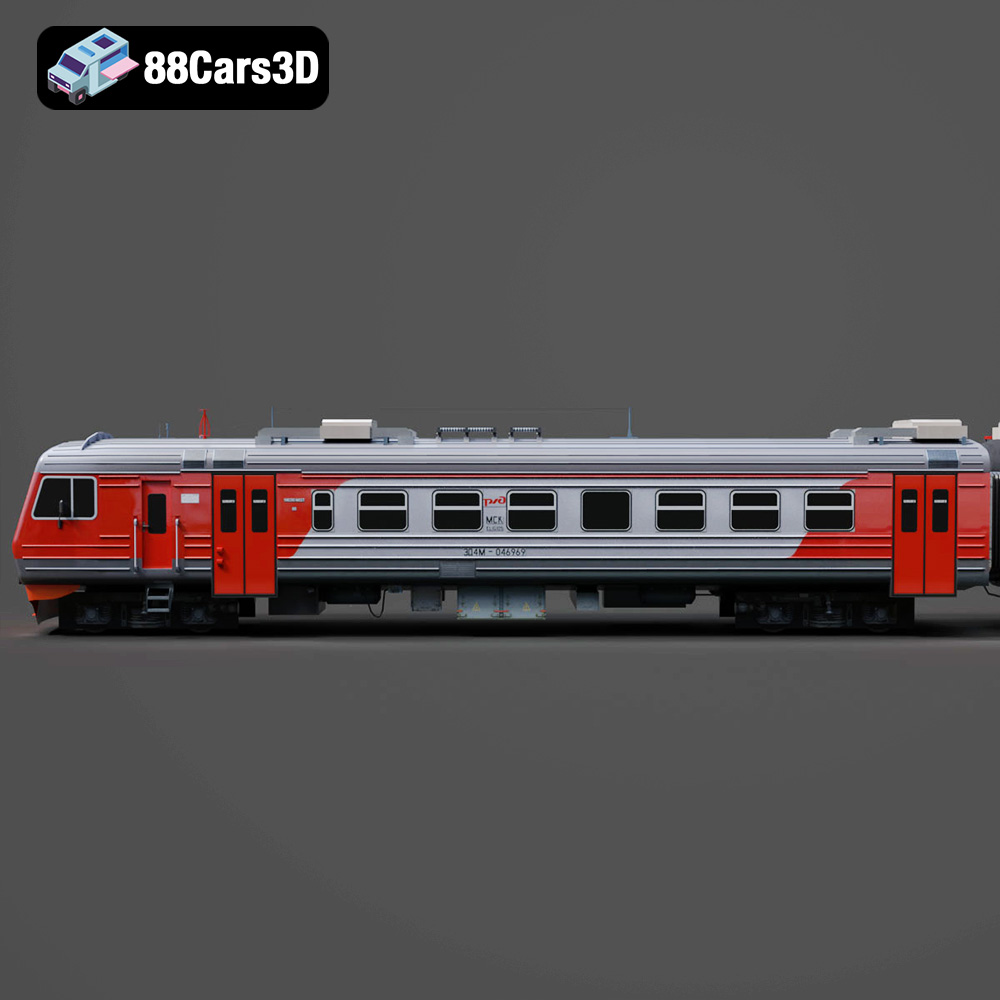
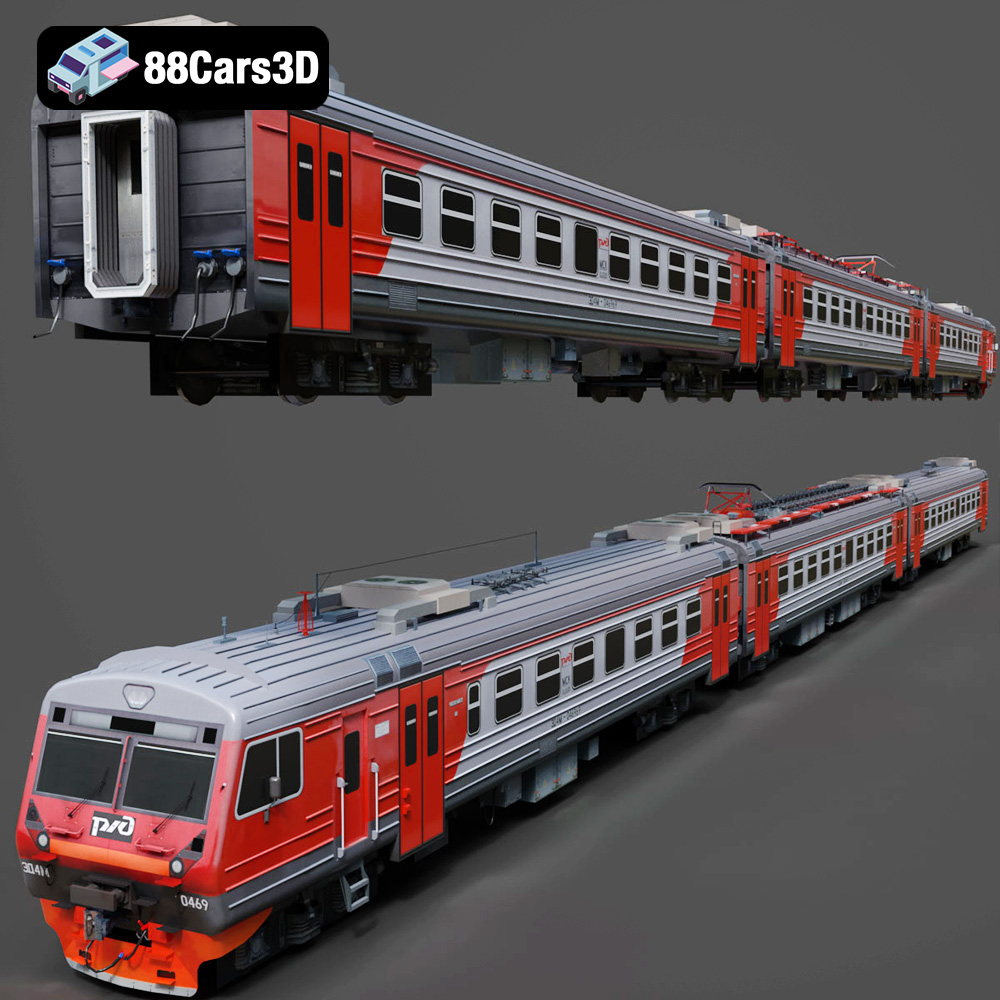
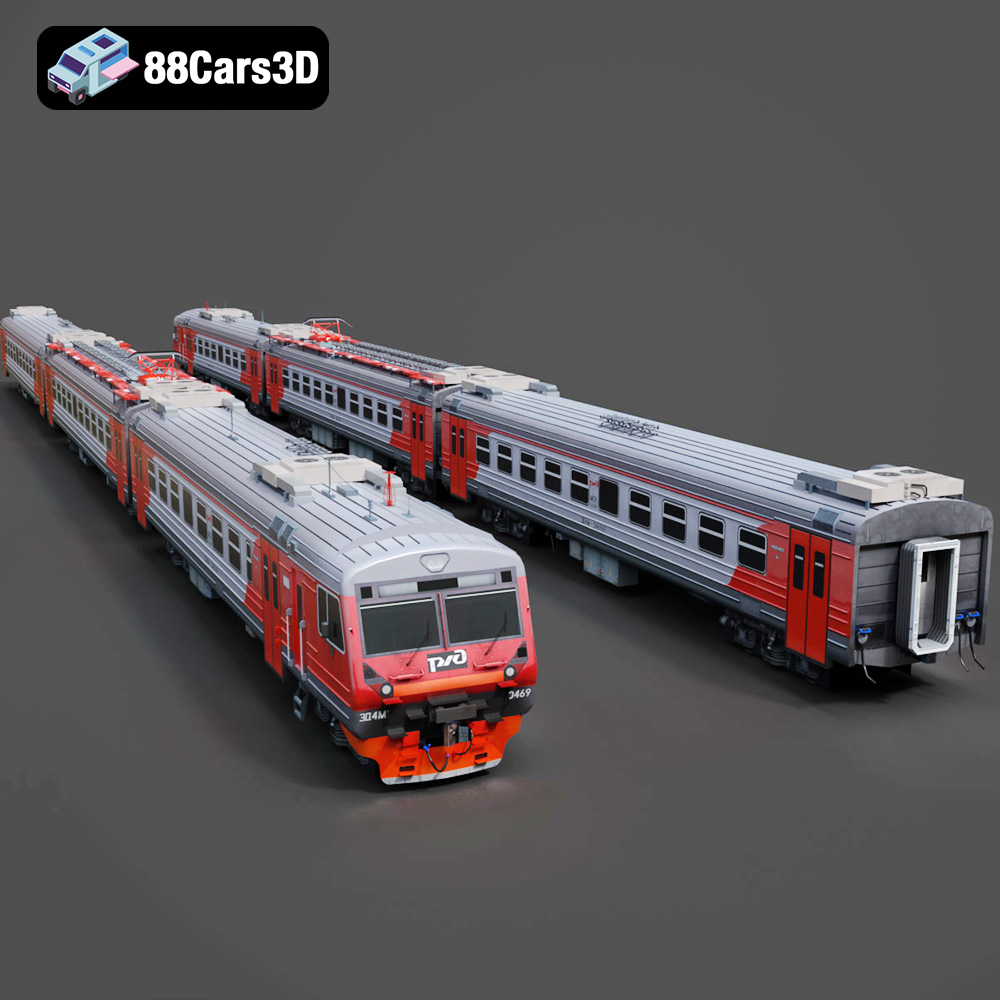
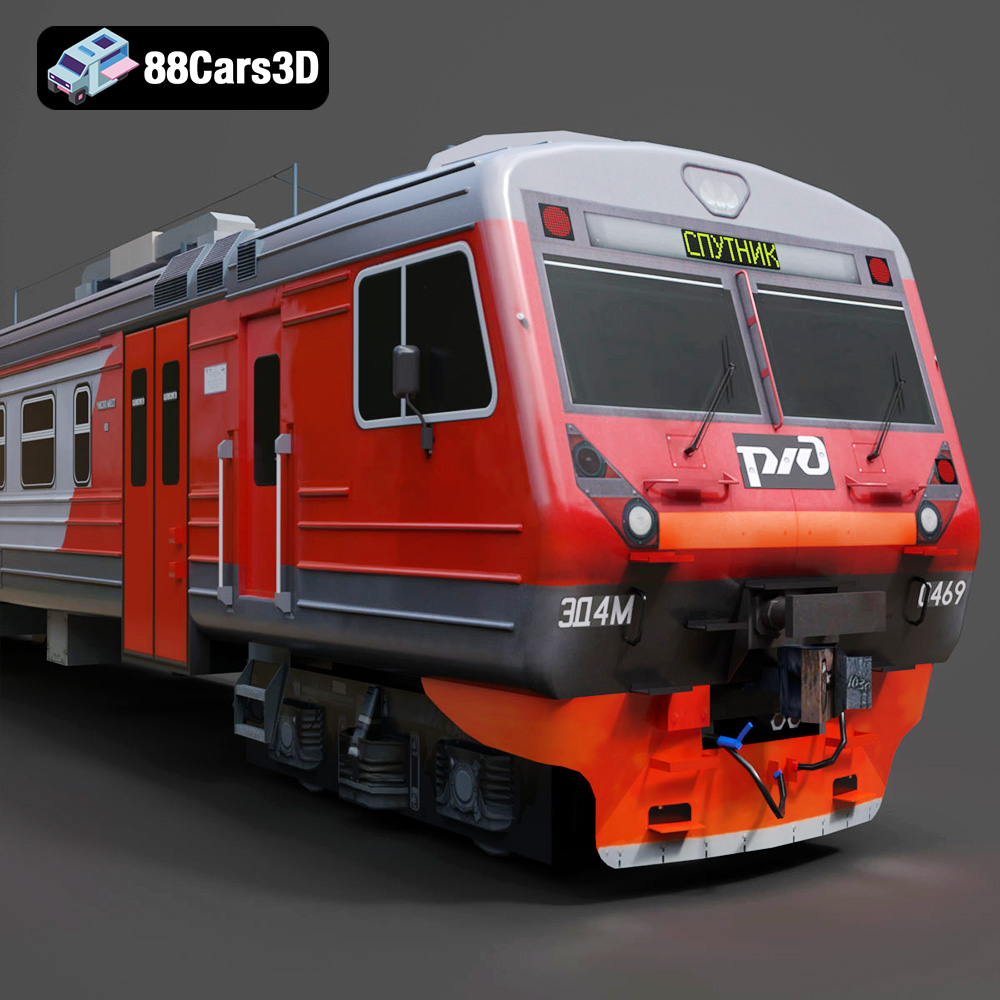
The Railways ED4M 2012-001 3D model, available on 88cars3d.com, is a fantastic representation of modern railway engineering. While its primary purpose might be rendering, game development, or AR/VR experiences, the included STL file opens up exciting possibilities for 3D printing enthusiasts. This article provides a detailed guide on how to successfully 3D print this intricate model, covering everything from printer settings and material selection to post-processing techniques and troubleshooting common issues. Get ready to transform a digital file into a tangible piece of railway history!
Before diving into the specifics of printing the Railways ED4M 2012-001, it’s crucial to understand the various 3D model file formats and their relevance to 3D printing. The model package includes a variety of formats, each suited for different applications, but the .stl format is the workhorse for additive manufacturing.
The STL (Stereolithography) file format is the most widely used format in 3D printing. It represents the surface geometry of a 3D object as a collection of triangles. This simplicity makes it universally compatible with slicing software, which is essential for preparing a model for printing. However, STL files only contain mesh data, lacking information about color, texture, or materials. This means that any 3D printed object from an STL file will be a single color unless post-processed with paint or other coloring methods.
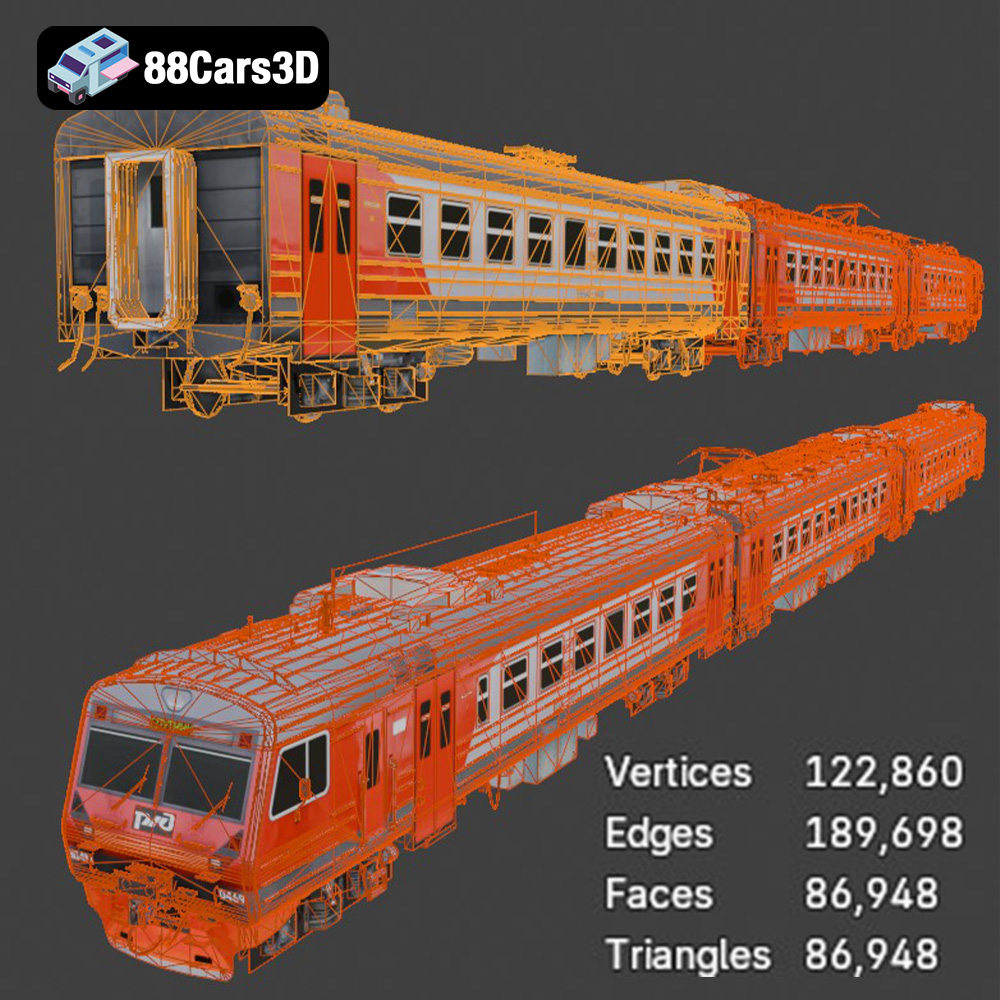
When working with STL files for the Railways ED4M 2012-001, it’s crucial to ensure the mesh quality is high enough to capture the intricate details of the train. A low-resolution STL will result in a blocky, less defined print. Slicing software typically allows you to adjust the mesh resolution during import, but it’s always best to start with a high-quality STL. The models from 88cars3d.com are created with 3D printing in mind and should offer a sufficient level of detail.
While STL is the primary format for printing, understanding other formats included with the Railways ED4M 2012-001 can be helpful.
* **OBJ:** This format supports color and texture information, making it useful for creating visually appealing renders. However, it’s less commonly used directly for 3D printing due to the added complexity.
* **PLY:** PLY files are designed for storing high-resolution mesh data, often obtained from 3D scanning. They can be used for 3D printing, but STL is generally preferred for its simplicity and wider compatibility.
* **BLEND:** This is the native file format for Blender, a popular 3D modeling software. You can modify the model in Blender and then export it as an STL file for 3D printing.
* **FBX:** Commonly used for game engines, FBX files can contain animation data and material information. It’s less relevant for 3D printing directly but useful for preparing the model in a game engine before exporting it as an STL.
* **GLB:** This format is optimized for AR/VR applications and web-based visualization. While not directly used for 3D printing, it allows for easy previewing of the model before committing to a print.
* **MAX:** This is the native file format for 3ds Max, another popular 3D modeling software. Like Blender, you can modify the model in 3ds Max and then export it as an STL file for 3D printing.
Most slicing software programs readily accept STL files. Some popular options include Cura, PrusaSlicer, Simplify3D, and others. When importing the STL file for the Railways ED4M 2012-001 into your slicing software, pay close attention to the mesh quality. Look for options to repair any potential errors in the mesh, such as non-manifold geometry or flipped normals. These errors can cause problems during printing, such as missing layers or unexpected voids. Slicing software can usually detect and repair these automatically. Also, be aware that large STL files with very high polygon counts can sometimes be problematic. If your slicer is lagging, try reducing the polygon count if it is supported by the slicing program.
Choosing the right material is crucial for a successful 3D print. The best material depends on the desired appearance, strength, and functionality of the finished model. Here’s a breakdown of common materials and their suitability for the Railways ED4M 2012-001:
PLA is a biodegradable thermoplastic polymer derived from renewable resources, making it an eco-friendly option. It’s easy to print, has a low printing temperature, and produces minimal warping, making it ideal for beginners. PLA is a good choice for the Railways ED4M 2012-001 if you prioritize ease of printing and a smooth surface finish. However, PLA is relatively brittle and not suitable for parts that require high strength or heat resistance.
* **Pros:** Easy to print, low warping, good surface finish, biodegradable.
* **Cons:** Brittle, low heat resistance.
* **Recommended for:** Display models, prototypes, and decorative parts.
PETG combines the ease of printing of PLA with the durability of ABS. It’s stronger and more heat-resistant than PLA, making it a good choice for parts that need to withstand some stress. PETG is a great option for the Railways ED4M 2012-001 if you want a model that can handle a bit more wear and tear.
* **Pros:** Strong, durable, good heat resistance, relatively easy to print.
* **Cons:** More prone to stringing than PLA, requires higher printing temperatures.
* **Recommended for:** Functional parts, models that need to be more durable.
Resin 3D printing (SLA/DLP) offers unparalleled detail and smooth surface finishes, making it ideal for intricate models like the Railways ED4M 2012-001. However, resin printers are more expensive than FDM printers, and resin is generally more brittle than filaments like PLA or PETG. Also, post-processing with resin requires more work (washing in isopropyl alcohol and UV curing).
* **Pros:** Exceptional detail, smooth surface finish, high accuracy.
* **Cons:** More expensive, resin is brittle, requires post-processing.
* **Recommended for:** Highly detailed models, display pieces where fine details are important.
The correct printer settings are critical for a successful 3D print. These settings will need to be tweaked based on the material being used, but here’s a starting point:
Layer height determines the resolution of the print. Lower layer heights (e.g., 0.1mm) result in smoother surfaces and finer details, but they also increase print time. For the Railways ED4M 2012-001, a layer height of 0.15mm to 0.2mm is a good balance between detail and print time. For resin printing, you can go much lower, down to 0.05mm or even 0.025mm for exceptionally detailed prints.
Infill density determines the internal structure of the print. Higher infill densities increase strength but also increase material usage and print time. For a display model like the Railways ED4M 2012-001, an infill density of 15-20% is usually sufficient. A gyroid or honeycomb infill pattern provides a good balance of strength and weight.
Due to the complex geometry of the Railways ED4M 2012-001, supports will likely be necessary to print overhangs and bridges. The type of supports (e.g., tree supports, linear supports) and their density will depend on the specific geometry of the model and your slicing software’s capabilities. Experiment with different support settings to find what works best for your printer and material. For resin printing, supports are almost always required and need to be carefully placed to minimize damage to the surface of the print during removal.
Printing too fast can lead to poor layer adhesion and reduced detail. A print speed of 40-60mm/s is a good starting point for PLA and PETG. For resin printing, the lift speed and exposure time are the critical parameters to adjust.
The optimal printing temperature depends on the material being used. PLA typically prints well at 200-220°C, while PETG requires slightly higher temperatures of 230-250°C. Always consult the filament manufacturer’s recommendations.
Proper pre-print preparation is crucial for ensuring a successful 3D print.
The orientation of the model on the print bed can significantly impact print time, support requirements, and surface finish. Consider orienting the Railways ED4M 2012-001 to minimize overhangs and maximize bed adhesion. Orienting the model at an angle can sometimes reduce the need for supports on curved surfaces.
Experiment with different slicing software settings to optimize your print. Pay attention to settings like retraction, coasting, and wipe, which can help reduce stringing and improve surface finish.
Good bed adhesion is essential to prevent warping and ensure that the print stays firmly attached to the print bed throughout the printing process. Use a heated bed, and consider using a bed adhesion agent like glue stick or hairspray.
Post-processing techniques can significantly improve the appearance and functionality of the 3D printed Railways ED4M 2012-001.
Carefully remove supports using pliers, cutters, or a sharp knife. Be patient and avoid damaging the model.
Sanding can smooth out layer lines and improve the surface finish. Start with a coarse grit sandpaper and gradually move to finer grits. Wet sanding can help reduce dust and improve the sanding process.
Painting can add color and detail to the 3D printed model. Use acrylic paints designed for plastic models. Apply a primer coat before painting to improve adhesion.
If the Railways ED4M 2012-001 model is printed in multiple parts, carefully assemble them using glue or screws.
3D printing can sometimes be challenging, but many issues can be resolved with a little troubleshooting.
Warping occurs when the corners of the print lift off the print bed. This is often caused by poor bed adhesion or temperature fluctuations. Try using a heated bed, improving bed adhesion, and enclosing the printer.
Stringing occurs when thin strands of filament are left between parts of the print. This is often caused by incorrect retraction settings. Adjust the retraction distance and speed in your slicing software.
Layer shifting occurs when the layers of the print are misaligned. This can be caused by loose belts, a wobbly printer, or overheating stepper motors. Tighten the belts, stabilize the printer, and ensure the stepper motors are properly cooled.
By following these tips and techniques, you can successfully 3D print the Railways ED4M 2012-001 from 88cars3d.com and create a stunning replica of this iconic railway vehicle. Remember that practice and experimentation are key to mastering 3D printing.
Experience unparalleled realism with the Railways ED4M 2012-001 3D Model, meticulously engineered to deliver exceptional accuracy for professional visualizations and digital environments. This expertly crafted model captures the authentic design elements of the iconic railway vehicle, presenting precise proportions, lifelike textures, and a fully optimized structure for seamless integration into your projects.
$19.99
.2012001
.arvr
.blend
.car3dmodel
.ed4m
.fbx
.gameasset
.glb
.max
.obj
.ply
.railwaycar
.railways
.rendering
.simulation
.stl
.train
.unreal
locomotive