Get 20% OFF All Premium 3D & STL Models!

“`html
The world of 3D printing has revolutionized countless hobbies, and automotive model collecting is no exception. Gone are the days of relying solely on expensive die-cast models or limited-edition kits. Now, enthusiasts and collectors can bring their dream cars to life with stunning accuracy using printable car STL files. Whether you’re a seasoned 3D printing veteran or just starting out, this guide will equip you with the knowledge to navigate the world of printable car models, from selecting the right STL files to mastering the printing process and achieving professional-grade results. We’ll explore everything from STL file structure to post-processing techniques, ensuring your next 3D printed car is a showstopper. Prepare to transform your digital designs into tangible masterpieces!
In this comprehensive guide, we’ll cover:
At the heart of every 3D printed object lies the STL file, a digital blueprint that defines the shape and surface of the model. Understanding the structure and nuances of STL files is crucial for achieving high-quality prints. STL, which stands for Stereolithography, represents a 3D model as a collection of interconnected triangles, forming a mesh. The density and arrangement of these triangles directly impact the smoothness and accuracy of the final print. A poorly designed STL file can lead to printing errors, surface imperfections, and ultimately, a disappointing result. Therefore, careful selection and preparation of your STL files are paramount.
The resolution of an STL file refers to the number of triangles used to represent the model. A higher resolution STL file contains more triangles, resulting in a smoother surface and more accurate representation of curves and details. However, higher resolution files also require more processing power and can increase print times. Finding the right balance between resolution and file size is essential. For car models, particularly those with intricate details, a higher resolution is generally preferred to capture the nuances of the design. Look for STL files that offer adjustable resolution settings, allowing you to fine-tune the level of detail to match your printer’s capabilities and your desired print quality. Consider the scale of the final print. For smaller models, higher resolution is more critical than larger models where minor imperfections are less noticeable.
A “manifold” mesh is a closed, watertight surface, meaning it has no holes or self-intersections. 3D printers require manifold geometry to accurately interpret and build the model layer by layer. Non-manifold geometry, on the other hand, can cause slicing errors, printing failures, and unexpected results. Before printing any STL file, it’s crucial to check for and repair any non-manifold errors. Software like Meshmixer, Netfabb, and Blender offer tools for detecting and automatically fixing common mesh problems such as holes, flipped normals, and intersecting faces. Regularly inspect your STL files for errors before printing; even slight imperfections can significantly impact the final result. When downloading models from marketplaces such as 88cars3d.com, ensure they are advertised as print-ready, which often implies prior mesh repair.
The marketplace for 3D printable car models is vast, offering a wide range of options in terms of quality, detail, and printability. Choosing the right STL file is critical to achieving the desired outcome. Look for models that are specifically designed for 3D printing, with considerations for wall thickness, support structures, and material compatibility. Pay attention to the level of detail and accuracy, ensuring that the model captures the essence of the original car. Customer reviews and ratings can provide valuable insights into the quality and printability of a particular STL file. Consider the intended purpose of the model – is it for display, functional use, or educational purposes? This will influence the level of detail and structural integrity required.
Several online platforms specialize in providing high-quality STL files for 3D printing. Thingiverse is a popular repository with a vast collection of user-submitted models, while MyMiniFactory offers a curated selection of professionally designed STL files. Platforms like 88cars3d.com offer print-ready STL files optimized for automotive models, ensuring a smooth and hassle-free printing experience. Cults3D is another option, focusing on unique and high-quality designs. When choosing a platform, consider factors such as the availability of customer support, the presence of user reviews, and the quality control measures in place. Free STL file repositories are great for experimentation, but paid platforms often offer superior quality and support.
Printability refers to how easily a model can be 3D printed without requiring excessive support structures or experiencing printing failures. Key factors to consider include wall thickness, overhangs, and the overall geometry of the model. Sufficient wall thickness is essential for structural integrity, preventing warping or cracking during printing. Overhangs, which are parts of the model that extend outwards without support from below, require support structures to prevent them from collapsing. Look for STL files that have been designed with these considerations in mind, minimizing the need for extensive support structures and ensuring a smooth and reliable printing process. Pre-supported models, where support structures are already integrated into the STL file, can be a convenient option for beginners. However, experienced users may prefer to generate their own support structures to optimize material usage and print quality.
Achieving exceptional results when 3D printing car models requires careful attention to printer settings. The optimal settings will vary depending on the type of printer (FDM or resin), the material being used, and the desired level of detail. Key parameters to consider include layer height, print speed, infill density, and temperature settings. Experimentation is often necessary to find the perfect combination of settings for a particular model and printer. Start with recommended settings for the chosen material and gradually adjust them based on your observations and results. Document your experiments to build a reference library of optimal settings for different materials and models.
Layer height is the thickness of each individual layer of plastic deposited by the 3D printer. Lower layer heights result in smoother surfaces and finer details but also increase print time. Higher layer heights reduce print time but can lead to visible layer lines and reduced detail. Finding the right balance between layer height and print time is crucial for achieving the desired level of quality within a reasonable timeframe. For car models, a layer height of 0.1mm to 0.2mm is generally recommended for FDM printers, while resin printers can achieve even finer details with layer heights of 0.05mm or less. Consider using adaptive layer heights, where the layer height is automatically adjusted based on the geometry of the model, allowing for finer details in critical areas while maintaining a faster print speed in less detailed regions.
Infill refers to the internal structure of the 3D printed object. Infill patterns and density significantly impact the strength, weight, and print time of the model. A higher infill density results in a stronger but heavier model, while a lower infill density reduces weight and print time but may compromise structural integrity. Common infill patterns include grid, honeycomb, and gyroid, each offering different characteristics in terms of strength, flexibility, and material usage. For car models, an infill density of 15% to 25% is typically sufficient for display purposes, while functional models may require a higher infill density of 50% or more. Experiment with different infill patterns to find the best balance between strength, weight, and print time for your specific needs. Consider using variable infill density, where the infill density is adjusted based on the stress on different parts of the model.
Slicing is the process of converting the 3D model into a set of instructions that the 3D printer can understand. Slicing software takes the STL file and divides it into a series of layers, generating toolpaths that guide the printer’s nozzle or laser. The slicing software also allows you to configure various printing parameters, such as layer height, print speed, support structures, and infill settings. Choosing the right slicing software and mastering its features is essential for achieving flawless prints. Popular slicing software options include Cura, PrusaSlicer, Simplify3D, and Chitubox (for resin printers). Each software offers its unique set of features and capabilities, so experiment to find the one that best suits your needs.
Support structures are temporary structures that are printed to support overhangs and prevent them from collapsing during printing. Support structures are typically removed after the print is complete. However, removing support structures can leave behind marks on the surface of the model. Careful planning and placement of support structures are crucial for minimizing these marks and maximizing detail. Consider using soluble support materials, which can be dissolved in water, eliminating the need for manual removal and reducing the risk of damage to the model. Experiment with different support patterns and densities to find the best balance between support strength and ease of removal. Angling the model strategically can minimize the need for support structures altogether.
Bed adhesion refers to how well the first layer of the print adheres to the print bed. Poor bed adhesion can lead to warping, lifting, or even complete print failure. Ensuring good bed adhesion is crucial for a successful print. Several strategies can be employed to improve bed adhesion, including using a heated bed, applying adhesive substances (such as glue stick or hairspray), and adjusting the nozzle height. For FDM printers, a heated bed is highly recommended, as it helps to keep the plastic warm and prevents it from warping. For resin printers, proper bed leveling and exposure settings are critical for ensuring that the first layer adheres properly to the build plate. Regularly clean the print bed to remove any dust or debris that could interfere with adhesion. Consider using a raft or brim, which are sacrificial layers that increase the surface area of the first layer, providing a larger contact area for adhesion.
Post-processing refers to the steps taken after the print is complete to improve its appearance, strength, or functionality. Post-processing techniques can range from simple tasks like removing support structures and sanding to more complex processes like painting, coating, and assembly. The specific post-processing techniques required will depend on the material used, the desired level of finish, and the intended use of the model. Mastering post-processing techniques is essential for transforming a raw 3D print into a polished and professional-looking masterpiece.
Sanding is a common post-processing technique used to remove layer lines and smooth the surface of the 3D print. Start with coarse sandpaper to remove larger imperfections and gradually move to finer grits to achieve a smooth finish. Wet sanding can help to reduce dust and prevent the sandpaper from clogging. For more complex shapes, consider using specialized sanding tools, such as sanding sponges or rotary tools. Chemical smoothing, using solvents like acetone (for ABS) or ethyl acetate (for PLA), can also be used to smooth the surface of the print, but it requires careful handling and ventilation. Apply multiple thin coats of primer after sanding to fill in any remaining imperfections and provide a smooth surface for painting.
Painting is a great way to add color and detail to your 3D printed car model. Start by applying a primer coat to ensure good adhesion of the paint. Use acrylic paints or automotive-grade paints for best results. Apply multiple thin coats of paint, allowing each coat to dry completely before applying the next. Use masking tape to create clean lines and prevent overspray. Consider using an airbrush for a smoother and more professional finish. Apply a clear coat to protect the paint and add a glossy or matte finish. Weathering techniques, such as dry brushing and washes, can be used to add realism and create a vintage or distressed look. When assembling multiple parts, use appropriate adhesives, such as super glue or epoxy, to ensure a strong and durable bond.
The material you choose for 3D printing your car model will significantly impact its appearance, strength, and durability. FDM printers typically use filaments, while resin printers use liquid resins. Common filament materials include PLA, PETG, and ABS, each with its own advantages and disadvantages. PLA is easy to print and biodegradable but is not as strong or heat-resistant as other materials. PETG is stronger and more heat-resistant than PLA but can be more challenging to print. ABS is a strong and durable material but requires a heated bed and good ventilation due to its fumes. Resin materials offer higher resolution and finer details but are generally more brittle and require post-curing. Consider the intended use of the model and choose a material that meets the required performance characteristics.
PLA (Polylactic Acid) is a biodegradable thermoplastic derived from renewable resources. It’s known for its ease of printing and relatively low printing temperature, making it a popular choice for beginners. However, PLA is not as strong or heat-resistant as other materials, making it unsuitable for functional parts that will be exposed to high temperatures or stress. PETG (Polyethylene Terephthalate Glycol-modified) offers a good balance of strength, durability, and ease of printing. It’s more heat-resistant than PLA and less prone to warping. ABS (Acrylonitrile Butadiene Styrene) is a strong and durable thermoplastic commonly used in automotive and industrial applications. It requires a heated bed and good ventilation due to its fumes, making it more challenging to print than PLA or PETG. ABS is a good choice for functional parts that require high strength and heat resistance.
Resin printing, also known as stereolithography (SLA) or digital light processing (DLP), uses a liquid resin that is cured by a UV light source. Resin printing offers significantly higher resolution and finer details compared to FDM printing, making it ideal for printing intricate car models with complex geometries. However, resin prints are generally more brittle than FDM prints and require post-curing to achieve their full strength. There are several types of resins available, including standard resins, tough resins, and flexible resins, each with its own properties and applications. Standard resins are suitable for general-purpose printing, while tough resins offer increased impact resistance. Flexible resins are ideal for printing parts that require flexibility or elasticity. Safety precautions should be taken when working with resins, including wearing gloves and eye protection, and ensuring good ventilation. Proper disposal of waste resin is also essential.
3D printing car models is an exciting and rewarding hobby that combines technology, creativity, and automotive passion. By understanding the intricacies of STL files, mastering 3D printer settings and slicing techniques, and exploring post-processing methods, you can transform digital designs into stunning physical replicas. From selecting the perfect STL files on platforms like 88cars3d.com, to choosing the right materials and optimizing your printer settings, every step plays a vital role in the final outcome. Remember to experiment, learn from your mistakes, and most importantly, enjoy the process. The possibilities are endless, and the only limit is your imagination. Take your newfound knowledge and begin printing your dream car today!
Here are some actionable next steps:
“`
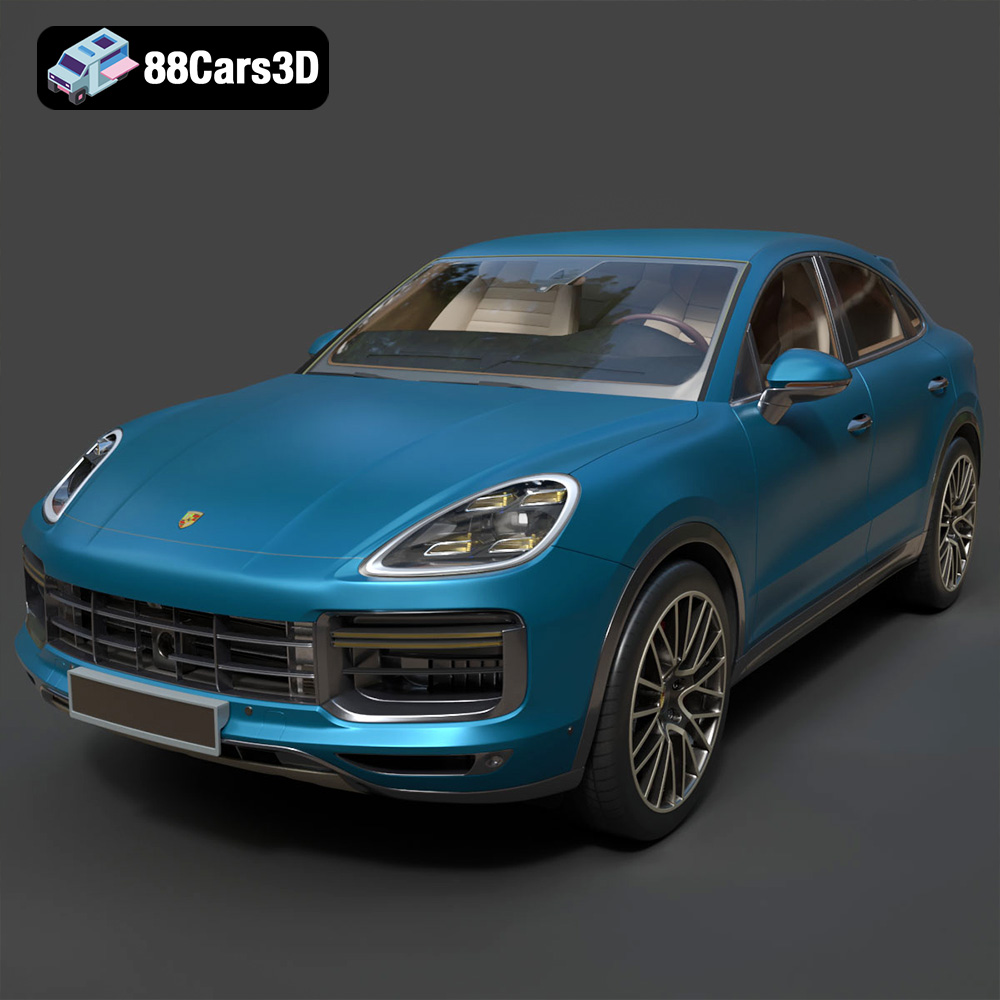
Texture: Yes | Material: Yes
Download the highly detailed, game-ready Porsche Cayenne Turbo Coupe 2020 3D Model. Features an aggressive coupe roofline, detailed quad exhaust, and a meticulously crafted luxury sport interior. Includes .blend, .fbx, .obj, .glb, .stl, .ply, .unreal, and .max formats for game development, AR/VR, and rendering.
Price: $19.99
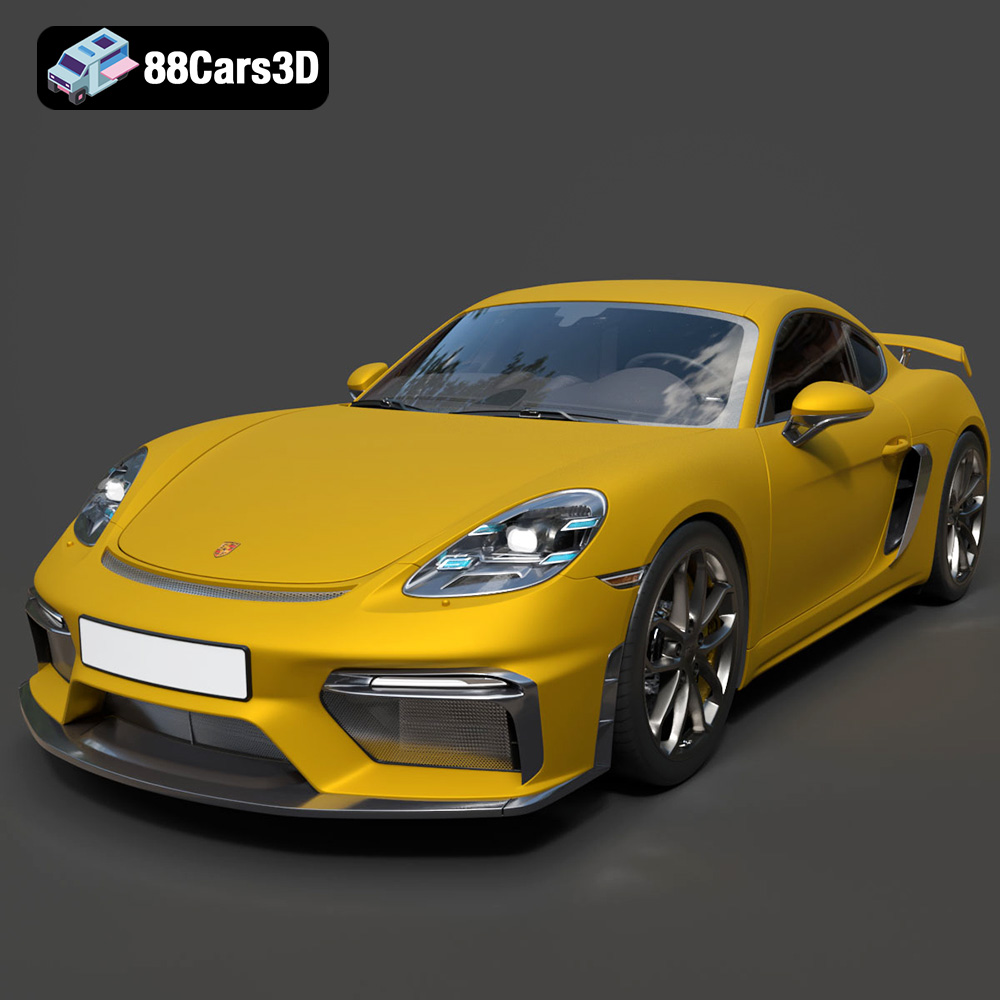
Texture: Yes | Material: Yes
Download the highly detailed, game-ready Porsche 718 Cayman GT4 2020 3D Model. Features an aggressive fixed rear wing, distinctive side air intakes, and a track-focused stance. Includes .blend, .fbx, .obj, .glb, .stl, .ply, .unreal, and .max formats for game development, AR/VR, and rendering.
Price: $19.99

Texture: Yes | Material: Yes
Download the highly detailed, game-ready Polestar 2 2020 3D Model. Features minimalist Scandinavian fastback styling, pixel LED lighting, and an accurate electric vehicle profile. Includes .blend, .fbx, .obj, .glb, .stl, .ply, .unreal, and .max formats for game development, AR/VR, and rendering.
Price: $19.99
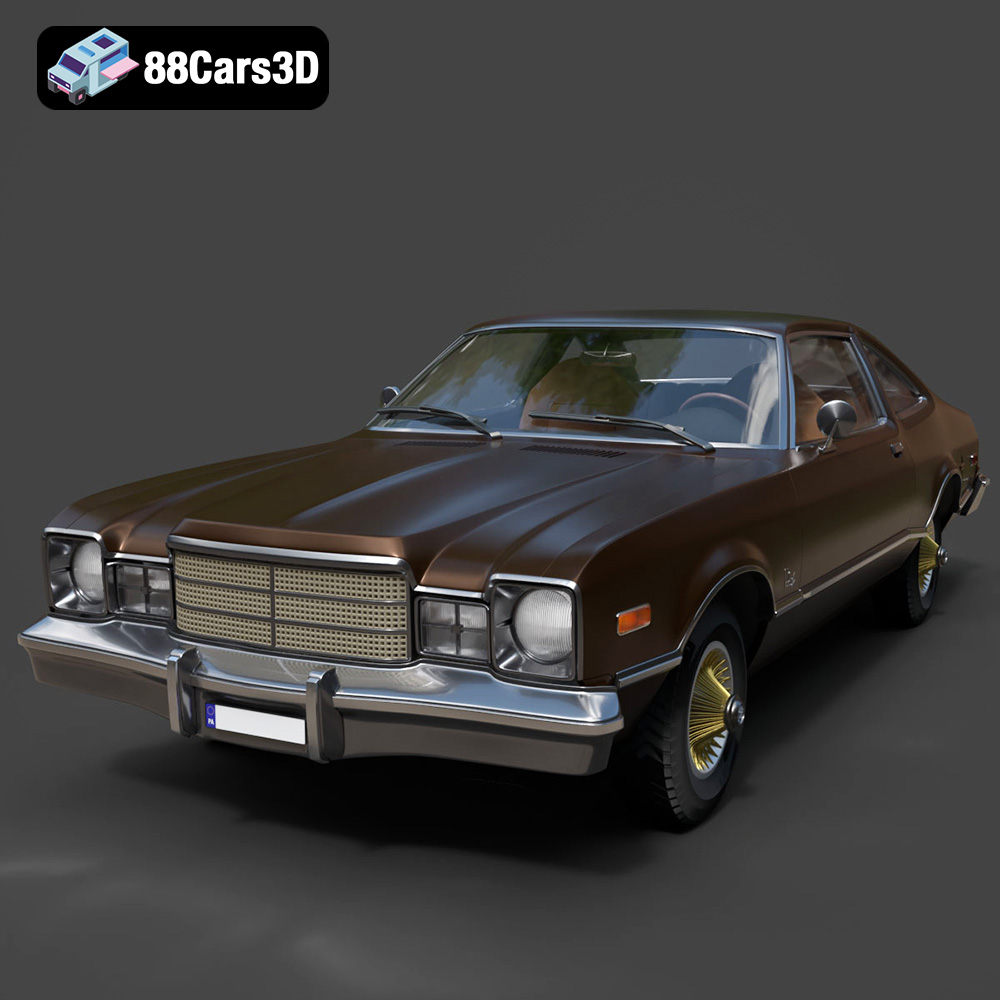
Texture: Yes | Material: Yes
Download the highly detailed, game-ready Plymouth Volare Coupe 1977 3D Model. Features classic F-body styling, detailed chrome trim, and an accurate vintage interior. Includes .blend, .fbx, .obj, .glb, .stl, .ply, .unreal, and .max formats for game development, AR/VR, and rendering.
Price: $19.99

Texture: Yes | Material: Yes
Download the highly detailed, game-ready Peugeot 208 2020 3D Model. Features aggressive ‘fang’ LED DRLs, sporty hatchback proportions, and aerodynamic alloy wheels. Includes .blend, .fbx, .obj, .glb, .stl, .ply, .unreal, and .max formats for game development, AR/VR, and rendering.
Price: $19.99

Texture: Yes | Material: Yes
Download the highly detailed, game-ready MV Agusta Brutale 1090 R 3D Model. Features an exposed trellis frame, distinctive teardrop headlight, and muscular naked bike styling. Includes .blend, .fbx, .obj, .glb, .stl, .ply, .unreal, and .max formats for game development, AR/VR, and rendering.
Price: $19.99

Texture: Yes | Material: Yes
Download the highly detailed, game-ready Custom Off-Road BMW R1150GS Adventure Sidecar 3D Model. Features rugged all-terrain suspension, an attached passenger sidecar, and off-road knobby tires. Includes .blend, .fbx, .obj, .glb, .stl, .ply, .unreal, and .max formats for game development, AR/VR, and rendering.
Price: $19.99

Texture: Yes | Material: Yes
Download the highly detailed, game-ready Mitsubishi Outlander GT 2010 3D Model. Features the aggressive Lancer-inspired front grille, accurate exterior styling, and high-fidelity alloy wheels. Includes .blend, .fbx, .obj, .glb, .stl, .ply, .unreal, and .max formats for game development, AR/VR, and rendering.
Price: $19.99
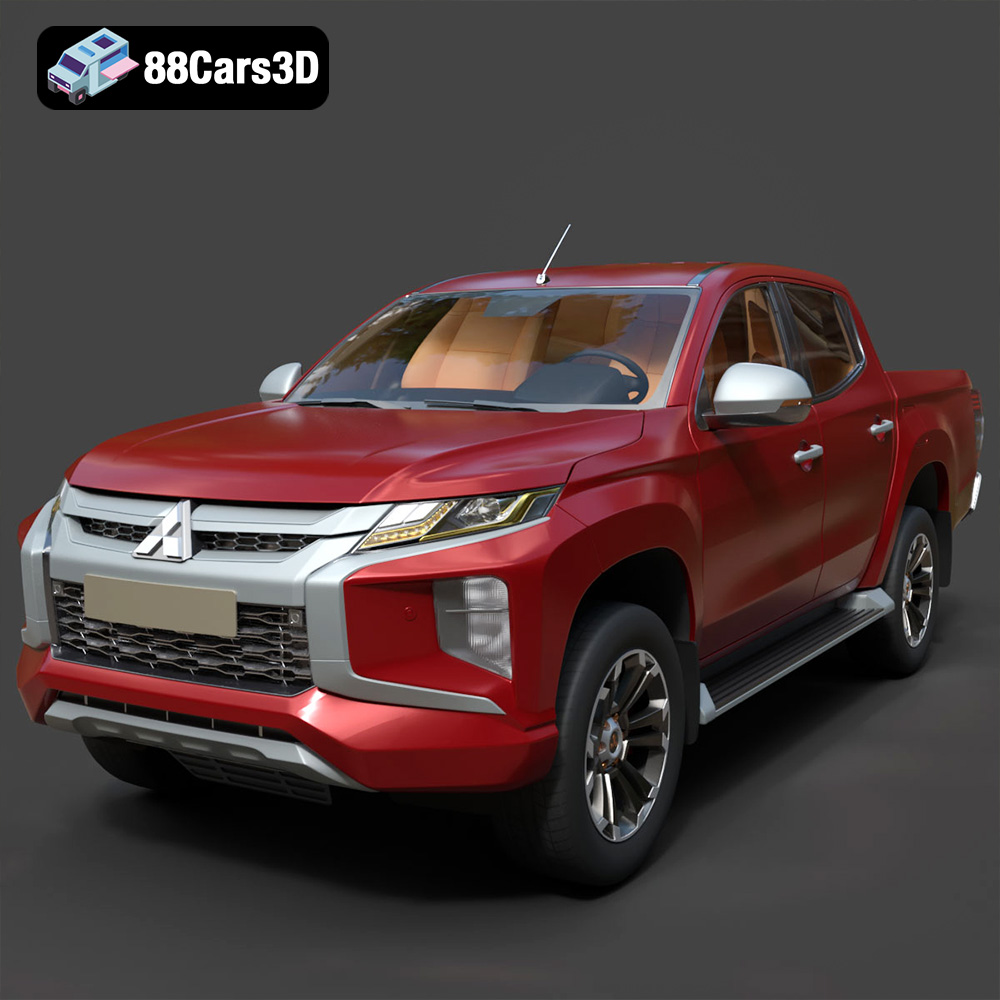
Texture: Yes | Material: Yes
Download the highly detailed, game-ready Mitsubishi L200 Crew Cab 2019 3D Model. Features the iconic Dynamic Shield front fascia, rugged cargo bed, and a spacious crew cab interior. Includes .blend, .fbx, .obj, .glb, .stl, .ply, .unreal, and .max formats for game development, AR/VR, and rendering.
Price: $19.99
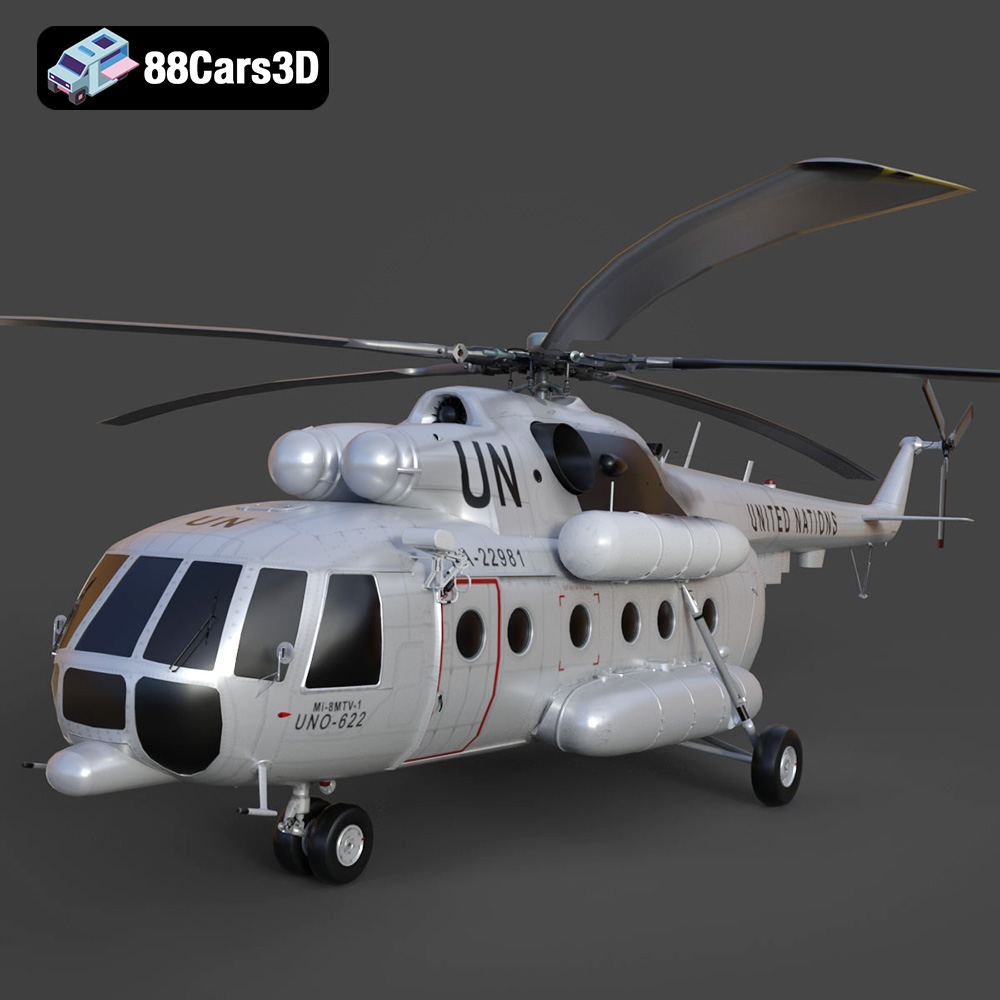
Texture: Yes | Material: Yes
Download the highly detailed, game-ready Mil Mi-8MTV-UN 3D Model. Features the iconic United Nations white livery, detailed twin turboshaft engines, and fully articulated rotor assemblies. Includes .blend, .fbx, .obj, .glb, .stl, .ply, .unreal, and .max formats for game development, AR/VR, and rendering.
Price: $19.99

