Get 20% OFF All Premium 3D & STL Models!

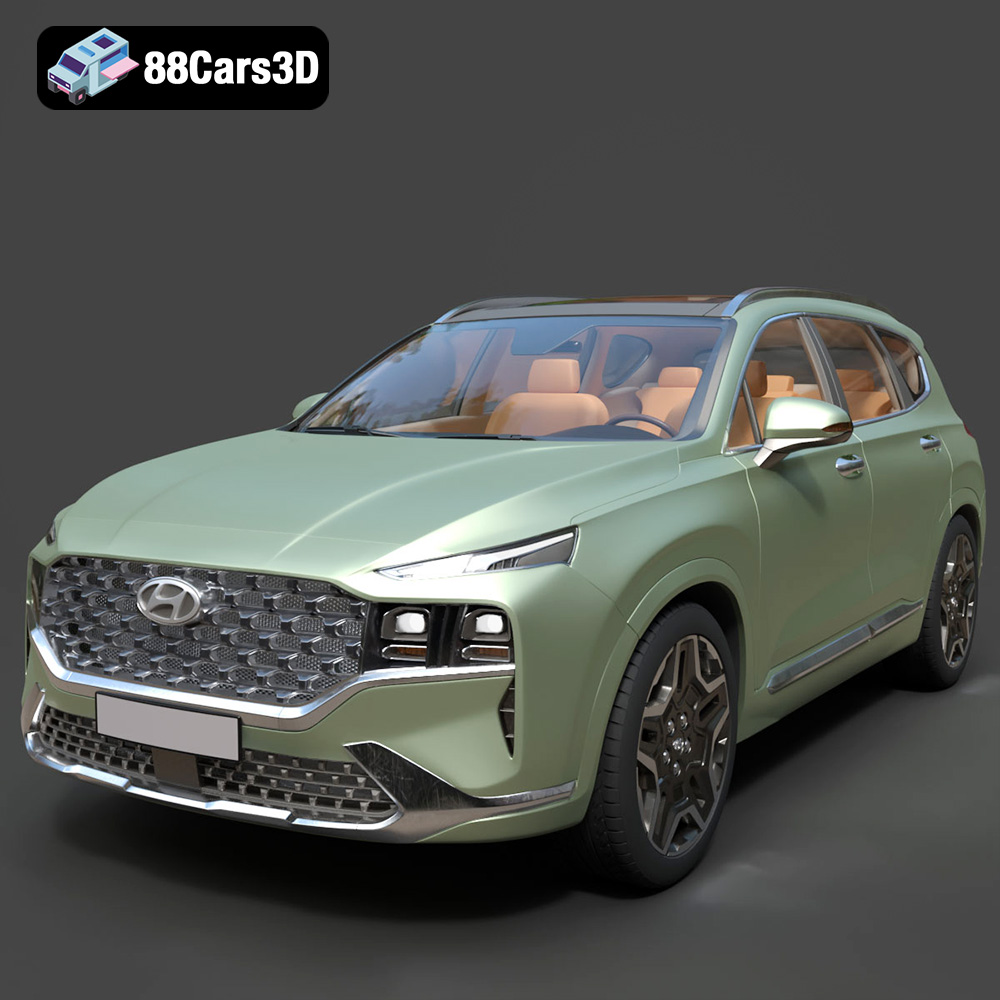
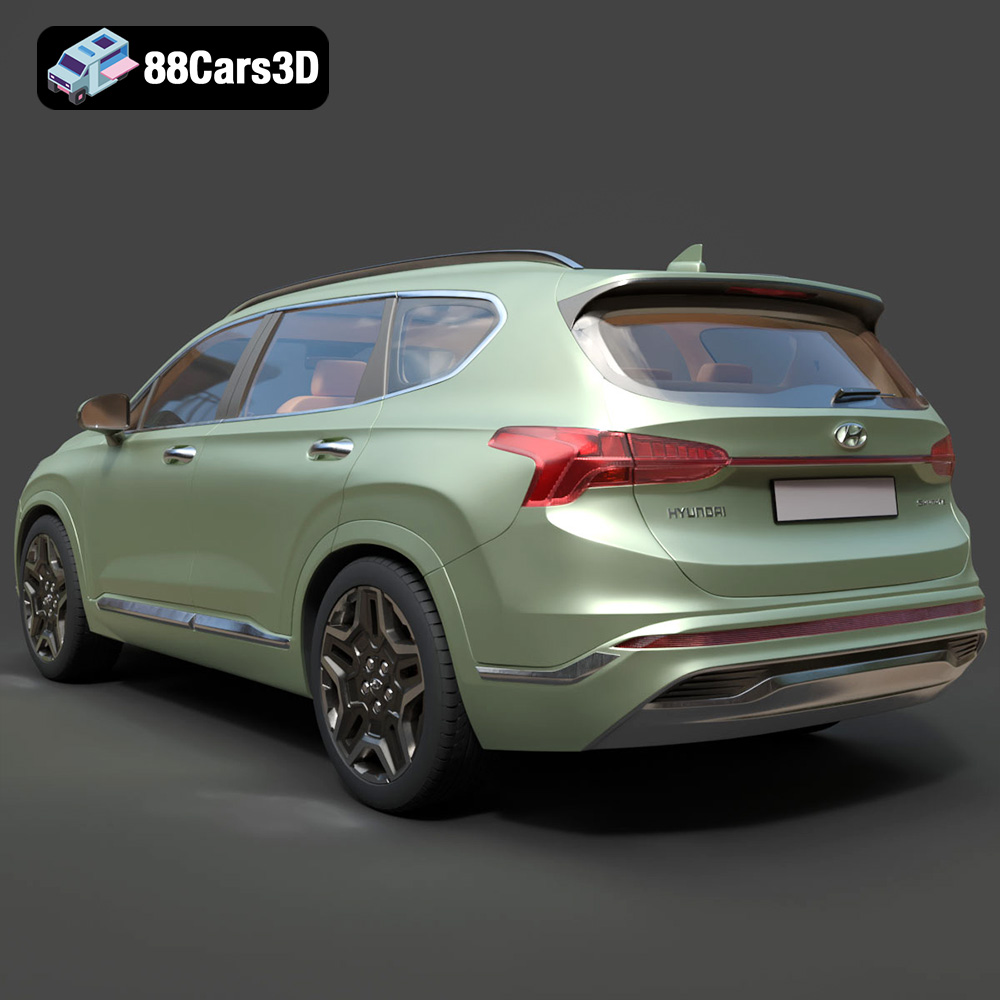
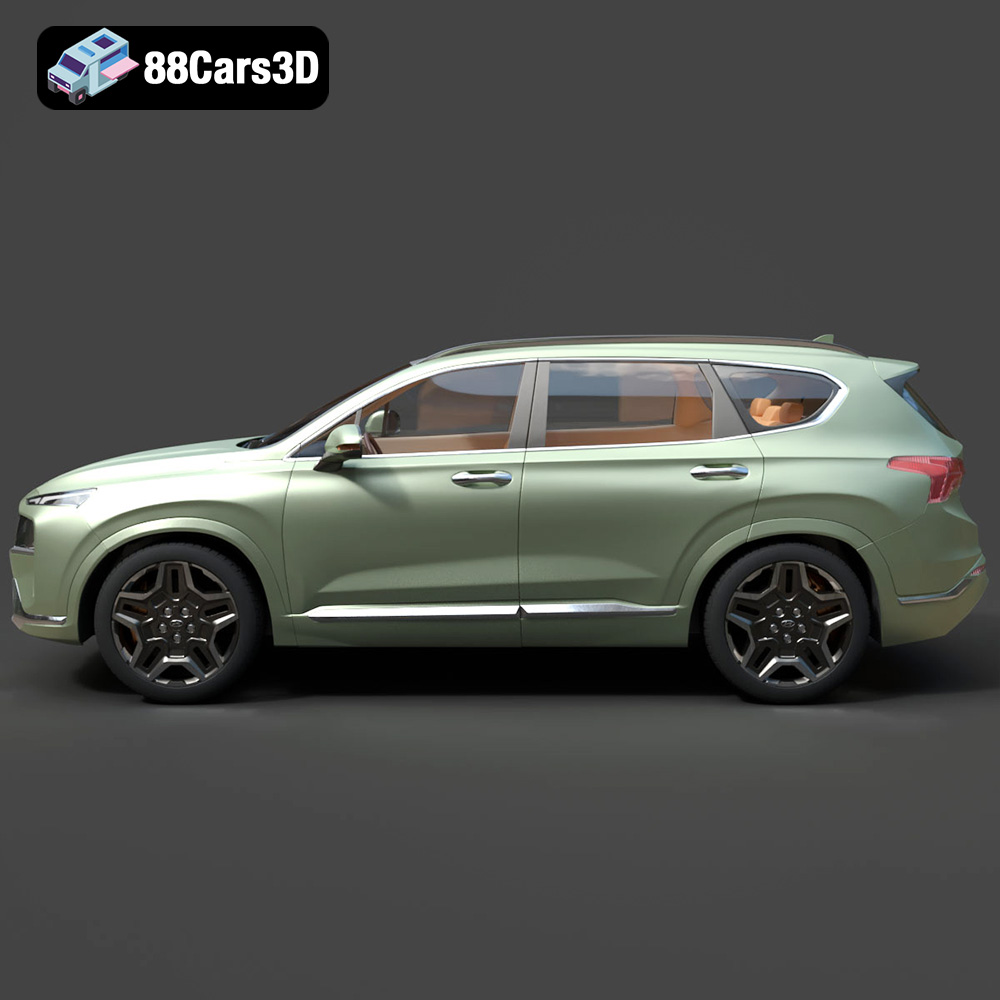
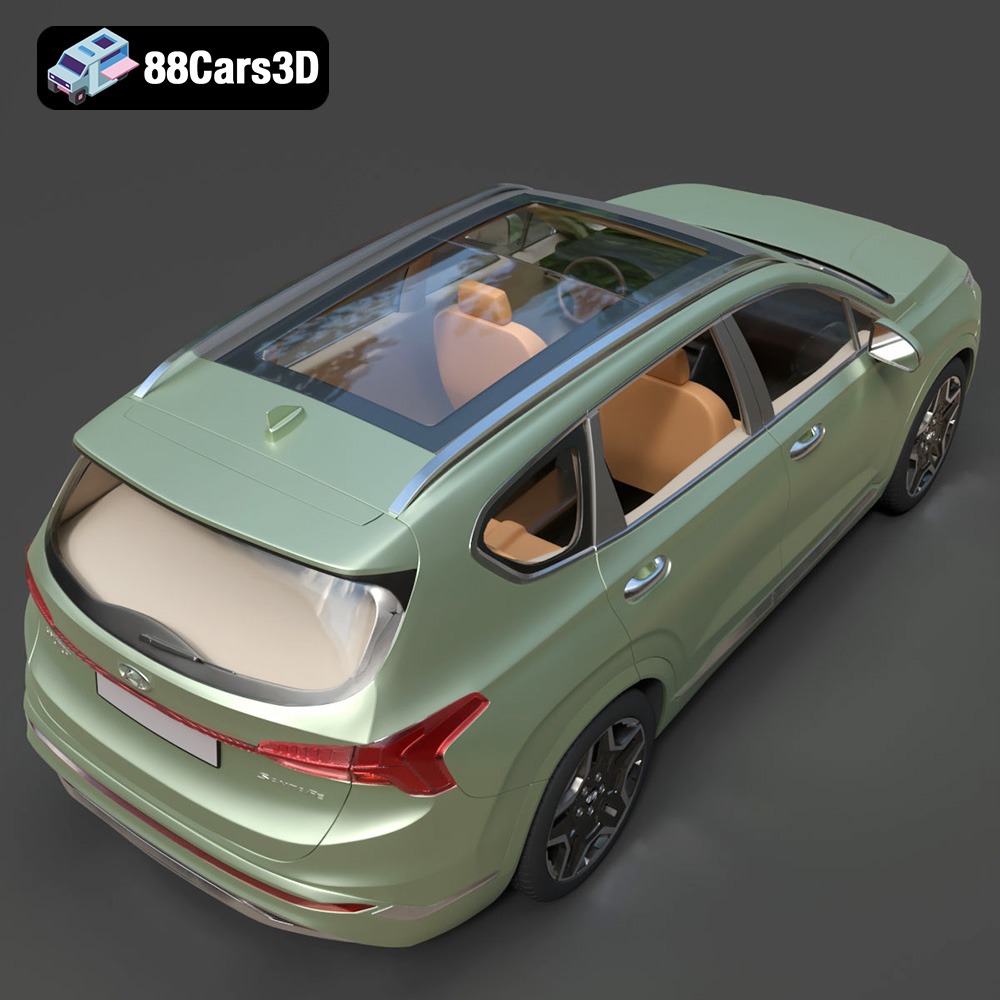
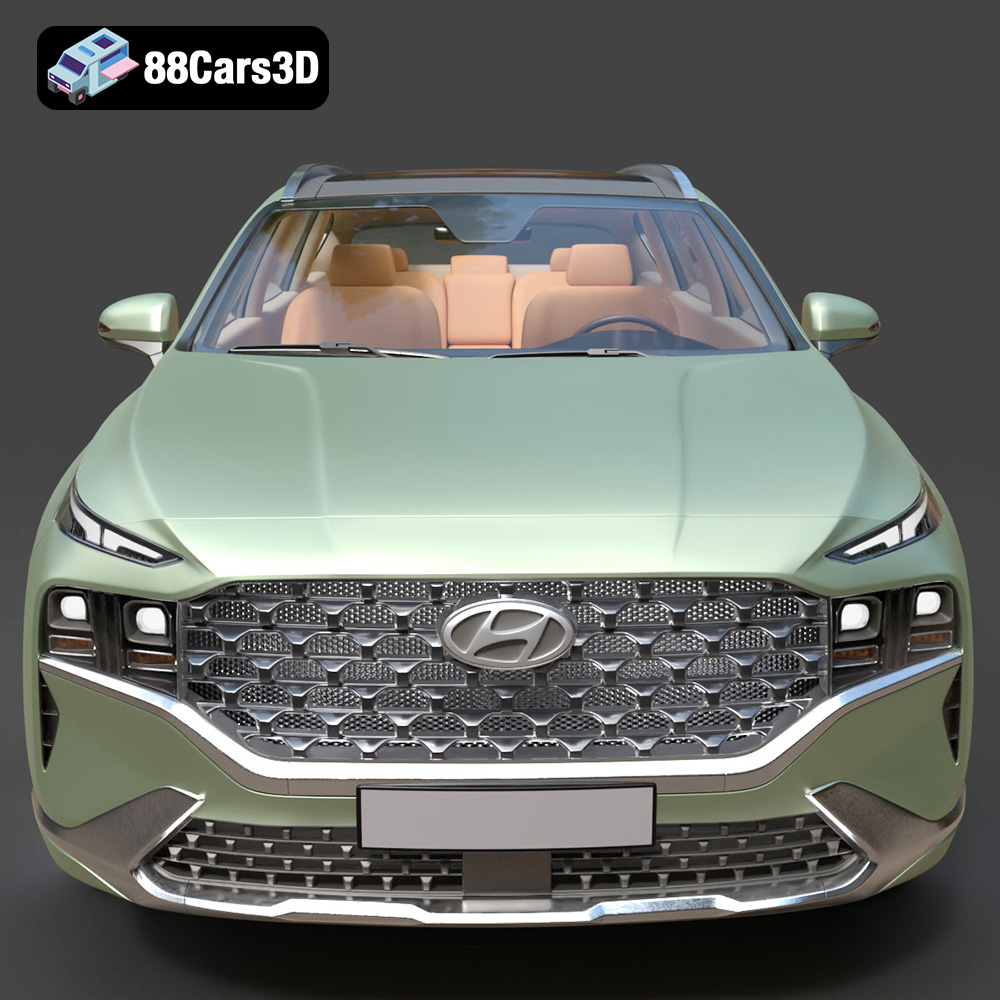
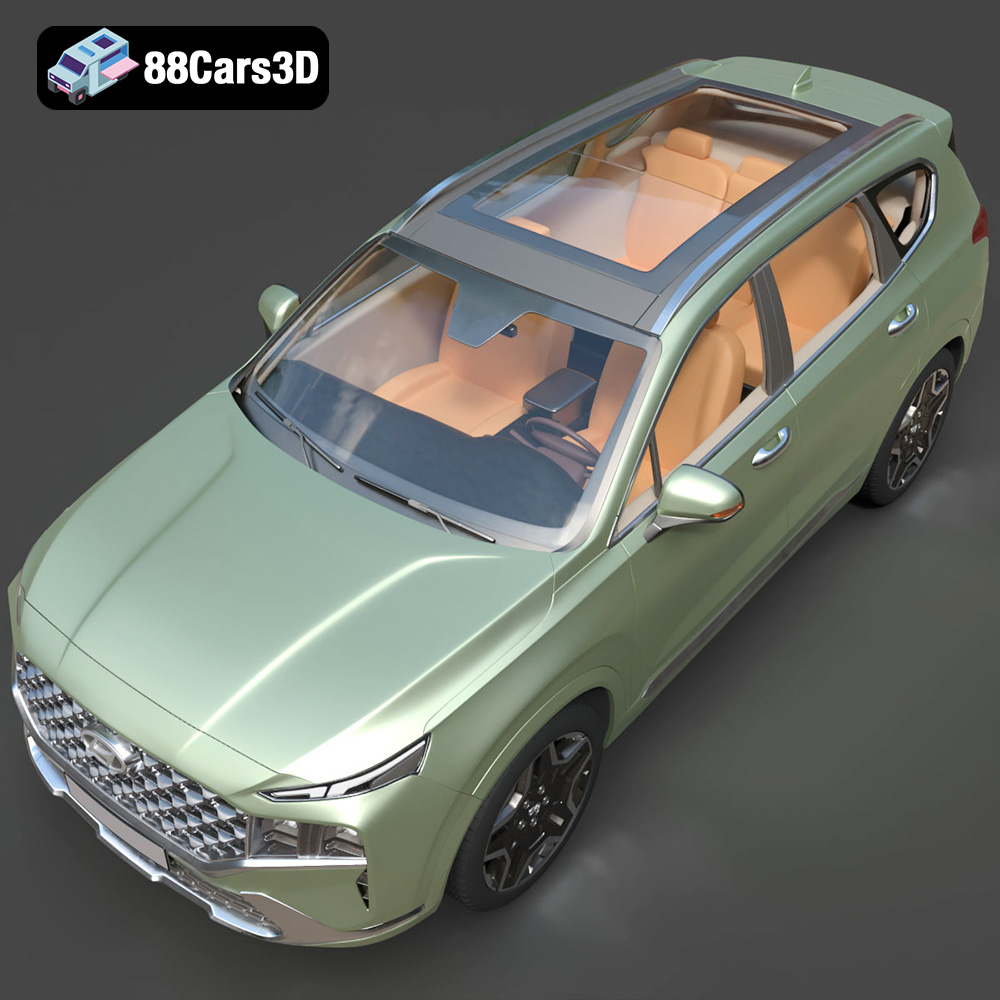
The Hyundai Santa Fe 2021 is a popular SUV, and owning a 3D printed replica is a fantastic way to showcase your appreciation for this vehicle. This guide will walk you through the process of 3D printing the detailed Hyundai Santa Fe 2021 3D model available on 88cars3d.com, covering everything from pre-print preparation to post-processing techniques. We’ll delve into optimal printer settings, material recommendations, and troubleshooting tips to ensure you achieve the best possible results. Whether you’re a seasoned 3D printing enthusiast or just starting out, this guide will provide you with the knowledge and confidence to create a stunning 3D printed model of the Santa Fe.
Before diving into the specifics of printing the Hyundai Santa Fe 2021 model, it’s crucial to understand the different file formats commonly used in 3D printing and their implications. Choosing the right format can significantly impact the print quality and compatibility with your slicing software.
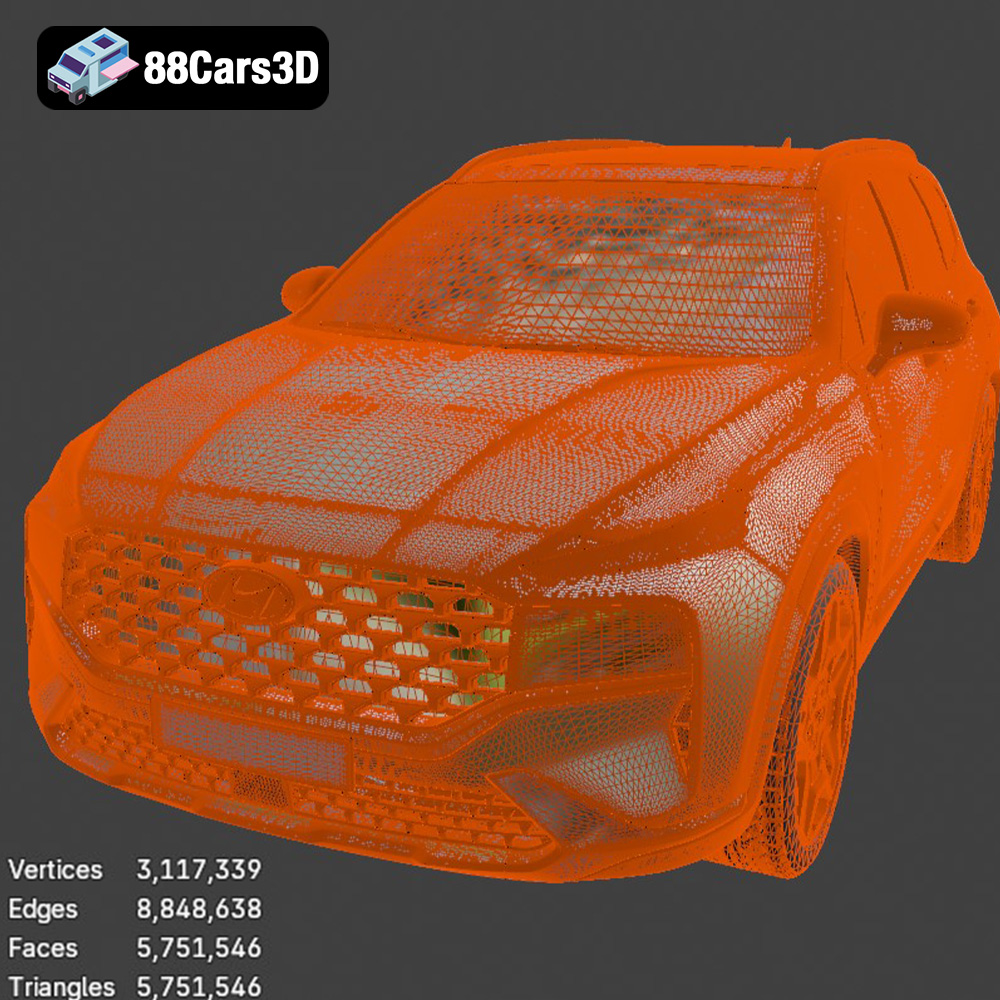
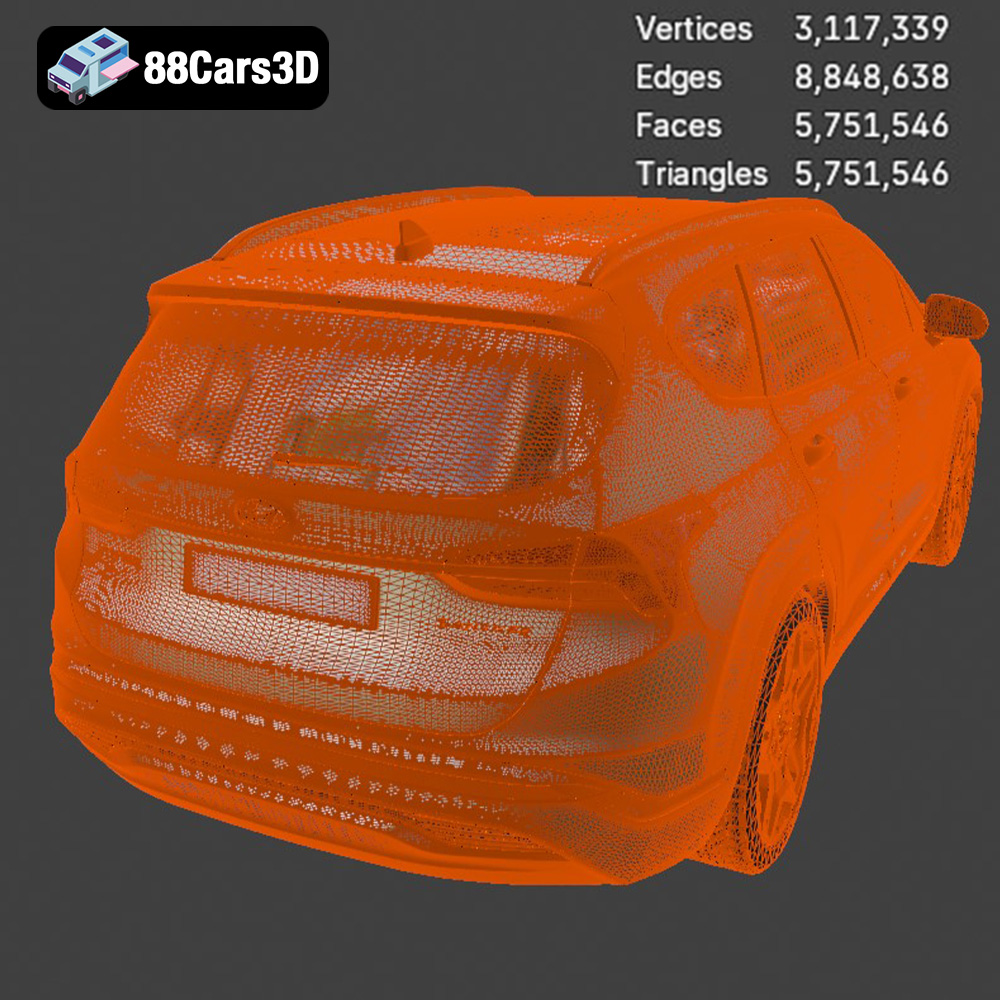
The STL (Stereolithography) file format is the industry standard for 3D printing. It represents the surface geometry of a 3D object as a collection of triangles. While simple and widely supported, STL files only contain information about the shape of the object, not its color or texture. For the Hyundai Santa Fe 2021, the STL file from 88cars3d.com is the most suitable starting point for 3D printing. It’s crucial to inspect the mesh quality of the STL file before printing. Ensure there are no holes, non-manifold edges, or self-intersecting faces, which can lead to printing errors. You can use mesh repair tools in software like MeshMixer or Netfabb to fix these issues. A higher triangle count in the STL file generally results in a smoother surface finish on the printed model, but it also increases the file size and processing time. The STL format is universally compatible with slicing software, making it a reliable choice for preparing the Hyundai Santa Fe 2021 model for printing.
The OBJ (Object) file format is another popular choice for 3D models. Unlike STL, OBJ files can store color and texture information, allowing for the possibility of multi-color 3D prints (though this requires specialized hardware). However, for purely 3D printing purposes, the STL format is generally preferred due to its simplicity and broad compatibility.
The PLY (Polygon) file format is designed to store 3D data acquired from 3D scanners. It’s known for its ability to represent complex geometry with high precision. While suitable for 3D printing, PLY files are often larger than STL files and may require more processing power.
The .blend file is the native file format for Blender, a free and open-source 3D creation suite. This file contains the entire scene, including the model, materials, textures, and lighting setup. If you’re familiar with Blender, the .blend file for the Hyundai Santa Fe 2021 allows you to customize the model before exporting it to STL for 3D printing. This could involve modifying the geometry, adding details, or simplifying the model for easier printing.
The FBX (Filmbox) file format is commonly used for exchanging 3D data between different software applications, particularly in game development. It supports animation, textures, and materials. While some advanced slicing software may be able to import FBX files, it’s primarily intended for rendering and animation workflows, not directly for 3D printing.
The GLB (GL Transmission Format Binary) file format is designed for efficient transmission and loading of 3D models, especially in web-based applications and AR/VR environments. It’s not directly used for 3D printing, but it’s valuable for previewing the Hyundai Santa Fe 2021 model in augmented reality before committing to a print. This allows you to visualize the model in real-world settings and assess its size and appearance.
The .max format is the native file format for Autodesk 3ds Max, a professional 3D modeling, animation, and rendering software. Similar to Blender’s .blend format, the .max file allows for extensive customization of the Hyundai Santa Fe 2021 model before exporting it to a 3D printable format such as STL. This is useful for advanced users who want to make detailed modifications to the model’s geometry, textures, or materials.
Once you have the STL file for the Hyundai Santa Fe 2021 from 88cars3d.com, you need to prepare it for 3D printing using slicing software. This involves converting the 3D model into a set of instructions (G-code) that your 3D printer can understand.
Popular slicing software options include Cura, Simplify3D, PrusaSlicer, and others. Each slicer has its own strengths and weaknesses, so experiment to find the one that best suits your needs and printer. The key is to configure the software with the correct settings for your printer, filament, and desired print quality. Input your printer’s specifications (bed size, nozzle diameter, etc.) and choose the appropriate material profile.
Model orientation is crucial for minimizing support material and maximizing print quality. For the Hyundai Santa Fe 2021, consider orienting the model with the roof facing upwards. This will minimize the need for supports on the more visible areas of the car, such as the body panels. However, this orientation will require supports under the chassis and potentially within the wheel wells. Experiment with different orientations in your slicing software to find the optimal balance between support material usage and surface finish. When generating supports, choose a support type that is easy to remove, such as tree supports or linear supports with a low density.
Depending on your printer’s build volume and desired size, you may need to scale the Hyundai Santa Fe 2021 model. Be mindful of the level of detail when scaling down, as very small features may not print accurately. For larger prints, consider hollowing the model to reduce material usage and print time. Most slicing software includes a hollowing feature that allows you to create a shell with a specified thickness. Remember to add drainage holes to allow excess resin (if resin printing) or filament to escape during the printing process.
The choice of material significantly impacts the appearance, strength, and durability of your 3D printed Hyundai Santa Fe 2021. Here are some recommendations:
PLA (Polylactic Acid) is a biodegradable thermoplastic polymer derived from renewable resources. It’s easy to print, has low warping, and produces good surface detail. PLA is a great choice for beginners and for models that don’t require high heat resistance or impact strength. It’s readily available in a wide range of colors.
PETG (Polyethylene Terephthalate Glycol-modified) offers a good balance of strength, flexibility, and heat resistance. It’s more durable than PLA and less prone to warping than ABS. PETG is a good choice for functional parts or models that will be exposed to higher temperatures. It also has good chemical resistance.
If you have a resin printer (SLA or DLP), you can achieve exceptional detail and a smooth surface finish on your Hyundai Santa Fe 2021 model. Resin is ideal for intricate designs and small parts. However, resin prints tend to be more brittle than filament prints and require post-processing steps like washing and curing.
The optimal printer settings will depend on your specific printer, material, and desired print quality. However, here are some general guidelines:
A lower layer height (e.g., 0.1mm or 0.15mm) will result in a smoother surface finish but will increase print time. A higher layer height (e.g., 0.2mm or 0.25mm) will print faster but may sacrifice some detail. For the Hyundai Santa Fe 2021, a layer height of 0.15mm to 0.2mm is a good compromise between speed and quality. Adjust print speed according to your material and printer capabilities. Start with a moderate speed (e.g., 50mm/s) and adjust as needed.
Infill density affects the strength and weight of your 3D printed model. For a display model like the Hyundai Santa Fe 2021, an infill density of 15% to 25% is usually sufficient. Choose an infill pattern that provides good structural support, such as gyroid or honeycomb.
Set the nozzle temperature and bed temperature according to the manufacturer’s recommendations for your chosen material. Proper cooling is essential for preventing warping and ensuring good layer adhesion. Use a part cooling fan to cool each layer as it’s printed, especially for PLA.
Once your Hyundai Santa Fe 2021 model is printed, you’ll likely need to perform some post-processing steps to achieve a professional look.
Carefully remove the support structures using pliers or a hobby knife. Be gentle to avoid damaging the model. Use sandpaper of varying grits (starting with a coarse grit and gradually moving to finer grits) to smooth out any imperfections and layer lines. Wet sanding can help to reduce dust and improve the surface finish.
Apply a primer to the model to create a smooth surface for painting. Choose a primer that is compatible with your chosen material. Once the primer is dry, you can paint the model using acrylic paints or spray paints. Apply multiple thin coats for a more even finish. Consider using masking tape to create clean lines and paint different sections of the car in different colors.
If the Hyundai Santa Fe 2021 model is designed to be printed in multiple parts, you’ll need to assemble them after painting. Use super glue or epoxy to join the parts together. Ensure that the parts are properly aligned before the glue sets.
Even with careful preparation, you may encounter some challenges during the 3D printing process. Here are some common issues and their solutions:
Warping occurs when the corners of the print lift off the build plate due to uneven cooling. To prevent warping, ensure that your bed is properly leveled, use a heated bed, and apply an adhesive like glue stick or hairspray to the bed.
Poor layer adhesion can result in weak or delaminated prints. To improve layer adhesion, increase the nozzle temperature, decrease the print speed, and ensure that your bed is properly leveled.
Stringing occurs when the printer extrudes filament while moving between different parts of the print. To reduce stringing, decrease the nozzle temperature, increase retraction distance, and increase travel speed.
If your print fails completely, carefully analyze the failure to determine the cause. Check for clogs in the nozzle, loose belts, or other mechanical issues.
To maximize your chances of success when 3D printing the Hyundai Santa Fe 2021 model, consider these specific tips:
* **Inspect the STL file:** Before slicing, use a mesh repair tool to fix any errors in the STL file, such as holes or non-manifold edges.
* **Choose the right orientation:** Orient the model to minimize support material and maximize surface finish on visible areas.
* **Use a brim or raft:** A brim or raft can help to improve bed adhesion and prevent warping, especially for larger prints.
* **Print slowly and steadily:** Rushing the print can lead to errors and poor quality.
By following these guidelines and experimenting with different settings, you can create a stunning 3D printed model of the Hyundai Santa Fe 2021 from 88cars3d.com.
Experience the realism of the Hyundai Santa Fe 2021 3D Model, meticulously crafted for exceptional detail and accuracy. This model offers clean geometry, realistic materials, and a professional-grade design, making it ideal for a wide range of applications.
$19.99
.arvr
.blend
.car3dmodel
.fbx
.gameasset
.glb
.hyundai
.hyundaisantafe
.max
.obj
.ply
.rendering
.santafe
.simulation
.stl
.unreal
SUV