Get 20% OFF All Premium 3D & STL Models!

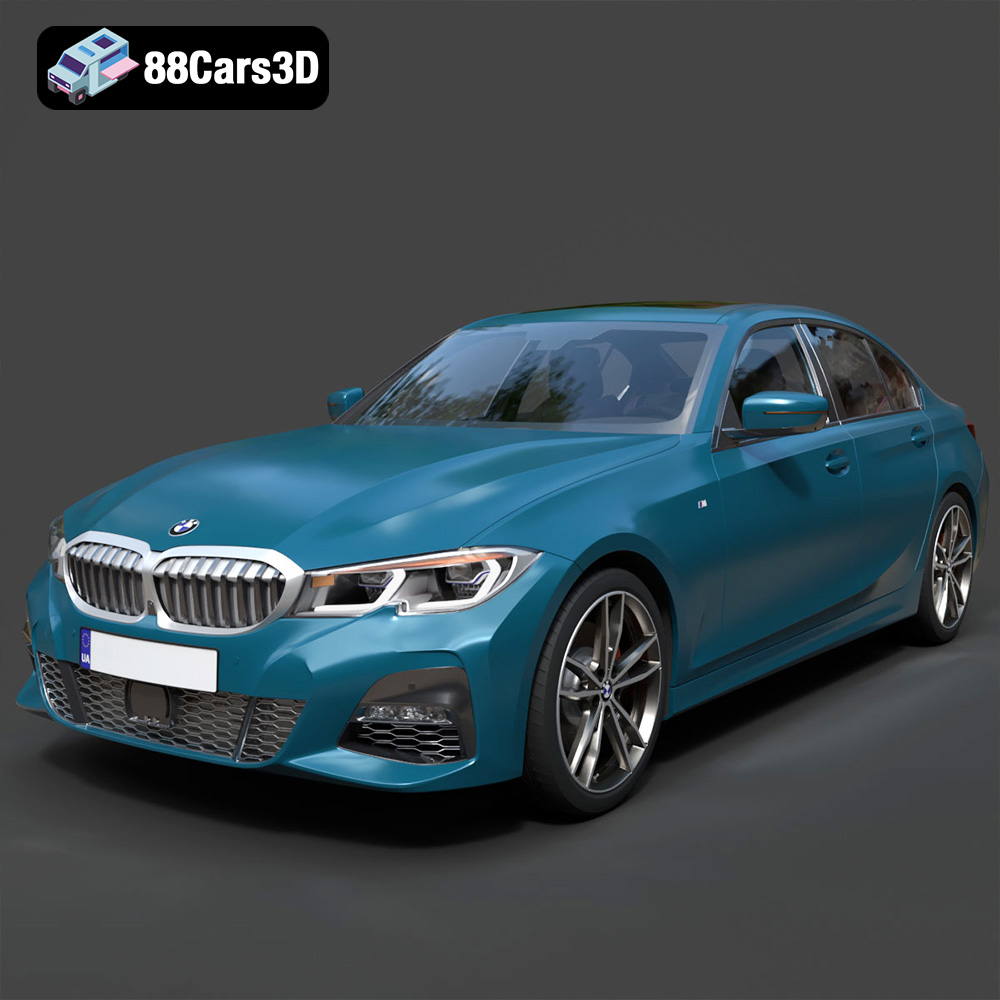
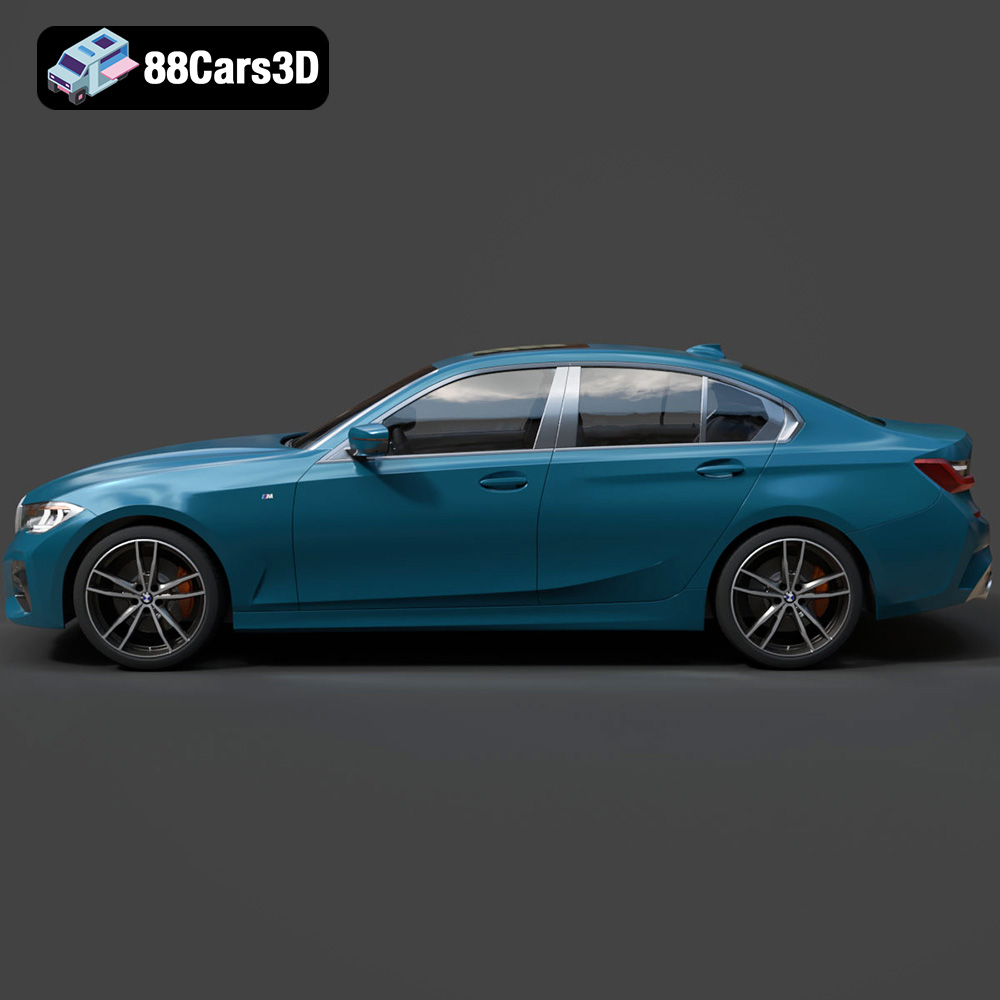
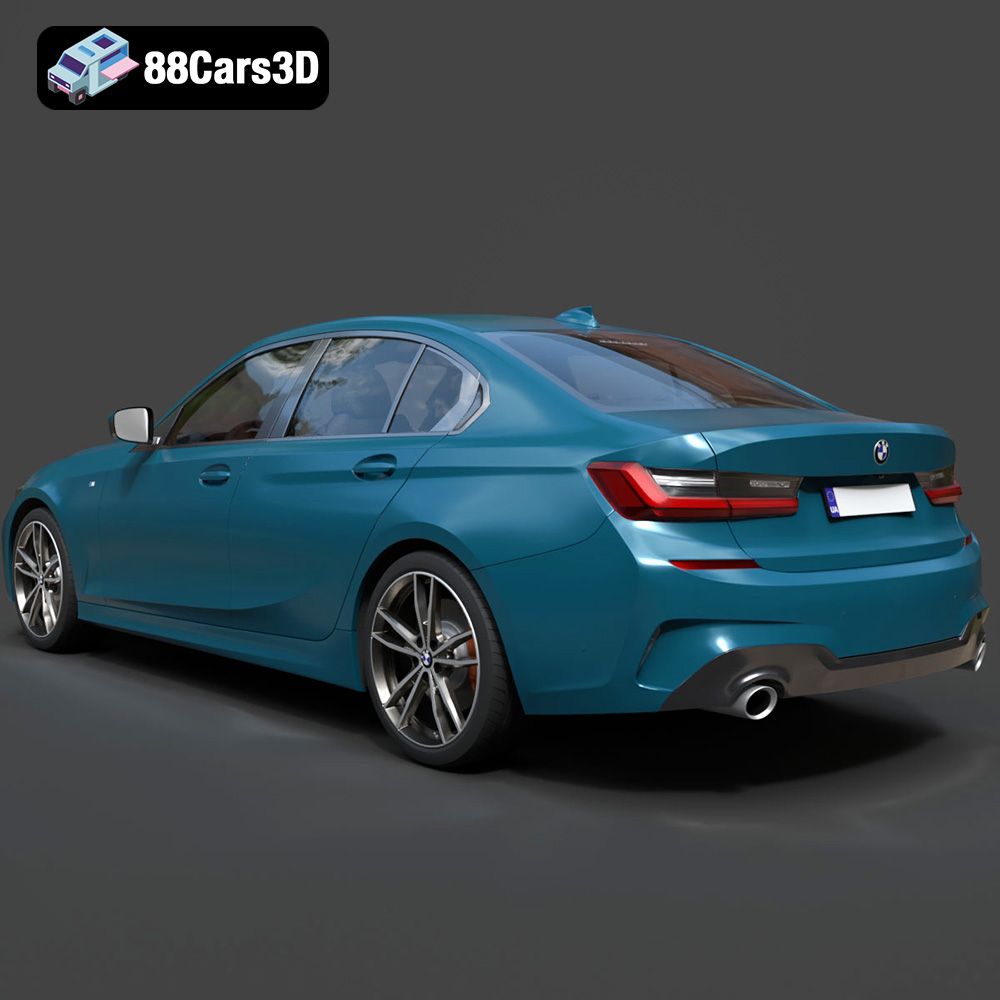
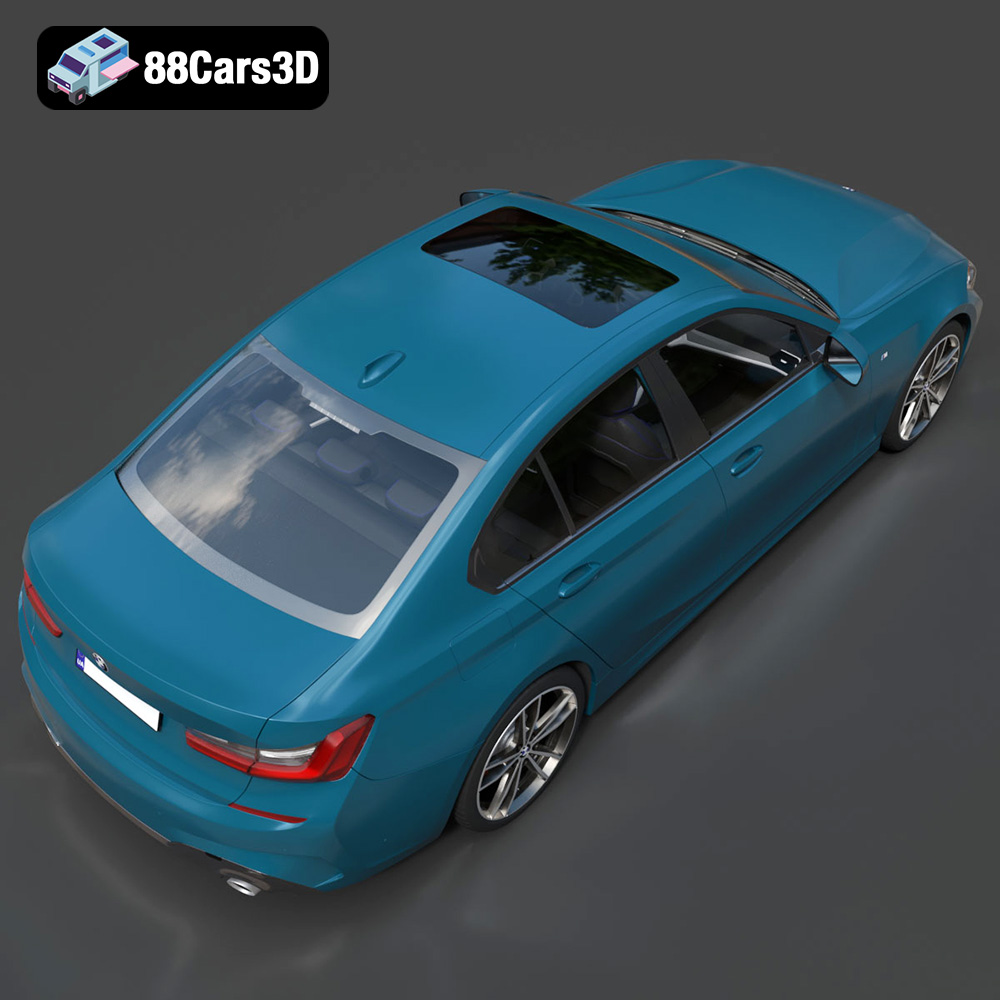
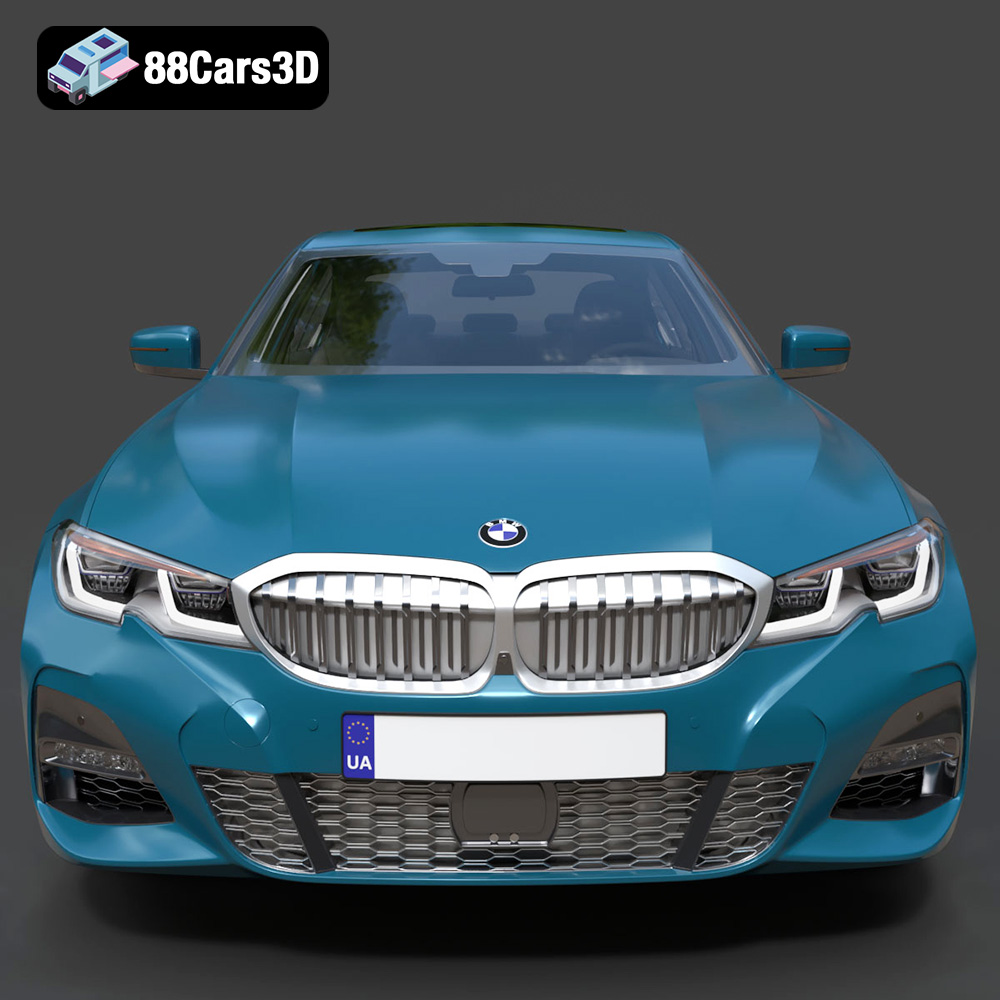
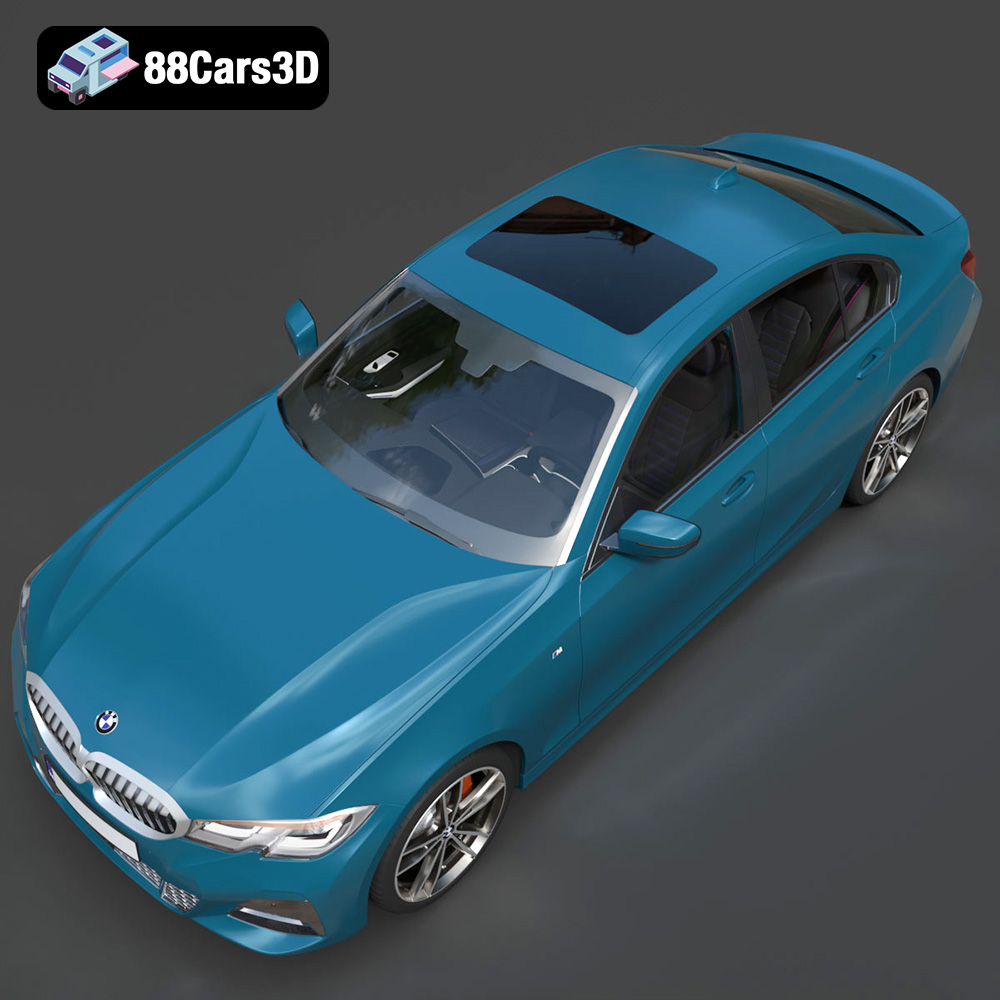
The BMW 3 Series M-Sport Sedan 2019 is an iconic vehicle, representing a blend of luxury and performance. Now, thanks to advancements in 3D printing, you can bring a miniature version of this masterpiece to life. This comprehensive guide will walk you through the process of 3D printing the BMW 3 Series M-Sport Sedan 2019 3D model, available in high-quality STL files from 88cars3d.com, covering everything from pre-print preparation to post-processing techniques. Whether you are a seasoned 3D printing enthusiast or a beginner, this article provides the technical details you need to achieve outstanding results.
Selecting the right 3D printer and material is crucial for a successful print. The BMW 3 Series M-Sport Sedan 2019 model, with its intricate details, requires a printer capable of delivering high resolution and precision.
* **FDM (Fused Deposition Modeling) Printers:** FDM printers are a popular choice for their affordability and ease of use. They work by extruding a thermoplastic filament, like PLA or PETG, layer by layer. While FDM printers can produce impressive results, they may struggle with the finer details of the BMW 3 Series M-Sport Sedan 2019 model, especially at smaller scales. Consider using a smaller nozzle size (0.2mm or 0.4mm) and lower layer heights (0.1mm or 0.15mm) to improve detail resolution.
* **Resin Printers (SLA/DLP/MSLA):** Resin printers offer superior detail and surface finish compared to FDM printers. They use liquid resin that is cured by UV light. Resin printers are ideal for capturing the intricate details of the car’s body, including the grilles, headlights, and interior. However, resin prints tend to be more brittle and may require careful handling. Additionally, the post-processing steps, such as washing and curing, can be more involved.
* **PLA (Polylactic Acid):** PLA is a biodegradable thermoplastic that is easy to print and offers good strength. It’s a good choice for beginners due to its low printing temperature and minimal warping. However, PLA is sensitive to heat and may not be suitable for parts that will be exposed to high temperatures.
* **PETG (Polyethylene Terephthalate Glycol):** PETG offers a good balance of strength, flexibility, and heat resistance. It is more durable than PLA and less prone to warping than ABS. PETG is a solid choice for printing functional parts and models that require some flexibility.
* **ABS (Acrylonitrile Butadiene Styrene):** ABS is a strong and heat-resistant thermoplastic. It’s commonly used in automotive applications, making it a suitable choice for the BMW 3 Series M-Sport Sedan 2019 model. However, ABS requires higher printing temperatures and is prone to warping, so an enclosed printer is recommended.
* **Resin (Various Types):** For resin printers, there are various types of resins available, including standard resin, tough resin, and flexible resin. Standard resin is suitable for most models, while tough resin offers increased durability and impact resistance. Flexible resin can be used for parts that require some flexibility, such as tires or rubber components.
The BMW 3 Series M-Sport Sedan 2019 3D model is available in several file formats, each with its strengths and weaknesses. Understanding these formats is crucial for successful 3D printing.
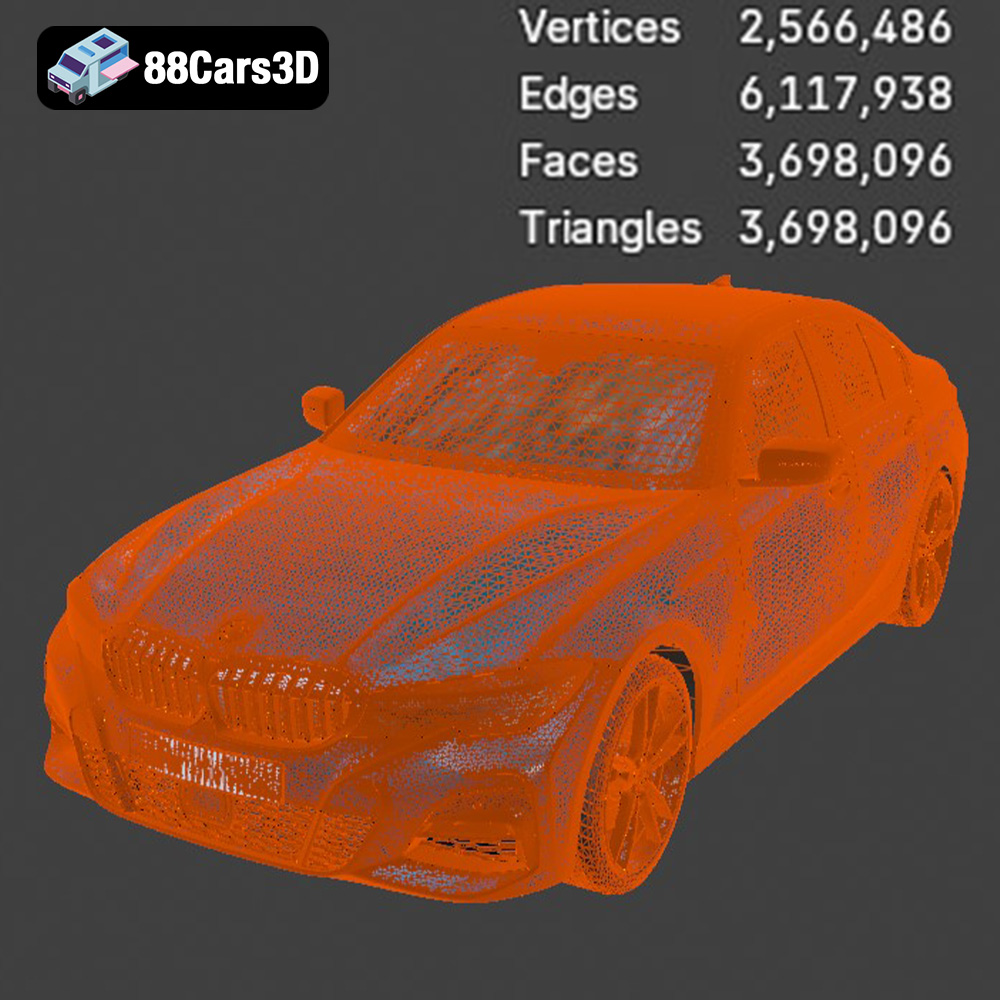
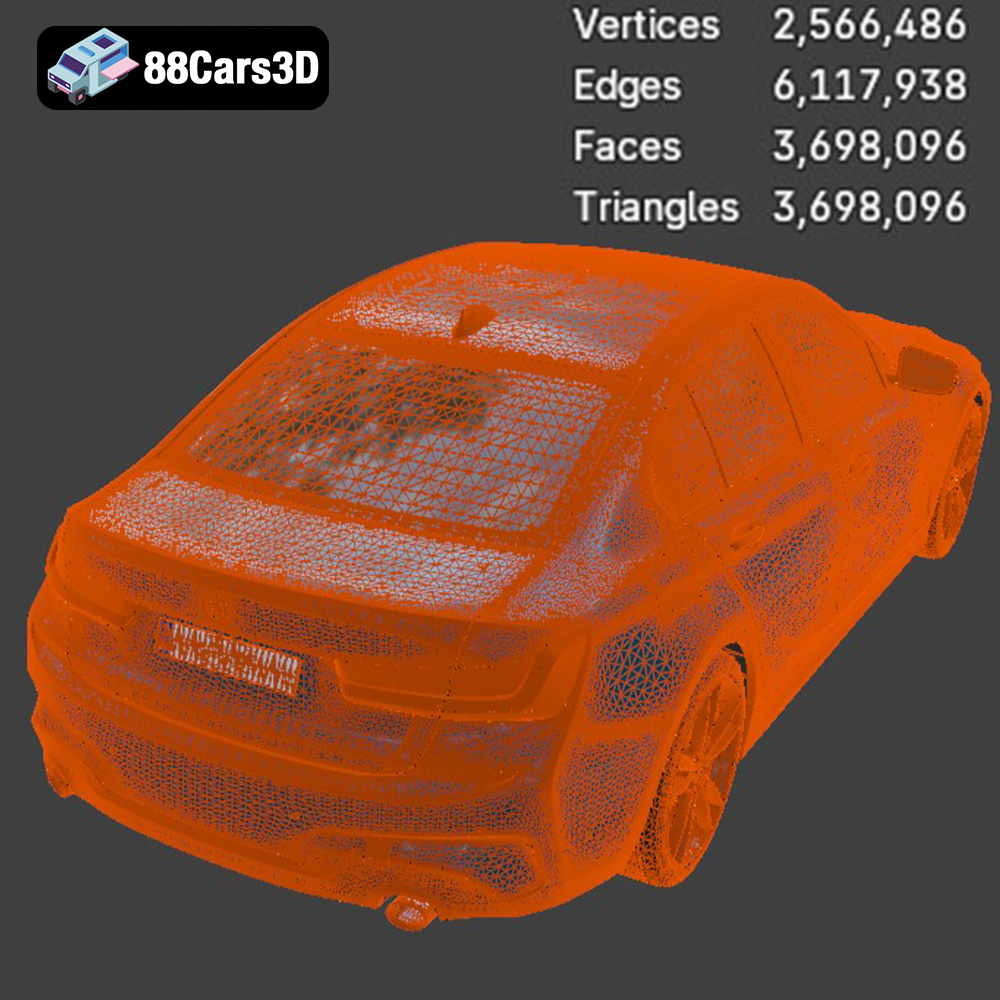
STL (Stereolithography) files are the industry standard for 3D printing. This format represents the 3D model’s surface as a collection of triangles. It’s a simple and widely supported format, making it compatible with virtually all slicing software and 3D printers. However, STL files only contain information about the geometry of the model, meaning they do not include color, texture, or material properties. This makes it ideal for 3D printing using a single material and color. While STL’s simplicity is an advantage, it can also lead to issues if the mesh is poorly constructed. Non-manifold geometry (edges that belong to more than two faces) and holes in the mesh can cause problems during slicing and printing. Therefore, it’s essential to ensure that the STL file is clean and watertight before printing. Numerous software tools are available to repair and optimize STL files, such as MeshMixer and Netfabb. The STL format is the most common choice for 3D printing due to its broad compatibility and streamlined nature, making it the primary format for printing the BMW 3 Series M-Sport Sedan 2019 model from 88cars3d.com.
OBJ (Object) files are a more versatile format than STL, as they can store color, texture, and material information in addition to the geometry. This makes them suitable for colored 3D printing, where different parts of the model can be printed in different colors. However, not all 3D printers support colored printing, and even those that do may have limitations.
PLY (Polygon File Format) is a format designed for storing 3D data from scanning devices. It can handle high-resolution meshes with intricate details, making it suitable for models with complex geometries.
BLEND files are the native format for Blender, a popular open-source 3D modeling software. This format allows you to fully customize the BMW 3 Series M-Sport Sedan 2019 model before exporting it to a 3D printable format like STL. You can modify the model’s geometry, add or remove details, and adjust its scale.
FBX (Filmbox) is a proprietary format developed by Autodesk. It supports complex scenes with multiple objects, animations, and materials. While primarily used for game development and animation, FBX files can sometimes be imported into slicing software, although compatibility may vary.
GLB (GL Transmission Format Binary) is a format designed for efficient transmission and loading of 3D models. It’s commonly used for AR (Augmented Reality) and web-based visualization. GLB files can be used to preview the BMW 3 Series M-Sport Sedan 2019 model in AR before printing, allowing you to see how it will look in the real world.
MAX files are the native format for 3ds Max, another popular 3D modeling software. Similar to BLEND files, MAX files allow you to fully customize the model before exporting it to a 3D printable format.
For 3D printing, the STL format is generally the most suitable choice due to its simplicity and wide compatibility. However, if you want to customize the model before printing, you can use the BLEND or MAX files. Regardless of the format you choose, it’s important to ensure that the mesh is clean, watertight, and optimized for 3D printing.
Before you can start printing, you need to prepare the 3D model and slice it using specialized software. This involves several steps, including model repair, orientation, support generation, and setting the printing parameters.
* **Mesh Repair:** As mentioned earlier, STL files can sometimes contain errors such as non-manifold geometry or holes in the mesh. These errors can cause problems during slicing and printing. Use software like MeshMixer or Netfabb to repair the mesh before proceeding.
* **Scaling:** The BMW 3 Series M-Sport Sedan 2019 model may need to be scaled to your desired size. Consider the capabilities of your 3D printer and the level of detail you want to achieve. Smaller scales may result in loss of detail, while larger scales may require more printing time and material.
* **Orientation:** The orientation of the model on the build plate can significantly impact the printing process. Choose an orientation that minimizes the need for supports and reduces the risk of warping. For the BMW 3 Series M-Sport Sedan 2019 model, printing it on its wheels or at a slight angle may be a good option.
* **Slicing Software:** Slicing software converts the 3D model into a series of layers that the 3D printer can understand. Popular slicing software options include Cura, Simplify3D, and PrusaSlicer.
* **Layer Height:** Layer height determines the resolution of the print. Lower layer heights result in smoother surfaces and finer details, but they also increase printing time. A layer height of 0.1mm to 0.2mm is recommended for the BMW 3 Series M-Sport Sedan 2019 model.
* **Infill Density:** Infill density determines the internal structure of the print. Higher infill densities result in stronger and heavier parts, but they also increase printing time and material usage. An infill density of 15% to 25% is generally sufficient for most models.
* **Support Generation:** Supports are necessary to prevent overhangs from collapsing during printing. Use the slicing software to automatically generate supports, but be mindful of their placement to avoid damaging the model during removal. Consider using soluble support material for complex geometries.
* **Print Speed:** Print speed affects the quality and strength of the print. Slower print speeds generally result in better layer adhesion and reduced warping. A print speed of 40mm/s to 60mm/s is recommended for the BMW 3 Series M-Sport Sedan 2019 model.
* **Temperature:** Adjust the printing temperature according to the material you are using. Consult the material manufacturer’s recommendations for the optimal temperature range.
Fine-tuning the 3D printing parameters is essential for achieving a high-quality print of the BMW 3 Series M-Sport Sedan 2019. This section will delve into the specifics.
* **Bed Adhesion:** Ensuring proper bed adhesion is critical to prevent warping and detachment during printing. Use a heated bed and apply a layer of adhesive, such as glue stick or painter’s tape, to the build plate.
* **Bed Leveling:** A properly leveled bed is essential for consistent layer adhesion. Use the printer’s auto-leveling feature or manually level the bed using a leveling tool.
* **Support Placement:** Strategically place supports to minimize their impact on the model’s surface finish. Use the slicing software to manually adjust the support placement if necessary.
* **Support Settings:** Adjust the support settings, such as support density and support interface, to optimize their strength and ease of removal.
* **Support Removal:** Carefully remove the supports after printing, using tools such as pliers or a sharp knife. Be gentle to avoid damaging the model.
* **Extrusion Multiplier:** The extrusion multiplier controls the amount of material extruded by the printer. Calibrate the extrusion multiplier to ensure that the layers are properly bonded and there are no gaps or over-extrusion.
* **Retraction Settings:** Retraction settings control the amount of filament retracted by the printer when it moves between different parts of the model. Adjust the retraction distance and speed to minimize stringing and oozing.
After the print is complete, there are several post-processing techniques you can use to improve the surface finish and appearance of the BMW 3 Series M-Sport Sedan 2019 model.
* **Support Removal:** As mentioned earlier, carefully remove the supports using tools such as pliers or a sharp knife.
* **Surface Clean-Up:** Use sandpaper or a file to remove any remaining support material and smooth out the surface of the model.
* **Sanding:** Start with coarse sandpaper (e.g., 220 grit) and gradually move to finer grits (e.g., 400 grit, 600 grit, 800 grit) to achieve a smooth surface. Wet sanding can help reduce dust and improve the surface finish.
* **Priming:** Apply a thin layer of primer to the model to fill in any remaining imperfections and provide a better surface for painting.
* **Painting:** Use acrylic paints or spray paints to paint the model in your desired colors. Apply multiple thin coats of paint for a smooth and even finish.
* **Detailing:** Use fine brushes and detail paints to add details such as the headlights, grilles, and logos.
* **Clear Coating:** Apply a clear coat to protect the paint and give the model a glossy finish.
Even with careful preparation, you may encounter some common 3D printing issues. This section provides some troubleshooting tips to help you overcome these challenges.
* **Solution:** Ensure that the bed is properly leveled and heated. Apply a layer of adhesive, such as glue stick or painter’s tape, to the build plate. Consider using a brim or raft to improve bed adhesion.
* **Solution:** Adjust the retraction distance and speed in the slicing software. Lower the printing temperature slightly and increase the travel speed.
* **Solution:** Check the belts and pulleys on the printer to ensure they are tight and properly aligned. Reduce the printing speed and ensure that the printer is stable and not vibrating.
* **Solution:** Increase the printing temperature and extrusion multiplier. Check the nozzle for clogs and clean it if necessary. Ensure that the filament is not tangled or binding.
The estimated print time and material cost for the BMW 3 Series M-Sport Sedan 2019 model will depend on the size of the model, the layer height, the infill density, and the material used.
* **Print Time:** A typical print of a medium-sized BMW 3 Series M-Sport Sedan 2019 model (around 15cm in length) can take anywhere from 10 to 20 hours, depending on the settings.
* **Material Cost:** The material cost will vary depending on the type of material used and the amount of material consumed. A typical print of a medium-sized model can cost anywhere from $5 to $15 in material.
Once you have successfully 3D printed and post-processed the BMW 3 Series M-Sport Sedan 2019 model, it’s time to showcase your creation. Display it on your desk, add it to your collection, or use it as a prop in your photography or videography projects. The possibilities are endless.
By following this comprehensive guide, you can successfully 3D print the BMW 3 Series M-Sport Sedan 2019 model and enjoy the satisfaction of creating your own miniature version of this iconic vehicle. Remember to check out 88cars3d.com for high-quality STL files and other 3D models. Happy printing!
Experience true realism with the BMW 3 Series M-Sport Sedan 2019 3D Model. Crafted to exact specifications, this digital vehicle replica captures the sophisticated contours, aggressive styling, and dynamic presence of the iconic luxury sports sedan. Designed for versatility, this model delivers precise proportions and authentic detailing suitable for demanding digital environments.
$19.99
.3series
.arvr
.blend
.bmw
.car3dmodel
.fbx
.gameasset
.glb
.luxurycar
.max
.msport
.obj
.ply
.rendering
.sedan
.simulation
.sportssedan
.stl
.unreal