Get 20% OFF All Premium 3D & STL Models!

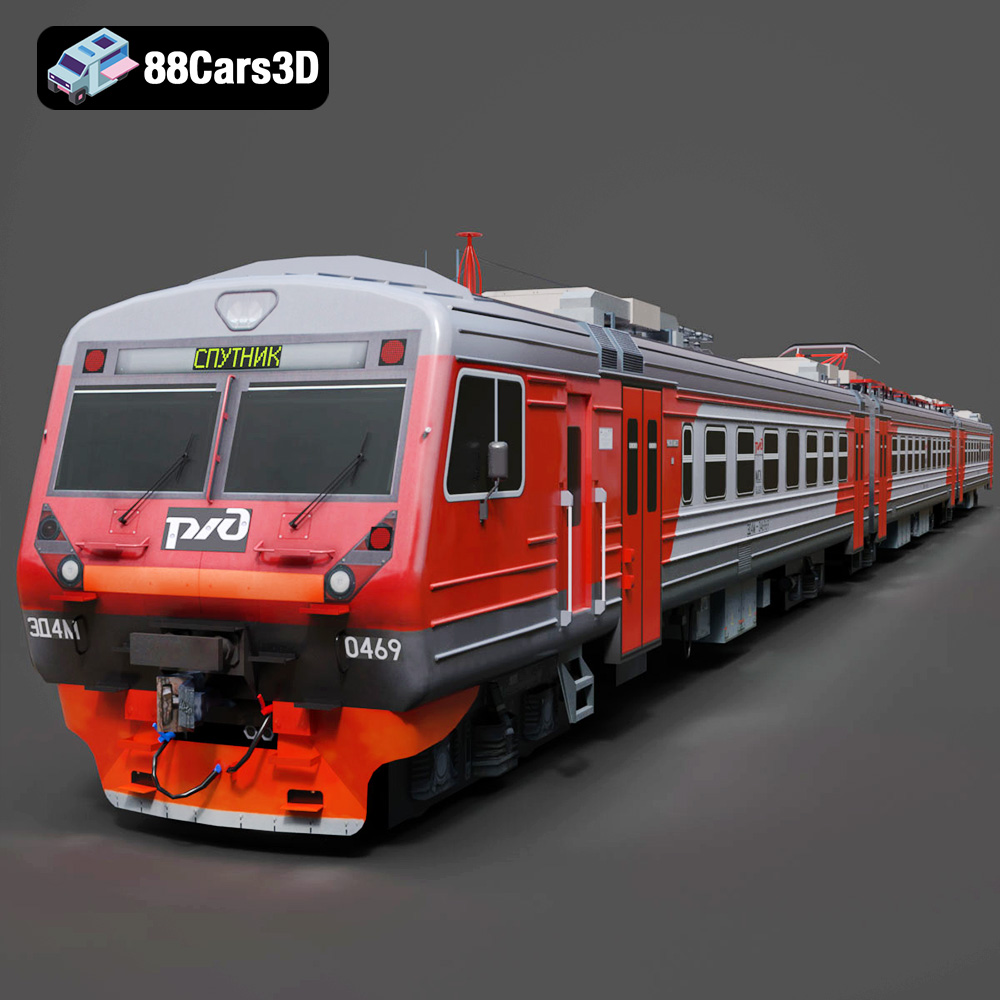
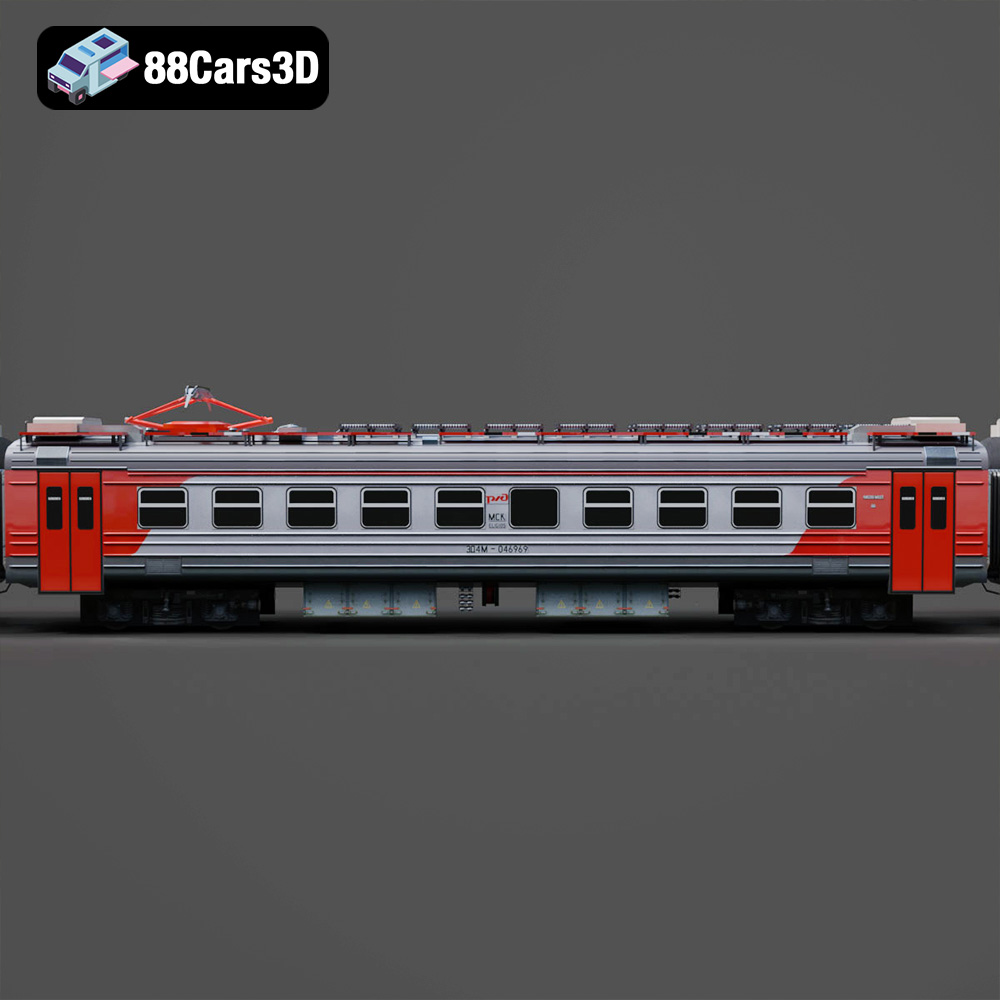
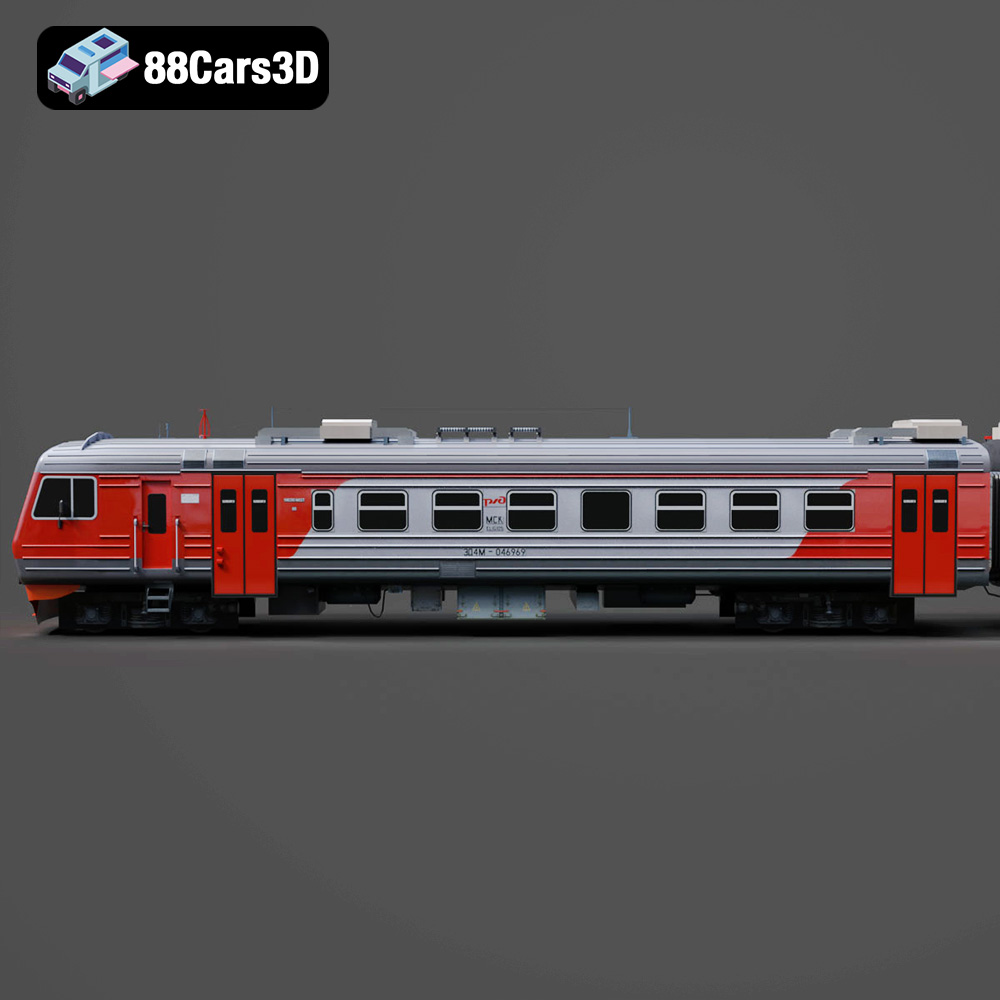
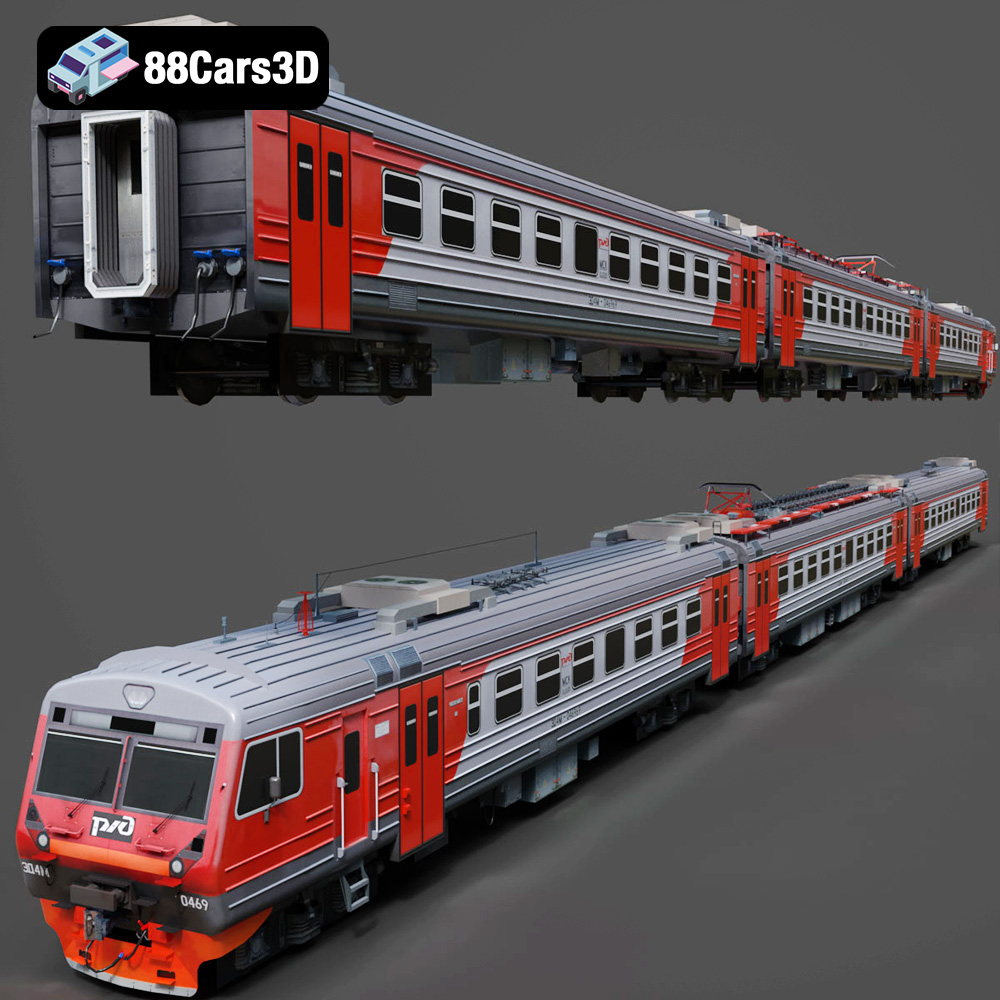
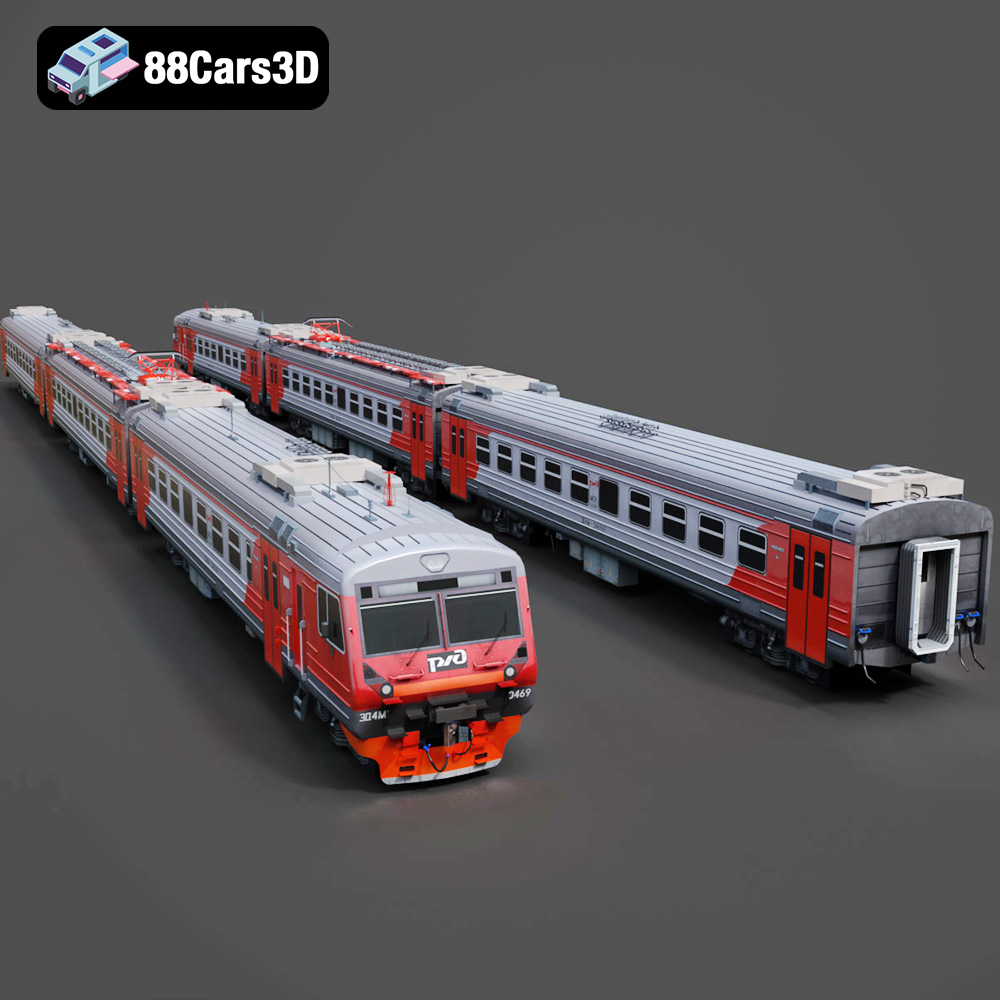
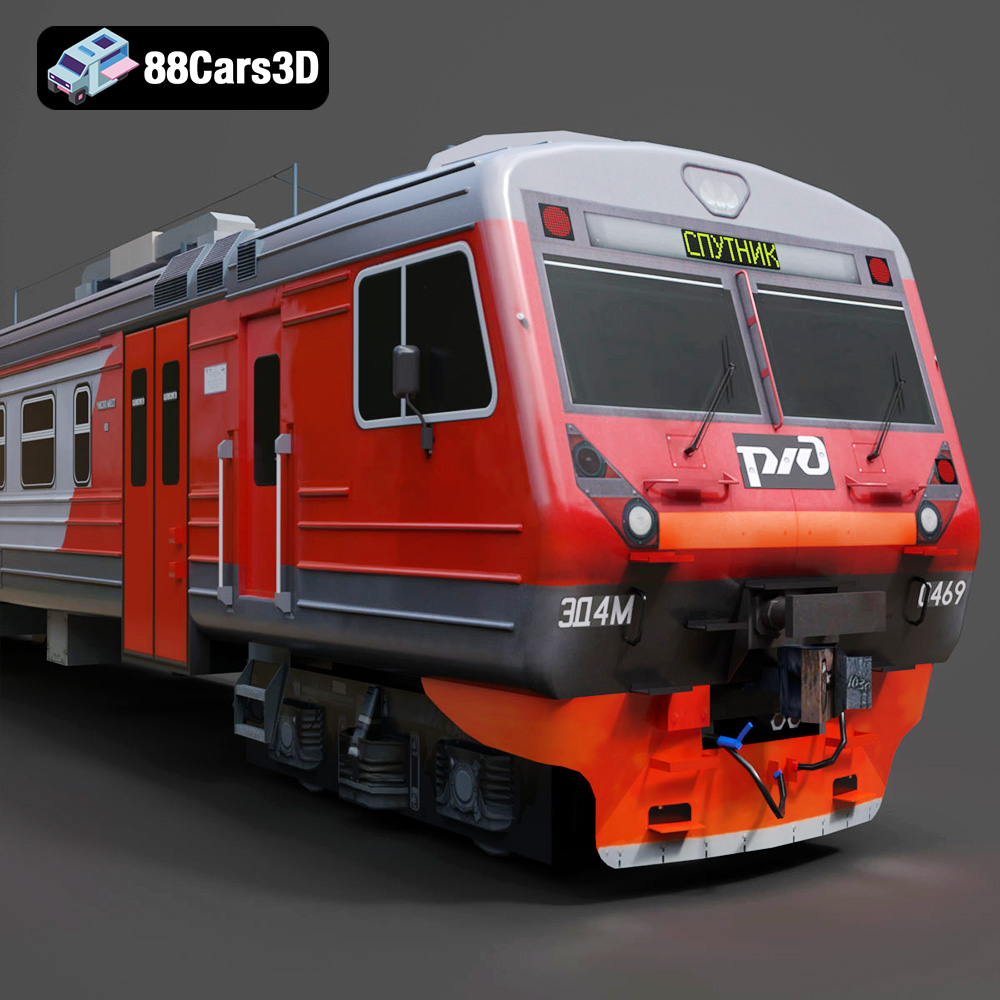
The Railways ED4M 2012-001 3D model from 88cars3d.com is a fantastic asset for a variety of applications, but did you know it’s also optimized for 3D printing? This detailed guide will walk you through the process of successfully 3D printing this model, from pre-print preparation to post-processing. Whether you’re a seasoned 3D printing enthusiast or just starting out, this article will provide the technical insights needed to create a stunning replica of the ED4M 2012-001.
Choosing the right file format is crucial for a successful 3D printing experience. While the Railways ED4M 2012-001 3D model comes in several formats (.blend, .fbx, .obj, .glb, .stl, .ply, .unreal, .max), the .stl format is the industry standard for additive manufacturing. Let’s delve into the details of each format and their suitability for 3D printing.
The .stl (Stereolithography) file format is the workhorse of 3D printing. It represents the surface geometry of a 3D object using a collection of triangles. It is simple, widely supported by slicing software, and efficient for representing complex shapes. The .stl format contains no color, texture, or material information – only the raw mesh data.
For 3D printing the Railways ED4M 2012-001, the .stl file is your go-to option. When exporting to .stl from other formats, you’ll typically have options for controlling the mesh resolution. A higher resolution .stl file will result in a smoother printed object, but it will also increase the file size and processing time. Aim for a balance between detail and practicality, especially for larger models. A good starting point is a deviation of 0.01mm from the original surface when exporting.
The .obj (Object) file format is a more versatile format than .stl, as it can store color and texture information. While this is great for rendering and visualization, it adds complexity to the 3D printing process. Not all 3D printers support multi-material or color printing. Even if your printer does, setting up the print job can be significantly more complex than with a standard .stl file. If you intend to print the Railways ED4M 2012-001 in a single color, stick with the .stl format.
The .ply (Polygon File Format or Stanford Triangle Format) is designed for storing data acquired from 3D scanners. It supports a wide range of data types, including color, normals, and texture coordinates. While .ply offers high precision, it’s not as universally supported by slicing software as .stl. If you’re working with scanned data or require very high detail, .ply might be an option, but generally, the .stl format is preferable for its broader compatibility.
The .blend format is the native file format for Blender, a popular open-source 3D modeling software. Having the .blend file for the Railways ED4M 2012-001 allows you to make modifications to the model before exporting it for 3D printing. You can adjust the geometry, simplify complex areas, or even split the model into smaller parts for easier printing. Once you’ve made your changes, export the model as an .stl file for slicing.
.fbx (Filmbox) and .max (3ds Max) are complex file formats primarily used for animation and game development. They contain scene information, including lights, cameras, and animations, which are irrelevant to 3D printing. These formats are typically used to import the model into a 3D modeling program, such as Blender, where you can then export it as an .stl file for printing. Trying to directly slice an .fbx or .max file is generally not possible.
The .glb (GL Transmission Format Binary) file format is optimized for AR/VR and web-based visualization. It’s designed for efficient transmission and rendering of 3D models. While you can’t directly 3D print a .glb file, it’s useful for previewing the Railways ED4M 2012-001 in augmented reality to get a better sense of its size and appearance before committing to a print.
In summary, for 3D printing the Railways ED4M 2012-001 model from 88cars3d.com, the .stl format is the ideal choice due to its widespread compatibility, simplicity, and efficiency. Ensure your .stl file has a suitable resolution for the desired level of detail, and you’ll be well on your way to a successful print.
Before sending the Railways ED4M 2012-001 .stl file to your 3D printer, meticulous preparation is key. This involves using slicing software to convert the 3D model into instructions your printer can understand and optimizing the model’s orientation for the best possible print quality.
Slicing software is the bridge between your 3D model and your 3D printer. Popular options include Cura, PrusaSlicer, Simplify3D, and others. Each software has its own strengths and weaknesses, but they all perform the same basic function: converting the .stl file into a series of layers that the printer will build upon.
When configuring your slicing software for the Railways ED4M 2012-001, start by selecting the correct printer profile and filament type. Accurate settings here are crucial for achieving dimensional accuracy and avoiding common printing issues.
The orientation of the model on the print bed significantly impacts the print quality, the amount of support material required, and the overall print time. For the Railways ED4M 2012-001, consider these factors:
* **Minimize overhangs:** Overhangs require support structures, which can be difficult to remove and leave blemishes on the finished print. Orient the model to minimize the need for supports, especially on visible surfaces.
* **Maximize detail:** Orient the model so that the most detailed features are printed vertically, as this typically results in better resolution.
* **Consider layer lines:** Think about the direction of the layer lines and how they will affect the overall appearance of the finished print. Choose an orientation that minimizes the visibility of layer lines on prominent surfaces.
Experiment with different orientations in your slicing software to find the optimal balance between support material, detail, and print time.
The Railways ED4M 2012-001 model might need to be scaled to fit your printer’s build volume or to achieve a specific size for your project. Most slicing software allows you to easily scale the model. Be mindful of the impact of scaling on the model’s detail and structural integrity. Scaling down too much can make fine details disappear, while scaling up too much can make the model more susceptible to warping or other printing issues.
The choice of material and the specific printer settings can drastically influence the final result of your 3D printed Railways ED4M 2012-001. Understanding the properties of different materials and how they interact with various printer settings is crucial for achieving a high-quality print.
* **PLA (Polylactic Acid):** PLA is a biodegradable thermoplastic polymer derived from renewable resources. It is easy to print, has low warping, and is a good choice for beginners. PLA is suitable for creating display models of the Railways ED4M 2012-001, but it may not be ideal for parts that will be exposed to high temperatures or stress.
* **PETG (Polyethylene Terephthalate Glycol-modified):** PETG is a glycol-modified version of PET, offering enhanced strength, flexibility, and temperature resistance compared to PLA. It’s a good all-around material for 3D printing and can be used for functional parts of the Railways ED4M 2012-001, such as wheels or chassis components. PETG is slightly more challenging to print than PLA, requiring higher temperatures and careful bed adhesion.
* **Resin (SLA/DLP):** Resin 3D printing (Stereolithography or Digital Light Processing) offers superior detail and surface finish compared to FDM (Fused Deposition Modeling) printing with PLA or PETG. Resin is a good choice for printing highly detailed parts of the Railways ED4M 2012-001, such as the train’s body or intricate details. Resin prints typically require more post-processing, including washing and curing.
* **Layer Height:** Layer height determines the resolution of the print in the vertical direction. Lower layer heights result in smoother surfaces and finer details, but they also increase print time. A layer height of 0.1-0.2mm is a good starting point for printing the Railways ED4M 2012-001 with PLA or PETG. For resin printing, layer heights can be as low as 0.025mm for exceptional detail.
* **Infill:** Infill refers to the density of the material inside the model. Higher infill percentages result in stronger prints, but they also increase material consumption and print time. For display models, an infill percentage of 15-20% is usually sufficient. For functional parts, a higher infill percentage of 50-75% may be necessary.
* **Print Speed:** Print speed affects both the print time and the print quality. Slower print speeds typically result in better print quality, especially for complex geometries. A print speed of 40-60mm/s is a good starting point for printing the Railways ED4M 2012-001 with PLA or PETG.
As mentioned earlier, support structures are necessary for printing overhangs. Choose support settings that minimize the impact of supports on the final print quality. Consider using tree supports or soluble supports, which are easier to remove and leave fewer blemishes.
Once the 3D printing process is complete, post-processing is essential to refine the appearance and functionality of the Railways ED4M 2012-001 model.
The first step is to carefully remove any support structures. Use a sharp knife or pliers to gently detach the supports from the model. Be careful not to damage the surface of the print. After removing the supports, clean the print with a brush or cloth to remove any loose debris.
Sanding is essential for achieving a smooth surface finish. Start with a coarse grit sandpaper (e.g., 220 grit) and gradually move to finer grits (e.g., 400, 600, 800, 1000 grit) to remove layer lines and imperfections. Wet sanding can help to reduce dust and improve the smoothness of the surface.
Painting can add realism and detail to the Railways ED4M 2012-001 model. Start by applying a primer to the surface to create a good base for the paint. Then, use acrylic paints or spray paints to apply the desired colors. Consider using masking tape to create clean lines and details.
If the Railways ED4M 2012-001 model consists of multiple parts, you may need to assemble them after printing and post-processing. Use glue or screws to join the parts together. Ensure that the parts are aligned correctly before securing them.
Even with careful preparation, 3D printing can sometimes present challenges. Here are some common issues and their solutions:
Warping occurs when the corners of the print lift from the print bed. This is often caused by poor bed adhesion or temperature fluctuations. To prevent warping, ensure that the print bed is clean and level, use a bed adhesive (e.g., glue stick or hairspray), and enclose the printer to maintain a stable temperature.
Stringing occurs when the printer extrudes small strands of filament between different parts of the print. This is often caused by excessive retraction distance or temperature. To reduce stringing, adjust the retraction settings in your slicing software and lower the printing temperature.
Layer shifting occurs when the printer head suddenly shifts position during the print. This can be caused by loose belts, stepper motor issues, or vibrations. To prevent layer shifting, tighten the belts, check the stepper motor connections, and ensure that the printer is placed on a stable surface.
The print time and material cost for the Railways ED4M 2012-001 model will vary depending on the size of the model, the material used, and the printer settings. As a rough estimate, a model printed at a reasonable size (e.g., 20cm long) with PLA at 0.2mm layer height and 20% infill could take 10-15 hours to print and cost $5-$10 in material. Resin prints will generally take less time but might have comparable material costs.
You can use your slicing software to get a more accurate estimate of the print time and material cost based on your specific settings.
The Railways ED4M 2012-001 3D model available on 88cars3d.com provides a great starting point for creating a stunning 3D printed replica.
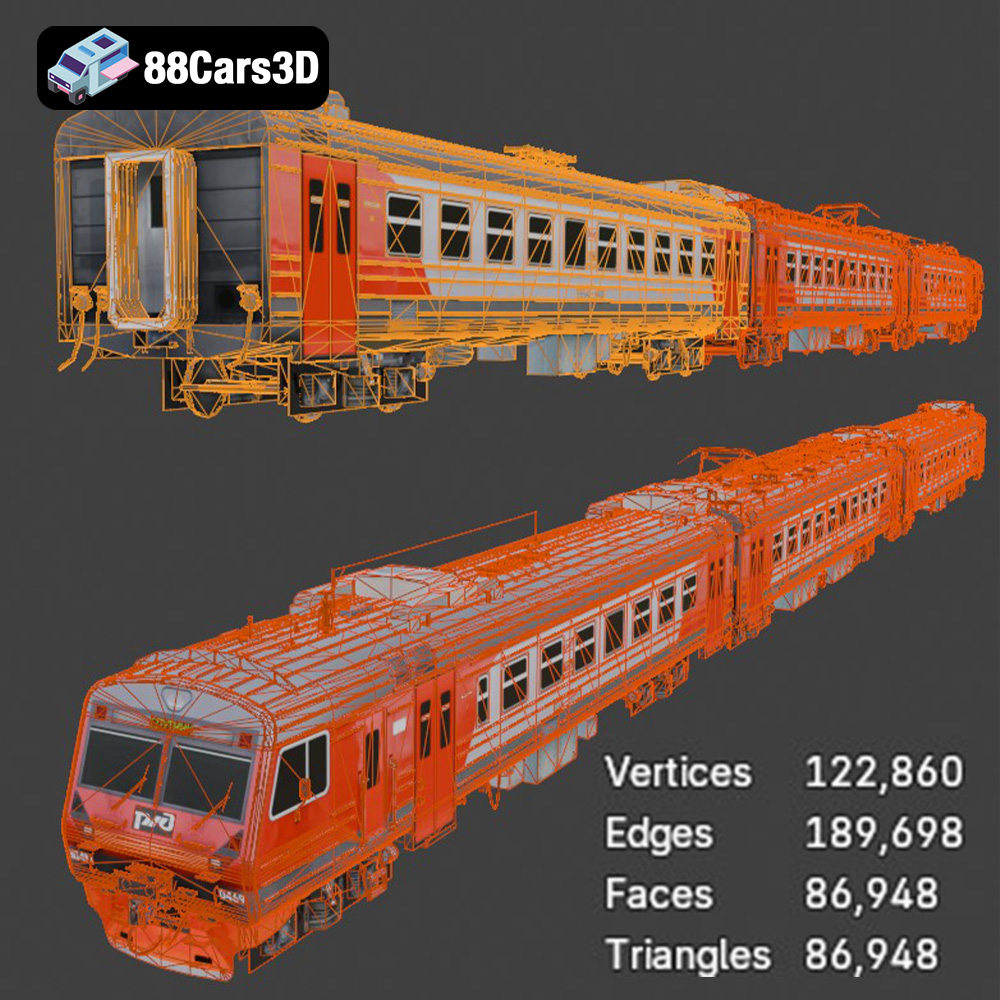
Experience unparalleled realism with the Railways ED4M 2012-001 3D Model, meticulously engineered to deliver exceptional accuracy for professional visualizations and digital environments. This expertly crafted model captures the authentic design elements of the iconic railway vehicle, presenting precise proportions, lifelike textures, and a fully optimized structure for seamless integration into your projects.
$19.99
.2012001
.arvr
.blend
.car3dmodel
.ed4m
.fbx
.gameasset
.glb
.max
.obj
.ply
.railwaycar
.railways
.rendering
.simulation
.stl
.train
.unreal
locomotive