Get 20% OFF All Premium 3D & STL Models!

“`html
3D printing offers incredible versatility, but achieving optimal results depends on understanding how various printer components interact. Two critical factors are the nozzle size and bed size of your 3D printer. These parameters dictate the level of detail you can achieve, the size of objects you can print, and the overall efficiency of your printing process. Whether you’re printing intricate car models from 88cars3d.com or functional prototypes, selecting the correct nozzle and bed size is crucial. This comprehensive guide will delve into the technical aspects of these components, providing you with the knowledge to make informed decisions for your specific printing needs. We’ll explore the tradeoffs, best practices, and troubleshooting tips to ensure successful and high-quality prints.
The nozzle is the heart of your FDM 3D printer, responsible for extruding molten filament to create each layer of your print. Nozzle size directly impacts print resolution, print time, and the structural integrity of your final object. A smaller nozzle allows for finer details and smoother surfaces, while a larger nozzle enables faster printing and increased strength. However, each has its limitations.
Smaller nozzles (0.2mm or 0.3mm) are ideal for prints requiring high resolution and intricate details. They can create thinner layers, resulting in smoother surfaces and sharper edges. However, the trade-off is significantly longer print times. For example, printing a car model from 88cars3d.com with a 0.2mm nozzle might take twice as long as printing the same model with a 0.4mm nozzle. Conversely, larger nozzles (0.6mm, 0.8mm, or even 1.0mm) are excellent for quickly printing large, less detailed objects. These nozzles extrude more material per layer, reducing print time but sacrificing fine detail. A general rule is to choose the smallest nozzle that can adequately capture the details of your model while maintaining a reasonable print time.
Nozzle size also influences the strength of your printed parts. Larger nozzles deposit thicker layers, leading to stronger layer adhesion and increased overall part strength. This is especially important for functional parts or models that will be subjected to stress. A larger nozzle can also handle more viscous materials or filaments with additives (like carbon fiber or wood fill) more effectively. However, it’s important to ensure your printer’s hot end can maintain a consistent temperature with the increased material flow. Insufficient heat can lead to clogs and inconsistent extrusion.
Choosing the optimal nozzle size depends on the specific requirements of your print job. Here are some guidelines to help you make the right choice:
Pro Tip: Experiment with different nozzle sizes and layer heights to find the sweet spot for your specific printer and filament. Always calibrate your printer after changing the nozzle to ensure accurate extrusion.
The build plate, or bed, is the foundation upon which your 3D prints are built. Its size directly limits the maximum dimensions of the objects you can print in a single piece. Understanding bed size is crucial for planning your prints and optimizing your workflow.
The bed size determines the maximum X, Y, and Z dimensions of your printable objects. If you plan to print large models, such as full-scale car parts or architectural models, you’ll need a printer with a correspondingly large bed. Smaller bed sizes are suitable for smaller objects like miniatures, phone cases, or individual components of larger assemblies. Before downloading STL files, always check the model’s dimensions against your printer’s bed size. Models from platforms like 88cars3d.com often include dimensions in the product description.
Even if your model is slightly larger than your bed, you might still be able to print it by strategically orienting it on the bed or splitting it into multiple parts. Print orientation can significantly reduce the overall footprint of the model, allowing it to fit within the printable area. Software like Meshmixer or Blender can be used to split larger models into smaller, manageable pieces that can be printed separately and then assembled. When splitting models, consider the placement of seams and ensure they are located in areas that are less visible or structurally critical.
Bed adhesion is critical for successful 3D printing, especially with larger prints. Warping, where the corners of the print lift off the bed, is a common problem that can lead to failed prints. A larger bed increases the surface area in contact with the print, making it more susceptible to warping. To combat warping, ensure your bed is properly leveled, use a suitable bed adhesive (like glue stick or hairspray), and consider using a heated bed. A heated bed helps maintain a consistent temperature across the print, reducing thermal stress and minimizing warping. For materials like ABS, a heated bed is essential.
Selecting the appropriate bed size depends on the type of projects you plan to undertake. Here are some considerations:
Tip: Consider the future expansion of your printing needs. Investing in a printer with a slightly larger bed than you currently need can provide flexibility for future projects.
Slicing software converts your 3D model into a set of instructions for your printer. Optimizing slicing parameters is crucial for achieving high-quality prints, especially when using different nozzle and bed sizes. Parameters such as layer height, infill density, print speed, and support settings need to be adjusted based on your chosen nozzle size and the complexity of your model. When downloading models from marketplaces such as 88cars3d.com, make sure you review the recommended slicing settings for the specific model.
Layer height is the thickness of each individual layer of your print. A smaller layer height results in smoother surfaces and finer details, but it also increases print time. As a general rule, the layer height should be between 25% and 75% of your nozzle diameter. For example, with a 0.4mm nozzle, a layer height of 0.1mm to 0.3mm is recommended. Using a layer height outside this range can lead to under-extrusion or over-extrusion, compromising print quality.
Example:
Infill is the internal structure of your 3D print. The infill density determines the amount of material used inside the print, affecting its strength and weight. Higher infill densities result in stronger but heavier prints, while lower infill densities save material and reduce print time. The optimal infill density depends on the intended use of the printed object. For decorative models, a low infill density (10-20%) is sufficient. For functional parts, a higher infill density (50-100%) may be necessary.
Different infill patterns can also affect the strength and flexibility of the print. Common infill patterns include:
Tip: Experiment with different infill patterns and densities to find the best balance between strength, weight, and print time for your specific application.
Support structures are temporary structures that support overhanging parts of your 3D model during printing. They are essential for printing complex geometries and preventing sagging or deformation. The generation and removal of support structures can be challenging, but with the right techniques, you can achieve clean and successful prints.
Most slicing software offers automatic support generation, which automatically places supports in areas where they are needed. While convenient, automatic support generation can sometimes be inefficient or create supports that are difficult to remove. Manual support generation allows you to precisely control the placement and type of supports, optimizing them for your specific model. Software like Meshmixer provides advanced tools for creating custom support structures.
Using a different material for support structures can significantly improve their removability. Some printers support dual extrusion, allowing you to print the model with one material (e.g., PLA) and the supports with another (e.g., PVA, which is water-soluble). Interface layers, which are thin layers printed between the model and the supports, can also make support removal easier. These layers are designed to be weaker, allowing the supports to break away cleanly without damaging the model’s surface.
Removing support structures can be a delicate process. Here are some tips for successful support removal:
Pro Tip: Carefully plan your support strategy to minimize the amount of support material needed and ensure easy removal. Optimize the print orientation to reduce the number of overhangs requiring support.
Even with careful planning and optimized settings, 3D printing can be prone to errors. Understanding common printing issues related to nozzle and bed size can help you diagnose and resolve problems quickly.
Clogging occurs when filament becomes stuck inside the nozzle, preventing proper extrusion. This can be caused by a variety of factors, including:
Under-extrusion occurs when the printer is not extruding enough material, resulting in weak layer adhesion and gaps in the print. This can be caused by:
Troubleshooting Tips:
Warping, as mentioned earlier, is a common problem, especially with larger prints. It occurs when the corners of the print lift off the bed due to thermal stress. Poor bed adhesion can also lead to prints detaching from the bed during printing.
Troubleshooting Tips:
By understanding these common issues and their solutions, you can significantly improve your 3D printing success rate.
Choosing the right nozzle and bed size is fundamental to achieving optimal results in 3D printing. This guide has covered the technical aspects of these components, highlighting their impact on print quality, speed, and strength. By understanding the tradeoffs between different nozzle sizes and bed dimensions, you can make informed decisions that align with your specific printing needs. Remember to optimize your slicing parameters, carefully plan your support structures, and troubleshoot common printing issues to ensure successful and high-quality prints. Whether you’re printing detailed car models from 88cars3d.com, functional prototypes, or artistic creations, the knowledge gained from this guide will empower you to push the boundaries of your 3D printing capabilities. As you continue your 3D printing journey, remember to experiment, learn from your experiences, and continuously refine your techniques to achieve the best possible results.
“`
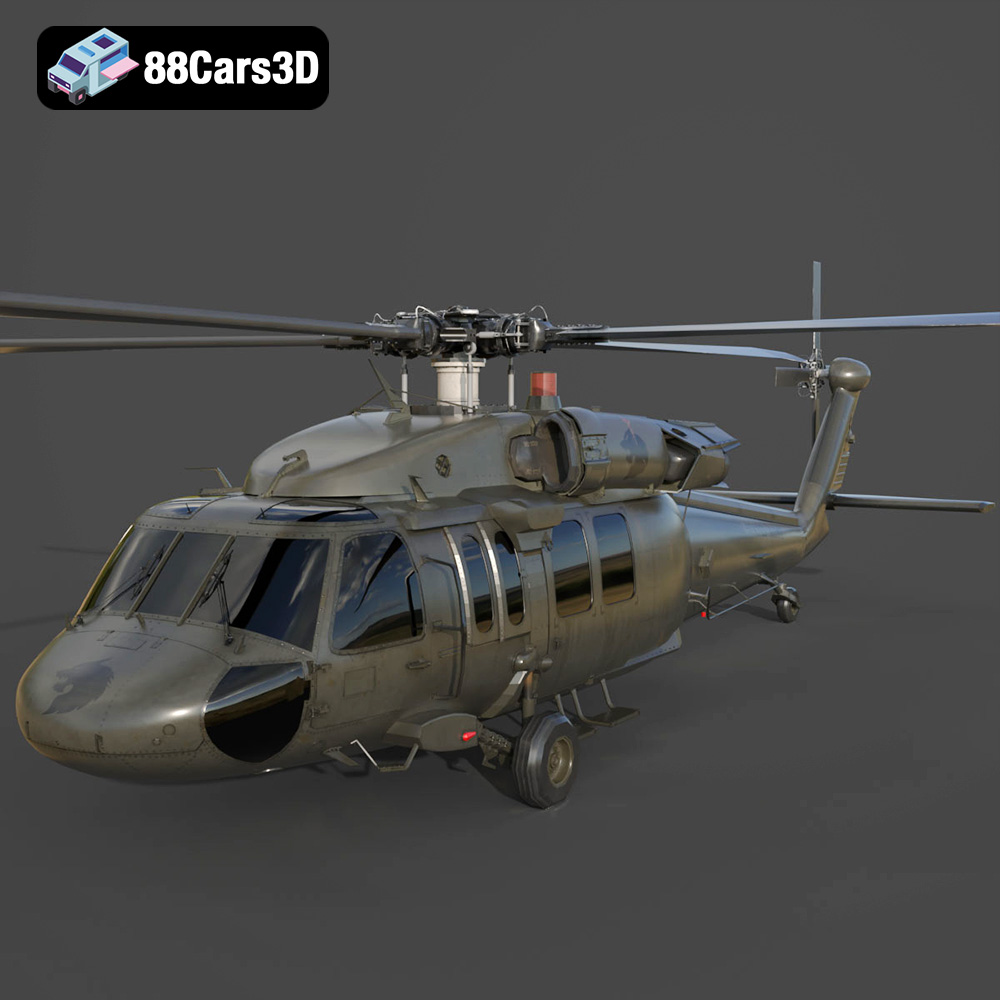
Texture: Yes | Material: Yes
Download the highly detailed, game-ready Sikorsky UH-60 Black Hawk US 3D Model. Features an accurate four-blade rotor system, detailed military fuselage, and realistic twin-engine housing. Includes .blend, .fbx, .obj, .glb, .stl, .ply, .unreal, and .max formats for game development, AR/VR, and rendering.
Price: $19.99
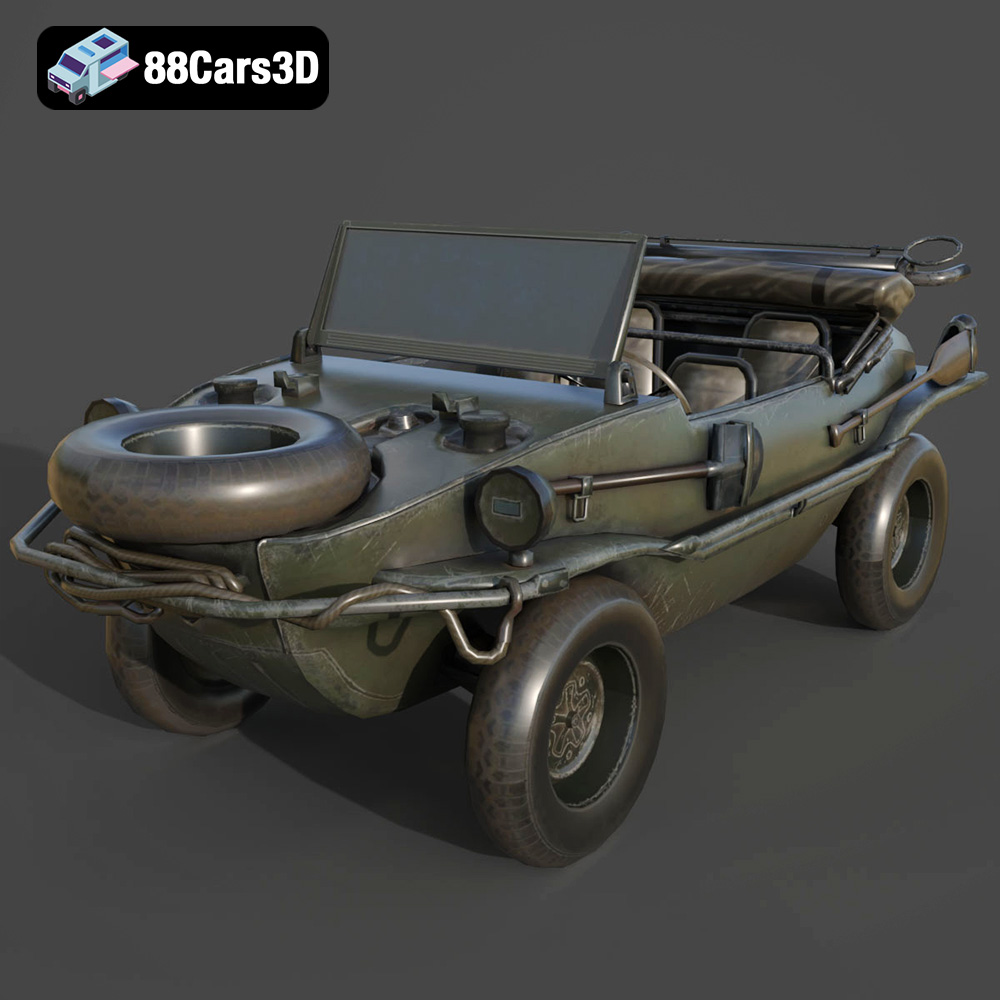
Texture: Yes | Material: Yes
Download the highly detailed, game-ready Volkswagen Schwimmwagen Typ 166 3D Model. Features an authentic boat-like watertight hull, fold-down propeller mechanism, and accurate military styling. Includes .blend, .fbx, .obj, .glb, .stl, .ply, .unreal, and .max formats for game development, AR/VR, and rendering.
Price: $19.99
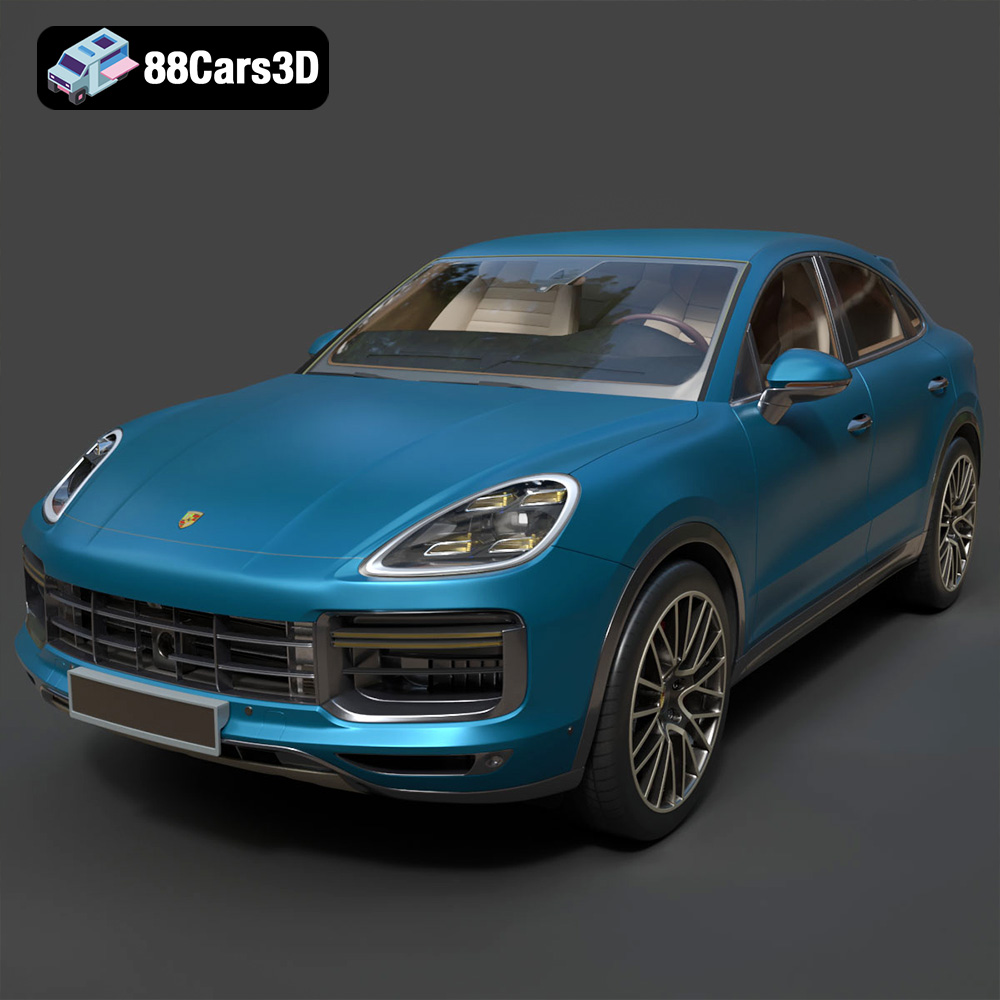
Texture: Yes | Material: Yes
Download the highly detailed, game-ready Porsche Cayenne Turbo Coupe 2020 3D Model. Features an aggressive coupe roofline, detailed quad exhaust, and a meticulously crafted luxury sport interior. Includes .blend, .fbx, .obj, .glb, .stl, .ply, .unreal, and .max formats for game development, AR/VR, and rendering.
Price: $19.99
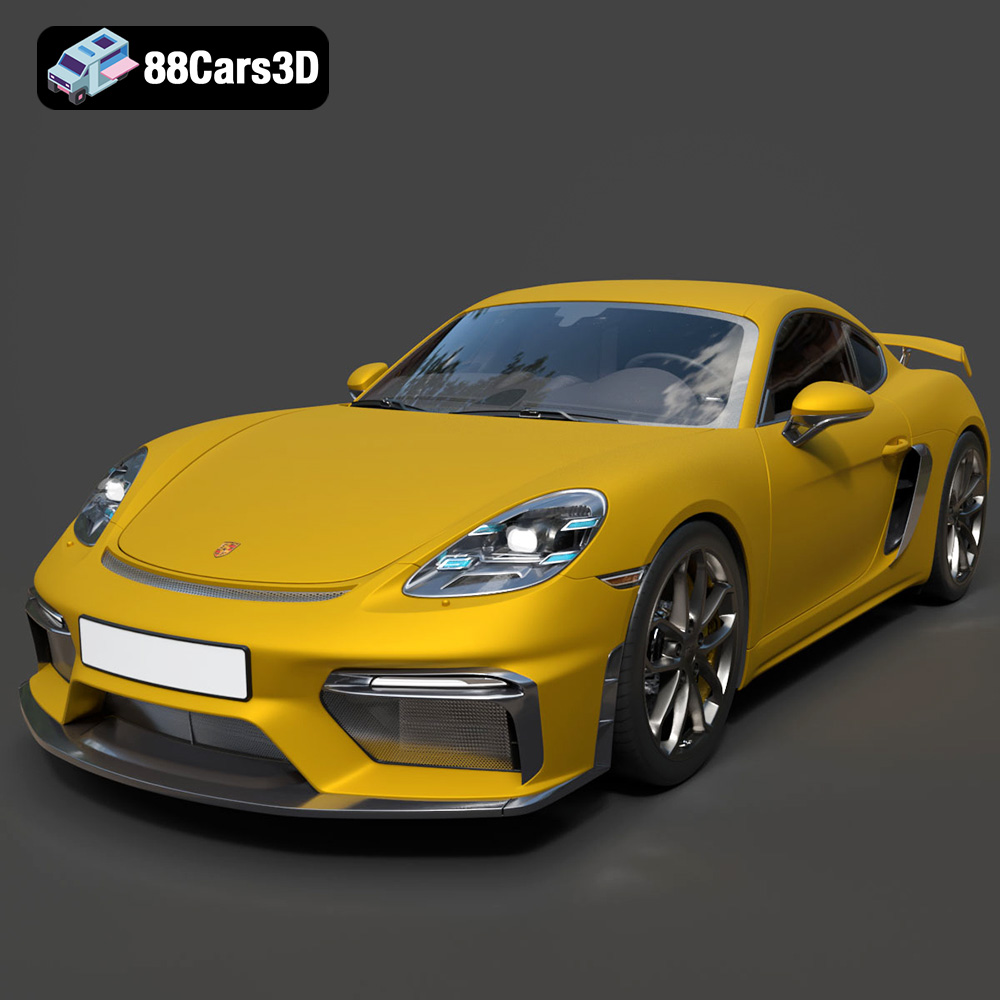
Texture: Yes | Material: Yes
Download the highly detailed, game-ready Porsche 718 Cayman GT4 2020 3D Model. Features an aggressive fixed rear wing, distinctive side air intakes, and a track-focused stance. Includes .blend, .fbx, .obj, .glb, .stl, .ply, .unreal, and .max formats for game development, AR/VR, and rendering.
Price: $19.99

Texture: Yes | Material: Yes
Download the highly detailed, game-ready Polestar 2 2020 3D Model. Features minimalist Scandinavian fastback styling, pixel LED lighting, and an accurate electric vehicle profile. Includes .blend, .fbx, .obj, .glb, .stl, .ply, .unreal, and .max formats for game development, AR/VR, and rendering.
Price: $19.99
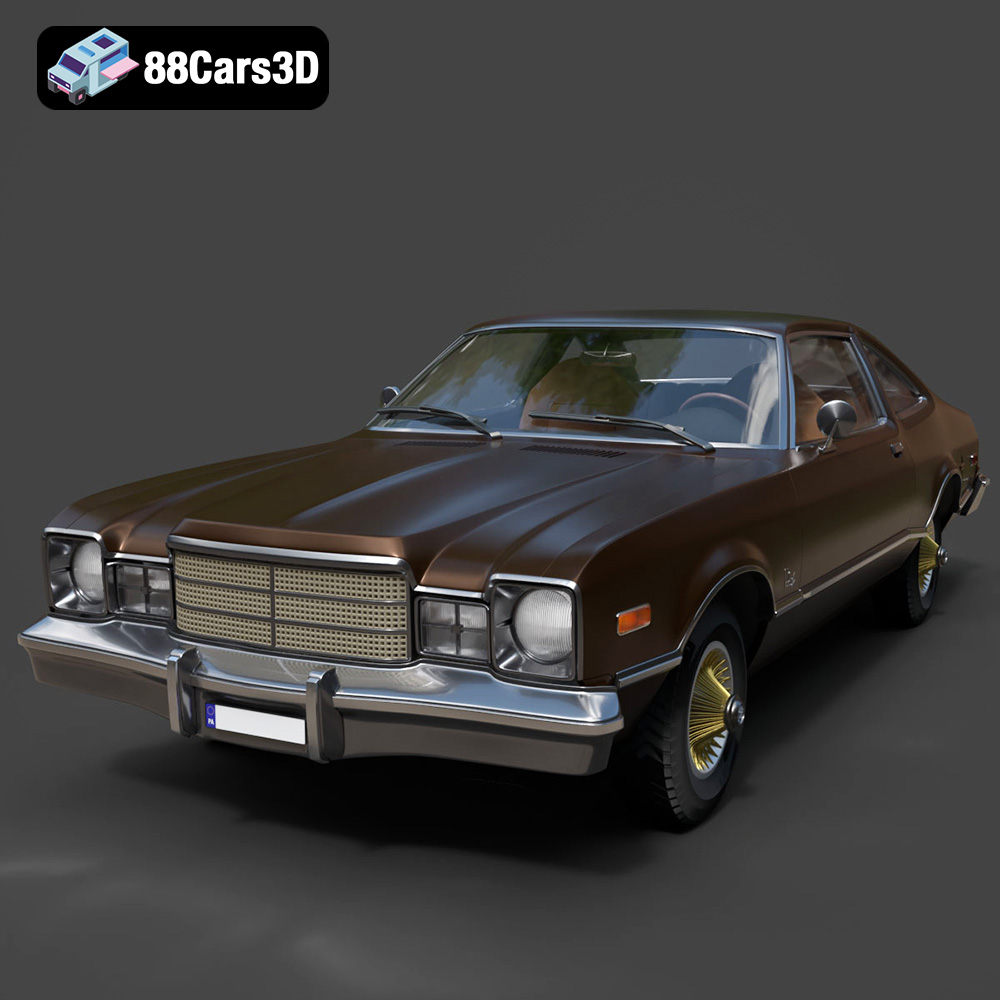
Texture: Yes | Material: Yes
Download the highly detailed, game-ready Plymouth Volare Coupe 1977 3D Model. Features classic F-body styling, detailed chrome trim, and an accurate vintage interior. Includes .blend, .fbx, .obj, .glb, .stl, .ply, .unreal, and .max formats for game development, AR/VR, and rendering.
Price: $19.99

Texture: Yes | Material: Yes
Download the highly detailed, game-ready Peugeot 208 2020 3D Model. Features aggressive ‘fang’ LED DRLs, sporty hatchback proportions, and aerodynamic alloy wheels. Includes .blend, .fbx, .obj, .glb, .stl, .ply, .unreal, and .max formats for game development, AR/VR, and rendering.
Price: $19.99

Texture: Yes | Material: Yes
Download the highly detailed, game-ready MV Agusta Brutale 1090 R 3D Model. Features an exposed trellis frame, distinctive teardrop headlight, and muscular naked bike styling. Includes .blend, .fbx, .obj, .glb, .stl, .ply, .unreal, and .max formats for game development, AR/VR, and rendering.
Price: $19.99

Texture: Yes | Material: Yes
Download the highly detailed, game-ready Custom Off-Road BMW R1150GS Adventure Sidecar 3D Model. Features rugged all-terrain suspension, an attached passenger sidecar, and off-road knobby tires. Includes .blend, .fbx, .obj, .glb, .stl, .ply, .unreal, and .max formats for game development, AR/VR, and rendering.
Price: $19.99

Texture: Yes | Material: Yes
Download the highly detailed, game-ready Mitsubishi Outlander GT 2010 3D Model. Features the aggressive Lancer-inspired front grille, accurate exterior styling, and high-fidelity alloy wheels. Includes .blend, .fbx, .obj, .glb, .stl, .ply, .unreal, and .max formats for game development, AR/VR, and rendering.
Price: $19.99

