Get 20% OFF All Premium 3D & STL Models!

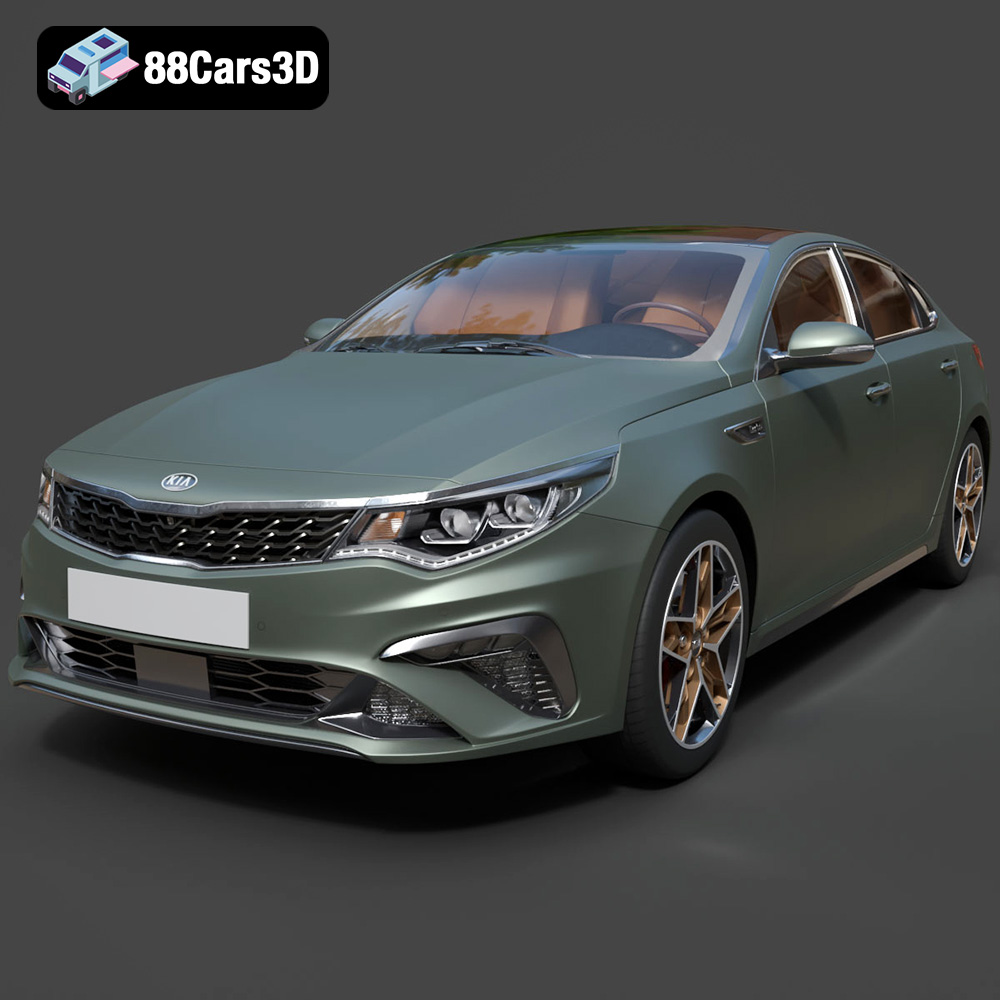
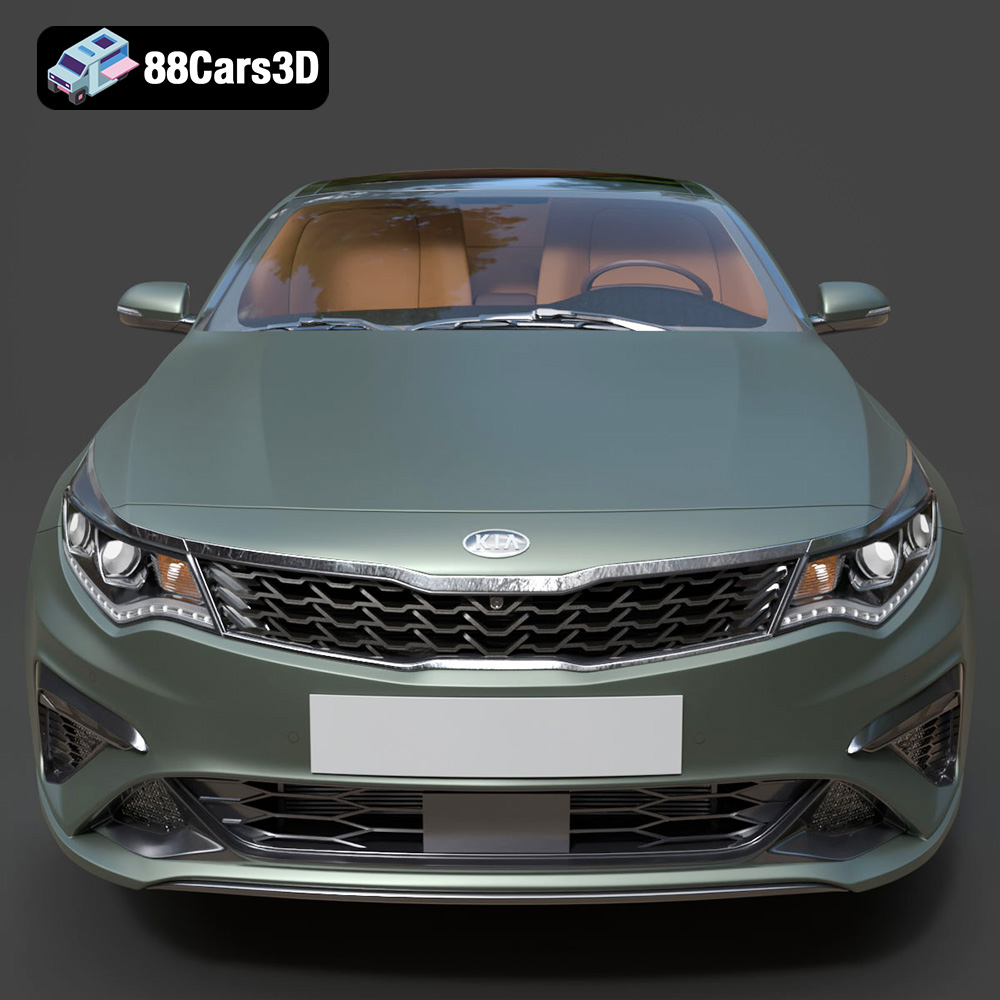
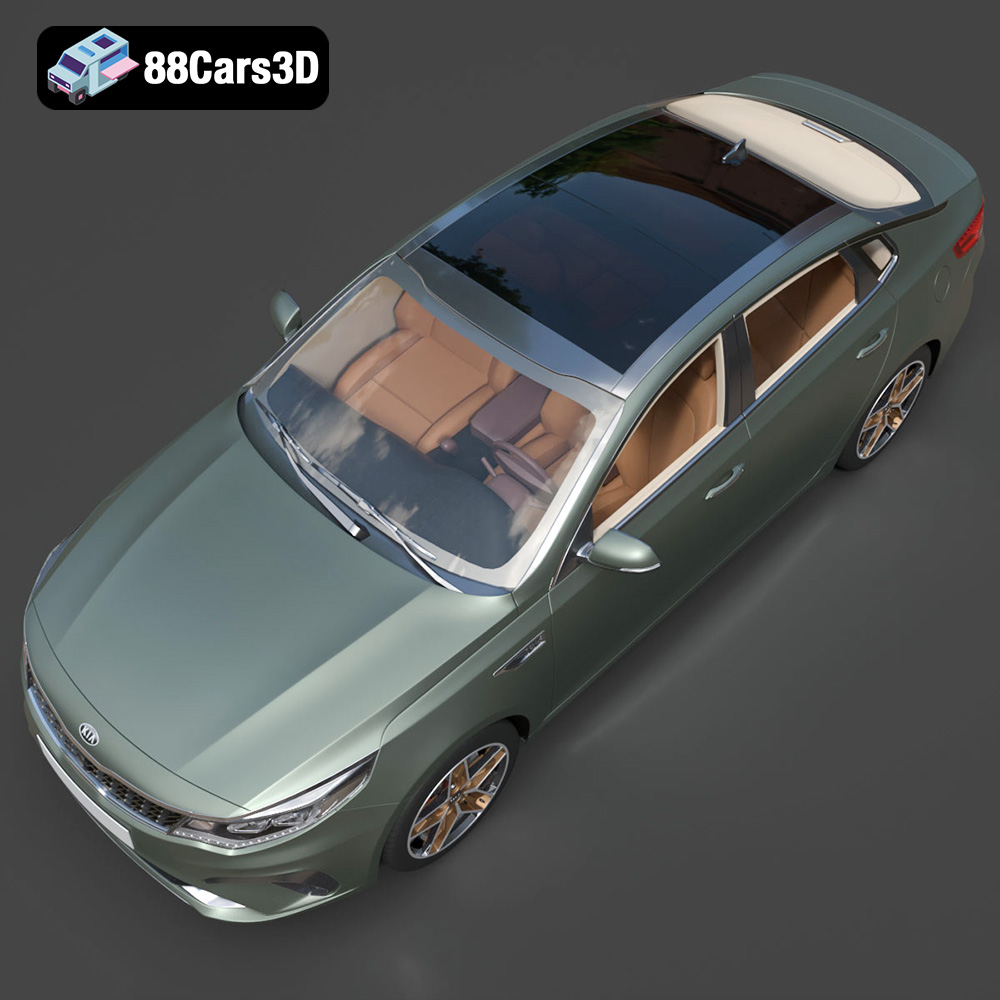
The Kia Optima 2019, a stylish and reliable sedan, can now grace your desk or become a tangible part of your project through the magic of 3D printing. The meticulously crafted 3D model available at 88cars3d.com opens up a world of possibilities, from creating detailed scale models to prototyping automotive components. This guide will walk you through the entire process of 3D printing the Kia Optima 2019 model, covering everything from pre-print preparation to post-processing techniques, ensuring you achieve a stunning and accurate final product.
The success of your 3D printed Kia Optima 2019 largely depends on the printer and technology you choose. Two primary options exist: Fused Deposition Modeling (FDM) and Stereolithography (SLA) or resin printing.
FDM printers, known for their affordability and ease of use, build objects by extruding melted plastic filament layer by layer. While FDM can produce impressive results, achieving fine details on the Kia Optima 2019 model, especially its intricate body lines and smaller features, can be challenging. If opting for FDM, consider a printer with a smaller nozzle size (0.4mm or even 0.25mm) and precise temperature control.
SLA and other resin-based printers use liquid resin cured by UV light to create objects. Resin printing excels at producing highly detailed and smooth surfaces, making it ideal for capturing the nuances of the Kia Optima 2019’s design. The downside is that resin printers are generally more expensive than FDM printers, and the resin material itself can be pricier and require more careful handling due to its toxicity. However, the superior surface finish often justifies the investment for models where aesthetics are paramount.
Choosing the right file format is crucial for a smooth 3D printing experience. The Kia Optima 2019 3D model from 88cars3d.com is available in multiple formats, each suited for different purposes. For 3D printing, the STL format is your primary focus.
The .stl (stereolithography) file format is the de facto standard for 3D printing. It represents the 3D model’s surface geometry as a collection of triangles, effectively creating a mesh. This simplicity is its strength, making it universally compatible with slicing software. However, STL files only contain geometric information; they don’t store color, texture, or material properties.
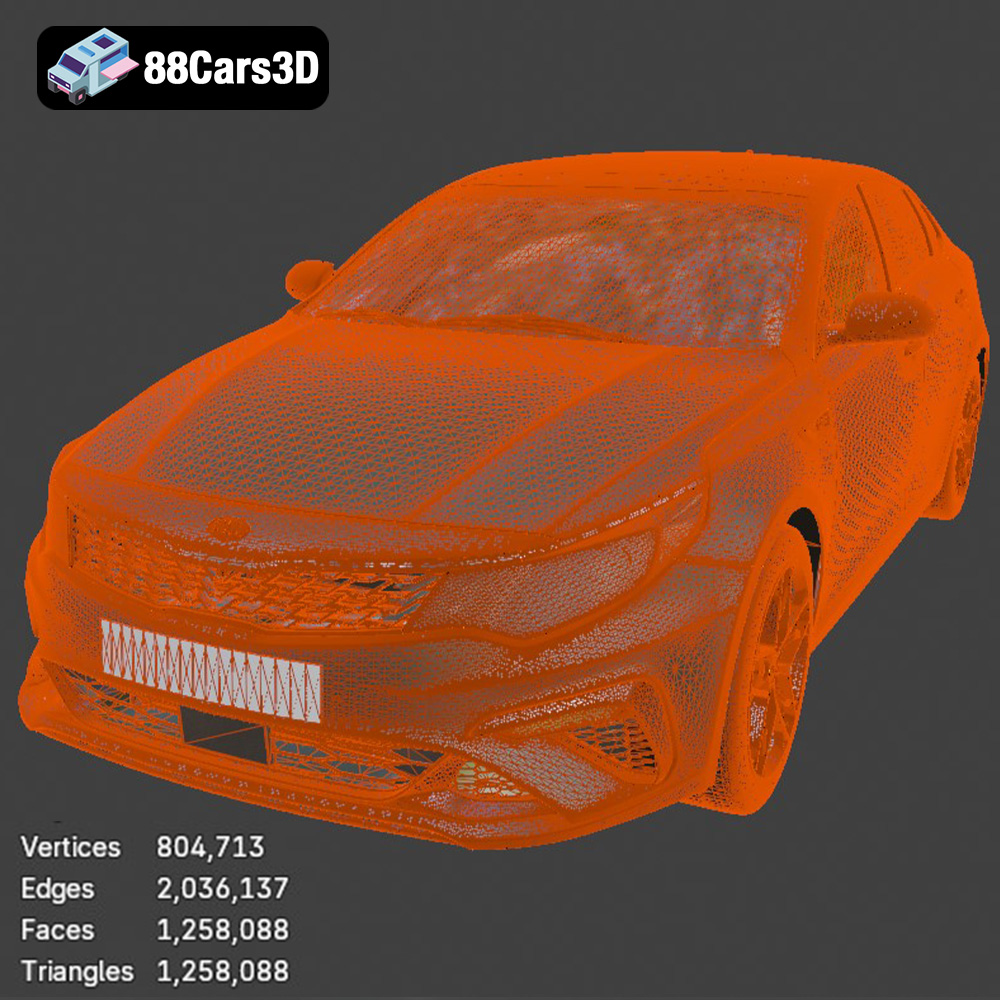
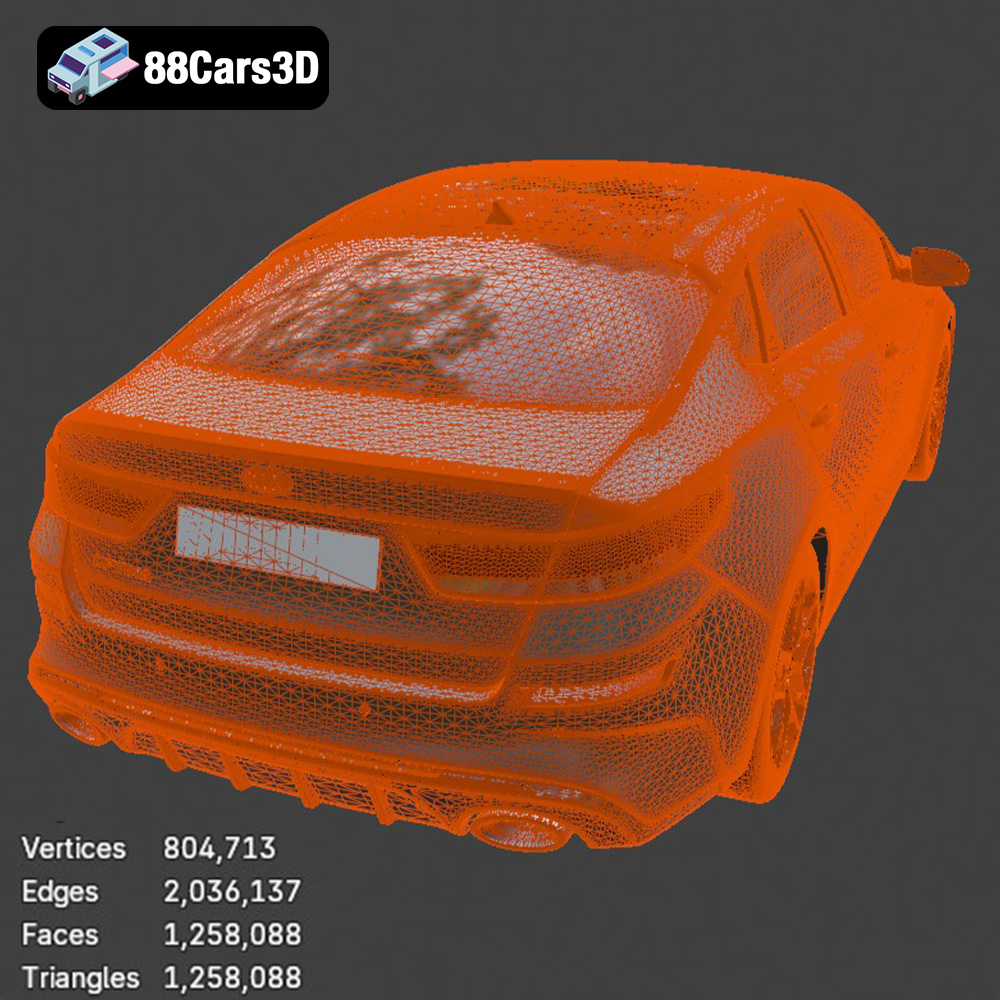
When working with STL files for the Kia Optima 2019, pay close attention to the mesh quality. A low-resolution mesh (i.e., fewer triangles) will result in a faceted, less smooth print, especially on curved surfaces like the car’s body. Conversely, an excessively high-resolution mesh can create unnecessarily large files and slow down the slicing process. Most slicing software allows you to adjust the mesh resolution during import. Experiment to find a balance that provides sufficient detail without overwhelming your system. Also, be sure to inspect the STL file for any errors, such as non-manifold edges or holes, which can cause printing failures. Mesh repair tools within your slicer or dedicated software like MeshMixer can often fix these issues automatically.
While .obj files can be used for 3D printing, their primary advantage lies in their ability to store color and texture information. If you intend to explore colored 3D printing or apply textures in post-processing, .obj is a viable option. However, ensure your slicing software fully supports .obj import and that the textures are correctly interpreted.
The .ply format is another mesh-based format designed for capturing high-detail 3D data. It can store color information, but its primary use case is for applications requiring precise geometric representation, such as scanning and reverse engineering. While technically printable, .ply files are often larger and more complex than .stl files, and may not offer significant advantages for the Kia Optima 2019 model unless you are working with highly specialized printing processes.
The .blend format is the native file format for Blender, a popular open-source 3D modeling software. If you want to customize the Kia Optima 2019 model before printing, the .blend file provides maximum flexibility. You can modify the geometry, add details, or even create different variations of the design. However, you’ll need to export the modified model to .stl format before slicing and printing.
.fbx files are primarily used for game development and animation, as they can store complex scene data, including materials, textures, and animations. While some slicing software can import .fbx files, they are generally not ideal for direct 3D printing. The additional data beyond the basic mesh geometry can sometimes cause compatibility issues.
The .glb format is optimized for AR/VR and web-based visualization. It’s a binary format that efficiently stores 3D models with textures and animations. While excellent for interactive viewing, .glb files are not directly used for 3D printing. However, previewing the Kia Optima 2019 in AR can help you visualize the final printed product and identify any potential issues before committing to the print.
Similar to .blend, .max is the native file format for 3ds Max, another professional 3D modeling software. It provides the same benefits and considerations as the .blend file: full customization potential but requiring export to .stl before printing.
Before sending the STL file to your 3D printer, several preparation steps are crucial for optimal results. This involves using slicing software, orienting the model, and adding necessary supports.
Slicing software converts the 3D model into a series of instructions (G-code) that the printer can understand. Popular slicers include Cura, PrusaSlicer, Simplify3D, and Chitubox (for resin printing). Key settings to adjust include:
* **Layer Height:** Smaller layer heights (e.g., 0.1mm or 0.05mm) produce smoother surfaces but increase print time. A layer height of 0.15mm to 0.2mm offers a good balance for FDM printing. For resin printing, layer heights can go as low as 0.025mm for exceptional detail.
* **Infill Density:** Infill refers to the internal structure of the print. A higher infill percentage (e.g., 20-30%) provides greater strength but increases material usage and print time. For a display model of the Kia Optima 2019, a lower infill (10-15%) is often sufficient.
* **Print Speed:** Slower print speeds generally improve print quality but prolong the printing process. Experiment to find a speed that works well for your printer and material.
* **Temperature:** Follow the material manufacturer’s recommended temperature settings for both the nozzle (for FDM) and the build plate.
* **Support Structures:** Overhanging features of the Kia Optima 2019 model, such as the side mirrors, spoilers, and possibly portions of the body, will require support structures to prevent them from collapsing during printing. Choose a support pattern (e.g., tree supports, linear supports) that provides adequate support while minimizing material usage and ease of removal.
The orientation of the Kia Optima 2019 model on the build plate significantly affects print quality, strength, and the need for supports. Consider these factors:
* **Minimize Support Usage:** Orient the model to minimize the number of overhanging features requiring support.
* **Surface Finish:** Align the most visible surfaces of the car (e.g., the hood, roof, and sides) parallel to the build plate. This will result in smoother surfaces as the layers are laid down horizontally.
* **Structural Integrity:** If the model is intended to be functional or withstand stress, orient it so that the strongest axis of the print aligns with the direction of the force.
The Kia Optima 2019 model can be scaled to different sizes depending on your needs. Scaling it up will reveal more detail, but it will also increase print time and material usage. Ensure your printer’s build volume can accommodate the scaled model before proceeding.
The choice of material greatly influences the final appearance and properties of the 3D printed Kia Optima 2019 model.
PLA (Polylactic Acid) is a biodegradable thermoplastic known for its ease of printing and wide availability. It’s a great choice for beginners and for creating display models where high strength and temperature resistance are not critical. PLA produces good surface detail and comes in a wide range of colors.
PETG (Polyethylene Terephthalate Glycol-modified) offers improved strength, durability, and temperature resistance compared to PLA. It’s also more flexible, making it less prone to cracking. PETG is a good choice if you want a more robust and long-lasting Kia Optima 2019 model.
ABS (Acrylonitrile Butadiene Styrene) is a strong and heat-resistant plastic commonly used in automotive components. However, ABS is more challenging to print than PLA or PETG, as it’s prone to warping and requires a heated build plate and enclosure. Only consider ABS if you have experience with 3D printing and require high-temperature resistance.
For resin printing, various resins are available, including standard resins, tough resins, and flexible resins. Standard resins are suitable for display models, while tough resins offer improved strength and impact resistance. Choose a resin that matches your desired properties and printer compatibility.
Post-processing is the finishing touch that elevates your 3D printed Kia Optima 2019 model from a raw print to a polished masterpiece.
Carefully remove support structures using pliers or cutters. Sand down any remaining support marks or imperfections using progressively finer grits of sandpaper (e.g., 220, 400, 600, 800 grit). Pay particular attention to areas with fine details to avoid damaging the model.
Apply a primer coat to the model to create a smooth and uniform surface for painting. Use spray paint or an airbrush to apply the desired color(s). Multiple thin coats are better than one thick coat to avoid drips and runs. Consider using stencils or masking tape for more complex paint jobs.
If the Kia Optima 2019 model consists of multiple parts, assemble them carefully using glue or fasteners. Ensure proper alignment and secure bonding.
Even with careful preparation, 3D printing can sometimes present challenges. Here are some common issues and their solutions:
* **Warping:** This occurs when the corners of the print lift off the build plate due to uneven cooling. Ensure your build plate is level and properly heated. Use a brim or raft to improve adhesion.
* **Stringing:** This refers to thin strands of plastic between different parts of the print. Reduce nozzle temperature and retraction settings.
* **Layer Delamination:** This happens when layers don’t adhere properly to each other. Increase nozzle temperature, reduce print speed, and ensure proper cooling.
* **Support Structure Issues:** If supports are too difficult to remove, reduce the support density or change the support pattern. If supports are failing, increase the support density or use larger support structures.
The print time and material costs for the Kia Optima 2019 model will vary depending on the size of the model, the printer settings, and the material used. A typical FDM print at a reasonable size (around 20cm in length) might take 10-20 hours and use $5-$10 worth of filament. A resin print of similar size might take 5-10 hours and use $10-$20 worth of resin. Always factor in the cost of electricity and post-processing materials as well.
Ultimately, 3D printing the Kia Optima 2019 model is a rewarding project that combines technical skill with creative expression. With careful planning, the right equipment, and a bit of patience, you can create a stunning replica of this iconic sedan. Remember to visit 88cars3d.com for a wide selection of high-quality 3D car models ready for your next additive manufacturing adventure.
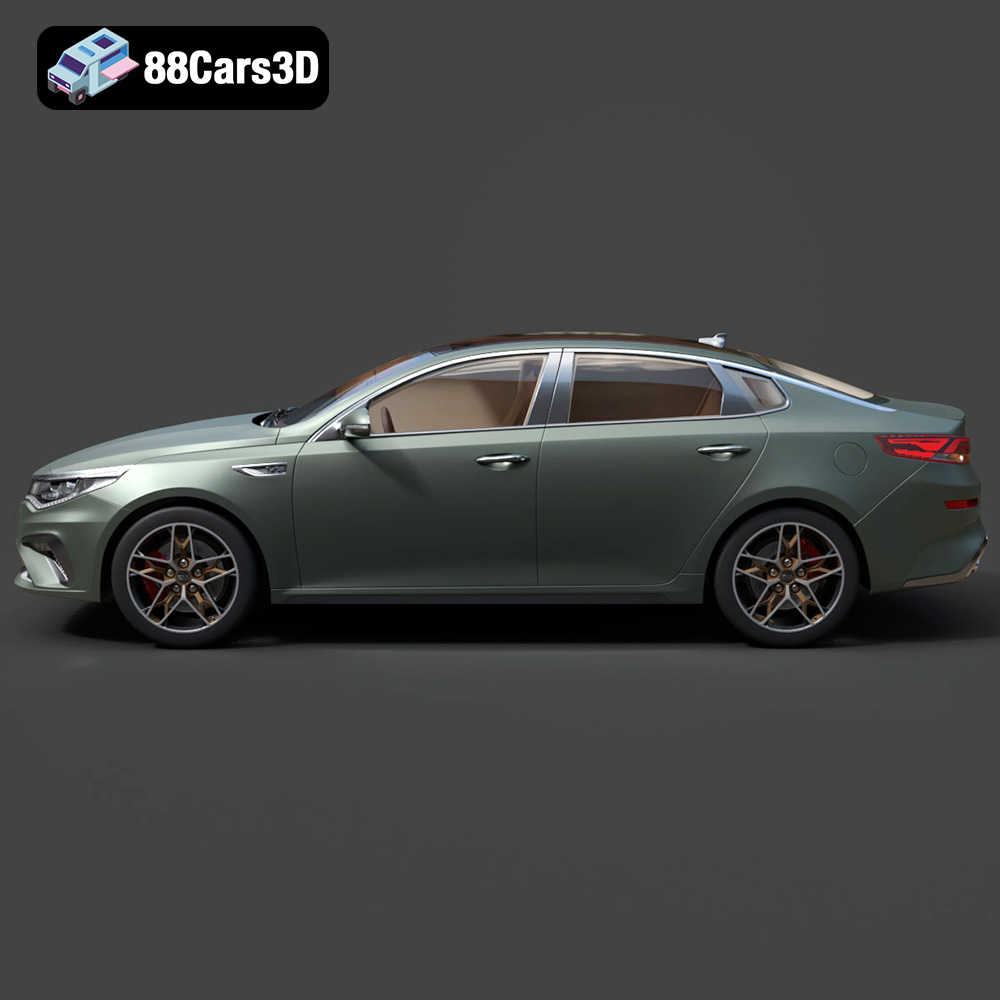
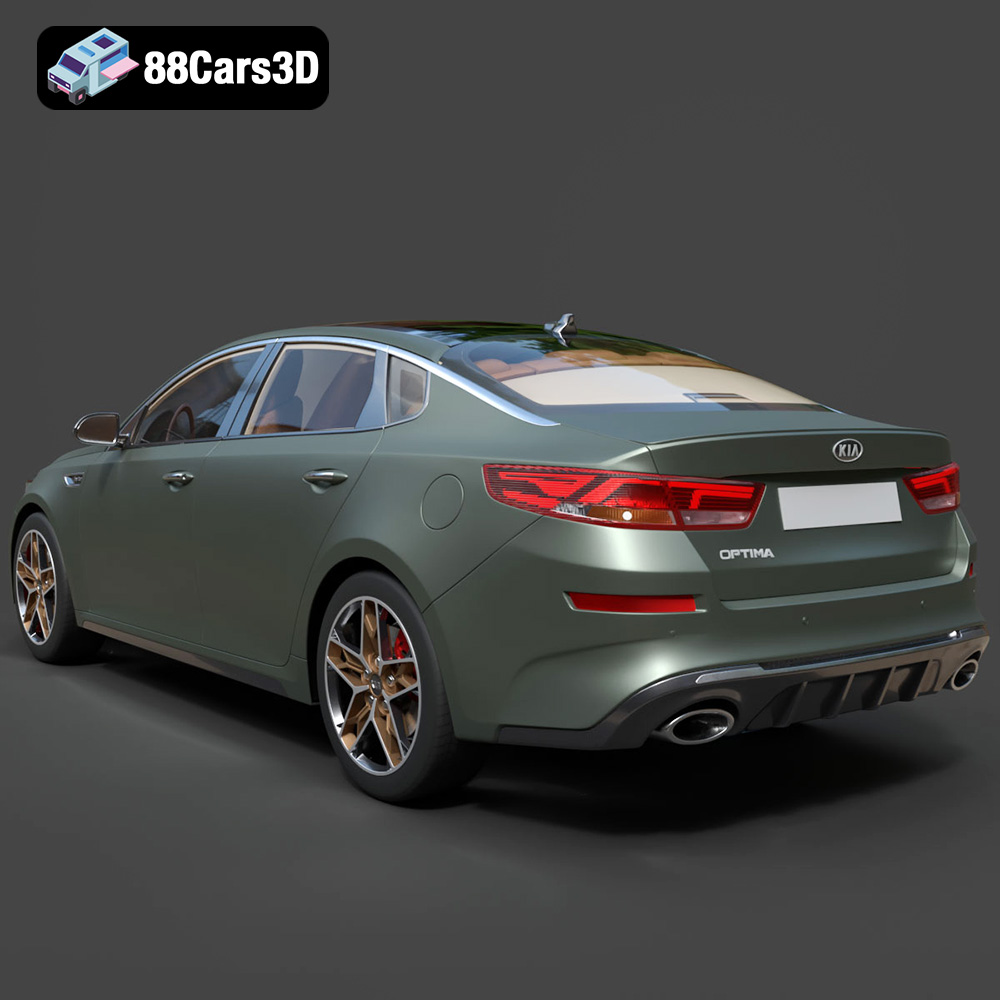
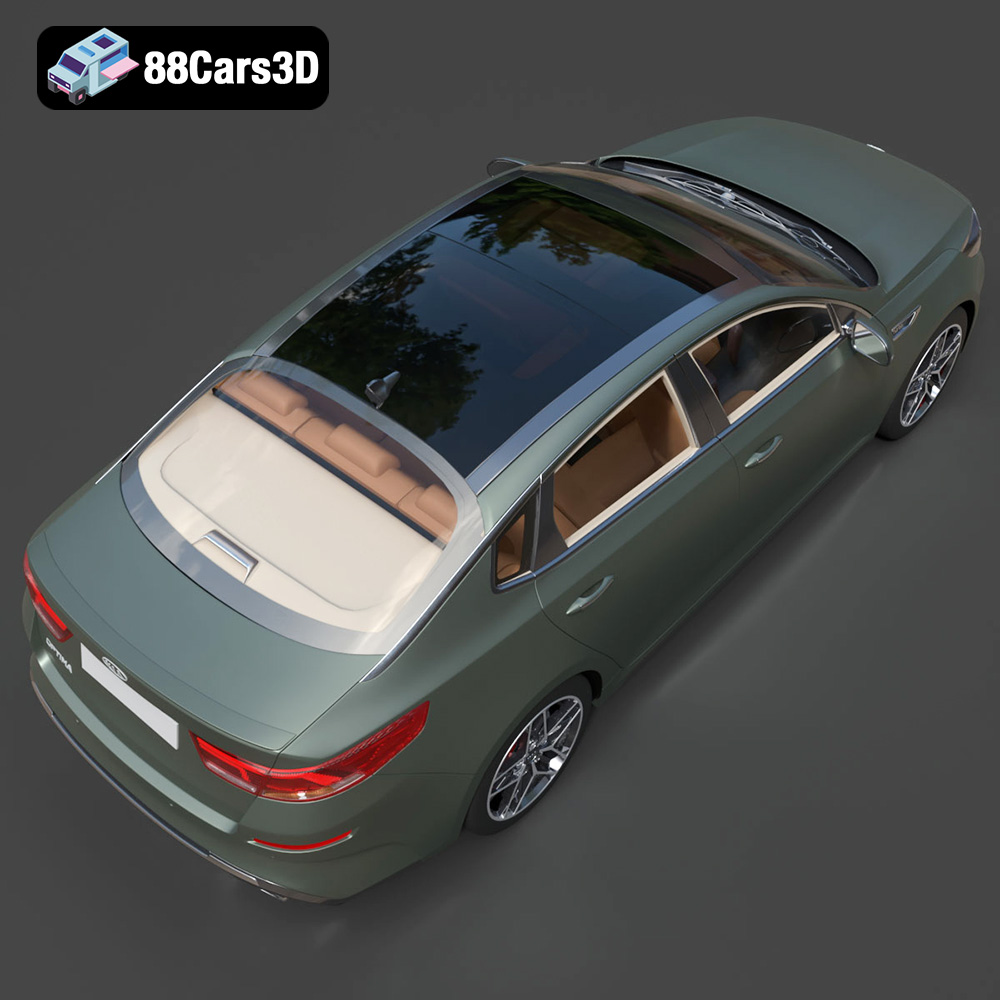
Experience precision and realism with the Kia Optima 2019 3D model. Designed to replicate the authentic proportions and dynamic styling of the actual vehicle, this model provides exceptional accuracy for various professional projects. This model boasts clean geometry, realistic materials, and an optimized topology that ensures seamless integration into your workflow. It is meticulously crafted to meet industry standards with professional-grade surfacing.
$19.99
.arvr
.blend
.car3dmodel
.familycar
.fbx
.gameasset
.glb
.kia
.max
.obj
.optima
.ply
.rendering
.sedan
.simulation
.stl
.unreal