Get 20% OFF All Premium 3D & STL Models!

“`html
3D printing has revolutionized prototyping and manufacturing, allowing us to create intricate and complex geometries previously unimaginable. However, the journey from digital design to physical object is often fraught with challenges. Printing complex STL files, especially those with overhangs, fine details, and intricate internal structures, requires a deep understanding of slicing parameters, support structures, and material properties. This guide will equip you with the knowledge and techniques to successfully print complex geometries, minimizing failures and maximizing the quality of your 3D printed models. Whether you’re printing detailed car models from platforms like 88cars3d.com or creating custom engineering components, mastering these techniques is crucial for success.
In this comprehensive guide, we’ll delve into the intricacies of preparing your STL files, optimizing your 3D printer settings, and implementing effective support strategies. We’ll cover everything from basic troubleshooting to advanced techniques, ensuring that you can confidently tackle even the most challenging 3D printing projects.
The STL (Stereolithography) file format is the workhorse of 3D printing. It represents a 3D object as a collection of triangles, approximating the surface geometry. The density and arrangement of these triangles directly impact the print quality and the ability to accurately reproduce complex details. A poorly constructed STL file can lead to printing errors, surface artifacts, and even complete print failures.
The number of triangles used to represent a model determines its resolution. Higher triangle counts result in smoother surfaces and more accurate representation of curves, but also lead to larger file sizes and increased processing time during slicing. Lower triangle counts can cause faceting, where curved surfaces appear as a series of flat planes. For printing car models with intricate curves, a balance needs to be struck. A good rule of thumb is to visually inspect the model in your slicer software. If you can easily see individual triangles, the resolution is likely too low. Most CAD software allows you to control the STL export resolution. When downloading models from marketplaces such as 88cars3d.com, you can often find models optimized for printing.
A critical requirement for a successful 3D print is a “manifold” and “watertight” mesh. This means that the STL file must represent a closed volume without any holes, self-intersections, or non-manifold edges. Non-manifold edges are edges shared by more than two triangles, indicating a break in the surface. Holes allow air to escape during printing, causing issues with layer adhesion and structural integrity. Use mesh repair software like Meshmixer or Netfabb to identify and correct these errors. These tools can automatically close gaps, remove self-intersections, and ensure the mesh is manifold. Remember to check your model after repairs to ensure that the geometry is still accurate. Often, automatic repair features smooth over fine details, so manual correction might be necessary.
Slicing software converts the STL file into a series of instructions (G-code) that the 3D printer can understand. The slicing parameters you choose significantly impact the print quality, strength, and overall success of the print. For complex geometries, careful consideration must be given to layer height, print speed, infill density, and temperature settings.
Layer height directly affects the vertical resolution of the print. Lower layer heights (e.g., 0.1mm or 0.05mm) produce smoother surfaces and capture finer details, but increase print time significantly. Higher layer heights (e.g., 0.2mm or 0.3mm) are faster but result in more visible layer lines. For complex models with intricate features, a lower layer height is generally recommended. However, for larger, less detailed parts, a higher layer height can be used to speed up the printing process. Consider using adaptive layer height settings in your slicer software, which automatically adjusts the layer height based on the geometry. This allows you to achieve high resolution in critical areas while maintaining a reasonable print time.
Print speed controls how quickly the printer head moves during printing. Faster print speeds can reduce print time, but can also lead to reduced print quality, especially with complex geometries. Excessive speed can cause vibrations, layer shifting, and poor adhesion. It’s generally recommended to use slower print speeds for the outer layers and for features with fine details. Reduce acceleration and jerk settings to minimize sudden movements and improve print stability. Experiment with different print speeds to find the optimal balance between speed and quality for your specific printer and material. A good starting point is 50mm/s for PLA and 40mm/s for ABS, but this will vary depending on your specific setup.
Support structures are temporary scaffolds that support overhanging features and bridges during printing. Without supports, these features would sag or collapse due to gravity. Generating effective support structures is crucial for printing complex geometries, but it can also be one of the most challenging aspects of 3D printing. Proper support placement, density, and removal are essential for achieving a successful print.
The placement and orientation of support structures are critical for their effectiveness. Supports should be placed under any overhanging feature that is not self-supporting. Consider the angle of the overhang; steeper angles require more support. Orient your model to minimize the amount of support needed. This can be achieved by rotating the model so that fewer features require support. For example, printing a car model with the roof facing down can significantly reduce the need for supports in the cabin area. Support blockers can also be useful to prevent supports from being generated in areas where they are not needed, such as internal cavities or areas with fine details. Choose support types that are easy to remove and minimize surface damage. Tree supports are a good option for complex geometries as they are generally easier to remove than linear supports.
Support density determines the amount of material used to create the supports. Higher support density provides more stability, but also makes the supports harder to remove and can leave more noticeable marks on the printed part. Lower support density is easier to remove but may not provide enough support for large or heavy overhangs. Experiment with different support densities to find the optimal balance for your specific model and material. Interface layers are thin layers printed between the support structure and the model. These layers provide a smoother surface for the model and make the supports easier to remove. Adjust the interface layer density and thickness to optimize support removal and minimize surface damage. Consider using soluble support materials, such as PVA or HIPS, for complex geometries that require intricate support structures. These materials dissolve in water or other solvents, eliminating the need for manual removal and minimizing the risk of damage to the printed part.
The choice of material has a profound impact on the printability of complex geometries. Different materials have different properties, such as strength, flexibility, temperature resistance, and adhesion characteristics. Selecting the right material for your project is crucial for achieving the desired results.
For FDM (Fused Deposition Modeling) printing, the most common materials are PLA, ABS, and PETG. PLA is easy to print, biodegradable, and relatively inexpensive, making it a good choice for beginners. However, it has low temperature resistance and can deform under high heat. ABS is stronger and more temperature resistant than PLA, but it requires a heated bed and enclosure to prevent warping. PETG combines the best of both worlds, offering good strength, temperature resistance, and ease of printing. For complex geometries, PETG is often a good choice as it offers a balance of printability and performance. Consider using flexible filaments, such as TPU or TPE, for parts that require flexibility or impact resistance. These materials can be challenging to print, but they offer unique properties that are not available with other filaments. Experiment with different filament brands and formulations to find the ones that work best for your printer and application. Some filaments are specifically designed for high-resolution printing or for printing with support structures.
For resin printing (SLA, DLP, and MSLA), a wider range of resins is available, each with its own unique properties. Standard resins are inexpensive and easy to use, but they are brittle and not very durable. Tough resins are more impact resistant and can withstand higher stresses. Flexible resins are similar to TPU filaments and can be used for parts that require flexibility. Castable resins are designed for investment casting and can be used to create metal parts. For complex geometries, consider using high-resolution resins that are specifically designed for printing fine details. These resins typically have a lower viscosity and can be printed with thinner layers, resulting in smoother surfaces and more accurate features. Experiment with different exposure settings to optimize print quality and minimize warping. Too little exposure can result in parts that are weak and brittle, while too much exposure can cause parts to be overcured and difficult to remove from the build plate.
Even with careful preparation and optimized settings, printing failures can still occur. Understanding the common causes of these failures and how to troubleshoot them is essential for becoming a proficient 3D printer. From bed adhesion issues to warping and delamination, each problem has its own set of solutions.
Poor bed adhesion is a common cause of printing failures, especially with ABS and other materials that are prone to warping. Ensure that your bed is properly leveled and clean. Use a bed adhesive, such as glue stick, hairspray, or specialized bed adhesive sheets, to improve adhesion. Adjust the bed temperature to the recommended setting for your material. For PLA, a bed temperature of 60°C is generally recommended, while ABS requires a bed temperature of 100-110°C. Consider using a brim or raft to increase the surface area in contact with the bed. A brim is a single-layer outline that surrounds the base of the part, while a raft is a multi-layer platform that the part is printed on. Adjust the Z-offset to ensure that the first layer is properly squished onto the bed. The Z-offset is the distance between the nozzle and the bed. If the nozzle is too far away from the bed, the first layer will not adhere properly. If the nozzle is too close to the bed, it can clog the nozzle or damage the bed surface.
Warping occurs when the printed part shrinks and pulls away from the bed, causing it to lift at the corners. Delamination is the separation of layers during printing. Both of these problems are often caused by temperature gradients within the part. To prevent warping and delamination, maintain a consistent temperature throughout the printing process. Use an enclosure to insulate the printer and prevent drafts. Increase the bed temperature to improve adhesion. Reduce the print speed to allow the layers to cool more evenly. Increase the infill density to provide more support for the outer layers. Consider using a material with lower shrinkage, such as PLA or PETG. If warping is still a problem, try using a heated bed and enclosure. A heated bed provides a consistent temperature at the base of the part, while an enclosure helps to maintain a consistent temperature throughout the entire printing process.
Post-processing is the final step in the 3D printing process. It involves cleaning, sanding, painting, and assembling the printed parts to achieve the desired finished product. These techniques can significantly improve the appearance and functionality of your 3D printed models. Models from sites like 88cars3d.com, for example, may require careful assembly and painting to achieve a realistic finish.
Sanding is used to remove layer lines and smooth the surface of the printed part. Start with coarse sandpaper (e.g., 120 grit) to remove large imperfections, and then gradually move to finer grits (e.g., 220, 400, 600 grit) to achieve a smooth finish. Wet sanding can help to prevent the sandpaper from clogging and reduce dust. Use a sanding block or orbital sander to ensure a consistent and even finish. For hard-to-reach areas, use small files or rotary tools with sanding attachments. Chemical smoothing can be used to further smooth the surface of the part. This involves exposing the part to a solvent vapor that melts the surface layer, creating a smooth and glossy finish. However, chemical smoothing can be dangerous and should only be performed in a well-ventilated area with proper safety precautions.
Painting can be used to add color, detail, and protection to the printed part. Start by priming the part with a plastic primer to improve adhesion and create a smooth surface. Apply thin, even coats of paint using an airbrush or spray can. Allow each coat to dry completely before applying the next coat. Use masking tape to create clean lines and protect areas that you don’t want to be painted. Apply a clear coat to protect the paint and add a glossy or matte finish. Consider using weathering techniques to add realism and detail to your models. This can involve using washes, dry brushing, and other techniques to simulate dirt, grime, and wear and tear.
Printing complex geometries in STL format requires a combination of technical knowledge, careful preparation, and a willingness to experiment. By understanding the nuances of STL file structure, slicing parameters, support structures, material selection, and troubleshooting techniques, you can significantly reduce printing failures and achieve high-quality results. Remember to optimize your printer settings for each specific material and model, and don’t be afraid to try new things and learn from your mistakes. Mastering these techniques will empower you to bring your most ambitious 3D printing projects to life, whether you’re creating intricate car models, functional prototypes, or custom art pieces.
Start by reviewing your STL files for errors and repairing them as needed. Experiment with different slicing parameters to find the optimal settings for your printer and material. Practice generating and removing support structures, and don’t be afraid to try different support types and densities. Finally, embrace the learning process and be patient. 3D printing is a complex and rewarding field, and with dedication and perseverance, you can master the art of printing complex geometries with confidence.
“`
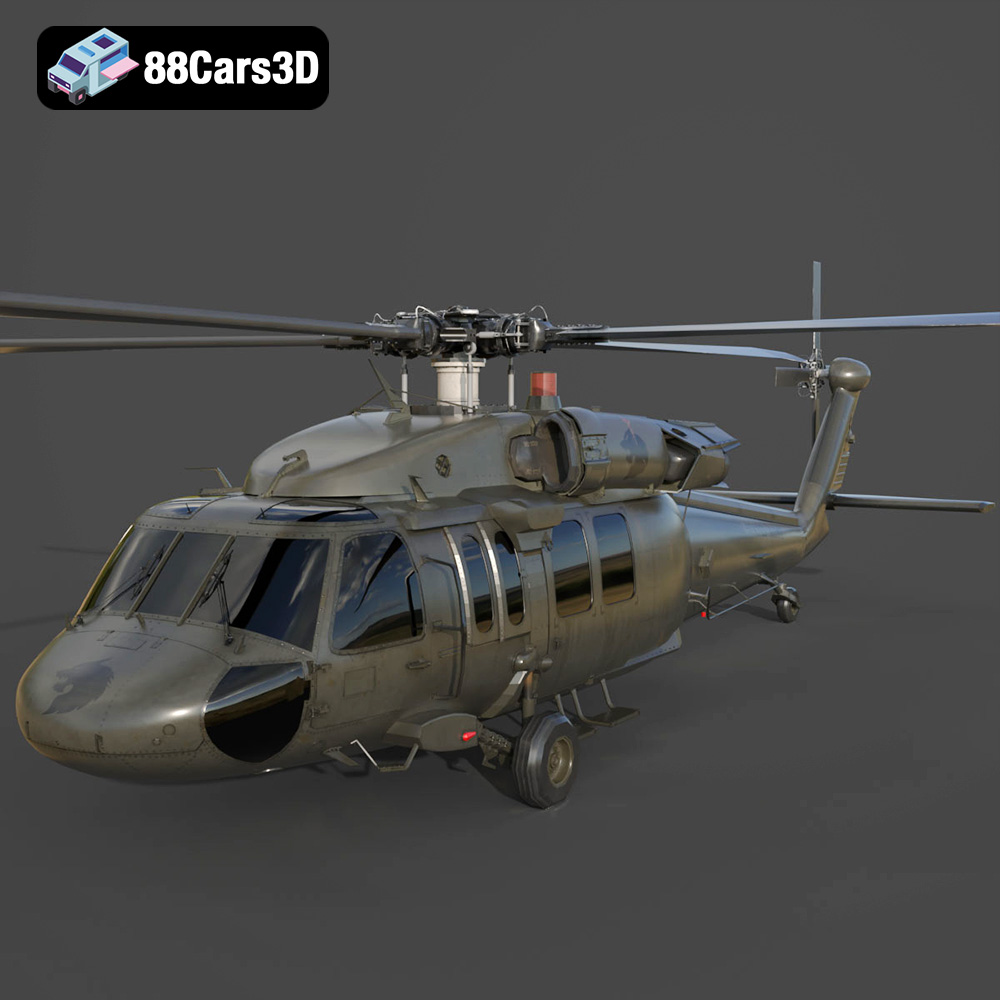
Texture: Yes | Material: Yes
Download the highly detailed, game-ready Sikorsky UH-60 Black Hawk US 3D Model. Features an accurate four-blade rotor system, detailed military fuselage, and realistic twin-engine housing. Includes .blend, .fbx, .obj, .glb, .stl, .ply, .unreal, and .max formats for game development, AR/VR, and rendering.
Price: $19.99
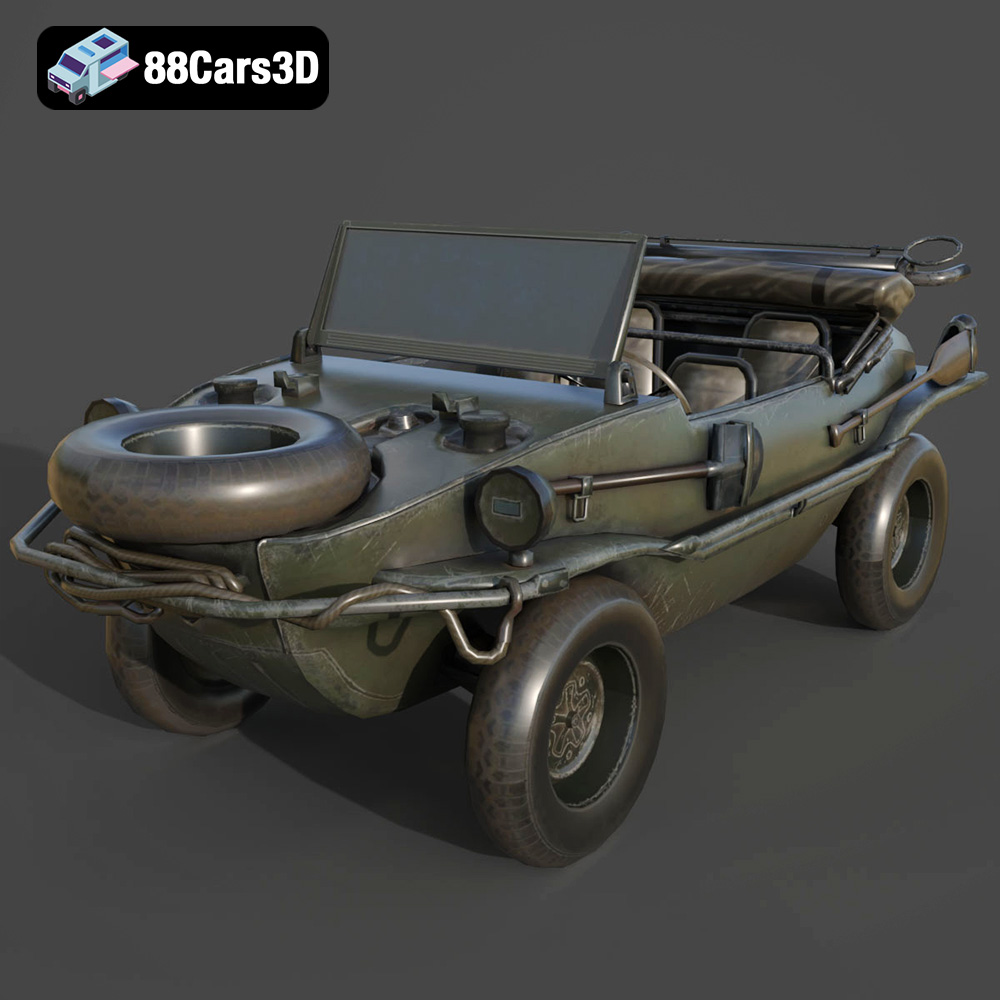
Texture: Yes | Material: Yes
Download the highly detailed, game-ready Volkswagen Schwimmwagen Typ 166 3D Model. Features an authentic boat-like watertight hull, fold-down propeller mechanism, and accurate military styling. Includes .blend, .fbx, .obj, .glb, .stl, .ply, .unreal, and .max formats for game development, AR/VR, and rendering.
Price: $19.99
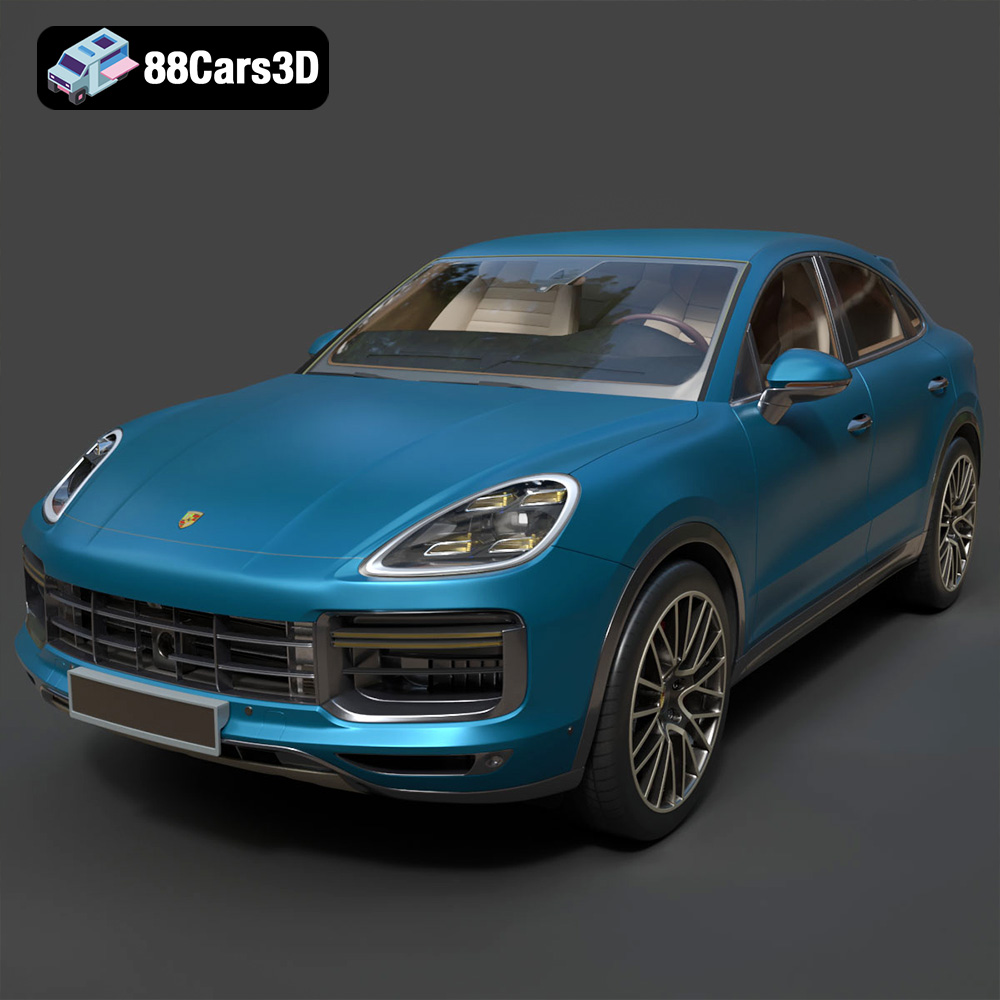
Texture: Yes | Material: Yes
Download the highly detailed, game-ready Porsche Cayenne Turbo Coupe 2020 3D Model. Features an aggressive coupe roofline, detailed quad exhaust, and a meticulously crafted luxury sport interior. Includes .blend, .fbx, .obj, .glb, .stl, .ply, .unreal, and .max formats for game development, AR/VR, and rendering.
Price: $19.99
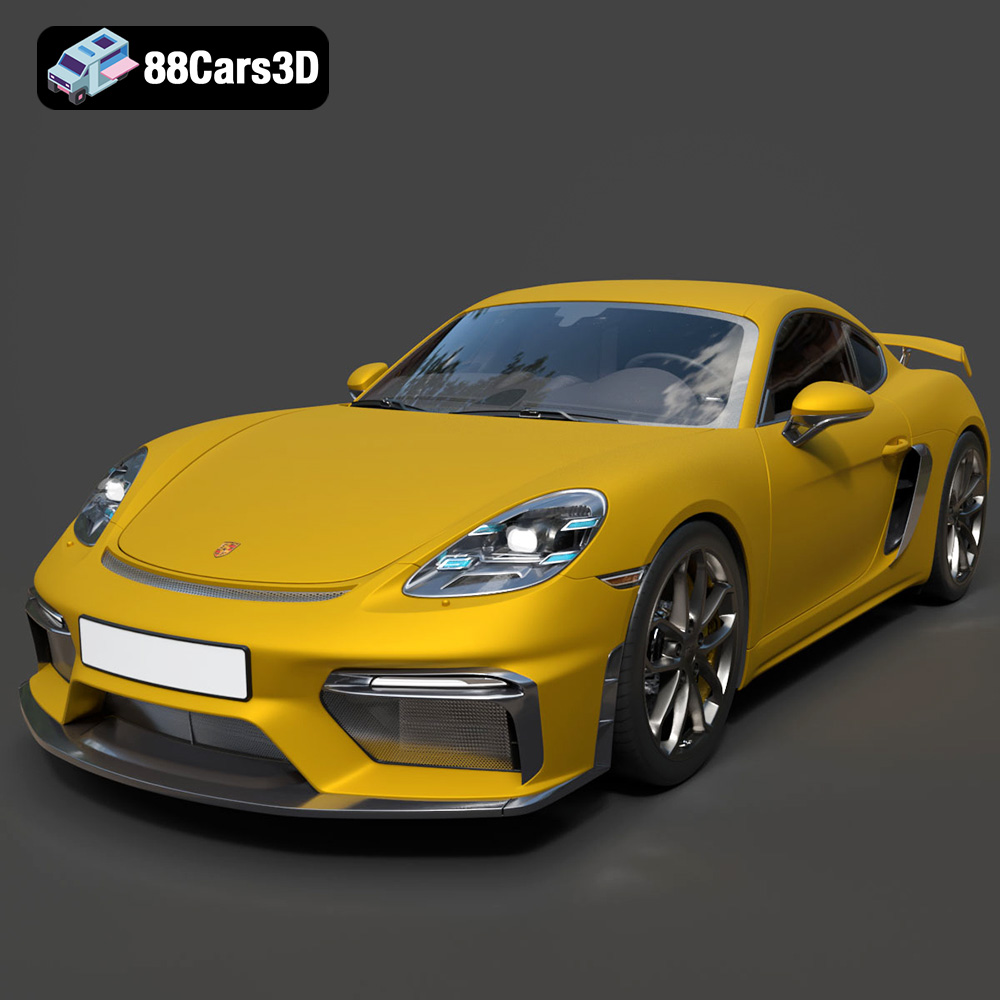
Texture: Yes | Material: Yes
Download the highly detailed, game-ready Porsche 718 Cayman GT4 2020 3D Model. Features an aggressive fixed rear wing, distinctive side air intakes, and a track-focused stance. Includes .blend, .fbx, .obj, .glb, .stl, .ply, .unreal, and .max formats for game development, AR/VR, and rendering.
Price: $19.99

Texture: Yes | Material: Yes
Download the highly detailed, game-ready Polestar 2 2020 3D Model. Features minimalist Scandinavian fastback styling, pixel LED lighting, and an accurate electric vehicle profile. Includes .blend, .fbx, .obj, .glb, .stl, .ply, .unreal, and .max formats for game development, AR/VR, and rendering.
Price: $19.99
Texture: Yes | Material: Yes
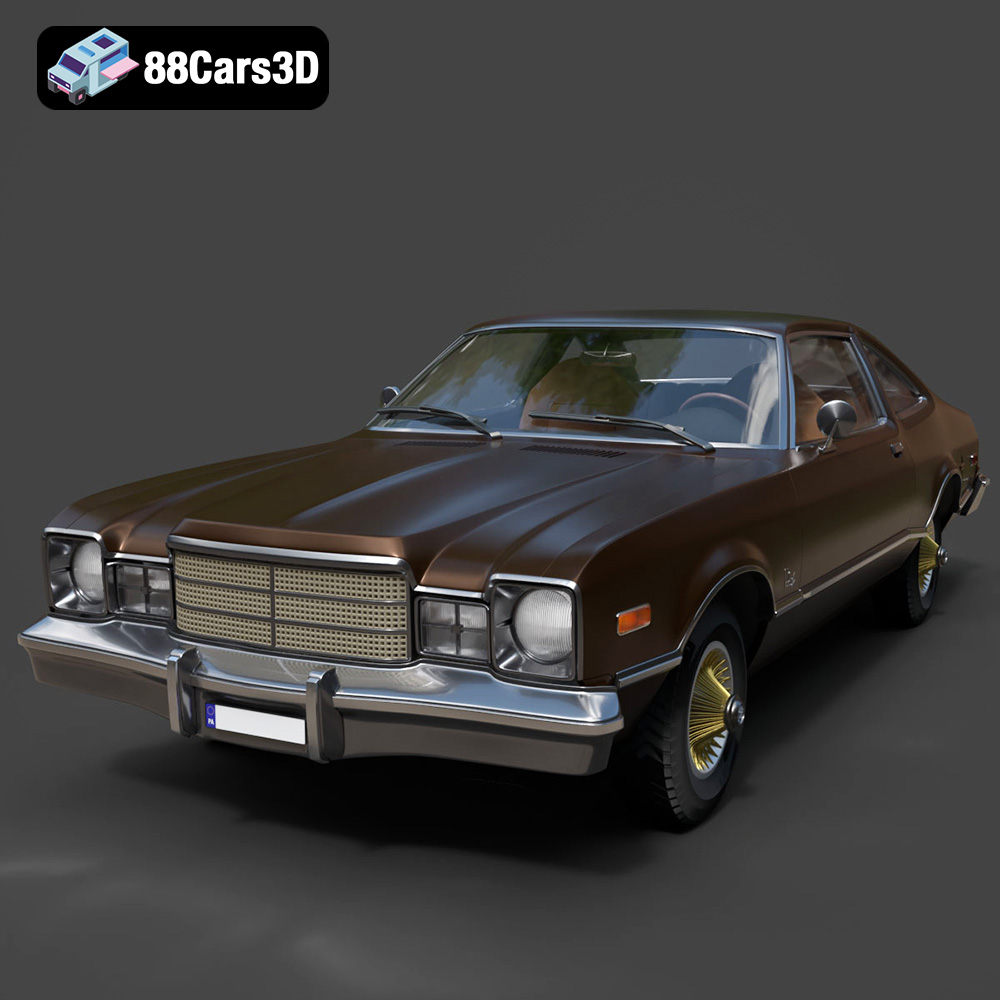
Download the highly detailed, game-ready Plymouth Volare Coupe 1977 3D Model. Features classic F-body styling, detailed chrome trim, and an accurate vintage interior. Includes .blend, .fbx, .obj, .glb, .stl, .ply, .unreal, and .max formats for game development, AR/VR, and rendering.
Price: $19.99

Texture: Yes | Material: Yes
Download the highly detailed, game-ready Peugeot 208 2020 3D Model. Features aggressive ‘fang’ LED DRLs, sporty hatchback proportions, and aerodynamic alloy wheels. Includes .blend, .fbx, .obj, .glb, .stl, .ply, .unreal, and .max formats for game development, AR/VR, and rendering.
Price: $19.99

Texture: Yes | Material: Yes
Download the highly detailed, game-ready MV Agusta Brutale 1090 R 3D Model. Features an exposed trellis frame, distinctive teardrop headlight, and muscular naked bike styling. Includes .blend, .fbx, .obj, .glb, .stl, .ply, .unreal, and .max formats for game development, AR/VR, and rendering.
Price: $19.99

Texture: Yes | Material: Yes
Download the highly detailed, game-ready Custom Off-Road BMW R1150GS Adventure Sidecar 3D Model. Features rugged all-terrain suspension, an attached passenger sidecar, and off-road knobby tires. Includes .blend, .fbx, .obj, .glb, .stl, .ply, .unreal, and .max formats for game development, AR/VR, and rendering.
Price: $19.99

Texture: Yes | Material: Yes
Download the highly detailed, game-ready Mitsubishi Outlander GT 2010 3D Model. Features the aggressive Lancer-inspired front grille, accurate exterior styling, and high-fidelity alloy wheels. Includes .blend, .fbx, .obj, .glb, .stl, .ply, .unreal, and .max formats for game development, AR/VR, and rendering.
Price: $19.99

