Get 20% OFF All Premium 3D & STL Models!

“`html
3D printing has revolutionized the way we create, allowing us to bring intricate designs to life with unprecedented precision. However, printing complex geometries, especially when it comes to detailed STL car models, can present significant challenges. From overhangs and bridging issues to support structure intricacies and material warping, numerous factors can contribute to print failures. This guide aims to equip you with the knowledge and techniques necessary to conquer these challenges, ensuring successful and high-quality prints every time. We’ll explore the intricacies of STL file structure, delve into advanced slicing parameters, master support generation and removal, and optimize your 3D printer settings for flawless results. Whether you’re a seasoned 3D printing enthusiast or just starting your journey, this comprehensive guide will empower you to tackle even the most complex geometries with confidence.
This article will cover everything from understanding the nuances of STL files to advanced slicing techniques. You’ll learn how to prepare your models, choose the right materials, and fine-tune your printer settings. By the end of this guide, you’ll be able to consistently produce stunning, detailed car models and other complex 3D prints.
The STL (Stereolithography) file format is the cornerstone of 3D printing. It represents the surface geometry of a 3D object using a collection of triangles. While seemingly simple, the structure and quality of the STL file directly impact the success of your print. Issues like non-manifold geometry, inverted normals, and excessive triangle counts can lead to errors during slicing and printing. Platforms like 88cars3d.com meticulously curate their STL files, ensuring clean geometry and print-readiness, but it’s still crucial to understand the underlying principles.
The STL format approximates curved surfaces using a mesh of triangles. The more triangles used, the smoother the resulting surface. However, increasing the triangle count also increases the file size and processing time. Finding the right balance between resolution and file size is crucial. For car models with intricate details, a higher resolution is generally preferred, but it’s important to consider the limitations of your 3D printer and slicing software. When preparing STL files in CAD software, aim for a deviation tolerance of 0.01mm to 0.05mm to generate a detailed yet manageable mesh.
Non-manifold geometry refers to errors in the mesh, such as edges shared by more than two triangles or gaps in the surface. These errors can cause significant problems during slicing, as the software struggles to interpret the intended geometry. Mesh repair tools like Netfabb, Meshmixer, and online services like MakePrintable can automatically detect and fix these errors. Before printing any STL file, it’s best practice to run it through a mesh repair tool. For example, in Meshmixer, you can use the “Make Solid” tool to automatically repair non-manifold edges and fill gaps. The “Inspector” tool is also helpful for identifying specific errors.
Slicing is the process of converting a 3D model into a series of layers that the 3D printer can understand. The slicing software, such as Cura, PrusaSlicer, or Simplify3D, generates a toolpath that dictates the movement of the print head. The slicing parameters you choose have a profound impact on the print quality, strength, and overall success of the print. Getting these settings right is paramount, especially when printing complex geometries.
Layer height is the thickness of each individual layer in the print. Lower layer heights result in smoother surfaces and finer details, but they also increase print time. For detailed car models, a layer height of 0.1mm to 0.15mm is often a good starting point. Print speed also plays a crucial role. Printing too fast can lead to poor layer adhesion and inaccuracies, especially on intricate details. A print speed of 40-60mm/s is generally recommended for FDM printing, and slower speeds may be necessary for complex overhangs or small features. Experimentation is key to finding the optimal balance between speed and quality.
Infill density refers to the amount of material used inside the print. A higher infill density increases the strength and weight of the print but also increases print time and material consumption. For car models, an infill density of 15-25% is usually sufficient for structural integrity, while minimizing weight. The infill pattern also affects the strength and print time. Common infill patterns include grid, honeycomb, and gyroid. Gyroid infill offers excellent strength in all directions and is a good choice for functional parts, but it can be slower to print than simpler patterns like grid infill.
Support structures are temporary structures that provide support for overhanging parts of the model during printing. They are essential for printing complex geometries, especially those with significant overhangs or bridges. Generating effective support structures and removing them cleanly without damaging the print is a crucial skill for successful 3D printing.
Slicing software offers various options for generating support structures. Common support types include tree supports, linear supports, and grid supports. Tree supports are particularly useful for complex geometries, as they use minimal material and are easier to remove than linear supports. Grid supports provide more robust support for large overhangs but can be more difficult to remove. When generating supports, consider the angle of the overhangs and the required support density. For angles greater than 45 degrees, support structures are generally necessary. A support density of 10-20% is a good starting point, but it may need to be adjusted depending on the complexity of the geometry.
Removing support structures cleanly is essential to avoid damaging the printed part. Several techniques can be used for support removal, including using pliers, knives, and specialized support removal tools. For easily breakable supports, simply snapping them off may be sufficient. For more stubborn supports, a sharp knife or chisel can be used to carefully cut them away. Dissolvable support materials, such as HIPS (High Impact Polystyrene) for ABS prints or PVA (Polyvinyl Alcohol) for PLA prints, can be used to simplify support removal. These materials can be dissolved in a solvent (e.g., limonene for HIPS, water for PVA), leaving behind a clean print. When downloading models from marketplaces such as 88cars3d.com, check if they are designed with easily removable support structures in mind.
The choice of material and the calibration of your 3D printer are critical factors in achieving successful prints. Different materials have different properties, such as strength, flexibility, and temperature resistance, which make them suitable for different applications. Proper printer calibration ensures that the printer is operating accurately and consistently, which is essential for achieving precise and reliable results.
FDM (Fused Deposition Modeling) and resin printing (SLA, DLP, LCD) are the two most common 3D printing technologies. FDM printing is generally more affordable and suitable for larger parts, while resin printing offers higher resolution and finer details. For car models, resin printing is often preferred for achieving the intricate details and smooth surfaces required for aesthetic appeal. However, FDM printing can also be used effectively, especially for larger models or functional prototypes. When using FDM printing for car models, consider using materials like PETG or ABS, which offer good strength and temperature resistance.
Proper printer calibration is essential for achieving accurate and consistent prints. This includes calibrating the bed level, extruder temperature, and print speed. Bed leveling ensures that the first layer of the print adheres properly to the build plate. Extruder temperature affects the flow of the material and the adhesion between layers. Print speed affects the quality and accuracy of the print. Regularly cleaning and maintaining your 3D printer is also crucial for ensuring reliable performance. This includes cleaning the nozzle, lubricating moving parts, and checking for any signs of wear or damage. Regularly inspect your printer’s belts and tighten them as needed. A well-maintained printer will produce higher quality prints and last longer.
Even with careful planning and preparation, 3D printing failures can still occur. Understanding the common causes of these failures and how to troubleshoot them is essential for becoming a proficient 3D printer. From bed adhesion issues to warping and delamination, numerous factors can contribute to print failures. Identifying the root cause of the problem and implementing the appropriate solution is crucial for getting back on track.
Bed adhesion is one of the most common causes of 3D printing failures. If the first layer of the print does not adhere properly to the build plate, the entire print can fail. Common causes of bed adhesion problems include an unlevel bed, an incorrect nozzle height, and a dirty or improperly prepared build plate. To improve bed adhesion, ensure that the bed is properly leveled and that the nozzle is the correct distance from the bed. Clean the build plate with isopropyl alcohol or a specialized bed adhesion solution. Applying a thin layer of glue stick or blue painter’s tape to the build plate can also improve adhesion. For materials like ABS, using a heated bed and an enclosure can help to prevent warping and improve bed adhesion.
Warping and delamination occur when the layers of the print separate from each other. Warping is often caused by uneven cooling, which can cause the print to shrink and pull away from the build plate. Delamination is often caused by poor layer adhesion, which can be due to an incorrect extruder temperature or insufficient cooling. To prevent warping, use a heated bed and an enclosure to maintain a consistent temperature throughout the print. Increase the bed temperature by 5-10°C. To improve layer adhesion, increase the extruder temperature and reduce the cooling fan speed. Experiment with different settings to find the optimal balance for your specific material and printer.
Once the print is complete, post-processing techniques can be used to enhance the appearance and functionality of the finished part. These techniques include sanding, painting, assembly, and surface treatments. Post-processing can transform a raw 3D print into a professional-looking finished product.
Sanding is used to remove layer lines and smooth the surface of the print. Start with a coarse grit sandpaper (e.g., 220 grit) to remove any major imperfections. Gradually increase the grit to finer sandpaper (e.g., 400, 600, 800 grit) to achieve a smooth finish. Wet sanding can also be used to reduce friction and prevent the sandpaper from clogging. After sanding, the print can be polished with a polishing compound to achieve a glossy finish. For resin prints, sanding is often followed by UV curing to further harden the resin and improve its durability. Platforms like 88cars3d.com offer print-ready STL files, minimizing the need for extensive post-processing, but some sanding and smoothing can always enhance the final product.
Painting can be used to add color and protect the surface of the print. Before painting, it’s important to prime the surface to ensure that the paint adheres properly. Use a spray primer specifically designed for plastics. Apply several thin coats of primer, allowing each coat to dry completely before applying the next. After the primer has dried, the print can be painted with acrylic paints, enamel paints, or spray paints. Apply several thin coats of paint, allowing each coat to dry completely before applying the next. For a professional finish, consider using a clear coat to protect the paint and add a glossy shine. When assembling multiple parts, use cyanoacrylate glue (super glue) or epoxy to bond the parts together. Ensure that the parts are properly aligned before applying the glue.
Printing complex geometries in STL format, especially detailed car models, requires a comprehensive understanding of the entire 3D printing process. From preparing the STL file and optimizing slicing parameters to mastering support structures and troubleshooting common failures, each step plays a crucial role in achieving successful prints. By following the techniques and best practices outlined in this guide, you can overcome the challenges associated with complex geometries and consistently produce high-quality 3D prints.
Remember to choose the right materials for your project, calibrate your printer regularly, and experiment with different settings to find the optimal balance between speed and quality. Don’t be afraid to try new techniques and learn from your mistakes. With practice and patience, you’ll be able to confidently tackle even the most complex 3D printing projects. Explore resources like 88cars3d.com for high-quality, print-ready STL files that will help you bring your creative visions to life. Now go forth and print with confidence!
“`
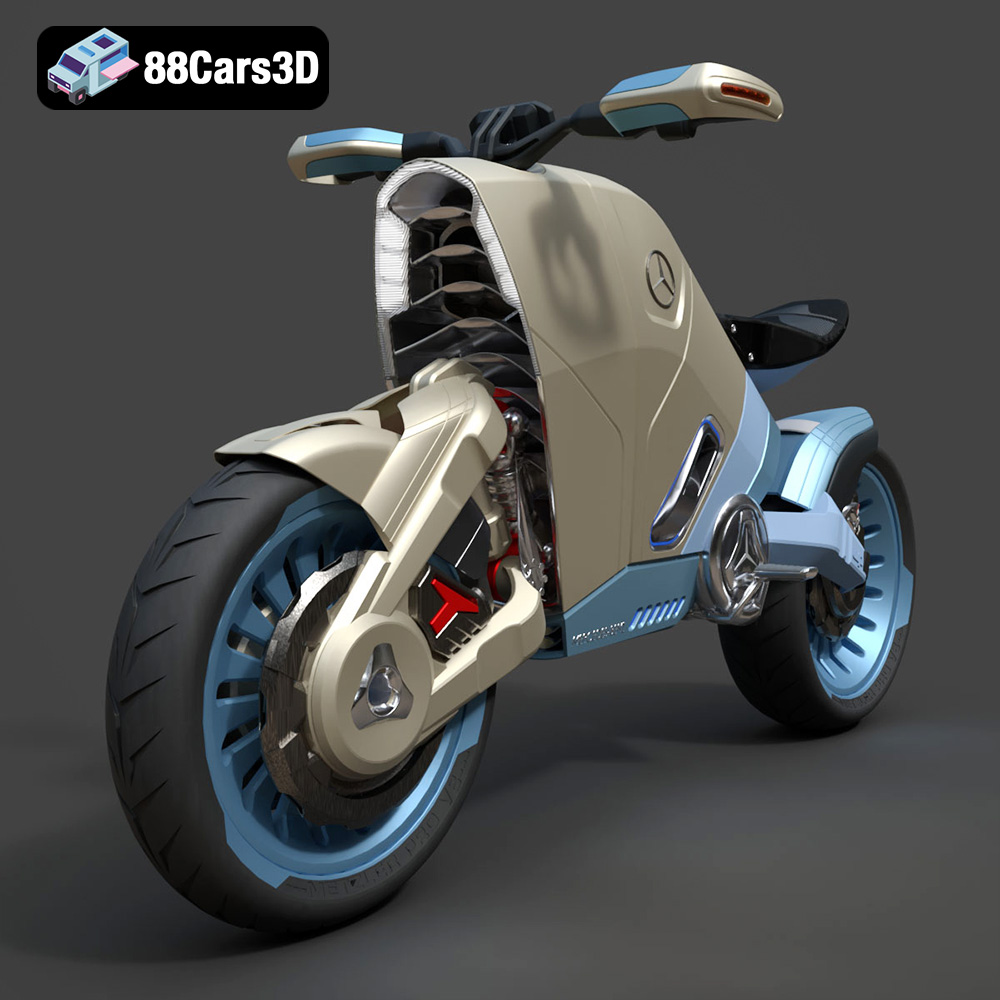
Texture: Yes | Material: Yes
Download the highly detailed, game-ready SMARANZA Mercedes Concept Electrical Motorcycle 3D Model. Features futuristic aerodynamic styling and an advanced electric drivetrain. Includes .blend, .fbx, .obj, .glb, .stl, .ply, .unreal, and .max formats for game development, AR/VR, and rendering.
Price: $19.99
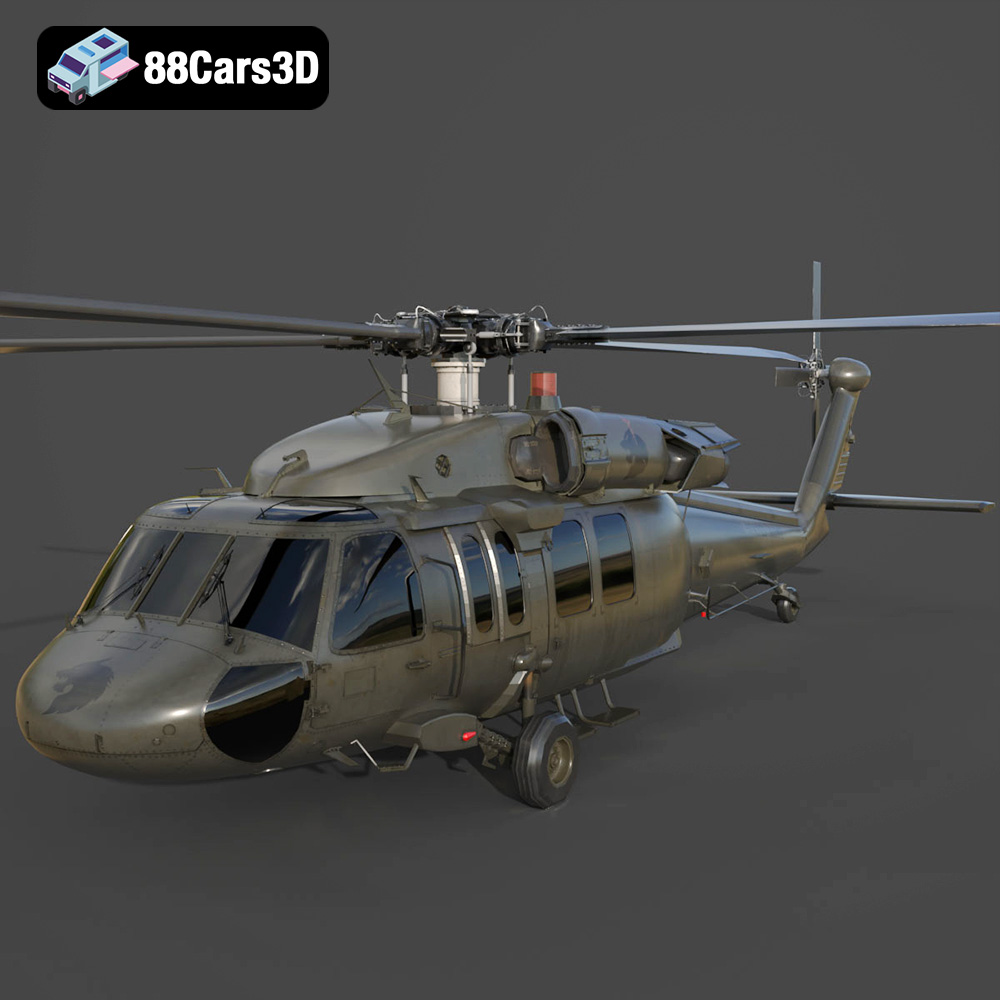
Texture: Yes | Material: Yes
Download the highly detailed, game-ready Sikorsky UH-60 Black Hawk US 3D Model. Features an accurate four-blade rotor system, detailed military fuselage, and realistic twin-engine housing. Includes .blend, .fbx, .obj, .glb, .stl, .ply, .unreal, and .max formats for game development, AR/VR, and rendering.
Price: $19.99
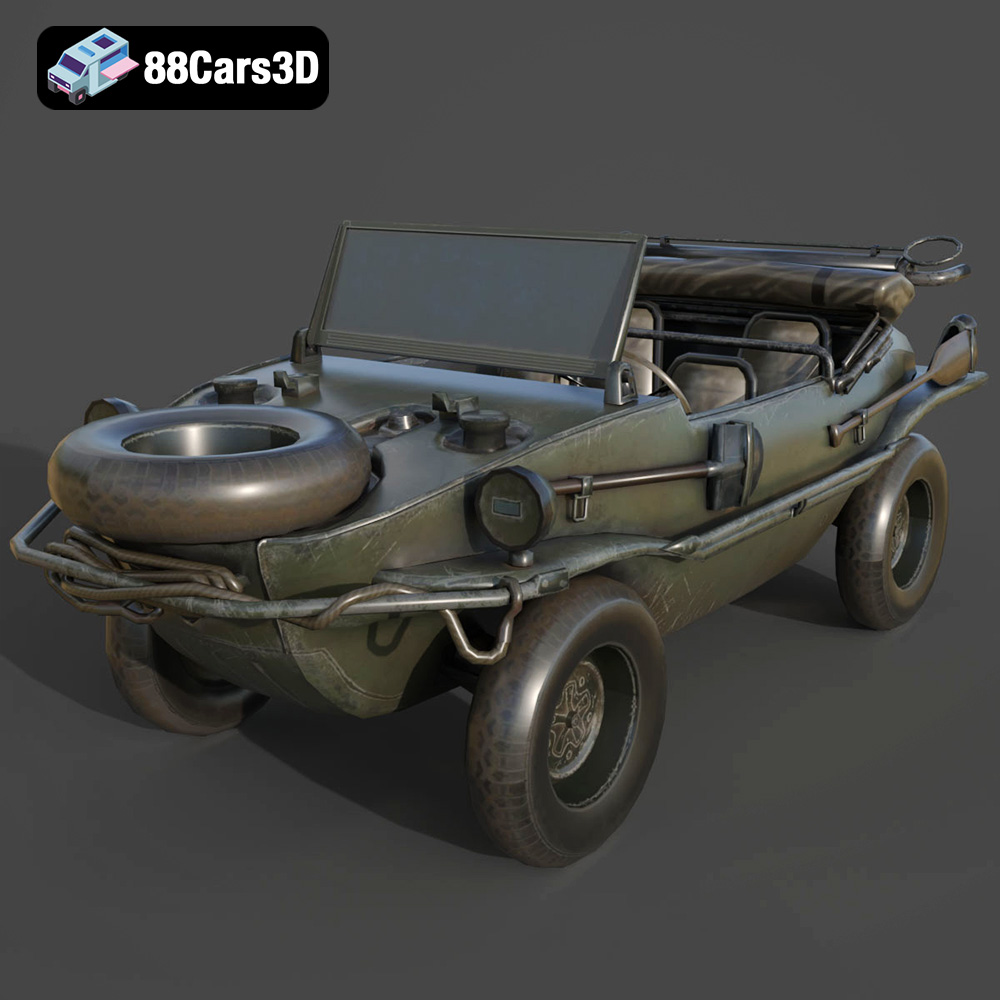
Texture: Yes | Material: Yes
Download the highly detailed, game-ready Volkswagen Schwimmwagen Typ 166 3D Model. Features an authentic boat-like watertight hull, fold-down propeller mechanism, and accurate military styling. Includes .blend, .fbx, .obj, .glb, .stl, .ply, .unreal, and .max formats for game development, AR/VR, and rendering.
Price: $19.99
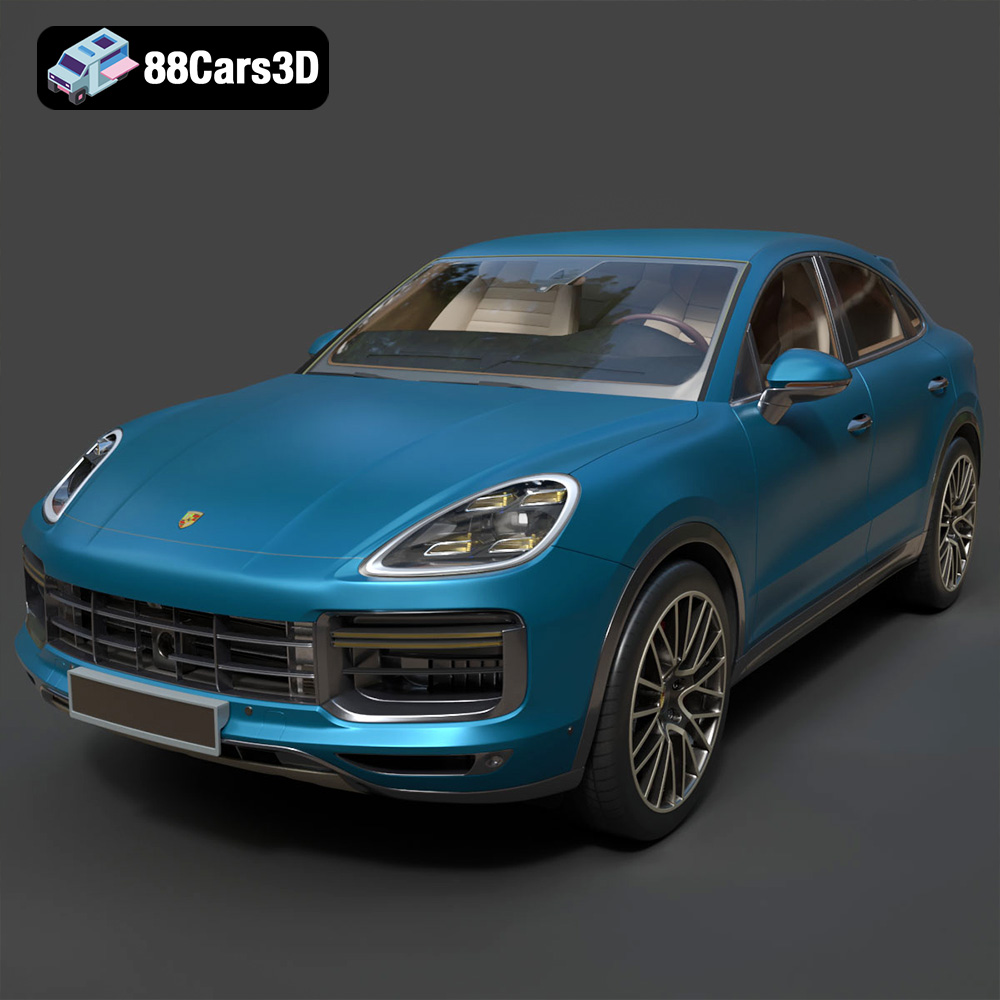
Texture: Yes | Material: Yes
Download the highly detailed, game-ready Porsche Cayenne Turbo Coupe 2020 3D Model. Features an aggressive coupe roofline, detailed quad exhaust, and a meticulously crafted luxury sport interior. Includes .blend, .fbx, .obj, .glb, .stl, .ply, .unreal, and .max formats for game development, AR/VR, and rendering.
Price: $19.99
Texture: Yes | Material: Yes
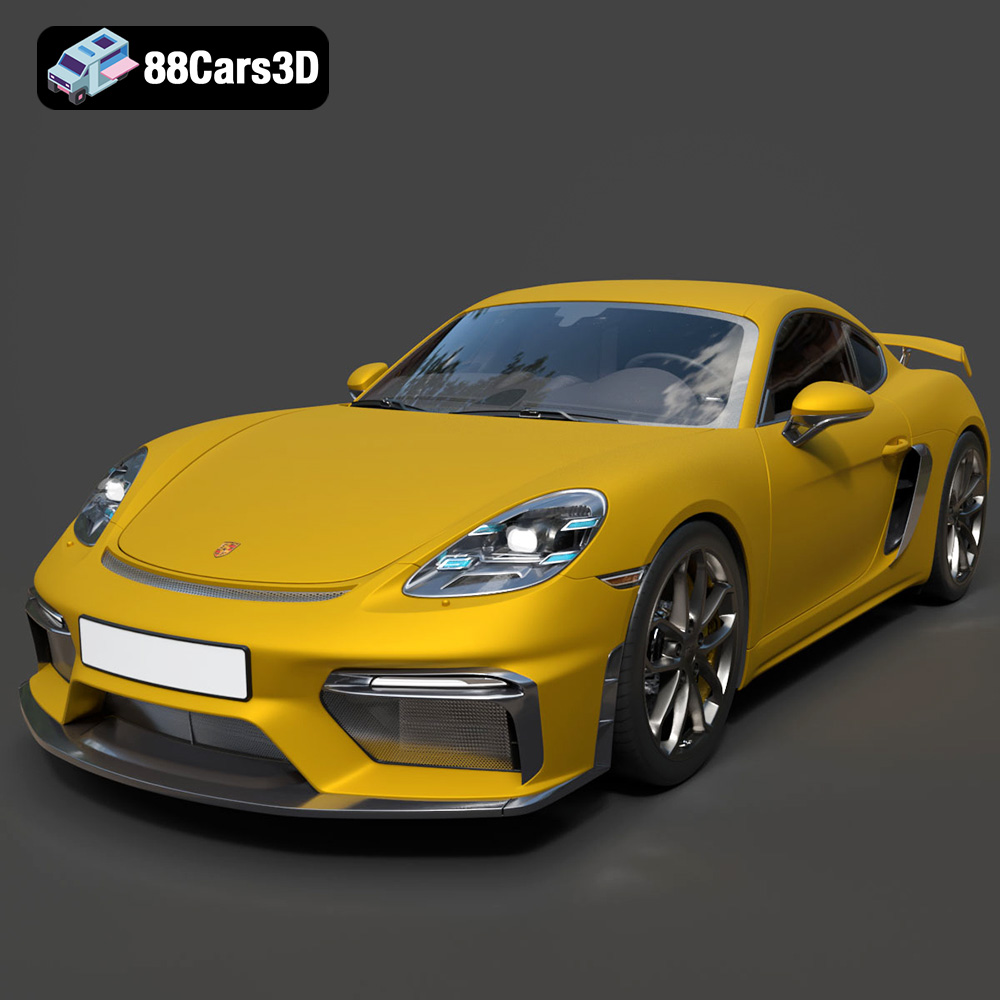
Download the highly detailed, game-ready Porsche 718 Cayman GT4 2020 3D Model. Features an aggressive fixed rear wing, distinctive side air intakes, and a track-focused stance. Includes .blend, .fbx, .obj, .glb, .stl, .ply, .unreal, and .max formats for game development, AR/VR, and rendering.
Price: $19.99

Texture: Yes | Material: Yes
Download the highly detailed, game-ready Polestar 2 2020 3D Model. Features minimalist Scandinavian fastback styling, pixel LED lighting, and an accurate electric vehicle profile. Includes .blend, .fbx, .obj, .glb, .stl, .ply, .unreal, and .max formats for game development, AR/VR, and rendering.
Price: $19.99
Texture: Yes | Material: Yes
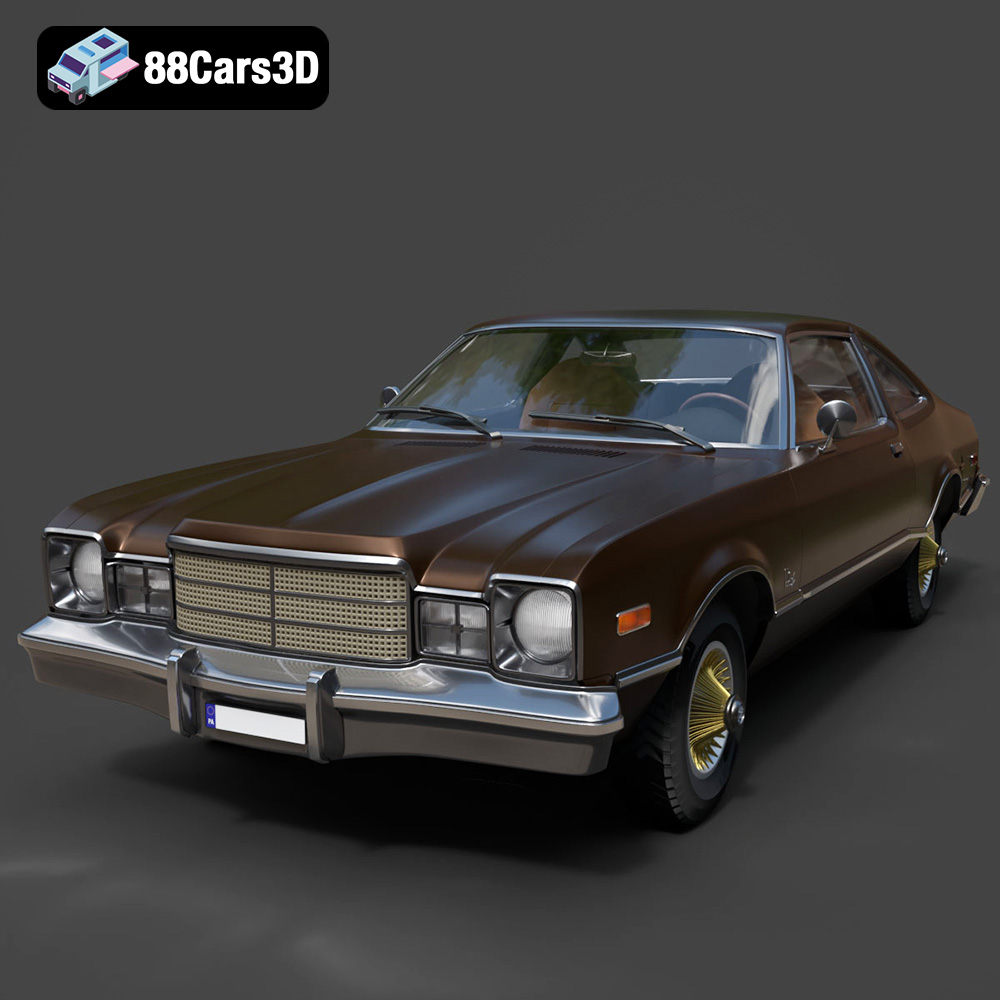
Download the highly detailed, game-ready Plymouth Volare Coupe 1977 3D Model. Features classic F-body styling, detailed chrome trim, and an accurate vintage interior. Includes .blend, .fbx, .obj, .glb, .stl, .ply, .unreal, and .max formats for game development, AR/VR, and rendering.
Price: $19.99

Texture: Yes | Material: Yes
Download the highly detailed, game-ready Peugeot 208 2020 3D Model. Features aggressive ‘fang’ LED DRLs, sporty hatchback proportions, and aerodynamic alloy wheels. Includes .blend, .fbx, .obj, .glb, .stl, .ply, .unreal, and .max formats for game development, AR/VR, and rendering.
Price: $19.99

Texture: Yes | Material: Yes
Download the highly detailed, game-ready MV Agusta Brutale 1090 R 3D Model. Features an exposed trellis frame, distinctive teardrop headlight, and muscular naked bike styling. Includes .blend, .fbx, .obj, .glb, .stl, .ply, .unreal, and .max formats for game development, AR/VR, and rendering.
Price: $19.99

Texture: Yes | Material: Yes
Download the highly detailed, game-ready Custom Off-Road BMW R1150GS Adventure Sidecar 3D Model. Features rugged all-terrain suspension, an attached passenger sidecar, and off-road knobby tires. Includes .blend, .fbx, .obj, .glb, .stl, .ply, .unreal, and .max formats for game development, AR/VR, and rendering.
Price: $19.99

