Get 20% OFF All Premium 3D & STL Models!

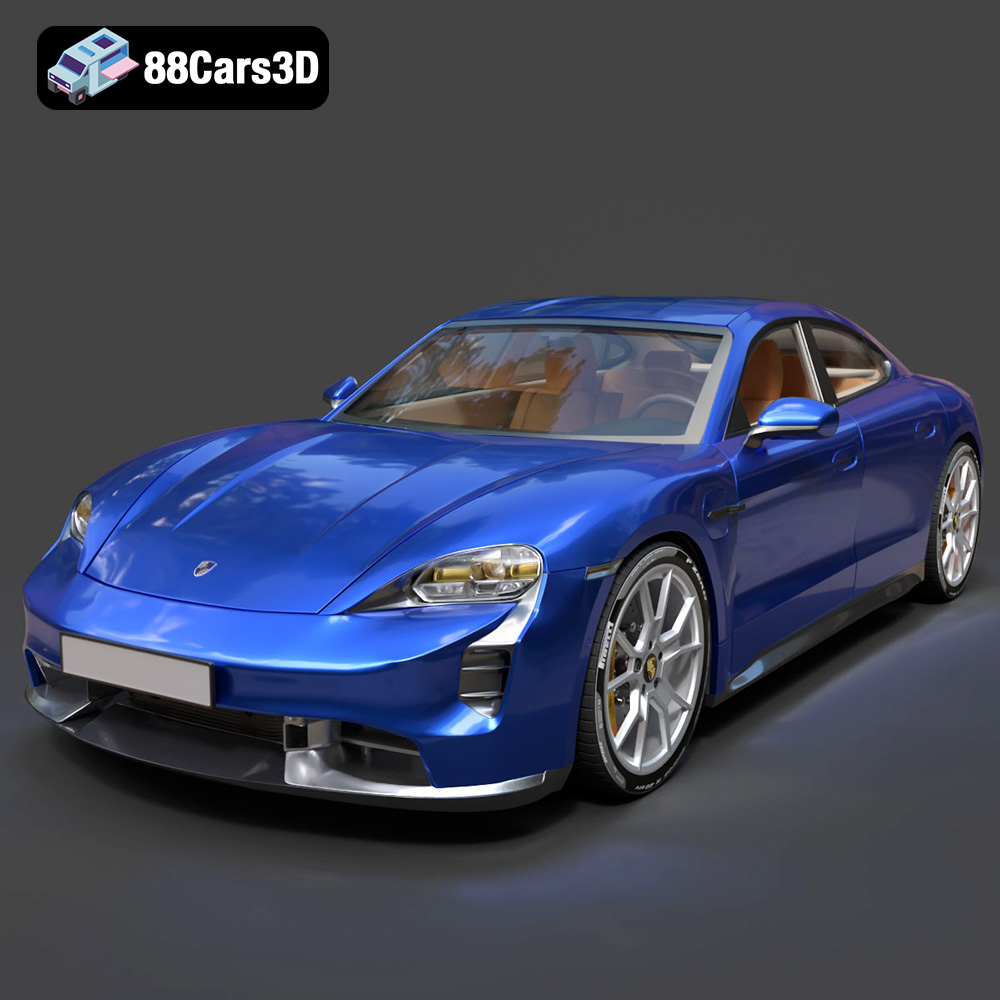
The Porsche Taycan GTS 2022 is a marvel of modern engineering, blending electric performance with iconic Porsche design. Now, thanks to 88cars3d.com, you can bring this stunning vehicle to life in your own home through the power of 3D printing. This guide will walk you through the entire process, from selecting the right materials and settings to post-processing techniques that will make your 3D printed Taycan GTS a true showpiece. We’ll cover everything you need to know to successfully create a high-quality 3D printed model.
Before diving into the specifics of printing the Porsche Taycan GTS 2022 model, it’s crucial to understand the different file formats available and which ones are best suited for 3D printing. 88cars3d.com offers the model in multiple formats to cater to a wide range of applications, but for 3D printing, the .stl format is generally the most important.
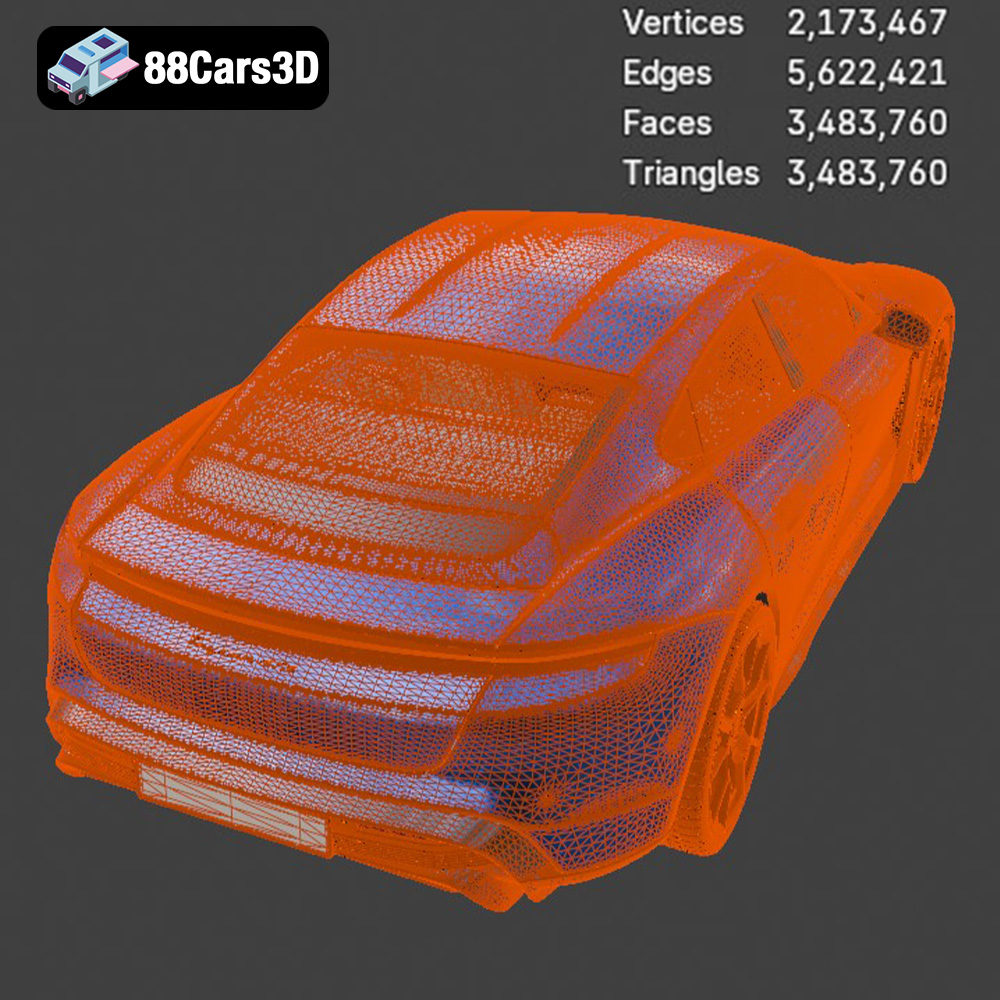
The .stl (stereolithography) format is the workhorse of 3D printing. It represents the surface geometry of a 3D object as a collection of triangles. This simplicity makes it highly compatible with virtually all 3D printing software and hardware. However, .stl files only contain information about the shape of the object; they don’t include color, texture, or material properties. For the Porsche Taycan GTS 2022, the .stl file will define the car’s shape, which you can then bring to life with your choice of filament and post-processing techniques. Ensure the STL file is manifold (watertight) and free of errors before printing. You can use software like MeshMixer or Netfabb to repair any issues.
The .obj format is another popular choice for 3D models, offering broader capabilities than .stl. It supports not only the geometry but also color and texture information. While some 3D printers can handle colored filaments, achieving a multi-colored print directly is still relatively limited. The .obj file can be useful if you plan to paint the model meticulously after printing, using the texture data as a guide. However, for the basic 3D printing process, .stl remains the more practical and widely supported option.
The .ply format excels at representing high-resolution 3D scans and models with exceptional detail. It stores color information per vertex, allowing for more nuanced color variations than .obj. While excellent for capturing intricate details, .ply files can be quite large, and not all slicing software handles them efficiently. For the Porsche Taycan GTS 2022, the level of detail provided by the .stl format is generally sufficient for 3D printing, but .ply could be useful if you intend to print a very large version of the model and want to preserve every fine detail.
The .blend file is the native format for Blender, a free and open-source 3D creation suite. This is incredibly valuable if you want to modify the Porsche Taycan GTS 2022 model before printing. You can use Blender to add custom details, split the model into smaller, more manageable parts for printing, or even create variations of the design. Once you’ve made your changes, you’ll need to export the model as an .stl file for printing.
The .fbx format is commonly used in game development and animation. It supports complex scenes with animations, textures, and materials. While not directly used for 3D printing, the .fbx file can be helpful if you want to visualize the model with its intended materials and colors in a 3D viewer before preparing it for printing. However, most slicing software ignores material information from .fbx files, focusing solely on the geometry.
The .glb format is designed for efficient transmission and loading of 3D models, particularly in AR (Augmented Reality) applications. It packages the geometry, textures, and animations into a single file. Before committing to a potentially lengthy print, you can use the .glb file to preview the Porsche Taycan GTS 2022 in a real-world environment using your smartphone or tablet, giving you a better sense of its size and appearance.
Similar to .blend, the .max file is the native format for 3ds Max, a professional 3D modeling and rendering software. This file allows for extensive modifications of the model. If you’re proficient in 3ds Max, you can use it to refine the model, optimize it for 3D printing, or create custom variations before exporting to .stl.
Ultimately, the .stl file is the primary format for 3D printing the Porsche Taycan GTS 2022 model from 88cars3d.com. However, understanding the other formats can be beneficial for pre-processing, customization, and visualization. Always ensure that your .stl file is properly prepared and free of errors before sending it to your 3D printer.
Before you can start 3D printing your Porsche Taycan GTS 2022, you need to prepare the model using slicing software. This software converts the 3D model into a series of instructions that your 3D printer can understand.
There are many slicing software options available, each with its own strengths and weaknesses. Popular choices include Cura, Simplify3D, PrusaSlicer, and IdeaMaker. Cura is a free and open-source option that is a great starting point for beginners. Simplify3D is a paid software that offers more advanced features and customization options. PrusaSlicer is another excellent free option known for its accurate print estimations. IdeaMaker is a user-friendly slicer especially good for Raise3D printers, but compatible with most printers. Select a slicer you are comfortable with, and that offers the features you need, such as support generation, infill control, and adjustable layer heights.
The orientation of your model on the print bed is critical for a successful print. For the Porsche Taycan GTS 2022, consider printing the body with the roof facing upwards. This minimizes the need for supports on the exterior surfaces, preserving the smooth lines of the car. You’ll need supports under the overhangs of the fenders, bumpers, and side skirts. Experiment with different support settings in your slicing software, such as support density, support angle, and support interface layers, to find the optimal balance between support strength and ease of removal. Consider using tree supports, as they tend to leave fewer marks on the printed surface.
Before slicing, check your .stl file for any errors using mesh repair software like MeshMixer or Netfabb. These programs can automatically fix common issues such as non-manifold edges, holes, and intersecting faces. Scaling the model is another important consideration. The Porsche Taycan GTS 2022 is a detailed model, and printing it at a larger scale will allow you to capture more of that detail. However, a larger model will also require more filament and take longer to print. Choose a scale that balances detail with print time and material cost. Also, consider your printer’s build volume.
The choice of material significantly impacts the final appearance and durability of your 3D printed Porsche Taycan GTS 2022. Different materials offer varying levels of strength, flexibility, and surface finish.
PLA (Polylactic Acid) is a biodegradable thermoplastic derived from renewable resources. It’s a popular choice for 3D printing due to its ease of use, low printing temperature, and minimal warping. PLA is ideal for creating display models of the Taycan GTS. However, it’s not as heat-resistant or durable as other materials, so it’s not suitable for functional parts or models that will be exposed to high temperatures. A layer height of 0.1-0.2mm will yield a good balance between print time and detail.
PETG (Polyethylene Terephthalate Glycol-modified) offers a good balance between strength, flexibility, and ease of printing. It’s more durable and heat-resistant than PLA, making it a better choice for models that will be handled frequently. PETG also has good layer adhesion, resulting in stronger prints. While slightly more prone to stringing than PLA, careful adjustment of printing settings can minimize this issue. Consider PETG if you want a more robust version of the Taycan GTS that can withstand some wear and tear. Layer heights of 0.15-0.25mm work well with PETG.
For the ultimate in detail and surface finish, consider resin printing. Resin printers use liquid resin that is cured by UV light, resulting in incredibly smooth and accurate prints. Resin is ideal for smaller-scale models of the Porsche Taycan GTS 2022, where capturing every fine detail is essential. However, resin prints tend to be more brittle than FDM (Fused Deposition Modeling) prints, and require careful post-processing, including washing and curing. Resin printing also requires more safety precautions due to the toxicity of the resin.
Achieving a flawless 3D printed Porsche Taycan GTS 2022 requires fine-tuning your printer settings. Here are some recommendations for common parameters:
A lower layer height will result in a smoother surface finish and greater detail, but it will also increase print time. For PLA, a layer height of 0.1-0.2mm is a good starting point. For PETG, consider 0.15-0.25mm. For resin printing, layer heights as low as 0.025mm are possible. Print speed also affects print quality. Slower speeds generally result in smoother surfaces and fewer errors. Start with a print speed of 40-60mm/s for PLA and PETG, and adjust as needed.
Infill density determines the internal strength of your model. For a display model of the Porsche Taycan GTS 2022, an infill density of 15-20% is usually sufficient. Choose an infill pattern that provides good support for the top layers, such as rectilinear, grid, or gyroid. Experiment with different patterns to find the best balance between strength and material usage.
Proper temperature control is crucial for successful 3D printing. For PLA, a nozzle temperature of 200-220°C and a bed temperature of 60-70°C are recommended. For PETG, use a nozzle temperature of 230-250°C and a bed temperature of 70-80°C. Good bed adhesion is essential to prevent warping. Use a heated bed, and consider applying a bed adhesive such as glue stick or hairspray for extra grip.
Post-processing is where you transform your 3D printed Porsche Taycan GTS 2022 from a raw print into a polished masterpiece.
Start by removing any support structures and brims from the print. Use sandpaper with progressively finer grits (e.g., 220, 400, 600, 800) to smooth the surface. Wet sanding can help to reduce dust and improve the surface finish. For hard-to-reach areas, consider using small sanding sponges or rotary tools with sanding attachments. If you want an exceptionally smooth surface, consider applying a filler primer and sanding it down before painting.
Painting is where you can truly bring your Porsche Taycan GTS 2022 to life. Start by applying a primer to ensure good paint adhesion. Use automotive spray paints for a durable and realistic finish. Apply multiple thin coats of paint, allowing each coat to dry completely before applying the next. For finer details, use masking tape to create clean lines and use small brushes for intricate areas. Clear coating the model after painting will add gloss and protect the paint from scratches.
If you printed the Porsche Taycan GTS 2022 in multiple parts, carefully assemble them using glue or epoxy. Ensure that the parts are properly aligned before the glue sets. Use clamps or tape to hold the parts together while the glue dries. Consider using a small amount of filler to fill any gaps between the parts.
Even with careful preparation, you may encounter some challenges during the 3D printing process. Here are some common issues and how to solve them:
Warping occurs when the corners of your print lift off the print bed. This is often caused by poor bed adhesion or temperature fluctuations. Ensure your bed is properly leveled and heated, and use a bed adhesive. Enclosing your printer can also help to maintain a consistent temperature.
Stringing is when thin strands of plastic are left between different parts of your print. This is usually caused by excessive nozzle temperature or retraction settings. Lower your nozzle temperature and increase your retraction distance and speed.
Layer shifting is when the layers of your print are misaligned. This can be caused by loose belts, a wobbly print bed, or a clogged nozzle. Tighten your belts, stabilize your print bed, and clear any nozzle clogs.
The print time and material cost for the Porsche Taycan GTS 2022 will depend on the size of the model, the material you use, and your printer settings. A typical print at 1/24 scale using PLA could take 20-30 hours and cost $10-20 in materials. Resin prints, while more detailed, might take a similar amount of time but could be more expensive due to resin costs. Experimenting with different settings and materials will help you optimize your print time and material usage.
3D printing the Porsche Taycan GTS 2022 model from 88cars3d.com is a rewarding project that combines technology, creativity, and a passion for automotive design. By following this comprehensive guide, you can create a stunning 3D printed replica of this iconic electric sports sedan.
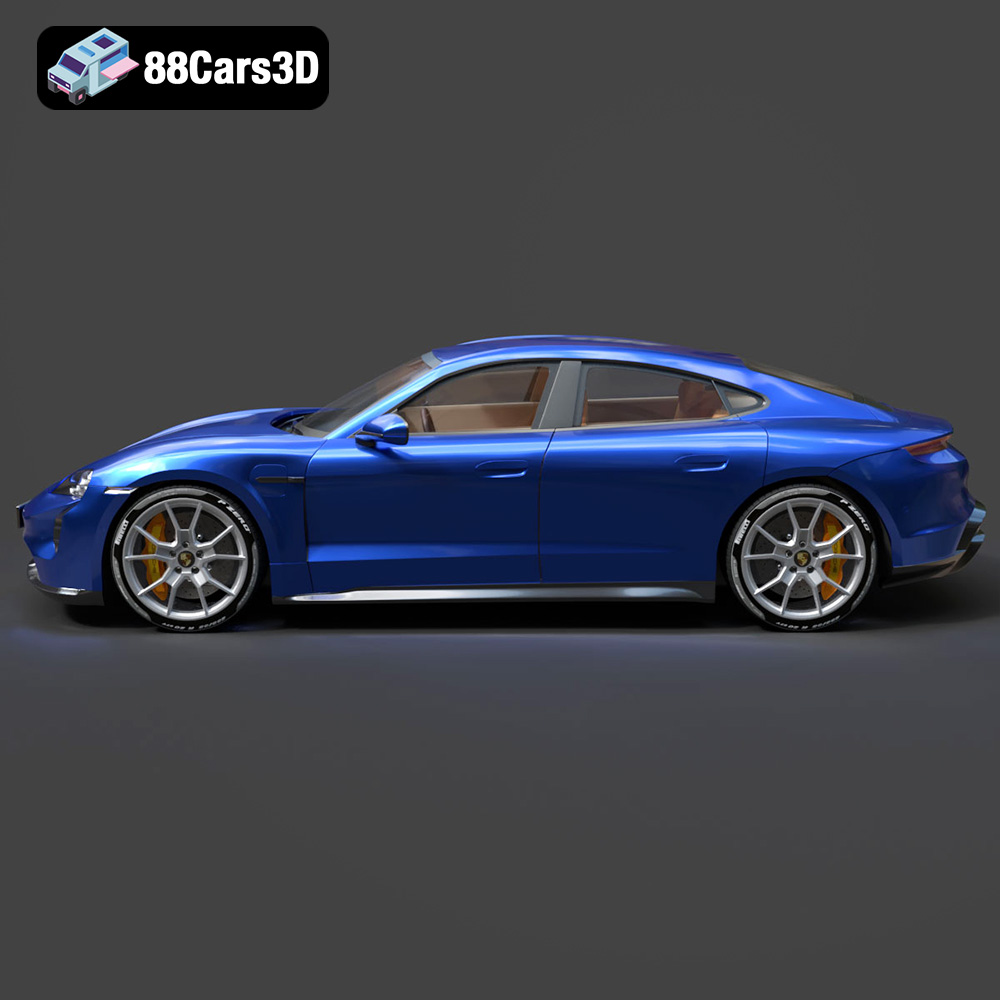
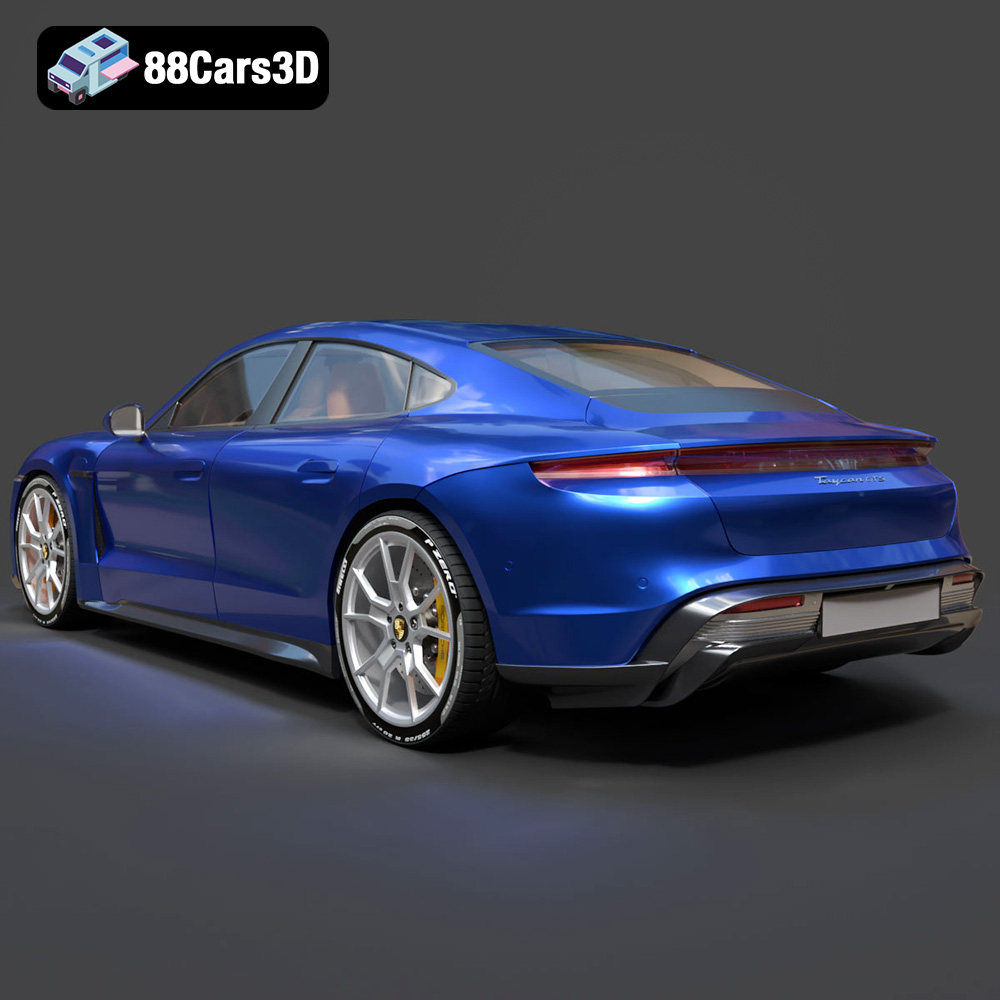
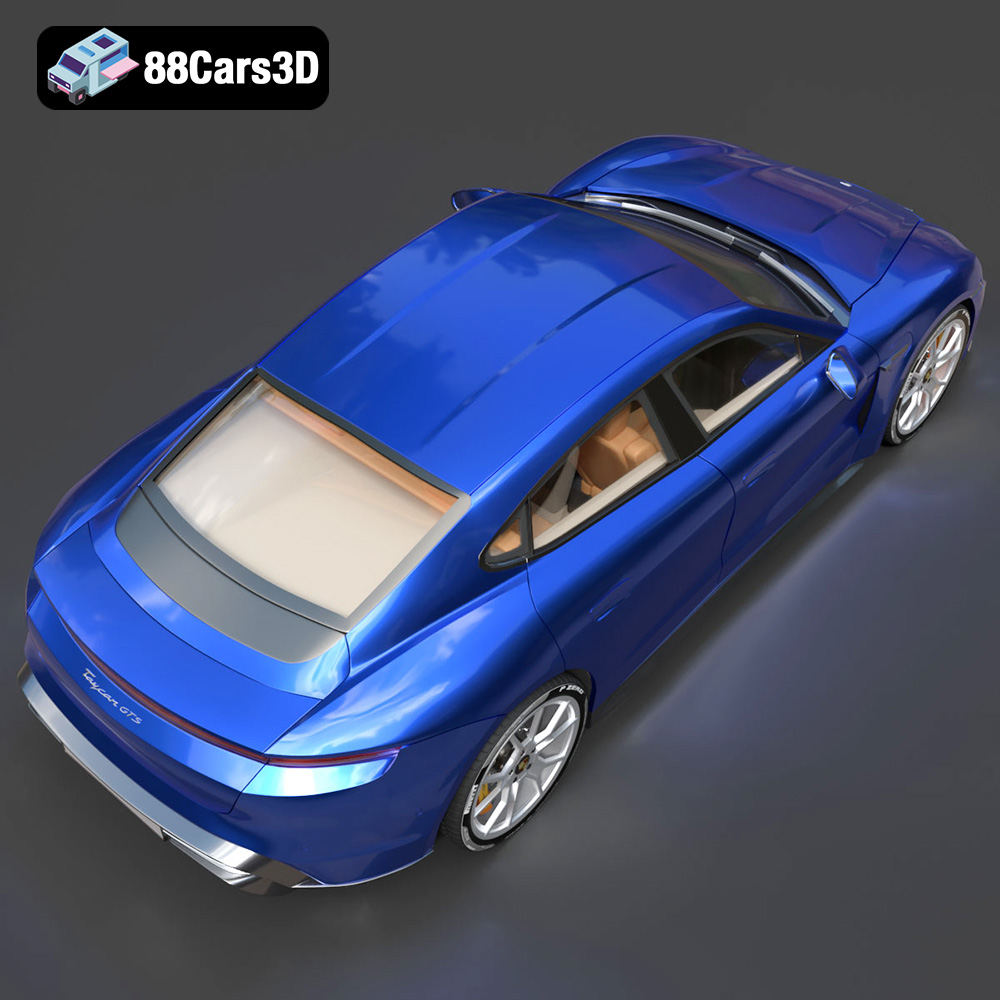
Experience the pinnacle of electric performance with the meticulously crafted Porsche Taycan GTS 2022 3D Model. This premium digital asset captures the iconic aerodynamic lines, striking silhouette, and refined aesthetics of the renowned sports sedan. Every exterior panel and interior component has been expertly modeled to provide an unparalleled level of realism and accuracy for your creative projects.
$19.99
.arvr
.blend
.car3dmodel
.electriccar
.fbx
.gameasset
.glb
.gts
.max
.obj
.ply
.porsche
.rendering
.sedan
.simulation
.sportssedan
.stl
.taycan
.taycangts
.unreal