Get 20% OFF All Premium 3D & STL Models!

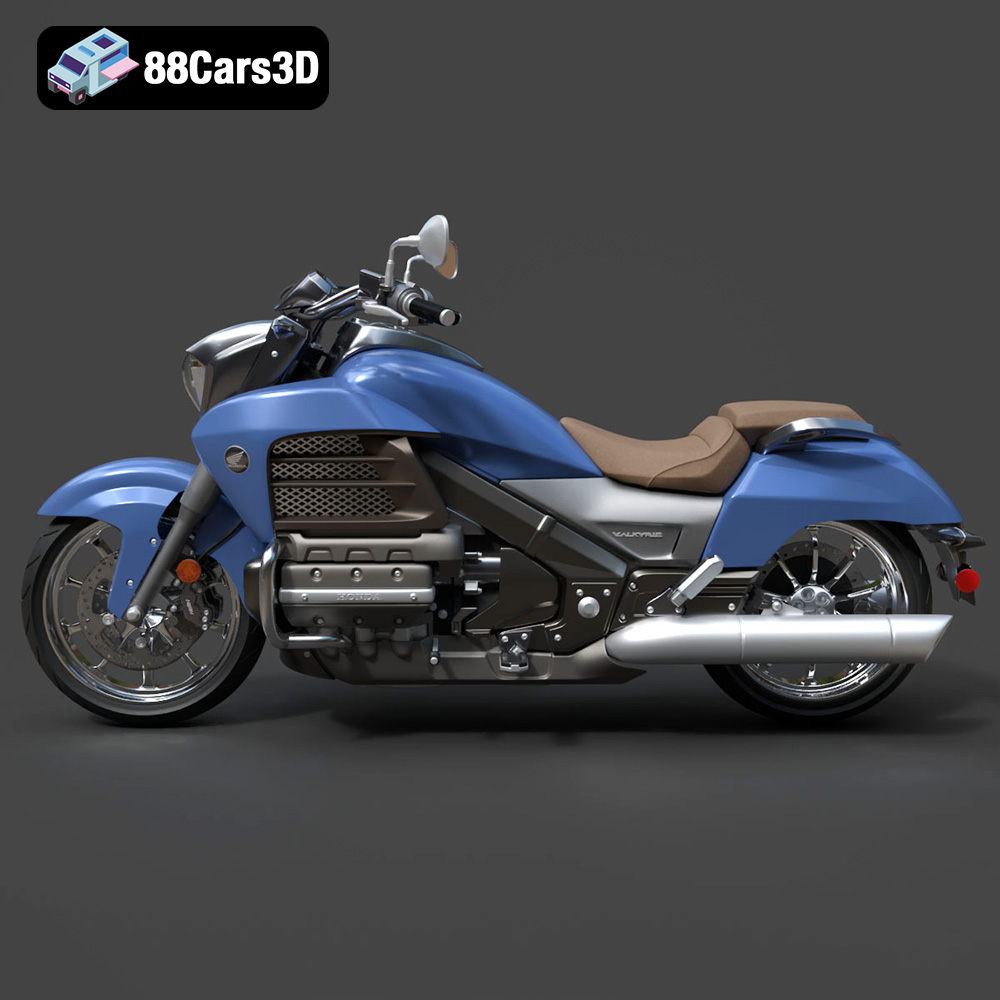
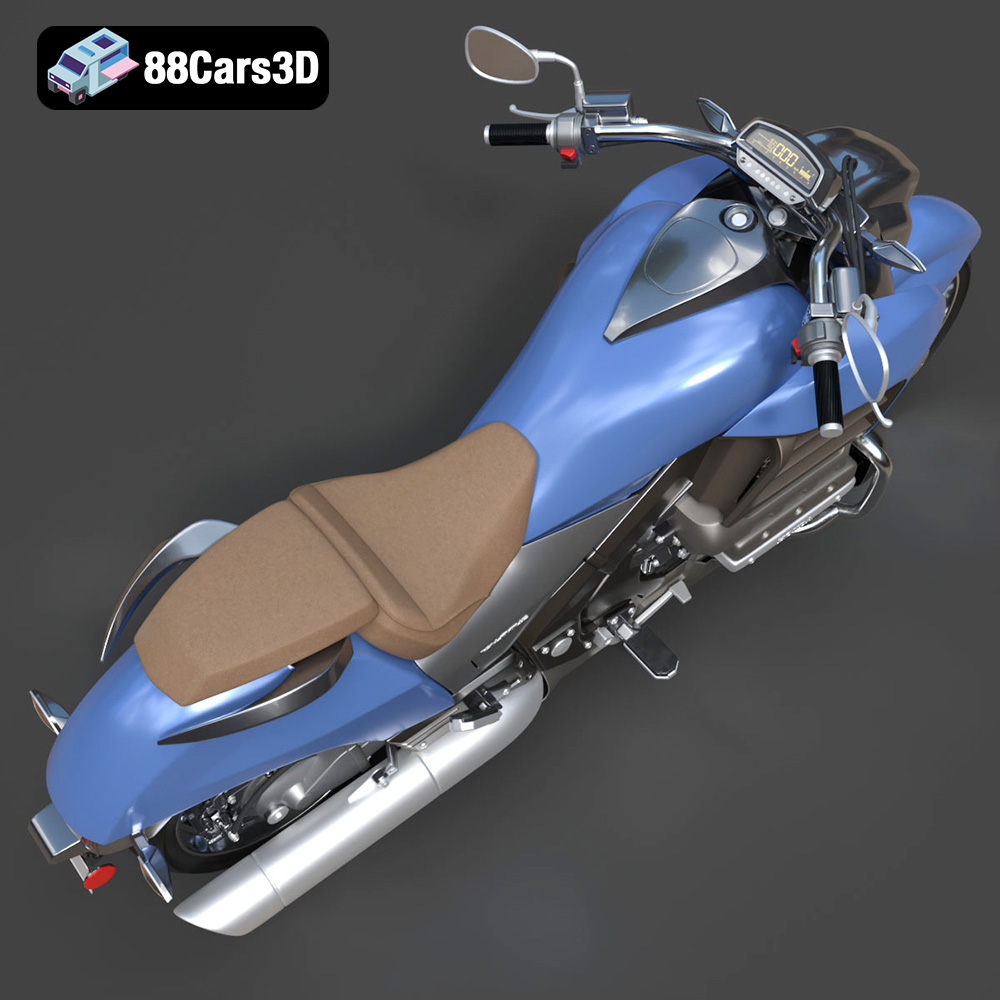
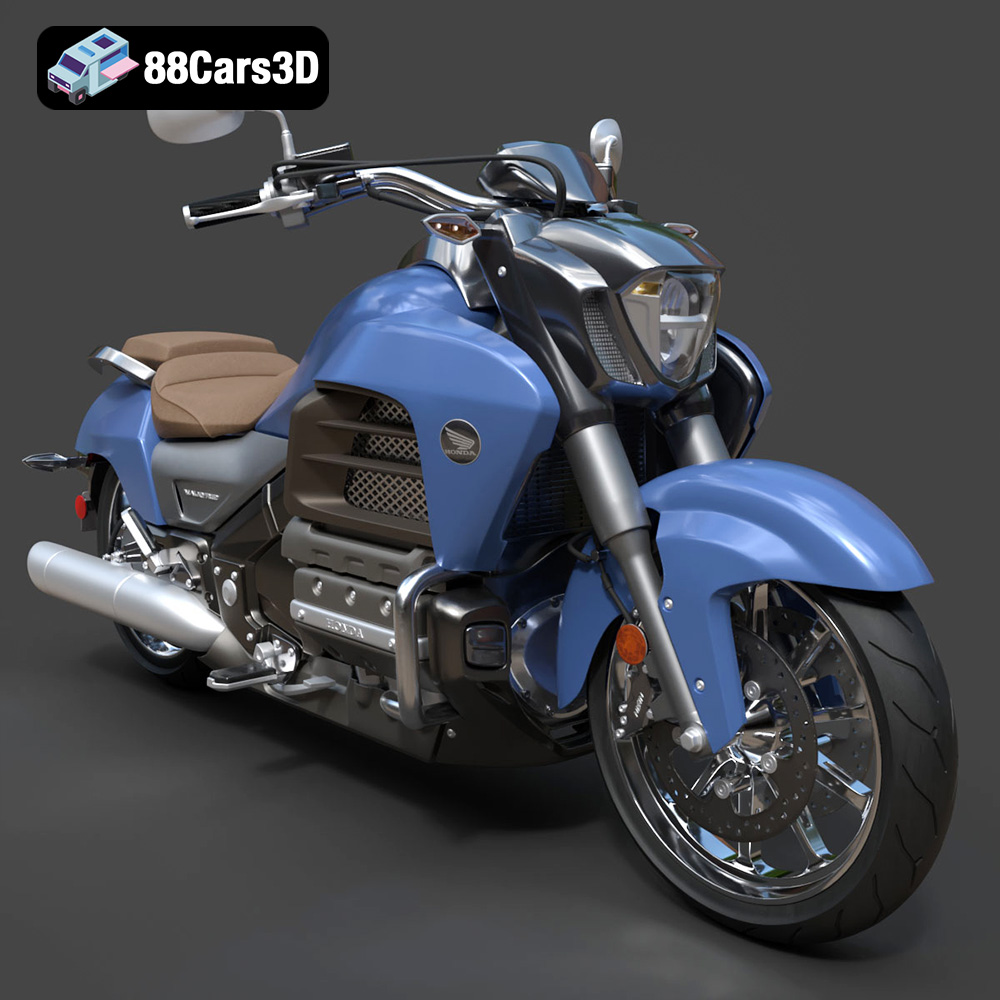
The Honda Valkyrie GL1800C 2015 is a motorcycle icon, a fusion of power, style, and engineering prowess. Now, thanks to 88cars3d.com, you can bring this legend to life with the magic of 3D printing. This isn’t just about creating a static model; it’s about embarking on a project that challenges your 3D printing skills and rewards you with a stunning replica of a true classic. This article will guide you through the entire process, from preparing the STL files to achieving a showroom-worthy finish. Whether you’re a seasoned 3D printing enthusiast or a curious newcomer, we’ll cover everything you need to know to successfully 3D print the Honda Valkyrie GL1800C 2015 3D model.
Before diving into the specifics of printing the Honda Valkyrie GL1800C 2015, it’s crucial to understand the different file formats available and their suitability for additive manufacturing. The model comes with a variety of formats, each catering to different applications, but for 3D printing, the STL format reigns supreme.
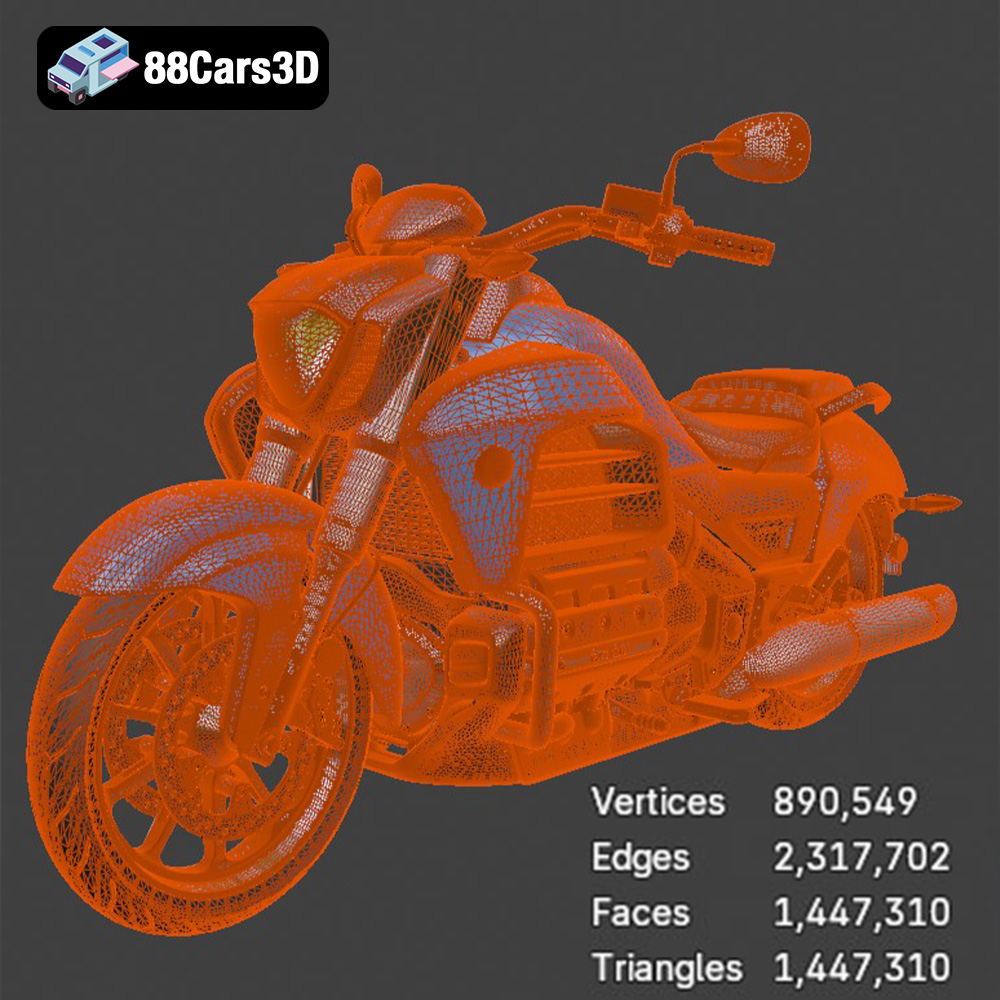
The STL (Stereolithography) file format is the workhorse of the 3D printing world. It represents the surface geometry of a 3D object as a collection of triangles. This simplicity is its strength, making it universally compatible with slicing software and 3D printers. When you download the Honda Valkyrie GL1800C 2015 3D model from 88cars3d.com, the STL file is specifically designed and optimized for 3D printing, ensuring a smooth and predictable printing experience. However, keep in mind that STL files only contain mesh data; they don’t store color or texture information.
OBJ files are another common 3D model format, known for their ability to store color and texture information along with the geometry. While some advanced 3D printers can handle color OBJ files, they are generally not the preferred choice for standard 3D printing, especially if you’re planning on painting the model after printing. OBJ can be imported into most slicing software, but ensure that the software correctly interprets the file’s scale and orientation.
PLY files are designed to store 3D data acquired from 3D scanners. They can represent complex geometries with high precision. While suitable for 3D printing, PLY files can be quite large and may require more processing power from your slicing software. For the Honda Valkyrie GL1800C 2015, the STL file is likely to be more efficient for printing purposes.
The .blend file is the native format for Blender, a popular open-source 3D modeling software. This is incredibly useful if you want to customize the Honda Valkyrie GL1800C 2015 before printing. You can modify the model’s geometry, add details, or even separate parts for easier printing. However, you’ll need Blender installed to work with this file. After making your changes, you’ll need to export the model as an STL file for 3D printing.
FBX is a versatile format often used for exchanging 3D data between different software applications. It supports materials, animations, and other complex data. While some slicing software can import FBX files, their primary use is for game development and animation, not 3D printing.
GLB is a binary file format that is used to transmit 3D models efficiently. It is often used for displaying 3D models in augmented reality (AR) applications. While you won’t directly use GLB for printing, it’s helpful for previewing the Honda Valkyrie GL1800C 2015 in a realistic setting before committing to the print.
Similar to .blend, the .max file is the native format for 3ds Max, another professional 3D modeling software. If you have 3ds Max, you can use this file to make advanced modifications to the model. Remember to export the final result as an STL file for 3D printing.
**In summary**, the STL file is the primary format you’ll use for 3D printing the Honda Valkyrie GL1800C 2015. It’s compatible with all slicing software, optimized for 3D printers, and provides a good balance between detail and file size. If you wish to customize the model, use the .blend or .max files, but always export your final version as an STL for printing.
Once you have your STL file, the next crucial step is preparing it for printing using slicing software. This involves configuring various settings that will directly impact the quality and success of your print.
Popular slicing software options include Cura, PrusaSlicer, Simplify3D, and IdeaMaker. Each offers a range of features and customization options. Cura is a great free option for beginners, while Simplify3D offers more advanced control for experienced users. Import the Honda Valkyrie GL1800C 2015 STL file into your chosen software.
The orientation of the model on the print bed significantly affects print quality and the amount of support material required. Consider the geometry of the Honda Valkyrie GL1800C 2015 and try to minimize overhangs. Printing the model with the wheels facing down can reduce the need for extensive supports on the body.
Support structures are essential for printing overhangs and complex geometries. Experiment with different support types, such as tree supports or linear supports, to find the best balance between support strength and ease of removal. Consider increasing support density in areas with critical overhangs, such as the handlebars and exhaust pipes.
Decide on the desired scale of your 3D printed Honda Valkyrie GL1800C 2015. A larger scale will reveal more details but will also increase print time and material consumption. Ensure that all parts are scaled uniformly to maintain proportions.
Layer height determines the resolution of your print. Lower layer heights result in smoother surfaces but increase print time. A layer height of 0.1mm to 0.2mm is a good starting point for detailed models like the Valkyrie. Adjust the layer height based on the specific features you want to highlight.
The material you choose will significantly influence the appearance, strength, and durability of your 3D printed Honda Valkyrie GL1800C 2015. Here’s a breakdown of popular options:
PLA (Polylactic Acid) is a biodegradable thermoplastic that’s easy to print and widely available. It’s a good option for beginners due to its low printing temperature and minimal warping. PLA is ideal for creating visually appealing models, but it’s not as strong or heat-resistant as other materials.
Consider using different PLA colors to represent different parts of the Honda Valkyrie GL1800C 2015, such as black for the tires, silver for the engine, and red for the bodywork.
PETG (Polyethylene Terephthalate Glycol-modified) offers a good balance of strength, durability, and ease of printing. It’s more heat-resistant and impact-resistant than PLA, making it a better choice for functional parts or models that will be handled frequently.
PETG is a good option for printing parts that require some flexibility, such as the windshield or mirrors of the Honda Valkyrie GL1800C 2015.
Resin printing uses liquid photopolymer resins that are cured by UV light. Resin printers can achieve incredibly high levels of detail, making them ideal for intricate models like the Honda Valkyrie GL1800C 2015. However, resin printing requires more post-processing, including washing and curing the parts.
Resin printing is a good choice if you want to capture every detail of the Valkyrie, such as the engine components and the intricate bodywork.
ABS (Acrylonitrile Butadiene Styrene) is a strong and heat-resistant thermoplastic, but it’s more challenging to print than PLA or PETG due to its tendency to warp. Nylon is another strong and durable material, but it requires high printing temperatures and a heated bed. Composite filaments, such as carbon fiber-infused PLA or PETG, offer increased strength and stiffness.
Achieving a high-quality 3D print of the Honda Valkyrie GL1800C 2015 requires careful configuration of your printer settings. These settings will vary depending on your printer, material, and desired print quality.
* **PLA:** Nozzle temperature: 200-220°C, Bed temperature: 60-70°C
* **PETG:** Nozzle temperature: 230-250°C, Bed temperature: 70-80°C
* **Resin:** Follow the resin manufacturer’s recommended settings for exposure time and layer thickness.
Print speed affects both print quality and print time. Slower speeds generally result in better quality but increase print time. A good starting point is 40-60 mm/s for PLA and PETG. Reduce the speed for intricate details and overhangs.
Infill density determines the internal structure of the 3D printed object. Higher infill densities increase strength and weight but also increase print time and material consumption. For a display model of the Honda Valkyrie GL1800C 2015, an infill density of 15-25% is usually sufficient. Increase the infill density for parts that need to be particularly strong, such as the wheels or chassis.
Experiment with different support settings to optimize support removal and surface finish. Consider using support blockers to prevent supports from being generated in areas where they are not needed. Adjust the support density and overhang angle based on the complexity of the model.
After printing the Honda Valkyrie GL1800C 2015, some post-processing is typically required to achieve a polished and professional finish.
Carefully remove support structures using pliers, cutters, or a hobby knife. Be patient and avoid damaging the model’s surface. For resin prints, dissolve the supports in a suitable solvent.
Sanding removes layer lines and imperfections from the surface of the 3D printed parts. Start with coarse sandpaper (e.g., 220 grit) and gradually move to finer grits (e.g., 400, 600, 800 grit). Wet sanding can help to reduce dust and create a smoother finish.
For resin prints, you can use isopropyl alcohol to smooth the surface and remove any remaining resin residue.
Apply a primer to the 3D printed parts to create a uniform surface for painting. Choose a primer that is compatible with the material you used for printing.
Apply several thin coats of paint, allowing each coat to dry completely before applying the next. Use masking tape to create clean lines and separate different color areas. Consider using an airbrush for a professional-looking finish.
Assemble the different parts of the Honda Valkyrie GL1800C 2015 using glue or fasteners. Ensure that all parts are properly aligned before securing them.
Even with careful planning and preparation, you may encounter some challenges during the 3D printing process. Here are some common issues and their solutions:
Warping occurs when the corners of the 3D printed object lift off the print bed. This is more common with ABS and other materials that shrink as they cool. To prevent warping, ensure that your print bed is properly leveled and heated. Use a brim or raft to increase adhesion to the print bed.
Stringing occurs when small strands of filament are left between different parts of the 3D printed object. This is usually caused by excessive retraction distance or temperature. Reduce the retraction distance and temperature to minimize stringing.
Layer separation occurs when the layers of the 3D printed object do not properly adhere to each other. This can be caused by low printing temperature, insufficient cooling, or poor bed adhesion. Increase the printing temperature, reduce the cooling fan speed, and ensure that your print bed is properly leveled and clean.
Overhangs can be challenging to print without proper support. Ensure that you are using adequate support structures and that the support settings are optimized for the specific geometry of the model.
By following these guidelines and experimenting with different settings, you can successfully 3D print a stunning replica of the Honda Valkyrie GL1800C 2015. Remember to visit 88cars3d.com for more amazing 3D models optimized for printing and other applications!
Experience the realistic precision of the Honda Valkyrie GL1800C 2015 3D Model. This authentic digital replica accurately captures the powerful stance and intricate mechanical details of the renowned motorcycle.
$19.99
.arvr
.blend
.car3dmodel
.cruiser
.fbx
.gameasset
.gl1800c
.glb
.honda
.max
.motorcycle
.obj
.ply
.rendering
.simulation
.stl
.unreal
.valkyrie