Get 20% OFF All Premium 3D & STL Models!

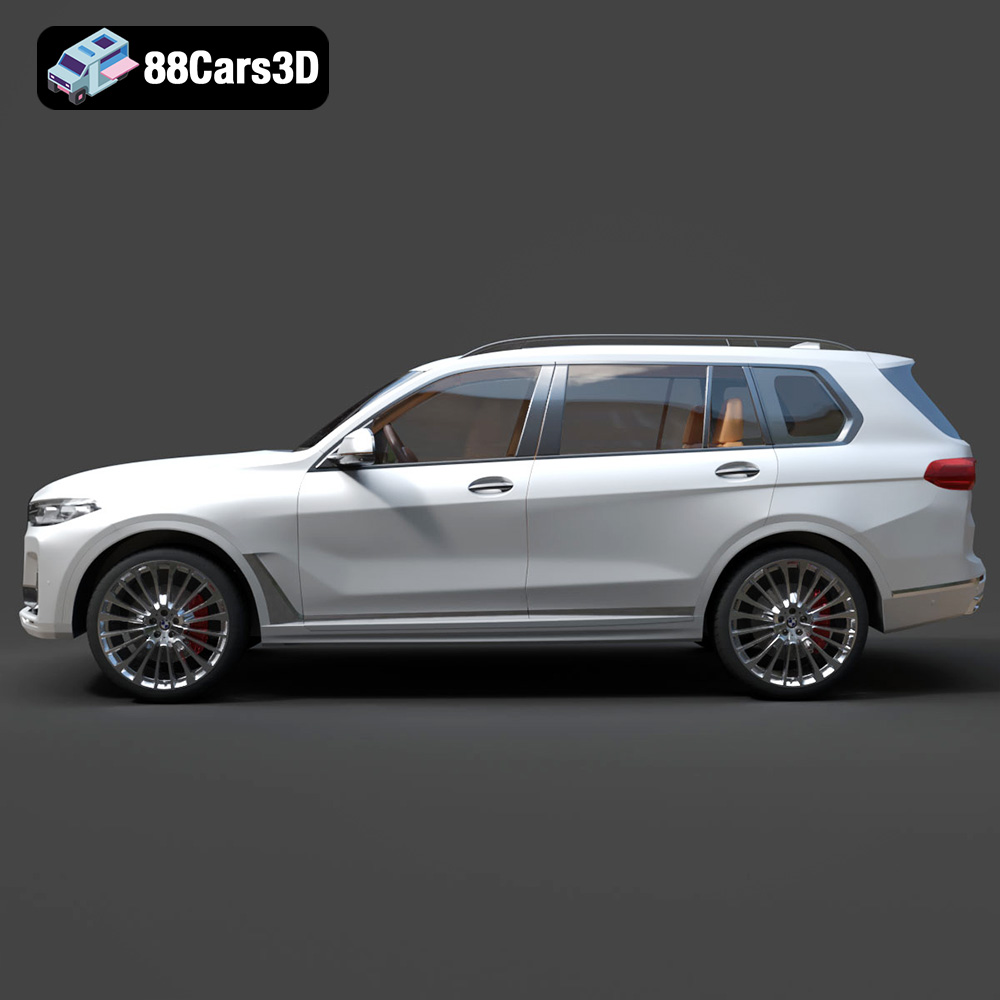
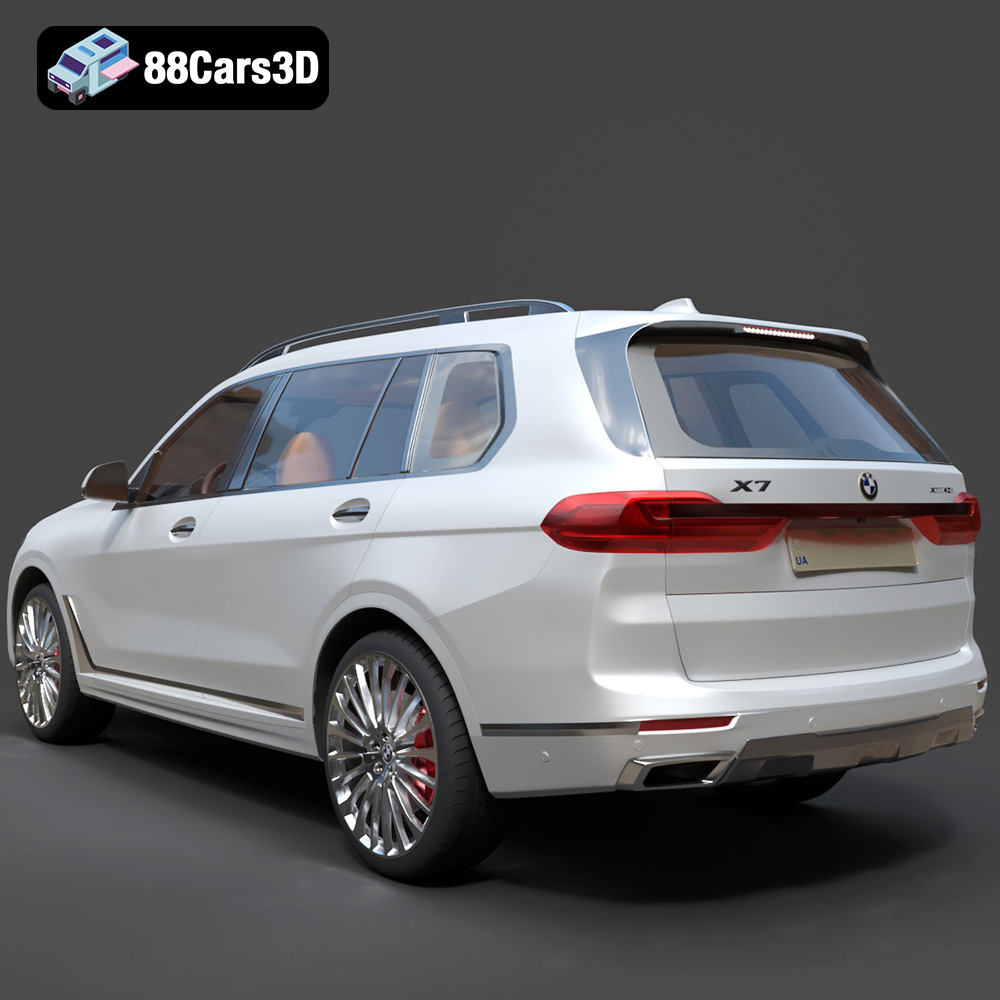
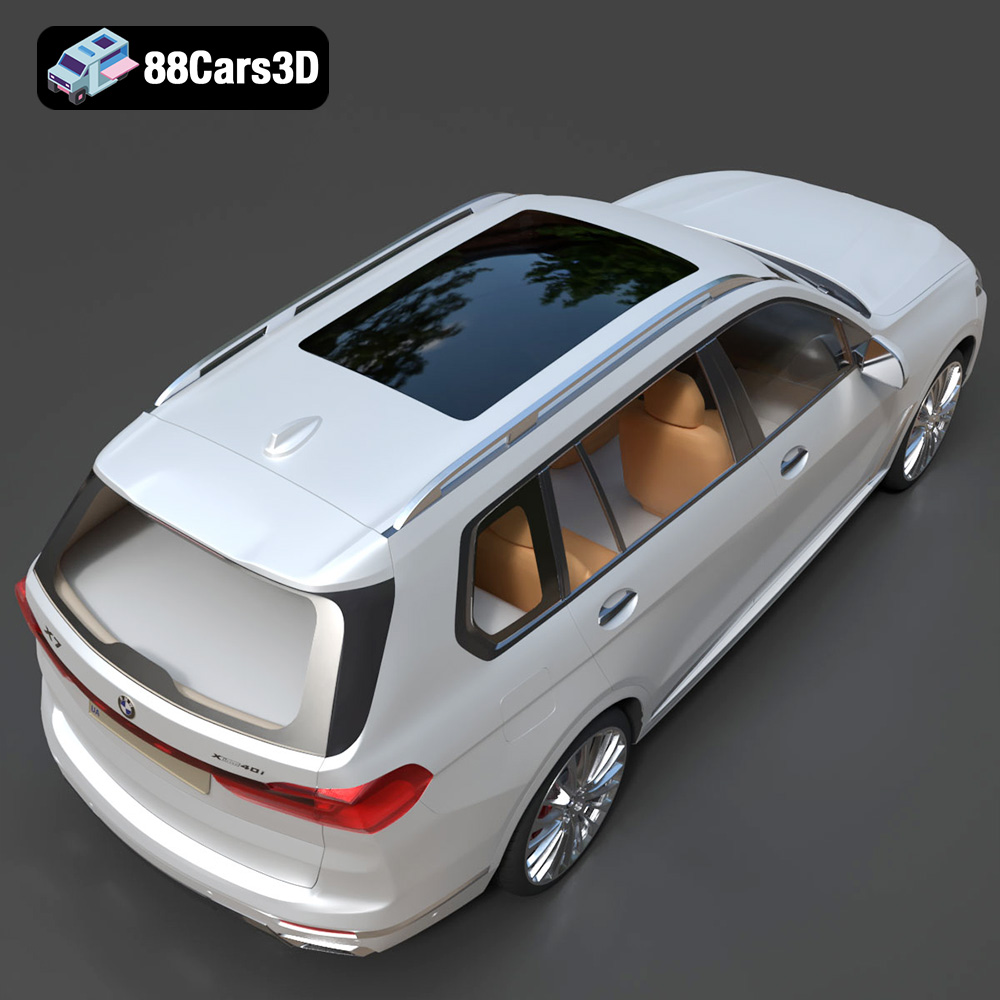
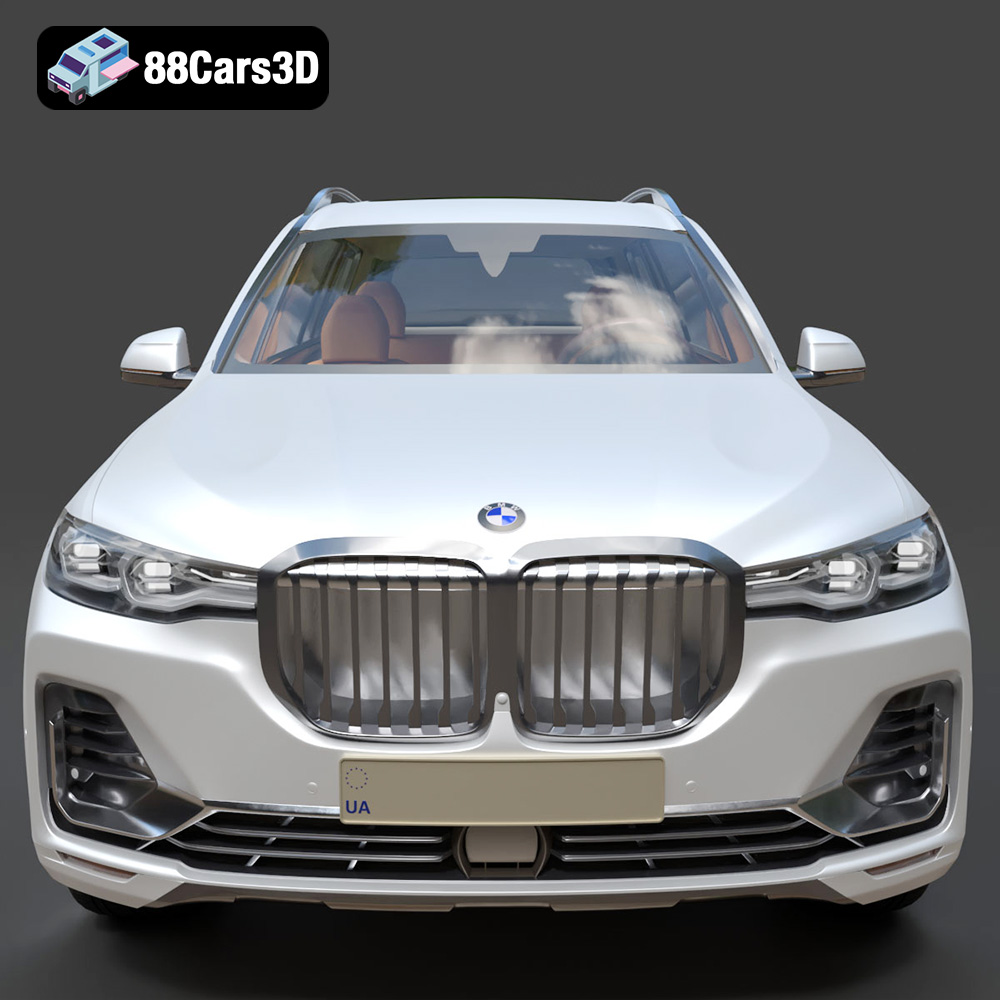
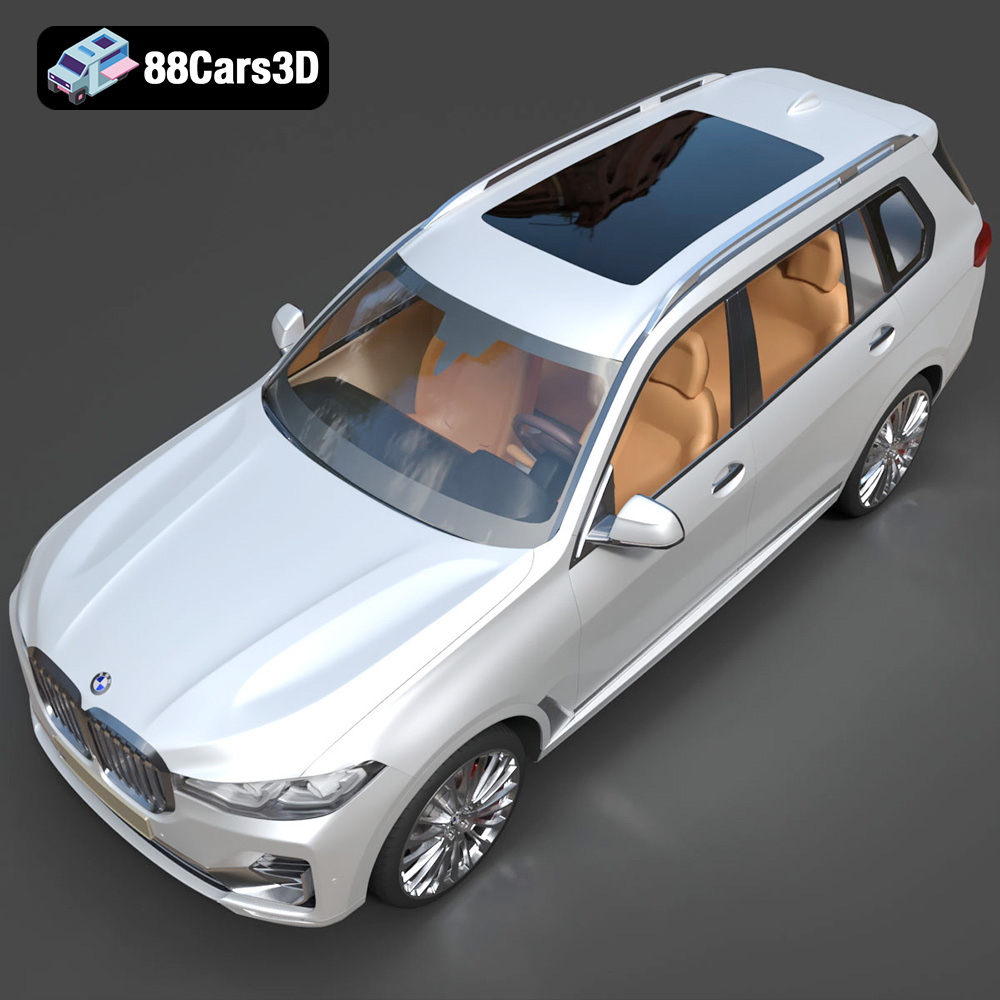
The BMW X7 G07 2019 represents the pinnacle of luxury SUVs, and now you can bring this iconic vehicle to your desk through the magic of 3D printing. This comprehensive guide will walk you through the entire process of 3D printing the BMW X7 G07 2019 3D model, from preparing the STL files to post-processing your finished print. Whether you’re a seasoned 3D printing enthusiast or a beginner looking for a challenging and rewarding project, this guide will provide the knowledge and tips needed to achieve a stunning result. The detailed 3D model available at 88cars3d.com offers an excellent starting point for this exciting endeavor.
The success of your 3D print hinges on the quality and compatibility of the 3D model file. Understanding the different file formats is crucial for selecting the right one for your 3D printing needs. While the BMW X7 G07 2019 3D model comes with a range of file formats, including .blend, .fbx, .obj, .glb, .ply, .unreal, and .max, the .stl format is the workhorse of 3D printing.
.stl (Stereolithography) is the industry-standard file format for 3D printing. It represents the surface geometry of a 3D object as a collection of triangles. This simplicity makes it universally compatible with slicing software and 3D printers. However, it’s essential to understand that the .stl format only contains mesh data, meaning it lacks information about color, textures, or materials. This makes it ideal for single-color 3D prints where the final aesthetic will be achieved through post-processing.
* **.obj (Wavefront Object):** A more versatile format than .stl, .obj can store color and texture information. This makes it suitable for colored 3D prints, although support for color printing varies significantly between printers and slicing software. It’s also frequently used for importing models into game engines and rendering software.
* **.ply (Polygon File Format):** .ply is designed for storing high-detail 3D scans and models. It can represent surface geometry, color, texture, and other properties. While technically printable, the large file sizes and complexity can sometimes cause issues with slicing and printing, making it less practical for most desktop 3D printing setups.
* **.blend (Blender File):** This is the native file format for Blender, a popular open-source 3D modeling software. It contains the entire scene, including the model, materials, lighting, and modifiers. You’ll need Blender to edit this file directly before exporting to a printable format like .stl.
* **.fbx (Filmbox):** Primarily used for game development and animation, .fbx supports animation, textures, and complex scene data. It can be imported into some slicing software, allowing you to potentially retain material assignments (though this is printer-dependent).
* **.glb (GL Transmission Format Binary):** .glb is optimized for web-based visualization and AR/VR applications. It’s a self-contained format that includes the model, textures, and animations in a single file. While not directly used for 3D printing, it’s excellent for previewing the model before you print it.
* **.max (3ds Max File):** This is the native format for 3ds Max, a professional 3D modeling and animation software. Similar to .blend, you’ll need 3ds Max to edit this file before exporting to a printable format.
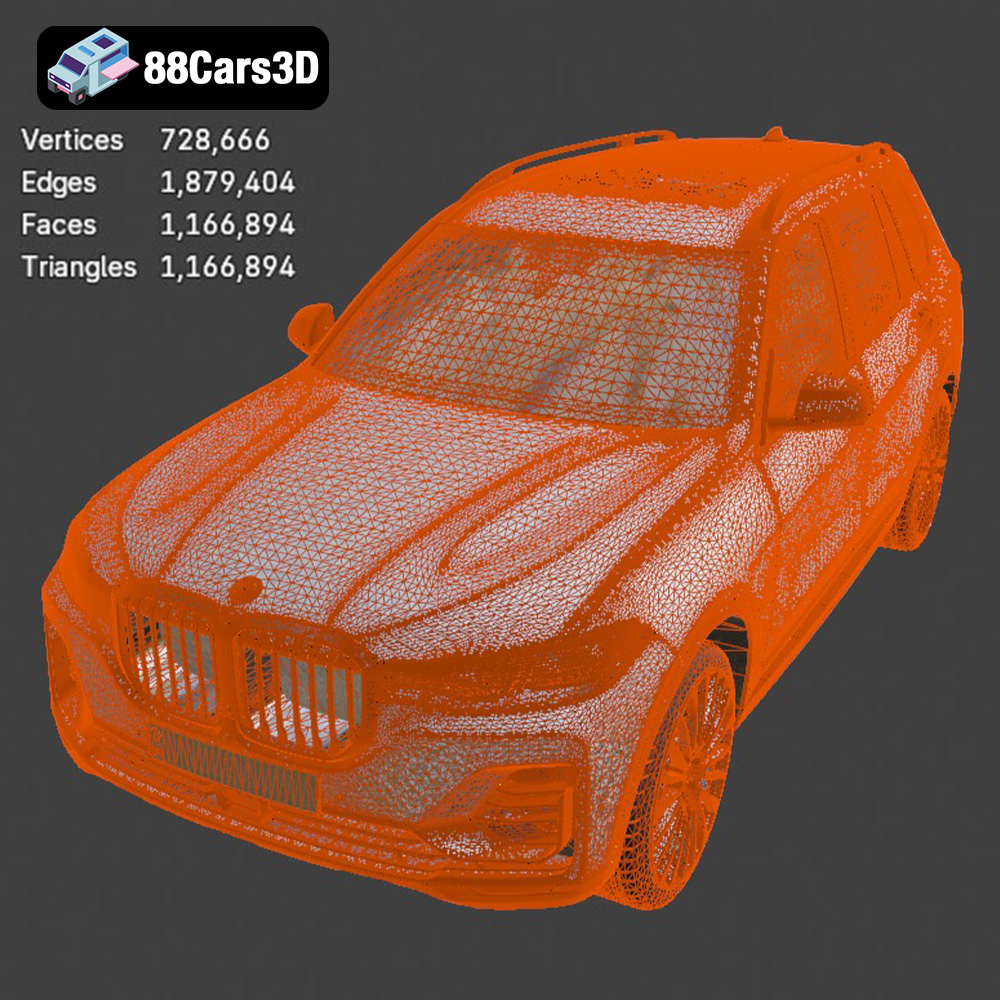
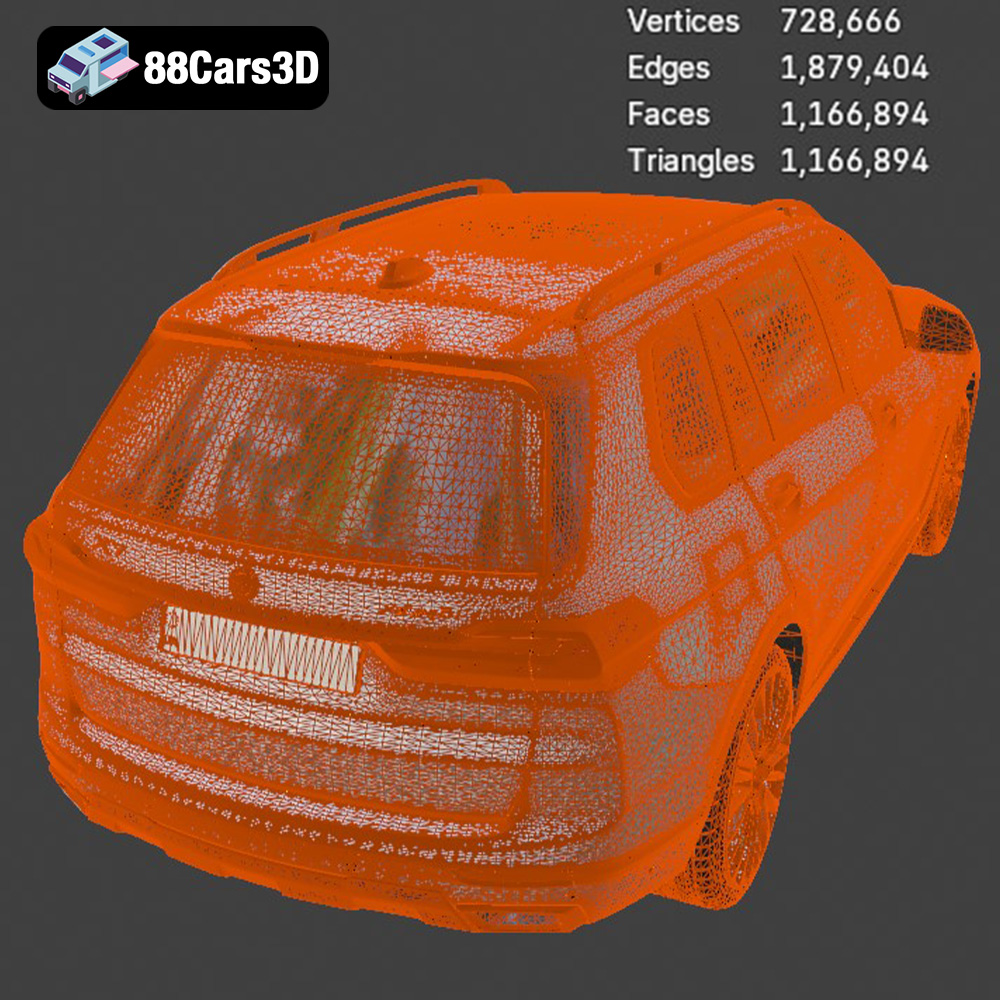
Almost all slicing software packages are compatible with .stl files. Popular choices include Ultimaker Cura, PrusaSlicer, Simplify3D, and IdeaMaker. When working with .stl files, it’s crucial to ensure the mesh is watertight (closed and without holes) and that the normals are correctly oriented (pointing outwards). Non-manifold geometry (where edges connect to more than two faces) can also cause issues. Slicing software often includes tools to repair minor mesh errors, but for more complex issues, you might need to use a dedicated mesh editing program like MeshLab or Blender. The quality of the original 3D model significantly impacts the print’s final result. Models with overly complex geometry or poorly constructed meshes can lead to printing errors. Fortunately, the BMW X7 G07 2019 3D model from 88cars3d.com is designed with clean geometry, making it ideal for 3D printing.
Before you hit the “print” button, careful preparation is key to a successful outcome. This involves choosing the right slicing software and configuring it appropriately for the BMW X7 G07 2019 model.
Select a slicing software that you are comfortable with. For beginners, Ultimaker Cura is a great option due to its user-friendly interface and extensive features. Import the .stl file of the BMW X7 G07 2019 into your chosen slicer.
* **Orientation:** Decide on the print orientation. For the BMW X7, consider printing it with the bottom of the car facing down on the build plate. This often provides the best surface finish for the most visible areas. However, this orientation will require supports for overhanging features like the wheel arches and bumpers.
* **Layer Height:** Choose an appropriate layer height. A smaller layer height (e.g., 0.1mm) will result in a smoother surface finish and finer details, but it will also increase the print time. A larger layer height (e.g., 0.2mm) will print faster but with less detail. For the X7, 0.15mm to 0.2mm is a good balance.
* **Infill Density:** Determine the infill density. The infill is the internal structure of the print, and it affects the strength and weight of the final product. For a display model, a low infill density (10-15%) is usually sufficient. If you need a stronger model, increase the infill density to 20-25%.
* **Support Structures:** Configure support structures for overhanging parts. Use a support pattern that is easy to remove, such as tree supports or zig-zag supports. Ensure that the supports are properly attached to the model and the build plate.
* **Adhesion:** Enable bed adhesion features like a brim or raft to ensure the print sticks to the build plate, especially for larger models like the X7.
Before slicing, inspect the model for any errors. Most slicers have built-in tools to detect and repair minor mesh issues. If the model is too large or small for your printer, you can scale it within the slicing software. Scaling it down too much can lose details. Scaling up might exceed your printer’s volume.
The choice of material significantly impacts the appearance, strength, and durability of your 3D printed BMW X7 G07 2019. Several materials are suitable, each with its own advantages and disadvantages.
PLA is a biodegradable thermoplastic polymer derived from renewable resources. It’s the most popular material for 3D printing due to its ease of use, low printing temperature, and wide availability. PLA is ideal for creating visually appealing models like the BMW X7.
* **Pros:** Easy to print, low warping, good surface finish, wide range of colors.
* **Cons:** Lower strength and heat resistance compared to other materials, can be brittle.
* **Recommended Settings:** Printing temperature: 200-220°C, Bed temperature: 60°C.
PETG is a modified version of PET that is more flexible and durable than PLA. It has good impact resistance and is less prone to warping. PETG is a good choice for parts that need to withstand some stress.
* **Pros:** Stronger and more durable than PLA, good chemical resistance, low warping.
* **Cons:** Can be more challenging to print than PLA, stringing can be an issue.
* **Recommended Settings:** Printing temperature: 230-250°C, Bed temperature: 70-80°C.
Resin 3D printing offers incredibly high detail and smooth surface finishes. This makes it ideal for small, intricate models where precision is paramount. However, resin prints tend to be more brittle than FDM prints and require post-processing steps like washing and curing.
* **Pros:** Extremely high detail, smooth surface finish, excellent for small and intricate models.
* **Cons:** More brittle than FDM prints, requires post-processing, can be more expensive.
* **Recommended Settings:** Follow the resin manufacturer’s recommendations for exposure time and layer height.
Achieving a high-quality 3D print requires fine-tuning your printer settings based on the material and the complexity of the model.
* **Layer Height:** A layer height of 0.1mm to 0.2mm is recommended for a balance of detail and print time. Smaller layer heights will produce smoother surfaces but will significantly increase the print duration.
* **Print Speed:** Start with a print speed of 40-60mm/s for PLA and PETG. Reduce the speed for more complex areas of the model to improve detail. For resin printing, the speed is determined by the exposure time per layer.
* **Temperature:** Adjust the printing temperature according to the material manufacturer’s recommendations. PLA typically prints at 200-220°C, while PETG requires 230-250°C. Resin printing does not involve temperature control.
* **Support Structures:** Use a support pattern that is easy to remove and provides adequate support for overhanging features. Tree supports are a good option for complex models. Adjust the support density and angle based on the geometry of the overhangs.
* **Bed Adhesion:** Ensure proper bed adhesion to prevent warping. Use a brim or raft for larger models or materials prone to warping. Clean the build plate thoroughly before each print.
Once the 3D printing is complete, the real magic begins. Post-processing transforms a raw print into a polished, professional-looking model.
Carefully remove the support structures using pliers or a sharp knife. Be gentle to avoid damaging the model. Sand down any rough edges or imperfections with sandpaper. Start with a coarse grit (e.g., 220) and gradually move to finer grits (e.g., 400, 600, 800) for a smooth surface.
Painting can greatly enhance the appearance of your 3D printed BMW X7. Apply a primer to the model to create a smooth surface for the paint to adhere to. Use acrylic paints or automotive spray paints for a durable and realistic finish. Consider using masking tape to create clean lines and details. A clear coat can protect the paint and add a glossy finish. Decals can be added for an even more realistic look.
Even with careful preparation, 3D printing can sometimes present challenges. Here are some common issues and their solutions:
Warping occurs when the corners of the print lift off the build plate. This is often caused by poor bed adhesion or uneven cooling. Ensure the build plate is clean and level, use a brim or raft, and control the ambient temperature.
Stringing is when thin strands of plastic are left between parts of the print. This is usually caused by excessive retraction distance or temperature. Adjust the retraction settings in your slicing software and lower the printing temperature.
Layer shifting is when the layers of the print become misaligned. This can be caused by loose belts, excessive print speed, or mechanical issues. Tighten the belts, reduce the print speed, and check for any obstructions.
Over-extrusion results in excess plastic being deposited, while under-extrusion results in insufficient plastic. Calibrate your extruder and adjust the flow rate in your slicing software.
By following these steps and tips, you can successfully 3D print a stunning replica of the BMW X7 G07 2019. Remember to take your time, experiment with different settings, and don’t be afraid to learn from your mistakes. The detailed 3D model available at 88cars3d.com is an excellent resource for this project.
Before starting your 3D printing project, it’s helpful to estimate the print time and material cost. This will give you an idea of the resources required and allow you to plan accordingly.
* **Print Time:** The print time depends on the size of the model, layer height, print speed, and infill density. Slicing software typically provides an estimated print time after you configure the settings. A detailed model like the BMW X7 G07 2019 can take anywhere from 10 to 30 hours to print, depending on the settings.
* **Material Cost:** The material cost depends on the type of material and the amount used. Slicing software also provides an estimated material usage. PLA typically costs around $20-$30 per kilogram, while PETG costs around $25-$40 per kilogram. Resin can be more expensive, ranging from $30-$80 per liter.
3D printing the BMW X7 G07 2019 3D model is a rewarding project that combines technical skill with artistic creativity. By understanding the fundamentals of 3D printing, carefully preparing your model, selecting the right materials, and fine-tuning your printer settings, you can achieve a stunning result. Remember to take your time, experiment with different techniques, and learn from your experiences. The journey of 3D printing is as fulfilling as the final product. And with high-quality models available at 88cars3d.com, you have an excellent starting point for your next 3D printing adventure.
The BMW X7 G07 2019 3D model is a meticulously crafted digital replica capturing the luxurious and commanding presence of the flagship SUV. This highly realistic model is designed for professionals seeking exceptional accuracy and visual fidelity in their digital projects.
$19.99
.arvr
.blend
.bmw
.car3dmodel
.fbx
.g07
.gameasset
.glb
.luxurycar
.max
.obj
.ply
.rendering
.simulation
.stl
.unreal
.x7
SUV