Get 20% OFF All Premium 3D & STL Models!

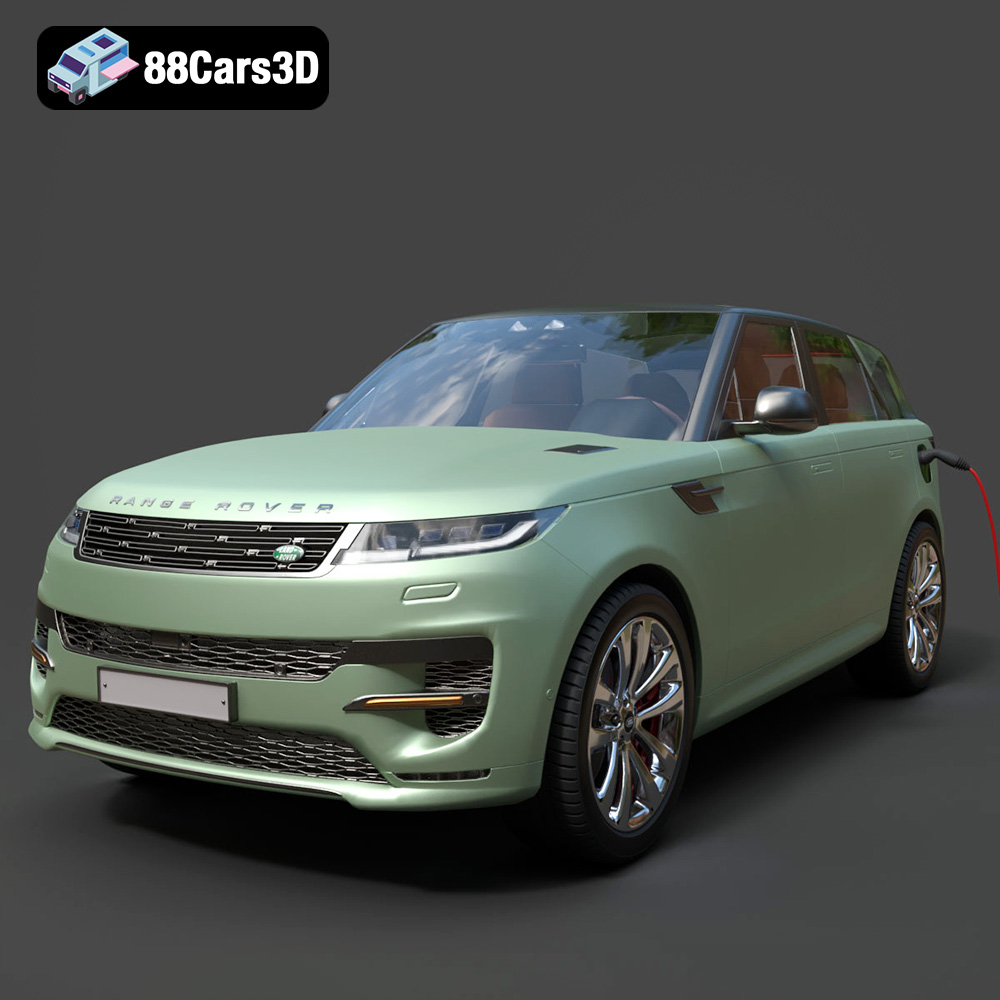
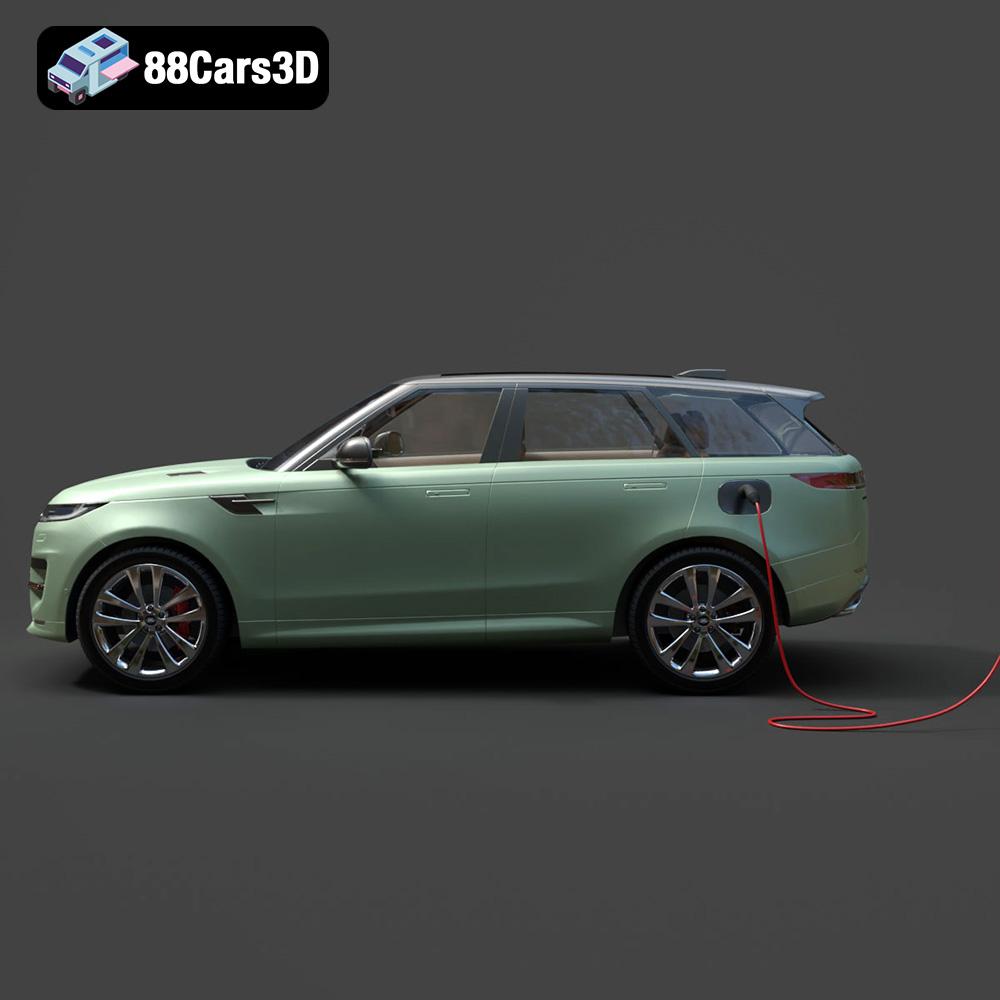
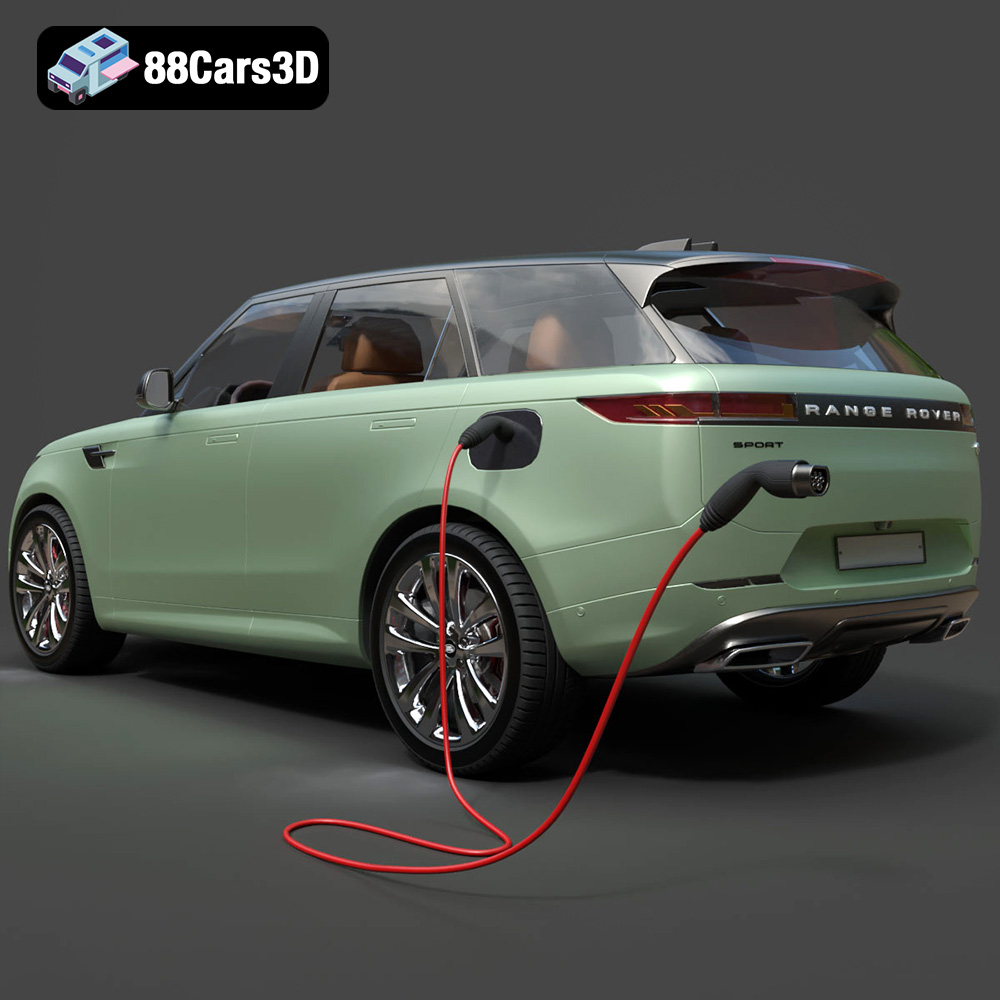
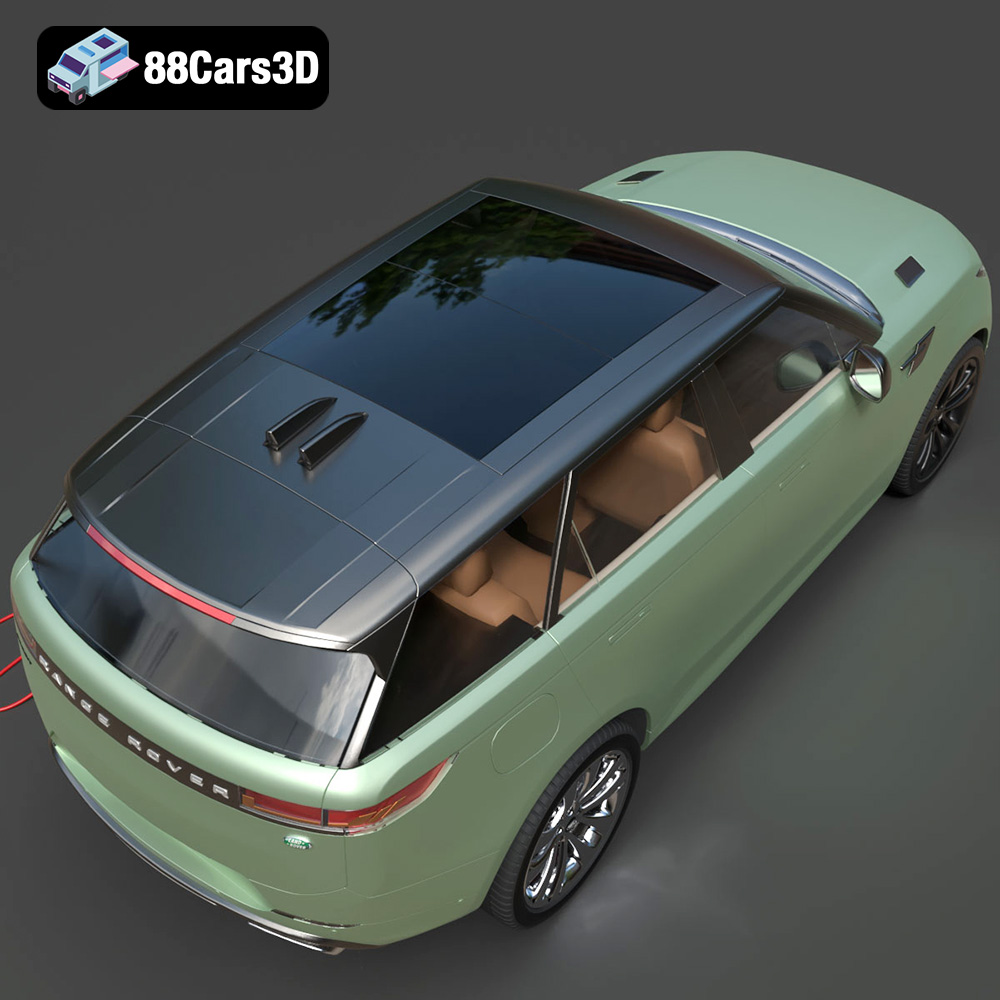
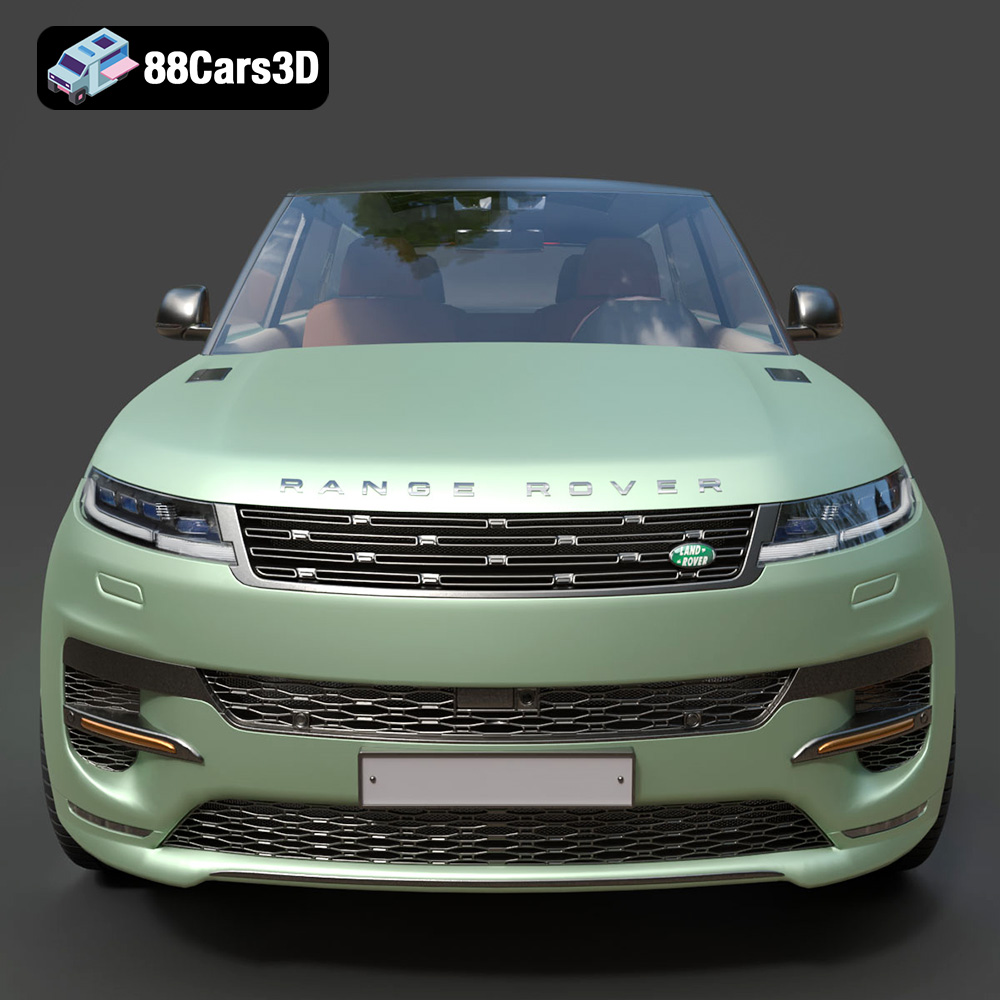
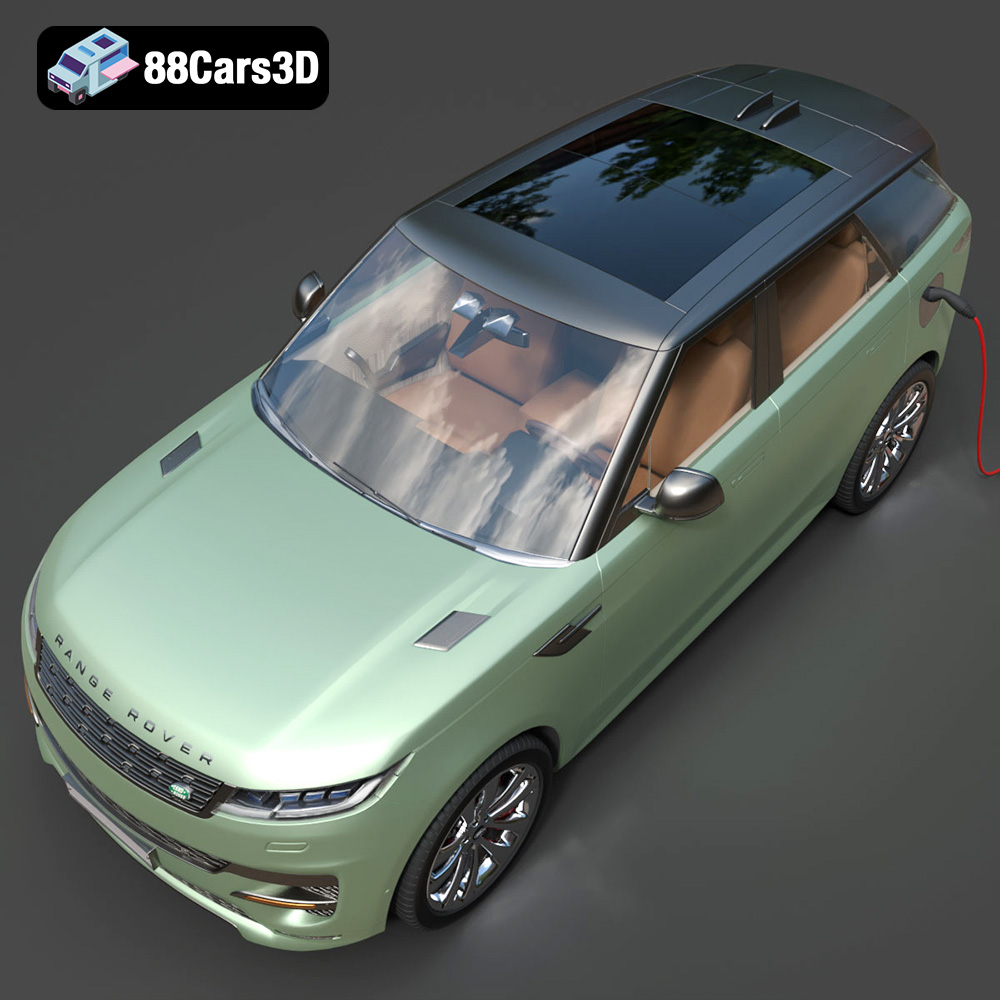
The Range Rover Sport Hybrid PHEV 2023 is a stunning vehicle, and bringing it to life through 3D printing is an exciting project. Whether you’re a car enthusiast, a scale model hobbyist, or simply looking for a unique 3D printing challenge, this guide will walk you through the entire process, from preparing the STL files to achieving a polished, finished product. We’ll cover material selection, optimal print settings, necessary pre-print preparations, and effective post-processing techniques. This guide helps you leverage the detailed 3D model available at 88cars3d.com for additive manufacturing.
The first step in successfully 3D printing your Range Rover Sport Hybrid PHEV 2023 model is selecting the right 3D printing technology. The two most common options for hobbyists are Fused Deposition Modeling (FDM) and Stereolithography (SLA) printing.
FDM printing involves extruding a thermoplastic filament, such as PLA or PETG, layer by layer to build the model. FDM printers are generally more affordable and easier to maintain than SLA printers. They are well-suited for larger prints and functional parts, but may struggle with very fine details. For the Range Rover Sport Hybrid PHEV 2023 model, FDM printing is a viable option, especially for larger scale models where overall size is prioritized over intricate detailing.
SLA printing, on the other hand, uses a laser or projector to cure liquid resin layer by layer. SLA printers offer superior resolution and are capable of capturing incredibly fine details, making them ideal for smaller, more intricate models. The surface finish is also generally smoother than FDM prints. If you are aiming for a highly detailed replica of the Range Rover Sport Hybrid PHEV 2023, especially at a smaller scale, SLA printing would be the preferred choice. However, keep in mind that SLA printers are typically more expensive, and the resins can be more brittle than FDM filaments.
Selecting the right file format is crucial for ensuring a smooth and successful 3D printing experience. The 3D models available from 88cars3d.com include a variety of file formats, each with its own strengths and weaknesses. Understanding these formats will help you choose the best option for your specific needs and workflow.
The STL (Stereolithography) file format is the de facto standard for 3D printing. It represents the surface geometry of a 3D object as a collection of triangles. This simplicity makes it universally compatible with virtually all slicing software and 3D printers. However, STL files only store the mesh data and do not contain information about color, texture, or materials.
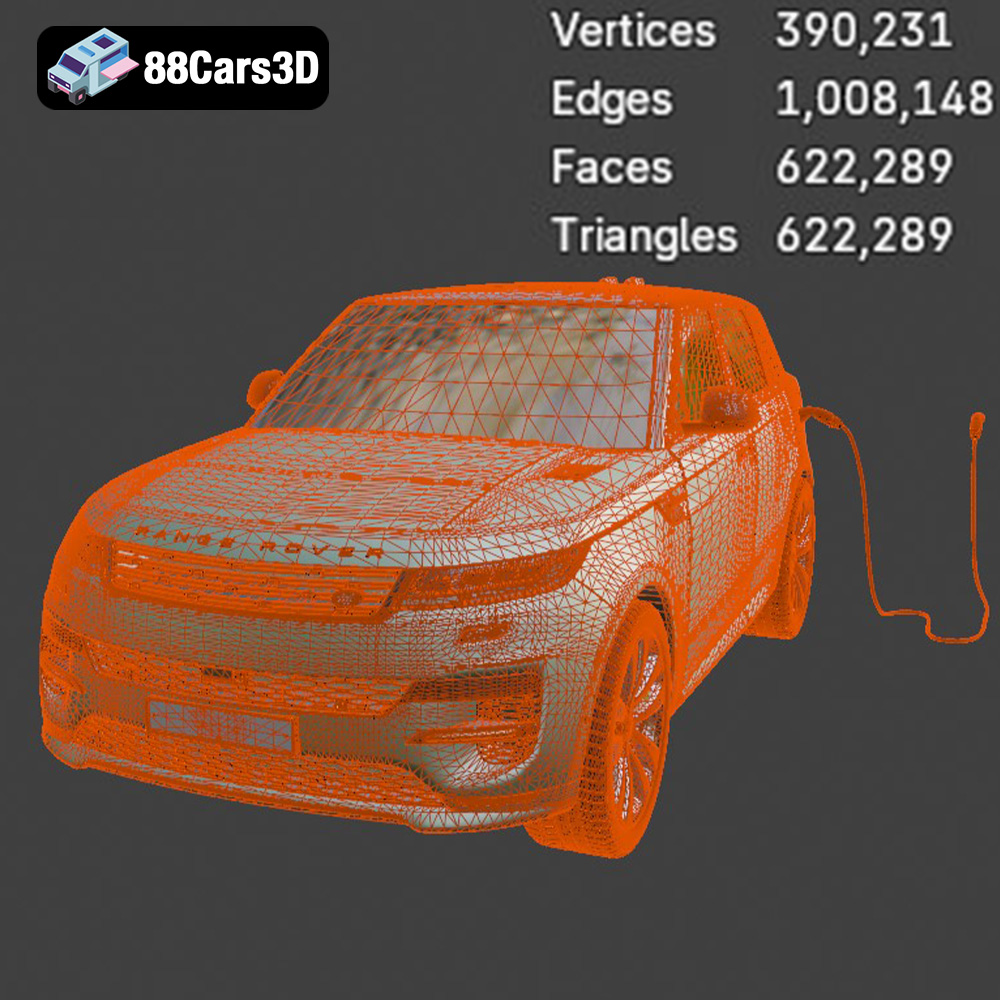
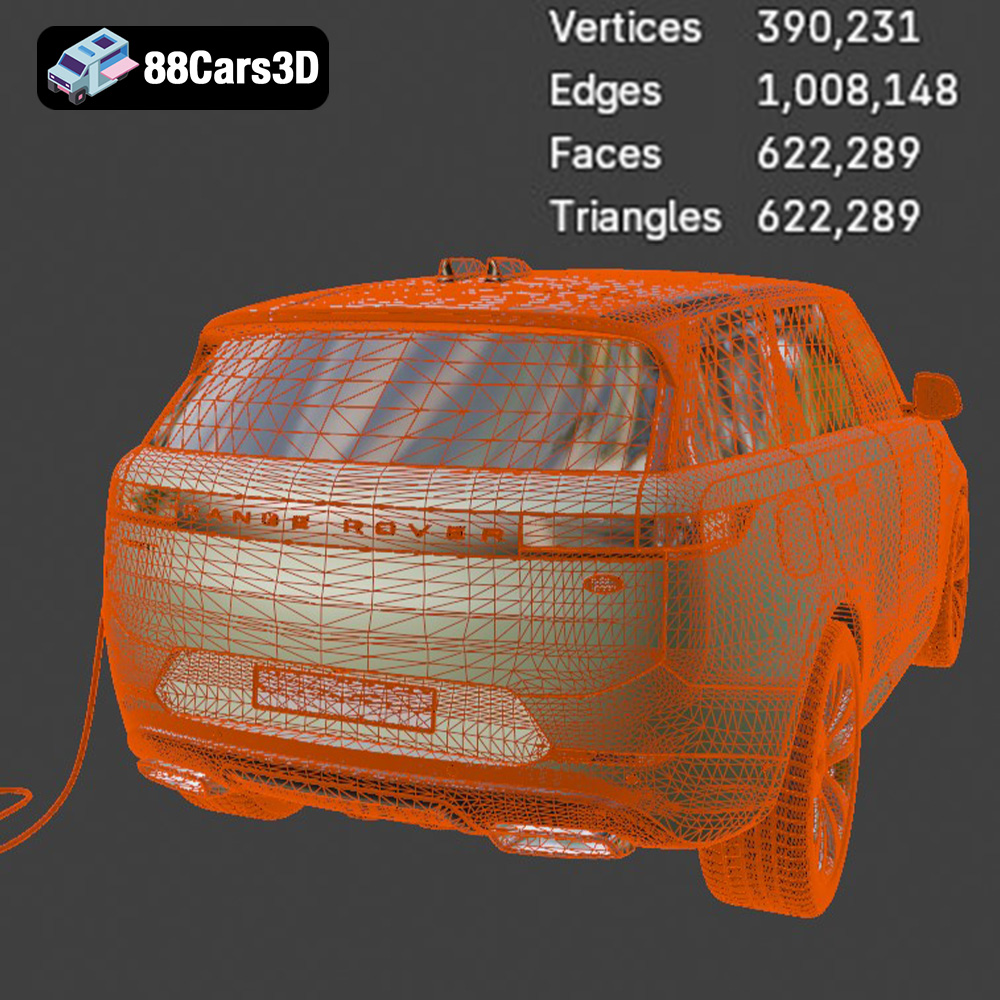
For 3D printing the Range Rover Sport Hybrid PHEV 2023 model, the STL file is your primary go-to format. It’s readily accepted by slicing software like Cura, PrusaSlicer, and Simplify3D, and ensures compatibility across different printer brands and types. When working with STL files, pay attention to the mesh quality. A low-resolution mesh can result in a faceted appearance on the final print, while an excessively high-resolution mesh can lead to large file sizes and slower processing times. Strive for a balance that captures the details of the Range Rover Sport Hybrid PHEV 2023 model without overwhelming your hardware.
Before printing, it’s often necessary to repair STL files to ensure they are watertight and free of errors like non-manifold edges or holes. Many slicing programs have built-in repair tools, or you can use dedicated mesh editing software like Meshmixer or MeshLab.
OBJ (Object) files are another common 3D model format. Unlike STL, OBJ files can store color and texture information, making them suitable for colored 3D printing or rendering applications. While most slicing software can import OBJ files, they are not as widely supported as STL, and the texture information may not always be correctly interpreted.
PLY (Polygon File Format) is designed to store 3D data acquired from 3D scanners. It supports a variety of data types, including color, texture, and normal vectors, and is capable of representing highly detailed meshes. However, PLY files are not as universally supported as STL or OBJ, and they are typically used for specialized applications like reverse engineering or scientific visualization.
The .blend file is the native format for Blender, a popular open-source 3D modeling software. This format contains the entire scene, including the mesh data, materials, textures, lighting, and camera settings. If you want to customize the Range Rover Sport Hybrid PHEV 2023 model before 3D printing it, the .blend file provides the most flexibility. You can modify the geometry, add details, or create variations of the model. Once you’re satisfied with your changes, you can export the model as an STL file for 3D printing.
FBX (Filmbox) is a proprietary file format developed by Autodesk. It is commonly used in game development and animation, and supports a wide range of data types, including geometry, materials, textures, and animation. While some slicing software can import FBX files, they are primarily intended for use in 3D modeling and animation applications.
GLB (GL Transmission Format Binary) is a file format designed for efficient delivery and loading of 3D models on the web and in AR/VR applications. It is a binary format that combines the mesh data, textures, and animations into a single file. GLB files are typically used for previewing models in augmented reality applications before committing to a print.
.max is the native file format for Autodesk 3ds Max, another professional 3D modeling, animation, and rendering software. Like .blend, it contains the entire scene setup. If you prefer 3ds Max, you can use this file to modify the Range Rover Sport Hybrid PHEV 2023 model before exporting it as an STL file for 3D printing.
Choosing the right material is essential for achieving the desired look, feel, and functionality of your 3D printed Range Rover Sport Hybrid PHEV 2023 model. The optimal material will depend on the chosen printing technology (FDM or SLA) and the intended use of the model.
PLA is a biodegradable thermoplastic widely used in FDM printing. It is easy to print, has low warping, and produces relatively smooth surfaces. PLA is a good choice for initial prototypes and display models of the Range Rover Sport Hybrid PHEV 2023. However, PLA is not very heat-resistant and can become brittle over time, so it may not be suitable for functional parts or models that will be exposed to high temperatures.
PETG is another popular FDM filament known for its strength, durability, and heat resistance. It is more flexible than PLA and less prone to cracking. PETG is a good all-around material for the Range Rover Sport Hybrid PHEV 2023, offering a good balance of printability and performance.
ABS is a strong and heat-resistant thermoplastic commonly used in automotive applications. It is more challenging to print than PLA or PETG, as it requires a heated bed and a well-ventilated enclosure to prevent warping. However, ABS is a good choice for functional parts or models that will be exposed to high temperatures or stress.
For SLA printing, various resins are available, each with its own properties. Standard resins are suitable for general-purpose printing, while tough resins are designed for parts that require high strength and impact resistance. Flexible resins are ideal for creating rubber-like parts. Clear resins can be used to create transparent or translucent parts, such as windows or headlights for your Range Rover Sport Hybrid PHEV 2023 model.
Once you’ve chosen your material and have your STL file ready, the next step is to prepare the model for printing using slicing software. This involves adjusting various settings to optimize the print quality, strength, and printing time. Correct model orientation can vastly improve print success.
* **Layer Height:** A lower layer height results in smoother surfaces but increases printing time. A layer height of 0.1-0.2 mm is a good starting point for the Range Rover Sport Hybrid PHEV 2023 model.
* **Infill Density:** Infill density determines the internal structure of the model. A higher infill density results in a stronger model but increases printing time and material consumption. An infill density of 15-25% is usually sufficient for display models.
* **Supports:** Supports are necessary for printing overhangs and complex geometries. The type and placement of supports can significantly impact the print quality and ease of post-processing. Consider using tree supports or manually placing supports to minimize their impact on the visible surfaces of the Range Rover Sport Hybrid PHEV 2023 model.
* **Print Speed:** The optimal print speed depends on the material and printer. Slower print speeds generally result in better print quality, but increase printing time. Experiment to find the best balance for your specific setup.
The orientation of the model on the print bed can significantly impact the print quality, strength, and support requirements. Orient the Range Rover Sport Hybrid PHEV 2023 model to minimize overhangs and maximize the contact area with the print bed. Consider printing the body separately from the wheels and other smaller parts to optimize the orientation for each part. For example, you might print the body upside down to avoid needing supports on the roof.
Once the 3D printing is complete, post-processing is often necessary to achieve a polished and professional-looking finish.
Carefully remove the supports using pliers, cutters, or a sharp knife. Take your time to avoid damaging the model. For SLA prints, the supports are typically more delicate and can be easily removed by hand.
Sanding is essential for smoothing out layer lines and imperfections. Start with coarse sandpaper (e.g., 220 grit) and gradually move to finer grits (e.g., 400, 600, 800, 1000 grit) to achieve a smooth surface. Wet sanding can help reduce dust and improve the surface finish. Pay particular attention to the curved surfaces of the Range Rover Sport Hybrid PHEV 2023 model.
Priming the model before painting helps to create a uniform surface and improve adhesion. Apply several thin coats of primer, allowing each coat to dry completely before applying the next. Once the primer is dry, you can paint the model with acrylic paints or automotive paints. Consider using an airbrush for a more even and professional finish.
If the Range Rover Sport Hybrid PHEV 2023 model was printed in multiple parts, carefully assemble the parts using glue or epoxy. Ensure that the parts are properly aligned before the glue dries. You may need to use clamps or tape to hold the parts together while the glue cures.
Even with careful planning and preparation, 3D printing can sometimes present challenges. Here are some common issues and their solutions:
Warping occurs when the corners of the print lift off the print bed. This is more common with ABS and other materials that contract significantly as they cool. To prevent warping, use a heated bed, ensure good bed adhesion, and use an enclosure to maintain a consistent temperature.
Stringing occurs when thin strands of filament are left between different parts of the print. This is usually caused by excessive retraction distance or temperature. Adjust the retraction settings and temperature in your slicing software to minimize stringing.
Layer shifting occurs when the print head suddenly shifts position during printing. This can be caused by loose belts, stepper motor issues, or overheating. Check the belts for proper tension, lubricate the lead screws, and ensure that the stepper motors are not overheating.
The estimated print time and material cost for the Range Rover Sport Hybrid PHEV 2023 model will depend on the size of the model, the infill density, the layer height, and the chosen material. A medium-sized model (e.g., 1/24 scale) with 20% infill and a 0.2 mm layer height could take anywhere from 10 to 20 hours to print using FDM. A similar model printed using SLA could take 5 to 10 hours. The material cost could range from $5 to $20 for FDM printing and $10 to $30 for SLA printing.
By following this comprehensive guide, you can successfully 3D print a stunning replica of the Range Rover Sport Hybrid PHEV 2023. Remember to experiment with different settings and materials to find what works best for your printer and desired outcome. Visit 88cars3d.com to acquire the high-quality 3D model of the Range Rover Sport Hybrid PHEV 2023 and start your printing journey today!
The Range Rover Sport Hybrid PHEV 2023 3D Model brings an incredible level of realism to your digital projects. Accurately modeled to reflect the sophisticated design and dynamic stance of the real vehicle, this asset features a meticulously detailed exterior and a fully modeled interior. Designed with clean geometry and professional-grade polygon topology, this model ensures optimal performance across various platforms. It comes fully equipped with realistic materials and detailed textures, allowing for seamless integration into complex scenes without the need for extensive adjustments. This versatile 3D asset is perfectly suited for a wide array of applications, including game development, architectural visualization, cinematic rendering, AR/VR experiences, and automotive simulations.
$19.99
.arvr
.blend
.car3dmodel
.fbx
.gameasset
.glb
.hybrid
.landrover
.luxurycar
.max
.obj
.phev
.ply
.rangerover
.rendering
.simulation
.sport
.sporthybrid
.stl
.unreal
SUV