Get 20% OFF All Premium 3D & STL Models!

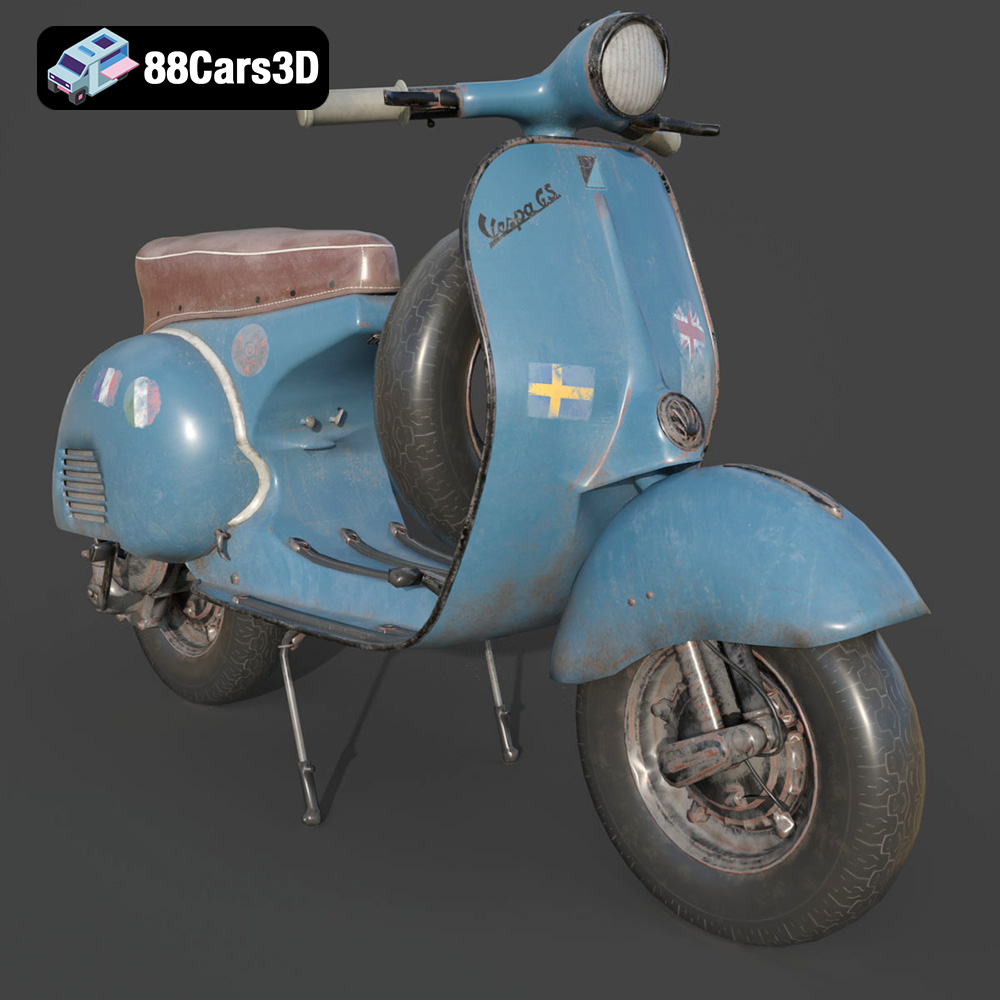
The Vespa GS 150, a symbol of Italian design and scooter heritage, is now within reach for 3D printing enthusiasts. Thanks to detailed 3D models available on platforms like 88cars3d.com, you can recreate this classic scooter on your desktop. This guide provides a comprehensive breakdown of how to successfully 3D print the Vespa GS 150 model, covering everything from pre-print preparation to post-processing finishing touches. Let’s dive into the world of additive manufacturing and bring this iconic scooter to life!
Before hitting the print button, meticulous preparation is key. The downloadable model from 88cars3d.com offers flexibility in terms of scale, but understanding the implications of your choice is crucial.
The product description suggests scales of 1:12, 1:18, and 1:24. A larger scale (1:12) will capture more intricate details but require more material and print time. Smaller scales (1:18 or 1:24) are more economical but may sacrifice some finer features. Consider your printer’s resolution and the level of detail you desire when making this decision. A test print of a small, detailed section at your chosen scale is always a good idea. Scaling can be done within your slicing software.
The orientation of your model on the print bed significantly impacts print quality, support requirements, and structural integrity. The product description recommends printing the frame angled. This is likely to minimize the need for supports on curved surfaces and enhance the layer adhesion in critical stress areas. Wheels should be printed separately, ideally flat on the bed for maximum adhesion and roundness. Experiment with different orientations within your slicing software to visualize support structures and minimize overhangs.
Supports are essential for printing overhangs and intricate details like the exhaust, mirrors, and handlebars. Use your slicing software to generate supports automatically, but be prepared to fine-tune them. Pay attention to the support density, pattern, and interface layer. A denser support structure provides better support but can be more difficult to remove. A good balance is key. Consider using tree supports for their efficient material usage and ease of removal.
Choosing the right file format is essential for a smooth 3D printing experience. The Vespa GS 150 model from 88cars3d.com is available in a variety of formats, but some are better suited for printing than others.
The .stl (stereolithography) format is the undisputed king of 3D printing. It represents a 3D model as a collection of interconnected triangles, forming a mesh that approximates the surface of the object. This simplicity makes it universally compatible with slicing software and 3D printers. However, the .stl format only stores geometric data; it doesn’t contain information about color, texture, or materials.
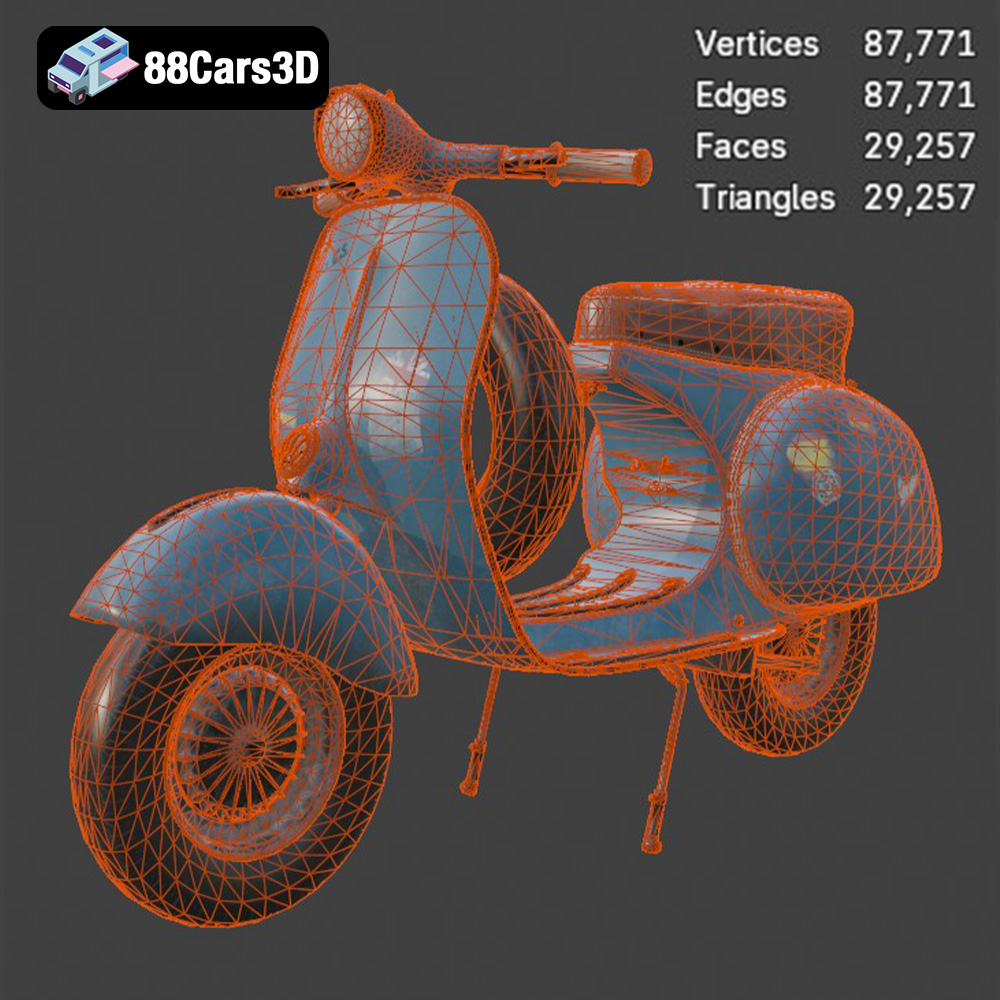
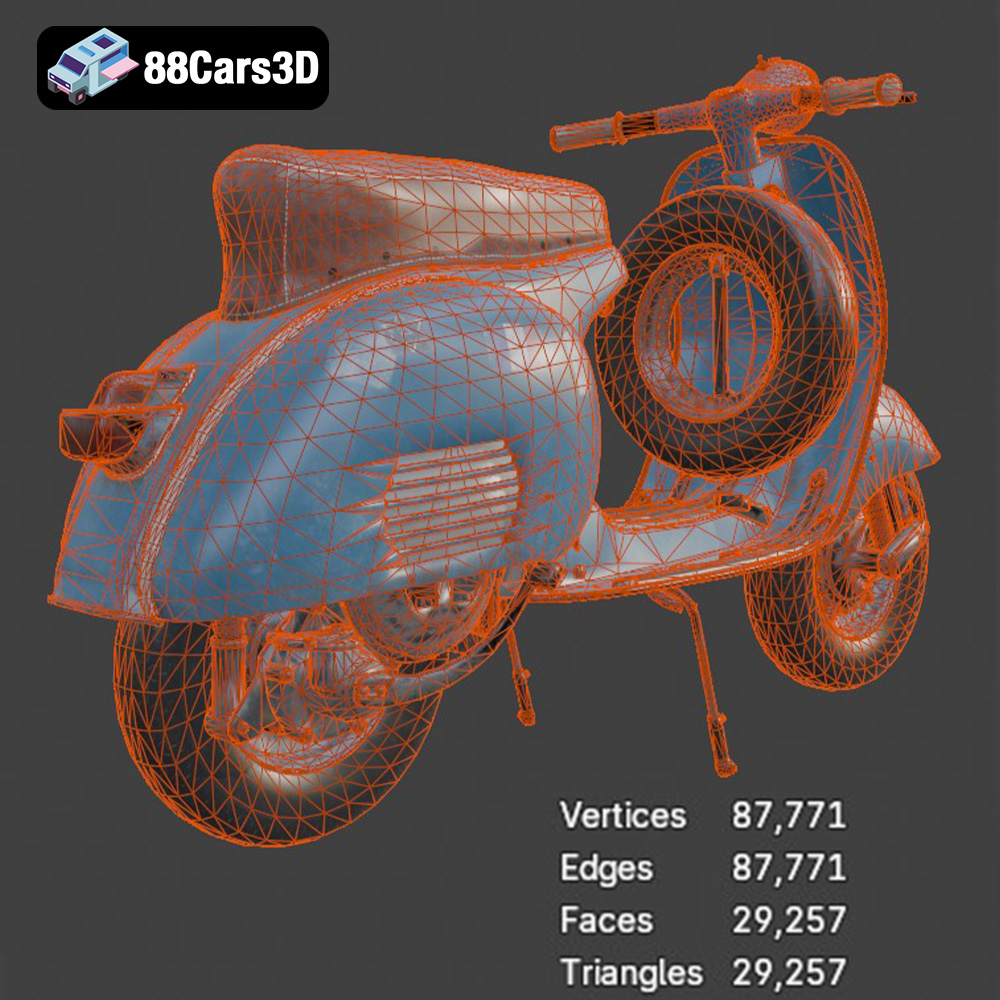
For the Vespa GS 150, the .stl file provides the basic geometry for printing. When importing into your slicing software, ensure the mesh is watertight (no holes or gaps) and that the normals are correctly oriented (pointing outwards). Mesh repair tools within your slicer or dedicated software like MeshMixer can help fix any issues. The resolution of the .stl mesh also matters; a higher resolution results in a smoother surface but increases file size and processing time. Aim for a balance between detail and performance.
The .obj (object) format is another widely used 3D model format. Unlike .stl, it can store color and texture information along with the geometry. This makes it suitable for printing with multi-material printers or for creating visually appealing renders. However, not all 3D printers support color printing, and the .obj format can be more complex to handle than .stl.
The .ply (polygon) format is designed for storing 3D data acquired from scanning devices. It can represent models with a high level of detail and accuracy. While not as universally supported as .stl, .ply can be useful for printing highly detailed models like the Vespa GS 150, especially if the model was created from a 3D scan.
The .blend format is the native file format for Blender, a popular open-source 3D modeling software. If you’re familiar with Blender, having the .blend file allows you to customize the Vespa GS 150 model before exporting it to a printable format like .stl. You can modify the geometry, add details, or change the materials.
The .fbx (Filmbox) format is a proprietary format developed by Autodesk. It’s commonly used for exchanging 3D data between different software applications. While .fbx can store materials and animations, it’s primarily useful for importing the Vespa GS 150 model into other 3D software for further editing or rendering before printing.
The .glb (GL Transmission Format Binary) format is designed for efficient transmission and loading of 3D models, particularly in web and mobile applications. It supports textures, animations, and other features, making it ideal for previewing the Vespa GS 150 model in augmented reality (AR) before committing to a print. This allows you to visualize the model in your physical environment and assess its size and appearance.
The .max format is the native file format for 3ds Max, another professional 3D modeling software package from Autodesk. Similar to .blend files for Blender, having the .max project allows advanced users to make deep modifications to the model before exporting to .STL for printing.
For 3D printing, the .stl format is generally the most reliable and widely supported option. Ensure the mesh quality is adequate for your desired print resolution and that the model is watertight before slicing. Other formats like .obj can be useful if you intend to print with color or use textures, but be aware of potential compatibility issues.
The choice of material is crucial for achieving the desired aesthetics, strength, and detail in your 3D printed Vespa GS 150.
PLA (polylactic acid) is a popular thermoplastic known for its ease of use, biodegradability, and wide availability. It’s a great choice for beginners and for printing models that don’t require high strength or heat resistance. PLA prints well with minimal warping and offers a good surface finish. However, it’s relatively brittle and prone to softening at higher temperatures.
PETG (polyethylene terephthalate glycol-modified) offers a good balance of strength, flexibility, and ease of printing. It’s more durable and heat-resistant than PLA, making it suitable for parts that need to withstand some stress. PETG also has good layer adhesion, reducing the risk of delamination.
Resin printing, using technologies like SLA (stereolithography) or DLP (digital light processing), offers the highest level of detail and surface finish. Resin is ideal for printing small, intricate parts with fine features, making it a great choice for capturing the Vespa GS 150’s complex curves and detailing. However, resin prints tend to be more brittle than FDM (fused deposition modeling) prints and require post-processing steps like washing and curing. The product description explicitly recommends resin printing for fine details.
For the Vespa GS 150, consider PLA for a simple and economical print, PETG for increased durability, or resin for the highest level of detail, particularly for smaller-scale models.
Your slicing software is the bridge between the 3D model and your printer. Configuring the settings correctly is essential for a successful print.
Layer height determines the thickness of each printed layer. Lower layer heights (e.g., 0.1mm or 0.04mm, as suggested in the product description) result in smoother surfaces and finer details but increase print time. Higher layer heights (e.g., 0.2mm) print faster but sacrifice some detail. Find the right balance for your desired quality and printing time.
Infill refers to the internal structure of your 3D print. Higher infill densities (e.g., 20-30%, as suggested) provide greater strength but increase material usage and print time. Choose an infill pattern that provides adequate support without being excessively dense. Gyroid, cubic, and triangular infill patterns are good options.
Print speed and temperature should be adjusted based on the material you’re using. Refer to the manufacturer’s recommendations for the optimal settings. Printing too fast or at the wrong temperature can lead to poor layer adhesion, warping, or stringing.
Post-processing is the final step in bringing your 3D printed Vespa GS 150 to life.
Carefully remove the supports using pliers or a sharp knife. Sand the surfaces to remove any imperfections and layer lines. Start with coarse sandpaper and gradually move to finer grits for a smooth finish.
Apply a primer to the model to create a smooth surface for painting. Use automotive-grade paints to achieve an authentic factory finish. Consider using stencils or masking tape to create intricate details like the Vespa logo or racing stripes. The product description mentions authentic factory colors with metallic finishes, so research the original color schemes of the Vespa GS 150 for a realistic result.
If you printed the model in multiple parts, carefully assemble them using glue or screws. Ensure that the parts fit together properly and that the joints are strong and seamless.
Even with careful preparation, 3D printing can sometimes present challenges.
Warping occurs when the corners of your print lift from the print bed. To prevent warping, ensure that your print bed is level, use a heated bed (if available), and apply an adhesive like glue stick or hairspray.
Stringing occurs when thin strands of plastic are left between different parts of the print. To reduce stringing, adjust your retraction settings, lower the printing temperature, and increase travel speed.
Layer delamination occurs when the layers of your print separate from each other. To improve layer adhesion, increase the printing temperature, reduce the printing speed, and ensure that your filament is dry.
By following these tips and techniques, you can successfully 3D print a stunning replica of the iconic Vespa GS 150. Remember to experiment with different settings and materials to find what works best for your printer and your desired outcome. The detailed 3D model from 88cars3d.com provides a solid foundation for a rewarding 3D printing project.
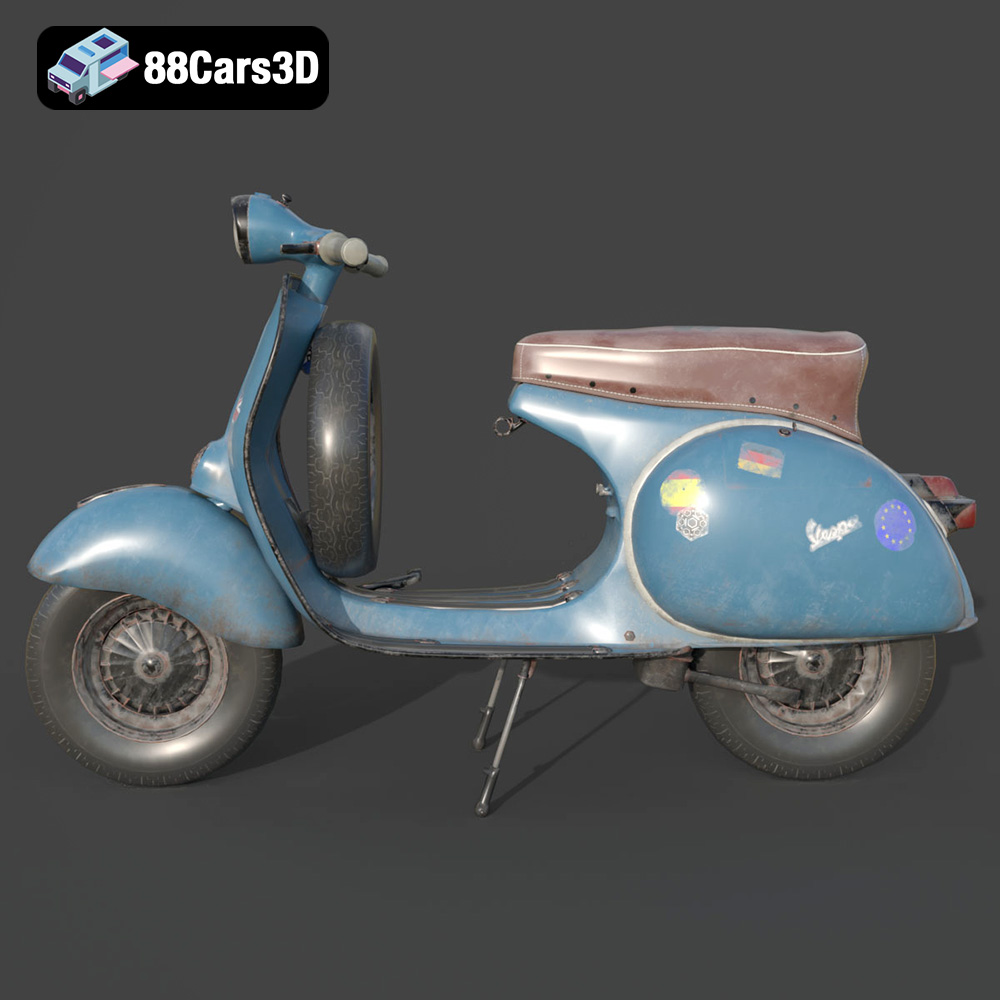
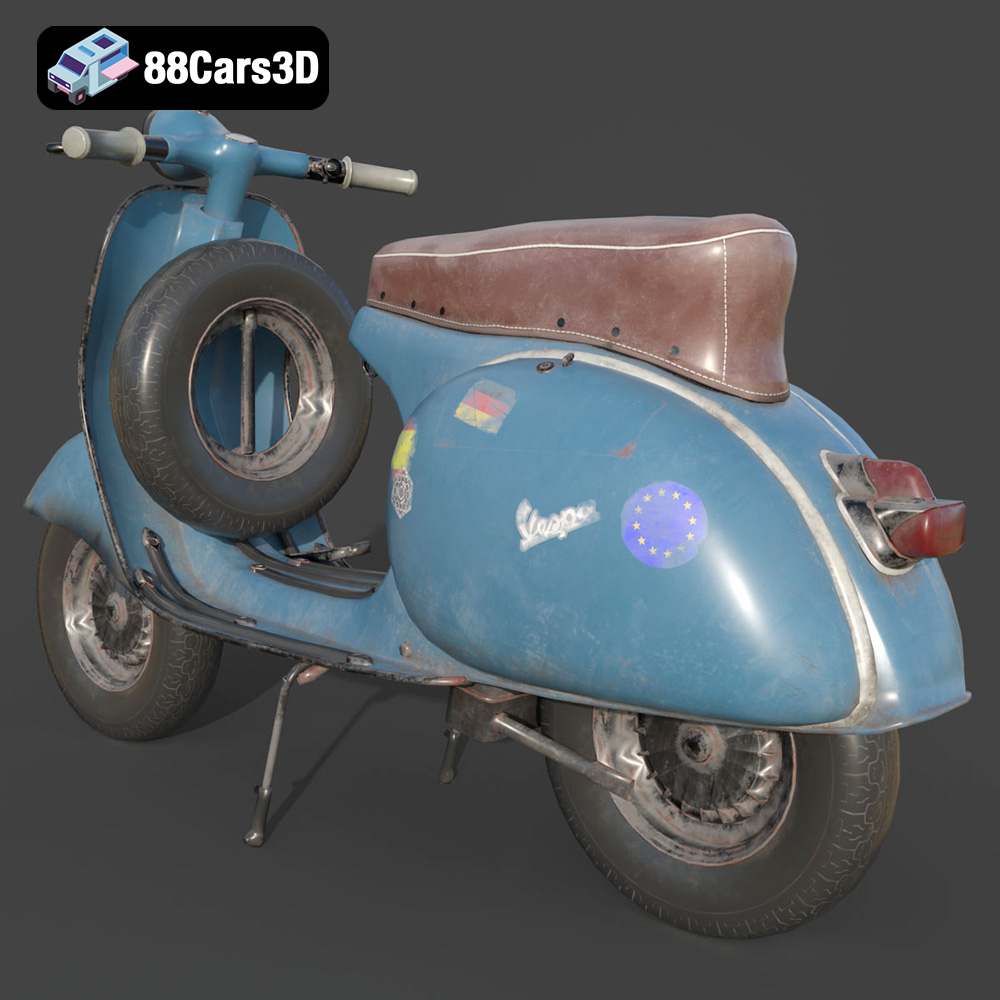
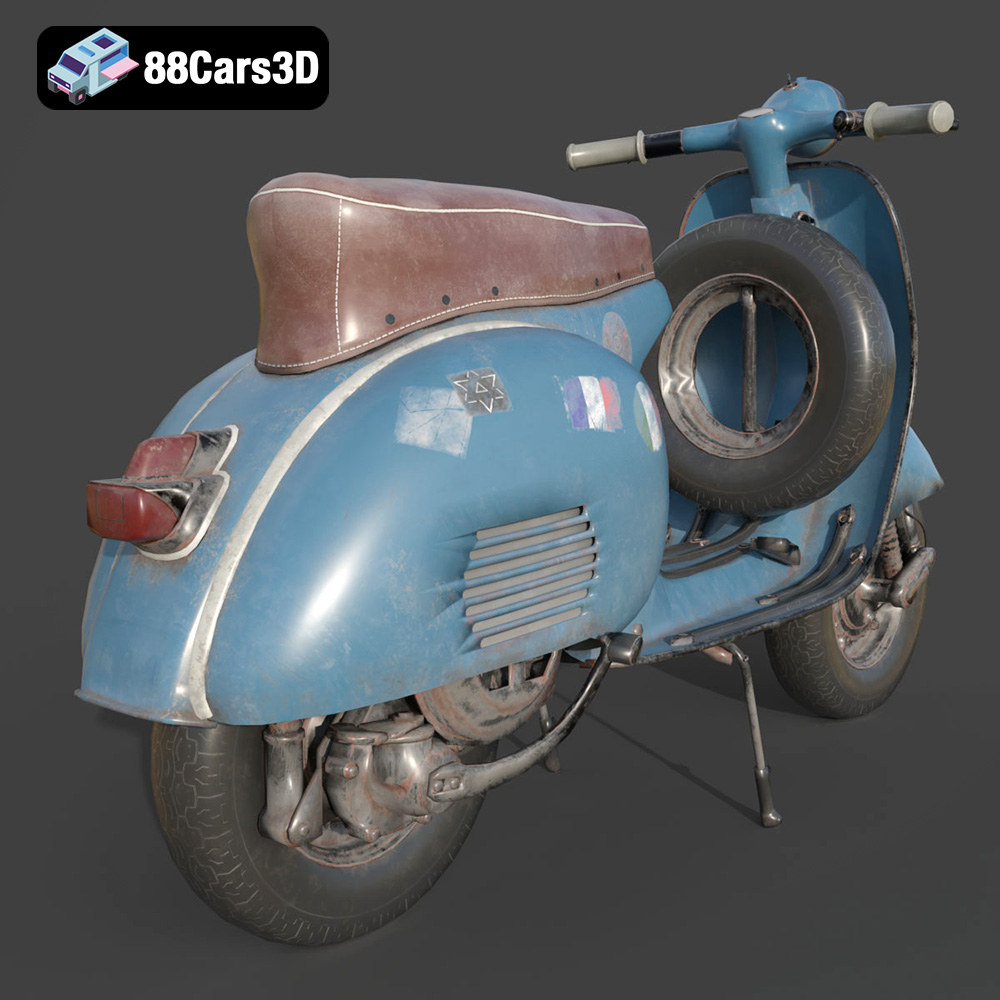
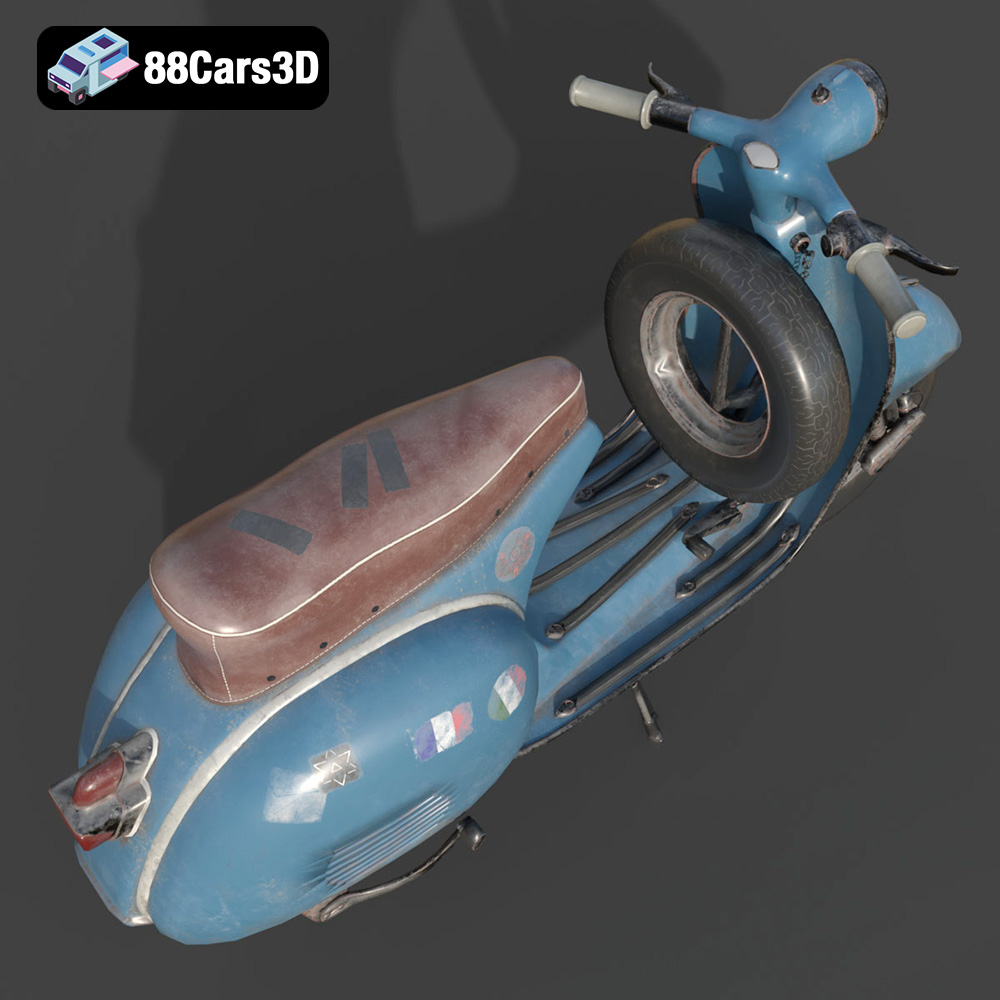
The Vespa GS 150 (Gran Sport) is widely regarded as one of the most beautiful and iconic scooters ever produced. Known for its elegant aerodynamic curves, historical significance as the first mass-market sports Vespa, and unparalleled Italian styling, this classic masterpiece defined a generation. It features the signature swept-back leg shield, rounded side panels, and the distinctive 150cc two-stroke engine layout. This high-quality 3D model features a well-optimized topology (~200,000 triangles), ensuring exceptional visual fidelity while maintaining game-ready performance.
$19.99
.blend
.fbx
.glb
.max
.obj
.ply
.rendering
.scooter
.stl
.unreal
.vespa
classic-scooter
game asset
game-ready
gs-150
low-poly
motorcycle-3d-model
optimized
retro-scooter
scooter-3d-model
VR/AR