Get 20% OFF All Premium 3D & STL Models!

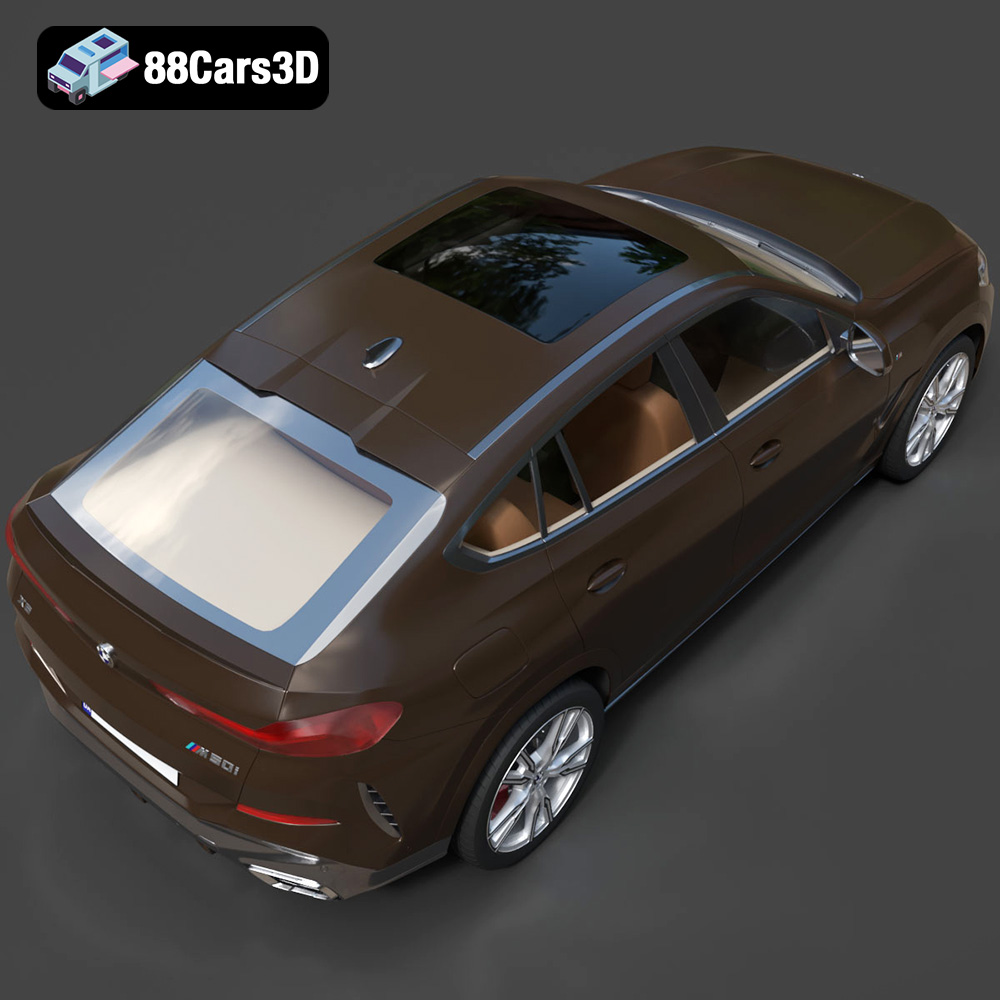
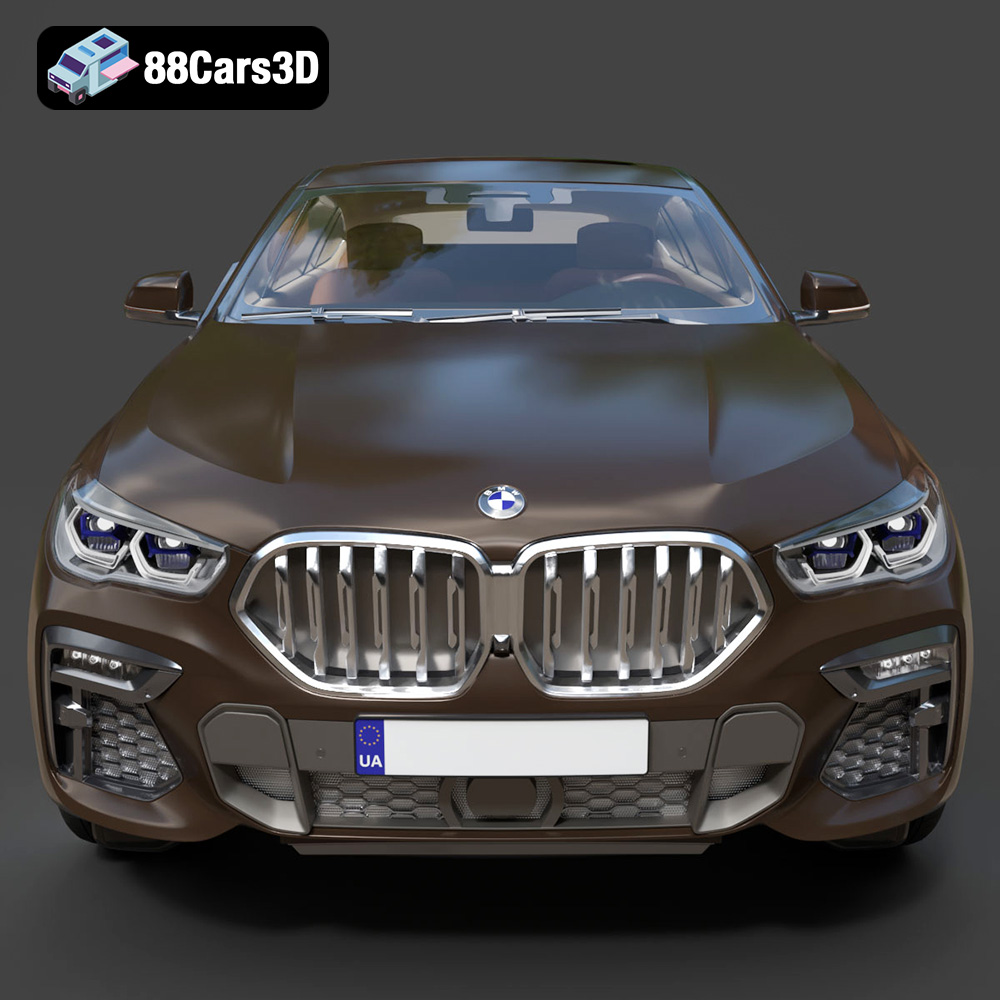
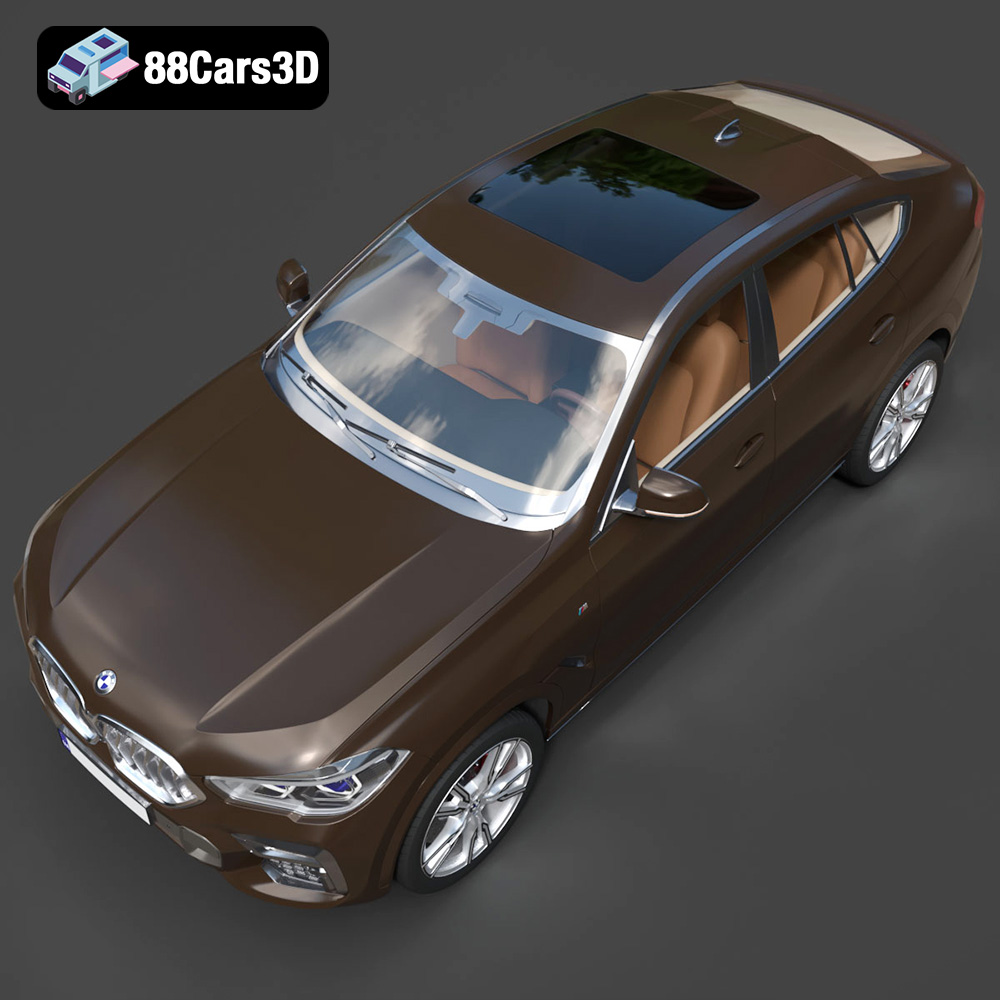
The BMW X6 (Mk3) (G06) M Sport 2020, a symbol of luxury and performance, is now within reach in the 3D printing world. Thanks to meticulously crafted 3D models available at online marketplaces like 88cars3d.com, you can bring this iconic sports activity coupe to life. This article serves as a comprehensive guide to successfully 3D printing this stunning vehicle, covering everything from choosing the right materials and printer settings to mastering essential post-processing techniques. Whether you’re a seasoned 3D printing enthusiast or just starting out, this guide will equip you with the knowledge to create a breathtaking replica of the BMW X6.
The world of 3D models involves various file formats, each with its strengths and weaknesses. Understanding these formats is crucial for a successful 3D printing project. For the BMW X6 (Mk3) (G06) M Sport 2020 model, 88cars3d.com provides a range of options, but some are better suited for 3D printing than others. Let’s explore the common file formats:
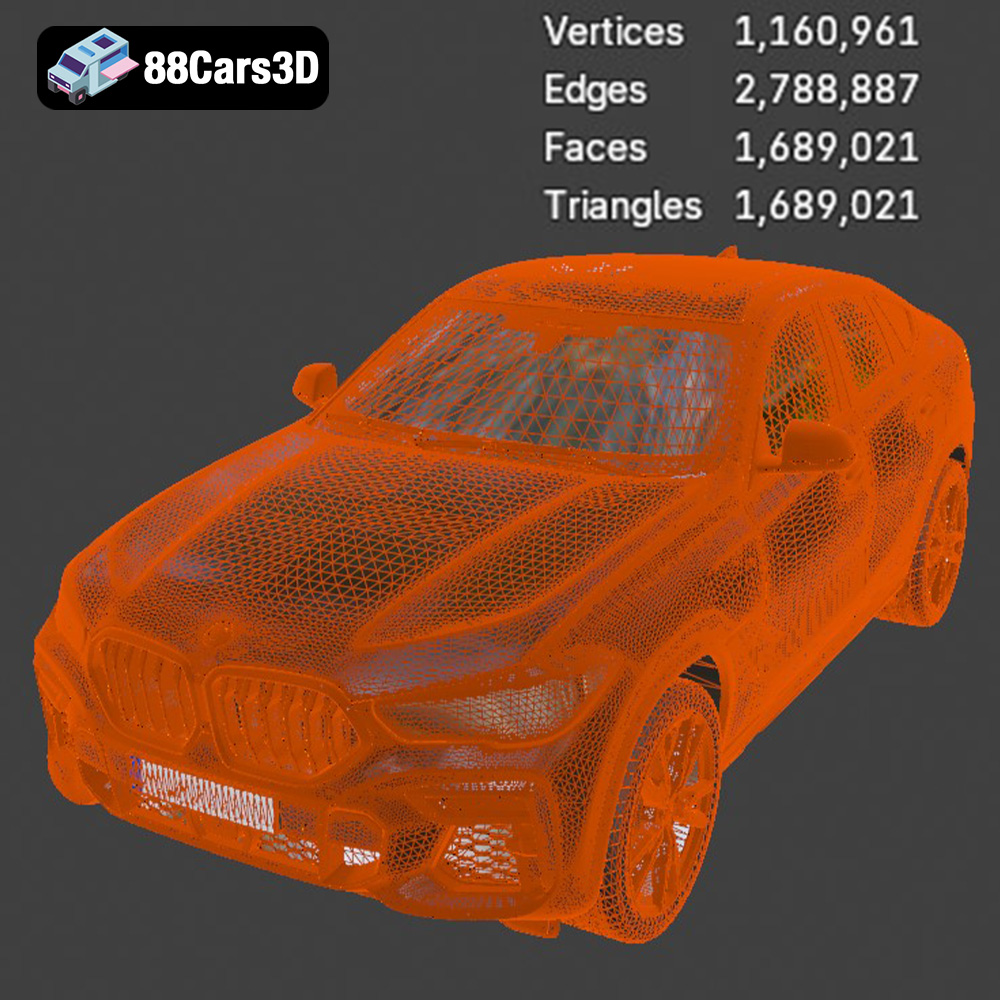
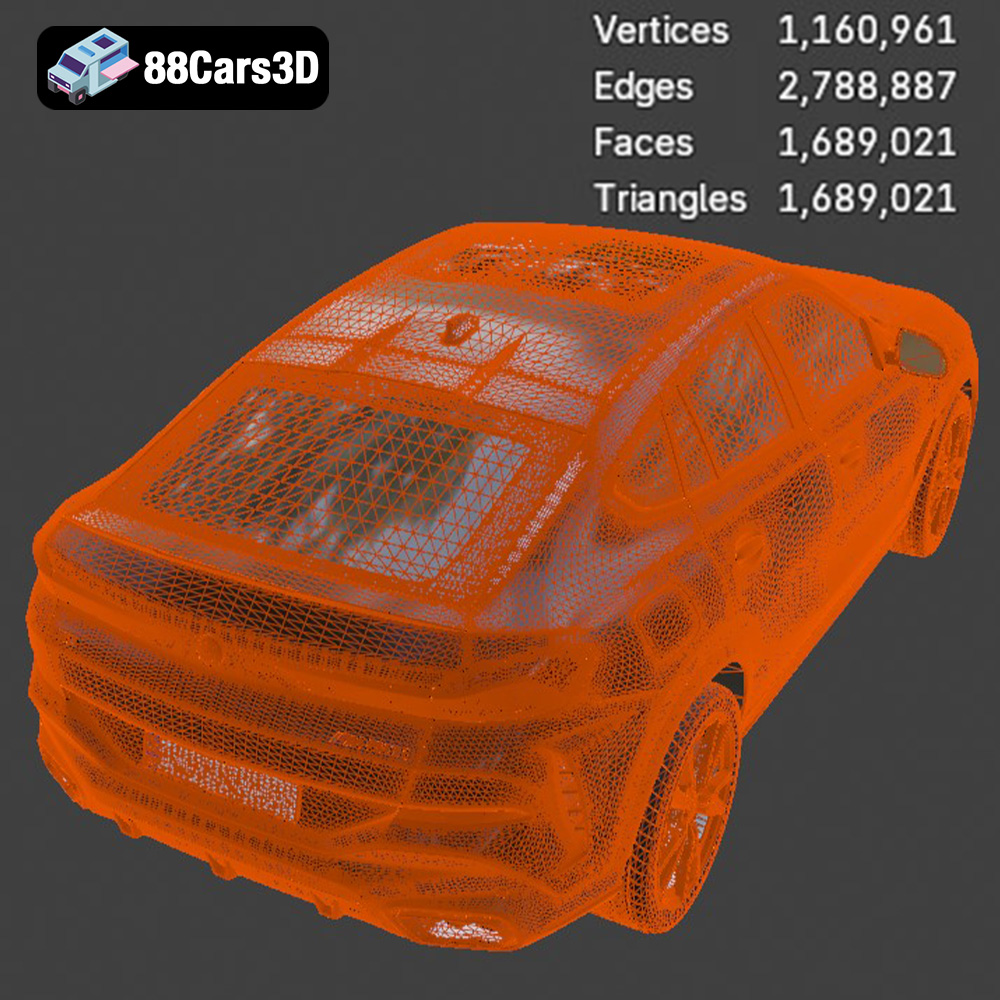
.stl (Stereolithography) is the undisputed king of 3D printing. It represents a 3D object as a collection of interconnected triangles, forming a mesh. This simplicity makes it universally compatible with virtually all 3D printers and slicing software. When preparing the BMW X6 model for printing, the .stl file is your go-to option. The quality of the print heavily relies on the mesh density; a higher triangle count results in a smoother surface finish, but also a larger file size and potentially longer processing times. For complex models like the X6, ensuring a balance between detail and practicality is vital.
Slicing software, like Cura, Simplify3D, or PrusaSlicer, takes the .stl file as input and converts it into a series of instructions (G-code) that the 3D printer can understand. These instructions dictate the printer’s movements, material extrusion, and other parameters to build the object layer by layer.
.obj (Object) is a more versatile format than .stl, as it can store color and texture information along with the 3D geometry. While less common for purely functional 3D prints, .obj files are essential if you intend to create a multi-colored version of the BMW X6 using printers capable of handling multiple filaments or materials. However, ensure your slicing software fully supports .obj files with color information, as some may only recognize the geometry.
.ply (Polygon File Format) is designed for capturing highly detailed 3D scans, often used in reverse engineering or digital archiving. It offers excellent precision but can result in extremely large file sizes. While potentially useful for analyzing the BMW X6’s intricate details, .ply files are generally not the most practical choice for 3D printing due to their complexity and the potential strain on your computer and slicing software.
Formats like .blend (Blender), .fbx (Filmbox), .glb (GL Transmission Format), and .max (3ds Max) are primarily intended for editing, animation, and visualization purposes. These formats contain significantly more data than .stl, including materials, lighting, animations, and scene setups. While you can technically export .stl files from these programs after making modifications, directly using them for 3D printing is not possible. Consider them as sources for customization before generating a printable .stl file. The .fbx format can be useful if you want to import the model into your slicing software with assigned materials for visual reference during the printing process.
In conclusion, the .stl file is the preferred format for 3D printing the BMW X6 (Mk3) (G06) M Sport 2020 model. While other formats offer advantages in terms of color, detail, or editability, .stl provides the best balance of compatibility, simplicity, and printability. Ensure the .stl file you use has a sufficient mesh density to capture the vehicle’s intricate features, but avoid excessive detail that could lead to printing issues. Optimize the model within your chosen 3D software and export an STL file with a good balance of quality and manageable file size.
Selecting the appropriate 3D printing technology and materials is paramount to achieving a high-quality print of the BMW X6. The choice depends on your budget, desired level of detail, and intended use of the finished model.
FDM is the most common and affordable 3D printing technology. It involves extruding a thermoplastic filament, like PLA or PETG, layer by layer to build the object. For the BMW X6, PLA is a good starting point due to its ease of use, biodegradability, and wide availability. However, PETG offers greater strength, durability, and temperature resistance, making it a better choice for models that will be handled frequently or exposed to sunlight. ABS is another option, known for its strength and heat resistance, but it requires a heated build plate and enclosed printer to prevent warping.
When using FDM, consider the layer height, infill density, and support structures. A lower layer height (e.g., 0.1mm) results in smoother surfaces and finer details, but increases print time. An infill density of 15-25% provides sufficient internal support without adding excessive weight or material cost. Support structures are essential for overhanging features like the roof, side mirrors, and spoilers. Choose a support material that is easy to remove without damaging the model.
SLA and DLP printers use liquid resin that is cured by a laser or projector, respectively. These technologies offer significantly higher resolution and accuracy than FDM, making them ideal for intricate details and smooth surfaces. Resin printing is an excellent choice if you want to capture every curve and contour of the BMW X6 with exceptional fidelity. However, resin printers are generally more expensive than FDM printers, and the resin material is also more costly. Furthermore, resin prints require post-processing, including washing and curing, which can be time-consuming.
When printing with resin, consider the resin type, layer height, and support structures. Standard resin is suitable for most applications, but tougher or more flexible resins may be preferable for certain parts. A layer height of 0.025-0.05mm provides excellent detail. Support structures are crucial for resin printing, as the model is built upside down. Use a support pattern that minimizes scarring on the surface of the model.
Proper pre-print preparation is essential for a successful 3D printing outcome. This involves inspecting the model for errors, optimizing its orientation, and generating appropriate support structures.
Before slicing the BMW X6 model, it’s crucial to inspect it for any errors or imperfections. MeshMixer and Netfabb are excellent tools for identifying and repairing issues such as non-manifold edges, holes, and intersecting faces. These problems can lead to printing failures or artifacts in the final model. Ensuring a clean and watertight mesh is the first step towards a successful print. 88cars3d.com usually provides high-quality models, but it’s always good practice to double-check before proceeding.
The orientation of the model on the print bed significantly impacts the print quality, support requirements, and overall print time. For the BMW X6, consider printing it with the roof facing upwards to minimize the need for supports on the body panels. However, this may require more supports for the roof itself. Experiment with different orientations to find the optimal balance. Once the orientation is set, generate appropriate support structures using your slicing software. Pay close attention to areas with overhangs, such as the side mirrors, spoilers, and bumpers. Use a support material that is easy to remove without damaging the model. Simplify3D allows for manual placement of supports, which can be beneficial for optimizing support structures in specific areas.
Achieving a successful print of the BMW X6 requires carefully tuning your printer settings based on the chosen material and printing technology. Here are some recommended settings for both FDM and resin printing:
Post-processing is a crucial step in transforming a raw 3D print into a polished and professional-looking model. This involves removing supports, sanding, priming, painting, and potentially assembling multiple parts.
Carefully remove the support structures using pliers, a hobby knife, or specialized support removal tools. Take your time and avoid applying excessive force, as this can damage the model. Once the supports are removed, use sandpaper to smooth out any remaining imperfections or support marks. Start with a coarse grit (e.g., 220) and gradually move to finer grits (e.g., 400, 600, 800) for a smooth finish. Wet sanding can help reduce dust and improve the sanding results.
Apply a primer coat to the model to create a smooth and uniform surface for painting. Primer also helps the paint adhere better and improves the overall finish. Use a spray primer designed for plastic models. Once the primer is dry, sand it lightly with fine-grit sandpaper to remove any imperfections. Apply multiple thin coats of paint, allowing each coat to dry completely before applying the next. Use masking tape to create clean lines and protect areas that you don’t want to paint. For the BMW X6, consider using automotive paints to achieve a realistic and durable finish. Clear coating the model after painting will protect the paint and add a glossy shine.
Even with careful planning and preparation, 3D printing can sometimes present challenges. Here are some common issues and their solutions:
Warping occurs when the corners or edges of the model lift off the build plate during printing. This is often caused by poor bed adhesion or uneven cooling. To prevent warping, ensure your build plate is clean and level, use a heated bed, and apply an adhesive like glue stick or hairspray. Enclosing the printer can also help maintain a consistent temperature and reduce warping.
Stringing refers to thin strands of filament that are left between different parts of the model. This is usually caused by excessive retraction or nozzle temperature. To reduce stringing, decrease the nozzle temperature, increase the retraction distance and speed, and ensure the filament is dry.
Layer shifting occurs when the print head suddenly shifts position during printing, resulting in misaligned layers. This can be caused by loose belts, stepper motor issues, or obstructions on the print bed. To prevent layer shifting, tighten the belts, check the stepper motors for proper function, and ensure the print bed is free of any obstructions.
Experience unparalleled realism with the BMW X6 (Mk3) (G06) M Sport 2020 3D Model. This meticulously crafted digital asset accurately replicates the distinct proportions, aggressive styling, and luxurious detailing of the renowned sports activity coupe. Engineered with precision, this model provides an exceptional level of accuracy, making it an indispensable resource for creators seeking top-tier automotive models.
$19.99
3D printing the BMW X6 (Mk3) (G06) M Sport 2020 model is a rewarding project that combines the thrill of additive manufacturing with the beauty of automotive design. By understanding the intricacies of 3D printing technology, selecting the appropriate materials and printer settings, and mastering essential post-processing techniques, you can create a stunning replica of this iconic vehicle. Remember to start with a clean and optimized .stl file, carefully choose your printing orientation, and generate appropriate support structures. With patience and attention to detail, you’ll be able to proudly display your 3D-printed masterpiece. And remember to visit 88cars3d.com for more high-quality 3D models and resources for your next project.
.arvr
.blend
.bmw
.car3dmodel
.fbx
.g06
.gameasset
.glb
.luxurycar
.max
.mk3
.msport
.obj
.ply
.rendering
.simulation
.sportSUV
.stl
.unreal
.x6
SUV