Get 20% OFF All Premium 3D & STL Models!

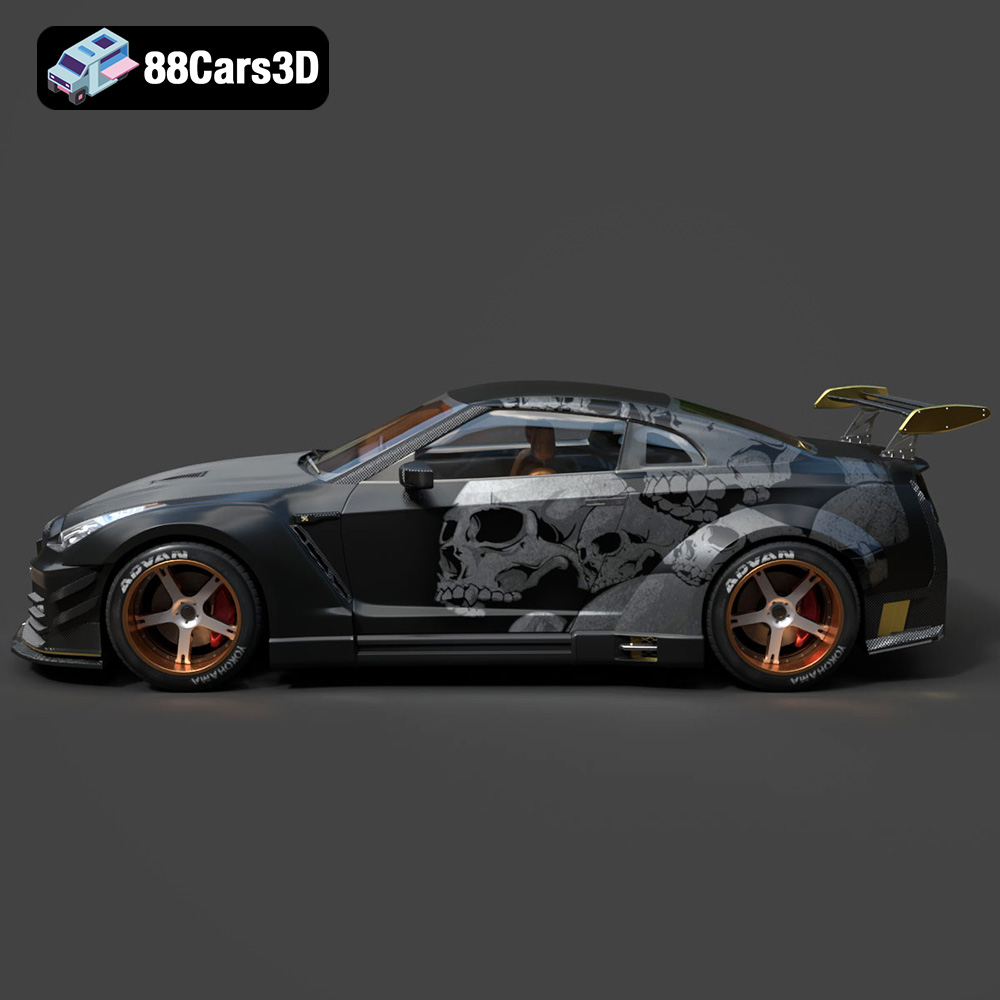
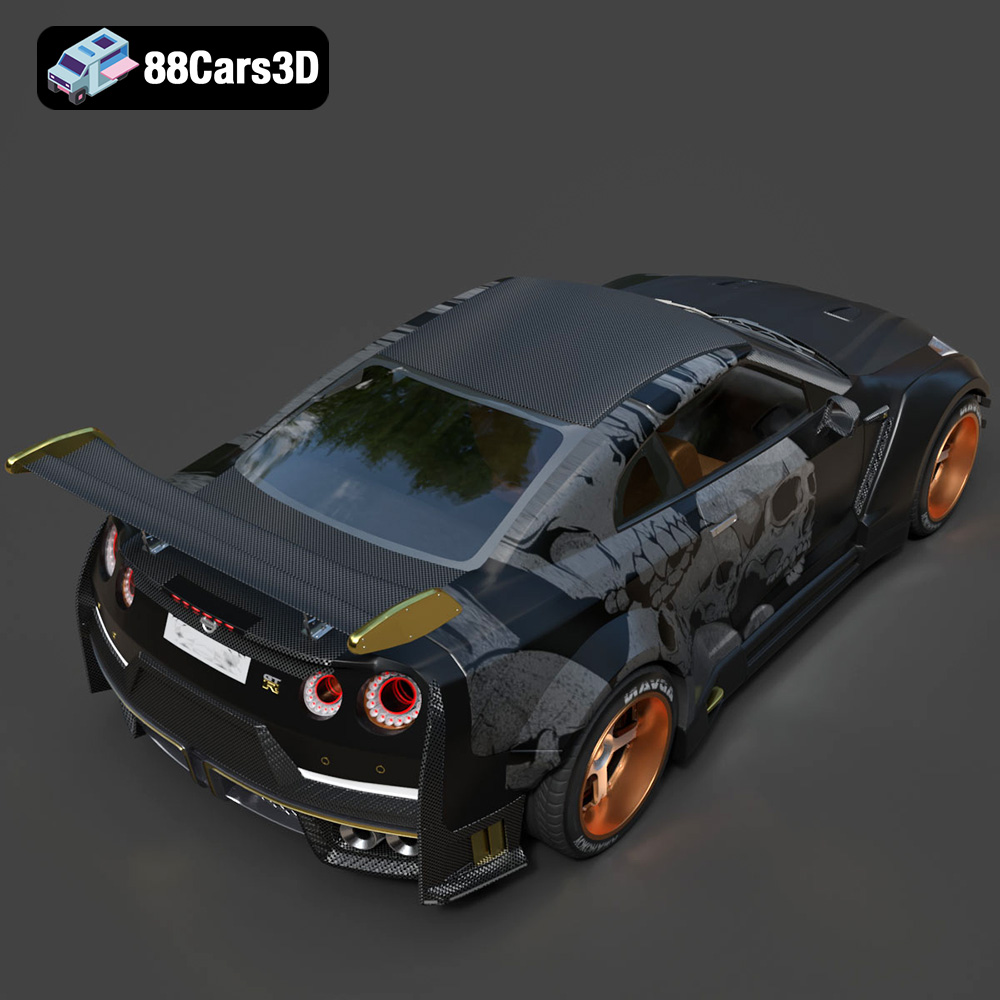
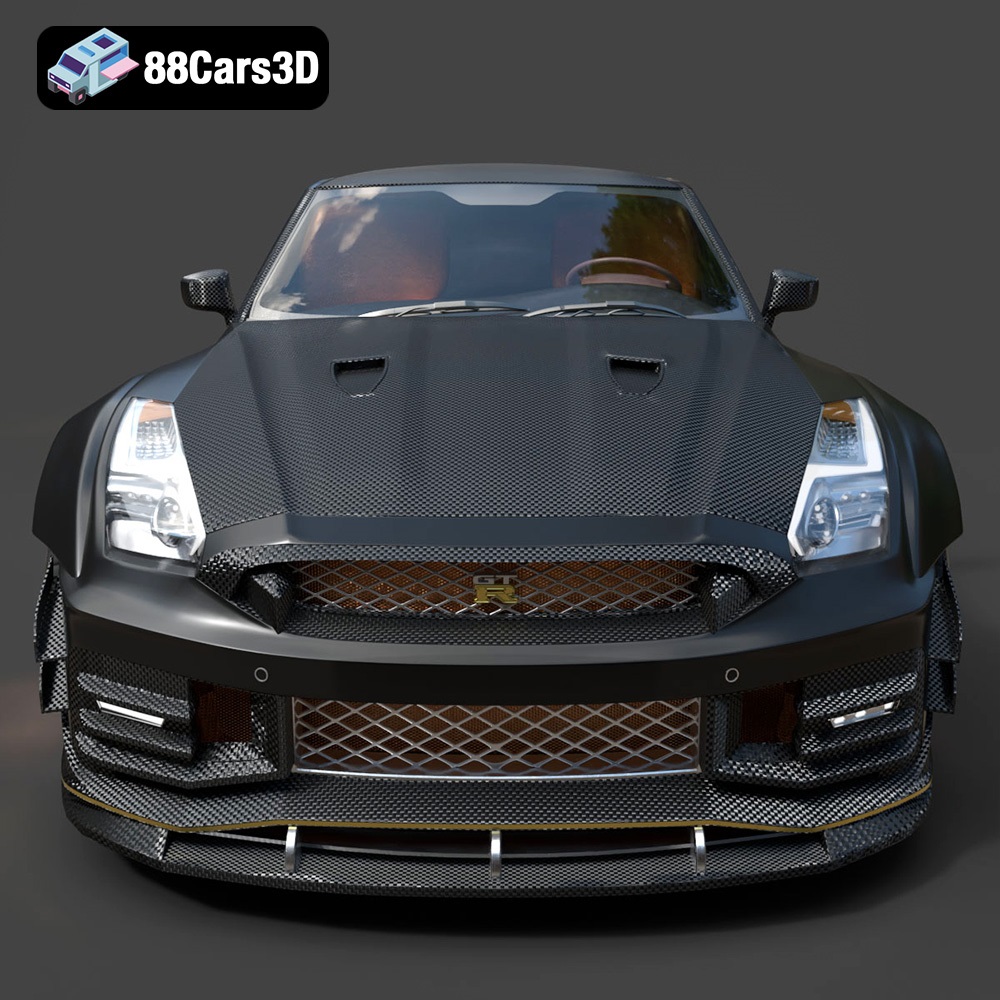
The Nissan GTR R35 Nismo, a true icon of Japanese engineering, is a dream car for many. Now, thanks to 88cars3d.com, you can bring a piece of that dream to life by 3D printing your own highly detailed model. This guide will walk you through the process, from preparing the STL files to achieving a professional-looking finish. We’ll cover everything you need to know to successfully 3D print the Nissan GTR R35 Nismo model, offering tips on printer settings, material selection, and post-processing techniques. This 3D printed model captures the spirit of the original, making it a rewarding project for any automotive enthusiast.
Before diving into the specifics of printing the Nissan GTR R35 Nismo model, it’s crucial to understand the different file formats available and which ones are best suited for 3D printing. While 88cars3d.com provides a variety of formats for different applications, some are more appropriate for additive manufacturing than others. Choosing the right format and ensuring its integrity is key to a successful print.
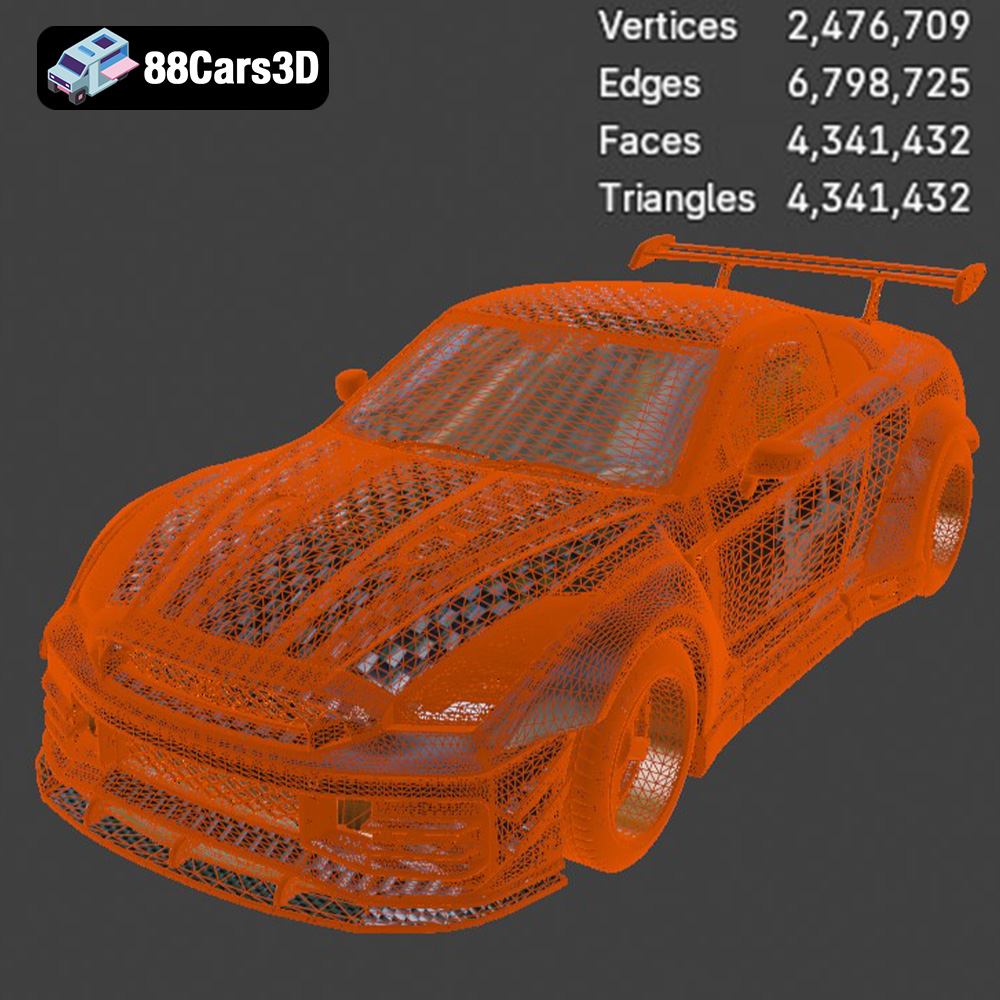
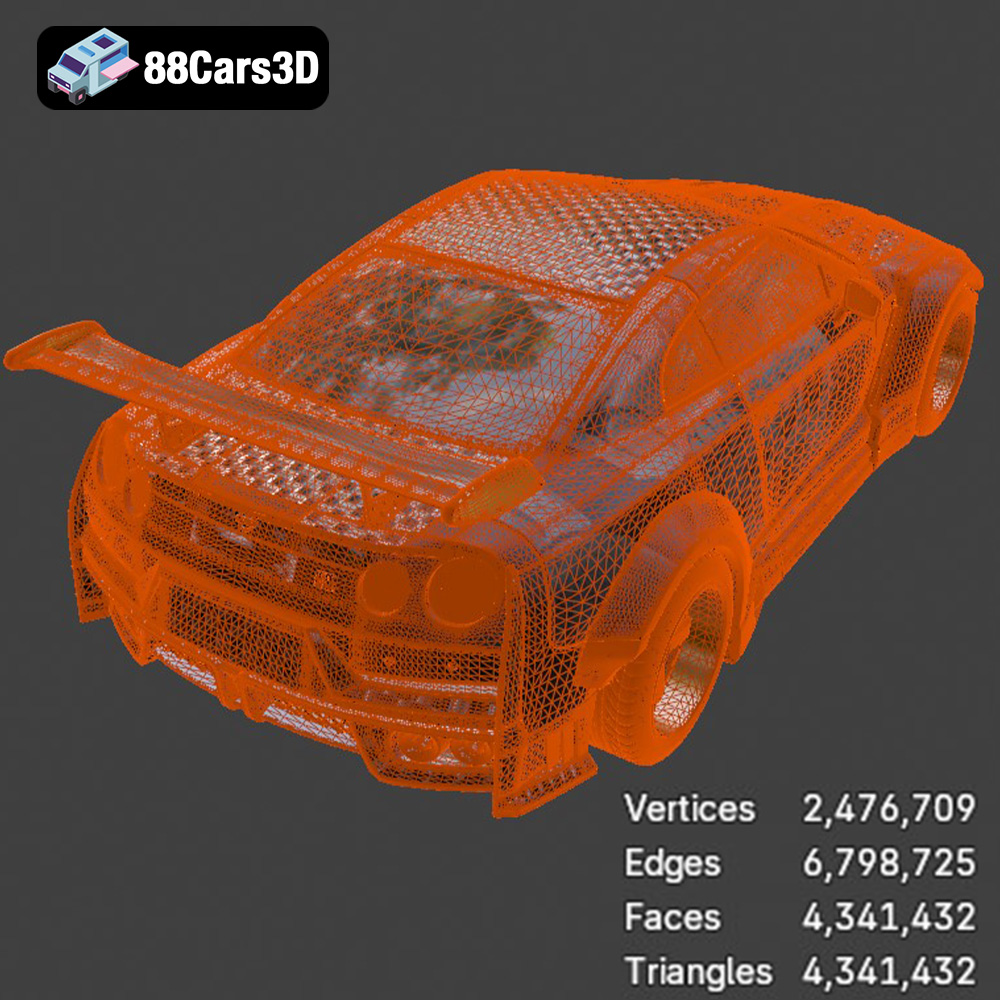
The STL (Stereolithography) file format is the de facto standard for 3D printing. It represents the surface geometry of a 3D object as a collection of triangles. STL files are widely supported by slicing software and 3D printers, making them the most reliable choice for additive manufacturing. However, STL files only store information about the shape of the object; they don’t include color, texture, or material properties. Therefore, if you’re planning to paint your 3D printed Nissan GTR R35 Nismo, STL is an excellent choice. When working with STL files, it’s essential to ensure the mesh is watertight (closed and without holes) and that the triangles are properly oriented. Repairing mesh errors is a common step in pre-print preparation. The Nissan GTR R35 Nismo model from 88cars3d.com is supplied with an STL file specifically for 3D printing.
OBJ files are another common format for 3D models, offering the advantage of supporting color and texture information. This can be useful if you want to apply textures to the model in a 3D editing program before printing, although most 3D printers do not print in full color. OBJ files are generally compatible with most slicing software, but it’s always a good idea to check for compatibility beforehand.
PLY (Polygon File Format) is designed for storing 3D data acquired from 3D scanners. It supports a variety of data types, including color, normals, and texture coordinates. While PLY can represent very detailed meshes, it’s not as universally supported as STL or OBJ. For 3D printing, the complexity of a PLY file can sometimes cause issues with slicing and printing, so it’s best used when extremely high detail is necessary.
The .blend format is the native file format for Blender, a free and open-source 3D creation suite. This format allows for complete editing and customization of the Nissan GTR R35 Nismo model within Blender before exporting to a 3D printable format like STL. This is ideal for advanced users who want to modify the model’s design or add custom details.
FBX (Filmbox) is a proprietary file format developed by Autodesk, primarily used for exchanging data between 3D applications. It supports a wide range of data, including geometry, textures, and animations. While not directly used for 3D printing, it’s great for importing into design software and then re-exporting as an STL.
GLB files are a binary file format representing 3D models, typically used in augmented reality (AR) and virtual reality (VR) applications. This format allows you to visualize the Nissan GTR R35 Nismo model in a real-world environment using AR-compatible devices before committing to the 3D printing process. This can help you assess the model’s scale and appearance.
Similar to .blend, .max is the native file format for Autodesk 3ds Max, a professional 3D modeling, animation, and rendering software. It offers extensive editing capabilities for the Nissan GTR R35 Nismo model, allowing for complex modifications and detailed adjustments before exporting to a 3D printable format.
Ultimately, for 3D printing the Nissan GTR R35 Nismo model, the STL file is the most straightforward and widely compatible option. Ensure the STL file is properly prepared, scaled, and oriented within your slicing software to achieve the best possible printing results.
Selecting the right 3D printer and material is crucial for achieving a high-quality 3D print of the Nissan GTR R35 Nismo model. Both FDM (Fused Deposition Modeling) and SLA (Stereolithography) printers can be used, but the choice depends on the desired level of detail, surface finish, and budget.
FDM printers are the most common type of 3D printer, known for their affordability and ease of use. They work by extruding melted plastic filament layer by layer to build the object.
* **Material Recommendations:** PLA (Polylactic Acid) is a popular choice for FDM printing due to its ease of use, biodegradability, and wide availability. It’s suitable for creating the main body of the Nissan GTR R35 Nismo. PETG (Polyethylene Terephthalate Glycol) offers greater strength and heat resistance than PLA, making it a good option for parts that may be exposed to higher temperatures or stress. ABS (Acrylonitrile Butadiene Styrene) is another option, known for its durability and heat resistance, but it requires a heated bed and good ventilation due to its tendency to warp.
* **Printer Recommendations:** A printer with a decent build volume (at least 200x200x200mm) is recommended to print the Nissan GTR R35 Nismo in a reasonable size. Popular choices include the Creality Ender 3 series, Prusa i3 MK3S+, and Anycubic i3 Mega.
SLA printers use a laser to cure liquid resin layer by layer, resulting in highly detailed prints with smooth surfaces. This technology is ideal for intricate parts and achieving a professional-looking finish.
* **Material Recommendations:** Standard resin is suitable for general-purpose printing and offers a good balance of strength and detail. ABS-like resin provides increased strength and impact resistance, making it a good choice for parts that need to withstand stress. Flexible resin can be used to create tires or other flexible components for the Nissan GTR R35 Nismo model.
* **Printer Recommendations:** Popular SLA printers include the Anycubic Photon series, Elegoo Mars series, and Formlabs Form 3. These printers offer excellent resolution and accuracy, allowing you to capture the fine details of the car model.
Before sending the STL file to your 3D printer, it’s essential to prepare the model using slicing software. This software converts the 3D model into a series of instructions that the printer can understand.
* **Layer Height:** A smaller layer height (e.g., 0.1mm) results in a smoother surface finish and greater detail but increases print time. A larger layer height (e.g., 0.2mm) prints faster but sacrifices some detail. For the Nissan GTR R35 Nismo, a layer height of 0.1-0.15mm is recommended for optimal results.
* **Infill:** Infill refers to the internal structure of the 3D printed object. A higher infill percentage (e.g., 20-30%) increases strength and rigidity but also increases print time and material usage. For a display model, a lower infill percentage (10-15%) is sufficient. Consider using different infill patterns (e.g., gyroid, honeycomb) for varying strength and weight characteristics.
* **Supports:** Supports are necessary to print overhanging parts of the model. Slicing software automatically generates supports, but you may need to manually adjust them to ensure they adequately support the model without damaging the surface finish. Pay close attention to areas like the rear wing, side mirrors, and front splitter of the Nissan GTR R35 Nismo.
* **Orientation:** Orienting the model correctly on the print bed can significantly impact print quality and the amount of support material needed. Experiment with different orientations to minimize overhangs and maximize surface finish. Printing the car body at a slight angle can often improve the appearance of curved surfaces.
Before slicing, it’s crucial to ensure that the STL file is free of errors, such as holes, non-manifold edges, and flipped normals. These errors can cause issues during printing, such as missing layers or unexpected gaps. Use mesh repair software like MeshMixer, Netfabb, or online services like MakePrintable to identify and fix any errors in the model. The STL files from 88cars3d.com are designed to be high quality, but it’s still prudent to verify before printing.
The Nissan GTR R35 Nismo model can be scaled to different sizes depending on your preference and the capabilities of your 3D printer. Consider the level of detail you want to achieve and the available build volume. A larger scale will allow for more intricate details to be visible, but it will also require more material and longer print times.
Achieving a successful 3D print of the Nissan GTR R35 Nismo model requires careful attention to printer settings. The following settings are recommended as a starting point, but you may need to adjust them based on your specific printer and material.
* **Material:** PLA or PETG
* **Nozzle Temperature:** 200-220°C (PLA), 230-250°C (PETG)
* **Bed Temperature:** 60°C (PLA), 70-80°C (PETG)
* **Layer Height:** 0.1-0.15mm
* **Infill:** 10-15%
* **Print Speed:** 40-60mm/s
* **Support Type:** Tree or linear
* **Support Density:** 15-20%
* **Adhesion:** Brim or raft (if needed)
* **Resin:** Standard or ABS-like resin
* **Layer Height:** 0.05mm
* **Exposure Time:** As recommended by the resin manufacturer (typically 6-8 seconds)
* **Bottom Layer Exposure Time:** As recommended by the resin manufacturer (typically 40-60 seconds)
* **Lift Speed:** As recommended by the resin manufacturer
* **Support Type:** Light or medium
* **Support Density:** As needed to support overhanging areas
Once the 3D print is complete, post-processing is necessary to achieve a professional-looking finish. This involves removing supports, sanding the surface, and painting the model.
Carefully remove the supports using pliers or a sharp knife. Take your time to avoid damaging the surface of the model. For SLA prints, soaking the model in warm water can soften the supports and make them easier to remove.
Sanding is crucial for smoothing out the layer lines and imperfections on the 3D printed surface. Start with a coarse grit sandpaper (e.g., 220 grit) and gradually move to finer grits (e.g., 400, 600, 800 grit) to achieve a smooth finish. Wet sanding can help to reduce dust and improve the surface finish.
Painting is the final step in post-processing, allowing you to add color and detail to the Nissan GTR R35 Nismo model.
* **Priming:** Apply a coat of primer to the model to create a smooth surface for the paint to adhere to.
* **Painting:** Use spray paint or acrylic paints to apply the desired colors. Multiple thin coats are better than one thick coat to avoid drips and uneven coverage. Consider using stencils or masking tape to create intricate designs and details.
* **Clear Coat:** Apply a clear coat to protect the paint and give the model a glossy finish.
The Nissan GTR R35 Nismo model may consist of multiple parts that need to be assembled. Use super glue or epoxy to attach the parts together. Ensure the parts are aligned correctly before the glue dries.
Even with careful preparation and the right settings, 3D printing can sometimes be challenging. Here are some common issues and how to troubleshoot them.
* **Warping:** Warping occurs when the corners of the print lift off the print bed. This is often caused by poor bed adhesion or temperature fluctuations. Ensure the print bed is properly leveled and heated, and consider using a brim or raft to improve adhesion.
* **Stringing:** Stringing occurs when thin strands of plastic are left between parts of the print. This is often caused by the nozzle temperature being too high or retraction settings being incorrect. Lower the nozzle temperature and increase the retraction distance and speed.
* **Layer Separation:** Layer separation occurs when the layers of the print do not adhere properly to each other. This can be caused by insufficient bed adhesion, low nozzle temperature, or incorrect layer height. Ensure the bed is properly leveled and heated, increase the nozzle temperature, and reduce the layer height.
* **Elephant’s Foot:** Elephant’s foot occurs when the first layer of the print is wider than the subsequent layers. This is often caused by the nozzle being too close to the print bed. Adjust the Z-offset to increase the distance between the nozzle and the print bed.
By following these guidelines and troubleshooting tips, you can successfully 3D print a stunning Nissan GTR R35 Nismo model from 88cars3d.com. The attention to detail and quality of the 3D model combined with careful 3D printing and post-processing techniques will result in a remarkable miniature replica of this iconic sports car.
Experience the precision and performance of a legendary track-focused vehicle with the Nissan GTR R35 Nismo 3D Model. Crafted with meticulous attention to detail, this digital asset perfectly captures the aggressive aerodynamics, widened stance, and iconic design language of the real-world counterpart. The authentic proportions and realistic exterior styling make it an essential addition to any professional digital automotive library.
$19.99
.arvr
.blend
.car3dmodel
.coupe
.fbx
.gameasset
.glb
.gtr
.max
.nismo
.nissan
.obj
.ply
.r35
.rendering
.simulation
.sportsCar
.stl
.supercar
.unreal