Get 20% OFF All Premium 3D & STL Models!

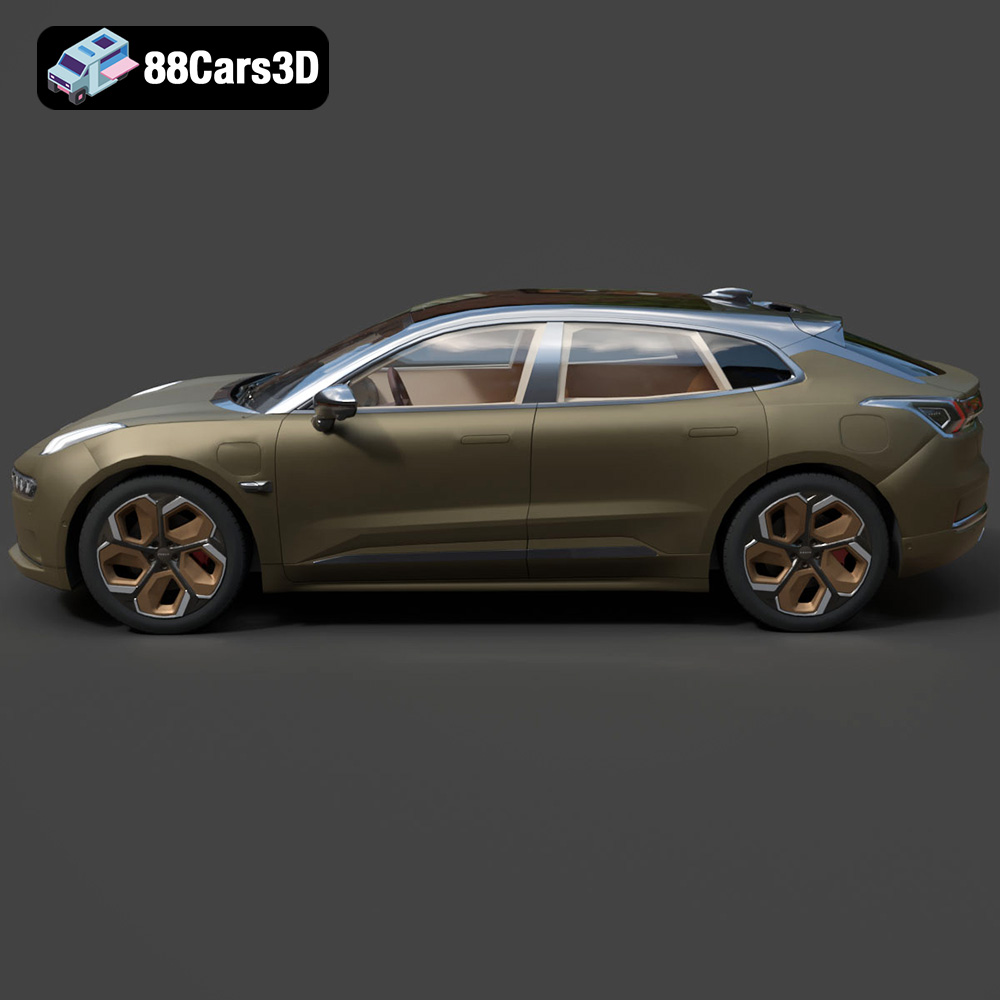
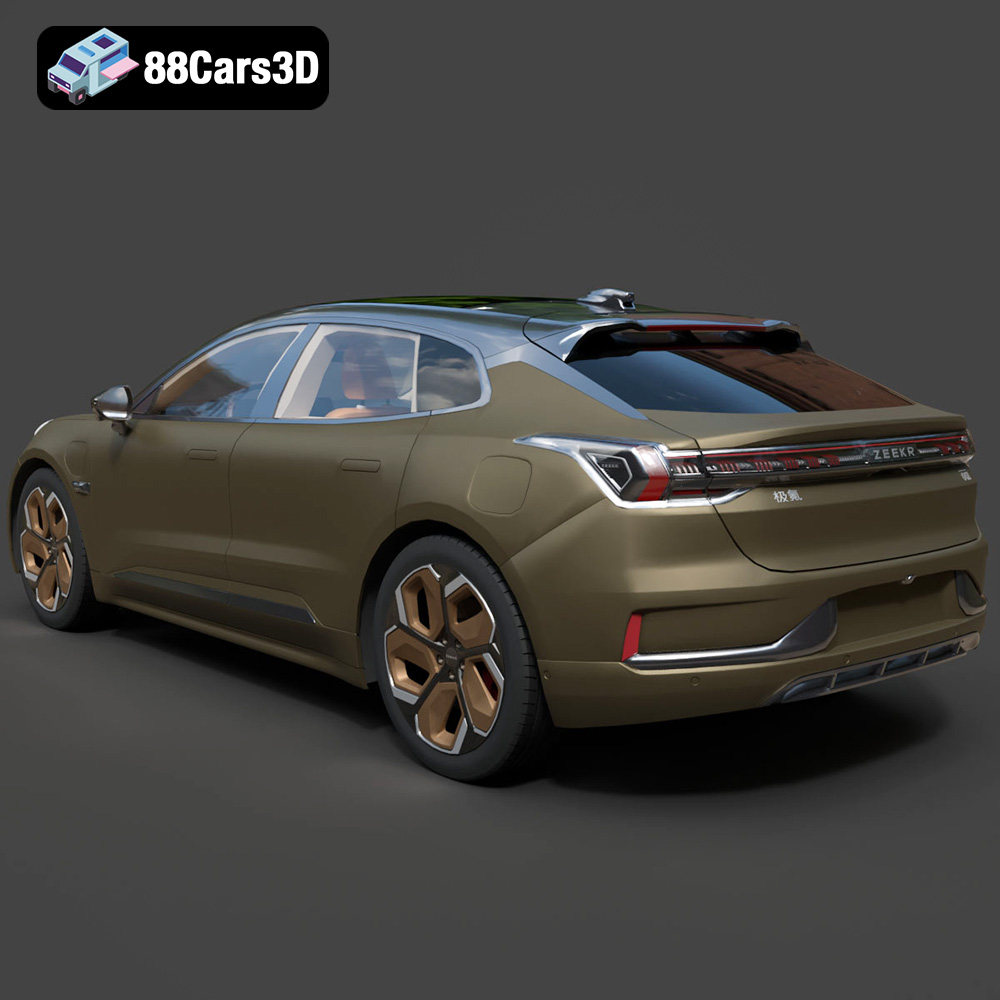
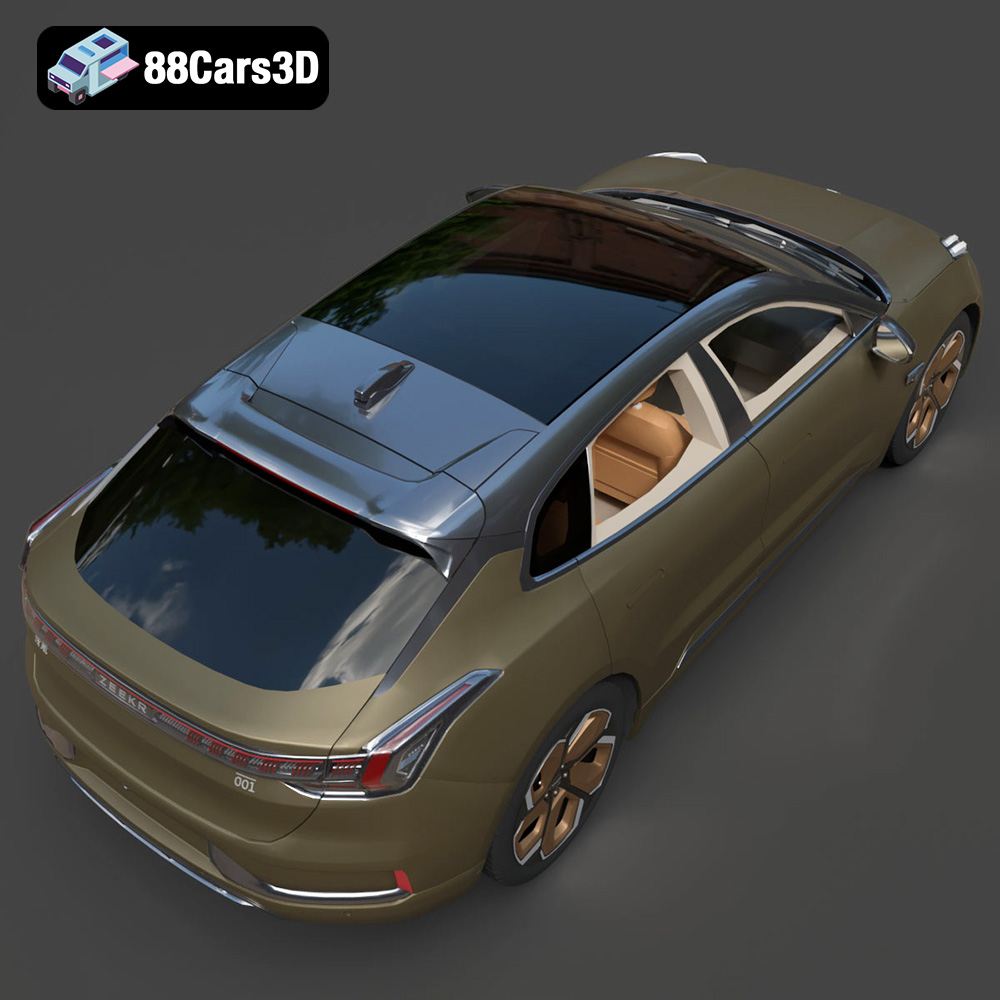
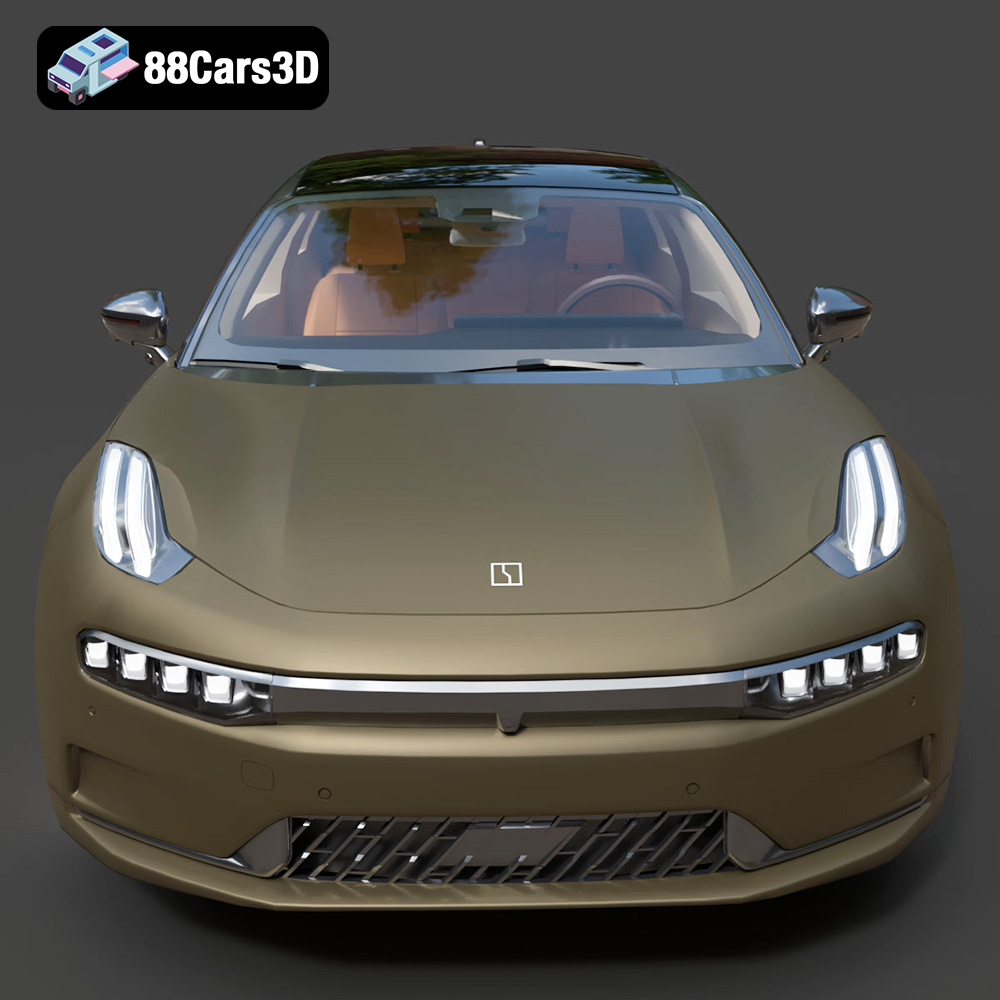
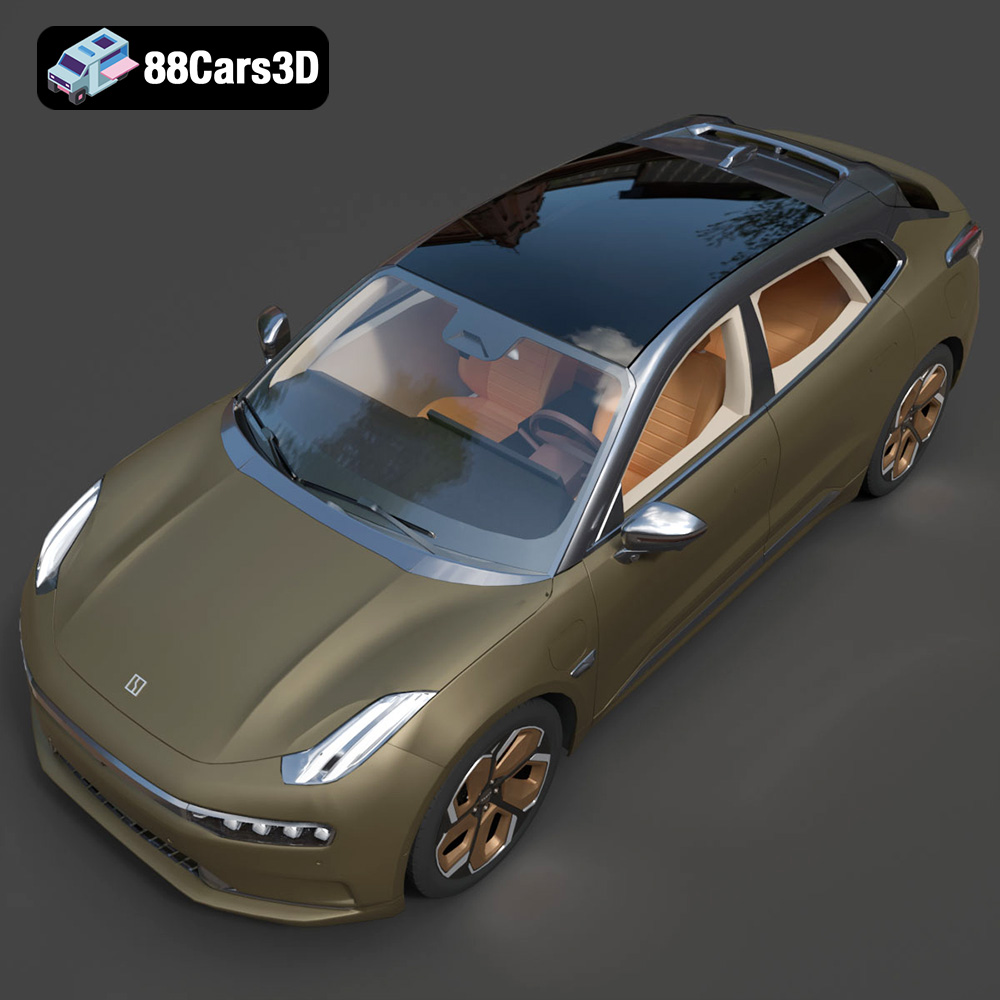
The Zeekr 001, with its sleek lines and innovative design, is a compelling subject for 3D printing. This guide provides a comprehensive overview of how to successfully 3D print the Zeekr 001 3D model, focusing on preparation, printing parameters, material selection, and post-processing techniques. Whether you’re a seasoned 3D printing enthusiast or a beginner, this guide will help you bring this stunning electric vehicle to life in physical form.
When diving into the world of 3D printing, understanding the various file formats is crucial for a successful outcome. Different formats cater to different applications, and choosing the right one is essential for optimal results. For 3D printing the Zeekr 001 model from 88cars3d.com, you’ll likely be working primarily with the STL format, but understanding the others can be beneficial.
The STL (Stereolithography) file format is the workhorse of 3D printing. It represents the surface geometry of a 3D object using a collection of triangles. This simplicity makes it universally compatible with virtually all 3D printers and slicing software. When preparing your Zeekr 001 model for 3D printing, the STL format is your go-to option. Slicing software uses the STL file to generate the instructions (G-code) that your 3D printer follows. Remember that STL files only contain mesh data, lacking color or texture information.
OBJ is another widely used 3D file format that, unlike STL, can store color and texture information. This makes it suitable for models that require a visually rich appearance, although it is not always ideal for printing. While the Zeekr 001 model might include an OBJ version, its primary use would be for rendering or game development, not direct 3D printing without further processing.
PLY (Polygon File Format) is designed for storing 3D data acquired from 3D scanners. It can capture high-resolution mesh details and, like OBJ, supports color and texture information. It’s less commonly used for general 3D printing compared to STL, but could be useful if you plan to combine scanned elements with your Zeekr 001 print.
The .blend format is specific to Blender, a popular open-source 3D creation suite. The Zeekr 001 model available on 88cars3d.com includes a .blend file, offering complete editability. This means you can modify the model, adjust its scale, add details, or even separate parts for easier printing before exporting to STL for slicing. If you intend to customize the model before printing, Blender is a powerful tool.
FBX (Filmbox) is a proprietary file format developed by Autodesk. It is commonly used for exchanging 3D data between different software applications, especially in game development and animation. While FBX supports materials, it’s not directly used in most 3D printing workflows. You’d typically convert an FBX file to STL after making any necessary modifications.
GLB is a binary file format that represents 3D models in a compact, shareable form. It’s often used for displaying 3D models on websites or in augmented reality (AR) applications. You can use a GLB file to get a sense of the Zeekr 001’s appearance in a real-world context using AR on your phone or tablet before committing to a print.
.max files are specific to Autodesk 3ds Max, another professional 3D modeling and animation software. Similar to .blend files, .max files allow for complete editing of the Zeekr 001 model. If you are proficient in 3ds Max, this format offers the greatest flexibility for customizing the model before preparing it for 3D printing by exporting it as an STL file.
In summary, for 3D printing the Zeekr 001, focus on the STL format. It’s universally compatible, and slicing software is designed to work seamlessly with it. If you need to make changes to the model before printing, use the .blend or .max files in Blender or 3ds Max, respectively, and then export the modified model as an STL.
Proper preparation is key to a successful 3D print. This involves using slicing software to convert the 3D model into instructions your printer can understand (G-code), and optimizing the model for printability.
Choosing the right slicing software is crucial. Popular options include Cura, PrusaSlicer, Simplify3D, and others. Each has its strengths and weaknesses, so experiment to find one that suits your needs and printer. Once you’ve chosen your slicer, configure it for your specific printer. This involves setting the correct bed size, nozzle diameter, and other printer-specific parameters.
Model orientation significantly impacts print quality and the need for supports. For the Zeekr 001, consider printing it with the wheels facing down to minimize the need for supports on the body. However, this might require more supports for the wheel arches. Experiment with different orientations to find the best balance between print quality and support material usage. Use the slicing software’s support generation tools to automatically add supports where needed. Pay close attention to areas like the roof, bumpers, and side mirrors.
Decide on the desired scale for your Zeekr 001 model. Consider the size of your printer’s build volume and the level of detail you want to achieve. For larger prints, consider hollowing the model to reduce material consumption and print time. Most slicing software offers hollowing tools that allow you to create an internal cavity and add drainage holes to prevent resin or filament from being trapped inside. If hollowing, ensure the wall thickness is sufficient for structural integrity.
The choice of material influences the appearance, durability, and functionality of your 3D printed Zeekr 001 model. Here’s a breakdown of common materials and their suitability.
PLA is a biodegradable thermoplastic polymer derived from renewable resources, making it an environmentally friendly option. It’s easy to print with, offers good detail resolution, and is available in a wide range of colors. PLA is ideal for printing display models of the Zeekr 001 where high strength and temperature resistance aren’t critical. However, PLA is susceptible to warping in high-temperature environments and is not suitable for outdoor use.
PETG offers a good balance of strength, flexibility, and temperature resistance. It’s more durable than PLA and less prone to warping. PETG is a good choice for printing functional parts of the Zeekr 001, such as wheels or axles, that need to withstand some stress. It also provides a glossy finish which can enhance the visual appeal of the model.
Resin 3D printing (SLA or DLP) offers exceptional detail resolution and smooth surface finish, making it ideal for printing intricate models like the Zeekr 001. Resin prints are generally more brittle than FDM prints (PLA or PETG), so they’re better suited for display models. A wide variety of resins are available, including standard, tough, and flexible resins, each with different properties. Choose a resin that matches the intended use of your model.
Fine-tuning your printer settings is critical for achieving a high-quality 3D print of the Zeekr 001. These settings will vary depending on your printer and material, but here are some general guidelines.
Layer height determines the vertical resolution of your print. Lower layer heights (e.g., 0.1mm) result in smoother surfaces and finer details but increase print time. Higher layer heights (e.g., 0.2mm) print faster but may show more pronounced layer lines. For the Zeekr 001, a layer height of 0.1mm to 0.15mm is recommended to capture the car’s intricate details.
Infill density affects the strength and weight of your print. Higher infill densities (e.g., 20-30%) result in stronger but heavier prints. Lower infill densities (e.g., 10-15%) save material and print time but may compromise structural integrity. For a display model of the Zeekr 001, a infill density of 15-20% with a rectilinear or gyroid pattern is usually sufficient.
Print speed affects both print quality and print time. Slower print speeds generally result in better print quality, especially for intricate details. The optimal print speed will depend on your printer and material, but a good starting point is 40-60mm/s. The correct printing temperature is essential to ensure proper layer adhesion and prevent warping. Refer to your filament manufacturer’s recommendations for the optimal printing temperature range.
Post-processing can significantly enhance the appearance and feel of your 3D printed Zeekr 001 model. These techniques include removing supports, sanding, priming, and painting.
Carefully remove any support structures using pliers, cutters, or a deburring tool. Be patient and avoid damaging the model. Once the supports are removed, use sandpaper to smooth any rough edges or layer lines. Start with a coarser grit sandpaper (e.g., 220 grit) and gradually move to finer grits (e.g., 400 grit, 600 grit) for a smooth finish.
Apply a thin coat of primer to the entire model to create a uniform surface for painting. Primer also helps the paint adhere better. Once the primer is dry, sand it lightly with fine-grit sandpaper. Apply several thin coats of paint, allowing each coat to dry completely before applying the next. Consider using automotive paints for a durable and realistic finish. Clear coat can be applied after painting to protect the finish and add gloss.
If the Zeekr 001 model consists of multiple parts, carefully assemble them using glue or fasteners. Add any final details, such as decals, lights, or other accessories, to complete the model.
Even with careful preparation, you may encounter some common 3D printing issues. Here are some solutions.
Warping occurs when the first layer of your print doesn’t adhere properly to the build plate. Ensure your build plate is clean and level. Use a bed adhesive, such as glue stick or hairspray, to improve adhesion. Increase the bed temperature or use a brim or raft to provide a larger contact area.
Stringing occurs when the printer extrudes filament while moving between different parts of the model. Increase retraction distance and speed to prevent filament from oozing out of the nozzle. Blobs are caused by excessive extrusion. Lower the extrusion multiplier or adjust the flow rate in your slicing software.
Layer shifting occurs when the printer suddenly shifts its position during printing. Check the belts and pulleys to ensure they are properly tightened. Under-extrusion occurs when the printer doesn’t extrude enough filament. Increase the flow rate, check for clogs in the nozzle, and ensure the filament is feeding smoothly.
By following these guidelines, you can successfully 3D print the Zeekr 001 model and create a stunning replica of this innovative electric vehicle.
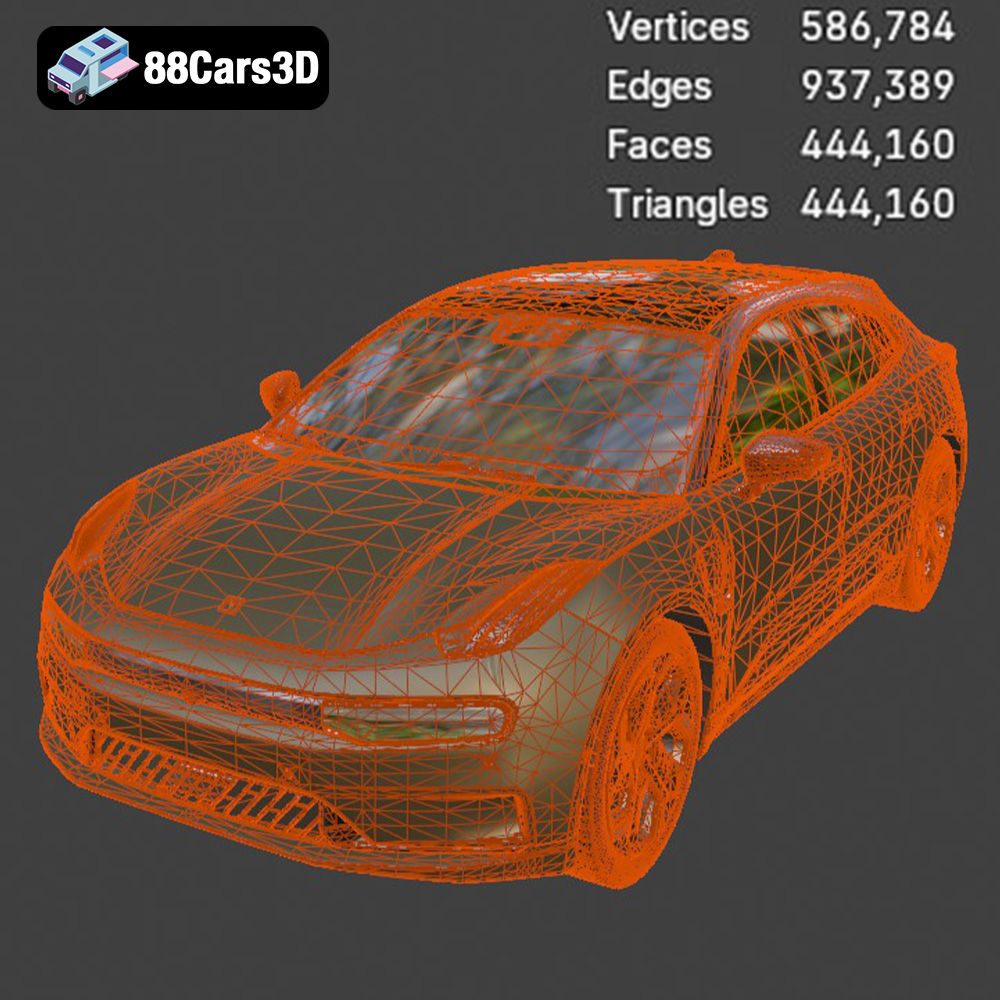
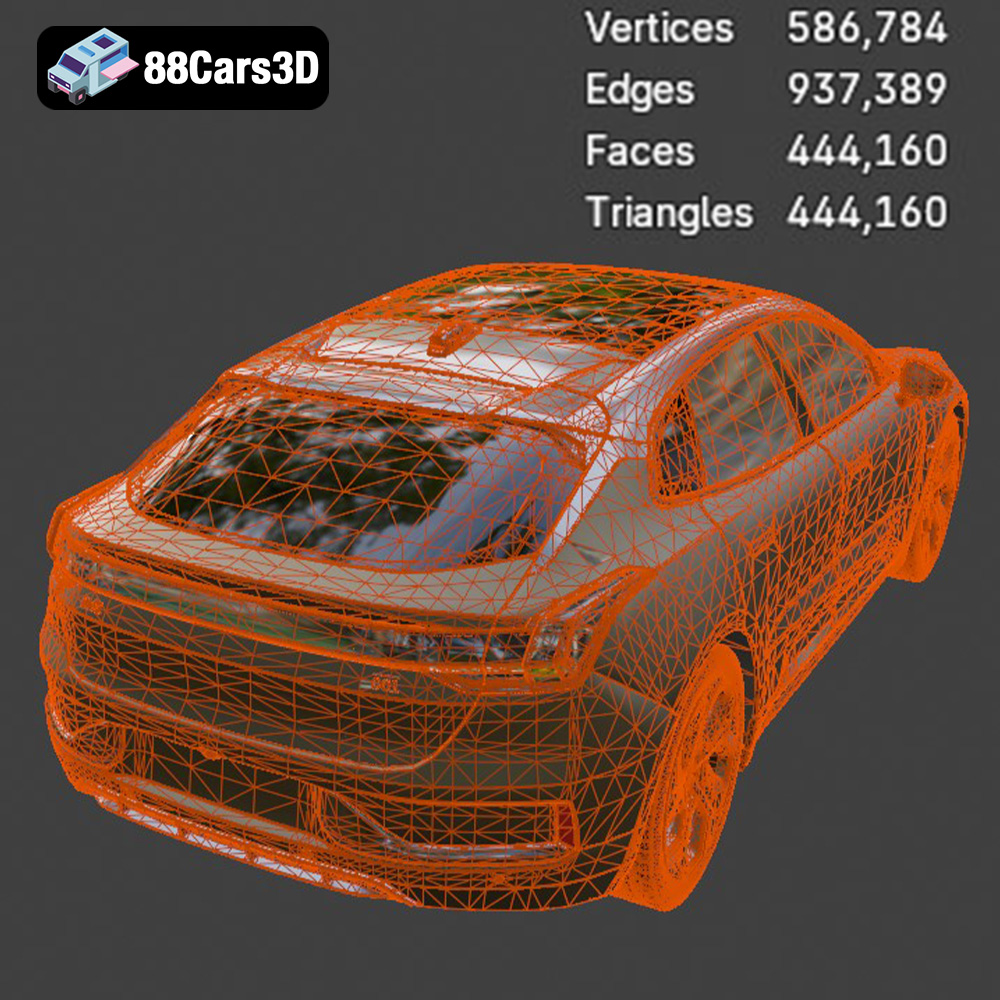
Bring stunning realism to your digital projects with the Zeekr 001 3D Model. This digital asset is accurately crafted to replicate the distinctive exterior lines and modern design of the innovative electric vehicle, providing a lifelike representation perfect for professional use. Built with exceptional precision, this model features clean geometry, realistic materials, and professional quality. Whether you need close-up shots or dynamic motion sequences, the optimized structure ensures seamless integration and superior visual fidelity across various platforms. Ideal for a wide range of applications, this 3D vehicle is perfectly suited for game development, cinematic rendering, immersive AR/VR experiences, and architectural visualization.
$19.99
.-001
.arvr
.blend
.car3dmodel
.electriccar
.fbx
.gameasset
.glb
.max
.obj
.ply
.rendering
.shootingbrake
.simulation
.stl
.unreal
.zeekr