Get 20% OFF All Premium 3D & STL Models!

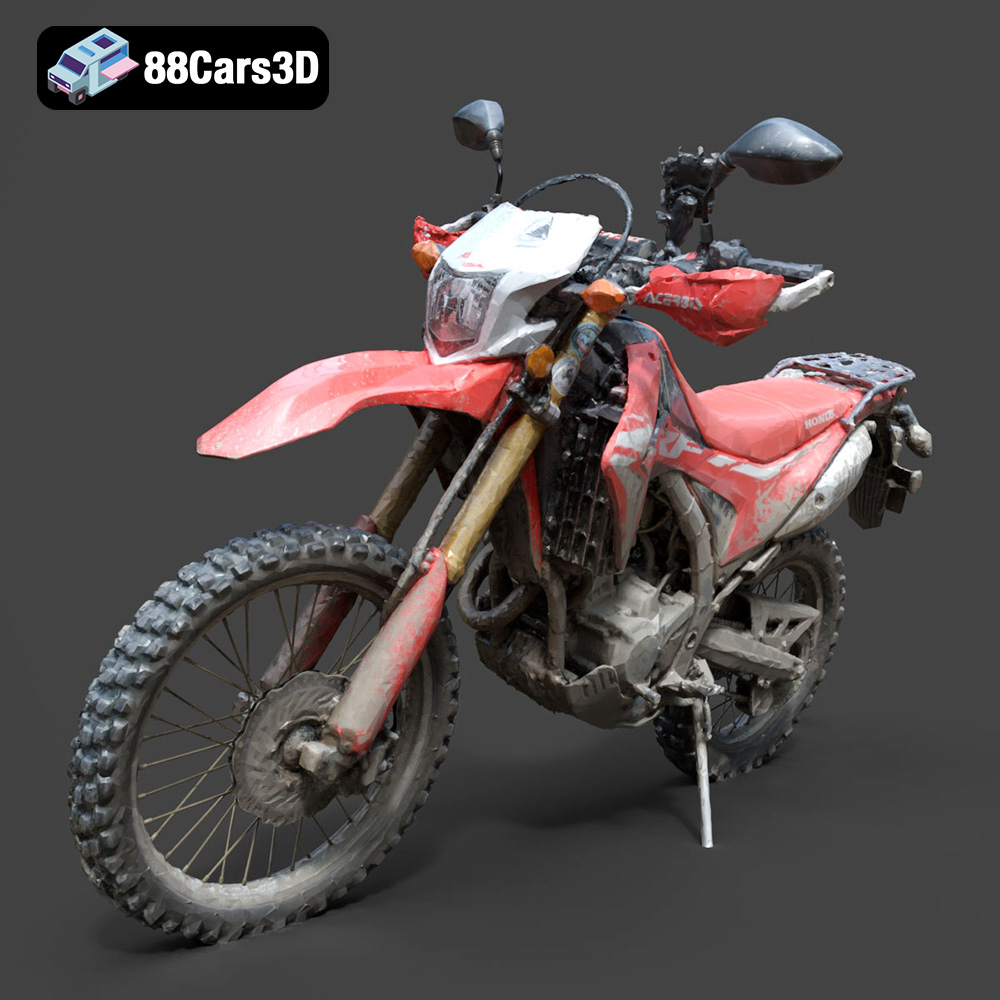
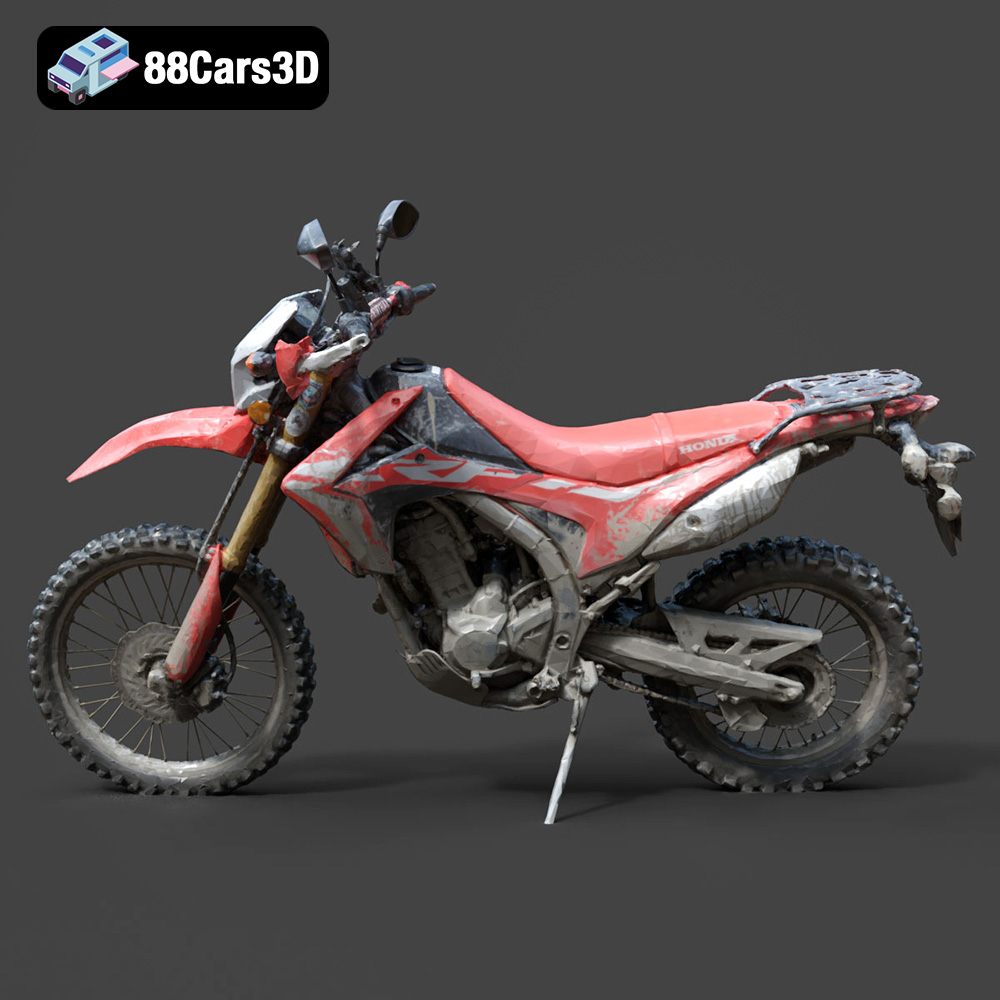
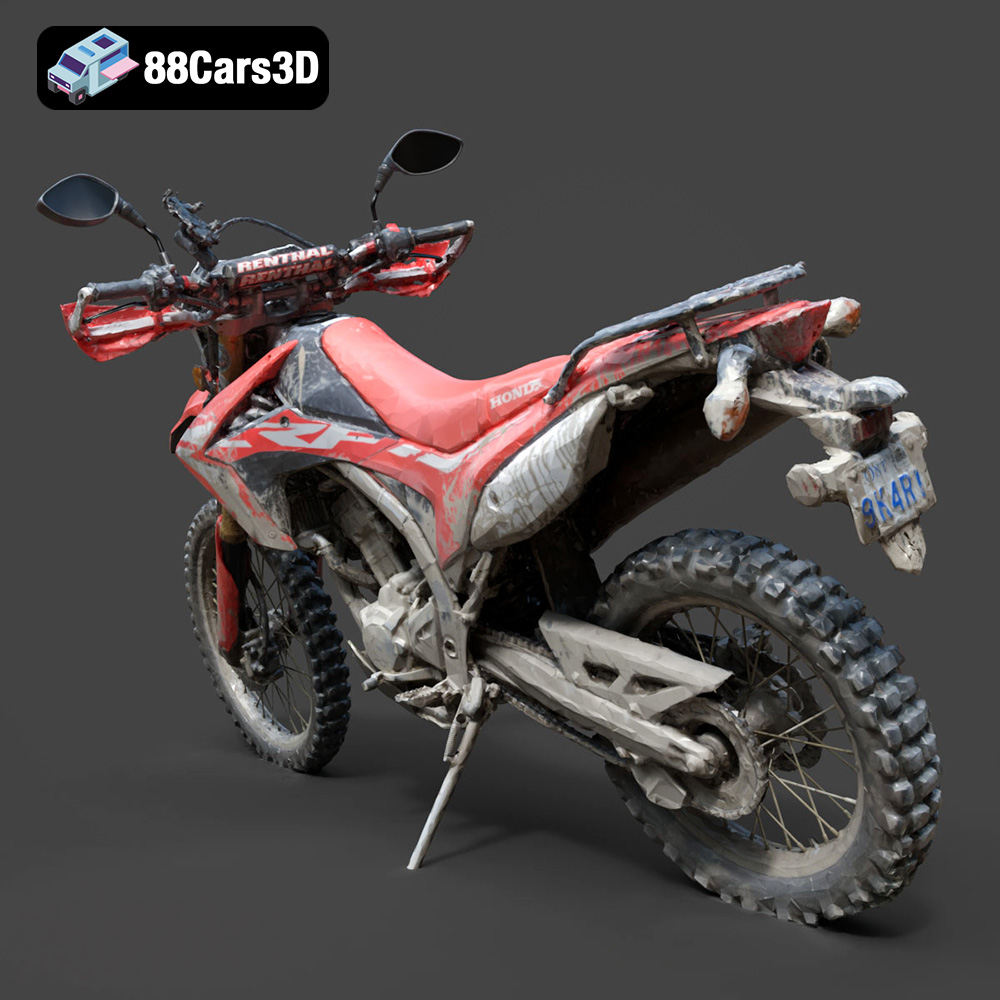
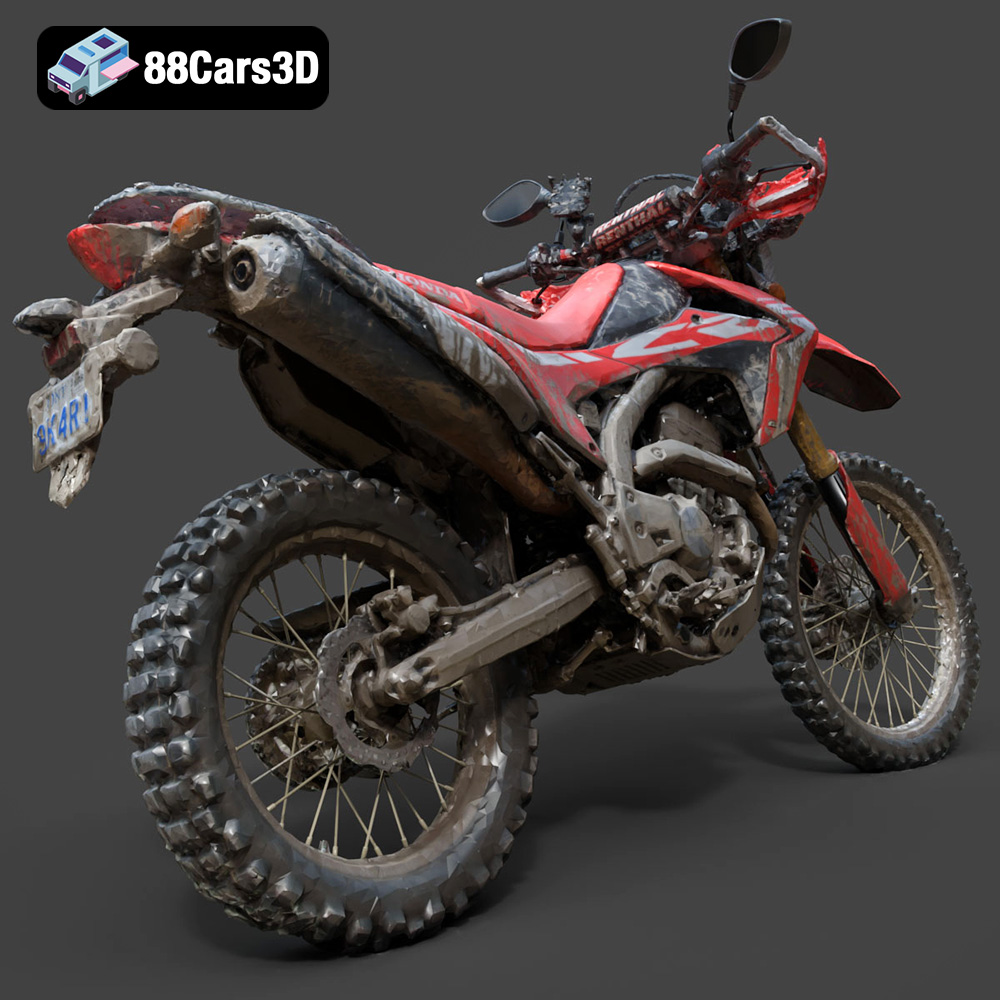
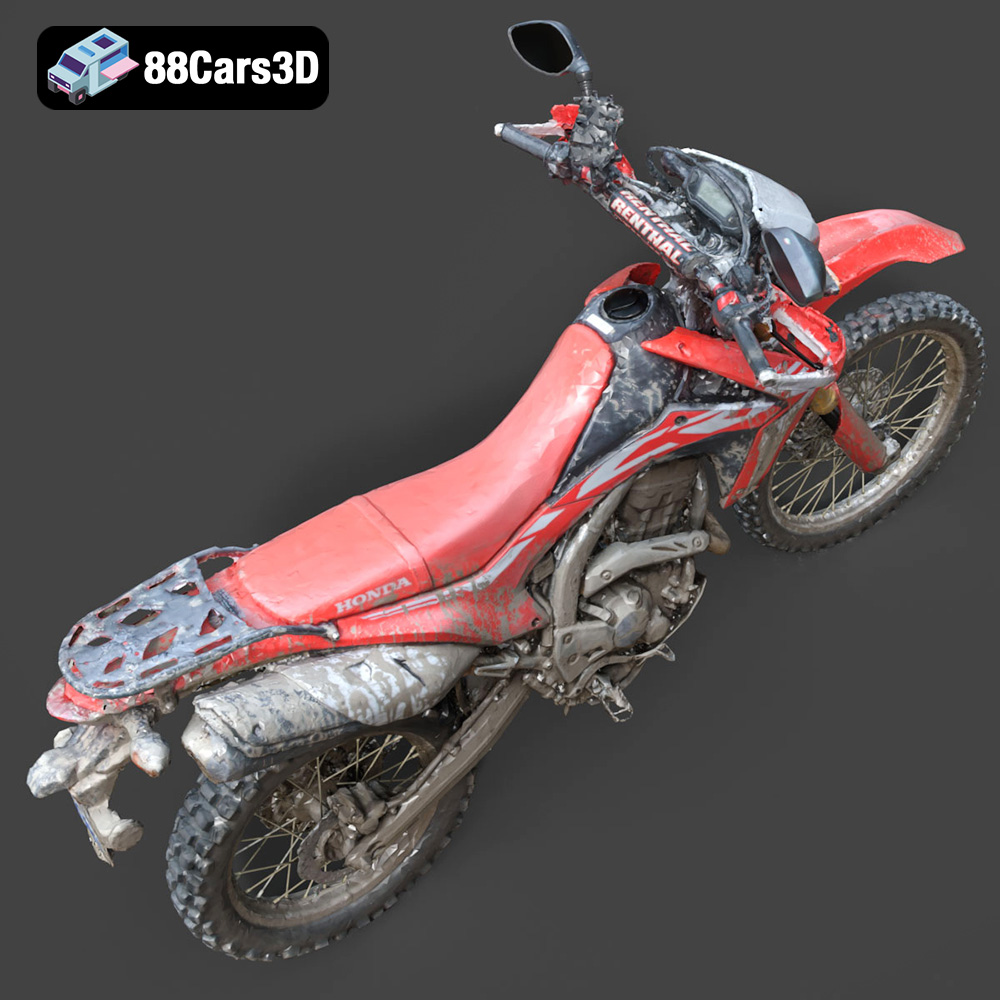
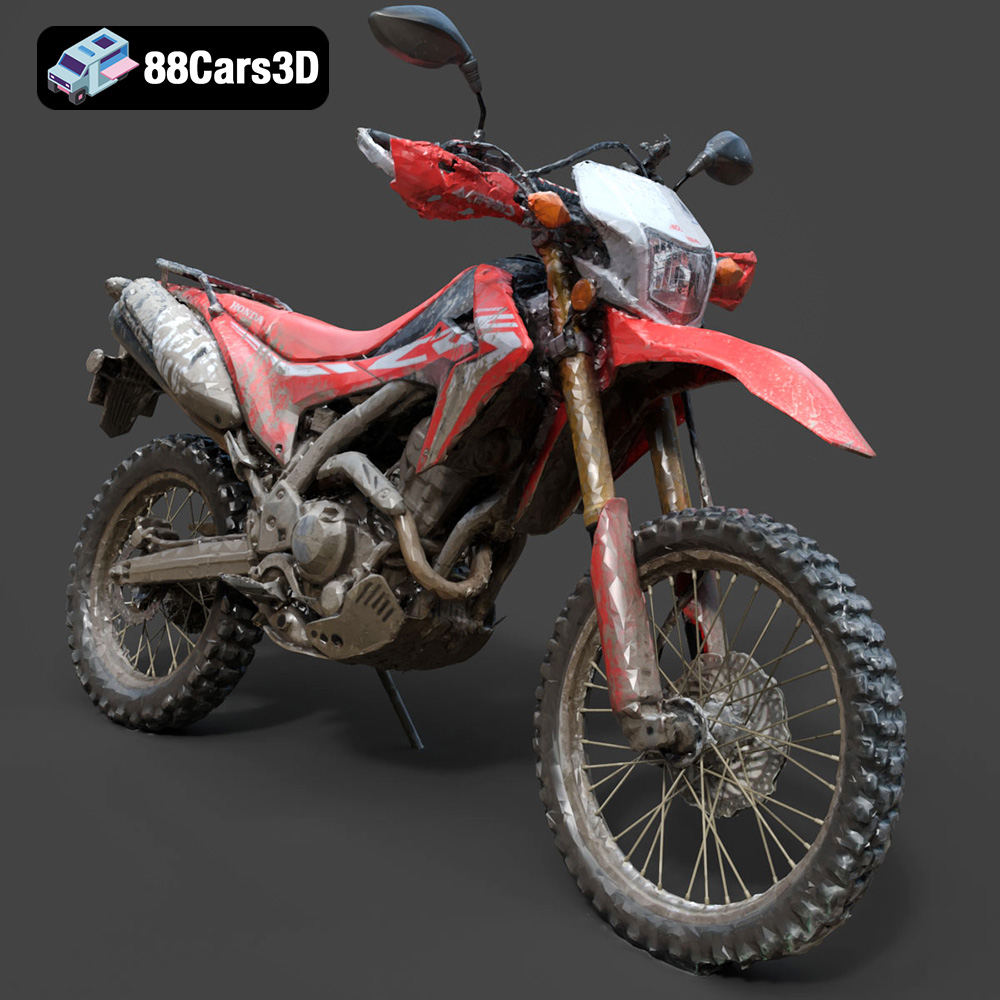
The Honda Motorcycle-001 3D model available at 88cars3d.com is a stunning recreation of a classic motorcycle. Its detailed design makes it an excellent choice for 3D printing enthusiasts looking for a challenging and rewarding project. This comprehensive guide will walk you through the process of successfully 3D printing this model, covering everything from pre-print preparation to post-processing techniques. Whether you’re a seasoned 3D printing veteran or just starting out, this article provides the knowledge you need to create a tangible piece of automotive art.
Before diving into the specifics of printing the Honda Motorcycle-001 model, it’s crucial to understand the various file formats available and their implications for 3D printing. The model comes with a variety of formats, each suited to different applications, but for 3D printing, the STL format is king.
The STL (stereolithography) file format is the workhorse of 3D printing. It represents the surface geometry of a 3D object as a collection of triangles. This simplicity makes it universally compatible with slicing software, which converts the 3D model into instructions for your 3D printer. However, STL files only store geometric data; they don’t include information about color, texture, or materials. For successful 3D printing, the STL file must be watertight, meaning it must define a closed volume without any holes or intersecting surfaces.
OBJ files are more versatile than STLs as they can store color and texture information alongside the geometry. While some slicing software can import OBJ files, they are primarily used for rendering and visualization purposes. The complex nature of OBJ files can sometimes lead to issues during slicing, especially with intricate models like the Honda Motorcycle-001, potentially causing printing errors. If you want to print with multiple colors or textures, you would need specialized 3D printers and workflows beyond the scope of basic STL printing.
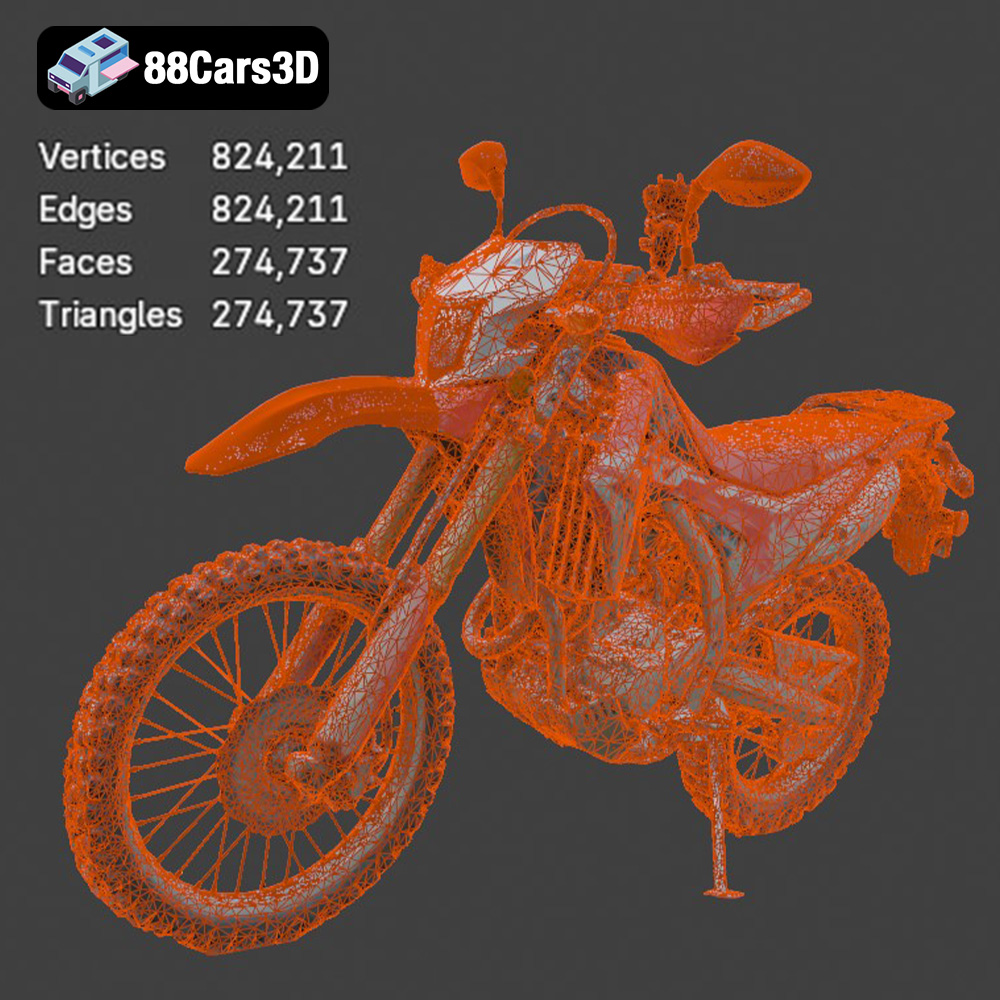
PLY files are designed to capture high-resolution 3D data, often generated from 3D scanning. They support color, texture, and even vertex normals, allowing for extremely detailed representations. While suitable for visualization, the high polygon count of PLY files can overwhelm slicing software and 3D printers, making them less practical for printing complex models.
The .blend file is Blender’s native format. It contains the entire scene, including the model, materials, lighting, and any modifiers applied. This format is invaluable if you want to modify the Honda Motorcycle-001 model before printing. You can adjust the design, simplify intricate parts for easier printing, or even split the model into smaller, printable components. Once you’ve made your changes, you can export the model as an STL file for slicing.
FBX files are primarily used for exchanging 3D data between different software applications, especially in game development. They can store geometry, textures, animations, and other scene information. While some advanced slicing software may be able to import FBX files, they typically only use the geometric data for printing. The material information is generally ignored unless you’re using a specialized multi-material 3D printer.
GLB files are designed for real-time rendering and are often used for AR/VR applications. They’re efficient and compact, making them ideal for displaying 3D models on the web or mobile devices. While not directly used for 3D printing, GLB files can be helpful for previewing the Honda Motorcycle-001 model in augmented reality before committing to a print.
Similar to .blend files, .max files contain the entire scene as created in 3ds Max. This is useful for making modifications to the original 3D model if you have access to 3ds Max. After making any necessary changes, export the model as an STL file for optimal 3D printing compatibility.
In summary, while the Honda Motorcycle-001 model is provided in various formats, STL is the most suitable and recommended format for 3D printing. It ensures compatibility with most slicing software and 3D printers. Before printing, always inspect the STL file for errors and repair them if necessary to ensure a successful print.
Once you have the STL file ready, the next step is to prepare it for printing using slicing software. This involves configuring printer settings, choosing the right orientation, and adding supports if needed.
Popular slicing software options include Cura, PrusaSlicer, Simplify3D, and others. Each offers a range of settings that affect the final print quality, strength, and print time. For the Honda Motorcycle-001 model, consider the following general settings as a starting point:
* **Layer Height:** 0.1mm to 0.2mm. A lower layer height results in finer details but increases print time. Start with 0.15mm for a good balance.
* **Infill Density:** 15% to 25%. This determines the internal structure of the print. A higher infill provides more strength but uses more material. Adjust based on the desired strength of the final model. Gyroid or cubic infill patterns work well.
* **Print Speed:** 40mm/s to 60mm/s. Slower speeds generally improve print quality, especially for intricate details.
* **Temperature:** Follow the recommended temperature settings for your chosen filament. PLA typically prints between 200°C and 220°C, while PETG prints between 230°C and 250°C.
* **Bed Adhesion:** Use a brim or raft to ensure the model adheres firmly to the print bed, preventing warping or detachment.
The orientation of the Honda Motorcycle-001 model on the print bed significantly impacts the print quality and the amount of support material required. Consider these factors:
* **Minimize Overhangs:** Position the model to reduce the number of overhanging features that require support. Overhangs can lead to sagging and poor surface finish.
* **Showcase Details:** Orient the model to showcase the most important details on the top surface, as this area will typically have the best print quality.
* **Optimize Support Placement:** Use the slicing software’s support generation features to add supports only where necessary. Avoid placing supports on delicate or highly detailed areas. Consider using tree supports, which are easier to remove and leave fewer marks.
For the Honda Motorcycle-001, a good starting point is to orient the model upright, with the wheels facing down. This minimizes the need for supports on the main body and allows the details of the motorcycle to be printed with greater precision.
Before slicing, it’s crucial to check the STL file for errors such as non-manifold edges or holes. Many slicing software programs have built-in repair tools that can automatically fix these issues. Alternatively, you can use dedicated mesh editing software like MeshMixer or MeshLab.
Consider scaling the model to your desired size. A larger model will showcase the details better but will require more material and print time. Ensure your 3D printer’s build volume is sufficient for the scaled model.
Choosing the right material is crucial for achieving a successful and aesthetically pleasing 3D print of the Honda Motorcycle-001. Here are some recommendations:
PLA is a popular and beginner-friendly material known for its ease of printing and low warping. It’s a great option for the Honda Motorcycle-001 model, especially for showcasing details and achieving a smooth surface finish. PLA is available in a wide range of colors, making it easy to customize your print. However, PLA is not as strong or heat-resistant as other materials.
PETG offers a good balance of strength, flexibility, and ease of printing. It’s more durable and heat-resistant than PLA, making it a suitable choice for functional parts or models that will be exposed to higher temperatures. PETG can also produce excellent surface finishes with proper settings.
For incredibly detailed prints, resin printing is the way to go. SLA (stereolithography) and DLP (digital light processing) printers use liquid resin that is cured by UV light. This allows for much finer layer heights and intricate details that are impossible to achieve with FDM (fused deposition modeling) printers. If you have access to a resin printer, you can achieve stunning results with the Honda Motorcycle-001 model, capturing every minute detail. However, resin printing requires more post-processing, including washing and curing the print.
* **Display Model:** PLA or Resin (for maximum detail)
* **Functional Model:** PETG or ABS (if heat resistance is needed)
* **Prototyping:** PLA or PETG
Consider the intended use of your 3D printed Honda Motorcycle-001 model when selecting the material. If it’s primarily for display, PLA or resin will provide the best aesthetic results. If it needs to withstand some stress or heat, PETG is a better choice.
Once the 3D print is complete, post-processing is essential to refine the surface finish, add color, and assemble the model (if printed in multiple parts).
Carefully remove the supports using pliers or a sharp knife. Be patient and avoid damaging the model. After removing the supports, sand the surface with progressively finer grits of sandpaper (e.g., 220, 400, 600, 800). This will smooth out any imperfections and prepare the surface for painting. Wet sanding can help reduce dust and improve the sanding process.
Apply a primer to the sanded surface to create a uniform base for the paint. Choose a primer that is compatible with your chosen filament. After the primer dries, apply several thin coats of paint, allowing each coat to dry completely before applying the next. Acrylic paints are a good option for 3D printed models. Consider using an airbrush for a smooth and even finish. After the paint dries, apply a clear coat to protect the paint and add a glossy or matte finish.
If you printed the Honda Motorcycle-001 in multiple parts, carefully assemble them using glue or screws. Ensure the parts fit together properly and that the glue is strong enough to hold them securely. Consider using epoxy for a strong and durable bond.
Even with careful preparation, 3D printing can sometimes present challenges. Here are some common issues and their solutions:
Warping occurs when the print detaches from the print bed due to uneven cooling. To prevent warping:
* Use a heated bed.
* Apply a bed adhesion agent (e.g., glue stick, hairspray).
* Enclose the printer to maintain a consistent temperature.
* Use a brim or raft.
Stringing is caused by filament oozing from the nozzle during travel moves. To reduce stringing:
* Adjust retraction settings in the slicing software.
* Decrease the printing temperature.
* Increase travel speed.
Layer shifting occurs when the printer’s axes move unexpectedly during printing. To prevent layer shifting:
* Ensure the belts are properly tensioned.
* Reduce printing speed.
* Check for obstructions on the axes.
As mentioned earlier, overhangs require support structures. To mitigate issues with overhangs:
* Optimize model orientation.
* Use appropriate support settings.
* Print with a lower layer height for better overhang quality.
The print time and material cost for the Honda Motorcycle-001 model will vary depending on the size of the model, the chosen settings, and the material used. As a rough estimate:
* **Print Time:** 10-30 hours (depending on size and settings)
* **Material Cost:** $5-$20 (depending on material and size)
Experiment with different settings to find the optimal balance between print quality, speed, and material usage.
The Honda Motorcycle-001 3D model from 88cars3d.com is a fantastic project for any 3D printing enthusiast. By following this comprehensive guide, you can confidently tackle the challenges of printing this detailed model and create a stunning replica of a classic motorcycle. Remember to experiment with different settings and materials to find what works best for your printer and desired outcome.
Experience an exceptional level of realism with the Honda Motorcycle-001 3D model. Meticulously constructed to capture the exact engineering, sleek aesthetic, and dynamic profile of this renowned motorcycle, it serves as an authoritative digital twin for demanding professional projects. This model features clean geometry and accurate topological structuring, guaranteeing seamless integration into a wide range of digital pipelines. Boasting realistic materials, a professional grade setup, and meticulously modeled individual components, it stands as a reliable asset for both macro close-ups and wide dynamic shots.
$19.99
.arvr
.bike
.blend
.car3dmodel
.fbx
.gameasset
.glb
.honda
.max
.motorcycle
.motorcycle001
.obj
.ply
.rendering
.simulation
.stl
.streetbike
.twowheeler
.unreal