Get 20% OFF All Premium 3D & STL Models!

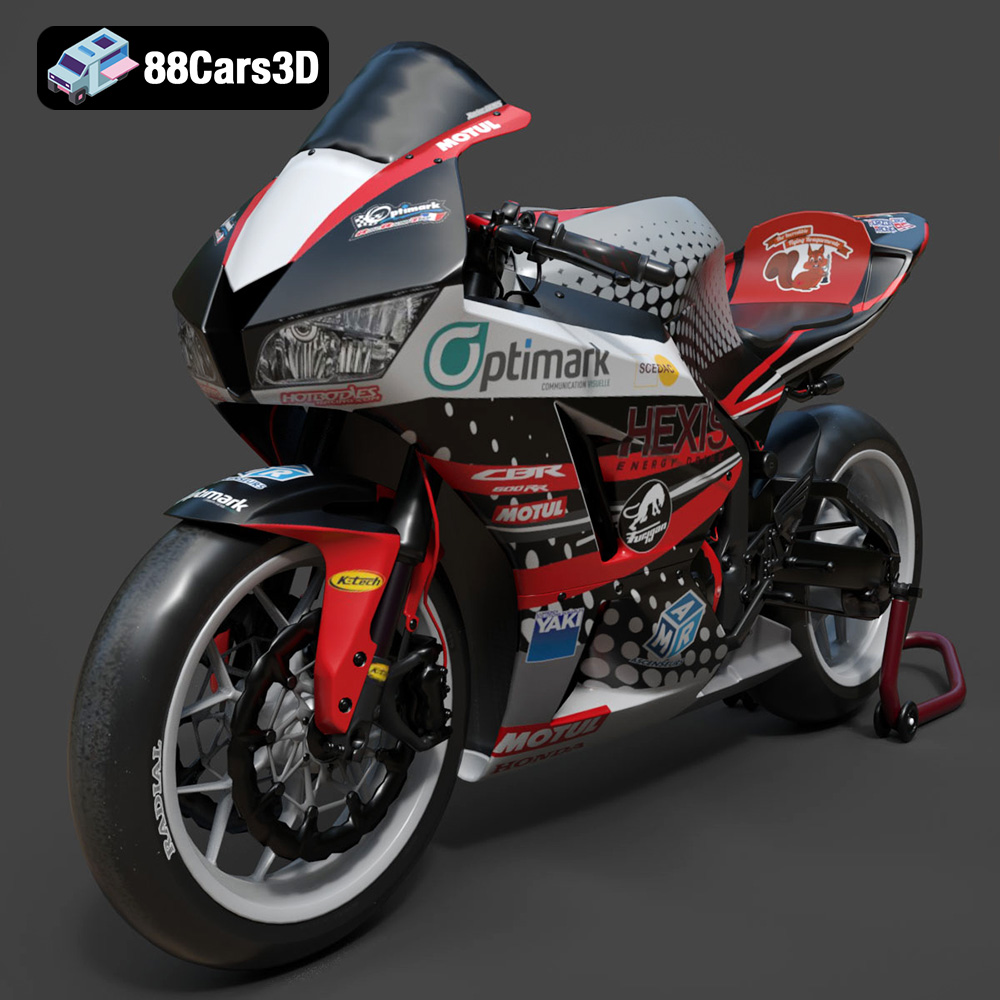
The Honda CBR600RR is a legendary sportbike, and now you can bring this icon to your desk with a 3D printed model. This guide will walk you through the process of 3D printing a detailed replica of the CBR600RR, focusing on techniques, settings, and post-processing to achieve the best possible results. Whether you’re a seasoned 3D printing enthusiast or just starting out, this guide will provide you with the knowledge you need to create a stunning 3D printed CBR600RR.
Before diving into the specifics of printing the Honda CBR600RR, it’s crucial to understand the various 3D model file formats available and their suitability for 3D printing. Different formats offer varying levels of detail, texture support, and compatibility with slicing software. Choosing the right format is a key first step in a successful 3D printing project.
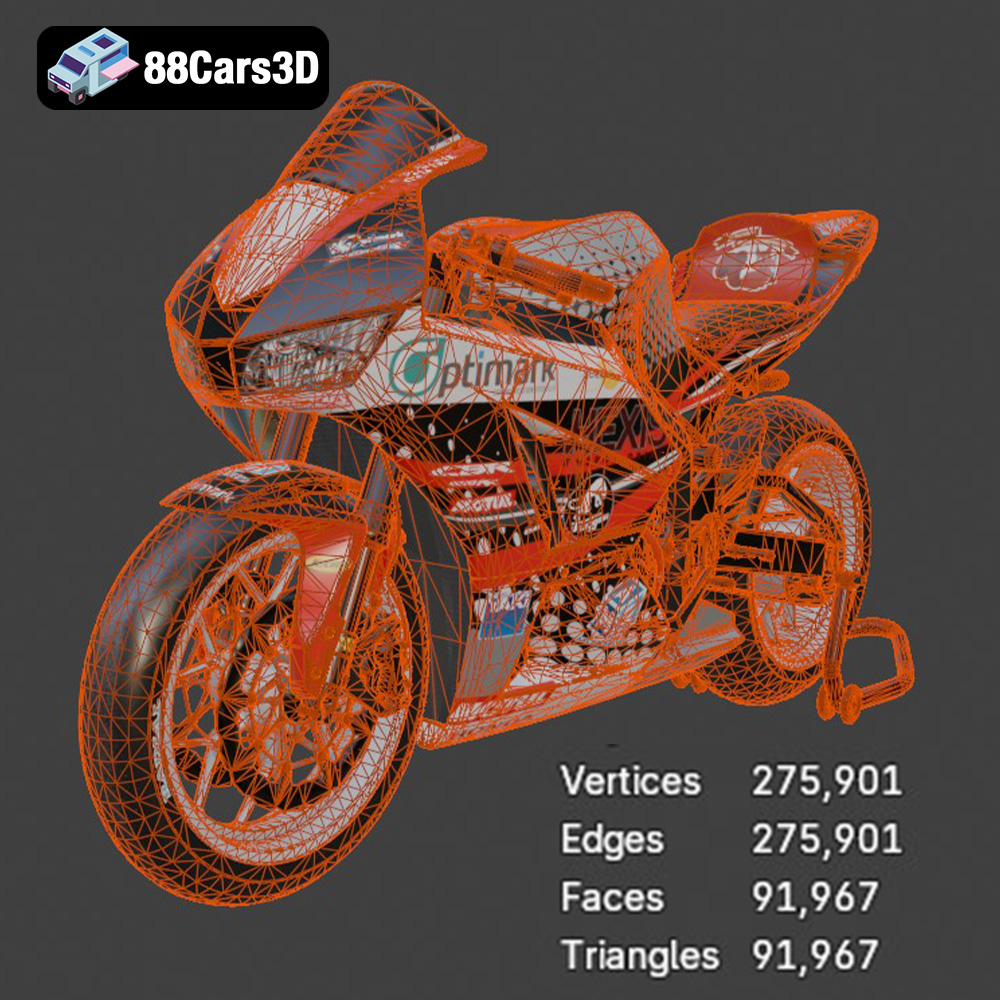
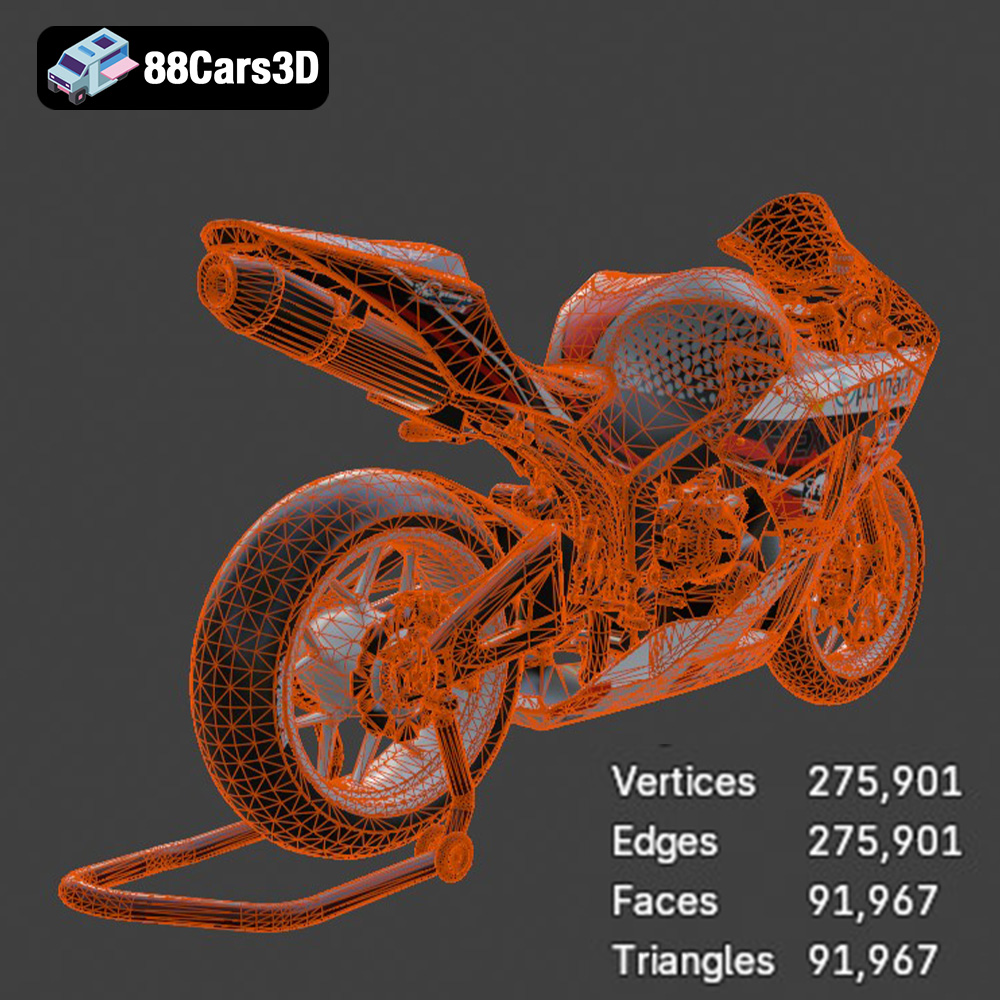
The .stl (Stereolithography) format is the workhorse of 3D printing. It represents the surface geometry of a 3D object as a collection of triangles. STL files are lightweight and widely supported by virtually all slicing software. However, they only contain mesh data, meaning they do not store color, texture, or material information. For 3D printing the Honda CBR600RR, the .stl format will be your primary choice. Ensure that the STL file you use is properly optimized, with a sufficient number of triangles to capture the details of the motorcycle, but not so many that it becomes unwieldy to process.
The .obj (Wavefront Object) format is a more versatile format than .stl, as it can store color and texture information along with the mesh data. This is particularly useful if you intend to apply textures to your 3D printed CBR600RR. However, some slicing software may have limitations in handling .obj files with complex textures. If you plan to paint your model after printing, the .stl format remains a better choice.
The .ply (Polygon File Format) is designed for storing 3D data acquired from 3D scanners. It supports a variety of data types, including color, texture coordinates, transparency, and surface normals. While .ply files can be used for 3D printing, they are not as widely supported as .stl or .obj. Their high-detail capabilities make them suitable for complex models, but they can also lead to larger file sizes and longer processing times in slicing software.
The .blend format is the native file format for Blender, a popular open-source 3D modeling software. It contains the entire Blender scene, including the mesh data, textures, materials, lighting, and animation information. While you cannot directly 3D print a .blend file, it’s incredibly useful for customizing the Honda CBR600RR model before exporting it to a printable format like .stl. You can modify the model’s geometry, add details, or change its scale using Blender.
The .fbx (Filmbox) format is developed by Autodesk and is widely used for exchanging 3D data between different software applications. It supports mesh data, textures, materials, animations, and skeletal rigs. While .fbx files can be imported into some slicing software, compatibility and material handling can vary. It’s primarily used for transferring models between different stages of a design pipeline, rather than direct 3D printing.
The .glb (GL Transmission Format Binary) is designed for efficient transmission and loading of 3D scenes and models, especially in web and AR/VR applications. It’s a binary format that includes mesh data, textures, and animations in a single file. .glb is great for previewing the Honda CBR600RR model in AR environments before you decide to print it, giving you a sense of scale and detail. However, .glb files are not directly used in the 3D printing process.
The .max format is the native file format for Autodesk 3ds Max, a professional 3D modeling, animation, and rendering software. Similar to .blend, it contains the entire scene data, including geometry, textures, materials, lighting, and animation. While not directly printable, the .max file allows for extensive customization of the Honda CBR600RR model before exporting it as an .stl file for 3D printing.
In summary, for 3D printing the Honda CBR600RR, focus on using the .stl format. Ensure the mesh quality is high enough to capture the details but not so high that it overwhelms your slicing software. If you need to make modifications to the model, use the provided .blend or .max files in Blender or 3ds Max, respectively, before exporting to .stl for printing.
Once you have your Honda CBR600RR 3D model in the .stl format, the next step is to prepare it for 3D printing. This involves using slicing software to convert the 3D model into a series of instructions that your 3D printer can understand. It also may involve making some modifications to the model to ensure that it prints successfully.
Selecting the appropriate slicing software is crucial for achieving high-quality prints. Popular options include Cura, Simplify3D, PrusaSlicer, and IdeaMaker. Each slicer offers different features and algorithms that can affect print quality, speed, and material usage. Cura is a free and user-friendly option that’s great for beginners, while Simplify3D is a paid option that offers more advanced control over print settings. PrusaSlicer is known for its excellent support for Prusa printers and its advanced features like adaptive layer height. IdeaMaker is another free option that’s known for its excellent support for Raise3D printers and its user-friendly interface. Experiment with different slicers to see which one works best for your printer and your needs.
Proper model orientation is critical for minimizing support material, improving surface finish, and ensuring structural integrity. For the Honda CBR600RR model, consider printing the frame at an angle to minimize the need for supports on curved surfaces. The wheels should be printed separately, possibly flat on the print bed, to avoid excessive support structures. The handlebars, exhaust, and other delicate parts will require support structures. Use your slicing software to carefully place supports in areas where they are needed, while minimizing their impact on visible surfaces. Consider using tree supports, which are easier to remove than traditional linear supports.
The recommended scales for 3D printing the Honda CBR600RR are 1:12, 1:18, and 1:24. Choose a scale that suits your printer’s build volume and your desired level of detail. Before slicing, inspect the model for any errors such as non-manifold geometry or holes. Use your slicing software or a dedicated model repair tool like MeshMixer or Netfabb to fix any issues. 88cars3d.com strives to provide high-quality, error-free models, but it’s always a good idea to double-check before printing.
The choice of material and printer settings significantly impacts the final quality of your 3D printed Honda CBR600RR. Experiment with different materials and settings to achieve the desired look and feel.
PLA (Polylactic Acid) is a popular and easy-to-use material that’s great for beginners. It’s biodegradable and available in a wide range of colors. PLA is suitable for printing the Honda CBR600RR model, but it may not be the best choice for parts that require high strength or temperature resistance. PETG (Polyethylene Terephthalate Glycol-modified) is a more durable and heat-resistant material than PLA. It’s also more flexible, making it a good choice for parts that need to withstand stress. Resin is the best choice for printing highly detailed parts, such as the engine components, handlebars, and mirrors. Resin printers offer much higher resolution than FDM printers, allowing you to capture fine details that would be lost with PLA or PETG.
Layer height is a critical setting that affects print quality and print time. A lower layer height (e.g., 0.04mm) will result in a smoother surface finish and more detail, but it will also increase print time. A higher layer height (e.g., 0.12mm) will print faster but with less detail. For the Honda CBR600RR, a layer height of 0.08mm is a good compromise between speed and quality. Infill is the density of the material inside the model. A higher infill percentage (e.g., 30%) will result in a stronger model, but it will also use more material and take longer to print. A lower infill percentage (e.g., 20%) will print faster and use less material, but the model will be weaker. For the Honda CBR600RR, an infill percentage of 25% is a good balance between strength and material usage. Print temperature will depend on the material you are using. PLA typically prints at around 200°C, PETG at around 240°C, and resin at room temperature. Refer to the material manufacturer’s recommendations for the optimal print temperature.
Consider adjusting settings for specific parts of the Honda CBR600RR model. For example, you might use a lower layer height and higher infill for the frame to ensure its strength and stability. For the wheels, you might use a higher layer height and lower infill to save time and material. For the engine components and other detailed parts, you should definitely use a resin printer with optimized settings for fine details.
Once you’ve prepared your model and chosen your settings, it’s time to start the 3D printing process. Monitoring the print and troubleshooting any issues that arise are crucial for a successful outcome.
The first few layers are critical for a successful print. Make sure the first layer adheres properly to the build plate. If you’re having adhesion problems, try leveling the bed again, cleaning the bed with isopropyl alcohol, or using a bed adhesion aid like glue stick or hairspray.
Keep an eye on the print during the first few hours, looking for any signs of problems such as warping, stringing, or layer shifting. If you spot any issues, pause the print and try to correct them. For example, if you’re experiencing warping, try increasing the bed temperature or adding a brim to the model. If you’re experiencing stringing, try reducing the print temperature or retraction distance.
Common 3D printing issues include nozzle clogging, layer separation, and support failure. If you experience a nozzle clog, try cleaning the nozzle with a needle or replacing it with a new one. If you experience layer separation, try increasing the print temperature or reducing the layer height. If you experience support failure, try increasing the support density or adding more support structures.
After the print is complete, there’s still work to be done to achieve a polished and professional-looking finish. Post-processing techniques can significantly enhance the appearance and feel of your 3D printed Honda CBR600RR.
The first step is to carefully remove any support structures from the model. Use a sharp hobby knife or pliers to carefully detach the supports, being careful not to damage the model. Once the supports are removed, sand the model to smooth out any imperfections and remove any remaining support marks. Start with a coarse grit sandpaper (e.g., 220 grit) and gradually move to finer grits (e.g., 400 grit, 600 grit, 800 grit) for a smooth finish.
Priming the model is essential for creating a smooth and uniform surface for painting. Apply several thin coats of primer, allowing each coat to dry completely before applying the next. After the primer has dried, sand it lightly with fine-grit sandpaper (e.g., 800 grit) to remove any imperfections. Then, paint the model with your desired colors. The Honda CBR600RR is available in various factory colors, such as Grand Prix Red, so you can choose a color that matches your favorite version of the bike. Use multiple thin coats of paint for a smooth and even finish. Consider using an airbrush for a professional-looking result. Apply a clear coat to protect the paint and give the model a glossy finish.
The Honda CBR600RR model may consist of multiple parts that need to be assembled. Use glue or other adhesive to attach the parts together. Pay attention to the alignment of the parts to ensure a accurate representation of the real bike. Add any final details, such as decals, stickers, or aftermarket parts, to customize your 3D printed CBR600RR.
The print time and material costs for the Honda CBR600RR model will depend on the scale of the model, the material used, and the printer settings.
A 1:12 scale model printed in PLA with a 0.08mm layer height and 25% infill could take anywhere from 20 to 40 hours to print, depending on the complexity of the model and the speed of your printer. A resin print of the same scale could take a similar amount of time, but it would likely be spread out over multiple print batches.
The material cost for a PLA print could range from $5 to $15, depending on the price of the filament and the amount used. A resin print could cost more, as resin is typically more expensive than PLA. The material cost for a resin print could range from $10 to $30.
Here are some additional tips for achieving optimal printing results with the Honda CBR600RR 3D model:
* **Use High-Quality Filament/Resin:** Invest in high-quality filament or resin from a reputable brand to ensure consistent and reliable printing.
* **Calibrate Your Printer:** Regularly calibrate your 3D printer to ensure accurate printing. This includes leveling the bed, calibrating the extruder, and adjusting the temperature settings.
* **Experiment with Different Settings:** Don’t be afraid to experiment with different printer settings to find what works best for your printer and your desired results.
* **Take Your Time:** 3D printing can be a time-consuming process, so be patient and don’t rush things. Take your time to prepare the model, choose the right settings, and monitor the print.
* **Learn from Your Mistakes:** Everyone makes mistakes when 3D printing, so don’t get discouraged if your first print isn’t perfect. Learn from your mistakes and try again.
* **Join the Community:** Join a 3D printing community online or in person to connect with other enthusiasts and share tips and tricks.
By following these tips and techniques, you can successfully 3D print a stunning replica of the Honda CBR600RR. 88cars3d.com offers a wide selection of high-quality 3D car models, including the Honda CBR600RR, so you can find the perfect model for your next 3D printing project.
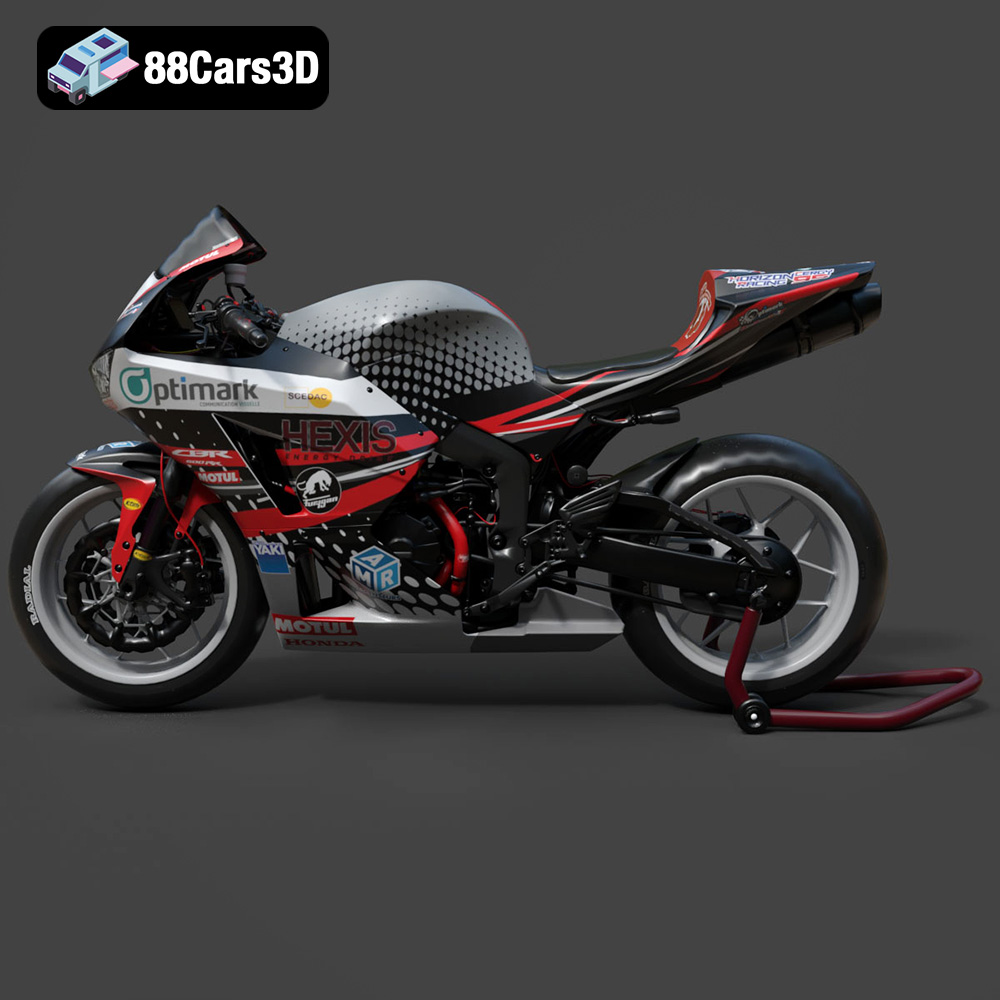
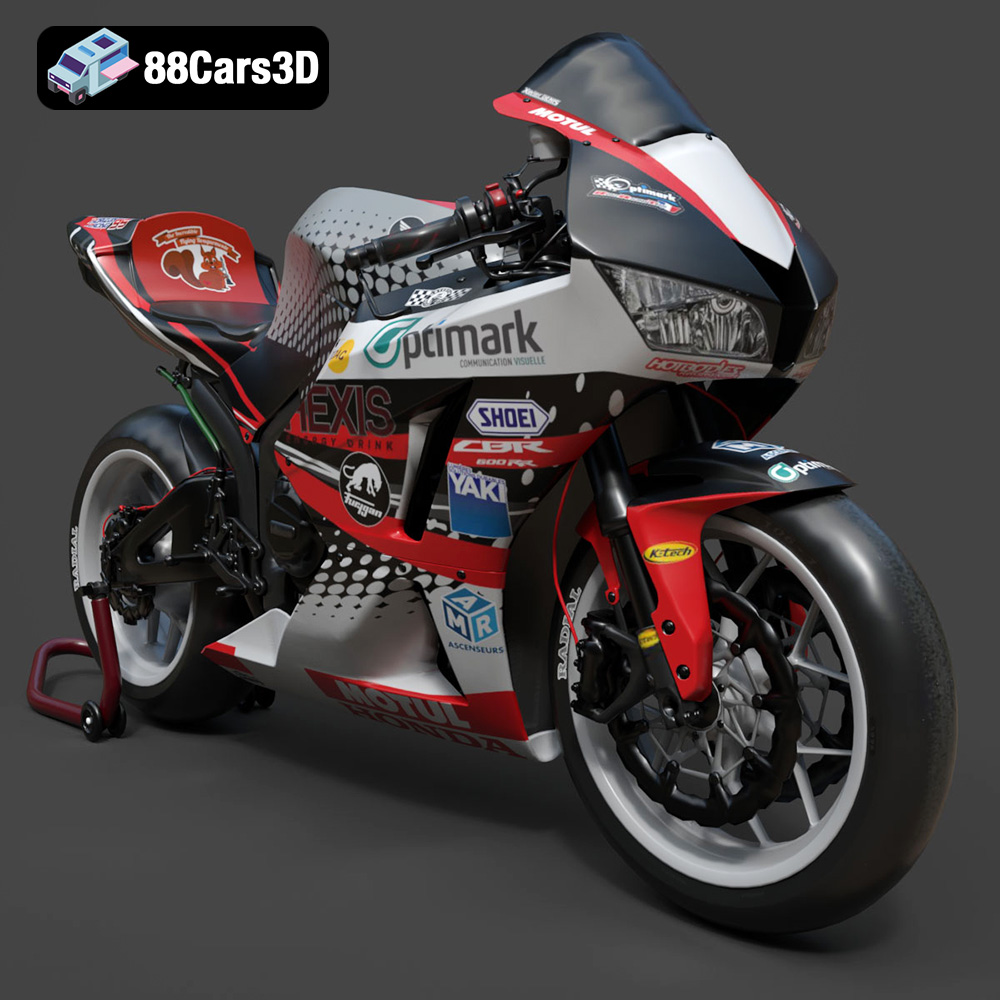
Experience the thrill of the track with our highly detailed 3D model of the Honda CBR600RR, a legendary middleweight supersport motorcycle celebrated for its racing heritage and razor-sharp handling. This model perfectly captures the aerodynamic fairings, the iconic center-up under-seat exhaust system, and the aggressive stance that defines Honda’s performance lineage. From the meticulously modeled inline-four engine casing to the signature dual headlights, every visual element is crafted to reflect the true spirit of this iconic sportbike.
$19.99
.blend
.cbr600rr
.fbx
.glb
.honda
.max
.motorcycle
.obj
.ply
.rendering
.sportbike
.stl
.supersport
.unreal
game asset
game-ready
low-poly
motorcycle-3d-model
optimized
VR/AR