Get 20% OFF All Premium 3D & STL Models!

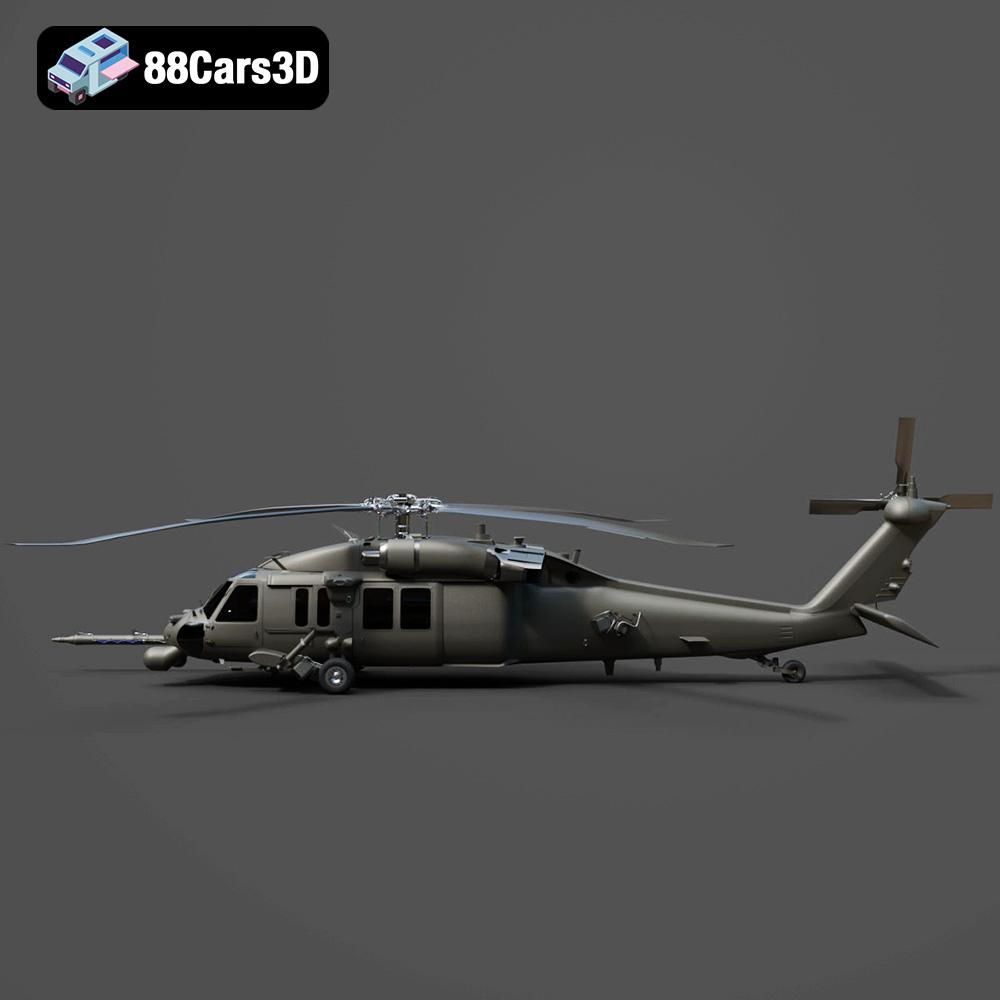
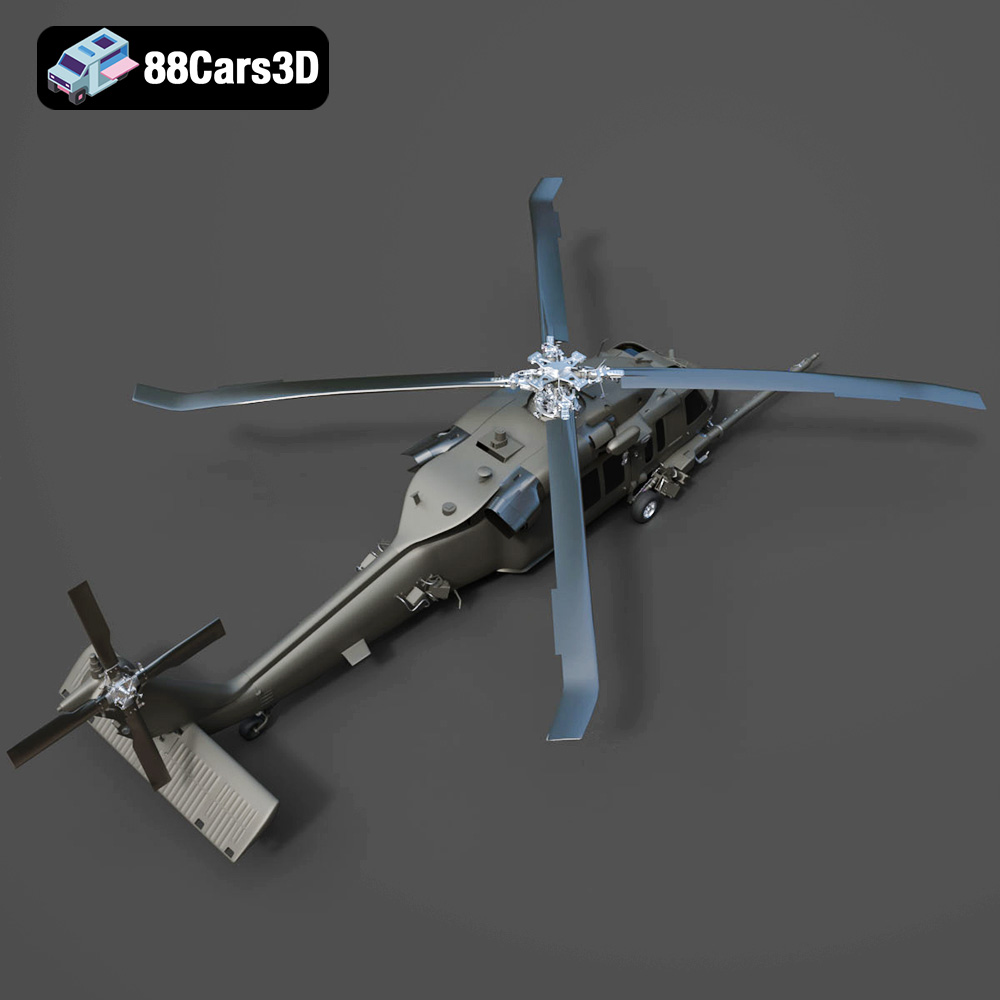
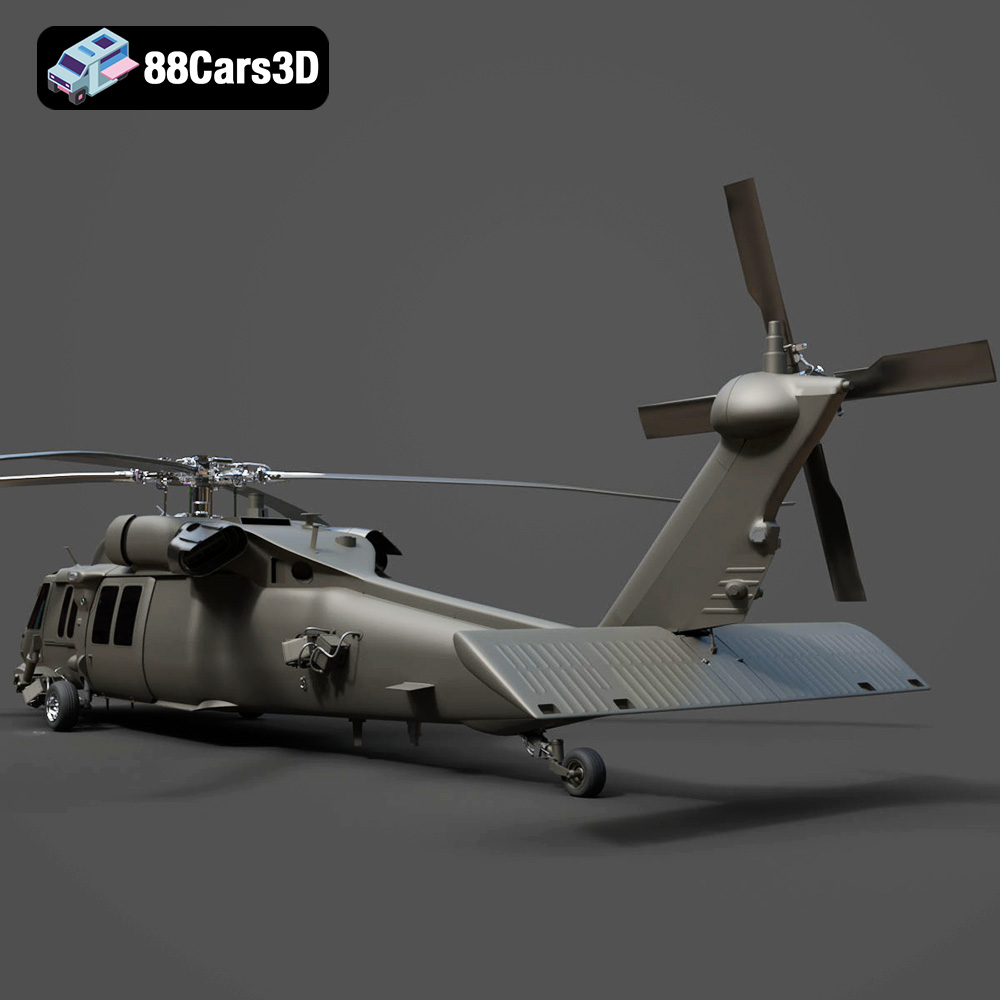
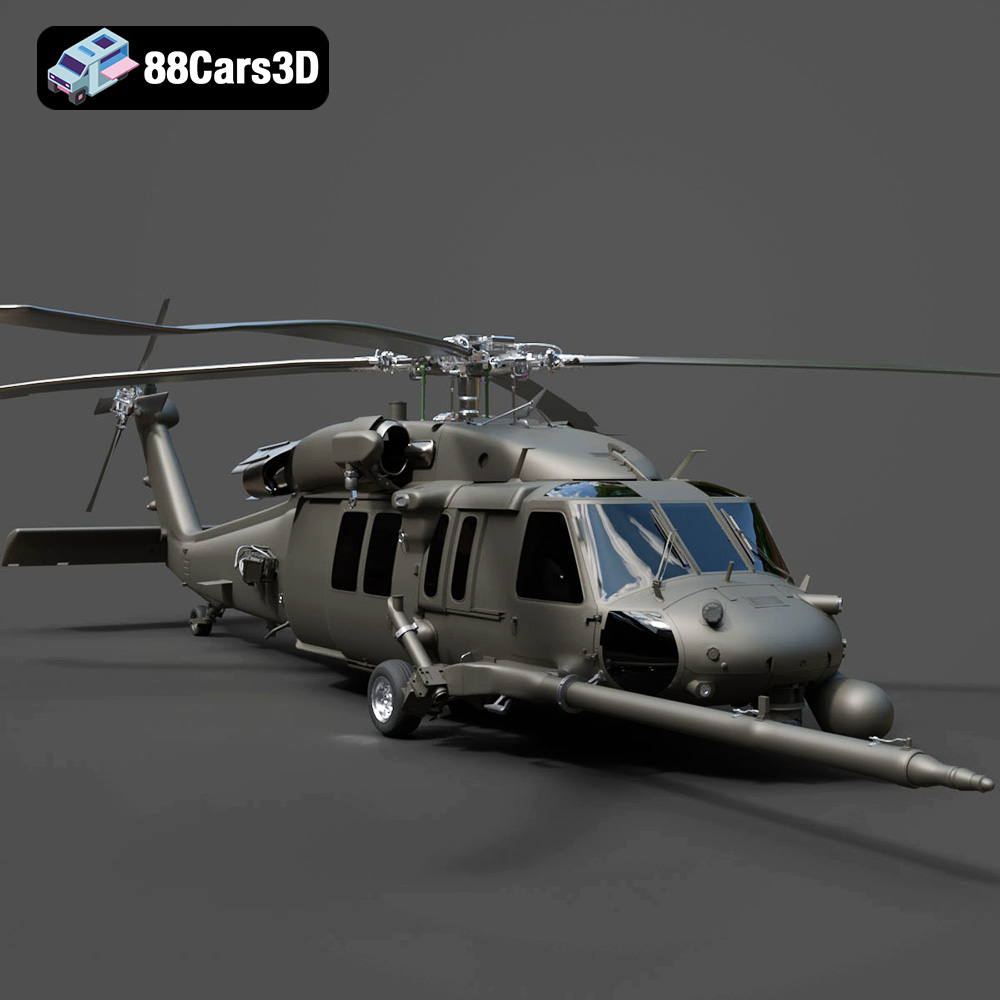
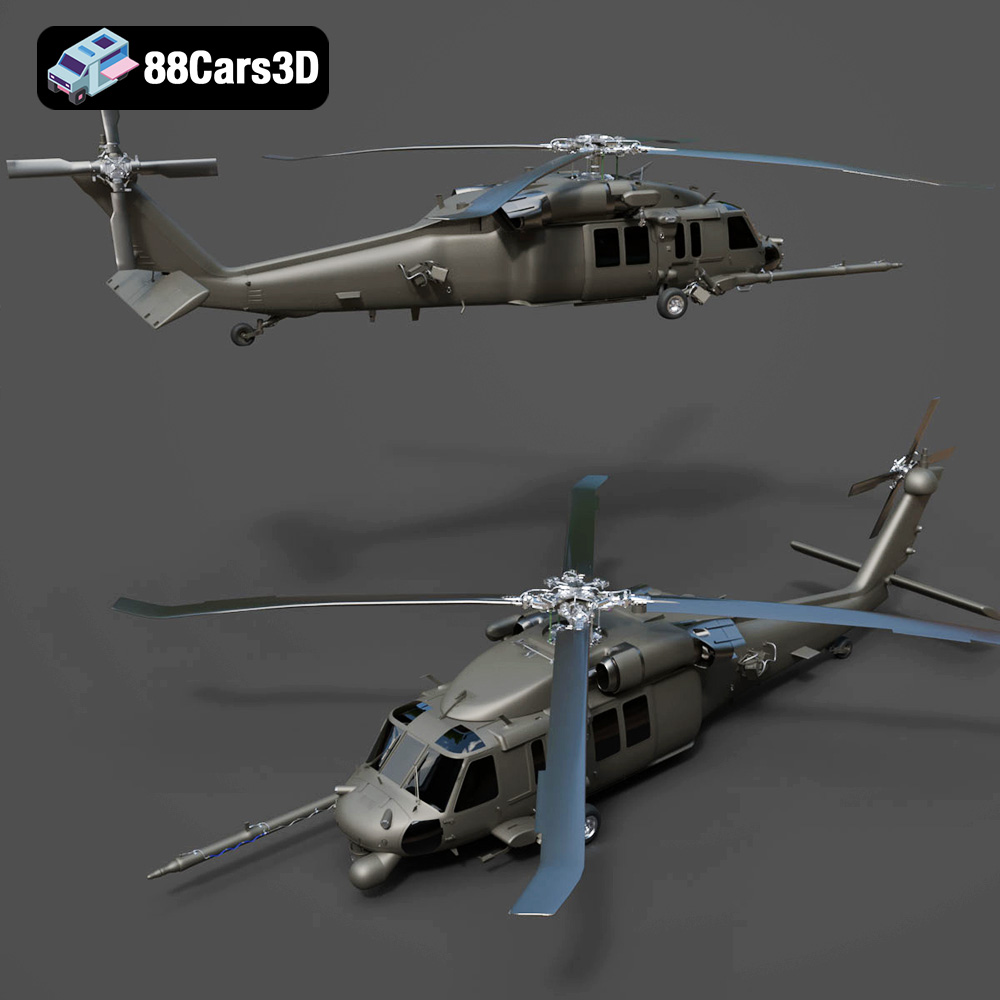
The Helicopter UH-40 3D model offered at 88cars3d.com is a fantastic project for any 3D printing enthusiast. Its detailed design, optimized for various applications like rendering and game development, also makes it a rewarding challenge for additive manufacturing. Successfully 3D printing this model requires careful planning, the right settings, and a touch of post-processing. This comprehensive guide will walk you through every step, from preparing the STL files to finishing your 3D printed masterpiece. Whether you’re a seasoned printer or a relative beginner, you’ll find valuable tips and tricks to achieve a stunning result.
Before diving into the specifics of printing the Helicopter UH-40, it’s crucial to understand the different file formats and their suitability for 3D printing. The model comes with a comprehensive suite of formats, but some are better suited for printing than others.
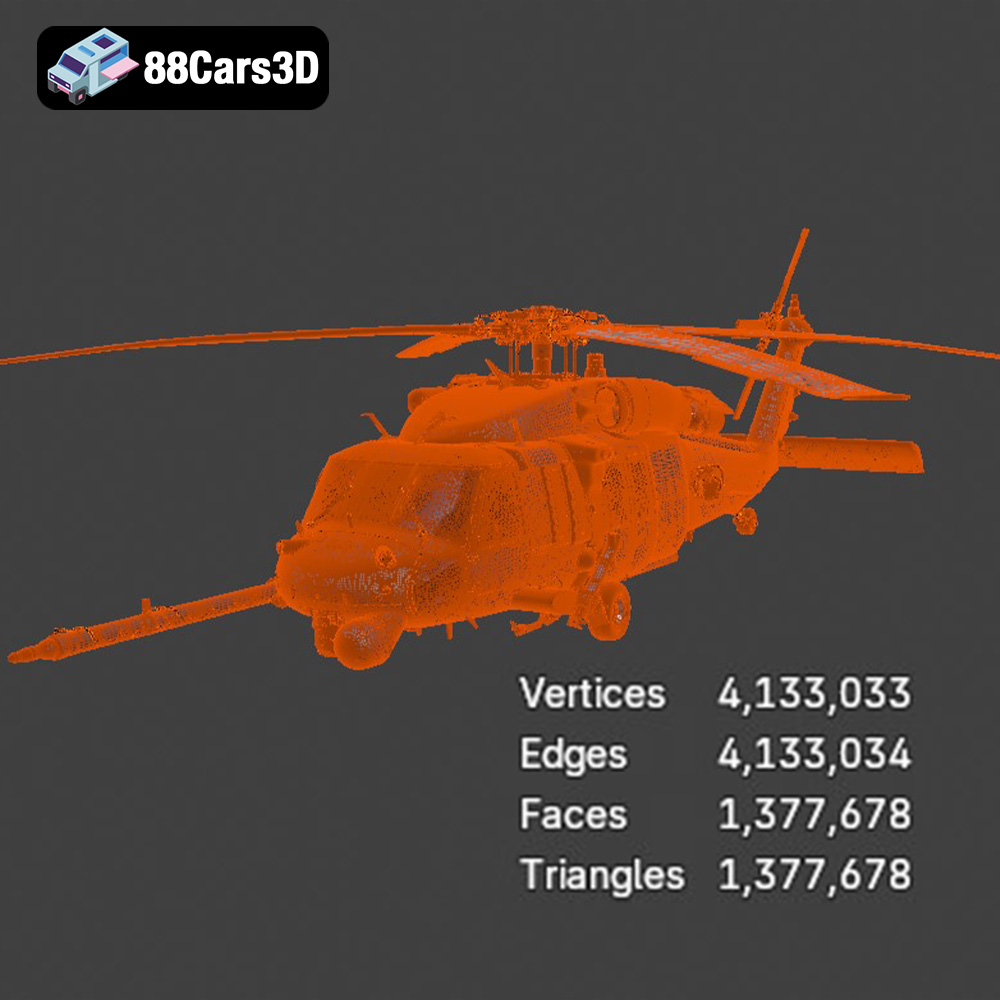
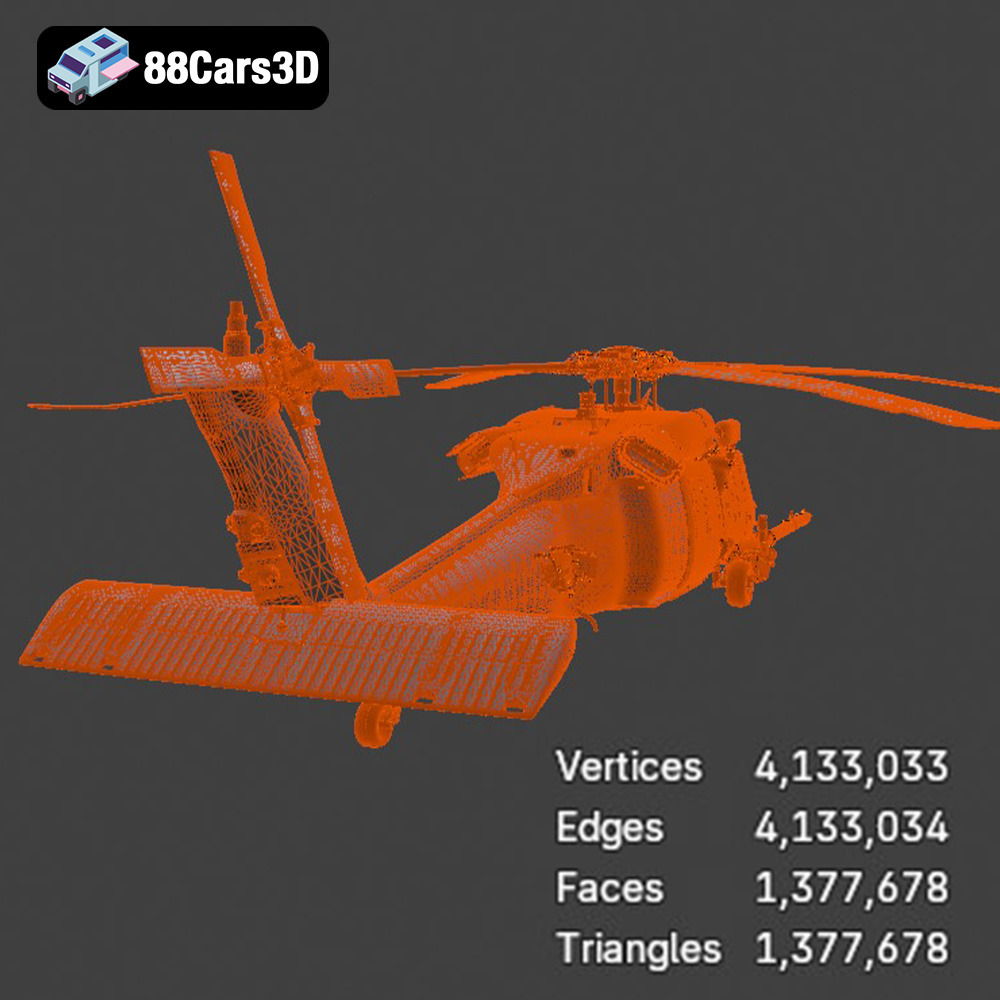
The STL (Stereolithography) format is the industry standard for 3D printing. It represents the surface geometry of a 3D object as a collection of triangles. This simplicity is its strength: nearly every slicing software and 3D printer understands STL files. For the Helicopter UH-40, the .stl file provides a reliable foundation for your print. Slicing software interprets the triangular mesh and generates the toolpath instructions for your printer. When working with STL files, pay close attention to the mesh quality. A highly detailed model will have a denser mesh (more triangles), resulting in a smoother print but potentially increasing file size and processing time. Conversely, a low-resolution mesh can lead to a faceted, less-detailed print. Software like Meshmixer or MeshLab can be used to optimize the mesh density for the best balance between detail and printability. Repairing an STL file is also vital. Small gaps, holes, or self-intersecting triangles can cause printing errors. These software packages offer tools to automatically detect and repair such issues before you import the model into your slicing software.
The OBJ format is more versatile than STL, as it can store color and texture information in addition to the geometry. While most 3D printers primarily print in a single color per object, some advanced multi-material printers can utilize the color data within an OBJ file. However, printing the Helicopter UH-40 in color using an OBJ file will require a printer capable of handling multiple filaments or resins simultaneously. If you plan to paint your 3D printed model, the STL format is generally preferred, as it simplifies the slicing process.
The PLY format, also known as the Polygon File Format or Stanford Triangle Format, is designed to store 3D data acquired from 3D scanners. It supports not only geometric data but also color, transparency, and surface normals. While PLY can offer a higher level of detail compared to STL, it is not as universally supported by slicing software. For the Helicopter UH-40, unless you have a specific need for the extra detail offered by the PLY format, sticking with the STL file is usually the best option.
Formats like .blend (Blender), .fbx (Filmbox), .glb (GL Transmission Format), and .max (3ds Max) are primarily used for 3D modeling, animation, and game development. While they contain the 3D model data, they are not directly compatible with most 3D printers. These formats are invaluable if you intend to modify the Helicopter UH-40 model before printing. For example, you could use Blender to add custom details, simplify the geometry, or split the model into smaller, more manageable parts for printing. Once you’ve made your modifications, you’ll need to export the model as an STL file for 3D printing.
Once you have your STL file ready, the next crucial step is preparing the model for printing using slicing software. This involves setting various parameters that determine how your printer will create the object. The chosen orientation, support structures, and infill density significantly impact the print’s quality, strength, and material consumption.
The orientation of the Helicopter UH-40 model on the print bed is critical. Consider these factors when deciding on the optimal orientation:
* **Minimizing Support Material:** Orient the model to reduce the need for support structures. Supports can be difficult to remove and often leave blemishes on the printed surface. Try orienting the helicopter nose-up or tail-up to minimize supports on the fuselage.
* **Strength and Layer Adhesion:** Orient the model so that the critical load-bearing parts are printed with layers aligned along the stress direction. For instance, if you plan to display the helicopter with its landing gear supporting the weight, orient the landing gear vertically.
* **Visual Appeal:** The orientation affects the visibility of layer lines. Consider which surfaces are most visible and orient the model to minimize layer lines on those surfaces.
Support structures are necessary to print overhanging parts of the Helicopter UH-40 model, such as the rotor blades, tail fin, and landing gear. Slicing software offers various types of support structures, including:
* **Tree Supports:** These are branching supports that use less material and are easier to remove than traditional linear supports. They are well-suited for complex geometries.
* **Linear Supports:** These are more robust and provide better support for heavy overhangs but can be more difficult to remove.
* **Support Placement:** Manually adjust the support placement to ensure that critical areas are adequately supported while minimizing the impact on the surface finish. Focus on supporting the rotor blade tips, the tail rotor, and any complex curves on the helicopter’s body.
Infill refers to the internal structure of the 3D printed object. It determines the print’s strength, weight, and material consumption. For the Helicopter UH-40, consider these infill strategies:
* **Infill Density:** A higher infill density results in a stronger but heavier and more material-intensive print. A density of 15-25% is generally sufficient for a display model. Increase the infill density for parts that require greater strength, such as the landing gear attachment points.
* **Infill Pattern:** Different infill patterns offer varying degrees of strength and print speed. Common patterns include:
* **Grid:** A simple and efficient pattern, suitable for general-purpose printing.
* **Honeycomb:** A strong and lightweight pattern.
* **Gyroid:** An advanced pattern that offers excellent strength in all directions.
The choice of material significantly impacts the final appearance, strength, and durability of your 3D printed Helicopter UH-40 model. Here’s a breakdown of popular materials and their suitability for this project:
PLA is a biodegradable thermoplastic polymer derived from renewable resources, such as corn starch or sugarcane. It is one of the most popular materials for 3D printing due to its ease of use, low printing temperature, and wide availability.
* **Pros:** Easy to print, low warping, good surface finish, available in a wide range of colors.
* **Cons:** Lower strength and heat resistance compared to other materials. May deform over time in high-temperature environments.
* **Recommended Settings:** Print temperature: 200-220°C, Bed temperature: 60-70°C, Print speed: 40-60 mm/s.
PLA is an excellent choice for printing the Helicopter UH-40 if you prioritize ease of use and visual appeal. It’s ideal for display models that won’t be subjected to high stress or temperatures.
PETG is a thermoplastic polymer that combines the strength and durability of ABS with the ease of printing of PLA. It is more flexible and impact-resistant than PLA and has better heat resistance.
* **Pros:** Stronger and more durable than PLA, good chemical resistance, low warping, relatively easy to print.
* **Cons:** Slightly more difficult to print than PLA, may require higher printing temperatures.
* **Recommended Settings:** Print temperature: 230-250°C, Bed temperature: 70-80°C, Print speed: 40-60 mm/s.
PETG is a good option if you need a more durable and heat-resistant Helicopter UH-40 model. It is suitable for functional parts or models that will be used outdoors.
Resin 3D printing, using technologies like SLA (Stereolithography), DLP (Digital Light Processing), or LCD (Liquid Crystal Display), offers exceptional detail and smooth surface finish. Resin printers use liquid photopolymers that are cured by UV light.
* **Pros:** Extremely high detail, smooth surface finish, excellent for small and intricate parts.
* **Cons:** More expensive than FDM printing, requires post-processing (washing and curing), resins can be brittle and toxic.
* **Recommended Settings:** Follow the resin manufacturer’s recommendations for exposure time, layer height, and other settings.
Resin printing is ideal for the Helicopter UH-40 if you prioritize detail and surface finish above all else. It’s perfect for creating highly detailed display models or miniatures.
Achieving a successful 3D print of the Helicopter UH-40 model depends on carefully adjusting the printer settings in your slicing software. These settings control various aspects of the printing process, including layer height, print speed, temperature, and cooling.
Layer height determines the thickness of each layer printed. A lower layer height results in a smoother surface finish but increases print time. A higher layer height prints faster but sacrifices detail.
* **Recommendation:** For PLA or PETG, a layer height of 0.1-0.2 mm provides a good balance between detail and print speed. For resin printing, a layer height of 0.025-0.05 mm is recommended for optimal detail.
Print speed affects the print quality and the likelihood of printing errors. A slower print speed generally results in a better surface finish and reduces the risk of warping or layer adhesion issues.
* **Recommendation:** For PLA or PETG, a print speed of 40-60 mm/s is a good starting point. For resin printing, the print speed is determined by the exposure time per layer.
The correct temperature settings are crucial for material adhesion and preventing warping.
* **Recommendation:** Follow the material manufacturer’s recommendations for print temperature and bed temperature. For PLA, a print temperature of 200-220°C and a bed temperature of 60-70°C are generally recommended. For PETG, a print temperature of 230-250°C and a bed temperature of 70-80°C are typical.
Proper cooling is essential to prevent warping and ensure good layer adhesion, especially with PLA.
* **Recommendation:** Use a cooling fan to cool each layer as it is printed. Adjust the fan speed to optimize cooling without causing the part to warp.
Once the print is complete, the post-processing stage is crucial for achieving a polished and professional-looking final product. This involves removing support structures, sanding rough surfaces, and painting the model.
Carefully remove the support structures using pliers, cutters, or a sharp knife. Be patient and avoid damaging the model’s surface. For dissolvable support materials, such as HIPS (High Impact Polystyrene) for ABS or PVA (Polyvinyl Alcohol) for PLA, simply soak the print in a suitable solvent to dissolve the supports.
Sanding the surface of the 3D printed model can remove layer lines and other imperfections. Start with coarse sandpaper (150-200 grit) to remove larger imperfections, then gradually move to finer grits (400-600 grit) to smooth the surface. For resin prints, wet sanding is often recommended to prevent clogging the sandpaper. Consider using a filler primer to fill in any remaining gaps or imperfections before painting.
Painting can bring your 3D printed Helicopter UH-40 model to life. Apply a primer coat to prepare the surface for paint. Use acrylic paints or model paints for detailed work. Consider using stencils or masking tape to create intricate patterns or markings. A clear coat can protect the paint and add a glossy or matte finish.
Even with careful planning and preparation, you may encounter some common 3D printing issues. Here are some tips for troubleshooting:
* **Warping:** This occurs when the corners of the print lift off the build plate. Ensure the bed is properly leveled and heated. Use a brim or raft to improve adhesion.
* **Layer Adhesion Issues:** This happens when layers don’t stick together properly. Increase the print temperature, reduce the print speed, and ensure the cooling fan is not too strong.
* **Stringing:** This refers to thin strands of filament that appear between parts of the print. Reduce the print temperature, increase retraction settings, and ensure the filament is dry.
* **Support Structure Problems:** If supports are too weak or difficult to remove, adjust the support density, pattern, and placement in your slicing software.
With patience, persistence, and the right techniques, you can overcome these challenges and produce a stunning 3D printed Helicopter UH-40 model. Remember to explore the diverse range of 3D models available at 88cars3d.com for your next project.
Enhance your digital hangar with the detailed Helicopter UH-40 3D Model. Designed to meet the demands of visualizers and developers, this model delivers precise structural accuracy. The exterior captures the robust aerodynamics of the UH-40 aircraft, while the internal layout provides a fully modeled interior, ensuring it stands up to close-up renders and immersive experiences. Ideal for game development, rendering, AR/VR experiences, and detailed technical visualization.
$19.99
.aircraft
.arvr
.aviation
.blend
.car3dmodel
.fbx
.gameasset
.glb
.helicopter
.max
.military
.obj
.ply
.rendering
.simulation
.stl
.uh40
.unreal