Get 20% OFF All Premium 3D & STL Models!

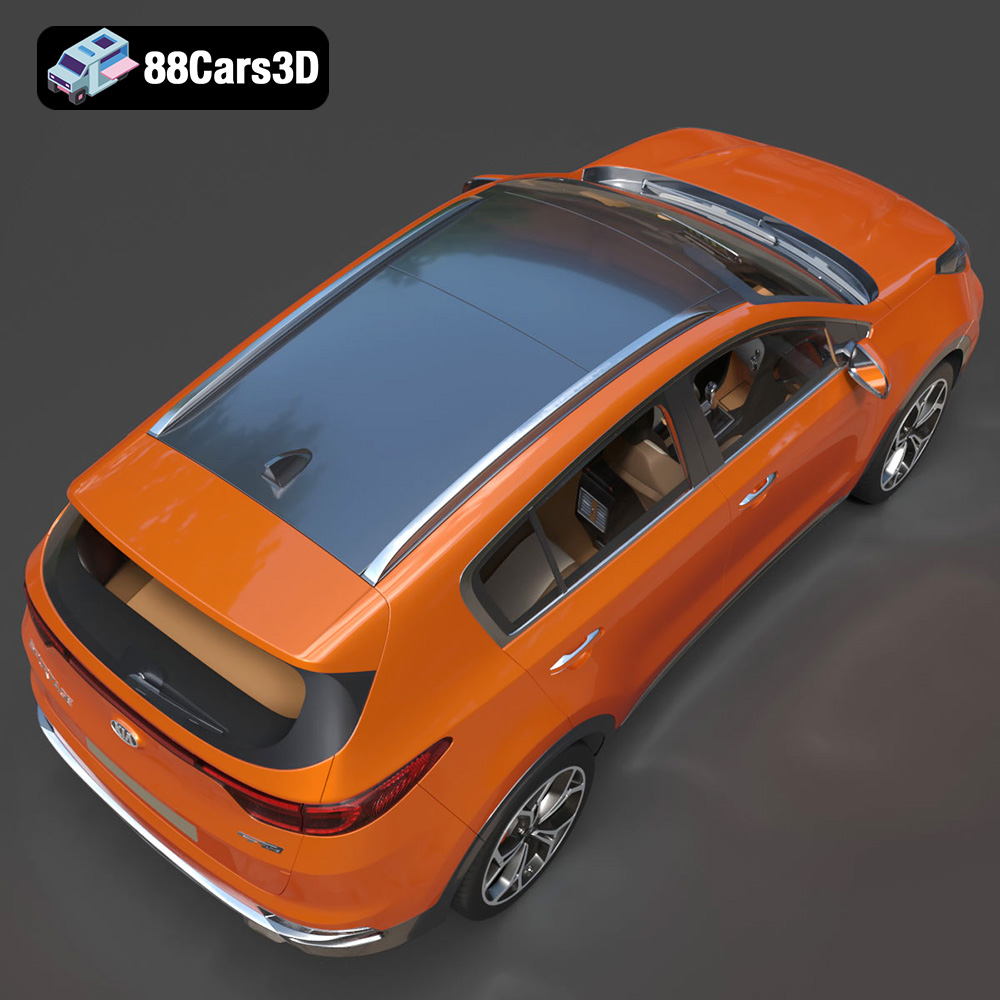
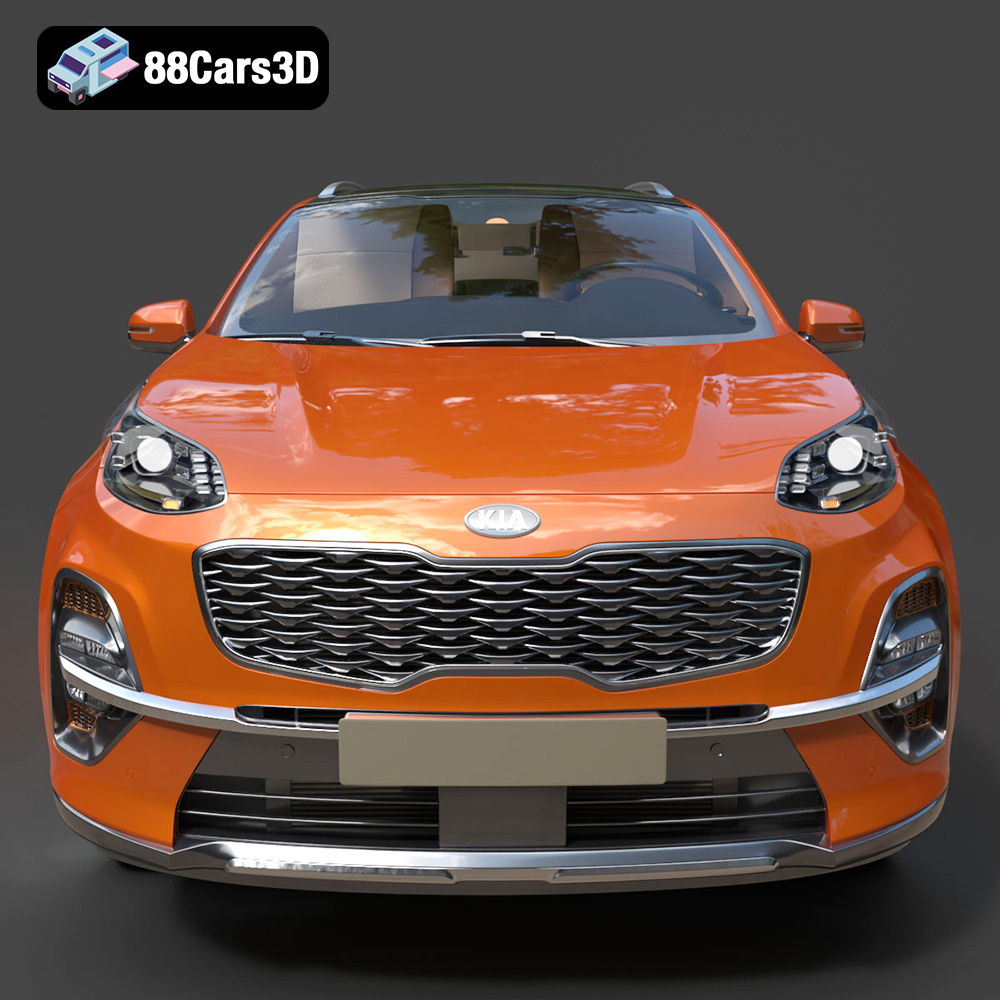
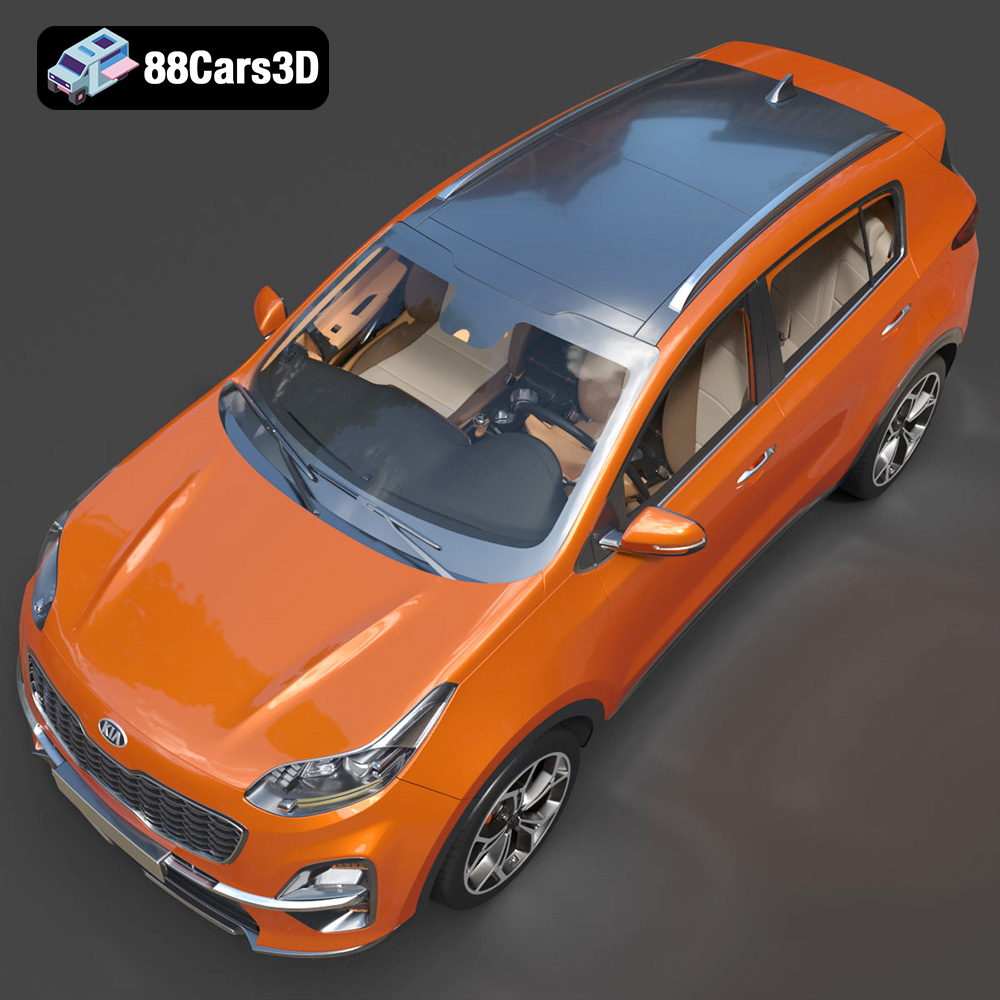
The Kia Sportage 2019 is a popular SUV, and now you can bring it to life with 3D printing! At 88cars3d.com, you can find a meticulously crafted 3D model of this vehicle, complete with a detailed interior. This blog post will guide you through the process of 3D printing the Kia Sportage 2019 model, from preparing the STL files to post-processing the final print. We’ll cover everything you need to know to achieve a high-quality 3D printed replica.
Before you start printing, proper preparation is key. This involves inspecting the model, making any necessary repairs, and optimizing it for your specific 3D printer.
* **Visual Inspection:** Carefully examine the 3D model in your slicing software. Look for any obvious errors such as holes, non-manifold edges, or intersecting faces. These issues can cause printing problems.
* **Mesh Analysis:** Use your slicer’s built-in mesh repair tools or dedicated software like MeshMixer or Netfabb to analyze the model’s integrity. These tools can automatically detect and fix common mesh errors.
* **Software Tools:** MeshMixer is a free and powerful tool for repairing and modifying STL files. Netfabb is a more advanced, commercial option that offers a wider range of features.
* **Optimal Orientation:** Choose an orientation that minimizes the need for support structures. Consider placing the model on its wheels, which provides a stable base and reduces the amount of support material needed for the body.
* **Support Placement:** Manually add supports in areas where they are absolutely necessary, such as overhangs and intricate details. Use your slicer’s support generation tools to customize the support density and placement.
* **Avoiding Support Scars:** Minimize the contact area between supports and the model’s surface to reduce the visibility of support scars after removal. Use thinner support structures with smaller contact points.
Choosing the right file format is a crucial first step in ensuring a successful 3D printing experience. While the Kia Sportage 2019 3D model from 88cars3d.com includes a variety of formats, understanding their differences and suitability for 3D printing is essential.
STL (Stereolithography) is the workhorse of 3D printing. This file format represents the 3D model’s surface as a collection of triangles, forming a mesh. Its simplicity and widespread compatibility make it the most commonly used format for additive manufacturing. Slicing software readily accepts STL files, allowing you to generate toolpaths for your 3D printer. However, STL files only contain geometric data – they don’t store color, texture, or material information. This means your print will be a single color determined by the filament you use.
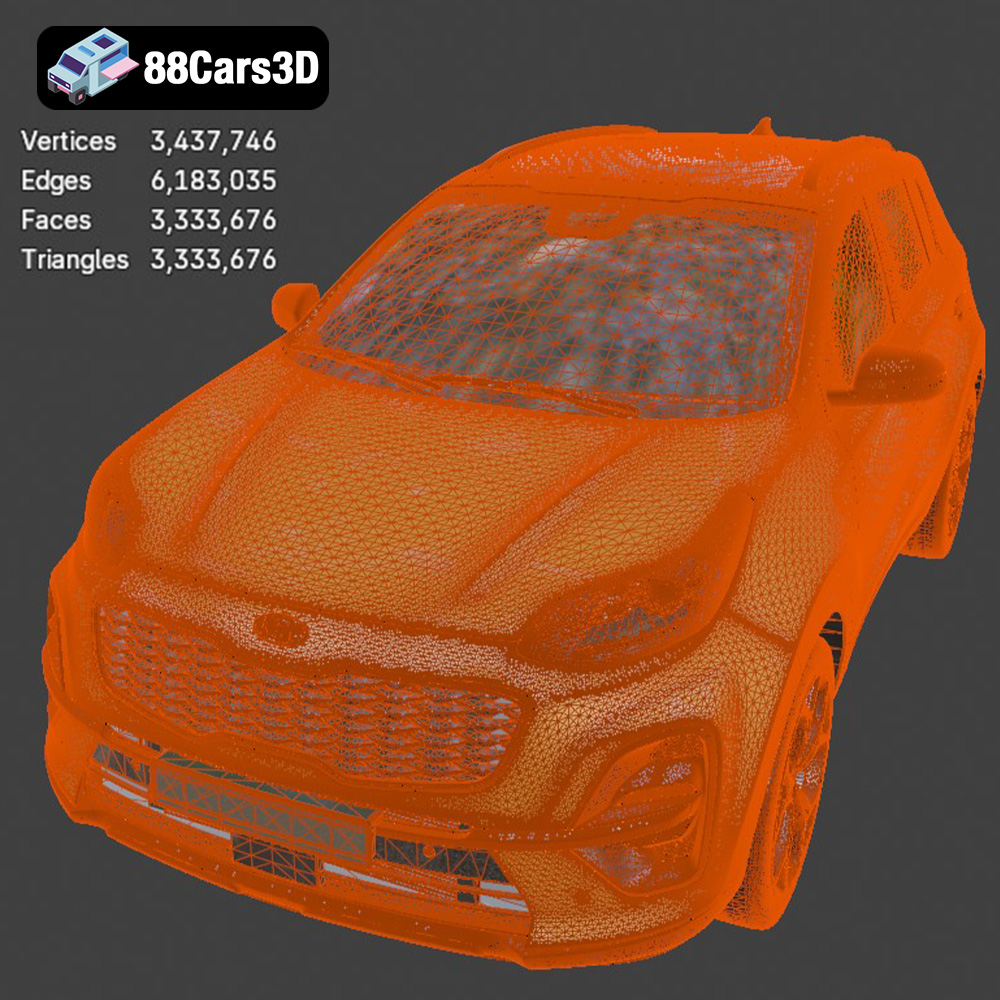
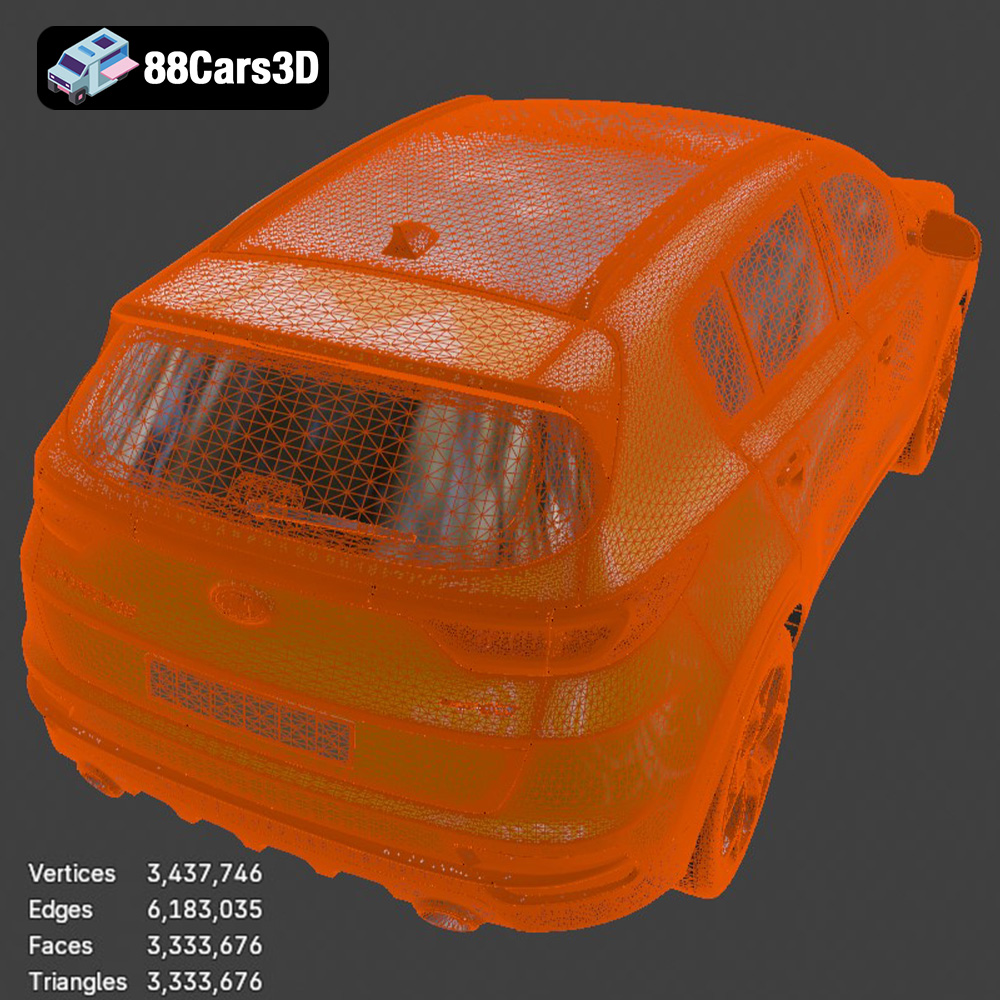
When working with STL files, mesh quality is paramount. A higher number of triangles results in a smoother surface and more accurate representation of the original model. However, an excessively high triangle count can lead to large file sizes and increased processing time during slicing. Conversely, a low triangle count can result in a faceted or blocky appearance. The Kia Sportage 2019 model offered on 88cars3d.com is optimized to strike a balance between detail and printability, but it’s always wise to examine the mesh quality in your slicing software. Ensure there are no large, flat triangles in areas that should be curved, and use mesh repair tools if necessary to fix any gaps or errors in the mesh.
OBJ files are more versatile than STL, as they can store color and texture information in addition to the 3D geometry. This makes them suitable for multi-material or full-color 3D printing, although this capability depends on your printer and slicing software supporting color data. OBJ files are widely compatible with most 3D modeling and slicing programs, but they tend to be larger than STL files due to the additional data they contain.
PLY (Polygon File Format) is designed to store high-resolution 3D data, including color, texture, and surface normals. It’s often used for storing data captured from 3D scanners. While PLY files can be used for 3D printing, they are typically employed when high precision and detail are required. Compatibility with slicing software may vary, so it’s essential to check if your slicer supports the PLY format.
BLEND files are native to Blender, a popular open-source 3D modeling software. This format allows you to directly edit the Kia Sportage 2019 model, modify its geometry, add details, or prepare it specifically for 3D printing before exporting it to a more common format like STL. If you are comfortable using Blender, having access to the BLEND file gives you maximum control over the model.
FBX (Filmbox) is a proprietary file format developed by Autodesk, often used for exchanging 3D data between different software applications. It supports geometry, textures, materials, and animation. While some slicing software can import FBX files, it’s primarily used for transferring models between modeling and animation programs rather than direct 3D printing. The main benefit is preserving material data, although this often needs to be converted to printer-specific settings in the slicer.
GLB is a binary file format representing 3D models, often used for displaying 3D content in web browsers, AR applications, and other real-time environments. It’s designed to be compact and efficient for web delivery. While you can’t directly 3D print from a GLB file, it’s useful for previewing the model and ensuring it looks as expected before converting it to a printable format like STL.
.max files are the native format for Autodesk 3ds Max, a professional 3D modeling, animation, and rendering software package. If you have 3ds Max, this gives you full editing control before export.
In summary, for 3D printing the Kia Sportage 2019 model, the STL format is the most practical and widely supported choice. Ensure the STL file has sufficient mesh quality for the desired level of detail, and use appropriate slicing software to prepare it for your 3D printer.
Your slicing software is the bridge between the 3D model and your printer. It translates the STL file into instructions your printer can understand. Choosing the right settings is crucial for achieving a successful print.
* **Layer Height:** A lower layer height results in a smoother surface finish but increases print time. For the Kia Sportage 2019, a layer height of 0.1mm to 0.2mm is a good starting point.
* **Resolution:** This refers to the level of detail captured in each layer. Experiment with different layer heights to find the optimal balance between print quality and speed.
* **Adaptive Layer Height:** Some slicers offer adaptive layer height features, which automatically adjust the layer height based on the model’s geometry. This can improve print quality in areas with curves and fine details while maintaining speed in simpler areas.
* **Infill Density:** This determines the amount of material inside the model. For a decorative model, a low infill density (10-15%) is sufficient. For a functional model that needs to withstand stress, a higher infill density (20-50%) is recommended.
* **Infill Pattern:** Choose an infill pattern that provides adequate strength and support. Gyroid, honeycomb, and rectilinear patterns are popular choices.
* **Infill Considerations:** A higher infill percentage will increase print time and material consumption, so carefully balance the trade-offs.
* **Print Speed:** Experiment with different print speeds to find the optimal balance between print quality and speed. Slower speeds generally result in better print quality.
* **Temperature:** Set the nozzle and bed temperatures according to the filament manufacturer’s recommendations. Different filaments require different temperature settings. PLA typically prints at around 200-220°C, while ABS requires higher temperatures (230-250°C). A heated bed is essential for ABS and can also improve adhesion for PLA.
* **Cooling:** Adequate cooling is essential, especially for PLA. Use your printer’s cooling fan to prevent warping and ensure sharp details.
The choice of material significantly impacts the final appearance and properties of your 3D printed Kia Sportage 2019. Consider the intended use of the model when selecting a material.
* **Pros:** PLA is a biodegradable thermoplastic that is easy to print and produces good results. It is a great option for beginners and for models that don’t require high strength or heat resistance.
* **Cons:** PLA is not as strong or heat-resistant as other materials like ABS or PETG. It can also be brittle and prone to cracking.
* **Ideal For:** Display models, prototypes, and decorative objects.
* **Pros:** PETG is a strong and durable material that is more heat-resistant than PLA. It is also less brittle and has better layer adhesion.
* **Cons:** PETG can be more challenging to print than PLA, as it requires precise temperature and cooling settings. It can also be prone to stringing.
* **Ideal For:** Functional parts, models that require some flexibility, and outdoor use.
* **Pros:** Resin 3D printing offers incredibly high detail and smooth surfaces, making it ideal for intricate models like the Kia Sportage 2019.
* **Cons:** Resin printing requires post-processing, including washing and curing, and the materials can be more expensive. The build volume is often smaller compared to FDM printers.
* **Ideal For:** Highly detailed models, miniatures, and display pieces where surface finish is critical.
* **ABS (Acrylonitrile Butadiene Styrene):** ABS is a strong and heat-resistant material commonly used for automotive parts. However, it is more challenging to print than PLA and requires a heated bed and enclosed printer.
* **Nylon:** Nylon is a highly durable and flexible material that is suitable for functional parts that require high strength and wear resistance.
Post-processing is the finishing touch that transforms a raw 3D print into a polished and professional-looking model.
* **Support Removal:** Carefully remove support structures using pliers, cutters, or a sharp knife. Take your time to avoid damaging the model.
* **Sanding:** Use sandpaper to smooth out any rough edges or support scars. Start with a coarse grit sandpaper (e.g., 220 grit) and gradually move to finer grits (e.g., 400, 600, 800 grit) to achieve a smooth surface.
* **Wet Sanding:** Wet sanding can help to further refine the surface and prevent the sandpaper from clogging.
* **Priming:** Apply a primer coat to the model to create a smooth and even surface for painting. Primer also helps the paint adhere better to the plastic.
* **Painting:** Use acrylic paints or spray paints to color the model. Apply multiple thin coats rather than one thick coat to avoid runs and drips. Consider using masking tape to create clean lines and separate different colored areas.
* **Clear Coat:** Apply a clear coat to protect the paint and add a glossy or matte finish.
* **Assembly:** If the model consists of multiple parts, use glue or epoxy to assemble them. Ensure the parts are properly aligned before the glue sets.
* **Detailing:** Add fine details using paint markers, decals, or other embellishments.
Even with careful preparation, you may encounter some challenges during the 3D printing process. Here are some common issues and their solutions:
* **Cause:** Warping occurs when the first layer of the print doesn’t adhere properly to the build plate.
* **Solutions:** Ensure the build plate is clean and level. Use a heated bed and apply a layer of adhesive such as glue stick or painter’s tape. Increase the bed temperature and reduce the print speed for the first layer.
* **Cause:** Stringing occurs when the printer nozzle oozes filament while traveling between different parts of the model.
* **Solutions:** Reduce the nozzle temperature, increase retraction settings in your slicing software, and ensure the filament is dry.
* **Cause:** Poor layer adhesion can result in weak prints that are prone to cracking.
* **Solutions:** Increase the nozzle temperature, reduce the print speed, and ensure the first layer is properly adhered to the build plate.
* **Cause:** Elephant’s foot is an expansion of the first layer due to excessive pressure from the nozzle.
* **Solutions:** Reduce the bed temperature, decrease the initial layer height, and adjust the flow rate for the first layer.
The print time and material cost will vary depending on the size of the model, the layer height, the infill density, and the material used. Here are some rough estimates for printing the Kia Sportage 2019 model:
* **Print Time:** 10-30 hours (depending on settings and size)
* **Material Cost:** $5-$20 (depending on material and infill)
Keep in mind that these are just estimates, and the actual print time and material cost may vary.
By following these guidelines, you can successfully 3D print a high-quality replica of the Kia Sportage 2019. Remember to experiment with different settings and materials to find what works best for your printer and your desired outcome. Visit 88cars3d.com for more amazing 3D models ready for your next printing project!
Experience unparalleled realism with the meticulously detailed Kia Sportage 2019 3D Model, complete with a fully replicated interior. Engineered for absolute precision, this digital asset accurately represents the vehicle’s signature exterior design and intricate cabin elements. Built with professional standards in mind, this asset features clean geometry and realistic materials. The optimized edge flow and careful topology provide outstanding performance and accurate surface reflections, ensuring professional-grade visual fidelity. This versatile asset is ready for a multitude of demanding applications. From advanced game development and cinematic rendering to immersive AR/VR simulations and professional visualizations, the model adapts seamlessly to any project requirement.
$19.99
.arvr
.blend
.car3dmodel
.crossover
.fbx
.gameasset
.glb
.kia
.max
.obj
.ply
.rendering
.simulation
.sportage
.stl
.unreal
SUV