Get 20% OFF All Premium 3D & STL Models!

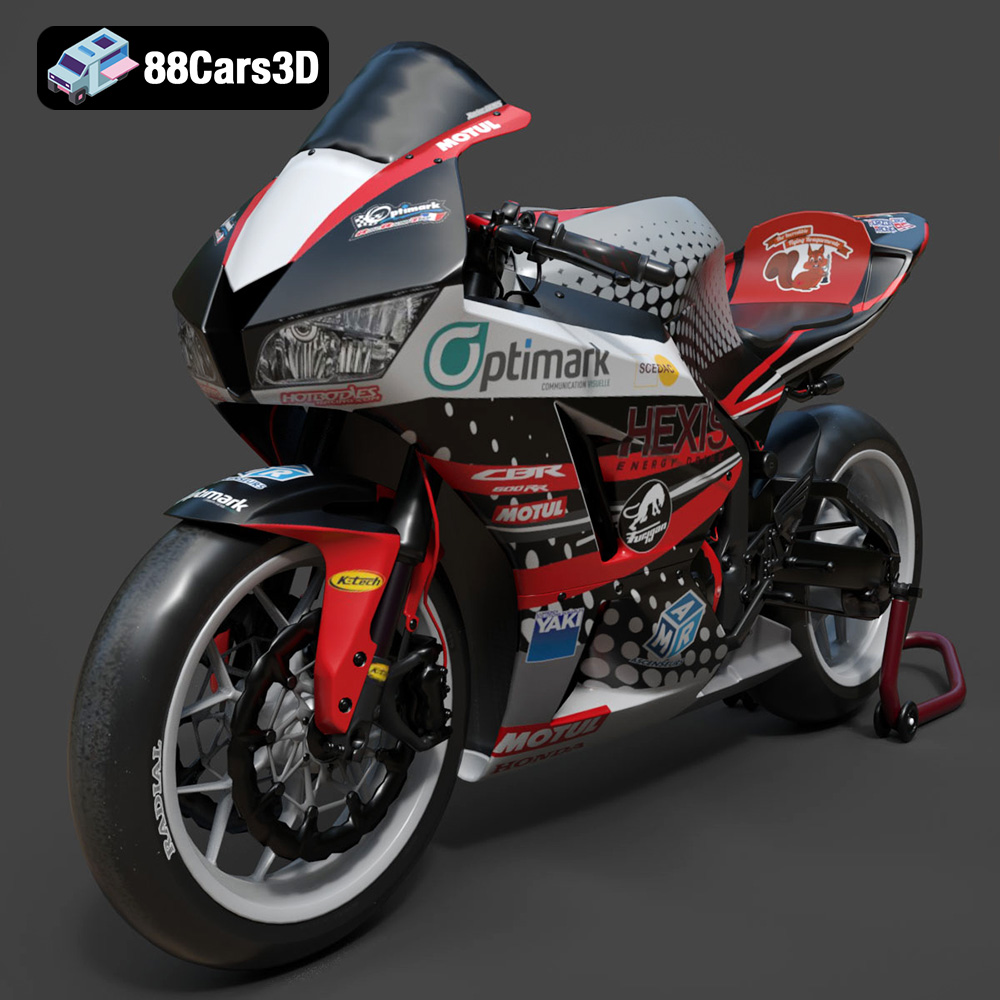
The Honda CBR600RR, a legendary middleweight supersport, has captured the hearts of motorcycle enthusiasts for years. Now, thanks to the advancements in 3D printing, you can bring a piece of that racing heritage into your home. This guide will walk you through the process of 3D printing a highly detailed Honda CBR600RR model, focusing on achieving the best possible results. Whether you’re a seasoned 3D printing expert or a curious beginner, this comprehensive guide will provide the knowledge and techniques needed to create a stunning replica of this iconic sportbike. We will focus on the STL file provided by 88cars3d.com and how to best prepare it for printing.
Before diving into the printing process, proper preparation is crucial. This involves inspecting the model, making any necessary repairs, and choosing the right scale.
The first step is to thoroughly inspect the 3D model for any errors or imperfections. While models from 88cars3d.com are typically high-quality, it’s always a good idea to check. Use software like MeshMixer, Netfabb, or even the built-in repair tools in your slicer to identify and fix issues such as non-manifold edges, holes, or flipped normals. Addressing these problems early will prevent printing failures and ensure a smoother final product. Common issues to look for include:
* **Non-Manifold Edges:** These are edges that are shared by more than two faces, which can confuse the slicer.
* **Holes:** Small gaps in the mesh can cause issues, especially with water-tightness.
* **Flipped Normals:** These cause surfaces to appear inside out, which can affect how the slicer interprets the geometry.
The recommended scales for the Honda CBR600RR model are 1:12, 1:18, and 1:24. Choose the scale that best suits your printer’s build volume and desired level of detail. Keep in mind that smaller scales will require finer details and may be better suited for resin printers. Conversely, larger scales will be easier to print on FDM printers, but may require more material and time. Consider the trade-offs between size, detail, and printing constraints. For example, a 1:12 scale model will showcase more intricate details, such as the instrument cluster and engine components, but will demand a printer with high resolution and accuracy.
Proper orientation is critical for achieving the best print quality and minimizing support material. Analyze the model to determine the optimal orientation for each part, considering factors such as overhangs, surface finish, and structural integrity. For the Honda CBR600RR, the frame should be printed at an angle to provide structural support and minimize the need for supports on critical surfaces. The wheels, suspension components, and other smaller parts can be printed separately, optimized for their individual geometries. Carefully plan the placement of supports, ensuring they are easily removable and don’t damage the surface finish of the final print. Use tree supports or customizable supports to minimize material usage and improve print quality.
Choosing the correct file format is essential for successful 3D printing. While several formats exist, some are better suited for additive manufacturing than others. Understanding the nuances of each format will help you make informed decisions and optimize your workflow.
The STL (Stereolithography) format is the de facto standard for 3D printing. It represents the surface geometry of a 3D object as a collection of triangles. STL files are widely supported by slicing software and 3D printers, making them a reliable choice for most applications. However, STL files only store mesh data and do not contain information about color, texture, or materials. This means that all 3D printed parts will be a single color, unless you apply post-processing techniques like painting.
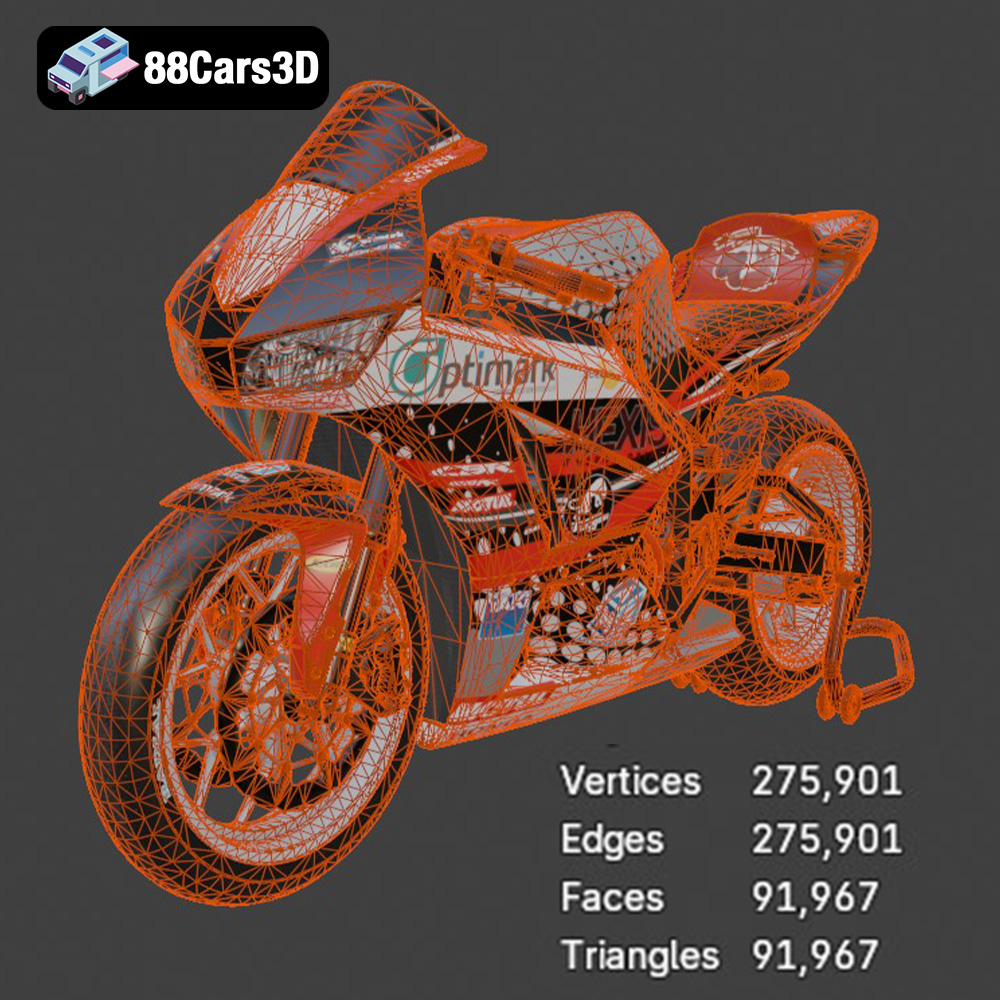
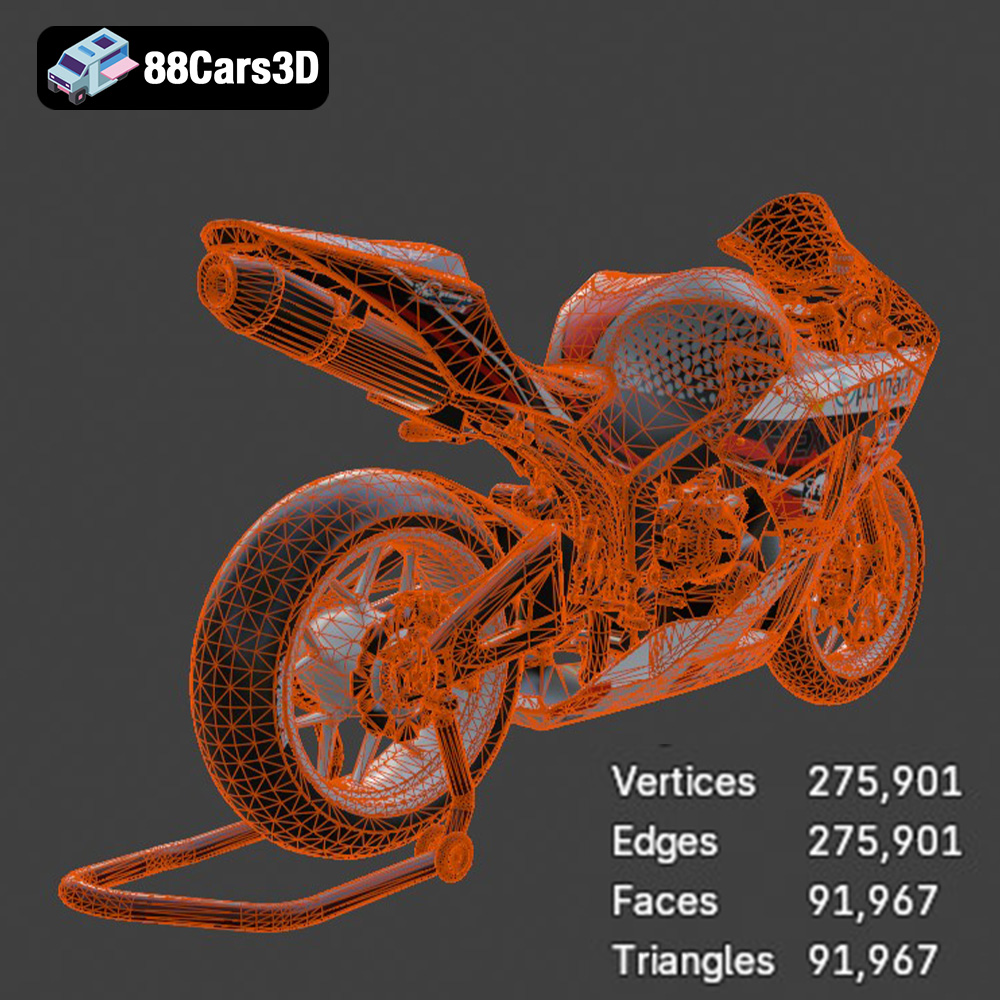
When working with STL files, it’s crucial to ensure the mesh quality is high enough to capture the details of your model. A higher triangle count will result in a smoother surface finish, but it will also increase the file size and processing time. The Honda CBR600RR model from 88cars3d.com is optimized with a triangle count of 150,000, striking a balance between visual fidelity and performance. If necessary, you can use mesh editing software to increase the triangle count in specific areas, such as the fairings or engine components, to enhance the level of detail.
Most slicing software programs readily accept STL files. Some programs even have built-in repair tools specifically for STL files, which is an indication of how widespread the format is. Common slicers compatible with STL include Cura, Simplify3D, PrusaSlicer, and others.
The OBJ (Object) format is a more versatile format that supports both geometry and texture information. Unlike STL, OBJ files can store color data, allowing for multi-colored 3D prints. However, OBJ files are not as widely supported as STL and may require additional processing to be compatible with certain slicing software or 3D printers. If you plan to print the Honda CBR600RR model in multiple colors, OBJ is the preferred format.
The PLY (Polygon File Format) is designed to store 3D data acquired from scanning technologies, such as laser scanners or structured light scanners. PLY files can capture high-resolution geometry and color information, making them suitable for applications that require precise and detailed 3D models.
The BLEND format is the native file format for Blender, a popular open-source 3D modeling software. BLEND files contain the entire scene data, including geometry, textures, materials, and animations. This format is ideal for users who want to customize the Honda CBR600RR model before 3D printing. You can use Blender to modify the model’s design, add new features, or optimize it for specific printing parameters. Before printing, you will need to export the model to a 3D printing friendly format like STL.
The FBX (Filmbox) format is a proprietary format developed by Autodesk for exchanging 3D data between different software applications. FBX files support geometry, textures, materials, and animations, making them a versatile choice for game development, animation, and rendering. However, not all slicing software programs fully support FBX files, especially when it comes to materials.
The GLB (GL Transmission Format Binary) is a binary file format that represents 3D models in a compact and efficient manner. GLB files are widely used for web-based 3D applications, such as AR/VR experiences and online product viewers. The lightweight nature of GLB files makes them ideal for streaming 3D content over the internet. You can use GLB files to preview the Honda CBR600RR model in augmented reality before printing it. This allows you to visualize the model in your physical environment and get a sense of its size and scale.
The MAX format is the native file format for 3ds Max, a professional 3D modeling and animation software developed by Autodesk. MAX files contain the entire scene data, including geometry, textures, materials, lighting, and animations. This format is ideal for advanced users who want to customize the Honda CBR600RR model using the powerful tools in 3ds Max. Before printing, you will need to export the model to a 3D printing friendly format like STL.
The choice of material significantly impacts the final appearance, strength, and durability of your 3D printed Honda CBR600RR model. Consider the following options:
PLA is a popular choice for beginners due to its ease of use, low printing temperature, and wide availability. It’s derived from renewable resources, making it more environmentally friendly than other plastics. PLA is suitable for creating display models and prototypes but may not be ideal for parts that require high strength or heat resistance. The Honda CBR600RR, being a display piece, would be an ideal candidate for PLA.
PETG offers a good balance of strength, flexibility, and heat resistance. It’s more durable than PLA and can withstand higher temperatures, making it suitable for parts that may be exposed to sunlight or heat. PETG is also food-safe, but this is not relevant for this particular model.
Resin printing (SLA/DLP) offers the highest level of detail and surface finish. Resin printers use liquid resin that is cured by UV light, resulting in parts with smooth surfaces and intricate details. Resin is ideal for printing small, highly detailed parts like the engine components, instrument cluster, and suspension components of the Honda CBR600RR. However, resin parts tend to be more brittle than FDM prints and may require post-curing to achieve their full strength. Resin fumes can also be toxic, so proper ventilation is crucial.
Slicing software converts the 3D model into a set of instructions (G-code) that the 3D printer can understand. Proper slicing and printer settings are essential for achieving a high-quality print.
Layer height determines the vertical resolution of the print. Lower layer heights result in smoother surfaces and finer details but increase the printing time. The recommended layer height for the Honda CBR600RR model is 0.04–0.12 mm, especially for resin printing. For FDM printing, a layer height of 0.1–0.2 mm can provide a good balance between print quality and speed. Experiment with different layer heights to find the optimal setting for your printer and material.
Infill density determines the amount of material inside the part. Higher infill densities increase the strength and weight of the part but also increase the printing time and material usage. The recommended infill density for the Honda CBR600RR model is 20–30%. Choose an infill pattern that provides good structural support, such as grid, honeycomb, or gyroid.
Print speed affects the quality and strength of the print. Slower print speeds allow the material to cool and solidify properly, resulting in stronger and more accurate parts. The optimal print speed depends on the material and printer, but a general guideline is 40–60 mm/s for PLA and PETG, and slower for more exotic materials.
Printing temperature also plays a critical role in the success of the print. Follow the material manufacturer’s recommendations for the optimal printing temperature. Too high a temperature can cause warping or stringing, while too low a temperature can result in poor layer adhesion.
Post-processing is the final step in the 3D printing process. It involves removing supports, sanding the surface, and applying paint or other finishes to achieve a professional look.
Carefully remove the supports from the printed parts using pliers, a hobby knife, or other suitable tools. Be gentle to avoid damaging the surface of the model. Once the supports are removed, sand the surface with progressively finer grits of sandpaper to smooth out any imperfections. Start with a coarser grit (e.g., 220 grit) and gradually move to finer grits (e.g., 400 grit, 600 grit, and 800 grit) to achieve a smooth, even surface.
Apply a primer coat to the sanded parts to create a smooth and uniform surface for painting. Choose a primer that is compatible with your chosen paint and material. Once the primer is dry, apply several thin coats of paint, allowing each coat to dry completely before applying the next. Use high-quality paints designed for model building to achieve the best results. Consider using an airbrush for a smoother and more even finish.
For the Honda CBR600RR model, consider using authentic factory colors with metallic finishes to replicate the real motorcycle’s appearance. Apply clear coat to protect the paint and add a glossy shine.
Assemble the printed parts according to the instructions or your own design. Use glue or other adhesives to bond the parts together securely. Add any additional details, such as decals, stickers, or weathering effects, to enhance the realism of the model.
Even with careful preparation and planning, 3D printing can sometimes present challenges. Here are some common issues and their solutions:
Warping occurs when the corners of the print lift off the build plate due to uneven cooling. To prevent warping, ensure the build plate is clean and level, use a heated build plate, and apply an adhesive like glue stick or painter’s tape.
Stringing is caused by the nozzle oozing material while traveling between different parts of the print. To reduce stringing, decrease the printing temperature, increase the retraction distance, and adjust the travel speed.
Poor layer adhesion can result in weak or delaminated prints. To improve layer adhesion, increase the printing temperature, decrease the printing speed, and ensure the first layer is properly adhered to the build plate.
The print time and material cost of the Honda CBR600RR model will depend on the scale, material, and printer settings you choose. Use your slicing software to estimate the print time and material usage before starting the print. Keep in mind that these are just estimates, and the actual values may vary.
Generally, a 1:12 scale model printed with PLA at a layer height of 0.1 mm and 20% infill will take approximately 20-30 hours to print and use around 200-300 grams of filament. Resin printing will generally be faster but more expensive, depending on the resin used.
3D printing the Honda CBR600RR model is a rewarding project that combines technical skills with artistic creativity. By following the tips and techniques outlined in this guide, you can create a stunning replica of this iconic sportbike that you’ll be proud to display. Remember to experiment with different materials, settings, and post-processing techniques to achieve the best possible results. And don’t be afraid to share your creations with the 3D printing community! High-quality models like those found at 88cars3d.com, combined with your 3D printing skills, make incredible display pieces.
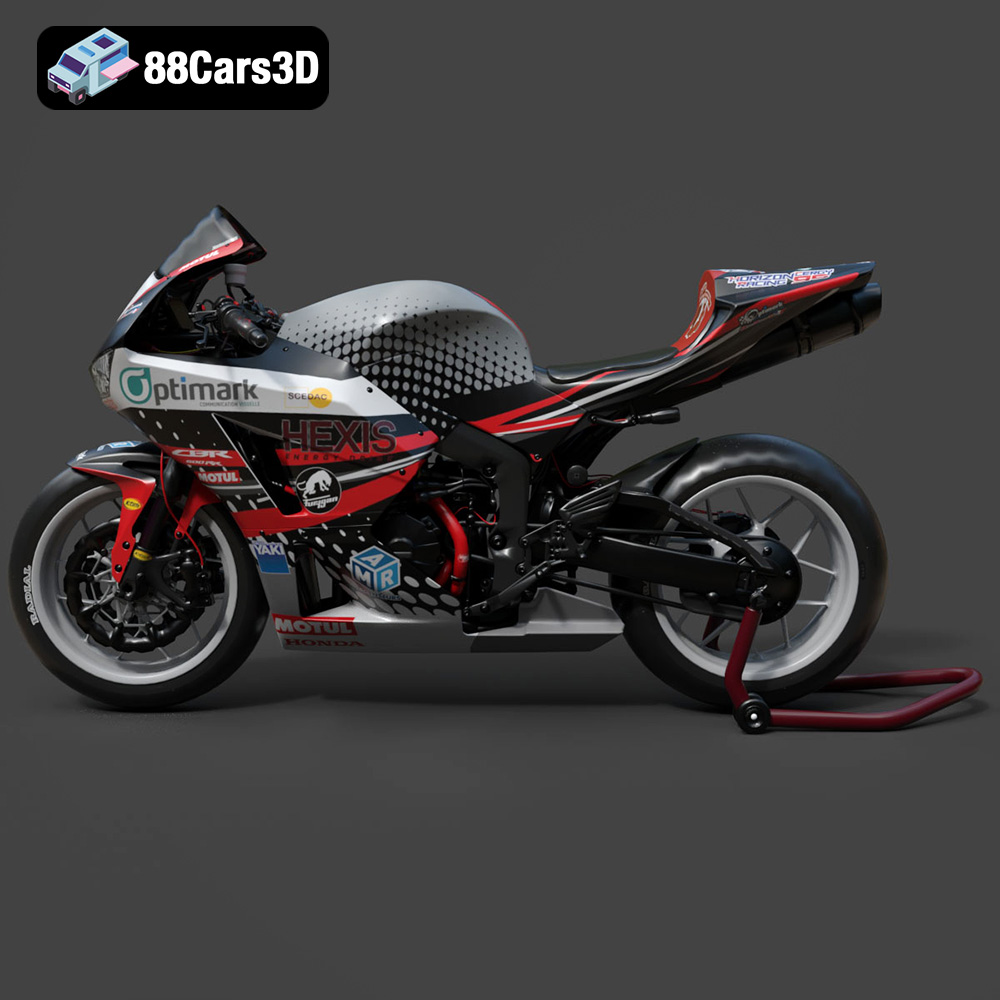
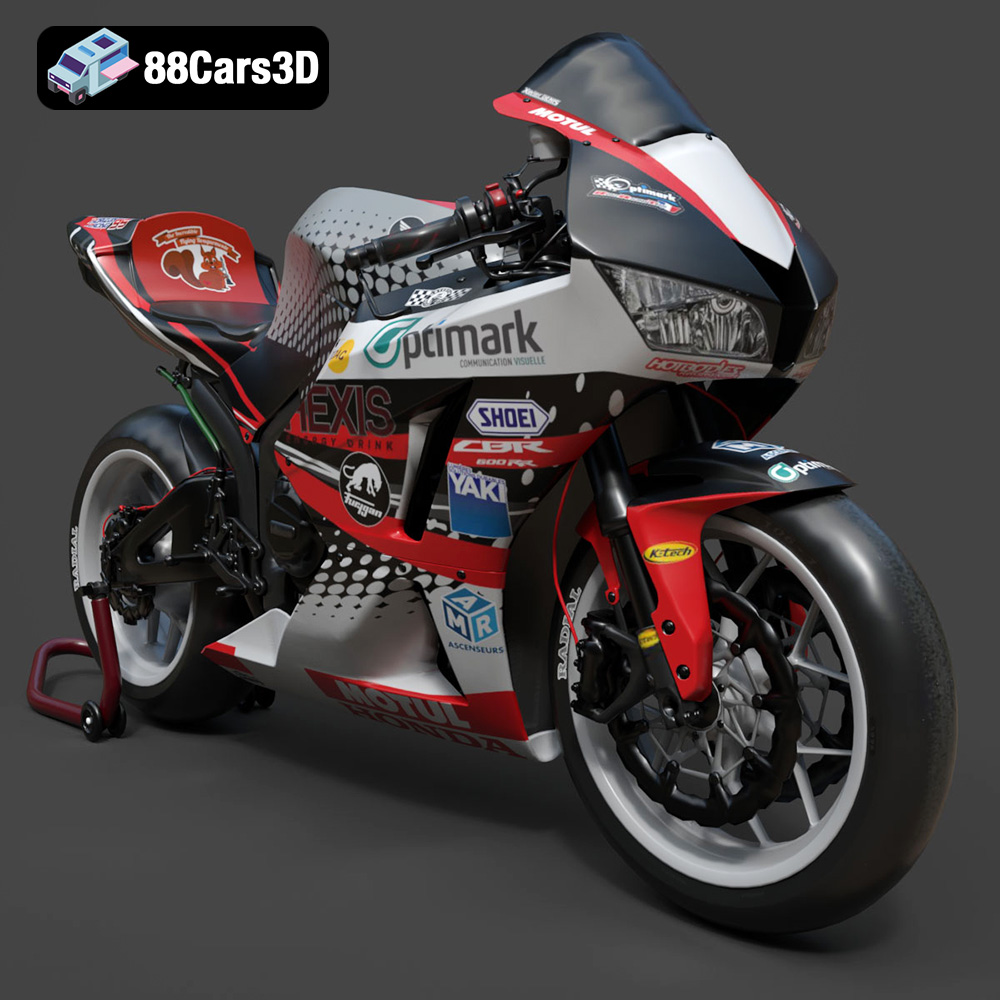
Experience the thrill of the track with our highly detailed 3D model of the Honda CBR600RR, a legendary middleweight supersport motorcycle celebrated for its racing heritage and razor-sharp handling. This model perfectly captures the aerodynamic fairings, the iconic center-up under-seat exhaust system, and the aggressive stance that defines Honda’s performance lineage. From the meticulously modeled inline-four engine casing to the signature dual headlights, every visual element is crafted to reflect the true spirit of this iconic sportbike.
$19.99
.blend
.cbr600rr
.fbx
.glb
.honda
.max
.motorcycle
.obj
.ply
.rendering
.sportbike
.stl
.supersport
.unreal
game asset
game-ready
low-poly
motorcycle-3d-model
optimized
VR/AR