Get 20% OFF All Premium 3D & STL Models!

The Honda Civic Si Sedan 2017 – a name synonymous with sporty performance and reliable engineering. Now, thanks to the high-quality 3D model available at 88cars3d.com, you can bring this iconic vehicle to life in your own home through the magic of 3D printing. This isn’t just about creating a static model; it’s about experiencing the intricacies of automotive design and pushing the boundaries of additive manufacturing. This comprehensive guide will walk you through the process of successfully 3D printing the Honda Civic Si Sedan 2017 model, covering everything from pre-print preparation to post-processing techniques. Whether you’re a seasoned 3D printing enthusiast or a curious newcomer, this guide will equip you with the knowledge and skills to create a stunning replica.
The world of 3D modeling offers a plethora of file formats, each with its own strengths and weaknesses. When it comes to 3D printing, selecting the right format is crucial for ensuring a smooth and successful print. Understanding the nuances of these formats will empower you to make informed decisions and optimize your workflow.
The .stl (Stereolithography) format is the undisputed king of 3D printing. It’s the most widely supported and universally understood format in the additive manufacturing world. An STL file represents the surface geometry of a 3D object as a collection of triangles. This simplicity makes it highly compatible with virtually all slicing software and 3D printers.
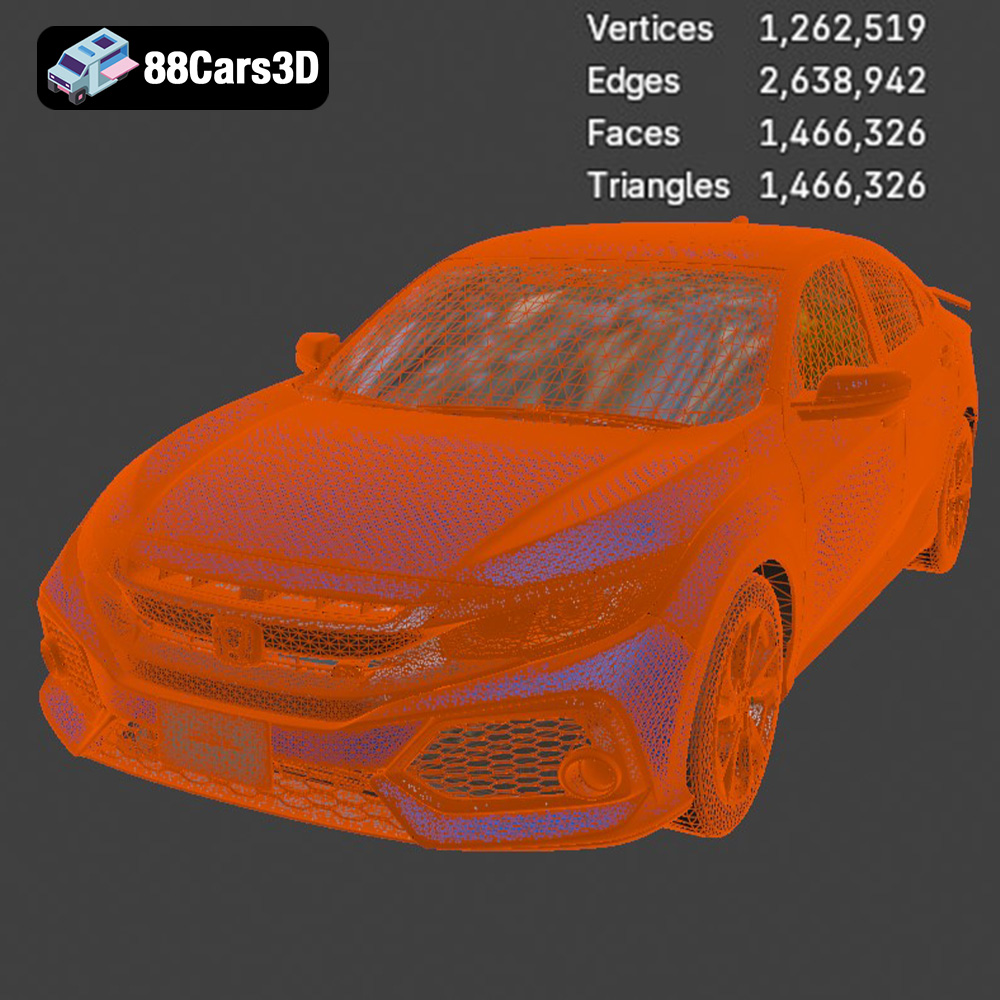
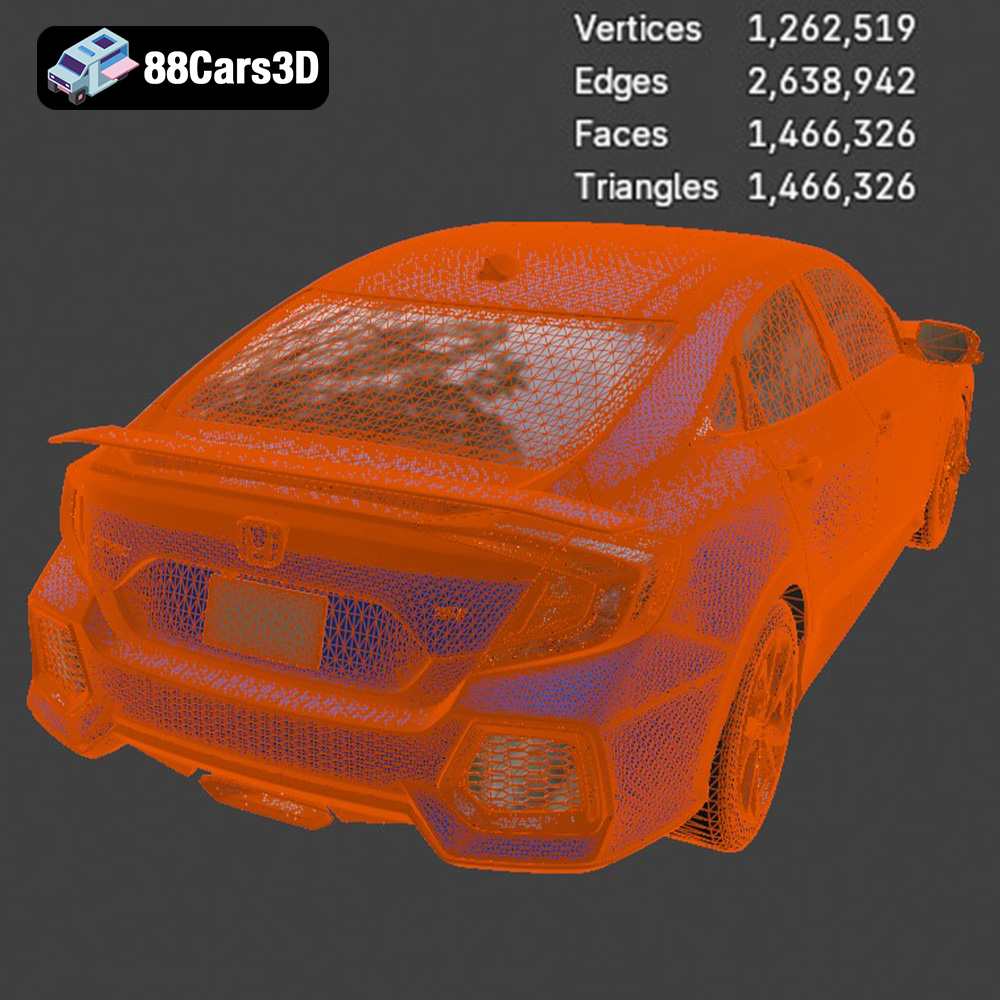
However, the STL format has limitations. It only stores the surface geometry, meaning it doesn’t contain information about color, texture, or materials. This is why STL files are typically monochromatic. Furthermore, the accuracy of the STL representation depends on the number of triangles used. A low triangle count can result in a faceted appearance, especially on curved surfaces, while a high triangle count can lead to excessively large file sizes. The Honda Civic Si Sedan 2017 STL file, provided by 88cars3d.com, is optimized to balance detail and file size, ensuring a smooth printing experience without compromising on visual fidelity. When preparing your STL file, be sure to run it through a mesh repair tool in your slicing software to ensure all triangles are properly connected, preventing gaps or holes in your final print.
While STL is the primary format for 3D printing, it’s beneficial to understand the capabilities of other formats included with the Honda Civic Si Sedan 2017 model:
* **.obj:** A more versatile format than STL, OBJ can store color and texture information. This makes it suitable for printing with multi-material printers, although widespread support is still limited.
* **.ply:** Designed for storing data acquired from 3D scanners, PLY files can represent color, transparency, and surface normals. They offer a high level of precision, but might require more processing power during slicing.
* **.blend:** This is the native file format for Blender, a popular open-source 3D modeling software. While you can’t directly 3D print a .blend file, it’s invaluable for making modifications to the model before exporting it as an STL.
* **.fbx:** Developed by Autodesk, FBX is commonly used for exchanging data between different 3D applications, especially in game development. While it can store materials and animations, its primary use in 3D printing is for importing models with pre-defined material assignments into specific slicing software that supports color or multi-material printing.
* **.glb:** GLB is a binary file format representing 3D models, designed for efficient transmission and loading in web and AR/VR applications.
* **.max:** This is the native file format for 3ds Max, another popular 3D modeling and rendering software. Similar to .blend, it allows for detailed editing before exporting to STL.
Ultimately, for 3D printing the Honda Civic Si Sedan 2017 model, the STL file will be your go-to format. However, having access to other formats like .blend or .max allows for extensive customization before the final 3D printing preparation.
Before you can hit the “print” button, you need to prepare the 3D model for your specific printer. This involves using slicing software to convert the STL file into a series of instructions that your printer can understand. This stage is critical for achieving a successful and high-quality print.
Slicing software is the bridge between your digital model and your physical printer. It takes the STL file and divides it into hundreds or thousands of horizontal layers, creating a “G-code” file containing instructions for the printer’s movements, temperature settings, and other parameters. Popular slicing software options include Cura, PrusaSlicer, Simplify3D, and IdeaMaker. Each software offers a range of settings and features, so experiment to find the one that best suits your needs and printer capabilities. For the Honda Civic Si Sedan 2017 model, Cura and PrusaSlicer are excellent choices due to their user-friendly interfaces and robust support for various printer types.
Choosing the correct orientation for your model on the print bed is crucial for minimizing support material and maximizing print quality. For the Honda Civic Si Sedan 2017, consider printing it with the chassis facing down (wheels up). This will minimize the need for supports on the complex curves of the car’s body. However, this orientation will require supports for the wheels and the underside of the car. Carefully analyze the model in your slicing software to identify areas that will require support.
Support structures are temporary structures that provide support for overhanging parts of the model. They are essential for preventing these parts from collapsing during printing. There are various types of support structures, including linear supports, tree supports, and hybrid supports. Tree supports are generally recommended for complex models like the Honda Civic Si Sedan 2017, as they use less material and are easier to remove. Experiment with different support settings in your slicing software to find the optimal balance between support strength and ease of removal.
Before slicing, you might want to scale the model to your desired size. Consider the limitations of your printer’s build volume when scaling the Honda Civic Si Sedan 2017. A scale of 1:24 or 1:43 is a good starting point for desktop 3D printers. Ensure that scaling doesn’t compromise the finer details of the model.
Even with high-quality models like the one from 88cars3d.com, minor imperfections in the mesh can sometimes occur. Before slicing, it’s always a good practice to run the STL file through a mesh repair tool in your slicing software. This will identify and fix any errors, such as non-manifold edges or flipped normals, which can lead to printing problems.
The choice of material significantly impacts the final appearance, strength, and durability of your 3D printed Honda Civic Si Sedan 2017. Several filaments are well-suited for this project, each with its own advantages and disadvantages.
PLA (Polylactic Acid) is a biodegradable thermoplastic derived from renewable resources. It’s known for its ease of printing, low warping, and wide availability. PLA is an excellent choice for beginners as it doesn’t require a heated bed in most cases and prints at relatively low temperatures. It also produces minimal odors during printing. However, PLA is less heat-resistant and more brittle than other materials. Therefore, it’s best suited for models that won’t be exposed to high temperatures or stress. For the Honda Civic Si Sedan 2017, PLA is ideal for creating display models.
PETG (Polyethylene Terephthalate Glycol-modified) combines the best qualities of PLA and ABS. It’s stronger and more heat-resistant than PLA, while still being relatively easy to print. PETG exhibits excellent layer adhesion and produces parts with a glossy finish. It’s also more flexible than PLA, making it less prone to cracking. PETG is a great choice for the Honda Civic Si Sedan 2017 if you want a model that’s durable and can withstand some handling.
ABS (Acrylonitrile Butadiene Styrene) is a strong and durable thermoplastic commonly used in automotive parts. It’s more heat-resistant and impact-resistant than PLA and PETG. However, ABS is more challenging to print due to its tendency to warp and shrink. It also requires a heated bed and good ventilation. ABS is suitable for experienced users who want to create a robust and functional model of the Honda Civic Si Sedan 2017, but it’s not recommended for beginners.
While FDM (Fused Deposition Modeling) printers use filament, resin printers use liquid resin that is cured by UV light. Resin printing offers significantly higher resolution and detail compared to FDM printing, making it ideal for intricate models like the Honda Civic Si Sedan 2017. However, resin printing can be more expensive and requires more post-processing, including washing and curing the printed parts. If you prioritize detail and are willing to invest in a resin printer, it’s an excellent option for this model.
Achieving a high-quality 3D print requires careful calibration of your printer settings. These settings will vary depending on your printer, material, and desired level of detail.
Layer height is one of the most crucial settings in 3D printing. It determines the thickness of each layer of plastic. A lower layer height results in smoother surfaces and finer details, but it also increases print time. A higher layer height results in faster prints but can lead to a more noticeable layered appearance. For the Honda Civic Si Sedan 2017, a layer height of 0.1mm to 0.2mm is a good starting point for PLA and PETG. For resin printing, layer heights can go even lower, down to 0.025mm for exceptional detail.
Infill density refers to the amount of material used inside the model. A higher infill density results in a stronger and heavier model, but it also consumes more material and increases print time. A lower infill density results in a lighter and faster print, but it may compromise the model’s strength. For a display model of the Honda Civic Si Sedan 2017, an infill density of 15% to 20% is usually sufficient. For a more durable model, you can increase the infill density to 30% or higher. Consider using a gyroid infill pattern for a good balance of strength and material usage.
Print speed affects both the quality and duration of the print. A slower print speed allows for better layer adhesion and reduces the risk of warping, but it also increases the overall print time. A faster print speed can save time, but it may compromise the quality of the print. For PLA and PETG, a print speed of 40mm/s to 60mm/s is a good starting point. You may need to adjust the print speed depending on your printer and material.
The optimal temperature settings depend on the material you’re using. For PLA, a nozzle temperature of 200°C to 220°C and a bed temperature of 60°C are generally recommended. For PETG, a nozzle temperature of 230°C to 250°C and a bed temperature of 70°C to 80°C are ideal. For ABS, a nozzle temperature of 230°C to 260°C and a bed temperature of 100°C to 110°C are necessary. Proper temperature control is crucial for ensuring good layer adhesion and preventing warping, especially with ABS.
Once the 3D printing process is complete, the Honda Civic Si Sedan 2017 model may require some post-processing to achieve the desired final appearance.
Removing support structures can be a delicate process, especially with intricate models. Use a pair of flush cutters or a hobby knife to carefully snip away the supports, being mindful not to damage the model. For difficult-to-reach areas, consider using a specialized support removal tool. After removing the supports, you may need to sand down any remaining stubs or imperfections.
Sanding is essential for smoothing out the surfaces of the 3D printed model and removing any layer lines. Start with a coarse-grit sandpaper (e.g., 220 grit) and gradually move to finer grits (e.g., 400 grit, 600 grit, 800 grit) for a smooth finish. Wet sanding can help to reduce dust and improve the sanding process. For hard-to-reach areas, use small sanding sponges or files.
Painting can bring your 3D printed Honda Civic Si Sedan 2017 to life. Prime the model with a plastic primer to ensure good paint adhesion. Then, apply several thin coats of acrylic paint using an airbrush or spray can. Allow each coat to dry completely before applying the next. Consider using masking tape to create clean lines and separate different colored areas. Finally, apply a clear coat to protect the paint and add a glossy finish.
The Honda Civic Si Sedan 2017 model may consist of multiple parts that need to be assembled after printing. Use a strong adhesive, such as super glue or epoxy, to join the parts together. Ensure that the parts are properly aligned before applying the adhesive. Use clamps or tape to hold the parts in place while the adhesive dries.
3D printing can be a rewarding but sometimes challenging process. Here are some common issues and their solutions:
* **Warping:** This occurs when the corners of the model lift off the print bed due to uneven cooling. To prevent warping, ensure that your bed is properly leveled and heated, use a brim or raft, and avoid drafts.
* **Poor Layer Adhesion:** This happens when the layers of plastic don’t stick together properly. To improve layer adhesion, increase the nozzle temperature, decrease the print speed, and ensure that your filament is dry.
* **Stringing:** This refers to thin strands of plastic that appear between different parts of the model. To reduce stringing, decrease the nozzle temperature, increase retraction settings, and ensure that your filament is dry.
* **Elephant’s Foot:** This is when the first layer of the model is wider than the subsequent layers. To avoid elephant’s foot, ensure that your bed is properly leveled and the nozzle is not too close to the bed.
* **Clogged Nozzle:** This can occur when filament gets stuck in the nozzle. To clear a clogged nozzle, use a nozzle cleaning tool or perform a cold pull.
By understanding these common issues and their solutions, you can troubleshoot problems and improve the quality of your 3D prints.
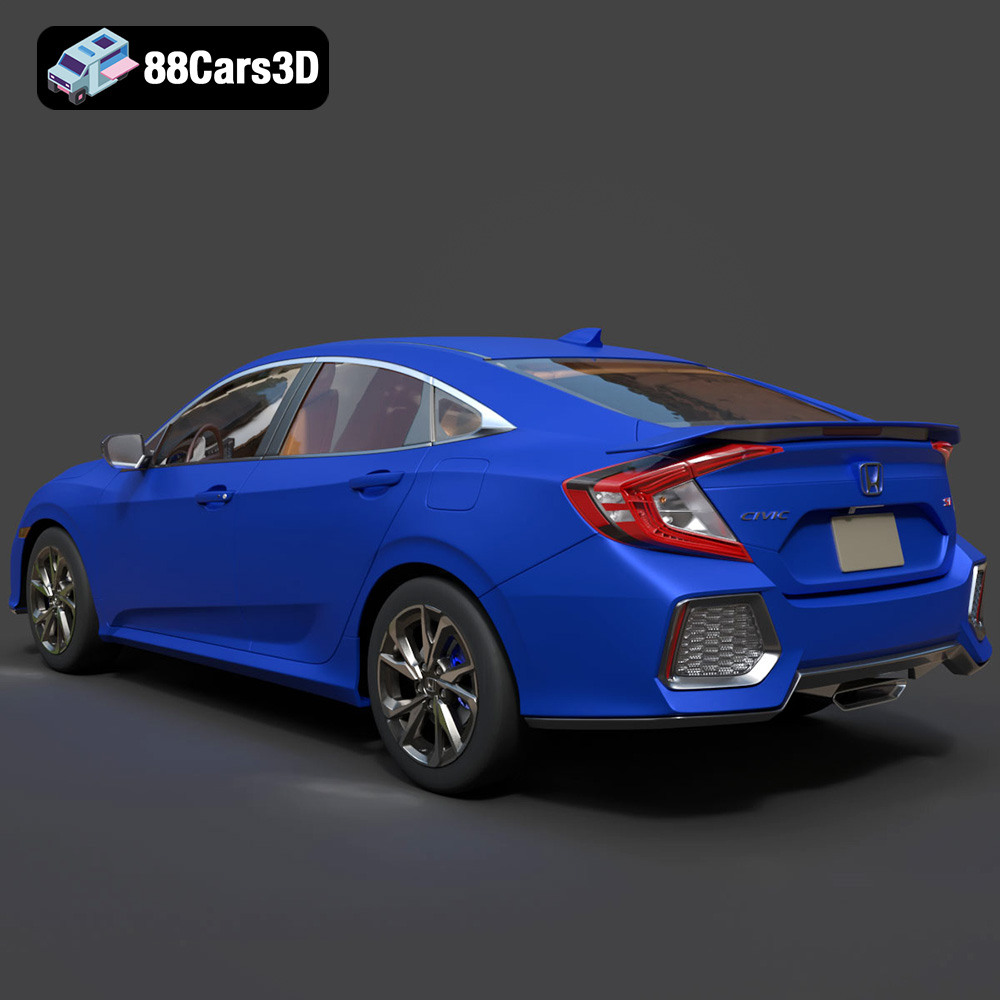
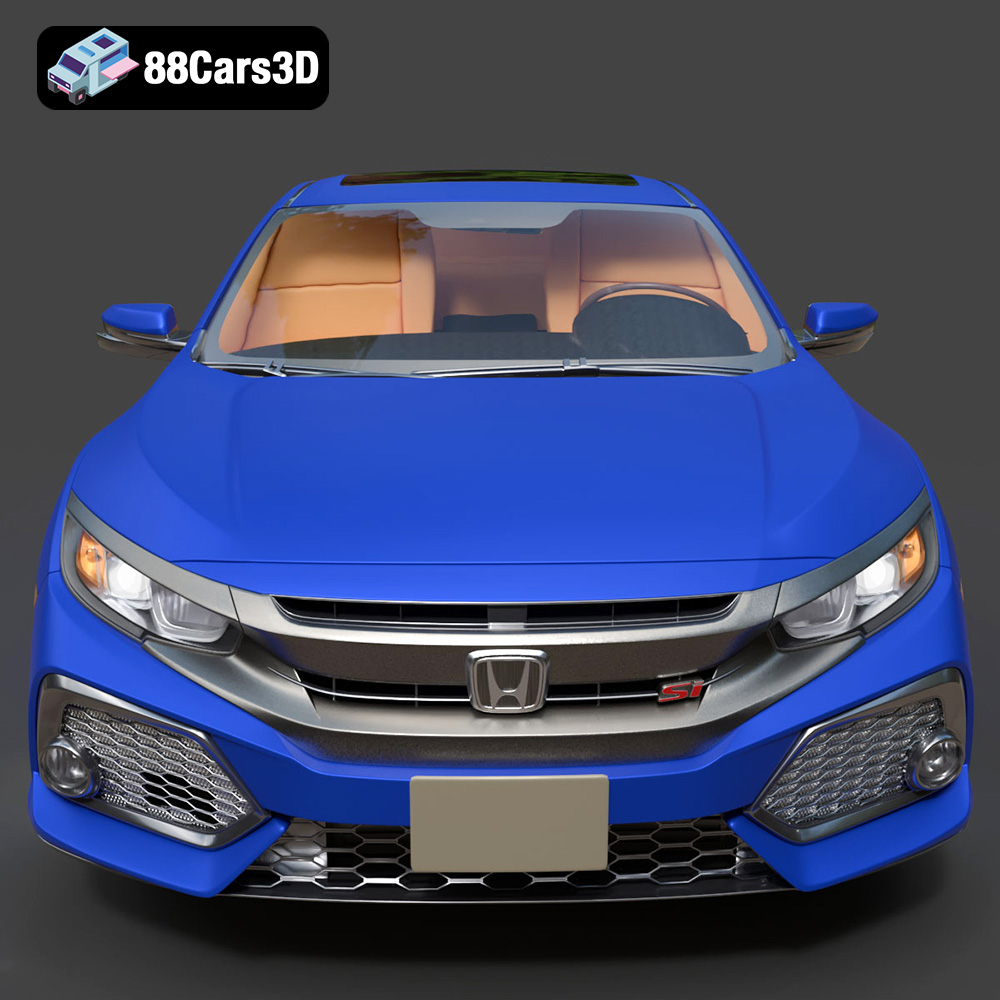
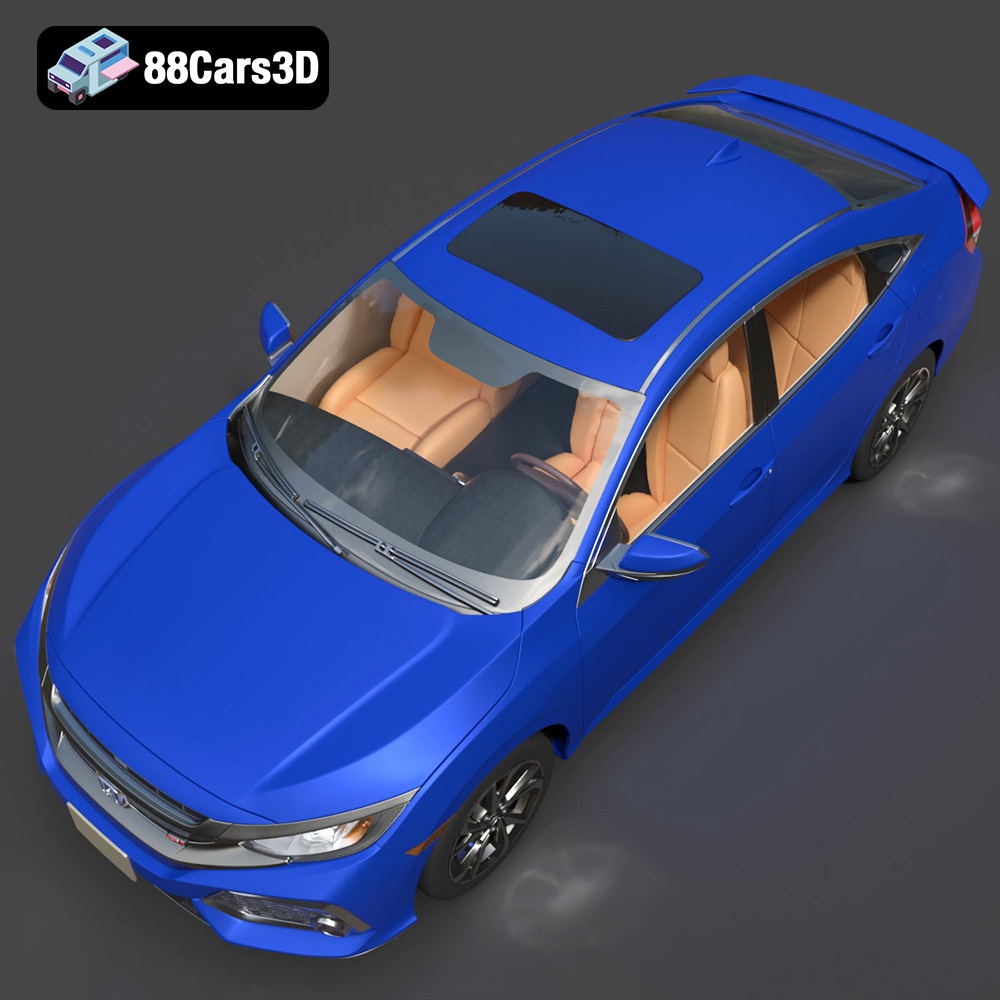
Experience unparalleled realism with the Honda Civic Si Sedan 2017 3D Model. This exceptionally detailed asset has been accurately modeled to represent the iconic exterior styling, dynamic lines, and precise proportions of the original vehicle. Engineered with clean geometry, professional topology, and realistic materials, this model delivers outstanding performance across various digital environments.
$19.99
3D printing the Honda Civic Si Sedan 2017 is a rewarding project that combines technical skill with creative expression. By understanding the nuances of STL files, mastering slicing software, selecting the right materials, fine-tuning printer settings, and employing post-processing techniques, you can create a stunning replica of this iconic vehicle. Remember that the key to successful 3D printing lies in experimentation and continuous learning. Don’t be afraid to try different settings and techniques to find what works best for your printer and material. The detailed model available at 88cars3d.com provides a solid foundation for your 3D printing journey, allowing you to bring your automotive dreams to life, one layer at a time. Whether you are 3D printing for fun, for a hobby, or for professional model making, this Honda Civic Si Sedan 2017 will definitely put a smile on your face.
.arvr
.blend
.car3dmodel
.civic
.compactcar
.fbx
.gameasset
.glb
.honda
.max
.obj
.ply
.rendering
.sedan
.si
.simulation
.stl
.unreal