Get 20% OFF All Premium 3D & STL Models!

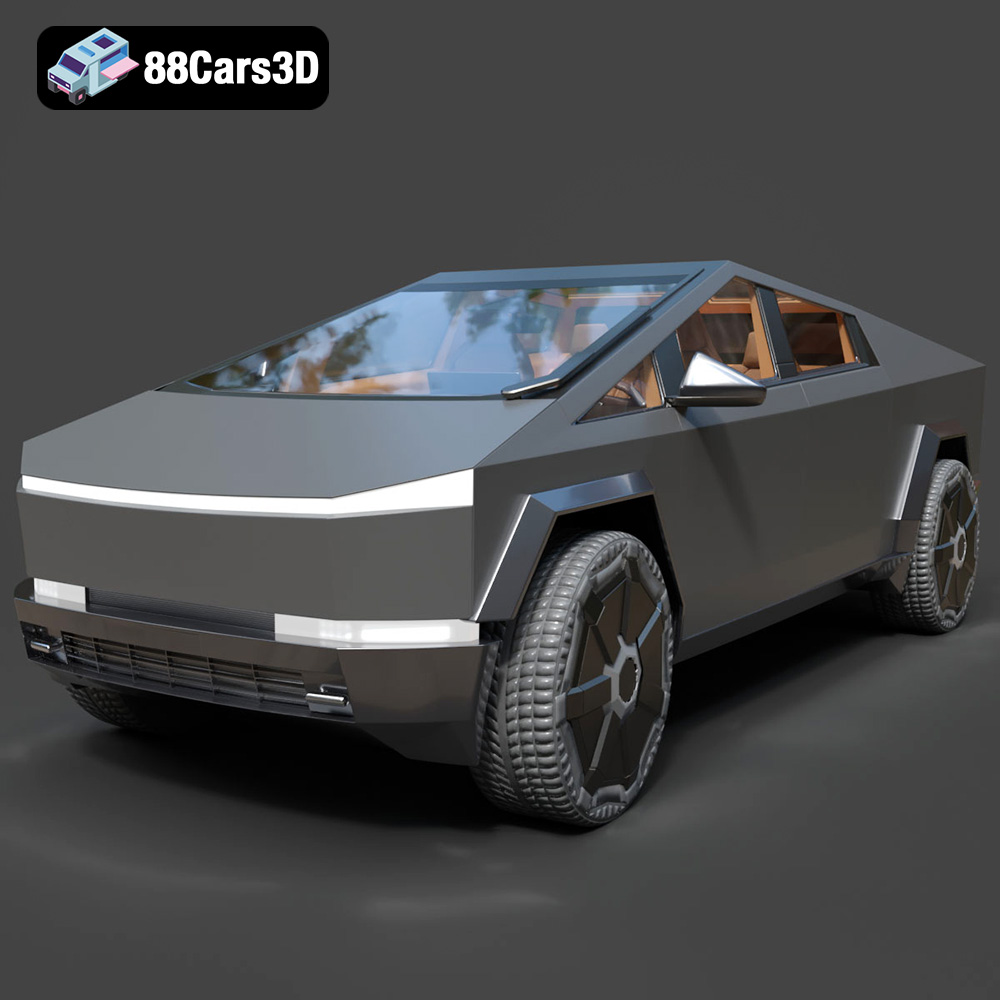
The Tesla Cybertruck 2024. Its radical design has captivated the world, sparking debate and excitement in equal measure. Now, thanks to advancements in 3D printing, you can hold a piece of the future in your hands. This blog post serves as a comprehensive guide to 3D printing the Tesla Cybertruck 2024 3D model, specifically the high-quality model available at 88cars3d.com. We’ll cover everything from selecting the right materials and printer settings to post-processing techniques that will elevate your print to the next level. Whether you’re a seasoned 3D printing enthusiast or a newcomer to the world of additive manufacturing, this guide will provide the knowledge you need to successfully 3D print this iconic vehicle.
Before diving into the specifics of printing the Cybertruck model, it’s crucial to understand the different file formats commonly used in 3D modeling and how they relate to 3D printing. Choosing the right format and understanding its limitations can significantly impact the quality and printability of your final product. Here’s a detailed breakdown:
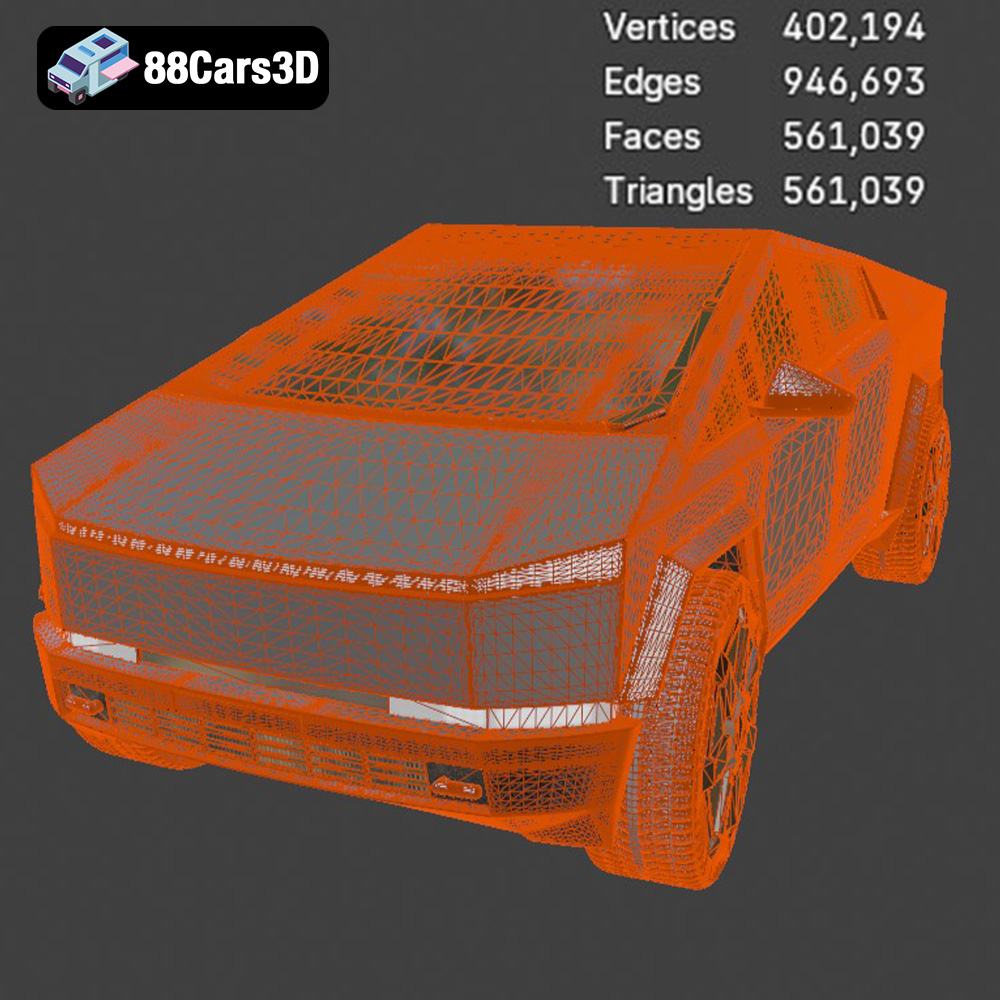
The .stl (Stereolithography) file format is the undisputed king of 3D printing. It’s the most widely supported format across various 3D printers and slicing software. STL files represent the surface geometry of a 3D object as a collection of triangles. The denser the mesh (i.e., the more triangles), the smoother the surface of the printed object will be. However, a denser mesh also results in a larger file size and potentially longer processing times in your slicing software.
For 3D printing, the STL format from 88cars3d.com is your best bet. Ensure that the STL file is properly “manifold,” meaning it’s a closed, continuous surface with no holes or self-intersections. Non-manifold geometry is a common cause of printing errors. Most slicing software can detect and attempt to repair minor non-manifold issues, but it’s always best to start with a clean, well-prepared STL file. The Tesla Cybertruck 2024 3D model from 88cars3d.com is provided with print-ready STL files for optimal results.
The .obj (Object) file format is another common format for 3D models. Unlike STL, OBJ files can store color and texture information, making them suitable for colored 3D printing (if your printer supports it). OBJ files can also represent more complex geometry than STL files, but they are generally larger in size. While OBJ files are compatible with most slicing software, STL is still the preferred format for 3D printing due to its simplicity and widespread support. If you plan to add custom colors or textures to your 3D printed Cybertruck, an OBJ file might be useful as a starting point for modification before exporting to STL for printing.
The .ply (Polygon File Format) is designed to store 3D data acquired from 3D scanners. It can represent complex geometries with high accuracy, making it suitable for detailed models. While .ply files can be used for 3D printing, they are not as widely supported as STL or OBJ. Additionally, .ply files can be quite large, which can slow down the slicing process.
The .blend file format is the native format for Blender, a popular open-source 3D modeling software. A .blend file contains the entire Blender scene, including the 3D model, materials, textures, lighting, and animation data. If you want to customize the Tesla Cybertruck 2024 model before printing, the .blend file gives you full control over the model’s geometry and appearance. You can use Blender to modify the model, add details, or even create variations of the Cybertruck. Once you’re done customizing, you can export the model as an STL file for 3D printing.
The .fbx (Filmbox) format is primarily used for exchanging 3D data between different software applications, especially in game development and animation. It supports complex scenes, including meshes, materials, textures, animations, and cameras. While some slicing software can import FBX files, they are generally not the ideal format for 3D printing. The main advantage of FBX is its ability to preserve material information, which can be useful if you plan to use a multi-material 3D printer.
The .glb (GL Transmission Format Binary) is a relatively new format designed for efficient transmission and loading of 3D models in web and AR/VR applications. It’s a binary format that combines the 3D model, textures, and animations into a single file, making it easy to share and display 3D content online. While .glb is not directly used for 3D printing, it can be helpful for previewing the Tesla Cybertruck 2024 model in augmented reality before you commit to printing it.
.max files are the native format for Autodesk 3ds Max, a professional 3D modeling, animation, and rendering software. This format is similar to the .blend format, containing all the scene data, including geometry, materials, textures, lighting, and animations. If you have access to 3ds Max, you can use the .max file to modify the Cybertruck model extensively before exporting it to STL for 3D printing.
The success of your 3D printed Cybertruck relies heavily on selecting the appropriate 3D printer and material. Let’s explore some key considerations:
* **FDM (Fused Deposition Modeling):** FDM printers are the most common type of 3D printer, known for their affordability and versatility. They work by melting and extruding a thermoplastic filament, layer by layer. For the Cybertruck, an FDM printer is a good starting point, especially for larger prints.
* **SLA/Resin Printers:** SLA printers use liquid resin that is cured by a laser or projector. They offer significantly higher resolution and detail than FDM printers, making them ideal for intricate parts or smaller-scale models of the Cybertruck. However, resin printing is generally more expensive and requires more post-processing.
* **PLA (Polylactic Acid):** PLA is a biodegradable thermoplastic that is easy to print with and offers good strength and rigidity. It’s an excellent choice for beginners and for creating prototypes of the Cybertruck. PLA is readily available and comes in a wide variety of colors.
* **PETG (Polyethylene Terephthalate Glycol-modified):** PETG is a more durable and heat-resistant alternative to PLA. It’s also less prone to warping, making it a good choice for larger prints of the Cybertruck. PETG offers a good balance of strength, flexibility, and ease of printing.
* **ABS (Acrylonitrile Butadiene Styrene):** ABS is a strong and heat-resistant plastic commonly used in automotive parts. While ABS can be used to print the Cybertruck, it requires a heated bed and an enclosed printer to prevent warping. ABS also emits fumes during printing, so proper ventilation is essential.
* **Resin (Various Types):** For SLA/Resin printing, there are many types of resin available, each with different properties. Standard resin is a good starting point for general-purpose printing. Tough resin offers increased impact resistance, while flexible resin can be used for parts that need to bend or flex.
Preparing the 3D model and configuring your slicing software are crucial steps in the 3D printing process. Neglecting these steps can lead to print failures, poor surface finish, or structural weaknesses.
* **Orientation:** The orientation of the Cybertruck model on the print bed can significantly impact the print quality and the amount of support material required. Experiment with different orientations to find the one that minimizes overhangs and maximizes the surface area in contact with the print bed.
* **Support Structures:** Support structures are necessary to support overhangs and bridges in the model. Choose a support structure type that is easy to remove and doesn’t leave excessive marks on the surface of the print. Consider using tree supports or light supports for easier removal.
* **Layer Height:** Layer height determines the resolution of the print. A lower layer height (e.g., 0.1mm) will result in a smoother surface finish but will also increase the print time. A higher layer height (e.g., 0.2mm) will print faster but may result in a more visible layer lines.
* **Infill Density:** Infill density affects the strength and weight of the print. A higher infill density will make the print stronger but will also increase the print time and material consumption. For the Cybertruck, a moderate infill density (e.g., 15-20%) is usually sufficient.
* **Print Speed:** Print speed affects the print quality and the risk of print failures. A slower print speed will generally result in a higher quality print but will also increase the print time. Start with a moderate print speed and adjust as needed based on your printer and material.
Now that you have a good understanding of the basics, let’s go through the step-by-step process of 3D printing the Tesla Cybertruck 2024 3D model from 88cars3d.com:
1. Download the STL file from 88cars3d.com.
2. Open your slicing software and import the STL file.
3. If necessary, scale the model to your desired size. Keep in mind that larger prints will take longer and require more material.
1. Select your printer and material.
2. Set the layer height, infill density, print speed, and other relevant settings.
3. Configure support structures as needed.
1. Generate the G-code file, which contains the instructions for your 3D printer.
2. Transfer the G-code file to your 3D printer.
3. Start the print and monitor it closely for any issues.
Once the print is complete, post-processing is essential to achieve a professional-looking finish:
Carefully remove the support structures and rafts from the print. Use a sharp knife or pliers to avoid damaging the model.
Sand the surface of the print to remove any imperfections or layer lines. Start with a coarse grit sandpaper and gradually move to finer grits.
Paint the Cybertruck model with your desired colors. Consider using primer before painting to improve adhesion. You can also apply a clear coat to protect the paint and add a glossy finish.
Even with careful preparation, 3D printing can sometimes be challenging. Here are some common issues and how to troubleshoot them:
Warping occurs when the corners of the print lift off the print bed. To prevent warping, use a heated bed, apply a bed adhesive, and ensure that the first layer is properly adhered to the bed.
Stringing occurs when thin strands of plastic are left between different parts of the print. To prevent stringing, reduce the retraction distance, increase the travel speed, and lower the printing temperature.
Layer separation occurs when the layers of the print don’t adhere properly to each other. To prevent layer separation, increase the printing temperature, decrease the print speed, and ensure that the bed is properly leveled.
Before you start printing, it’s helpful to estimate the print time and material costs. Slicing software typically provides estimates of these values based on the model size, print settings, and material used.
* Model Size
* Layer Height
* Infill Density
* Print Speed
* Support Structures
* Model Volume
* Material Price
* Infill Density
* Support Structures
While the Tesla Cybertruck 2024 3D model from 88cars3d.com is designed to be 3D printable, here are some additional tips for optimizing it for even better results:
Consider hollowing out the model to reduce material consumption and print time. Ensure that the wall thickness is sufficient to provide structural integrity (typically 1.5-2mm for FDM printing).
If you hollow out the model, add drainage holes to allow resin or plastic to escape during printing. These holes can be easily filled and sanded after printing.
For larger prints, consider splitting the model into multiple parts that can be printed separately and then assembled. This can reduce the risk of warping and make it easier to print complex geometries.
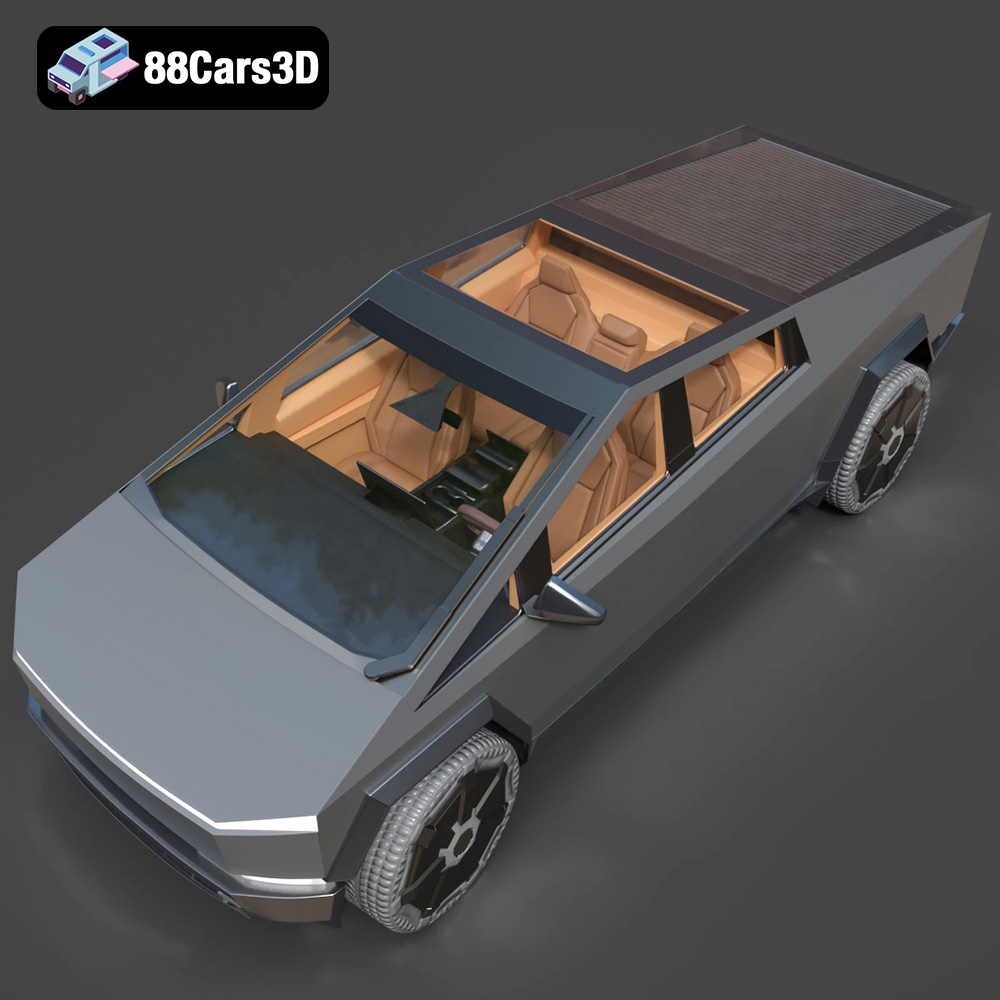
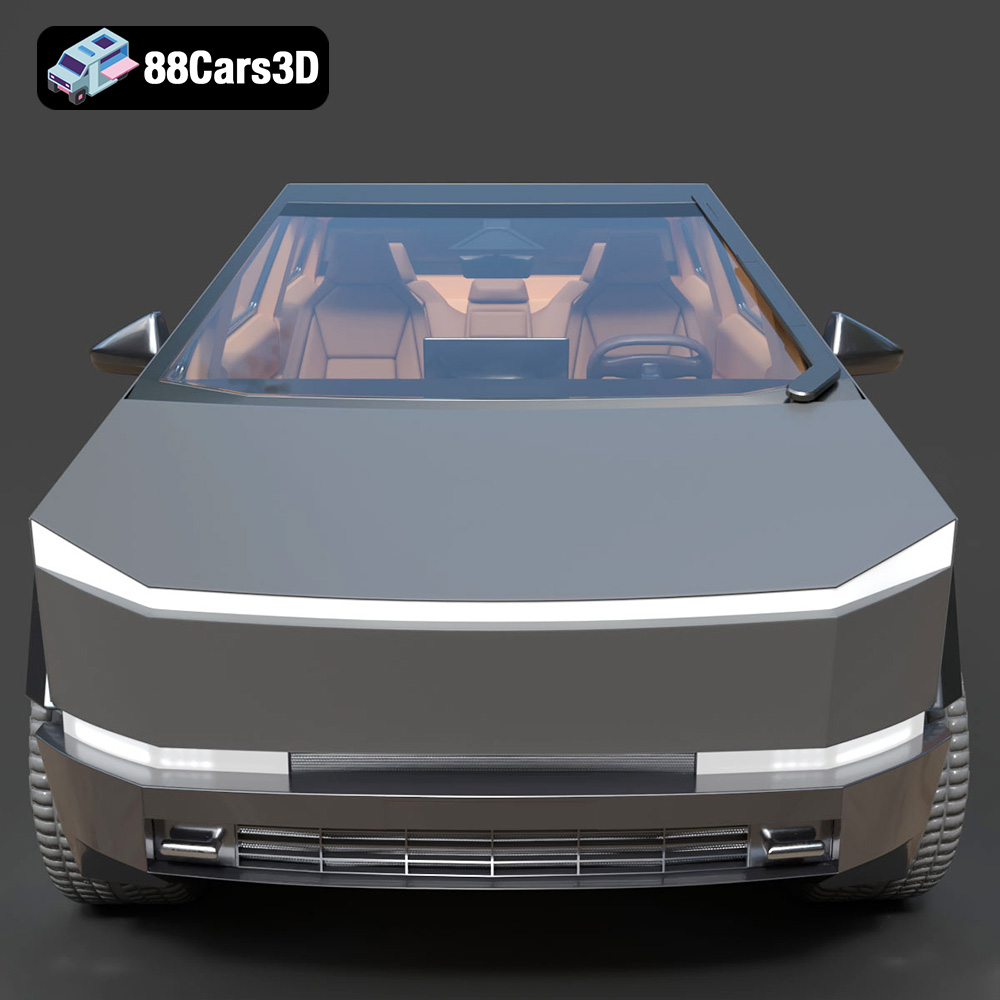
Experience the futuristic design of the Tesla Cybertruck 2024 with this exceptionally realistic 3D model. Built to precise proportions, this asset captures the distinctive angular exoskeleton and advanced aesthetic of the iconic electric pickup truck, ensuring a striking presence in any digital environment. This model is crafted with clean geometry and professional-grade polygon edge flow, making it an excellent choice for seamless integration. It features realistic materials and textures, delivering an authentic look across various lighting conditions.
$19.99
3D printing the Tesla Cybertruck 2024 is a rewarding project that allows you to bring a piece of futuristic design into the real world. By following the guidelines outlined in this blog post, you can successfully 3D print a high-quality model that captures the essence of this iconic vehicle. Remember to choose the right 3D printer and material, prepare the model carefully, configure your slicing software correctly, and apply post-processing techniques to achieve a flawless finish. With patience and attention to detail, you can create a stunning 3D printed replica of the Tesla Cybertruck 2024. The detailed 3D models from 88cars3d.com offer a great starting point for this exciting additive manufacturing endeavor. Happy printing!
.arvr
.blend
.car3dmodel
.cybertruck
.electricvehicle
.fbx
.gameasset
.glb
.max
.obj
.pickup
.ply
.rendering
.simulation
.stl
.tesla
.truck
.unreal