Get 20% OFF All Premium 3D & STL Models!

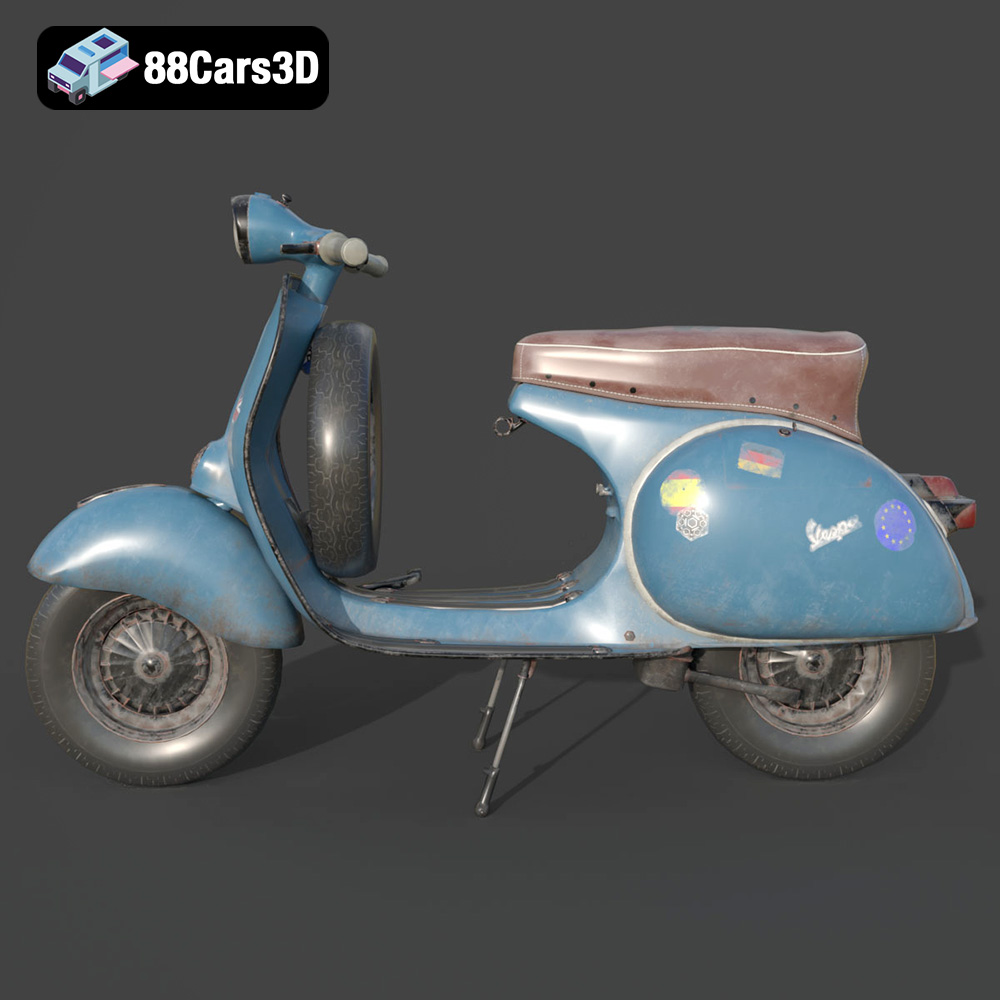
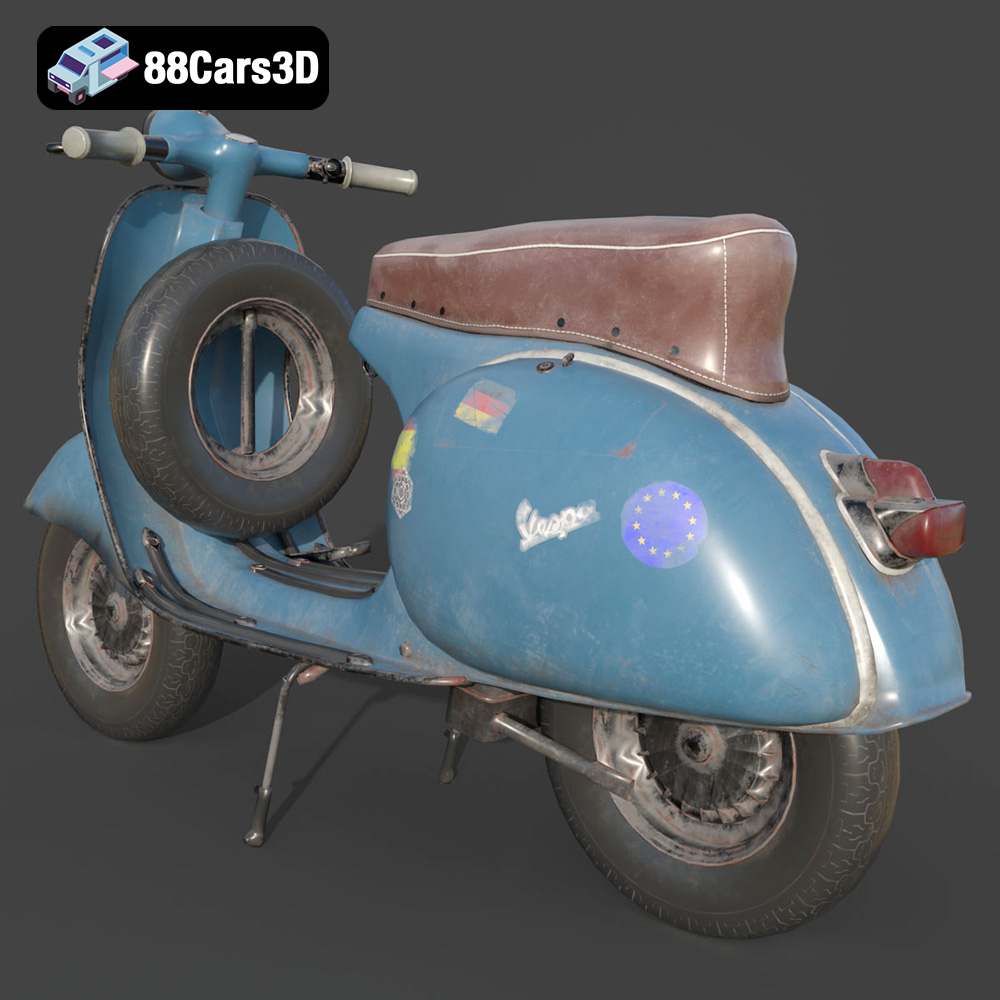
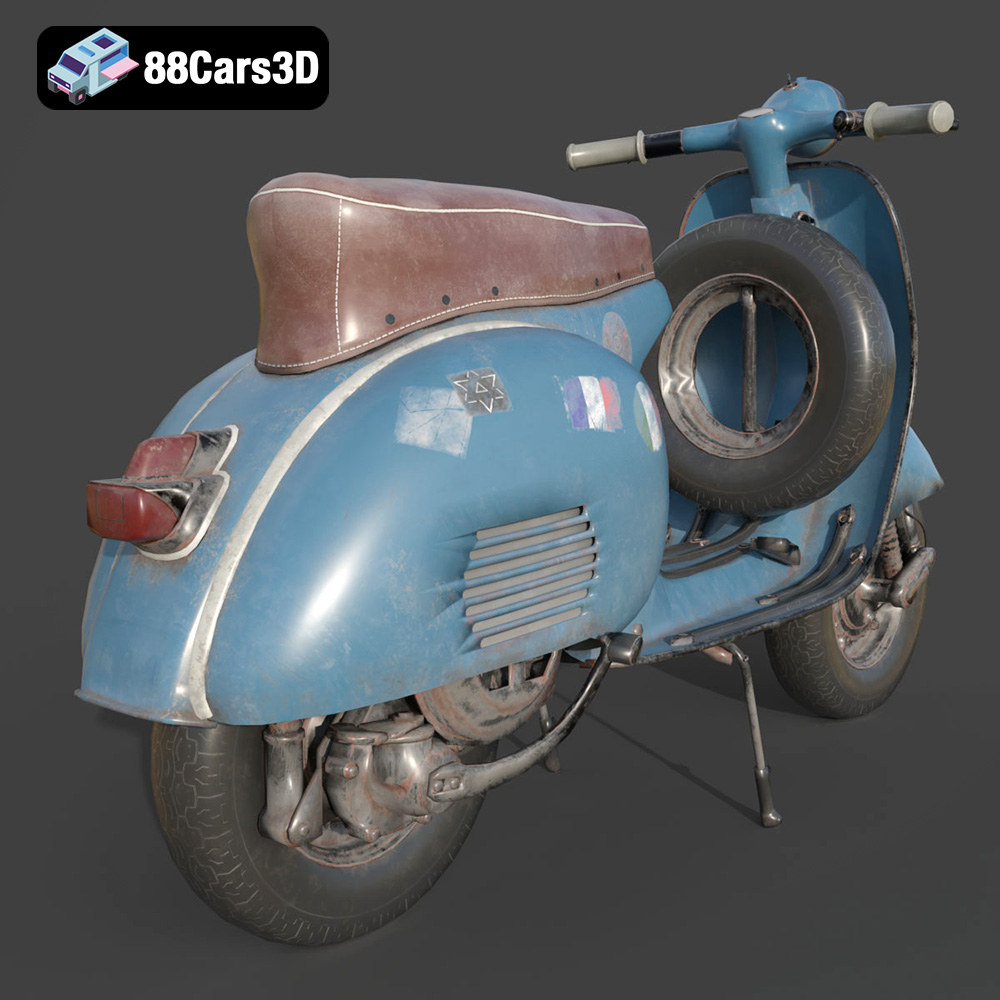
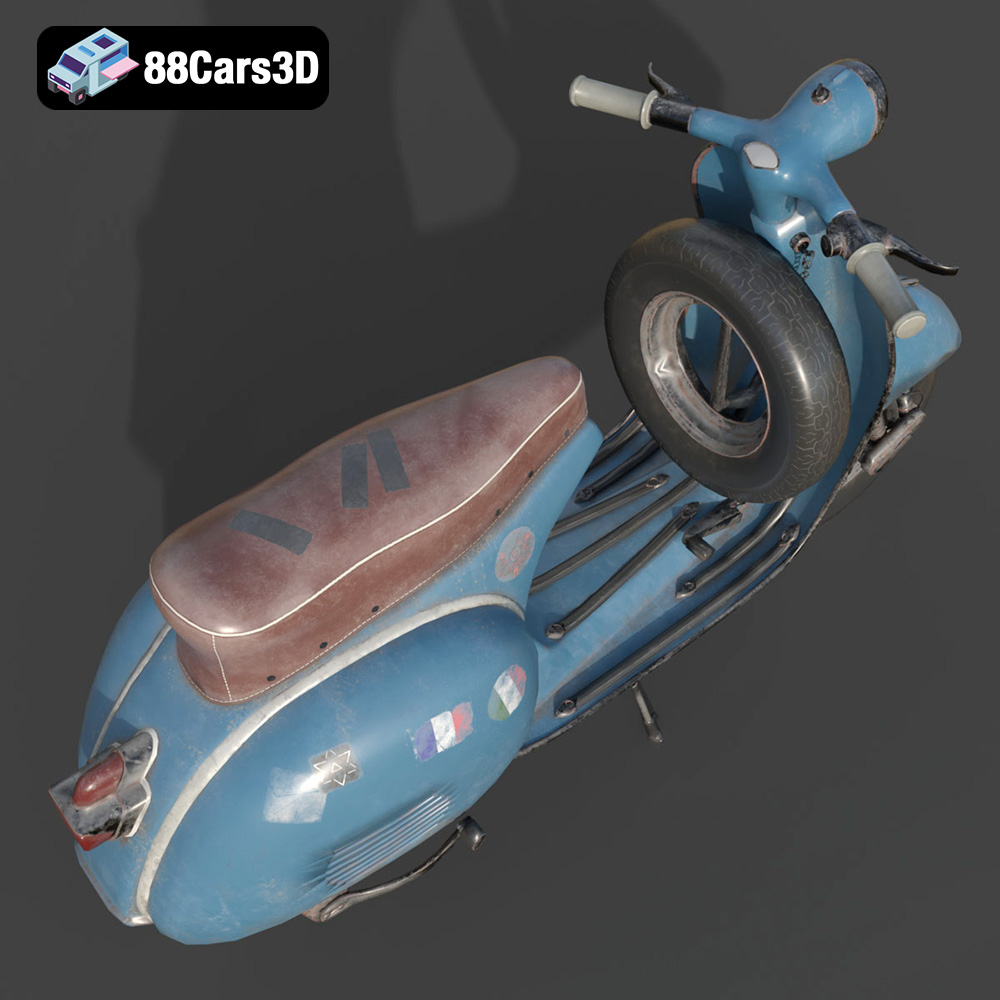
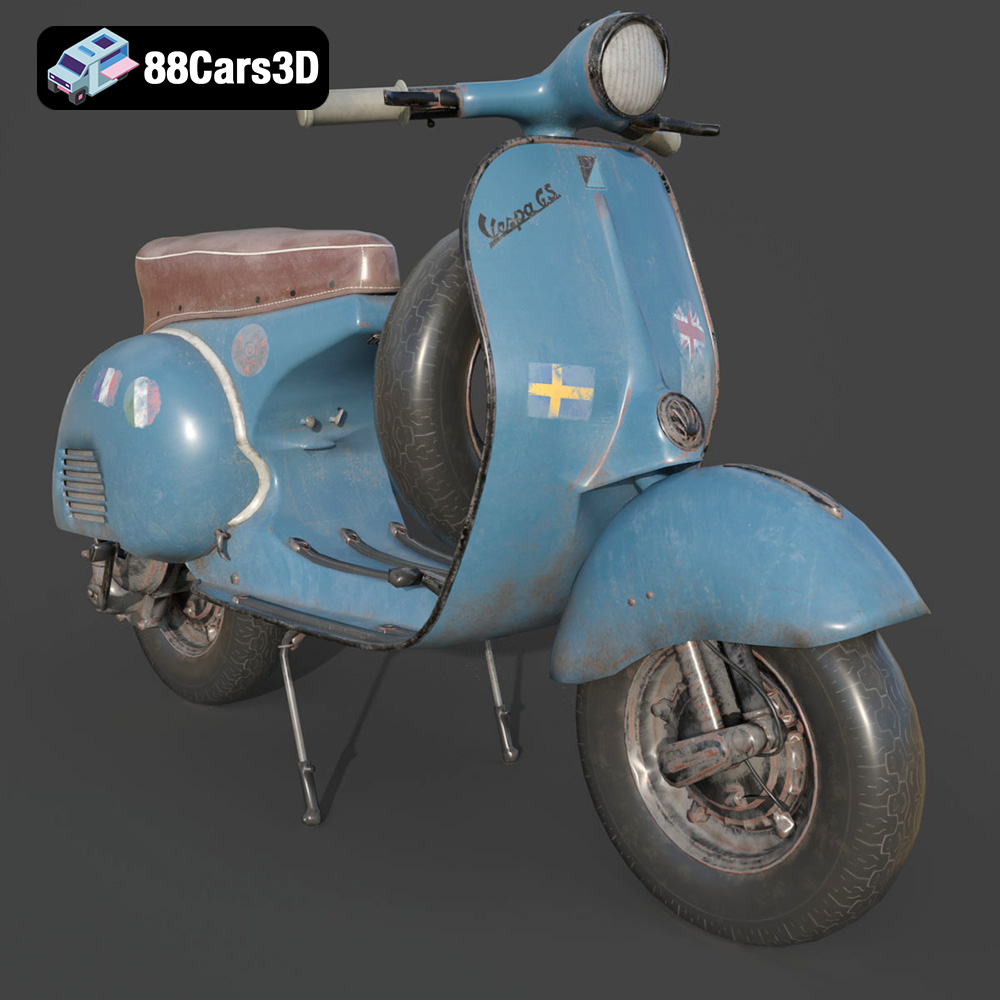
The Vespa GS 150, a true icon of Italian design and scooter history, is now within reach for 3D printing enthusiasts. With its elegant curves and unmistakable silhouette, this model from 88cars3d.com offers a fantastic opportunity to bring a piece of retro charm to your desk or display case. This guide will walk you through the entire process, from preparing the model to applying the finishing touches, ensuring a successful and rewarding 3D printing experience.
The level of detail present in the Vespa GS 150 model demands careful consideration of your 3D printer and material choices. Both FDM (Fused Deposition Modeling) and resin-based printers can achieve excellent results, each with its own set of advantages and disadvantages.
For FDM printing, PLA (Polylactic Acid) is a popular choice due to its ease of use, wide availability, and biodegradability. It’s a good option for beginners and offers a decent balance between print quality and cost. PETG (Polyethylene Terephthalate Glycol-modified) is another excellent choice, offering improved strength, flexibility, and heat resistance compared to PLA. PETG is also less prone to warping, making it suitable for larger parts of the model. When using FDM, consider a nozzle size of 0.4mm or smaller to capture the finer details.
Resin printing, using technologies like SLA (Stereolithography) or DLP (Digital Light Processing), excels at producing highly detailed and smooth surfaces. This makes it ideal for capturing the intricate features of the Vespa GS 150, such as the engine details, handlebar components, and the sweeping lines of the body. While resin printers are generally more expensive and require more complex post-processing, the resulting print quality can be significantly higher, especially for smaller scales. Standard resin is a good starting point, but consider using a tougher resin for increased durability.
Before you begin 3D printing your Vespa GS 150 model from 88cars3d.com, it’s crucial to understand the different file formats available and how they impact the printing process. Choosing the right format ensures compatibility with your slicing software and optimal print quality.
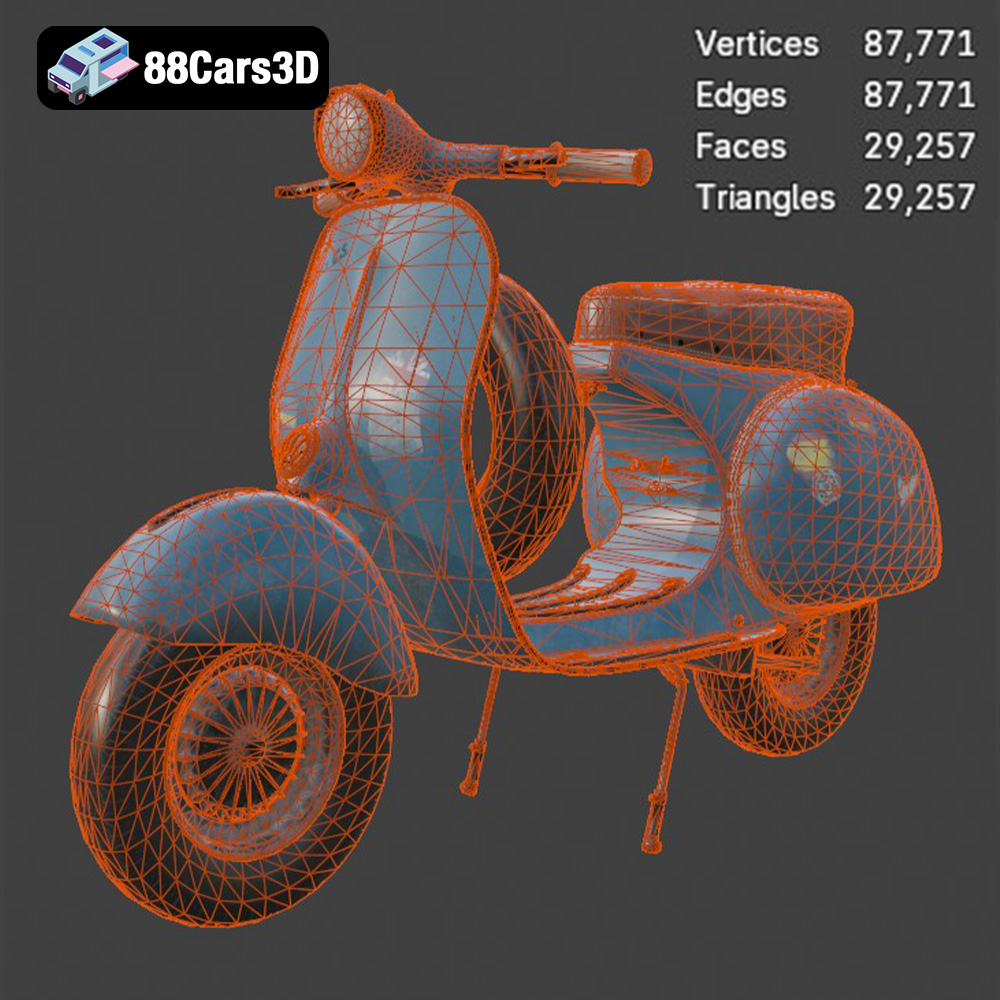
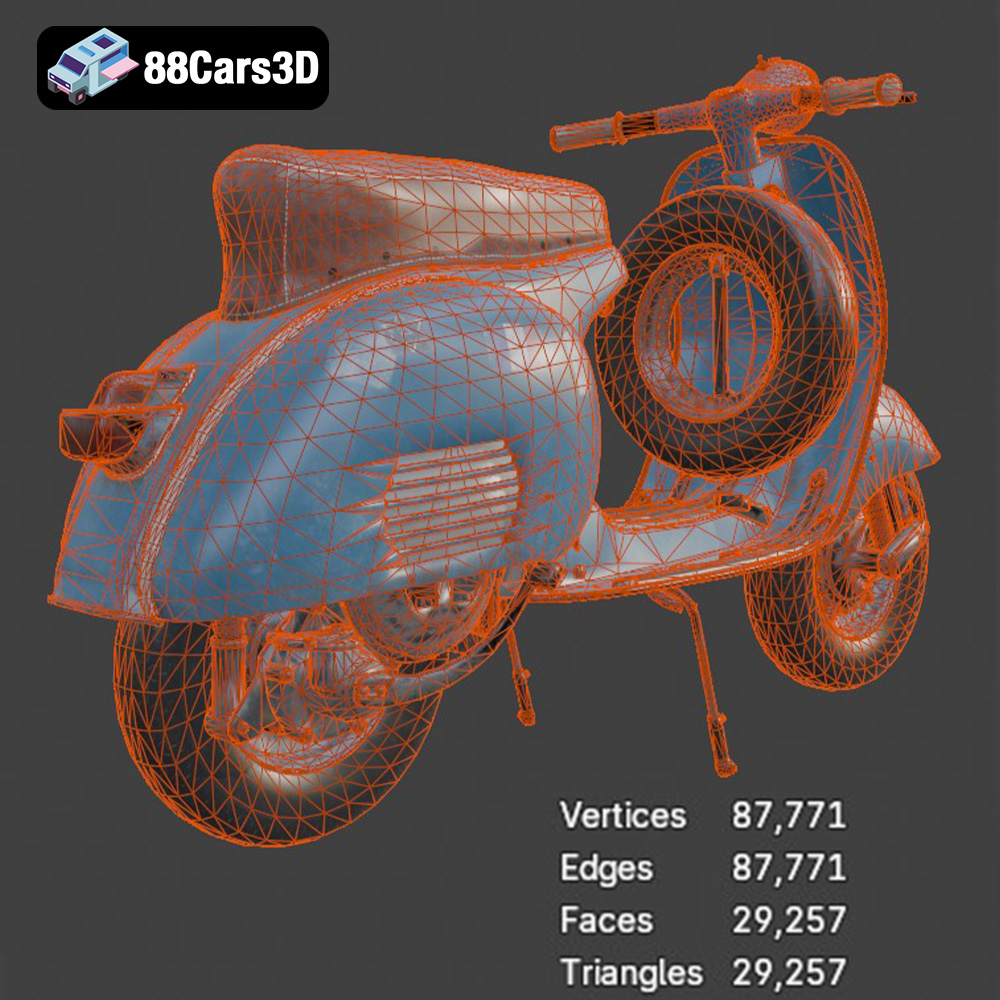
The .stl (stereolithography) file format is the industry standard for 3D printing. It represents the surface geometry of a 3D object as a collection of triangles. This format is universally compatible with slicing software and 3D printers. The .stl format stores only the mesh data of the model, meaning it doesn’t contain information about color, texture, or materials. Therefore, if you plan to paint or apply finishes to your 3D printed Vespa GS 150, the .stl format is perfectly suitable. The quality of an .stl file depends on the number of triangles used to define the surface. A higher triangle count results in a smoother, more detailed model, but also increases the file size and processing time. When exporting to .stl, ensure that the mesh resolution is high enough to capture the Vespa’s curves and details accurately, but not so high that it becomes unwieldy.
The .obj (object) file format is another common format that, unlike .stl, can store color and texture information in addition to the mesh geometry. This makes it suitable for 3D printing in full color, although this requires a specialized printer. While .obj is widely supported, it’s less common for 3D printing than .stl due to the extra complexity when preparing for printing.
The .ply (polygon file format) is designed for storing 3D data acquired from 3D scanners. It can handle complex mesh data with high precision, making it suitable for detailed models. However, .ply files are less widely supported by slicing software compared to .stl and .obj.
The .blend file format is the native format for Blender, a popular open-source 3D modeling software. This format contains the entire Blender scene, including the model, materials, lighting, and other settings. This is useful for advanced users who want to modify the Vespa GS 150 model before printing.
The .fbx (Filmbox) format is a proprietary format developed by Autodesk. It supports a wide range of data, including geometry, materials, textures, and animation. While .fbx is primarily used for game development and animation, it can be imported into some slicing software to retain material assignments.
The .glb (GL Transmission Format Binary) is a file format designed for efficient transmission and loading of 3D models, particularly in web and mobile applications. It’s commonly used for augmented reality (AR) applications, allowing you to preview the Vespa GS 150 model in your real-world environment before printing.
The .max file format is the native format for 3ds Max, another popular 3D modeling software. Similar to .blend, this format contains the entire project, allowing for extensive modifications before exporting for 3D printing.
For 3D printing the Vespa GS 150, the .stl format is generally the best choice due to its widespread compatibility and simplicity. Ensure that the .stl file you use has a sufficient mesh resolution to capture the details of the model. If you intend to print the model in color, the .obj format might be a suitable alternative, provided your printer and slicing software support it.
Once you’ve chosen your printer and material, the next step is to prepare the model for printing using slicing software. This software converts the 3D model into a series of instructions that the printer can understand. Cura, PrusaSlicer, Simplify3D, and Chitubox are all popular options.
The orientation of the model on the print bed is crucial for both print quality and structural integrity. For the Vespa GS 150, consider printing the frame at an angle (approximately 45 degrees) to minimize the need for supports on the curved surfaces and to improve the strength of the print. The wheels and smaller components, such as the handlebars and exhaust, can be printed separately, allowing for optimized orientations and minimal support usage.
Support structures are necessary to hold up overhanging parts of the model during printing. However, they can also leave marks on the surface, so it’s important to optimize their placement and settings. In your slicing software, use support blockers to prevent supports from generating on critical surfaces, such as the visible areas of the body. Experiment with different support types, such as tree supports or linear supports, to find the best balance between support strength and ease of removal. For resin printing, consider using thinner support tips to minimize the impact on the surface finish.
The 88cars3d.com product description recommends scales of 1:12, 1:18, and 1:24. Smaller scales will be faster and require less material, but may sacrifice detail. Larger scales will showcase the intricate details of the Vespa GS 150 but will take longer to print and require more material. Choose the scale that best suits your printer’s capabilities and your desired level of detail.
Achieving a successful 3D print of the Vespa GS 150 requires careful adjustment of your printer settings. These settings will vary depending on your printer, material, and desired level of detail.
Layer height is one of the most critical settings for 3D printing. Smaller layer heights result in smoother surfaces and finer details but also increase print time. The 88cars3d.com product description suggests a layer height of 0.04–0.12 mm for resin printing. For FDM printing, start with a layer height of 0.1mm to 0.2mm, and adjust based on the results.
Infill density determines the amount of material used inside the model. A higher infill density increases the strength of the print but also increases print time and material usage. The 88cars3d.com product description recommends an infill of 20–30%. This is a good starting point for most parts of the Vespa GS 150. For parts that require more strength, such as the frame, consider increasing the infill density.
Print speed affects both the quality and the duration of the print. Slower print speeds generally result in better quality but also increase print time. Experiment with different print speeds to find the optimal balance for your printer and material. For FDM printing, start with a speed of 40-60 mm/s. For resin printing, follow the recommended settings for your resin and printer.
Once the 3D printing is complete, the real magic begins with post-processing. This involves removing supports, cleaning the parts, and applying finishes to bring the Vespa GS 150 to life.
Carefully remove the support structures using pliers, cutters, or a sharp knife. Take your time to avoid damaging the model. For resin prints, soak the parts in isopropyl alcohol (IPA) to remove any uncured resin. Ensure proper ventilation and wear gloves when handling IPA.
Sanding is essential for achieving a smooth surface on 3D printed parts. Start with a coarse grit sandpaper (e.g., 220 grit) and gradually move to finer grits (e.g., 400, 600, 800 grit). Be careful not to sand away too much material, especially on delicate details. After sanding, apply a primer to the parts. This will help to fill in any remaining imperfections and provide a smooth surface for painting.
Painting is the final step in bringing the Vespa GS 150 to life. Use high-quality model paints, such as acrylics or enamels. Apply multiple thin coats of paint, allowing each coat to dry completely before applying the next. For an authentic look, research the original factory colors of the Vespa GS 150 and use those colors for your model. Consider adding details such as chrome accents, rubber textures, and realistic weathering to enhance the realism of the model.
Even with careful preparation and fine-tuning of settings, 3D printing can sometimes present challenges. Here are some common issues and their solutions:
Warping occurs when the printed part separates from the print bed due to uneven cooling. To prevent warping, ensure that your print bed is properly leveled and heated. Use a brim or raft to increase the surface area of the part in contact with the print bed. Enclosing the printer can also help to maintain a more consistent temperature and reduce warping.
Stringing occurs when the printer nozzle oozes plastic while moving between parts. To reduce stringing, adjust the retraction settings in your slicing software. Increase the retraction distance and speed. Lowering the printing temperature can also help to reduce stringing.
Layer shifting occurs when the printer’s axes move unexpectedly, causing the layers to be misaligned. This can be caused by loose belts, stepper motor issues, or vibrations. Ensure that your printer’s belts are properly tensioned and that the stepper motors are functioning correctly. Reduce the print speed to minimize vibrations.
By following these tips and techniques, you can successfully 3D print a stunning replica of the Vespa GS 150, capturing its timeless elegance and iconic design. Remember that experimentation and patience are key to achieving the best results. Don’t be afraid to try different settings and techniques until you find what works best for your printer and material.
The Vespa GS 150 (Gran Sport) is widely regarded as one of the most beautiful and iconic scooters ever produced. Known for its elegant aerodynamic curves, historical significance as the first mass-market sports Vespa, and unparalleled Italian styling, this classic masterpiece defined a generation. It features the signature swept-back leg shield, rounded side panels, and the distinctive 150cc two-stroke engine layout. This high-quality 3D model from 88cars3d.com is perfect for 3D printing, rendering, game development, and more!
$19.99
.blend
.fbx
.glb
.max
.obj
.ply
.rendering
.scooter
.stl
.unreal
.vespa
classic-scooter
game asset
game-ready
gs-150
low-poly
motorcycle-3d-model
optimized
retro-scooter
scooter-3d-model
VR/AR