Get 20% OFF All Premium 3D & STL Models!

In the rapidly evolving landscape of digital content creation, the demand for high-fidelity 3D assets is at an all-time high. From blockbuster game titles and photorealistic architectural visualizations to immersive AR/VR experiences and cutting-edge automotive design studios, precision and detail are paramount. Automotive 3D models stand as a cornerstone in many of these industries, offering unparalleled opportunities for visualization, simulation, and interactive experiences. They serve as the foundation upon which digital worlds are built, bringing conceptual designs to life or recreating real-world vehicles with breathtaking accuracy.
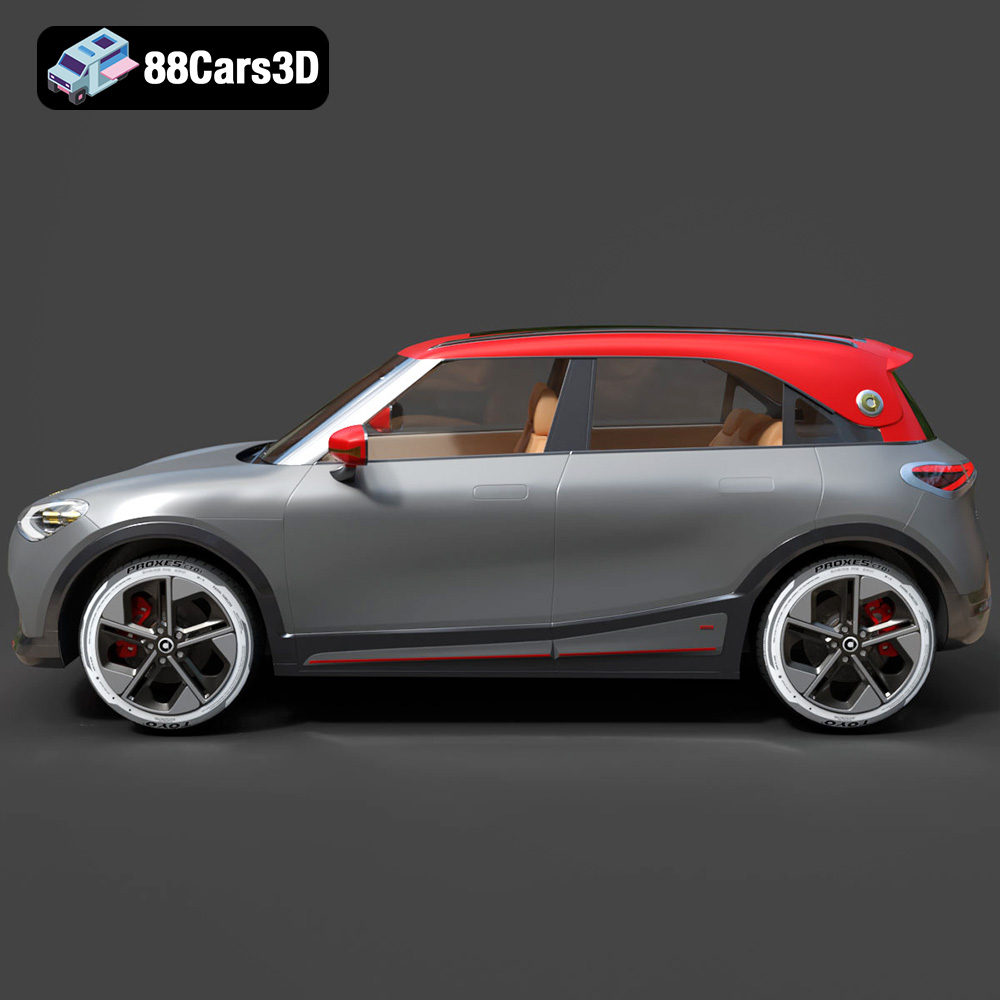
Achieving this level of realism and versatility requires not just artistic skill but also deep technical understanding. A truly professional 3D car model, like the Smart 1 Brabus 3D Model available at 88cars3d.com, is more than just a mesh of polygons; it’s a meticulously engineered digital twin. It embodies clean geometry, realistic materials, meticulously mapped textures, and a fully realized exterior and interior, optimized for a perfect balance between visual fidelity and performance across diverse pipelines. This attention to detail ensures that whether you’re aiming for a cinematic render or a smooth real-time game experience, your asset performs flawlessly.
The success of any 3D project often hinges on selecting and utilizing the correct file format. Each format is designed with specific use cases and technical considerations in mind, offering unique advantages for different stages of the 3D pipeline. Understanding these distinctions is crucial for seamless integration, optimal performance, and preserving the integrity of your 3D car models.
The .blend format is native to Blender, the popular open-source 3D creation suite. When you acquire a .blend file, such as the one included with the Smart 1 Brabus 3D Model, you’re getting a fully editable Blender scene. This typically means the model comes with its materials, textures, lighting setup, and even animation rigs or modifiers intact. It’s ideal for artists who primarily work in Blender, offering maximum flexibility for further editing, customization, or integration into existing Blender projects. Technical details include the preservation of node-based materials, custom properties, and scene organization, making it a powerful starting point for any Blender-centric workflow.
.fbx (Filmbox) is arguably one of the most widely adopted proprietary file formats for 3D data exchange between various software applications, especially prominent in game development. It’s the go-to format for exporting models into game engines like Unreal Engine and Unity, due to its robust support for mesh data, materials, textures, animations, and even skeletal rigs. For a 3D car model like the Smart 1 Brabus, an .fbx file ensures that the geometry, UV maps, and basic material assignments translate effectively, making it an excellent choice for real-time pipelines where performance and consistent asset transfer are critical.
The .obj (Wavefront Object) format is a universal standard for storing 3D geometry data. It’s a simple, human-readable text file that defines vertices, normals, UV coordinates, and faces, often accompanied by an .mtl (material library) file for basic material definitions. Its widespread compatibility means virtually every 3D software can import and export .obj files. While it may not support complex features like rigging or advanced shading networks as comprehensively as .fbx or native formats, it’s an incredibly reliable format for exchanging raw mesh data and textures, making it a foundational element for cross-software workflows and archival purposes.
.glb (GL Transmission Format Binary) is a modern, compact, and efficient 3D file format optimized for web-based applications, augmented reality (AR), and virtual reality (VR). It encapsulates 3D models, textures, animations, and PBR (Physically Based Rendering) materials into a single binary file, making it incredibly easy to transmit and load in real-time environments. The Smart 1 Brabus 3D Model in .glb format is perfect for showcasing the vehicle directly in a browser, embedding in AR apps, or integrating into WebGL experiences, where file size and quick loading are paramount without sacrificing visual quality.
.stl (STereoLithography) is the most common file format for 3D printing. It represents a 3D model as a series of connected triangles (a triangular mesh) without any color, texture, or material information. While simplistic, its widespread adoption by 3D printers and slicing software makes it indispensable for physical prototyping or creating miniature replicas. If your project involves bringing the Smart 1 Brabus into the physical world through additive manufacturing, the .stl version provides the clean, watertight mesh necessary for successful printing.
.ply (Polygon File Format) is another format that can store 3D data, often used for representing 3D scanned data, point clouds, and general polygonal models. It can store various properties like color, transparency, normals, texture coordinates, and even reliability information for vertices and faces. While less common for general asset exchange than .fbx or .obj, its ability to store detailed mesh information makes it valuable in scientific visualization, CAD workflows, and for models requiring high precision or analysis, offering a deeper dive into the geometric structure of models like the Smart 1 Brabus.
The inclusion of a .unreal file signifies an asset pre-configured specifically for Unreal Engine. This often means the model, like the Smart 1 Brabus 3D Model, has been imported, optimized, and set up with appropriate materials, textures, and possibly even collision meshes directly within the Unreal Engine project structure. This streamlines the development process for game designers and real-time visualization specialists, allowing them to drag and drop a ready-to-use vehicle into their scene without extensive setup or manual configuration.
Finally, the .max format is the native file type for Autodesk 3ds Max, a powerful 3D modeling, animation, and rendering software. Similar to .blend for Blender, a .max file provides the complete editable scene, including modifiers, animation data, complex material setups (e.g., V-Ray, Corona), and intricate scene hierarchies. This is invaluable for professionals using 3ds Max for high-end automotive rendering, detailed animation sequences, or bespoke customization of the Smart 1 Brabus 3D Model, ensuring all native properties and project integrity are maintained.
By offering this comprehensive suite of formats, 88cars3d.com ensures that the Smart 1 Brabus 3D Model is truly versatile, empowering creators across different industries and software preferences to integrate it seamlessly into their unique workflows.
Automotive rendering is a specialized field that blends technical precision with artistic vision to create photorealistic images and animations of vehicles. It’s where the raw data of a 3D model transforms into stunning visuals, crucial for marketing, design reviews, and cinematic productions.
True photorealism in automotive rendering hinges on several key elements. First, materials must accurately mimic real-world surfaces. This means implementing Physically Based Rendering (PBR) workflows, where properties like albedo, roughness, metallic, normal, and ambient occlusion maps are meticulously crafted. For the Smart 1 Brabus 3D Model, this translates to accurately rendered paint finishes, realistic tire rubber, intricate headlight glass, and a convincing interior upholstery that responds to light just as its physical counterpart would. The quality of these textures and material definitions is paramount.
Secondly, lighting is the sculptor of form. Professional automotive renders often utilize High Dynamic Range Images (HDRIs) for environment lighting, coupled with carefully placed artificial lights to highlight specific design features, create dramatic shadows, and emphasize reflections. The interplay of light on the car’s complex curves and surfaces is what gives it depth and presence. Finally, the environment itself – whether a pristine studio setting, an urban street, or a scenic landscape – provides context and contributes significantly to the overall realism and narrative of the render.
Several powerful rendering engines dominate the automotive visualization space, each with its strengths. V-Ray and Corona Renderer are renowned for their production-quality photorealism and robust feature sets, often favored for high-end marketing renders and architectural visualization. They excel at complex global illumination and material simulations within software like 3ds Max and Blender. OctaneRender and Redshift leverage GPU acceleration for incredibly fast interactive rendering, making them popular for artists needing quick iterations. For real-time applications and interactive experiences, Unreal Engine’s Lumen and Nanite technologies have revolutionized the quality achievable in game engines, allowing for near-cinematic visuals at interactive frame rates. The Smart 1 Brabus 3D Model, with its optimized geometry and PBR materials, is perfectly suited for high-quality output across any of these engines.
The game industry constantly pushes the boundaries of real-time graphics, and high-quality 3D car models are central to delivering immersive driving experiences, vehicle customization, and realistic environments.
Unlike cinematic renders, game assets must perform within strict polygon budgets to maintain smooth frame rates. While the Smart 1 Brabus 3D Model is crafted with clean geometry, game developers often need to implement various levels of detail (LODs). This means creating simplified versions of the model that automatically swap in at greater distances from the camera, significantly reducing the computational load. A high-quality base mesh, like those found on 88cars3d.com, provides an excellent foundation for generating these LODs without sacrificing the car’s recognizable form. Proper UV mapping is also critical for efficient texture packing and avoiding seams, ensuring the vehicle looks good from all angles.
Once imported into a game engine, the raw 3D model needs to be fully integrated. In Unreal Engine or Unity, this involves setting up physically based materials using the provided textures (albedo, normal, roughness, metallic, ambient occlusion). Material instances are often created to allow for easy color changes or customization within the engine. Crucially, collision meshes must be generated to define the car’s physical presence in the game world, allowing it to interact realistically with the environment and other objects. For the Smart 1 Brabus 3D Model, the included .fbx and .unreal formats significantly streamline this process, often providing a head start with pre-configured settings that save developers valuable time.
The utility of high-quality 3D car models extends far beyond static renders and traditional games, entering the dynamic realms of augmented reality, virtual reality, and advanced simulations.
AR/VR platforms demand highly optimized yet visually appealing 3D assets to create truly immersive experiences. Whether it’s showcasing a new vehicle in a virtual showroom, allowing customers to “place” a car in their driveway via AR on their phone, or building complex virtual training simulators, the quality of the 3D model is paramount. The Smart 1 Brabus 3D Model, with its optimized polygon structure and clean UVs, is an ideal candidate for such applications. Its .glb format is specifically designed for these environments, offering a compact, single-file solution that loads quickly and displays beautifully on various devices, ensuring a seamless and high-fidelity experience.
Automotive simulations are critical for engineering, autonomous driving research, and driver training. These environments require models that are not only visually accurate but also geometrically precise and often equipped with detailed physics properties. The clean geometry and realistic proportions of the Smart 1 Brabus 3D Model make it suitable for integration into advanced simulation platforms. Engineers can use such models to test aerodynamics, vehicle dynamics, sensor placement for ADAS (Advanced Driver-Assistance Systems), or even recreate accident scenarios, all within a safe and controllable virtual space. The .ply format, for instance, can be useful for detailed mesh analysis within simulation contexts.
The difference between a mediocre 3D model and a professional-grade asset lies in the technical execution and attention to detail. This “technical edge” is what ensures versatility, performance, and long-term utility across various projects.
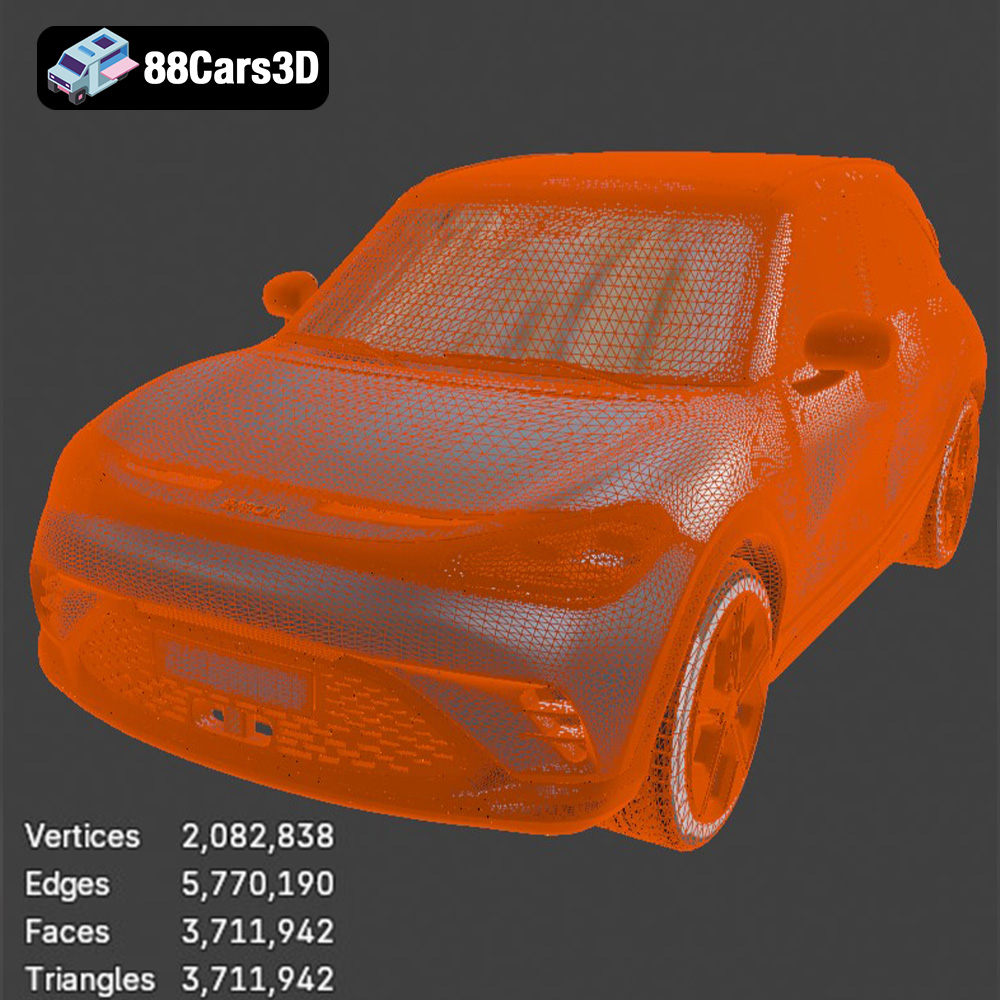
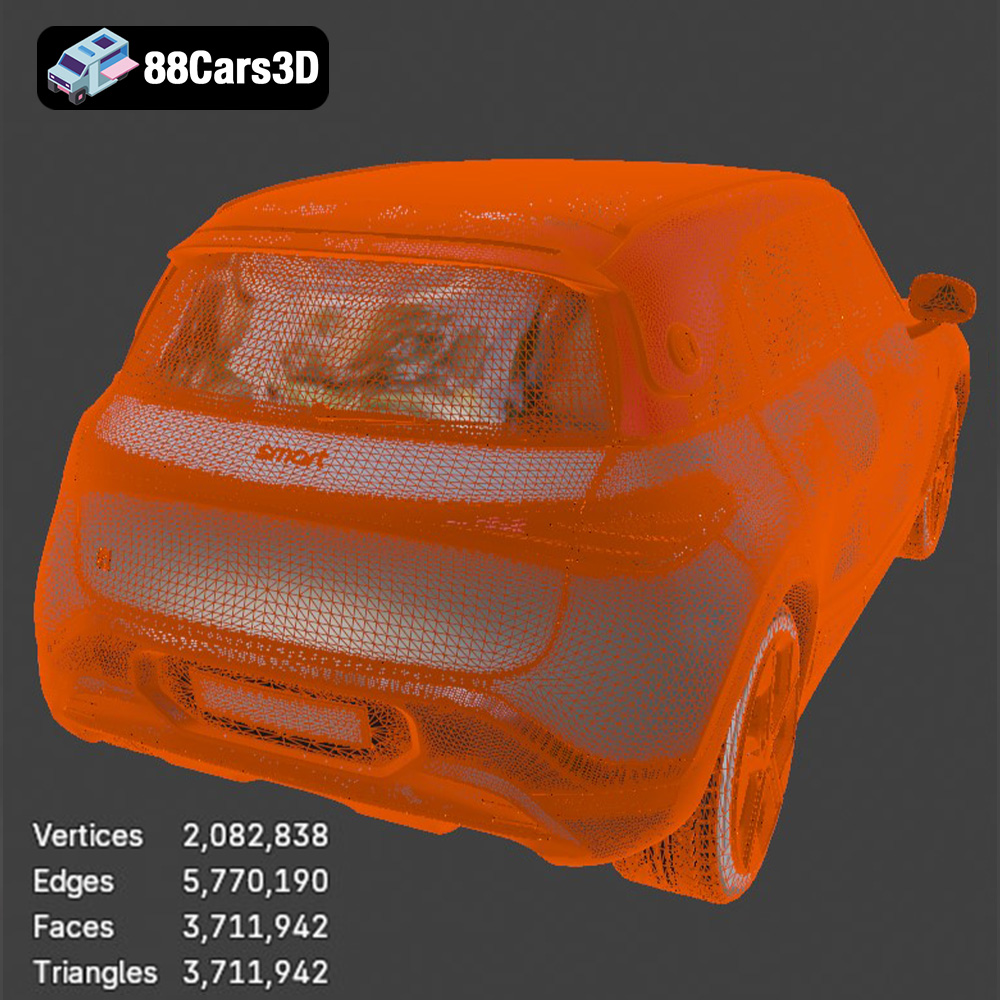
A truly professional 3D car model, like the Smart 1 Brabus 3D Model, boasts clean geometry and optimal topology. This means the mesh consists primarily of quads (four-sided polygons), minimizing triangles and N-gons (polygons with more than four sides) where possible, especially in areas that deform or require smooth subdivisions. Clean topology ensures smooth shading, predictable deformation during animation, and ease of modification. It prevents artifacts, makes UV unwrapping more efficient, and ultimately leads to a more robust and adaptable asset, crucial for high-end rendering and real-time performance alike.
Beyond the raw geometry, the quality of materials and textures defines the model’s visual realism. PBR (Physically Based Rendering) materials, using maps such as albedo (base color), roughness, metallic, normal, and ambient occlusion, are essential for accurately simulating how light interacts with surfaces. The Smart 1 Brabus 3D Model’s description highlights its realistic materials and meticulously mapped textures, meaning that these maps are carefully painted or generated, free of stretching or distortion, and optimized for both visual fidelity and VRAM efficiency. This level of detail ensures that reflections, highlights, and surface imperfections behave authentically in any lighting condition.
An “optimized polygon structure” refers to a balance between visual detail and performance. A model shouldn’t have excessive polygons where they aren’t needed, but enough to hold its form and allow for smooth curves. This optimization is critical for real-time applications and reduces rendering times for offline projects. Similarly, proper UV mapping is indispensable. It’s the process of unfolding the 3D model’s surface into a 2D plane, allowing textures to be applied accurately without distortion. A well-laid-out UV map is efficient, minimizes wasted space, and prevents texture bleeding, all contributing to the professional look of a car model like the Smart 1 Brabus.
Acquiring a high-quality 3D car model from a reputable source like 88cars3d.com significantly streamlines production workflows, allowing artists and developers to focus on creativity rather than model creation from scratch.
For professionals primarily working in Autodesk 3ds Max, the inclusion of a native .max file for the Smart 1 Brabus 3D Model is a game-changer. Upon purchase, the artist can immediately open the file, gaining access to the full scene with pre-configured materials, textures, and possibly even studio lighting setups. This allows for rapid iteration on high-end renders for marketing, product visualization, or cinematic sequences. Artists can easily adjust materials, animate specific parts of the vehicle (doors, wheels, suspension), or integrate it into complex environments with minimal setup time. The clean geometry ensures compatibility with various renderers like V-Ray or Corona, allowing artists to leverage their preferred tools for photorealistic output.
Blender users will appreciate the native .blend file included with the Smart 1 Brabus. This provides an immediately usable asset within Blender’s powerful open-source ecosystem. Artists can open the file and find the model already set up with its PBR materials and potentially a basic studio lighting rig, ready for rendering with Cycles or Eevee. The flexibility of Blender allows for extensive customization: modifying the car’s body kit, creating custom liveries, rigging the vehicle for animation, or incorporating it into larger scenes. The clean topology of the model ensures that subdivision surface modifiers work flawlessly, enabling even higher levels of detail where needed, making it a versatile foundation for any Blender-based project.
Game developers and real-time visualization specialists using Unreal Engine benefit immensely from the included .fbx and especially the .unreal format for the Smart 1 Brabus 3D Model. The .unreal file means the asset can often be directly dropped into an Unreal project, complete with pre-setup materials and textures, and possibly even collision meshes. This dramatically reduces the time spent on asset preparation and import settings. For the .fbx, importing it allows for direct control over import options, material creation, and LOD generation within Unreal. Developers can quickly integrate the vehicle into driving simulations, virtual showrooms, or dynamic game environments, leveraging Unreal’s advanced rendering capabilities for stunning real-time visuals.
The digital realm offers boundless possibilities for bringing automotive designs to life, from stunning photorealistic renders to immersive real-time experiences. At the heart of these endeavors lies the quality of the 3D car model. The Smart 1 Brabus 3D Model stands as a prime example of a meticulously crafted asset, designed to meet the rigorous demands of professional workflows across various industries.
With its clean geometry, realistic materials, and a comprehensive suite of included file formats – from .blend and .max for native software flexibility, to .fbx and .unreal for game engines, and specialized formats like .glb for AR/VR and .stl for 3D printing – this model offers unparalleled versatility. It empowers artists, developers, and designers to seamlessly integrate a high-fidelity digital twin into their projects, whether for high-end automotive rendering, dynamic game development, advanced simulation, or cutting-edge AR/VR applications.
Investing in a premium 3D car model from 88cars3d.com means acquiring an asset that not only looks exceptional but is also technically sound and ready for immediate deployment. The Smart 1 Brabus 3D Model represents a commitment to excellence, providing the foundation you need to elevate your digital automotive projects to the next level of realism and performance. Explore the possibilities and streamline your workflow with top-tier assets that make a real impact.
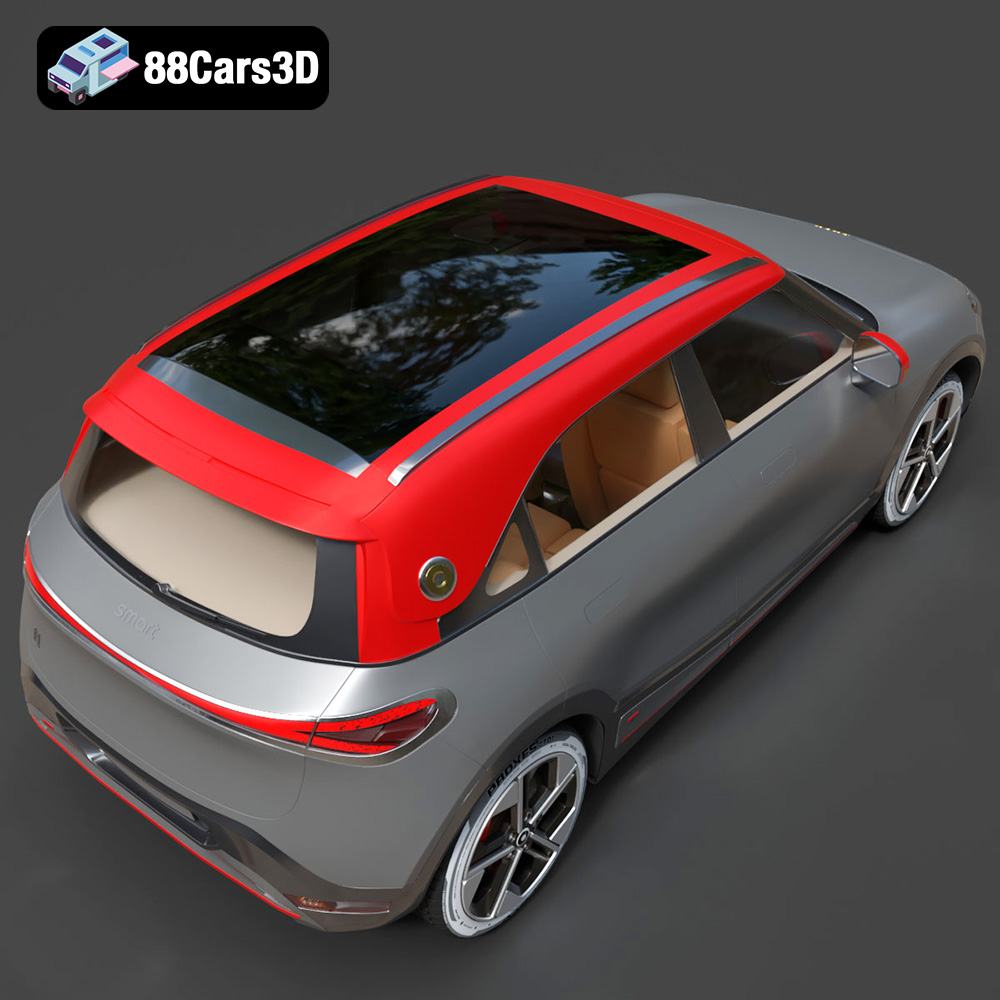
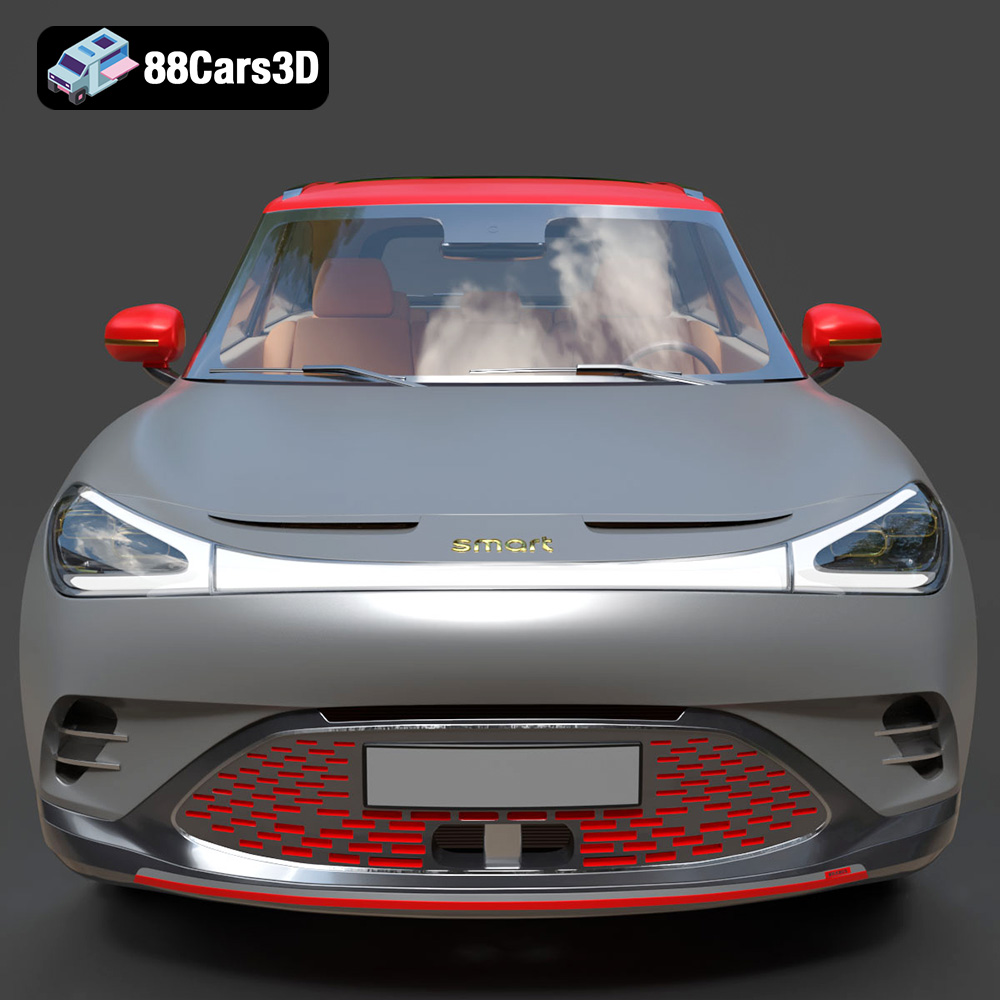
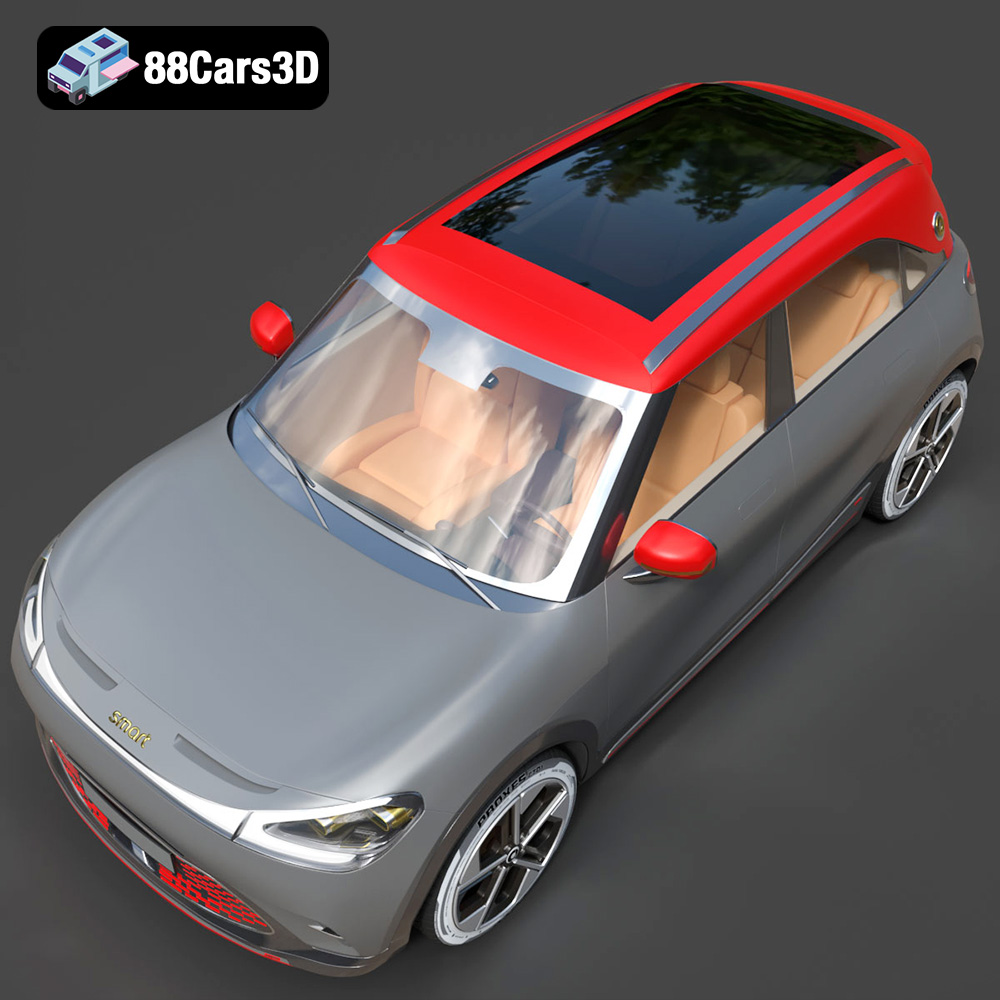
Experience the impressive realism of the Smart 1 Brabus 3D Model. Carefully crafted with precision, this model captures the dynamic stance, signature design elements, and detailed interior of the original vehicle. Built to meet professional standards, it serves as an exceptional digital twin for any demanding project.
Key features include clean geometry, realistic materials, meticulously mapped textures, and a fully realized exterior and interior. Its optimized polygon structure ensures a perfect balance between visual fidelity and performance, making it adaptable for various pipelines.
This versatile asset is ideal for multiple applications, including rendering, game development, simulation environments, AR/VR experiences, and automotive visualization.
Tags: .smart, .1brabus, .crossover, .electricvehicle, .suv, .car3dmodel, .rendering, .simulation, .gameasset, .arvr, .blend, .fbx, .obj, .glb, .stl, .ply, .unreal, .max
Tags:
.smart, .1brabus, .crossover, .electricvehicle, .suv, .car3dmodel, .rendering, .simulation, .gameasset, .arvr, .blend, .fbx, .obj, .glb, .stl, .ply, .unreal, .maxMercedes Benz CLS 500 3D Model 3D Printable STL
$19.99
.1brabus
.arvr
.blend
.car3dmodel
.crossover
.electricvehicle
.fbx
.gameasset
.glb
.max
.obj
.ply
.rendering
.simulation
.smart
.stl
.unreal
SUV