Get 20% OFF All Premium 3D & STL Models!

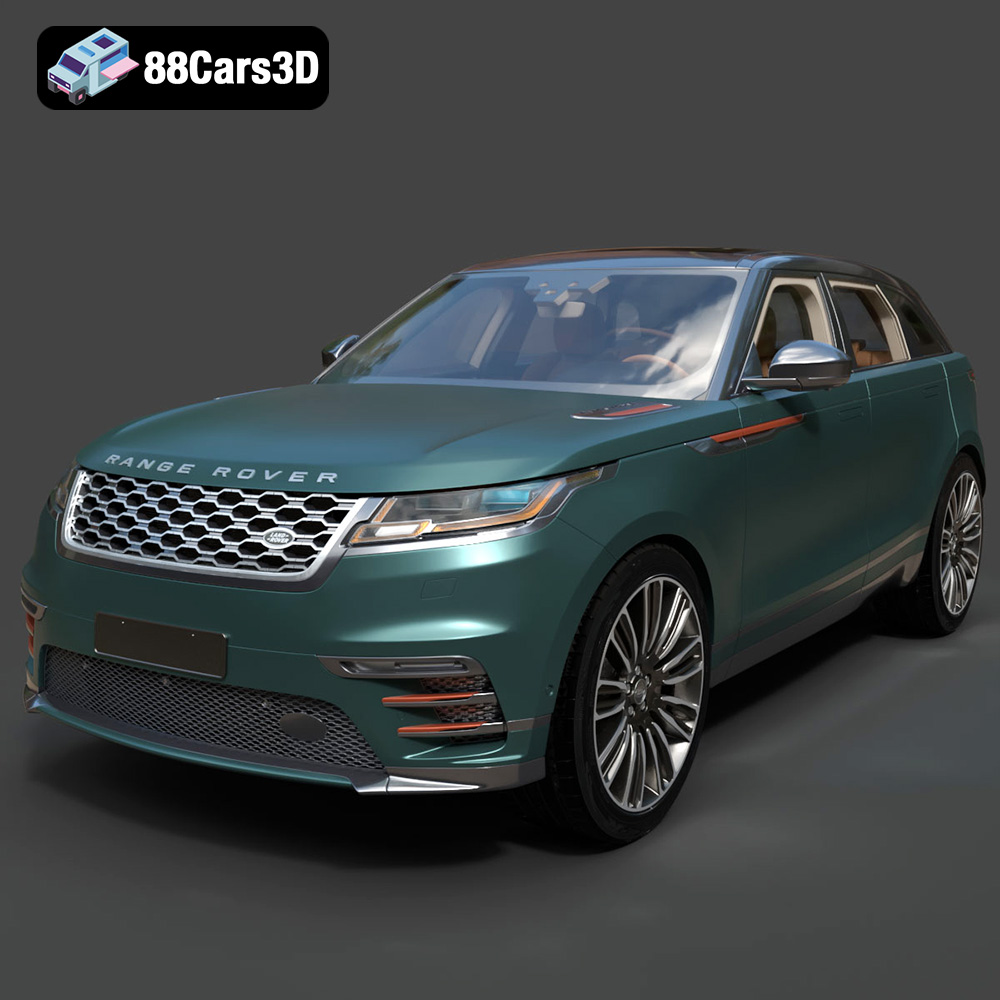
The Land Rover Range Rover Velar 2018 is a stunning vehicle, known for its sleek design and luxurious features. Thanks to 88cars3d.com, you can now bring this iconic SUV to life through the magic of 3D printing. This article will guide you through the entire process, from selecting the right materials and preparing the STL files to post-processing your finished 3D printed model. Get ready to embark on a rewarding additive manufacturing journey!
The success of your 3D printed Range Rover Velar heavily relies on selecting the appropriate printer and material. Different technologies offer varying levels of detail and material properties.
Fused Deposition Modeling (FDM) is a popular and affordable 3D printing method. For the Range Rover Velar, consider using PLA or PETG.
* **PLA:** A biodegradable thermoplastic, PLA is easy to print and offers good detail. It’s ideal for beginners and for creating display models.
* **PETG:** More durable and heat-resistant than PLA, PETG is a great choice if you want a model that can withstand some wear and tear. It also offers slightly better layer adhesion.
When using FDM, a layer height between 0.1mm and 0.2mm is recommended for a balance of detail and print time. Consider using a nozzle size of 0.4mm, a common and reliable option.
Resin printing, using technologies like SLA or DLP, excels at producing highly detailed parts. If you’re aiming for maximum accuracy and surface finish, resin is the way to go.
* **Standard Resin:** Offers good detail and is relatively affordable.
* **Tough Resin:** Provides increased strength and impact resistance, suitable for parts that might experience some stress.
* **ABS-Like Resin:** Mimics the properties of ABS plastic, offering a good balance of strength and flexibility.
Resin printing typically requires a layer height between 0.025mm and 0.05mm to achieve the desired level of detail on the Velar model. Remember that resin printing requires post-processing steps like washing and curing.
Before you can start printing, you need to understand the different file formats available and which ones are best suited for 3D printing. The Land Rover Range Rover Velar 2018 3D model from 88cars3d.com comes in various formats, each with its own strengths and weaknesses.
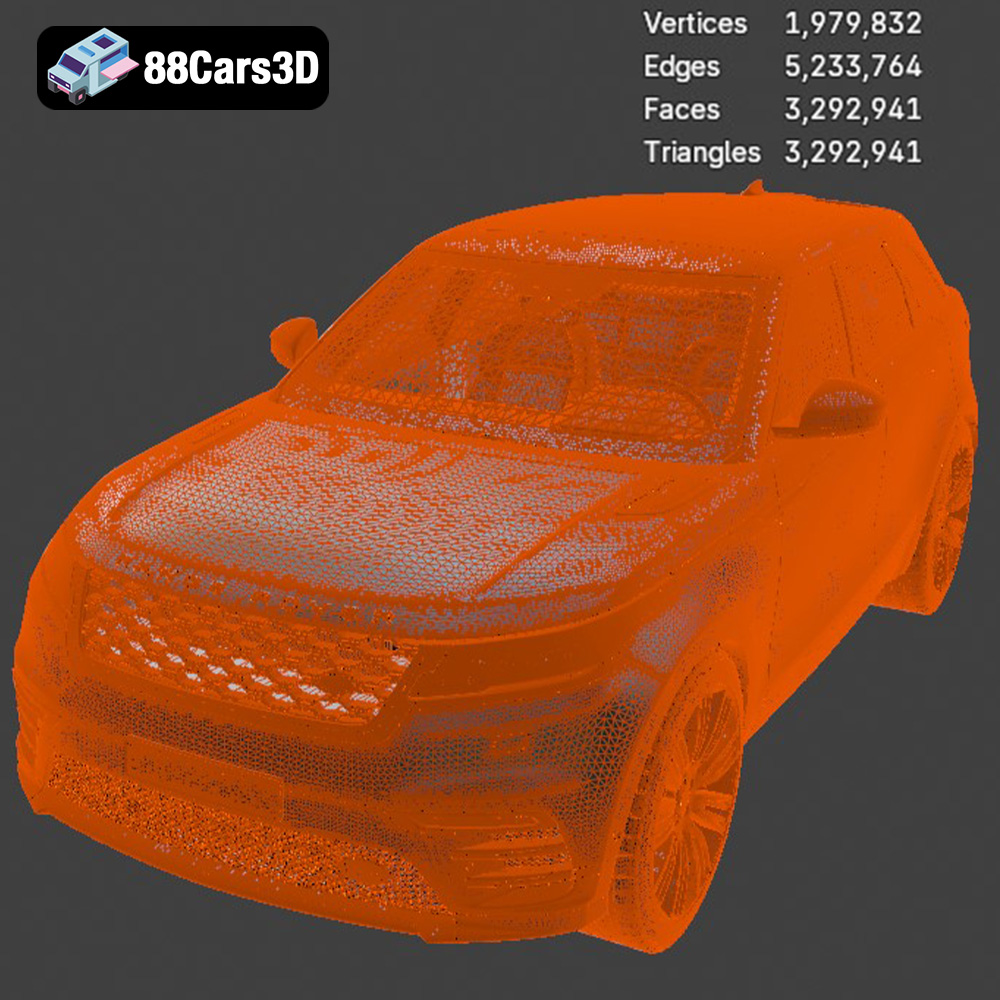
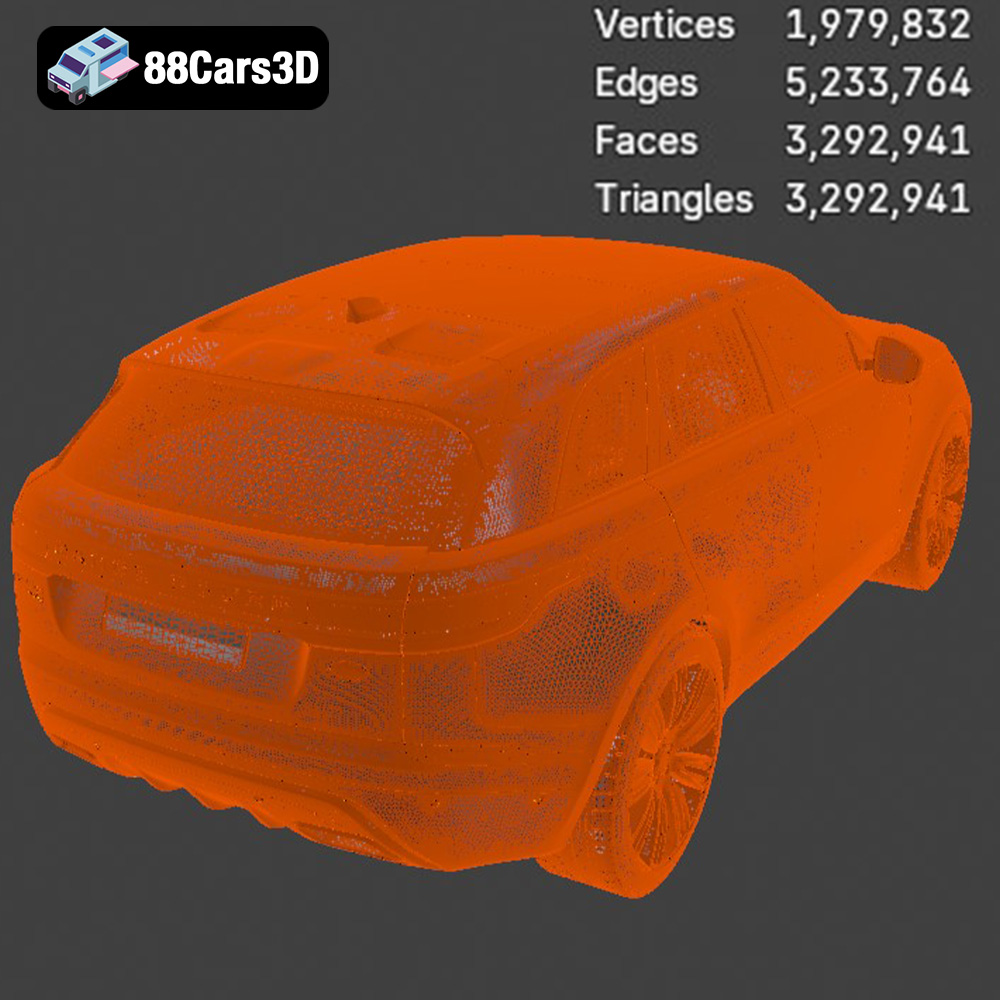
The STL (Stereolithography) file format is the industry standard for 3D printing. It represents the surface geometry of a 3D object as a collection of triangles. This format is universally compatible with slicing software, making it the go-to choice for most 3D printing applications. However, STL files only contain mesh data; they do not store color, texture, or material information. This means that the final 3D print will typically be a single color unless post-processing techniques like painting are applied. The STL format’s simplicity and widespread support make it ideal for preparing the Range Rover Velar model for additive manufacturing. Mesh quality is crucial with STL files. A high-resolution mesh will result in a smoother, more detailed print, but will also increase file size and processing time. Balancing detail with file size is an important consideration when preparing your STL file for slicing. Most slicing software allows you to adjust the mesh resolution before exporting the STL file. Ensure the file is manifold (watertight) and free of errors before slicing.
OBJ (Object) files are another common 3D model format. Unlike STL, OBJ files can store color and texture information. This makes them suitable for colored 3D prints, although this requires a printer capable of multi-material or multi-color printing. OBJ files are compatible with most slicing software, but it’s essential to ensure your slicer supports color information if you intend to utilize it.
PLY (Polygon File Format) is designed to store 3D data obtained from 3D scanners. It can handle complex geometries and high levels of detail. While not as widely used as STL for basic 3D printing, PLY files can be beneficial for models with intricate surfaces, ensuring accurate reproduction of those details.
BLEND files are native to Blender, a popular open-source 3D modeling software. This format is useful if you want to modify the Range Rover Velar model before printing. You can adjust the geometry, add details, or even split the model into separate parts for easier printing and assembly. After making your changes, you would typically export the model as an STL file for 3D printing.
FBX (Filmbox) is a proprietary format developed by Autodesk. It’s commonly used in game development and animation because it supports complex scenes with materials, textures, and animations. While not directly printable, FBX files can be imported into some slicing software that supports material assignments, allowing for more advanced control over the printing process, especially with multi-material printers.
GLB (GL Transmission Format Binary) is designed for efficient transmission and loading of 3D models, particularly in web-based and AR/VR applications. This format is great for previewing the Range Rover Velar model in augmented reality before you commit to printing it. This allows you to visualize the model’s size and appearance in a real-world context.
MAX files are native to 3ds Max, another professional 3D modeling software. Similar to BLEND files, MAX files are ideal for making detailed modifications to the model before exporting it as an STL file for printing.
Ultimately, the **STL format** remains the most reliable and widely supported format for 3D printing the Land Rover Range Rover Velar 2018. Ensure your STL file is properly prepared and optimized for your chosen printing method to achieve the best results.
Once you’ve chosen your printer and material, the next step is to prepare the 3D model for printing. This involves using slicing software to convert the 3D model into a series of instructions that the printer can understand.
Several excellent slicing software options are available, both free and paid. Some popular choices include:
* **Cura:** A free and user-friendly slicer with a wide range of settings.
* **PrusaSlicer:** Another excellent free option, known for its advanced features and accurate print estimations.
* **Simplify3D:** A paid slicer with a reputation for its advanced control and support generation capabilities.
Import the STL file of the Land Rover Range Rover Velar 2018 into your chosen slicing software.
The orientation of the model on the print bed significantly impacts the print quality, support requirements, and overall success. For the Range Rover Velar, consider the following:
* **Minimizing Support Usage:** Orient the model to minimize the amount of support material needed. This can reduce post-processing time and improve surface finish. Printing the model at a slight angle (e.g., 45 degrees) can often achieve this.
* **Critical Features:** Ensure that important details, such as the front grille or the wheels, are oriented in a way that allows them to be printed with minimal support interference.
* **Support Settings:** Experiment with different support settings in your slicing software. Consider using tree supports or adjustable support density to optimize support structure and reduce material waste.
The right printer settings are crucial for achieving a high-quality 3D print of the Land Rover Range Rover Velar. Here’s a breakdown of important parameters for both FDM and resin printing:
* **Layer Height:** 0.1mm – 0.2mm (Lower layer heights provide finer detail but increase print time)
* **Infill Density:** 15% – 25% (Balances strength and print time. Increase for functional parts)
* **Print Speed:** 40mm/s – 60mm/s (Adjust based on your printer and material)
* **Temperature:** Follow the material manufacturer’s recommendations for nozzle and bed temperature.
* **Support Structures:** Enable supports and configure them to provide adequate support for overhangs.
* **Adhesion:** Use a brim or raft to improve bed adhesion, especially for larger models.
* **Layer Height:** 0.025mm – 0.05mm (Lower layer heights provide finer detail)
* **Bottom Layer Count:** 5-8 (Ensures good adhesion to the build plate)
* **Exposure Time:** Follow the resin manufacturer’s recommendations.
* **Lift Distance:** 5mm – 7mm (Allows for proper resin flow)
* **Support Structures:** Generate supports with appropriate density and thickness.
* **Hollowing:** Consider hollowing the model to reduce resin consumption and print time.
Once the 3D print is complete, post-processing is often necessary to achieve the desired final result.
Carefully remove the support structures from the model. Use tools like pliers, cutters, or a deburring tool to avoid damaging the surface.
Sanding is essential for smoothing out layer lines and imperfections, particularly in FDM prints. Start with a coarse grit sandpaper (e.g., 220 grit) and gradually move to finer grits (e.g., 400, 600, 800 grit). For resin prints, wet sanding can help achieve a smoother finish.
Priming the model prepares the surface for painting and helps the paint adhere better. Apply several thin coats of primer, allowing each coat to dry thoroughly. Once the primer is dry, you can paint the model with your desired colors. Consider using automotive paints for a realistic finish.
If the model was printed in multiple parts, carefully assemble them using adhesive. Ensure proper alignment and allow the adhesive to cure fully.
3D printing can be challenging, and it’s not uncommon to encounter issues. Here are some tips for troubleshooting common problems:
* **Warping:** This occurs when the corners of the print lift off the bed. Ensure your bed is properly leveled and heated, and use a brim or raft for better adhesion.
* **Layer Delamination:** This happens when the layers don’t adhere properly. Increase the nozzle temperature or reduce the print speed.
* **Stringing:** This refers to thin strands of plastic between parts of the print. Reduce the nozzle temperature, increase retraction settings, or adjust travel speed.
* **Support Failure:** Ensure your support structures are strong enough to support the overhangs. Increase support density or use thicker supports.
By understanding these potential issues and their solutions, you can overcome most challenges and achieve successful 3D prints of the Land Rover Range Rover Velar 2018.
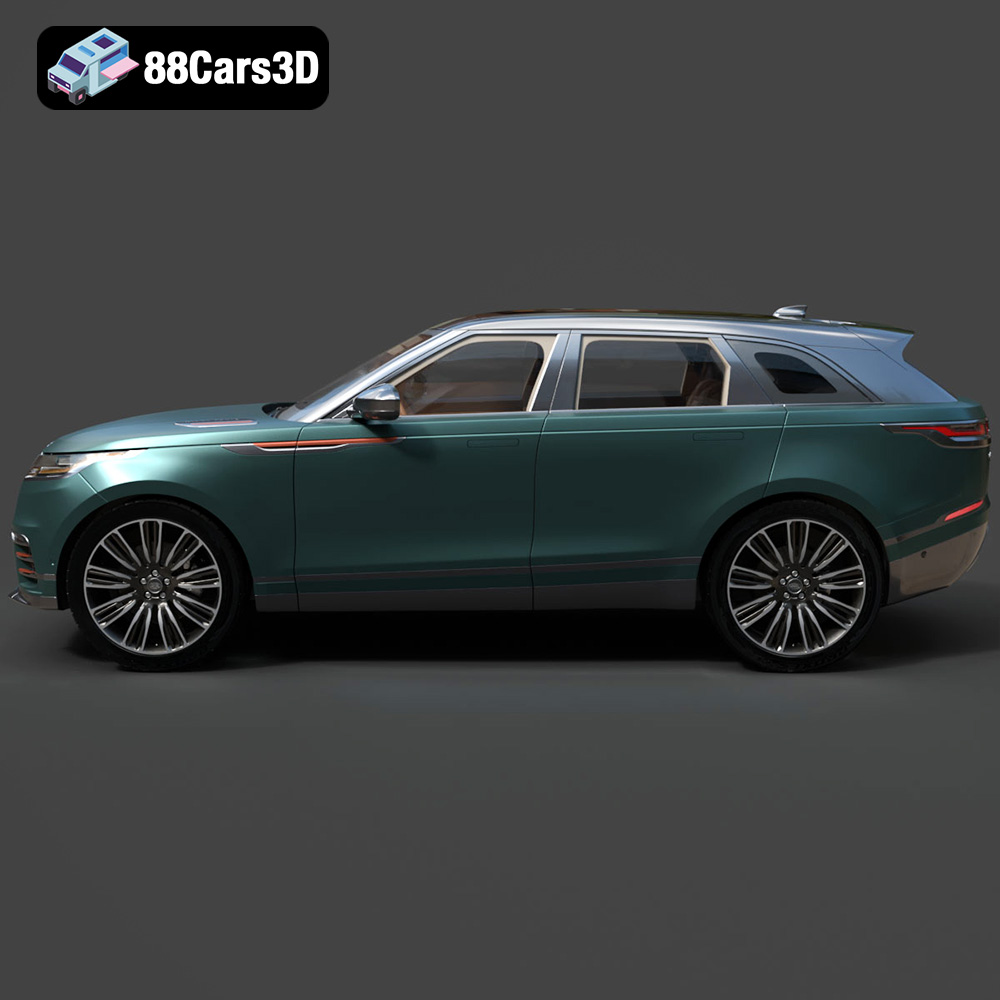
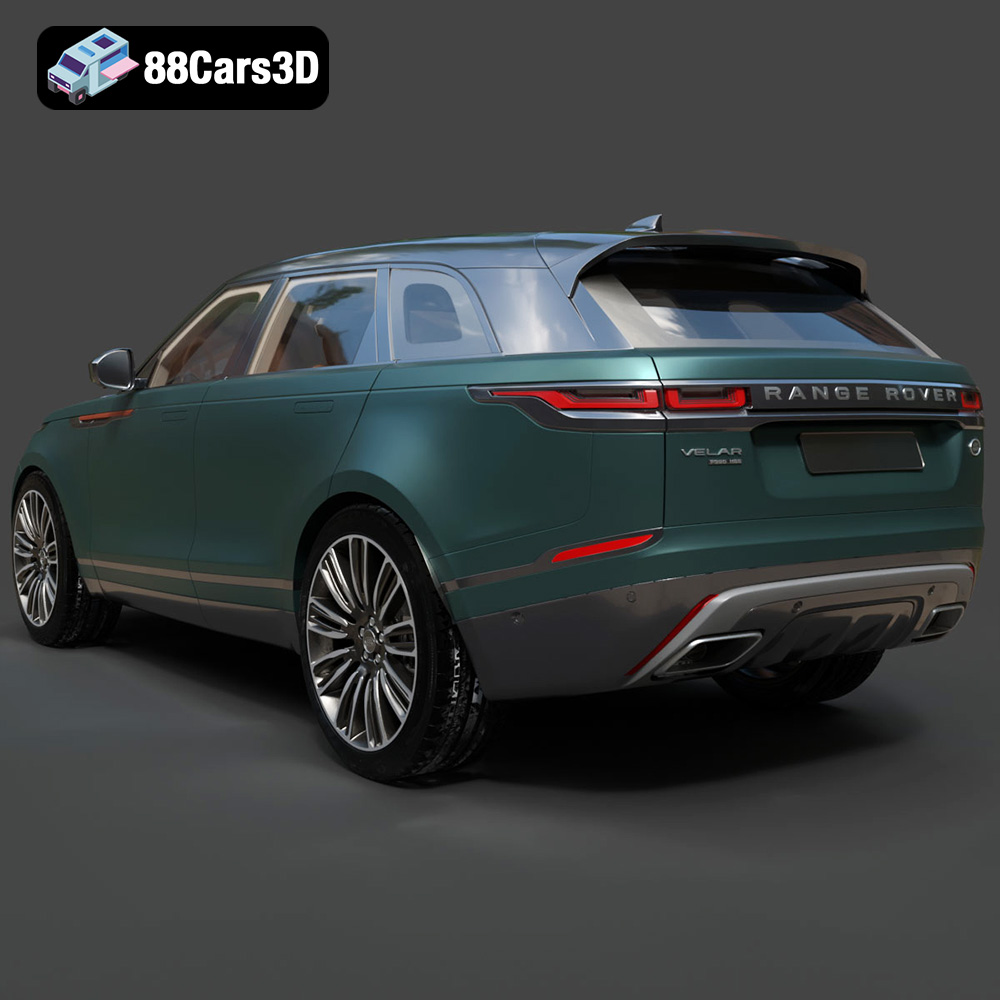
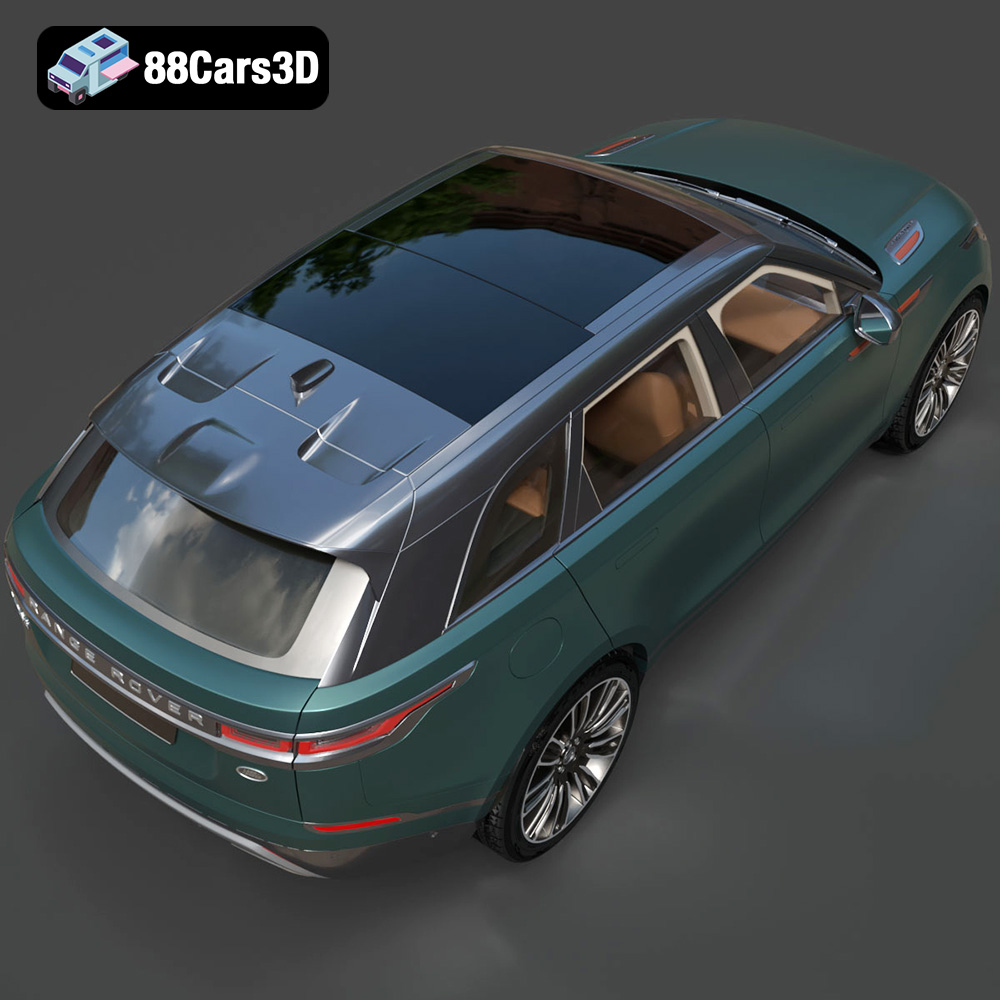
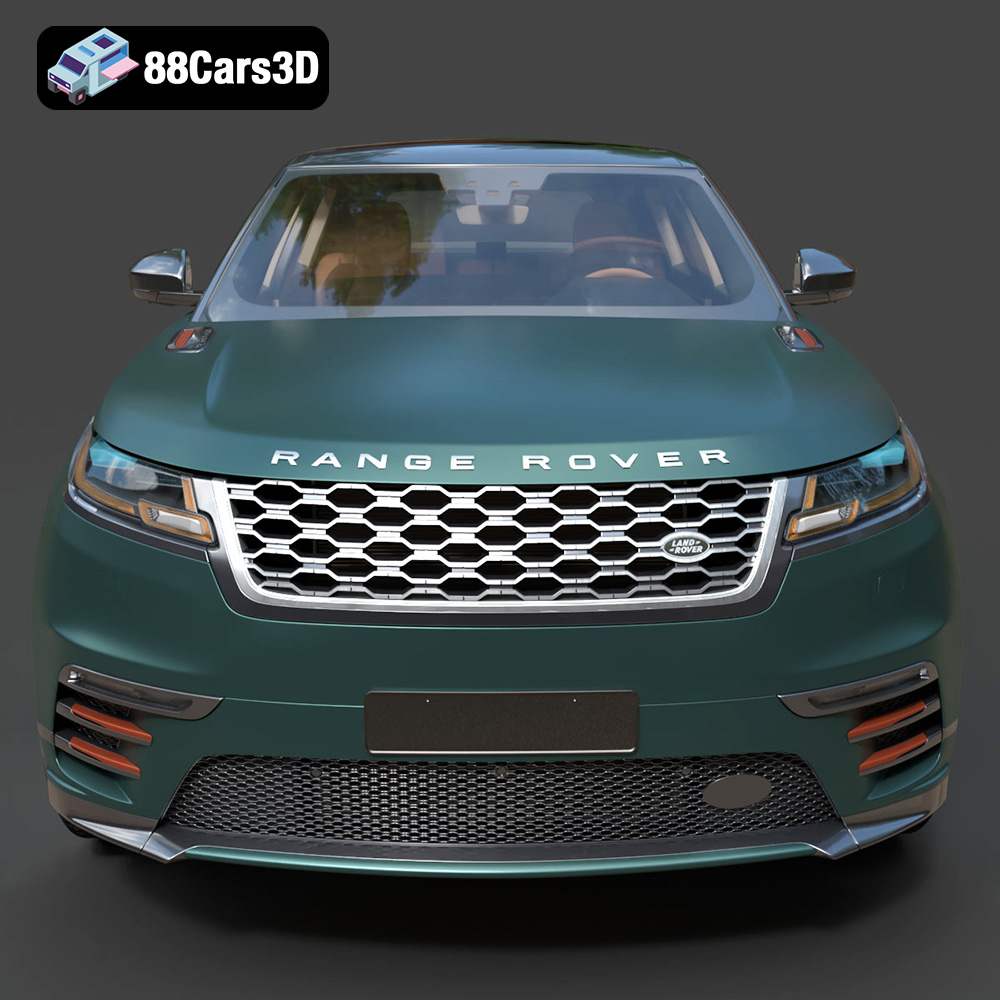
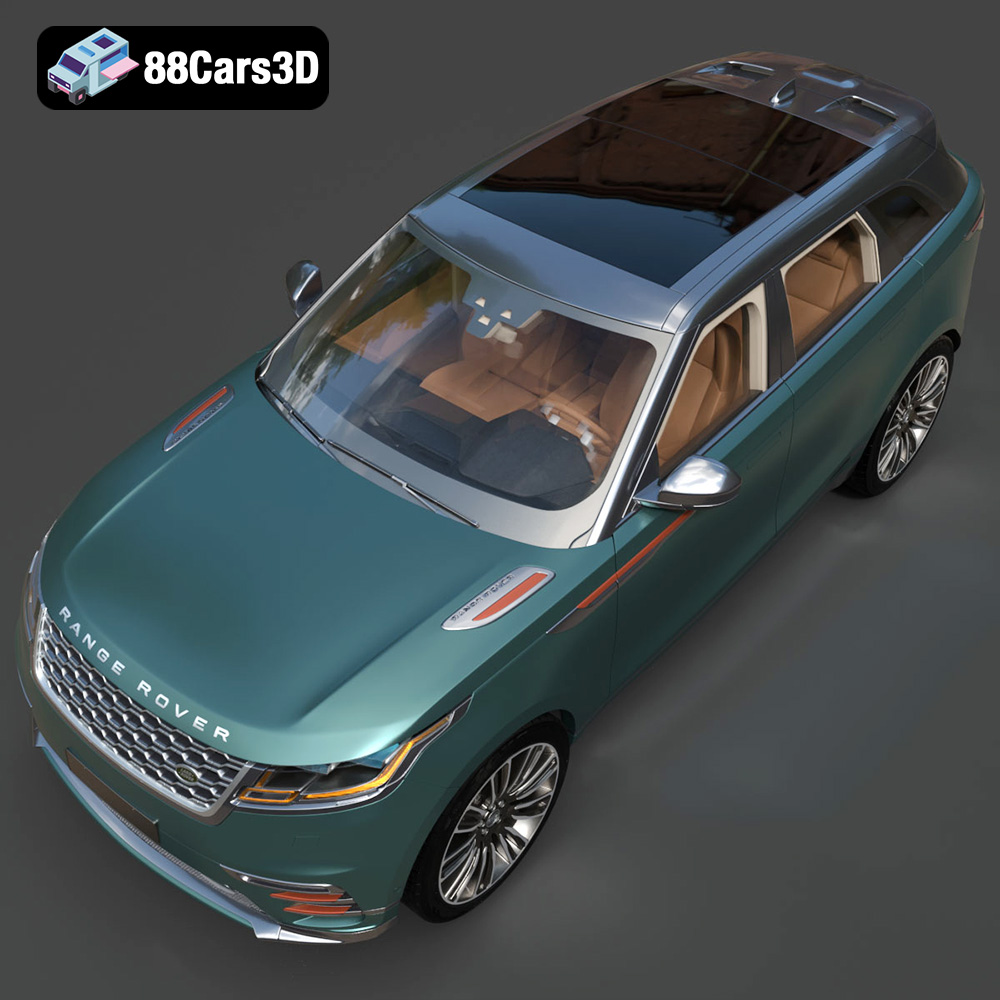
Experience unparalleled realism with the Land Rover Range Rover Velar 2018 3D Model. Crafted with precision, this digital replica captures the distinctive elegance, streamlined proportions, and modern aesthetic of the iconic luxury SUV. Whether viewed up close or from a distance, the model showcases exceptional attention to detail, making it an ideal asset for professional projects requiring true-to-life accuracy.
$19.99
.arvr
.blend
.car3dmodel
.fbx
.gameasset
.glb
.landrover
.luxurycar
.luxurysuv
.max
.obj
.ply
.rangerover
.rangerovervelar
.rendering
.simulation
.stl
.unreal
.velar
SUV