Get 20% OFF All Premium 3D & STL Models!

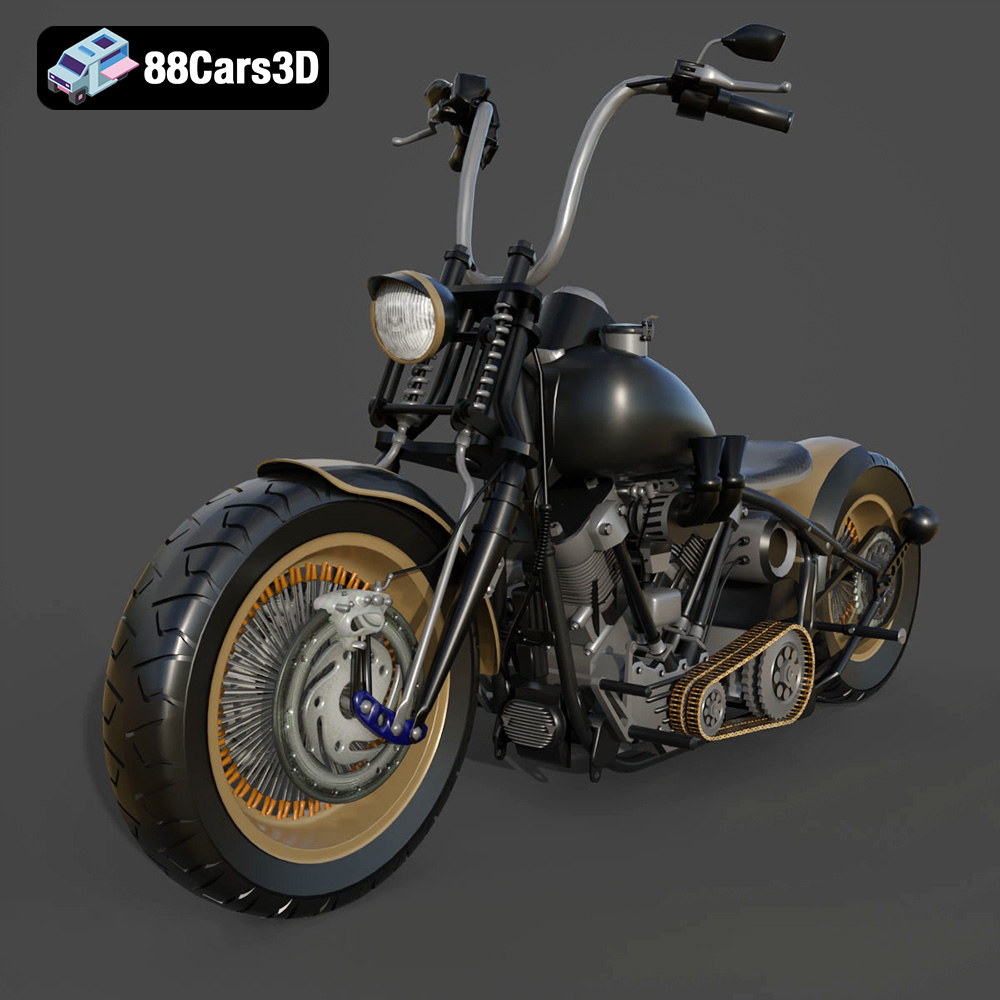
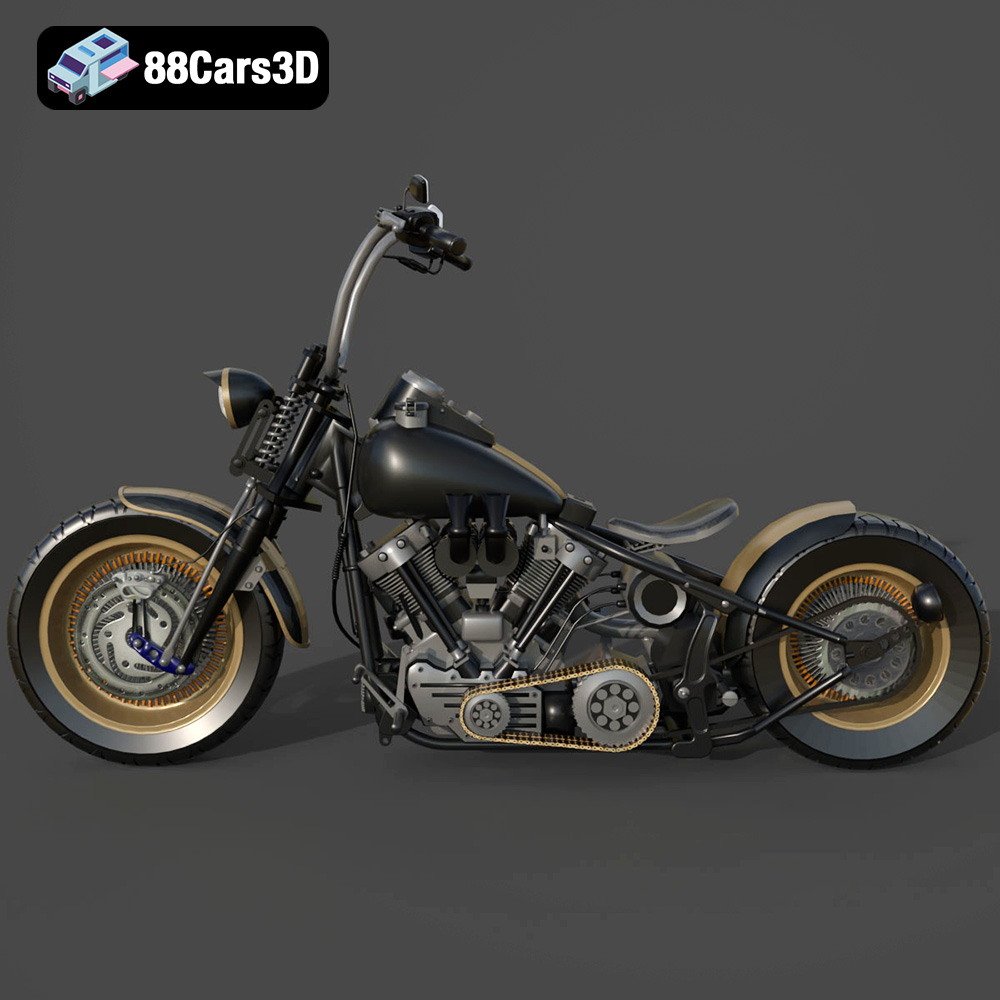
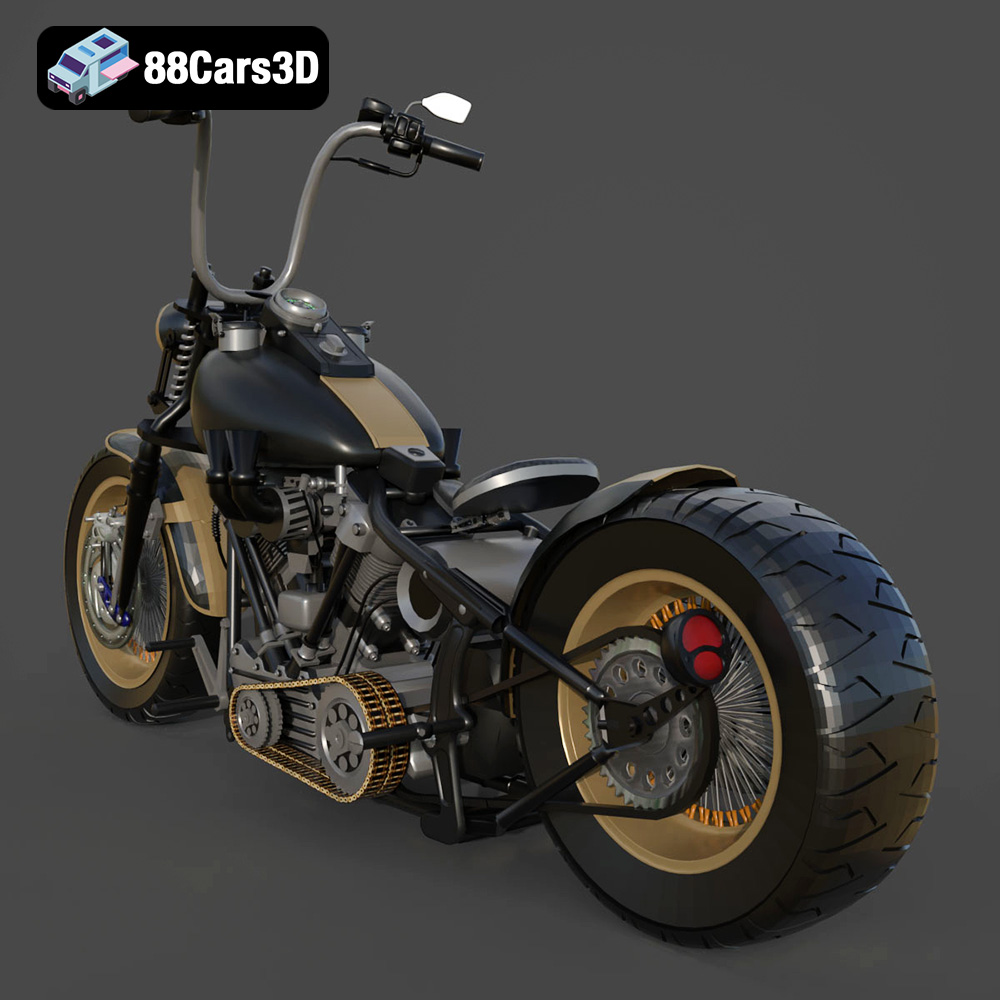
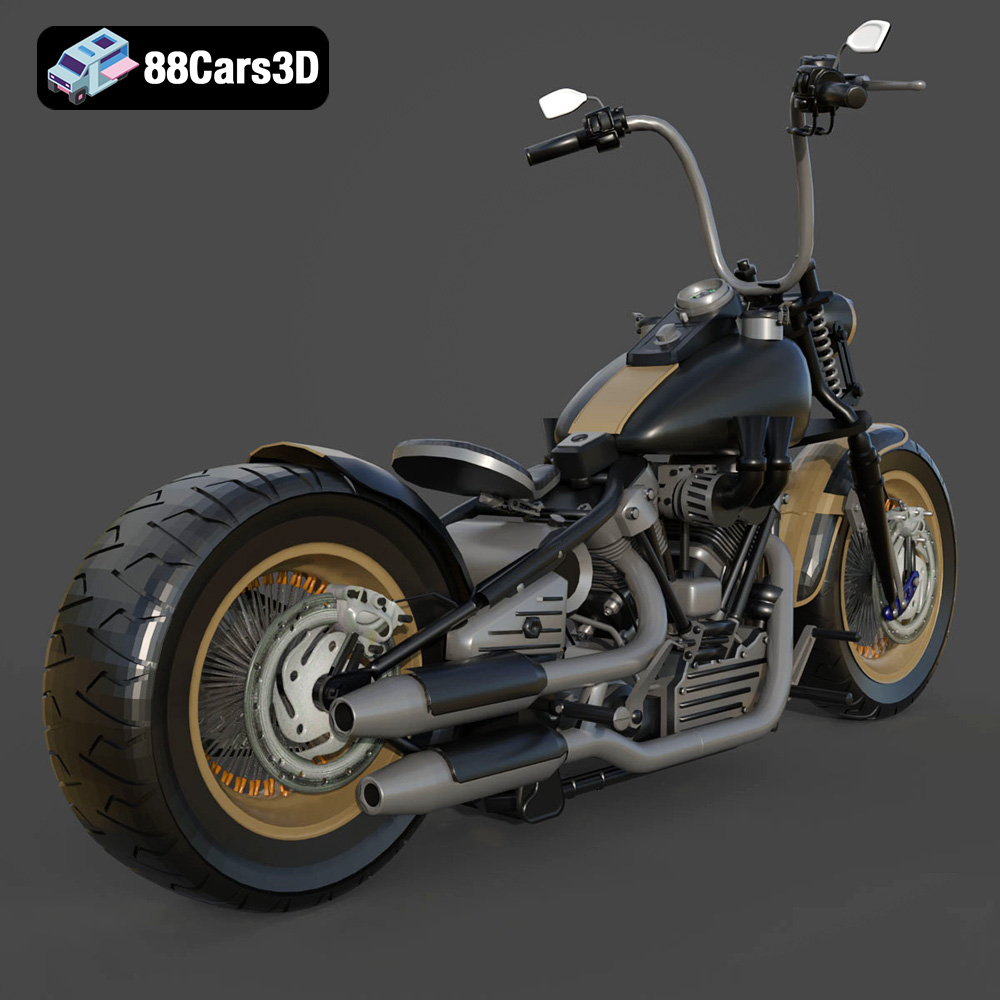
The Harley Davidson Knucklehead. A name synonymous with American motorcycle history, a symbol of freedom, and a testament to timeless design. Now, thanks to advancements in 3D printing technology and the availability of high-quality 3D models like the one offered at 88cars3d.com, you can bring this legend to life right in your own home. This guide will walk you through the entire process of 3D printing the Harley Davidson Knucklehead model, from preparing the STL files to post-processing and finishing. Get ready to experience the thrill of additive manufacturing combined with the artistry of a classic motorcycle.
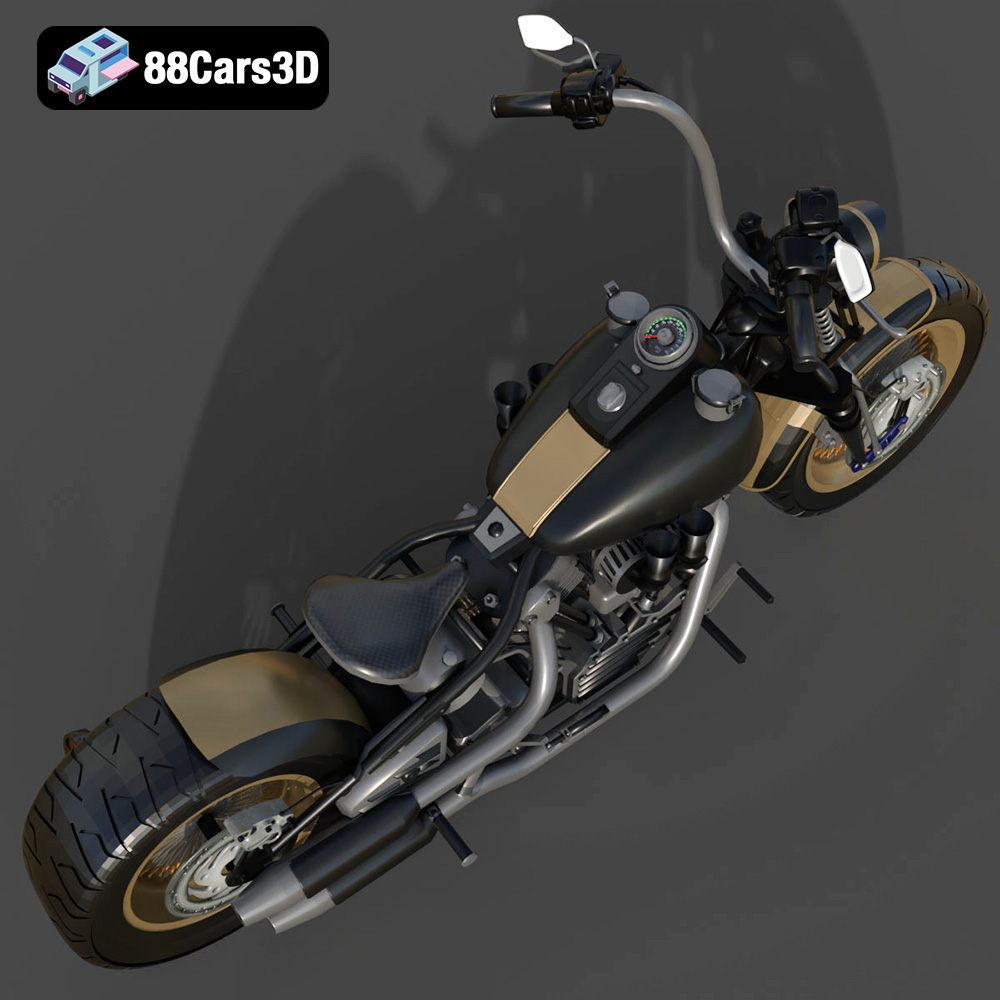
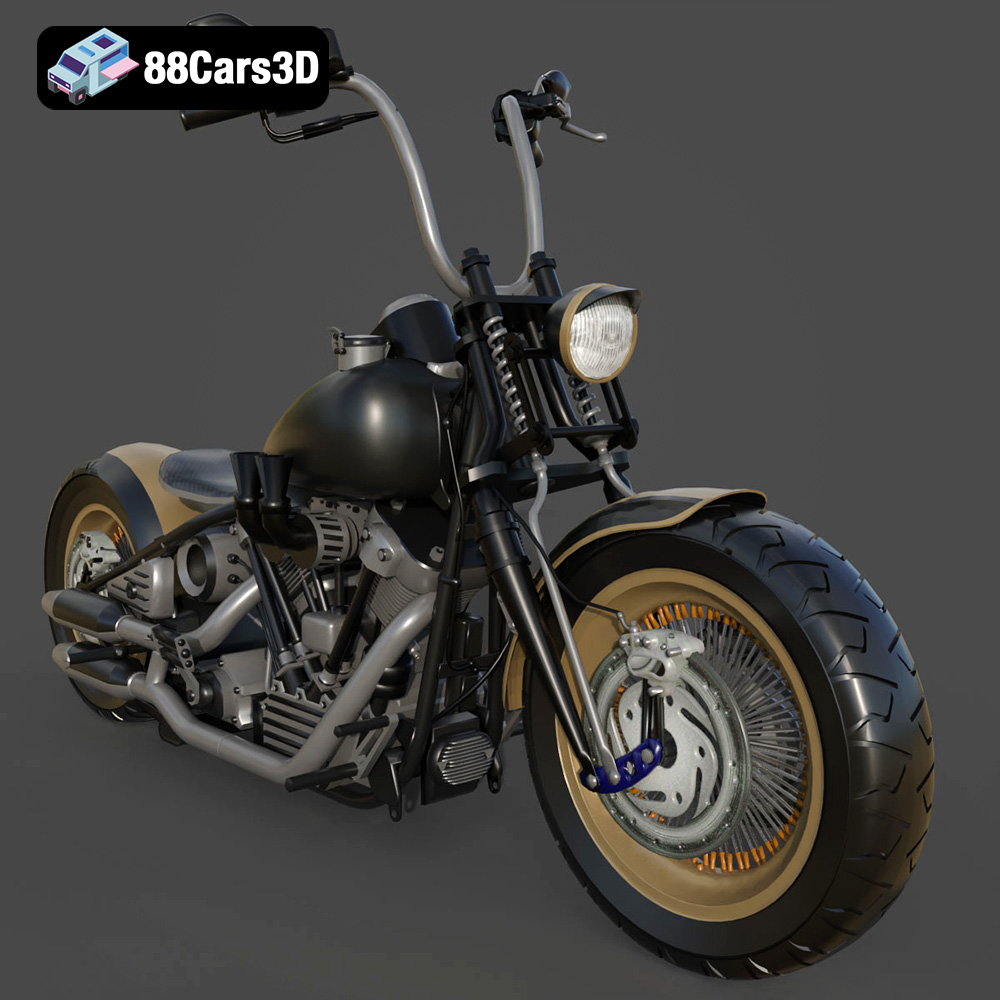
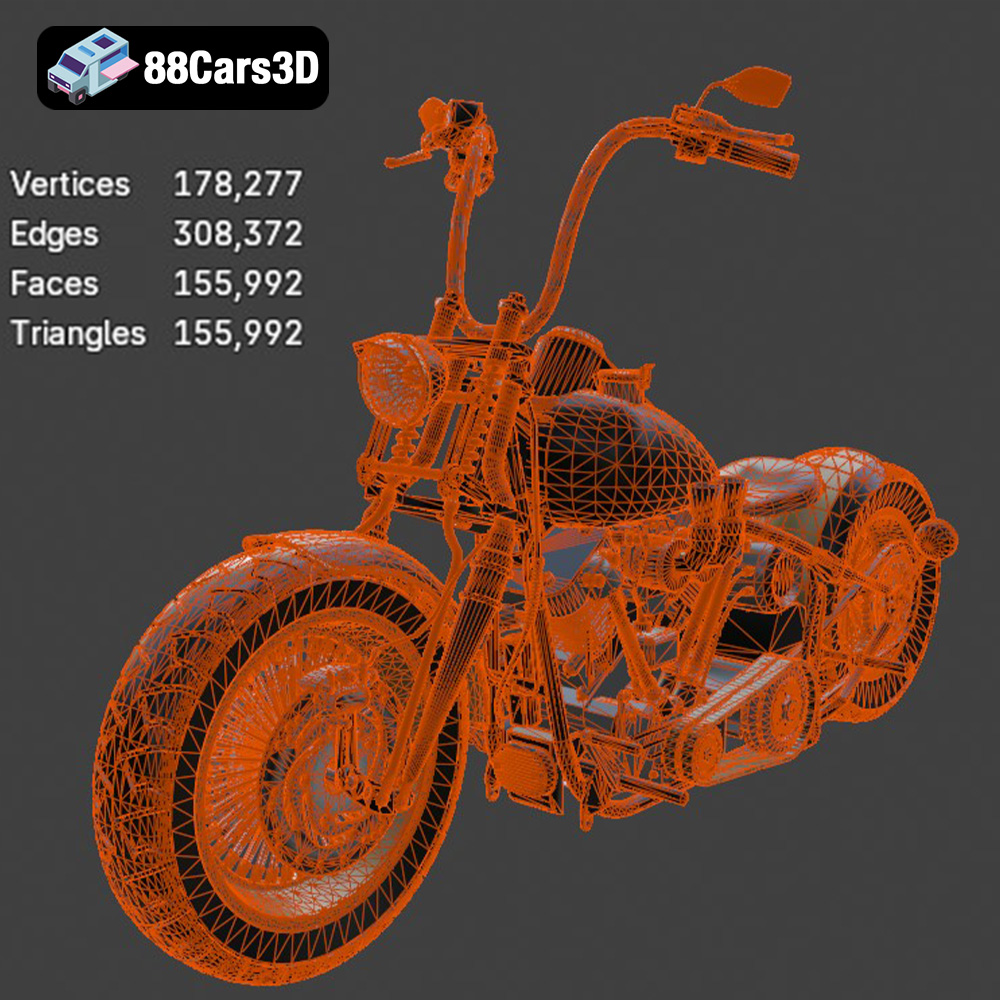
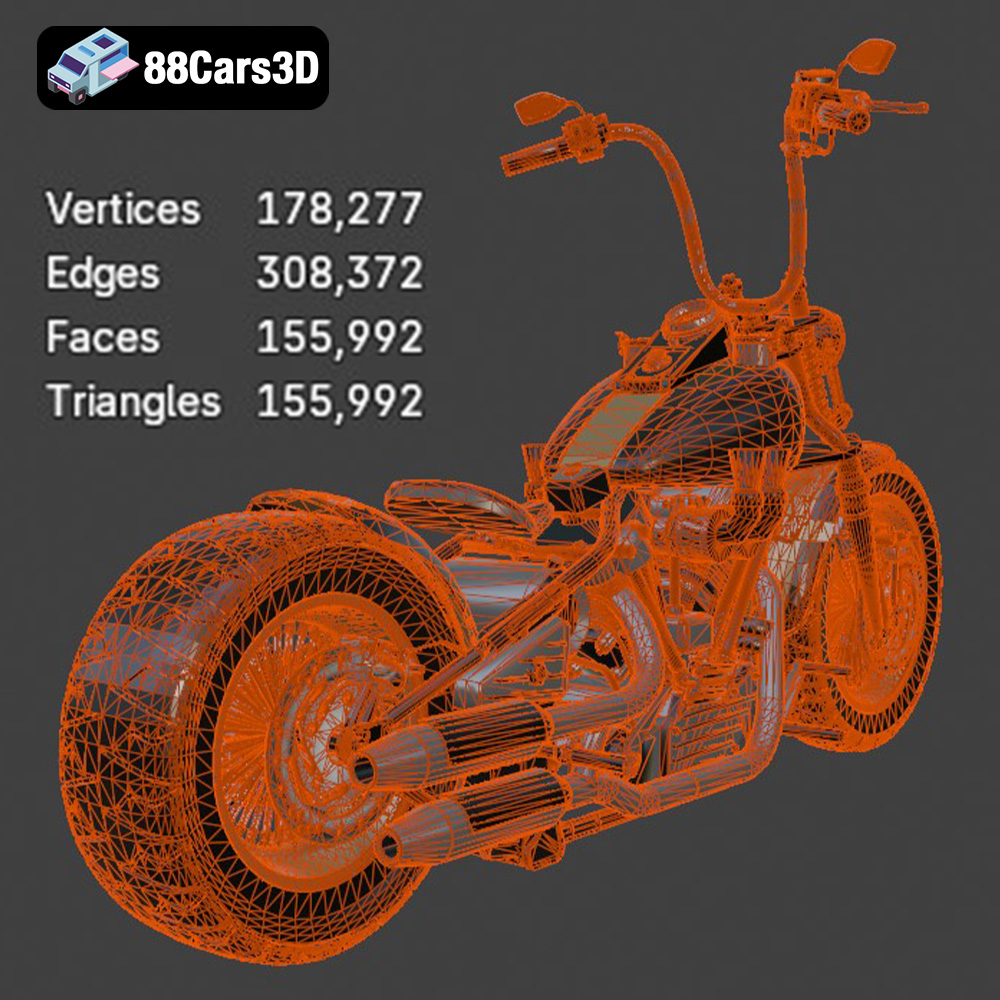
Before diving into the specifics of 3D printing, let’s understand the model itself. The Harley Davidson Knucklehead 3D model available from 88cars3d.com is designed with meticulous detail and optimized for various applications, including 3D printing. The description highlights features like clean geometry, an optimized polygon count, and carefully configured materials. While materials aren’t directly relevant to 3D printing the STL file, the attention to detail in the model’s creation translates to a better final print. Pay close attention to the individual components and how they are designed to fit together, as this will influence your printing strategy. The model’s complexity suggests that it may be best printed in multiple parts for optimal results, which we will discuss in detail later.
The Harley Davidson Knucklehead 3D model is available in a variety of file formats, each designed for specific applications. While the product page lists formats like .blend, .fbx, .obj, .glb, .ply, .unreal, and .max, the most relevant for 3D printing is the .stl format. Let’s take a closer look at these formats and their suitability for additive manufacturing:
The .stl (Stereolithography) format is the workhorse of 3D printing. It represents the surface geometry of a 3D object as a collection of triangles. This simplicity makes it universally compatible with virtually all 3D printers and slicing software. The quality of an .stl file depends on the number of triangles used to represent the surface; a higher triangle count results in a smoother, more detailed model, but also a larger file size. For 3D printing, it’s crucial to strike a balance between detail and file size. The .stl format, being mesh-only, doesn’t contain any color or texture information. Therefore, any color or finishing will need to be applied during post-processing. When preparing the Knucklehead model for printing, ensure that you use the .stl file optimized for 3D printing.
The .obj (Wavefront Object) format is another common 3D model format. Unlike .stl, .obj can store color and texture information, making it suitable for colored 3D prints (although this is less common with FDM printers). However, .obj files can be more complex than .stl files, which can sometimes cause issues with slicing software. While some advanced 3D printers can interpret the color data, it’s more common to use .obj for visualizing the model before 3D printing and then relying on the .stl file for the actual printing process.
The .ply (Polygon File Format) format is designed to store 3D data acquired from 3D scanners. It’s capable of representing highly detailed meshes and can also store color information. While .ply is suitable for 3D printing, it’s less common than .stl, and compatibility with slicing software may vary. Due to the potentially massive file sizes associated with .ply, it’s generally reserved for specialized applications where extreme detail is required.
The .blend format is the native file format for Blender, a free and open-source 3D creation suite. Having the model in .blend format allows you to make modifications to the model before exporting it as an .stl file for 3D printing. This is particularly useful if you want to customize the Knucklehead model, such as adding your own details or splitting it into smaller parts for easier printing. However, it requires familiarity with Blender.
The .fbx (Filmbox) format is a proprietary file format developed by Autodesk. It’s commonly used for exchanging 3D data between different software applications, particularly in the game development and animation industries. While .fbx can store material and animation data, it’s not directly used for 3D printing. However, you can import .fbx files into some slicing software for visualization and then export them as .stl files for printing.
The .glb (GL Transmission Format Binary) format is designed for efficient delivery of 3D models on the web and in augmented reality (AR) applications. It’s a binary format that includes all the necessary data (geometry, textures, animations) in a single file. While .glb is not directly used for 3D printing, it can be useful for previewing the model on your mobile device before printing, giving you a better sense of its scale and appearance.
The .max format is the native file format for 3ds Max, another professional 3D modeling software package. Similar to .blend, having the model in .max format allows for extensive customization before exporting to .stl for printing, but requires access to and knowledge of 3ds Max.
**For 3D printing the Harley Davidson Knucklehead model, the .stl format is the most suitable.** Ensure that the .stl file is properly scaled and that the mesh is free of errors before importing it into your slicing software. Mesh quality is paramount for a successful print; check for non-manifold edges, holes, and flipped normals, and repair these issues using software like MeshLab or Netfabb.
Once you have the .stl file for the Harley Davidson Knucklehead model, the next step is to prepare it for 3D printing. This involves using slicing software to convert the 3D model into a series of instructions that your 3D printer can understand. This process also allows you to optimize the model for your specific printer and material.
There are many slicing software options available, both free and paid. Popular choices include Cura, PrusaSlicer, Simplify3D, and IdeaMaker. Each software has its own strengths and weaknesses, so it’s worth experimenting to find the one that best suits your needs. Factors to consider include ease of use, feature set, and compatibility with your 3D printer. Cura and PrusaSlicer are excellent free options, while Simplify3D offers more advanced features for experienced users.
The orientation of the model on the print bed can significantly impact the quality of the final print. For the Knucklehead model, consider printing the larger components, like the frame and engine block, with the flattest side down to maximize bed adhesion. Smaller, more intricate parts may require careful consideration of support structures. Support structures are temporary structures that provide support for overhanging features during printing. The slicing software will automatically generate these supports, but it’s important to optimize their placement and density to minimize material waste and ensure easy removal. For complex geometries like those found in the Knucklehead, consider using tree supports, which are more efficient and easier to remove than traditional linear supports.
Depending on the size of your 3D printer and the desired scale of the final model, you may need to scale the model up or down. Be mindful of the minimum feature size of your printer when scaling down, as very small details may not be accurately reproduced. If your printer’s build volume is insufficient to print the entire model as a single piece, you can divide it into smaller parts using software like Blender or Meshmixer. This allows you to print each part separately and then assemble them later. When dividing the model, consider strategically placing the seams in less visible areas.
The choice of material and printer settings will heavily influence the final result. Let’s explore some popular options:
* **PLA (Polylactic Acid):** PLA is a biodegradable thermoplastic that is easy to print and produces good results. It’s a great choice for beginners and for printing models that don’t require high strength or heat resistance. PLA is ideal for printing the aesthetic parts of the Knucklehead model, such as the fenders, gas tank, and seat.
* **PETG (Polyethylene Terephthalate Glycol-modified):** PETG is a stronger and more heat-resistant thermoplastic than PLA. It’s also more flexible, making it less prone to cracking. PETG is a good choice for printing functional parts of the Knucklehead model, such as the frame and engine components, where strength and durability are important.
* **Resin:** Resin 3D printing offers exceptional detail and surface finish, making it ideal for printing small, intricate parts like the engine details, gauges, and lights of the Knucklehead. However, resin prints tend to be more brittle than PLA or PETG prints and require more post-processing, including washing and curing.
* **Layer Height:** Layer height determines the resolution of the print. A lower layer height (e.g., 0.1mm) will result in a smoother surface finish and more detail, but it will also increase print time. A higher layer height (e.g., 0.2mm) will print faster but with less detail. For the Knucklehead model, consider using a lower layer height for the visible parts and a higher layer height for the internal structures.
* **Infill Density:** Infill density determines the amount of material used to fill the interior of the print. A higher infill density will result in a stronger print, but it will also increase print time and material consumption. For the Knucklehead model, a medium infill density (e.g., 20-30%) should be sufficient for most parts. For parts that require high strength, such as the frame, consider using a higher infill density (e.g., 50-75%).
* **Print Speed:** Print speed affects both print quality and print time. A slower print speed will generally result in better print quality, but it will also increase print time. For the Knucklehead model, start with a moderate print speed (e.g., 40-60mm/s) and adjust as needed based on the results.
* **Temperature:** Ensure that you are using the correct printing temperature for your chosen material. Refer to the manufacturer’s recommendations for the optimal temperature range.
* **Support Settings:** Fine-tune your support settings, paying particular attention to support density, overhang angle, and support interface. These settings will influence the ease of support removal and the surface finish of the supported areas.
Once the printing is complete, the real artistry begins. Post-processing is the process of cleaning, finishing, and assembling the 3D printed parts to create the final Harley Davidson Knucklehead model.
The first step is to carefully remove the support structures from the printed parts. Use pliers, a sharp knife, or a specialized support removal tool to gently detach the supports. Be careful not to damage the model during this process. Once the supports are removed, use sandpaper or a file to smooth any rough edges or imperfections.
Sanding is an essential step for achieving a smooth surface finish. Start with a coarse grit sandpaper (e.g., 220 grit) and gradually move to finer grits (e.g., 400, 600, 800 grit) to remove layer lines and imperfections. Once the surface is smooth, apply a primer to create a uniform base for painting. Choose a primer that is compatible with your chosen paint. After the primer has dried, you can begin painting the model. Use multiple thin coats of paint to avoid runs and drips. Consider using stencils or masking tape to create intricate designs and details.
After painting, carefully assemble the various parts of the Knucklehead model. Use glue or screws to securely attach the parts together. Add any final details, such as decals, chrome accents, or weathering effects, to bring the model to life. Photos of real Knuckleheads are readily available online and can serve as excellent reference material for accurate detailing.
Even with careful preparation, 3D printing can sometimes present challenges. Here are some common issues and their solutions:
Warping occurs when the printed part detaches from the print bed during printing. This can be caused by poor bed adhesion, insufficient bed temperature, or drafts in the printing environment. To prevent warping, ensure that the print bed is properly leveled and cleaned, use a heated bed, and enclose the printer in a draft-free environment.
Stringing occurs when small strands of plastic are left between different parts of the print. This is usually caused by excessive retraction, high printing temperature, or slow travel speed. To prevent stringing, adjust the retraction settings in your slicing software, lower the printing temperature, and increase the travel speed.
Layer shifting occurs when the printed layers are misaligned. This can be caused by loose belts, stepper motor issues, or vibrations. To prevent layer shifting, tighten the belts on your printer, ensure that the stepper motors are properly calibrated, and place the printer on a stable surface.
Under-extrusion occurs when the printer doesn’t extrude enough plastic, resulting in weak or incomplete prints. Over-extrusion occurs when the printer extrudes too much plastic, resulting in blobs or rough surfaces. To resolve these issues, calibrate the extruder flow rate in your slicing software.
The print time and material costs for the Harley Davidson Knucklehead model will vary depending on the size of the model, the chosen material, the printer settings, and the complexity of the design. However, you can get a rough estimate using your slicing software. After slicing the model, the software will typically provide an estimated print time and material usage. For a moderately sized Knucklehead model printed in PLA with a 20% infill density, you can expect a print time of several hours to a day, and a material cost of a few dollars to tens of dollars. Resin prints are typically faster but can have higher material costs.
3D printing the Harley Davidson Knucklehead is a rewarding project that combines the excitement of additive manufacturing with the timeless appeal of a classic motorcycle. By carefully preparing the model, choosing the right materials and settings, and mastering post-processing techniques, you can create a stunning replica that will be the envy of every motorcycle enthusiast. Don’t be afraid to experiment and learn from your mistakes. Every 3D print is a learning opportunity, and with practice, you’ll be able to create amazing things. Consider exploring the wide selection of 3D car models available at 88cars3d.com for your next project!
Experience the iconic design of the classic American motorcycle with the Harley Davidson Knucklehead 3D model. Designed for exceptional realism, this asset perfectly replicates the legendary engine, sweeping lines, and mechanical intricacies that make this vintage bike a timeless masterpiece.
$19.99
.arvr
.blend
.car3dmodel
.classicmotorcycle
.cruiser
.fbx
.gameasset
.glb
.harleydavidson
.knucklehead
.max
.motorcycle
.obj
.ply
.rendering
.simulation
.stl
.unreal