Get 20% OFF All Premium 3D & STL Models!

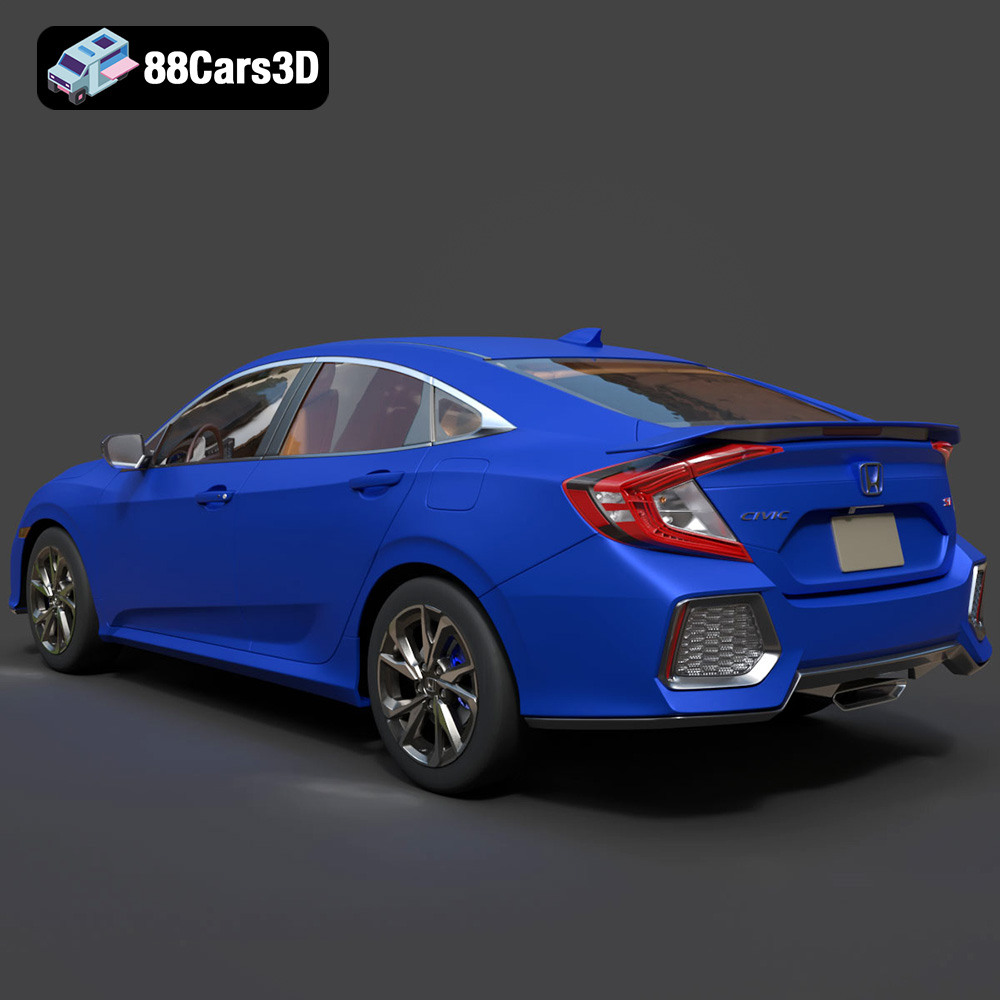
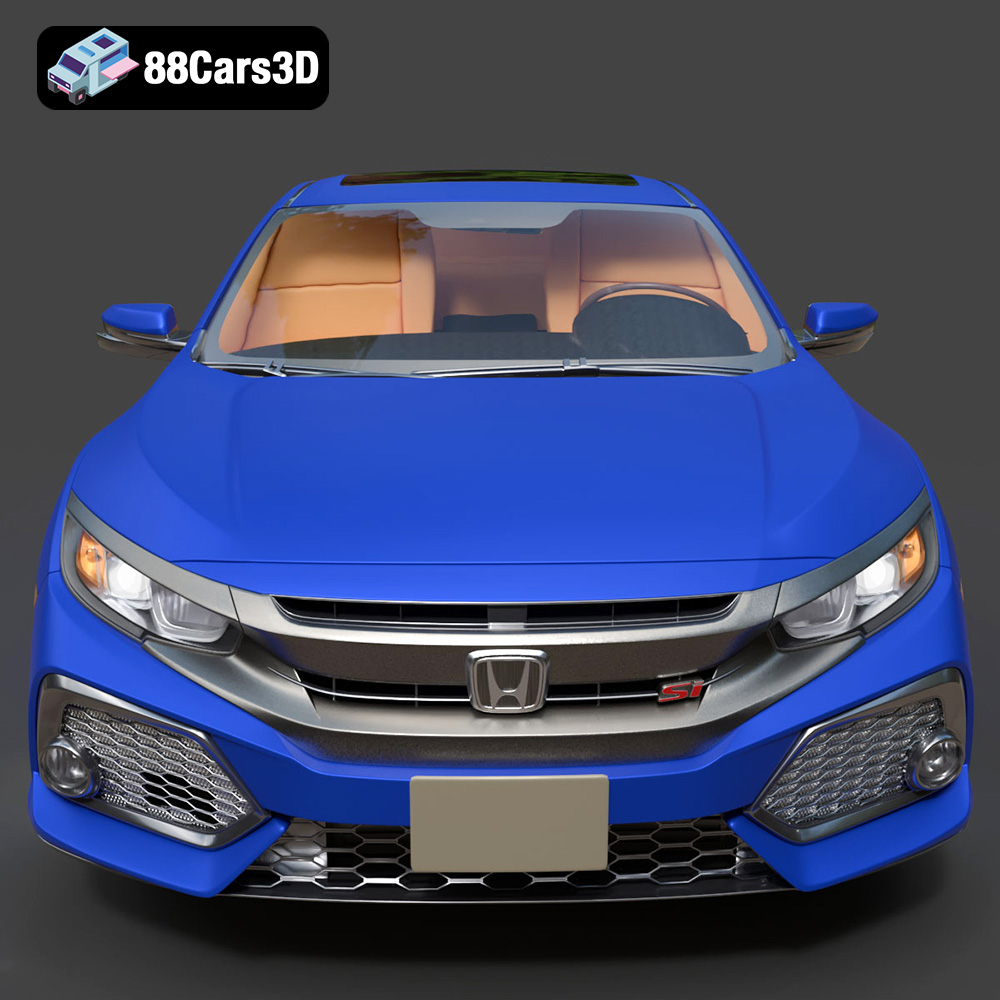
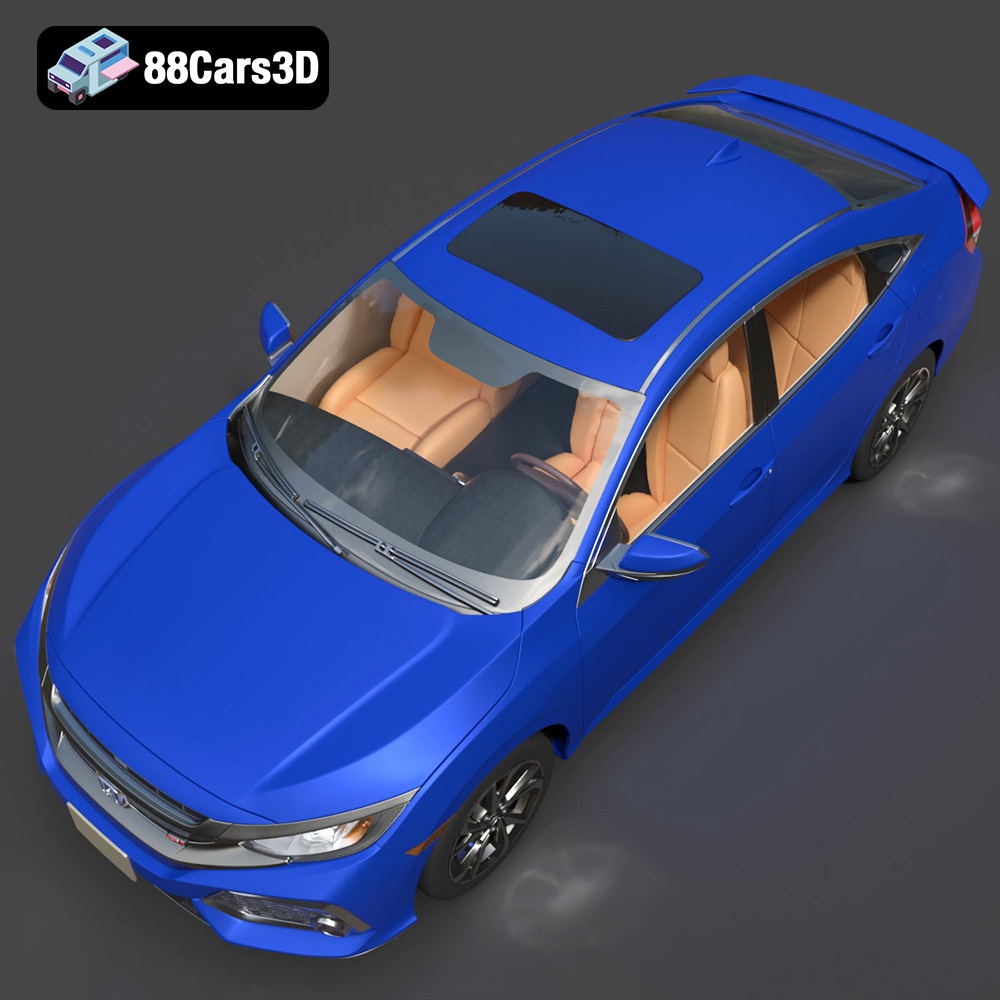
The world of 3D printing has opened up incredible possibilities, allowing enthusiasts and professionals alike to create tangible objects from digital designs. One particularly exciting application is 3D printing car models, and the Honda Civic Si Sedan 2017 3D Model available at 88cars3d.com is a fantastic project for both beginners and experienced makers. This detailed model, meticulously crafted to capture the essence of the iconic Civic Si, offers a rewarding 3D printing experience. This article will guide you through the process, from preparing the STL files to perfecting the final printed model. We’ll cover material choices, printer settings, and post-processing techniques to ensure your 3D printed Civic Si is a showstopper.
Before diving into the specifics of 3D printing the Honda Civic Si Sedan 2017 3D Model, it’s crucial to understand the different file formats available and their suitability for additive manufacturing. While the product package on 88cars3d.com includes several formats, not all are ideal for direct 3D printing.
The STL (Stereolithography) format is the workhorse of 3D printing. It represents the surface geometry of a 3D object as a collection of triangles. This simplicity makes it universally compatible with almost all 3D printing software and hardware. However, the STL format only stores the shape of the object; it doesn’t contain information about color, texture, or materials.
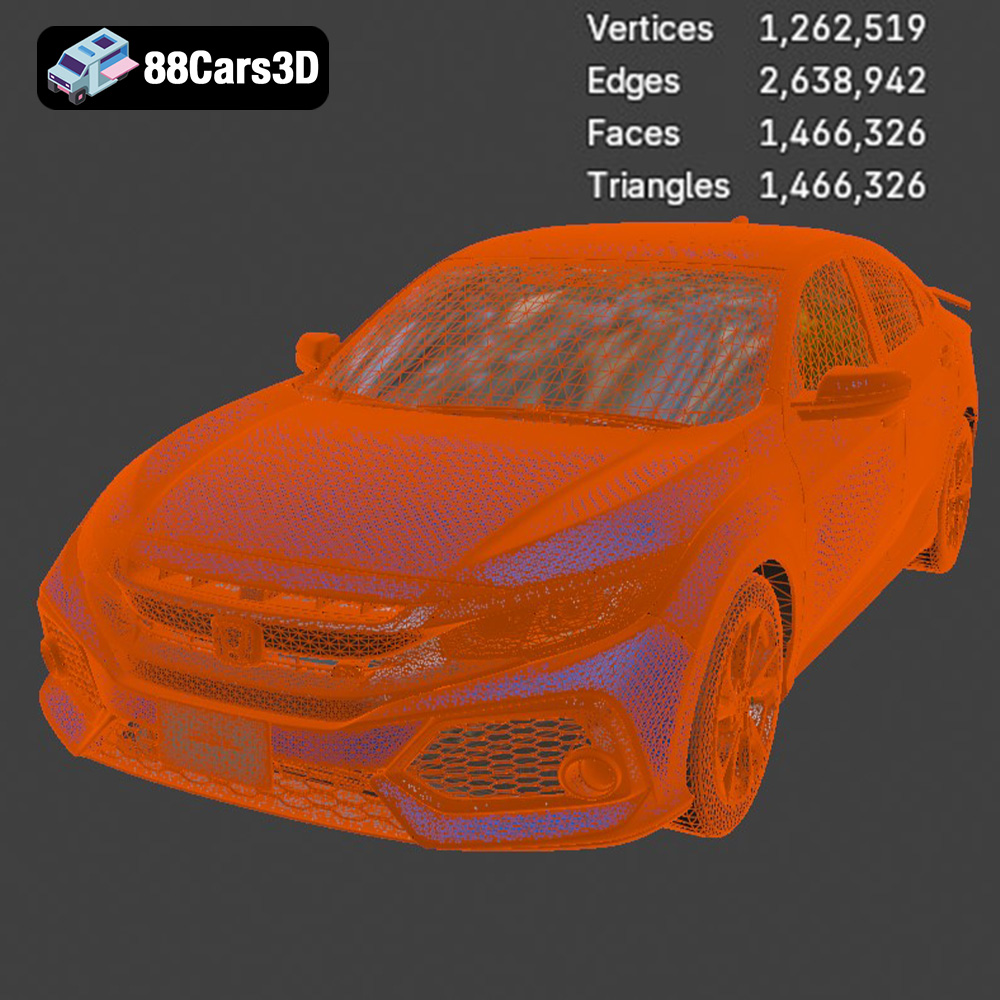
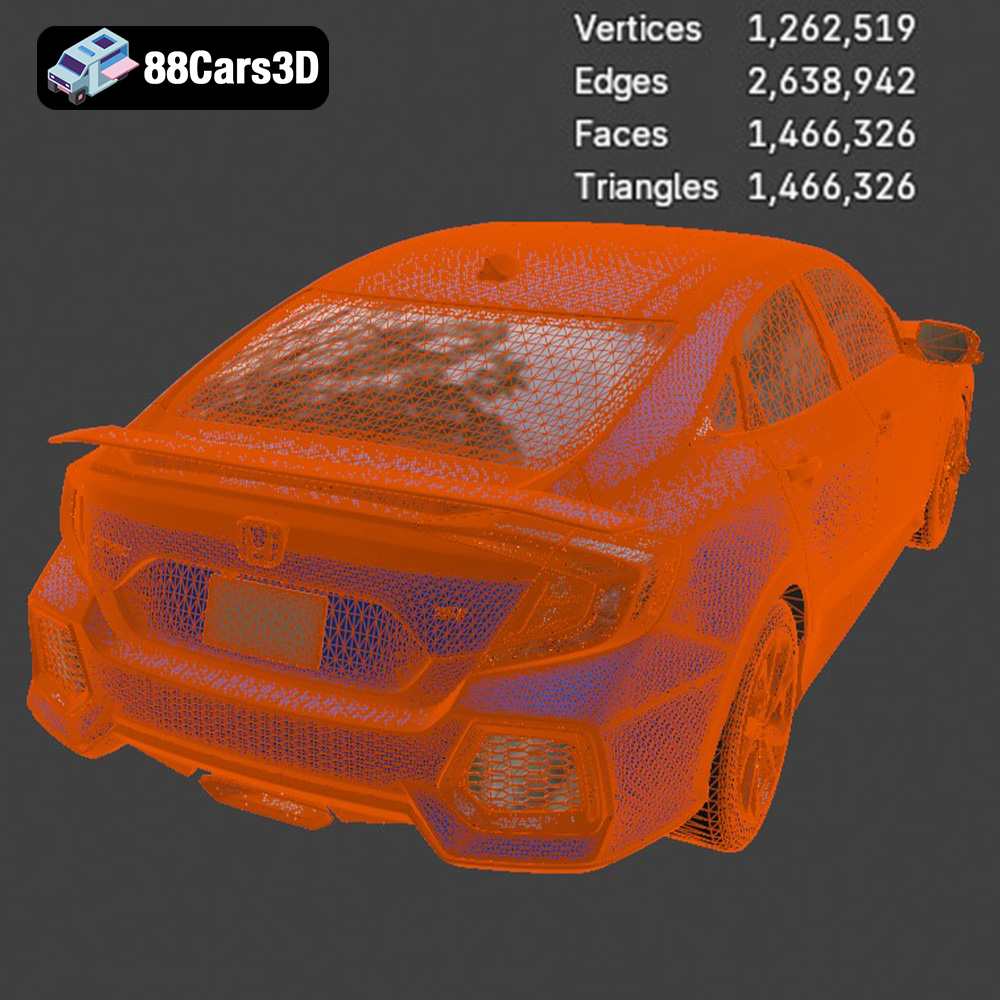
When working with STL files, it’s essential to ensure the mesh is “watertight” – meaning it’s a closed, continuous surface with no holes or gaps. Non-watertight meshes can cause slicing errors and lead to incomplete or flawed prints. Software like MeshMixer or Netfabb can be used to repair STL files and ensure they are printable. The density of the triangular mesh also impacts the print quality; a higher density results in a smoother surface but also a larger file size. Finding the right balance is key for optimal results. For the Honda Civic Si Sedan 2017 3D Model, the STL format will be your primary choice for 3D printing.
The OBJ format is another widely supported 3D model format. Unlike STL, OBJ files can store color and texture information. This makes them suitable for 3D printing on machines that support multi-material or full-color printing. However, OBJ files are generally larger than STL files and may require more processing power from your slicing software.
PLY (Polygon File Format) is designed to store 3D data acquired from 3D scanners. It’s capable of representing complex geometries with high precision, making it useful for applications like reverse engineering and digital archiving. While PLY files can be 3D printed, they’re often overkill for typical desktop 3D printing due to their large file size and the limitations of standard 3D printers.
The .blend format is the native file format for Blender, a free and open-source 3D creation suite. This format is incredibly versatile and allows for extensive editing and customization of the 3D model before exporting it to a printable format like STL. You can modify the model’s geometry, add details, or even split it into smaller parts for easier printing and assembly. If you’re comfortable with Blender, working with the .blend file of the Honda Civic Si Sedan 2017 3D Model can give you greater control over the final printed product.
FBX (Filmbox) is a proprietary file format developed by Autodesk. It’s commonly used for exchanging 3D data between different software applications, particularly in the game development industry. FBX files can store information about geometry, materials, textures, and animations. While some slicing software may support importing FBX files, the material and animation data are typically ignored during the slicing process.
GLB is a binary file format that represents 3D models in the glTF (Graphics Language Transmission Format) standard. It’s designed for efficient transmission and loading of 3D scenes on the web and in AR/VR applications. GLB files are typically used for previewing the model in augmented reality before committing to a print.
.max is the file format for 3ds Max, another professional 3D modeling and animation software. Similar to .blend, .max files offer extensive editing capabilities. If you have access to 3ds Max, you can use the .max file of the Honda Civic Si Sedan 2017 3D Model to customize the model before exporting it for 3D printing.
The material you choose significantly impacts the final appearance, strength, and durability of your 3D printed Honda Civic Si Sedan 2017. Here’s a breakdown of common 3D printing materials and their suitability for this project:
PLA (Polylactic Acid) is a biodegradable thermoplastic derived from renewable resources like cornstarch or sugarcane. It’s one of the easiest materials to print with, making it ideal for beginners. PLA offers good detail resolution and comes in a wide variety of colors.
* **Pros:** Easy to print, low warping, wide color selection, biodegradable.
* **Cons:** Lower strength and heat resistance compared to other materials, can be brittle.
* **Recommended for:** First-time 3D printing, models primarily for display, low-stress applications.
PETG (Polyethylene Terephthalate Glycol-modified) combines the ease of printing of PLA with enhanced strength and durability. It’s more impact-resistant and heat-resistant than PLA, making it suitable for functional parts and models that will be handled frequently.
* **Pros:** Good strength and durability, impact resistant, higher heat resistance than PLA, lower warping than ABS.
* **Cons:** Can be stringy during printing, requires slightly higher printing temperatures than PLA.
* **Recommended for:** Models that require some strength and durability, functional parts, parts exposed to moderate temperatures.
ABS (Acrylonitrile Butadiene Styrene) is a petroleum-based plastic known for its high strength, heat resistance, and impact resistance. It’s commonly used in automotive parts and other demanding applications. However, ABS is more challenging to print than PLA or PETG due to its high warping tendency.
* **Pros:** High strength and heat resistance, impact resistant, durable.
* **Cons:** High warping tendency, requires a heated bed and enclosure, releases fumes during printing.
* **Recommended for:** Experienced users, models requiring high strength and heat resistance, functional parts, parts that will be painted.
Resin 3D printing (SLA or DLP) uses liquid photopolymer resins that are cured by UV light. This technology is capable of producing parts with exceptional detail and smooth surfaces, making it ideal for intricate models like the Honda Civic Si Sedan 2017. However, resin printing requires more post-processing, including washing and curing the printed parts.
* **Pros:** Exceptional detail and smooth surfaces, high accuracy.
* **Cons:** Requires post-processing (washing and curing), resins can be brittle, limited build volume.
* **Recommended for:** Models where detail and surface finish are paramount, smaller parts, experienced users.
For the Honda Civic Si Sedan 2017 3D Model, PETG is a great choice if you want a good balance of ease of printing and durability. If you prioritize detail and have experience with resin printing, resin is an excellent option. PLA is suitable for a simple display model, while ABS is best left to experienced users who need high-performance properties.
Once you’ve chosen your material, the next step is to configure your 3D printer settings. These settings will significantly impact the quality, strength, and printing time of your Honda Civic Si Sedan 2017 model.
Layer height determines the thickness of each layer of plastic deposited during the printing process. Lower layer heights result in smoother surfaces and finer details, but they also increase printing time. Higher layer heights print faster but sacrifice detail.
* **PLA/PETG:** 0.1mm – 0.2mm for good detail, 0.2mm – 0.3mm for faster printing.
* **ABS:** 0.15mm – 0.25mm.
* **Resin:** Typically determined by the printer’s resolution (e.g., 0.025mm – 0.05mm).
For the Civic Si, a layer height of 0.15mm to 0.2mm offers a good balance between detail and print time for FDM (Fused Deposition Modeling) printing (PLA, PETG, ABS). For resin printing, use the printer’s recommended layer height for optimal results.
Infill density refers to the amount of material used to fill the interior of the 3D printed model. Higher infill densities result in stronger parts but also increase material consumption and printing time.
* **PLA/PETG/ABS:** 15% – 25% for display models, 30% – 50% for functional parts.
* **Resin:** Typically printed with 100% infill due to the nature of the printing process.
For the Honda Civic Si Sedan 2017 3D Model, a 20% infill density is sufficient for a display model. If you plan to handle the model frequently or subject it to any stress, consider increasing the infill density to 30% or higher.
Support structures are temporary structures that are printed to support overhanging features of the model. They prevent the plastic from drooping or collapsing during printing. Support structures are essential for complex models like the Honda Civic Si Sedan 2017, which has numerous overhangs and intricate details.
* **PLA/PETG/ABS:** Use support structures with a density of 15% – 25%. Experiment with support placement to minimize material usage and post-processing effort.
* **Resin:** Resin printers typically generate support structures automatically. Ensure the supports are adequately placed to support all overhanging features.
Consider using tree supports, which are more efficient and easier to remove than traditional linear supports. Be mindful of the support placement on visible surfaces, as removing supports can sometimes leave blemishes.
The orientation of the model on the print bed can significantly impact the amount of support required, the surface finish, and the overall printing time. Experiment with different orientations to find the one that minimizes the need for supports on visible surfaces and maximizes the detail in critical areas. For the Honda Civic Si Sedan 2017, consider printing the body with the roof facing upwards. This minimizes the need for supports on the sides and allows for a smoother roof surface. Separate the wheels and other smaller parts and print them separately for optimal detail.
Before you can start printing, you need to prepare the 3D model using slicing software. Slicing software converts the 3D model into a series of instructions that the 3D printer can understand. Popular slicing software options include Cura, PrusaSlicer, Simplify3D, and Chitubox (for resin printing).
In addition to the printer settings mentioned earlier, you’ll need to configure other slicing software settings, such as:
* **Printing Temperature:** Consult the material manufacturer’s recommendations for the optimal printing temperature.
* **Bed Temperature:** A heated bed is crucial for printing materials like ABS to prevent warping. PLA typically doesn’t require a heated bed, but a bed temperature of 50-60°C can improve adhesion.
* **Print Speed:** A slower print speed generally results in better print quality. Start with a print speed of 40-60 mm/s and adjust as needed.
* **Retraction Settings:** Proper retraction settings are essential for preventing stringing and oozing.
Before slicing, it’s essential to inspect the 3D model for any errors or imperfections. Use software like MeshMixer or Netfabb to repair any non-watertight meshes, remove unnecessary details, and optimize the model for 3D printing. Consider hollowing out the model to reduce material usage and printing time, especially for larger parts. However, ensure the walls are thick enough to provide sufficient strength and rigidity.
The Honda Civic Si Sedan 2017 3D Model may be designed at a specific scale. If you want to print it at a different size, you can scale the model in your slicing software. Be mindful of the limitations of your 3D printer’s build volume when scaling the model.
Once the 3D printing is complete, the model will likely require some post-processing to achieve the desired appearance and finish.
Carefully remove the support structures using pliers, a hobby knife, or other suitable tools. Be gentle to avoid damaging the model. For resin prints, dissolve the support structures in isopropyl alcohol.
Sanding is essential for smoothing out layer lines and imperfections on the 3D printed surface. Start with coarse sandpaper and gradually move to finer grits. For resin prints, wet sanding is recommended.
Apply a primer to the model to create a smooth, uniform surface for painting. Choose a primer that is compatible with the material you used for 3D printing. Once the primer is dry, you can paint the model with your desired colors. Consider using automotive paints for a realistic finish.
If the model was printed in multiple parts, assemble them using glue or other suitable adhesives. Ensure the parts are aligned correctly before the glue sets.
Even with careful planning and preparation, you may encounter some issues during the 3D printing process. Here are some common problems and their solutions:
* **Warping:** Warping occurs when the corners of the model lift off the print bed. This is more common with ABS. To prevent warping, use a heated bed, an enclosure, and bed adhesion aids like glue stick or hairspray.
* **Stringing:** Stringing occurs when thin strands of plastic are left between different parts of the model. This is often caused by incorrect retraction settings. Adjust the retraction distance and speed in your slicing software.
* **Poor Bed Adhesion:** Poor bed adhesion can cause the model to detach from the print bed during printing. Clean the print bed with isopropyl alcohol, use a bed adhesion aid, and ensure the bed is properly leveled.
* **Layer Shifting:** Layer shifting occurs when the layers of the model are misaligned. This can be caused by loose belts, a wobbly print bed, or excessive print speed. Tighten the belts, stabilize the print bed, and reduce the print speed.
By following these tips and techniques, you can successfully 3D print the Honda Civic Si Sedan 2017 3D Model and create a stunning replica of this iconic car. Remember to experiment with different materials, settings, and post-processing techniques to achieve the best results. The Honda Civic Si Sedan 2017 3D Model available at 88cars3d.com provides a fantastic base for your 3D printing journey.
Experience unparalleled realism with the Honda Civic Si Sedan 2017 3D Model. This exceptionally detailed asset has been accurately modeled to represent the iconic exterior styling, dynamic lines, and precise proportions of the original vehicle.
$19.99
.arvr
.blend
.car3dmodel
.civic
.compactcar
.fbx
.gameasset
.glb
.honda
.max
.obj
.ply
.rendering
.sedan
.si
.simulation
.stl
.unreal