Get 20% OFF All Premium 3D & STL Models!

The Jaguar XFR-S 2014 is an automotive icon, a blend of luxury and raw power that commands attention. Now, thanks to the detailed 3D model available at 88cars3d.com, you can bring this magnificent machine to life right in your own home using the magic of 3D printing. This article will guide you through the entire process, from selecting the right materials and optimizing your printer settings to post-processing techniques that will make your 3D printed XFR-S a true showstopper. Whether you’re a seasoned 3D printing enthusiast or a newcomer to the world of additive manufacturing, this guide will provide you with the knowledge and insights needed to achieve a stunning result. Let’s dive in and learn how to transform digital data into a tangible testament to automotive excellence.
Before you even think about loading filament or resin, meticulous preparation of the STL file is essential for a successful 3D print. The Jaguar XFR-S 2014 3D model from 88cars3d.com comes with an STL file specifically designed for 3D printing, but some adjustments might be needed depending on your printer and desired level of detail.
* **Using Mesh Editing Software:** Software like MeshMixer or Blender can be invaluable for inspecting and repairing any potential errors in the STL file. Look for non-manifold edges, holes, or intersecting faces. These issues can lead to printing failures. Use the software’s built-in tools to automatically repair these problems.
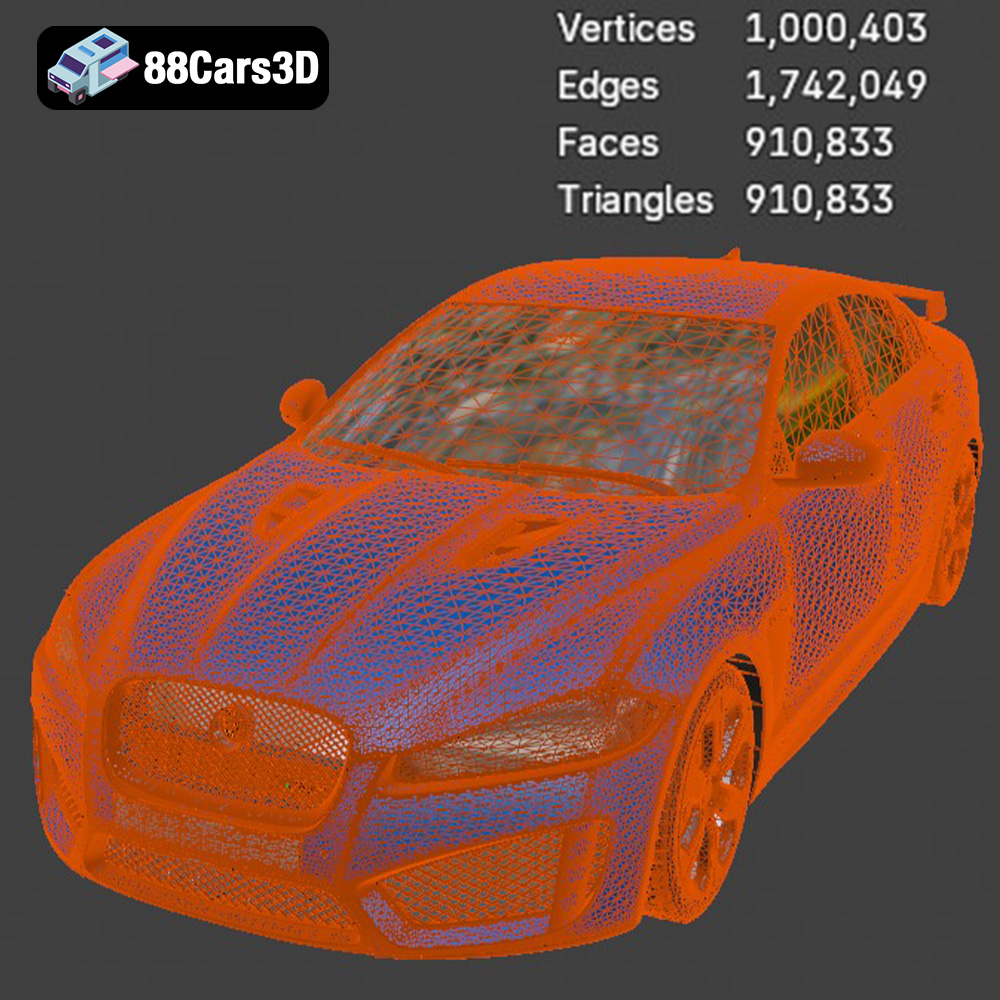
* **Simplify the Mesh (if needed):** The XFR-S model boasts a high level of detail, which is great for rendering but might be overkill for 3D printing, especially on smaller scales. Consider using mesh simplification tools to reduce the polygon count while preserving the overall shape. This will reduce print time and the likelihood of errors. This is particularly relevant if you’re using a FDM printer.
* **Choosing the Optimal Orientation:** The orientation in which you print the model significantly affects the need for supports, the surface finish, and the overall strength of the print. For the XFR-S, consider printing the body shell with the roof facing upwards. This minimizes the number of supports needed on the exterior surfaces.
* **Generating Supports with Slicing Software:** Use your slicing software (e.g., Cura, Simplify3D, PrusaSlicer) to automatically generate supports. Experiment with different support patterns (e.g., tree supports, linear supports) and densities to find the best balance between support strength and ease of removal. Pay close attention to areas like the wheel arches, rear spoiler, and front splitter, as these will likely require support. Remember that removing supports can leave marks, so strategically placing them in less visible areas is key.
The world of 3D modeling and 3D printing is populated by a variety of file formats, each with its own strengths and weaknesses. Understanding these formats is crucial for ensuring compatibility and optimal results. The Jaguar XFR-S 2014 3D model from 88cars3d.com includes a selection of file formats, but some are more suitable for 3D printing than others.
The STL (Stereolithography) format is the industry standard for 3D printing. It represents the surface geometry of a 3D object as a collection of triangles. This simplicity is what makes it so widely compatible with virtually all slicing software and 3D printers. However, STL files only contain mesh data; they do not store information about color, texture, or materials. When working with the Jaguar XFR-S, the STL file will provide the basic shape, which you can then enhance with post-processing techniques like painting. The quality of an STL file is determined by the density of the triangle mesh. A higher density mesh will result in a smoother surface, but also a larger file size and potentially longer processing times. When exporting an STL file for the XFR-S, choose a resolution that balances detail and performance. Check the mesh quality in your slicer to ensure there are no gaps or errors.
OBJ is a more versatile format than STL, as it can store color and texture information along with the geometry. This makes it suitable for colored 3D prints or for importing into rendering software. However, not all slicing software fully supports OBJ files with textures, so it’s best to stick to STL for basic 3D printing of the XFR-S model.
PLY is designed to store 3D data acquired from 3D scanners. It can represent color and surface properties with high accuracy. While PLY files can be used for 3D printing, they are more commonly used for scientific and industrial applications where precision is paramount.
Blender is a powerful open-source 3D modeling software. The .blend file contains the entire Blender scene, including the model, materials, lighting, and camera settings. This format is excellent for making modifications to the XFR-S model before exporting it to STL for printing. You can adjust the design, add details, or even create custom variations.
FBX is a popular format for transferring 3D models between different software applications, particularly game engines like Unreal Engine and Unity. It supports animations, materials, and other data. While not directly used for 3D printing, you might use the FBX file to visualize the XFR-S in a game environment before deciding on the scale and color scheme for your 3D print.
GLB is a binary file format that is optimized for AR/VR applications and web-based visualization. It’s a compact format that can efficiently display 3D models in a browser or on a mobile device. Before 3D printing the Jaguar XFR-S, you could use the GLB file to preview it in AR to get a sense of its size and appearance in the real world.
Similar to Blender’s .blend, the .max file is a project file specifically for 3ds Max, another powerful 3D modeling and animation software. This format allows for extensive editing and customization of the Jaguar XFR-S model before exporting to STL or other formats for printing.
When it comes to 3D printing the Jaguar XFR-S 2014 model from 88cars3d.com, the STL format will be your primary tool. However, understanding the other formats available allows you to leverage their strengths for pre-processing, visualization, and customization.
The choice of 3D printing technology significantly impacts the final outcome. Here’s a breakdown of the most suitable options for printing the Jaguar XFR-S 2014 model.
* **Material Versatility:** FDM is the most common and affordable 3D printing technology. It works by extruding melted plastic filament layer by layer. Materials like PLA, PETG, ABS, and even flexible TPU can be used.
* **Recommended Settings:** For the XFR-S, PLA is a good starting point due to its ease of use and biodegradability. Use a layer height of 0.1mm to 0.2mm for a good balance between detail and print time. Infill density should be around 15-20% for structural integrity.
* **Challenges:** FDM prints often require supports, and the layer lines can be visible. Post-processing, such as sanding and painting, is typically necessary to achieve a smooth finish.
* **High Resolution:** SLA and DLP printers use liquid resin that is cured by a laser or projector. This results in much higher resolution and smoother surfaces compared to FDM.
* **Recommended Settings:** Use a layer height of 0.025mm to 0.05mm for exceptional detail. Choose a resin specifically designed for 3D printing, and follow the manufacturer’s recommendations for exposure time and other settings.
* **Challenges:** Resin printing can be more expensive than FDM. The printed parts need to be washed and cured after printing, and the resin itself can be messy and require proper disposal.
* **Powder-Based Printing:** SLS uses a laser to fuse powdered materials together, layer by layer. This technology allows for complex geometries and strong, durable parts.
* **Material Options:** SLS can print with a variety of materials, including nylon, TPU, and even metals.
* **Considerations:** SLS printers are generally more expensive than FDM or SLA printers. This technology is best suited for producing functional prototypes or end-use parts.
For most hobbyists, FDM or SLA printing will be the most accessible options for printing the Jaguar XFR-S 2014 model. FDM is great for larger prints and experimenting with different materials, while SLA provides superior detail and surface finish.
Regardless of the chosen technology, fine-tuning your print settings is crucial for achieving a high-quality result.
* **Balancing Detail and Speed:** Lower layer heights result in finer details but also increase print time. Experiment to find the optimal balance for your specific printer and desired level of detail.
* **Adaptive Layer Height:** Some slicing software offers adaptive layer height features, which automatically adjust the layer height based on the geometry of the model. This can be useful for printing the XFR-S, as it allows you to use a lower layer height for detailed areas and a higher layer height for less critical sections.
* **Structural Integrity:** Infill provides internal support for the model. The density and pattern of the infill affect the strength and weight of the print.
* **Recommended Settings:** For the XFR-S, a rectilinear or gyroid infill pattern with a density of 15-25% should provide sufficient strength. Increase the infill density for areas that will be under stress or require more support.
* **Material-Specific Settings:** The optimal print speed and temperature depend on the material being used. Refer to the filament or resin manufacturer’s recommendations.
* **Fine-Tuning for Quality:** Experiment with different speeds and temperatures to find the settings that produce the best surface finish and minimize warping or other defects.
Once the print is complete, post-processing is essential to refine the final product.
* **Careful Removal:** Gently remove the supports using pliers, a hobby knife, or other appropriate tools. Be careful not to damage the model.
* **Sanding and Filing:** Use sandpaper and files to remove any remaining support marks and smooth out the surface. Start with coarse grit sandpaper and gradually move to finer grits.
* **Priming:** Apply a primer to the model to create a smooth surface for painting.
* **Painting Techniques:** Use acrylic paints or spray paints to add color and detail to the XFR-S. Consider using masking tape to create clean lines and sharp edges.
* **Clear Coat:** Apply a clear coat to protect the paint and add a glossy finish.
* **Multi-Part Prints:** If you printed the XFR-S in multiple parts, use adhesive or glue to assemble them. Ensure proper alignment and allow the adhesive to fully cure before handling the model.
Even with careful preparation, 3D printing can sometimes present challenges.
* **Cause:** Warping occurs when the first layer of the print cools too quickly and contracts, causing it to lift off the build plate.
* **Solutions:** Ensure the build plate is properly leveled and heated. Use a brim or raft to improve adhesion. Adjust the print temperature and cooling fan settings.
* **Cause:** Stringing occurs when the extruder oozes filament while moving between different parts of the print.
* **Solutions:** Increase the retraction distance and speed. Lower the print temperature. Ensure the filament is dry.
* **Cause:** Layer shifting occurs when the printer’s motors lose steps, causing the layers to misalign.
* **Solutions:** Check the belt tension and ensure the motors are properly calibrated. Reduce the print speed. Avoid any obstructions that could prevent the printer from moving smoothly.
By understanding these common issues and their solutions, you can overcome obstacles and achieve a successful 3D print of your Jaguar XFR-S 2014 model. Remember to consult online communities and forums for additional support and guidance. Resources like 88cars3d.com can also provide valuable insights and tips for specific models.
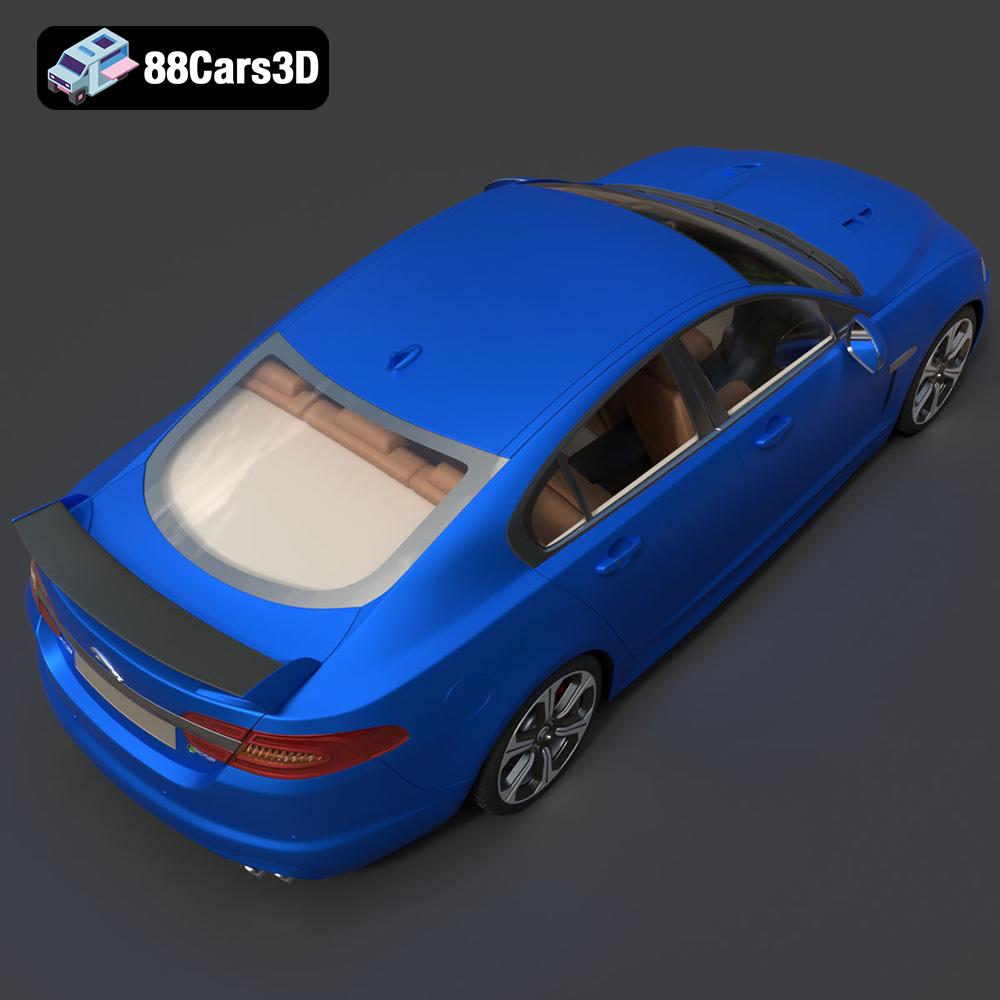
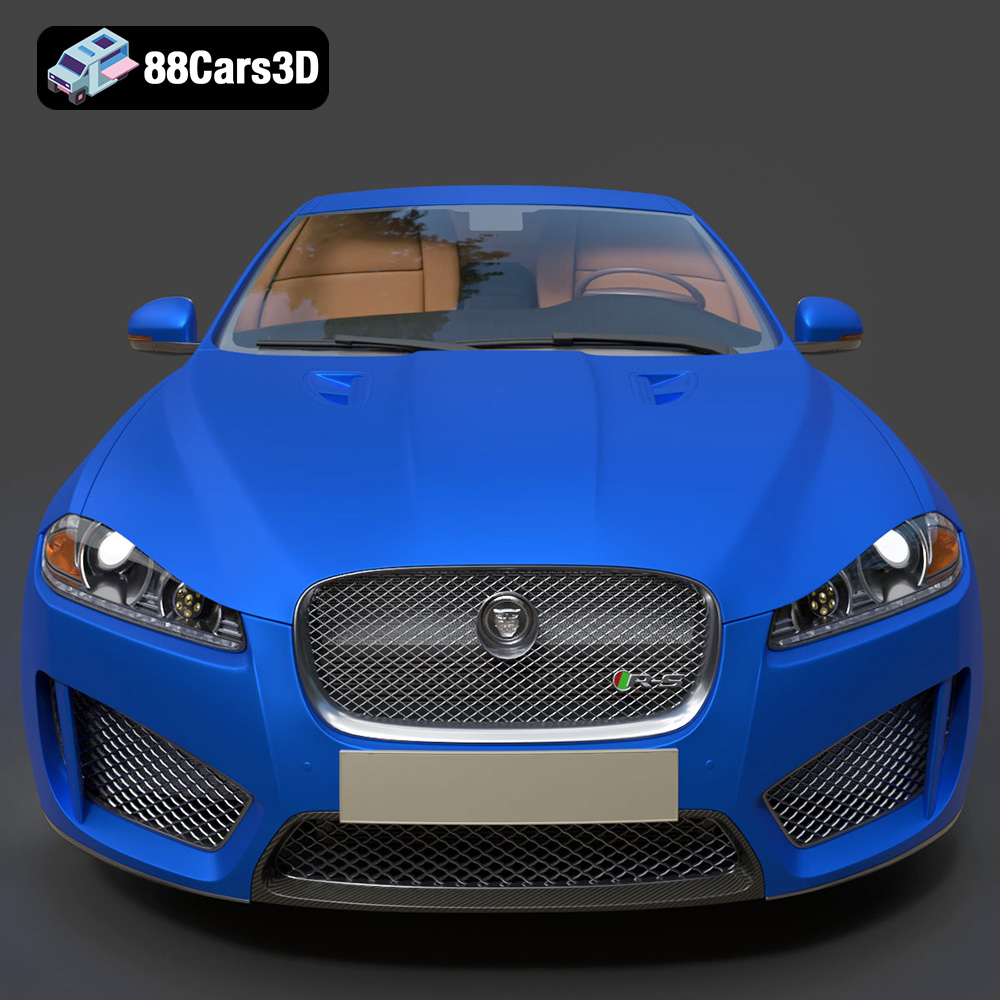
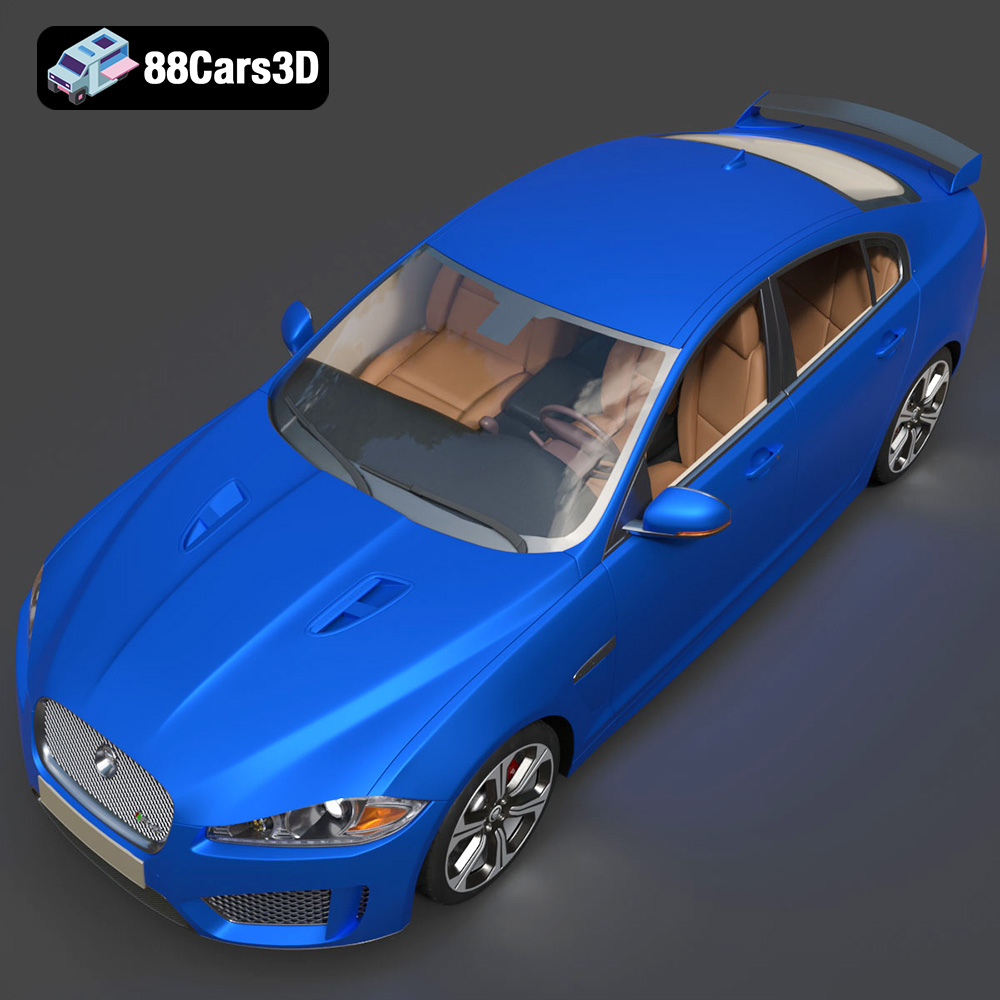
The Jaguar XFR-S 2014 3D Model delivers an exceptionally realistic representation of the iconic performance sedan. Designed with precision, this asset captures the aggressive styling, aerodynamic profile, and distinct characteristics of the XFR-S.
Featuring clean geometry, meticulously crafted realistic materials, and an optimized polygon count, this model ensures professional-grade performance. The fully modeled interior and detailed exterior make it versatile for close-up shots and expansive scenes.
Perfectly suited for game development, architectural visualization, cinematic rendering, and AR/VR applications, it provides a seamless integration into any production pipeline.
$19.99
.arvr
.blend
.car3dmodel
.fbx
.gameasset
.glb
.jaguar
.luxurycar
.max
.obj
.ply
.rendering
.sedan
.simulation
.sportssedan
.stl
.unreal
.xfrs