Get 20% OFF All Premium 3D & STL Models!

The Nissan GTR R35 Nismo. Just the name conjures images of blistering speed, precision engineering, and a track-focused pedigree. Now, thanks to the detailed 3D model available at 88cars3d.com, you can bring this automotive icon to life on your 3D printer. This blog post will guide you through every step of the process, from selecting the right materials and settings to mastering post-processing techniques, ensuring your 3D printed GTR R35 Nismo is a true showstopper. Whether you’re a seasoned 3D printing enthusiast or just starting out, this comprehensive guide will help you achieve exceptional results.
Before diving into the specifics of printing the Nissan GTR R35 Nismo model, it’s crucial to understand the different file formats included in the package and which ones are best suited for 3D printing. The model from 88cars3d.com comes with a variety of formats, each designed for different applications, from rendering to game development. However, when it comes to additive manufacturing, some formats are far superior to others.
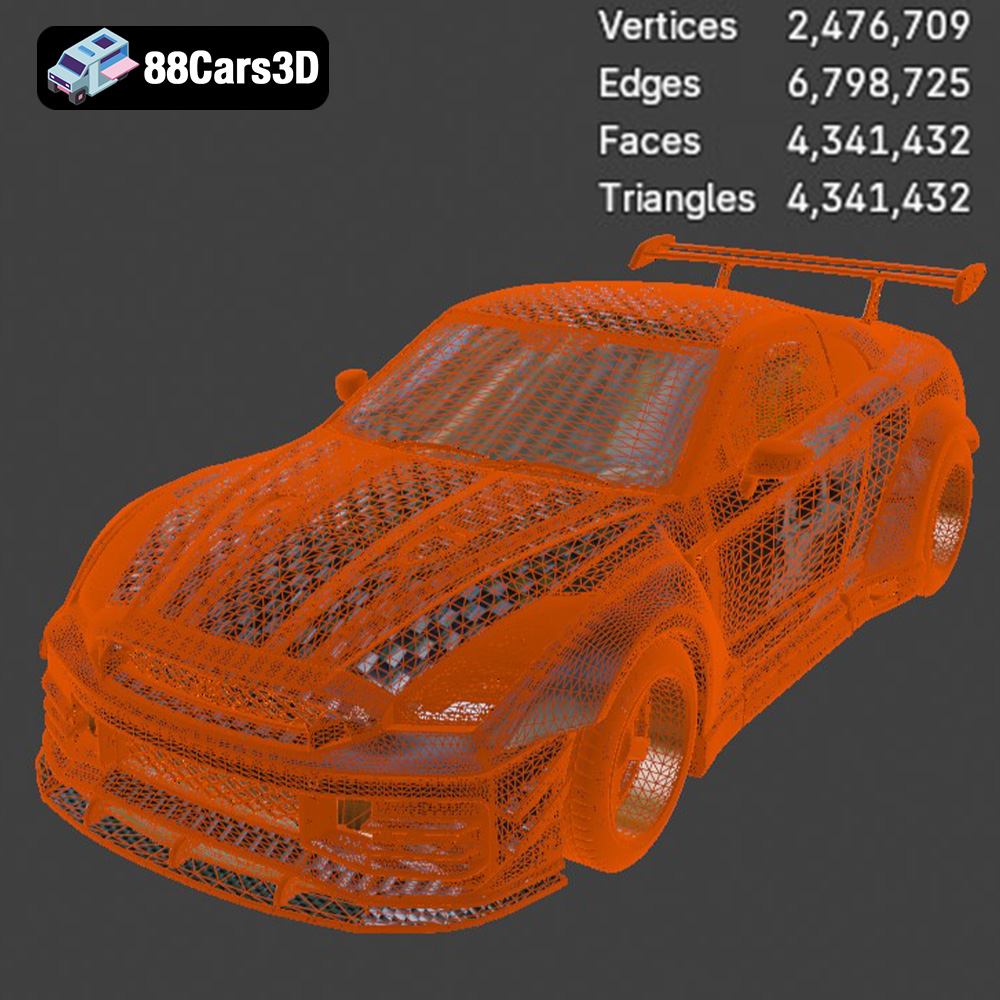
The .stl (stereolithography) format is the industry standard for 3D printing. It represents the 3D model’s surface geometry as a collection of triangles. This simplicity makes it universally compatible with slicing software, which converts the 3D model into layers that your 3D printer can understand and build. The quality of the .stl file depends on the number of triangles used to represent the surface; more triangles mean a smoother, more detailed print, but also a larger file size. When preparing the Nissan GTR R35 Nismo model for printing, the .stl format should be your primary choice. Slicing software excels at interpreting .stl files, allowing you to control parameters like layer height, infill density, and support structures.
While .stl is ideal for 3D printing, understanding the other formats is still valuable:
* **.obj:** This is a universal format that, unlike .stl, can store color and texture information. While some advanced 3D printers can handle colored prints from .obj files, it’s less common than using .stl for single-color prints and applying paint later.
* **.ply:** The .ply format is designed for high-detail meshes, often generated from 3D scanning. It can store more complex vertex data than .stl, allowing for more accurate representation of intricate shapes. However, it’s not always well-supported by slicing software and may require conversion to .stl before printing.
* **.blend:** This is the native file format for Blender, a popular open-source 3D modeling software. It contains the entire scene, including the model, materials, lighting, and camera settings. While you can’t directly 3D print a .blend file, it’s incredibly useful for making modifications to the Nissan GTR R35 Nismo model before exporting it as an .stl.
* **.fbx:** Often used in game development, the .fbx format can store animation data, materials, and textures. Some slicing software can import .fbx files, preserving material assignments, but this is less common than using .stl.
* **.glb:** Designed for AR/VR applications and web-based visualization, the .glb format is a compact and efficient way to display 3D models. While not directly printable, it allows you to preview the model in augmented reality before committing to the printing process.
* **.max:** This is the native file format for 3ds Max, a professional 3D modeling and animation software package. Like .blend, it contains the entire scene and is useful for making advanced modifications to the model before exporting it as an .stl file.
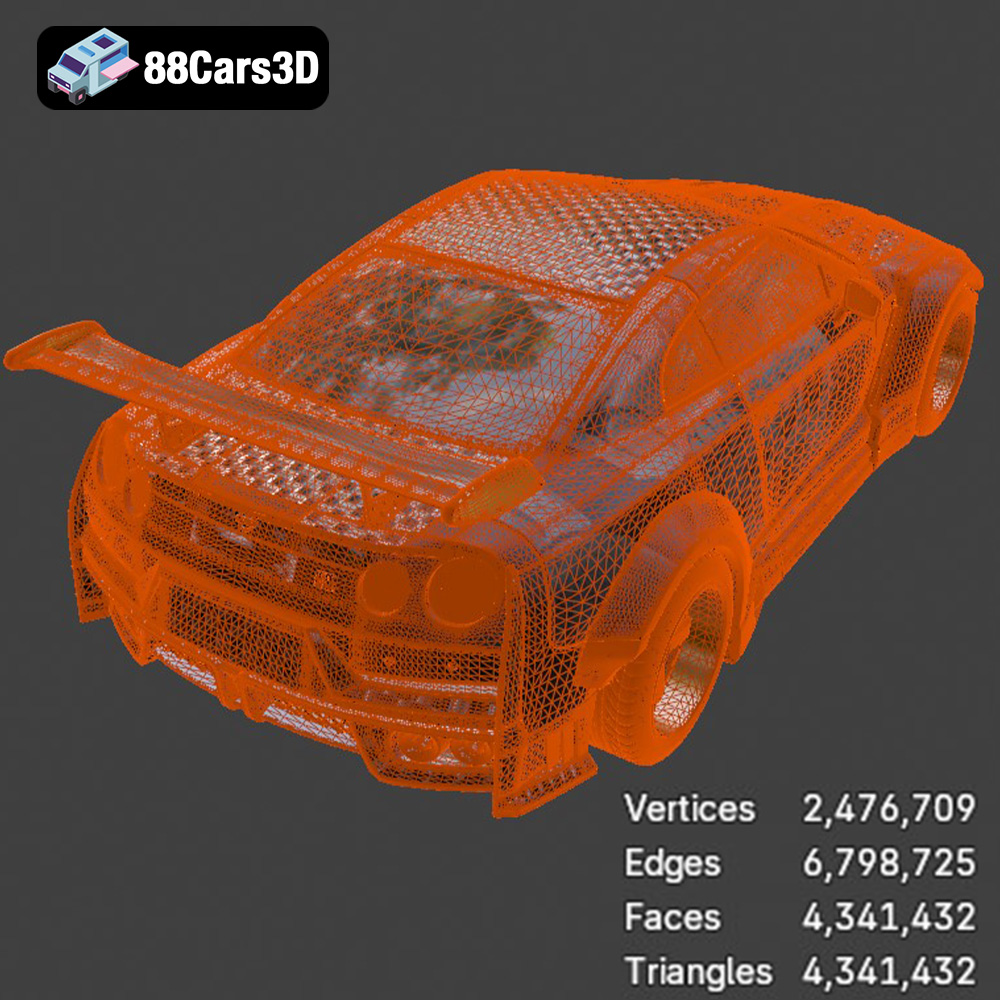
The success of your 3D print heavily depends on the quality of the mesh in your .stl file. A mesh with too few triangles will appear faceted, while a mesh with self-intersections or non-manifold edges can cause errors during slicing. Before printing, it’s essential to inspect the .stl file in a mesh editing software like MeshLab or Netfabb Basic to identify and repair any issues. Most slicing software packages, such as Cura, PrusaSlicer, and Simplify3D, have built-in mesh repair tools, but it’s always best to start with a clean and well-defined mesh.
The compatibility of the .stl file with your slicing software is also critical. While .stl is a universal format, different slicing software packages may interpret the file slightly differently. It’s recommended to experiment with different slicing software to find the one that produces the best results for the Nissan GTR R35 Nismo model, paying attention to the generated support structures and the overall print quality.
The material you choose significantly impacts the final appearance, strength, and durability of your 3D printed Nissan GTR R35 Nismo. Here’s a breakdown of common 3D printing materials and their suitability for this project:
* Pros: PLA (Polylactic Acid) is a biodegradable thermoplastic polymer derived from renewable resources like corn starch or sugarcane. It’s easy to print, requires low printing temperatures (typically 180-220°C), and exhibits minimal warping. PLA is also available in a wide range of colors and finishes, making it ideal for aesthetically pleasing prints.
* Cons: PLA is relatively brittle and has a low glass transition temperature, meaning it can soften and deform under high heat. It’s also not very resistant to UV light or moisture, making it unsuitable for outdoor applications.
* Recommendation: PLA is a good choice for beginners and for creating display models of the Nissan GTR R35 Nismo that won’t be subjected to high temperatures or stress.
* Pros: PETG (Polyethylene Terephthalate Glycol-modified) combines the ease of printing of PLA with improved strength, flexibility, and temperature resistance. It’s more durable than PLA and less prone to warping than ABS. PETG also offers good chemical resistance and is food-safe.
* Cons: PETG can be stringy during printing, requiring careful calibration of retraction settings. It also tends to be more expensive than PLA.
* Recommendation: PETG is an excellent all-around choice for 3D printing the Nissan GTR R35 Nismo. Its enhanced strength and temperature resistance make it suitable for models that may be handled frequently or exposed to moderate heat.
* Pros: Resin 3D printing offers superior detail and surface finish compared to FDM (Fused Deposition Modeling) printing. Resin printers use UV light to cure liquid resin layer by layer, resulting in incredibly smooth and accurate prints.
* Cons: Resin printing requires specialized equipment, including a resin printer, washing station, and curing station. Resins can be toxic and require careful handling and disposal. Resin prints are also typically more brittle than FDM prints and may require post-curing to achieve optimal strength.
* Recommendation: If you prioritize detail and surface finish above all else, resin printing is the way to go. The Nissan GTR R35 Nismo model, with its intricate details, will truly shine when printed in resin. However, be prepared for the added complexity and cost associated with resin printing.
* ABS: A strong and durable thermoplastic, but prone to warping and requires a heated bed and enclosure for successful printing.
* Nylon: Offers excellent strength, flexibility, and chemical resistance, but can be challenging to print due to its high printing temperature and tendency to absorb moisture.
* Carbon Fiber Composites: These materials combine a thermoplastic matrix (usually nylon or ABS) with carbon fiber reinforcement, resulting in exceptionally strong and stiff parts. However, they require specialized nozzles and careful printing settings.
* Recommendation: These materials are generally not recommended for beginners due to their printing complexity. However, experienced users seeking maximum strength and durability may consider experimenting with them.
Once you’ve chosen your material, the next step is to prepare the Nissan GTR R35 Nismo model for printing using slicing software. This software converts the 3D model into a series of instructions that your printer can understand, allowing you to control parameters like layer height, infill density, and support structures.
Several excellent slicing software options are available, each with its strengths and weaknesses. Here are a few popular choices:
* Cura: A free and open-source slicer that’s easy to use and offers a wide range of features.
* PrusaSlicer: Another free and open-source slicer known for its advanced features and excellent print quality.
* Simplify3D: A paid slicer that offers unparalleled control over printing parameters, allowing for highly customized prints.
The optimal print settings will vary depending on your printer, material, and desired print quality. However, here are some general guidelines:
* Layer Height: A lower layer height (e.g., 0.1mm) will result in a smoother surface finish but will increase print time. A higher layer height (e.g., 0.2mm) will print faster but may sacrifice detail.
* Infill Density: Infill density determines the amount of material inside the model. A higher infill density (e.g., 20%) will result in a stronger part but will also increase print time and material consumption. A lower infill density (e.g., 10%) will print faster and use less material but may compromise strength. For the Nissan GTR R35 Nismo, a 15% infill should provide a good balance of strength and print time.
* Support Structures: Support structures are necessary for printing overhangs and bridges. Choose a support structure type that’s easy to remove and doesn’t leave excessive scarring on the printed part.
* Print Speed: A slower print speed will generally result in better print quality, especially for intricate details. A faster print speed will reduce print time but may sacrifice detail.
* Orientation: The orientation of the model on the print bed can significantly impact print quality and the amount of support structures required. Experiment with different orientations to find the one that minimizes overhangs and maximizes surface finish. For the Nissan GTR R35 Nismo, printing the body with the roof facing upwards will minimize the need for supports on the exterior surfaces.
The Nissan GTR R35 Nismo 3D model from 88cars3d.com is accurately scaled, but you may want to adjust the size depending on your printer’s build volume and your desired finished size. Be mindful of the limitations of your printer and material when scaling the model. Scaling the model too large may result in excessive warping or delamination, while scaling it too small may make it difficult to print fine details.
With your slicing settings dialed in, it’s time to start printing! Here’s what to expect and how to ensure a successful print:
Proper bed adhesion is crucial for preventing warping and ensuring that the print stays firmly attached to the build plate throughout the printing process. Here are some tips for improving bed adhesion:
* Clean the Build Plate: Regularly clean your build plate with isopropyl alcohol to remove any grease or residue.
* Level the Bed: Ensure that your print bed is properly leveled. An uneven bed can cause adhesion issues and lead to print failures.
* Use a Bed Adhesive: Apply a thin layer of bed adhesive, such as glue stick or hairspray, to the build plate.
* Adjust the First Layer Settings: Increase the first layer height and width, and reduce the first layer print speed to improve adhesion.
Keep a close eye on the print during the first few layers to ensure that the material is adhering properly to the build plate. If you notice any warping or delamination, stop the print immediately and troubleshoot the issue. Consider using a webcam to monitor the print remotely.
Once the print is complete, carefully remove the support structures. Use a pair of pliers or a hobby knife to gently detach the supports from the printed part. Be careful not to damage the model during support removal. For difficult-to-reach areas, consider using a dissolving support material like HIPS (High Impact Polystyrene) or PVA (Polyvinyl Alcohol), which can be dissolved in a solvent after printing.
Post-processing is the final step in transforming your 3D printed Nissan GTR R35 Nismo from a raw print into a finished masterpiece.
3D printed parts often have visible layer lines and surface imperfections. Sanding and smoothing are essential for achieving a professional-looking finish.
* Start with Coarse Grit Sandpaper: Begin with a coarse grit sandpaper (e.g., 120 grit) to remove any major imperfections.
* Gradually Increase Grit: Progress to finer grit sandpapers (e.g., 220, 400, 600 grit) to smooth the surface.
* Wet Sanding: Wet sanding can help to reduce dust and improve the smoothness of the surface.
* Use a Sanding Block: A sanding block can help to distribute pressure evenly and prevent gouging.
Priming and painting can add color, depth, and realism to your 3D printed Nissan GTR R35 Nismo.
* Apply a Primer: Apply a thin layer of primer to the sanded surface. Primer helps to fill in any remaining imperfections and provides a better surface for paint to adhere to.
* Sand the Primer: Lightly sand the primed surface with fine-grit sandpaper (e.g., 600 grit) to create a smooth base for painting.
* Apply Multiple Coats of Paint: Apply multiple thin coats of paint, allowing each coat to dry completely before applying the next.
* Use Automotive Paint: Consider using automotive paint for a durable and realistic finish.
* Clear Coat: Apply a clear coat to protect the paint and add a glossy finish.
If the Nissan GTR R35 Nismo model consists of multiple parts, assemble them using glue or screws. Ensure that the parts fit together properly and that the assembly is strong and secure.
Even with careful preparation, you may encounter issues during the 3D printing process. Here are some common problems and their solutions:
* Warping: Caused by uneven cooling and contraction of the material. Solutions include using a heated bed, applying bed adhesive, and enclosing the printer.
* Stringing: Caused by excessive material oozing from the nozzle. Solutions include adjusting retraction settings, reducing printing temperature, and increasing travel speed.
* Layer Shifting: Caused by loose belts, stepper motor issues, or vibrations. Solutions include tightening belts, lubricating stepper motors, and stabilizing the printer.
* Under-Extrusion: Caused by insufficient material flow. Solutions include increasing the flow rate, cleaning the nozzle, and checking the filament diameter.
* Over-Extrusion: Caused by excessive material flow. Solutions include decreasing the flow rate, calibrating the extruder, and reducing the printing temperature.
The print time and material cost for the Nissan GTR R35 Nismo 3D model will vary depending on the size of the model, the chosen print settings, and the material used. However, here are some rough estimates:
* Print Time: 20-40 hours (depending on size and settings)
* Material Cost (PLA): $10-$20
* Material Cost (PETG): $15-$30
* Material Cost (Resin): $20-$40
Remember that these are just estimates. The actual print time and material cost may be higher or lower depending on your specific setup and settings.
3D printing the Nissan GTR R35 Nismo model is a rewarding project that allows you to bring a legendary car to life in your own home. By carefully selecting your materials, optimizing your print settings, and mastering post-processing techniques, you can create a stunning 3D printed replica that you’ll be proud to display. Remember to visit 88cars3d.com for a wide selection of high-quality 3D car models optimized for 3D printing. Now, it’s time to unleash your creativity and start printing!
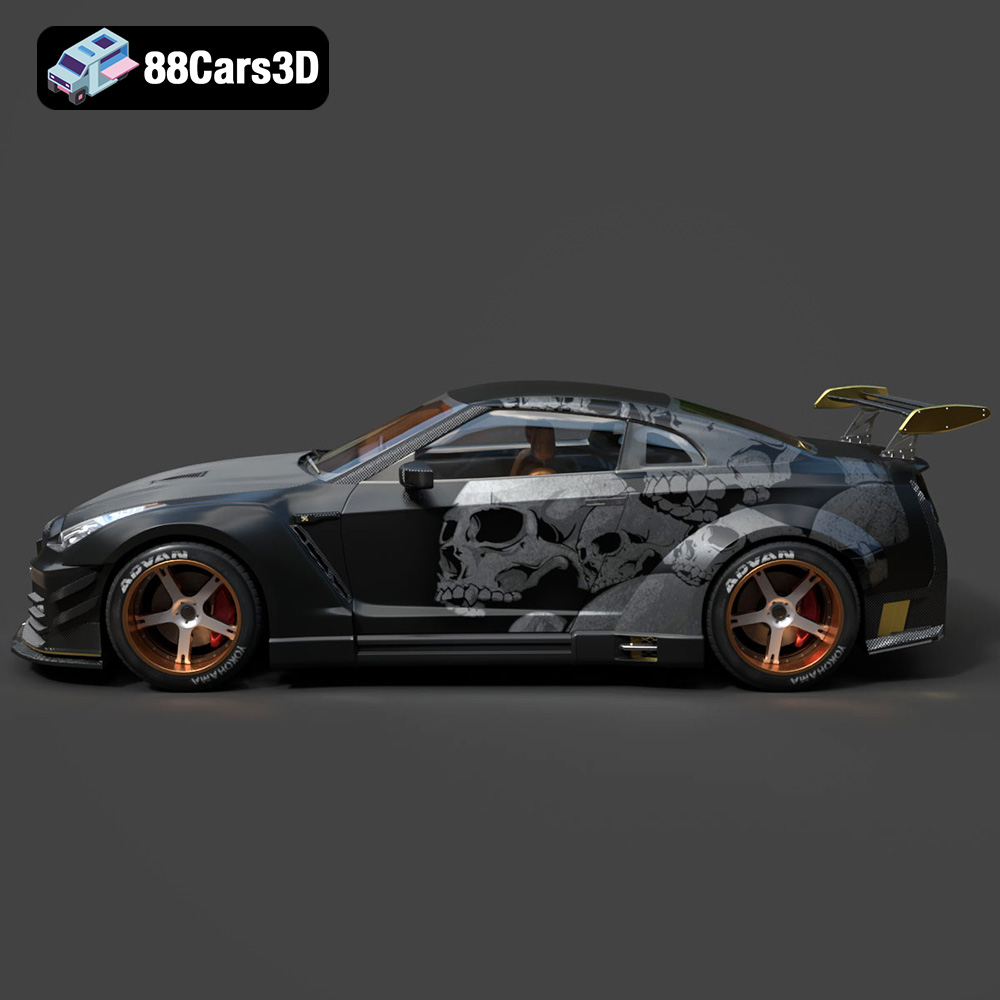
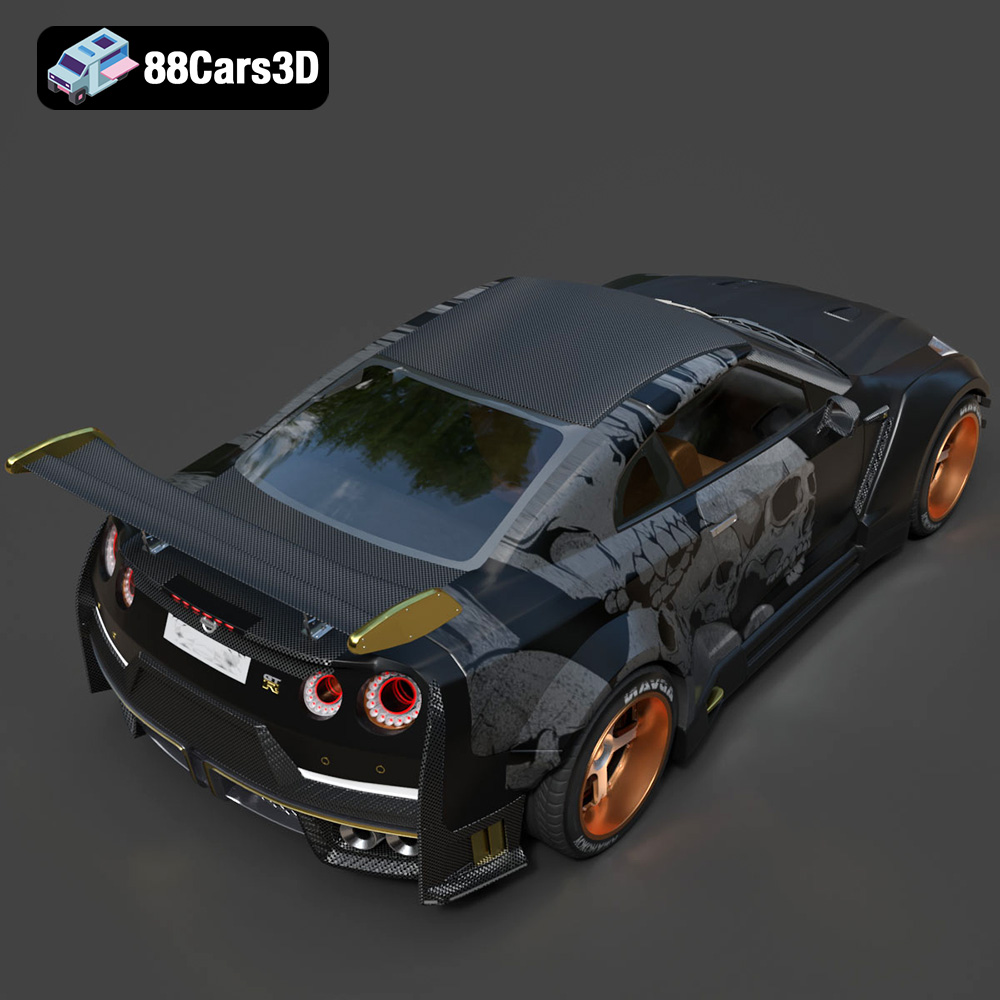
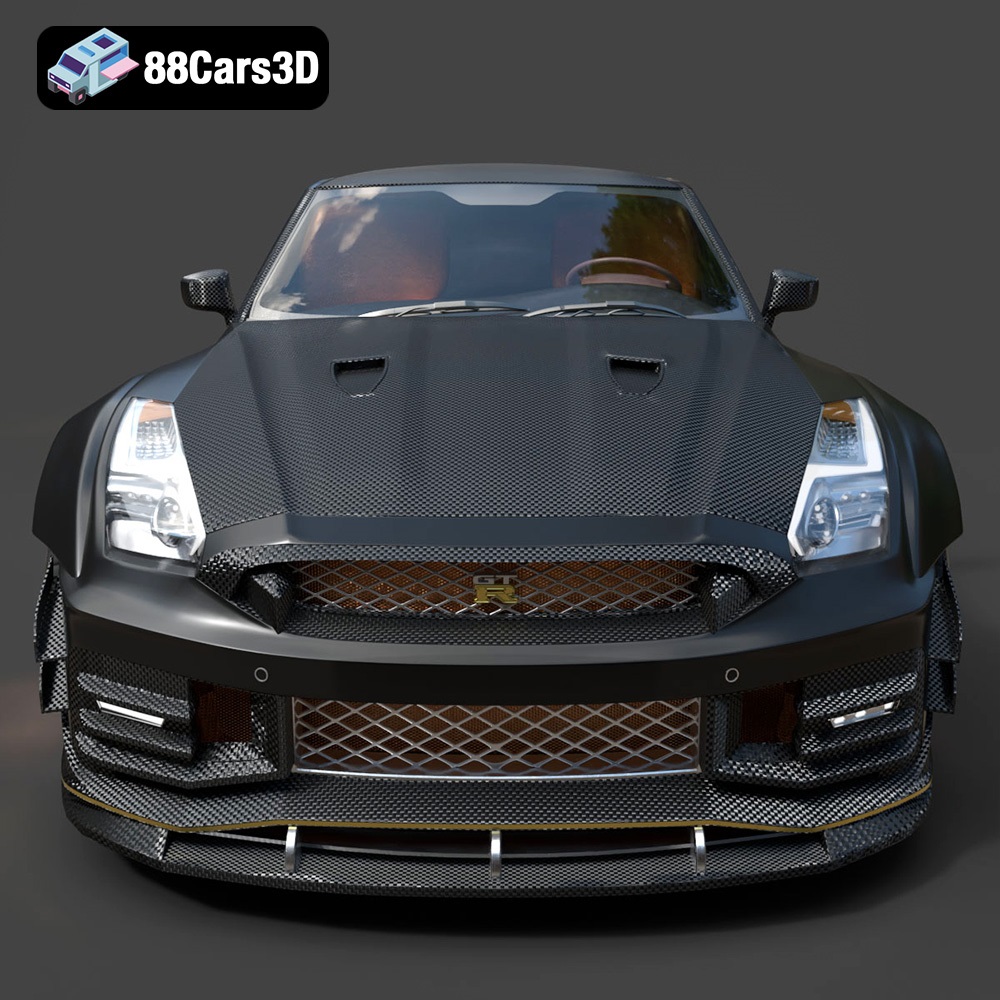
Experience the precision and performance of a legendary track-focused vehicle with the Nissan GTR R35 Nismo 3D Model. Crafted with meticulous attention to detail, this digital asset perfectly captures the aggressive aerodynamics, widened stance, and iconic design language of the real-world counterpart. The authentic proportions and realistic exterior styling make it an essential addition to any professional digital automotive library.
$19.99
.arvr
.blend
.car3dmodel
.coupe
.fbx
.gameasset
.glb
.gtr
.max
.nismo
.nissan
.obj
.ply
.r35
.rendering
.simulation
.sportsCar
.stl
.supercar
.unreal