Get 20% OFF All Premium 3D & STL Models!

“`html
The world of 3D printing has opened up incredible possibilities for automotive enthusiasts, model makers, and hobbyists. The ability to bring your favorite car designs to life in physical form is now within reach. However, before you can hit the print button, you need to navigate the crucial process of converting vehicle models into printable STL files. This guide provides a comprehensive, technical walkthrough of the entire process, from sourcing your 3D model to optimizing it for your chosen 3D printer. We’ll cover everything from file formats and mesh repair to slicing parameters and support structures. Whether you’re a seasoned 3D printing veteran or a newcomer eager to dive in, this guide will equip you with the knowledge and skills to create stunning 3D printed car models.
In this guide, you will learn:
The first step in creating a 3D printed car model is acquiring a suitable 3D model file. The quality of this initial model significantly impacts the final printed result. It’s crucial to choose a model that’s well-designed, accurate, and appropriately detailed for your desired print size and printer capabilities. Platforms like 88cars3d.com offer print-ready STL files optimized for various 3D printing needs.
While STL is the standard for 3D printing, models might initially come in other formats like OBJ, FBX, or STEP. Converting to STL is usually necessary before slicing. Consider the following:
The conversion process can sometimes introduce errors, so it’s always advisable to perform mesh repair after conversion, as detailed in later sections.
The level of detail in your model should match your printing capabilities. High-resolution resin printers can handle intricate details, while FDM printers might struggle with very fine features. Consider the intended scale of the print. Overly detailed models shrunk down might lose details, while overly simplified models enlarged may lack realism. Look for models that have clean geometry and avoid self-intersecting faces or non-manifold edges. Accurate models are critical, especially for replica projects or when specific dimensions matter. When downloading models from marketplaces such as 88cars3d.com, ensure that the specifications and descriptions match your requirements.
The STL (Stereolithography) file format is the workhorse of 3D printing. It represents the surface geometry of a 3D object as a collection of triangles. While simple, its limitations must be understood to ensure successful prints. The STL format only stores the surface geometry and provides no information about color, texture, or material properties. All surfaces are approximated using triangles, and the density of these triangles directly impacts the model’s accuracy. Higher triangle counts mean smoother surfaces but also larger file sizes, which can slow down slicing and printing processes.
The number of triangles used to represent the surface is a critical factor. A low triangle count results in a faceted appearance, while a very high count can strain your computer during slicing. A good balance is key. Most slicing software allows you to adjust the mesh resolution during import or repair. Aim for a triangle count that provides sufficient detail without excessively bloating the file size. For example, a model of a car might need 500,000 to 1,000,000 triangles for a decent level of detail. Too few, and you will see obvious facets, too many, and it becomes unwieldy.
STL files can be saved in either ASCII or binary format. ASCII STL files are human-readable but significantly larger. Binary STL files are more compact and faster to process, making them the preferred choice for most 3D printing applications. The binary format encodes the triangle data in a more efficient way, reducing file size and improving performance during slicing. Always opt for the binary format unless you specifically need to inspect the file content manually using a text editor.
Often, 3D models downloaded from the internet or converted from other formats contain errors that can lead to printing failures. These errors, such as non-manifold edges, holes, and self-intersecting faces, need to be fixed before slicing. Mesh repair is a crucial step in preparing your model for 3D printing. Several software tools are available for this purpose, including Meshmixer, Netfabb, and the built-in repair tools in slicers like Cura and PrusaSlicer.
Non-manifold geometry refers to edges or vertices shared by more than two faces, creating impossible physical structures. These errors are common in 3D models and must be corrected. Meshmixer’s “Make Solid” function is excellent for automatically detecting and repairing non-manifold edges. Netfabb offers more advanced tools for manual repair, allowing you to precisely identify and fix problematic areas. You can also sometimes use Blender for manual repairs. A common workflow is to import the STL into Blender, use the “Select Non Manifold” function to highlight problematic areas, and then manually bridge edges or fill faces to correct the issues.
Holes in the mesh can cause significant problems during slicing, as the software may not be able to generate a continuous toolpath. Use Meshmixer’s “Fill” tool or Netfabb’s “Close All Holes” function to seal any openings in the model. When filling larger gaps, consider the surrounding geometry to maintain the original shape and avoid creating new errors. If a hole is too large, manually creating bridging geometry in Blender or another modeling software might be necessary. The key is to create a watertight, closed mesh.
Different 3D printing technologies require different optimization strategies. FDM (Fused Deposition Modeling) and resin printing have unique strengths and limitations, which impact how you should prepare your models. Understanding these differences is vital for achieving optimal print quality. For FDM, layer adhesion, support structures, and orientation are key considerations. For resin printing, drainage holes, hollowing, and exposure settings are crucial.
For FDM printing, consider the following:
Also, experiment with different infill patterns. Gyroid infill offers excellent strength-to-weight ratio and is a good all-around choice.
For resin printing, consider the following:
Resin printers excel at fine detail, so higher resolution models are generally preferred. Also, carefully consider the placement and type of supports. Resin supports tend to be more fragile than FDM supports, so placement is critical for success.
Slicing is the process of converting the 3D model into a set of instructions that the 3D printer can understand. Slicing software like Cura, PrusaSlicer, and Simplify3D allows you to adjust numerous parameters that affect print quality, speed, and material usage. Understanding these parameters is crucial for achieving optimal results. Correctly configured slicing parameters can drastically improve the final print, minimize errors, and save filament.
Layer height directly impacts the resolution and print time. Lower layer heights (e.g., 0.1mm) produce smoother surfaces but increase print time. Higher layer heights (e.g., 0.3mm) are faster but result in more visible layer lines. Print speed affects the quality of the print and the likelihood of errors. Slower speeds generally result in better adhesion and fewer defects. Start with a moderate speed (e.g., 50mm/s for FDM) and adjust based on your printer’s capabilities and the complexity of the model. Experimentation is key to finding the optimal balance.
Nozzle temperature affects the flow of filament and the layer adhesion. The ideal temperature depends on the material being used. PLA typically prints well around 200-220°C, while ABS requires higher temperatures (230-250°C). Bed adhesion is crucial for preventing warping and ensuring that the print sticks to the build plate. Use a heated bed (60°C for PLA, 100°C for ABS) and consider using bed adhesion aids like glue stick or hairspray. For resin printers, proper leveling of the build plate and ensuring the resin is at the correct temperature are key for bed adhesion.
Support structures are temporary structures that hold up overhanging parts of the model during printing. They are essential for printing complex geometries but also require careful planning and removal. Poorly designed supports can be difficult to remove and can damage the printed surface. The type of support, density, and placement all affect print quality and ease of removal. Support generation is usually handled within the slicing software.
Common support types include:
Experiment with different support types to find the best balance between stability and ease of removal. Tree supports are generally a good choice for car models as they minimize contact with the visible surfaces.
Strategically place supports to minimize their impact on visible surfaces. Use support blockers in your slicing software to prevent supports from being generated in areas where they are not needed. When removing supports, use sharp tools like hobby knives, pliers, or flush cutters. Be careful not to damage the printed surface. Soaking the print in warm water can soften the supports and make them easier to remove. For resin prints, using a UV curing station after support removal can help harden any remaining surface imperfections.
Once the print is complete and the supports are removed, post-processing techniques can enhance the final appearance of your 3D printed car model. These techniques include sanding, priming, painting, and assembly. Post-processing can transform a raw 3D print into a showroom-worthy model. The specific techniques you use will depend on the desired level of finish and the type of material used for printing.
Sanding smooths out layer lines and imperfections on the printed surface. Start with coarse sandpaper (e.g., 220 grit) and gradually move to finer grits (e.g., 400, 600, 800 grit) to achieve a smooth finish. Wet sanding can help reduce dust and improve the sanding process. After sanding, apply a primer to fill in any remaining imperfections and provide a good surface for painting. Several coats of primer may be needed for the best results.
Painting brings your 3D printed car model to life. Use high-quality paints designed for plastic models. Apply thin, even coats to avoid drips and runs. Masking tape can be used to create clean lines and separate different colors. Consider using an airbrush for a professional-looking finish. After painting, apply a clear coat to protect the paint and add a glossy finish. Detailing can further enhance the realism of the model. Add decals, badges, and other small details to make your model stand out.
Converting vehicle models into printable STL files is a multi-faceted process that requires careful attention to detail. From sourcing high-quality models and understanding the nuances of the STL format to optimizing slicing parameters and mastering post-processing techniques, each step plays a crucial role in achieving a successful 3D printed car model. By following the guidelines and best practices outlined in this comprehensive guide, you can confidently transform digital designs into tangible objects that capture the essence of your favorite vehicles. Remember to experiment with different settings and techniques to find what works best for your printer and desired level of detail. Happy printing, and enjoy bringing your automotive dreams to life!
Here are some key takeaways to remember:
“`

Texture: Yes | Material: Yes
Download the highly detailed, game-ready Volkswagen Jetta GLI 2019 3D Model. Features an aggressive honeycomb grille with red accents, sleek aerodynamic profile, and exclusive GLI sport wheels. Includes .blend, .fbx, .obj, .glb, .stl, .ply, .unreal, and .max formats for game development, AR/VR, and rendering.
Price: $19.99

Texture: Yes | Material: Yes
Download the highly detailed, game-ready Vintage Vespa 3D Model. Features iconic rounded monocoque styling, classic saddle, and chrome accents. Includes .blend, .fbx, .obj, .glb, .stl, .ply, .unreal, and .max formats for game development, AR/VR, and rendering.
Price: $19.99

Texture: Yes | Material: Yes
Download the highly detailed, game-ready Vespa GS 150 3D Model. Features elegant aerodynamic curves, classic leg shield, and detailed engine casing. Includes .blend, .fbx, .obj, .glb, .stl, .ply, .unreal, and .max formats for game development, AR/VR, and rendering.
Price: $19.99

Texture: Yes | Material: Yes
Download the highly detailed, game-ready Vespa P200E 3D Model. Features classic vintage styling, accurate step-through frame geometry, and authentic detailing. Includes .blend, .fbx, .obj, .glb, .stl, .ply, .unreal, and .max formats for game development, AR/VR, and rendering.
Price: $19.99

Texture: Yes | Material: Yes
Download the highly detailed, game-ready Ural M67-36-P 1976 3D Model. Features the iconic air-cooled boxer engine, vintage utilitarian styling, and authentic spoked wheels. Includes .blend, .fbx, .obj, .glb, .stl, .ply, .unreal, and .max formats for game development, AR/VR, and rendering.
Price: $19.99
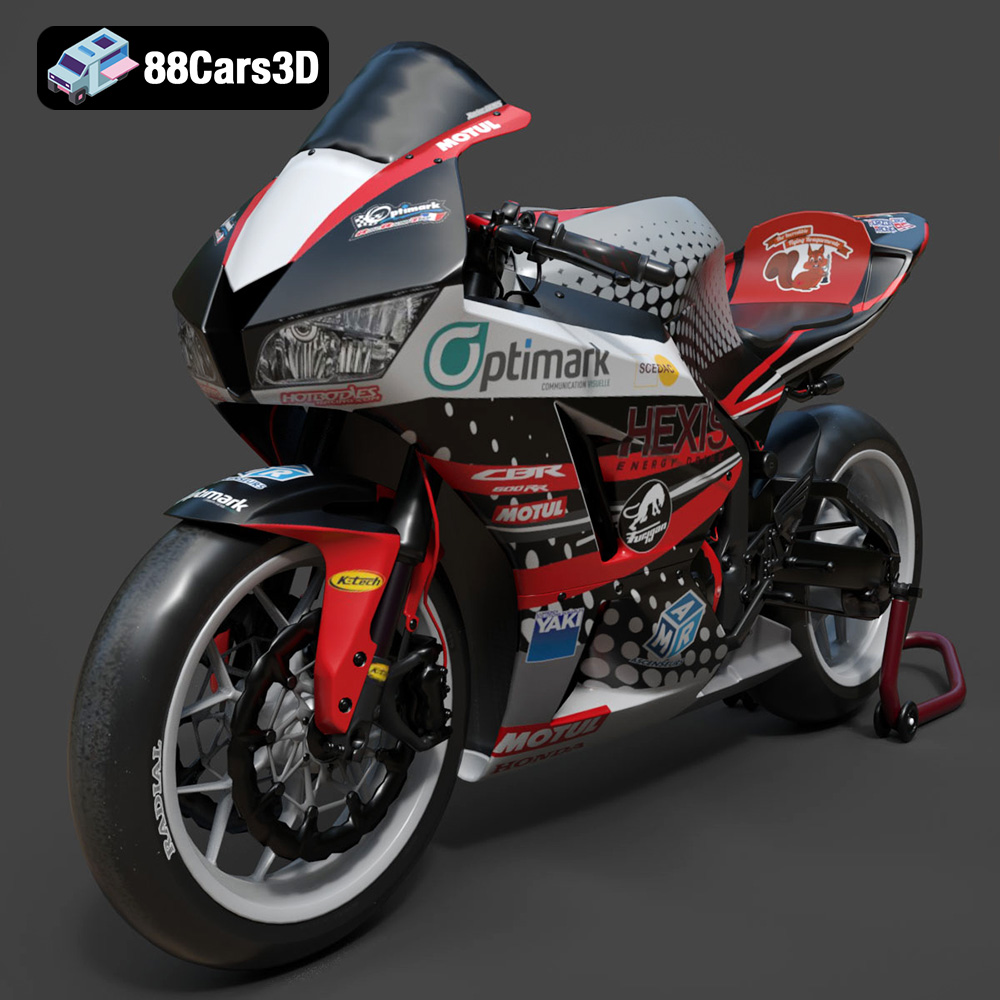
Texture: Yes | Material: Yes
Download the highly detailed, game-ready Honda CBR600RR 3D Model. Features aerodynamic fairings, an iconic center-up exhaust, and an aggressive track-focused stance. Includes .blend, .fbx, .obj, .glb, .stl, .ply, .unreal, and .max formats for game development, AR/VR, and rendering.
Price: $19.99
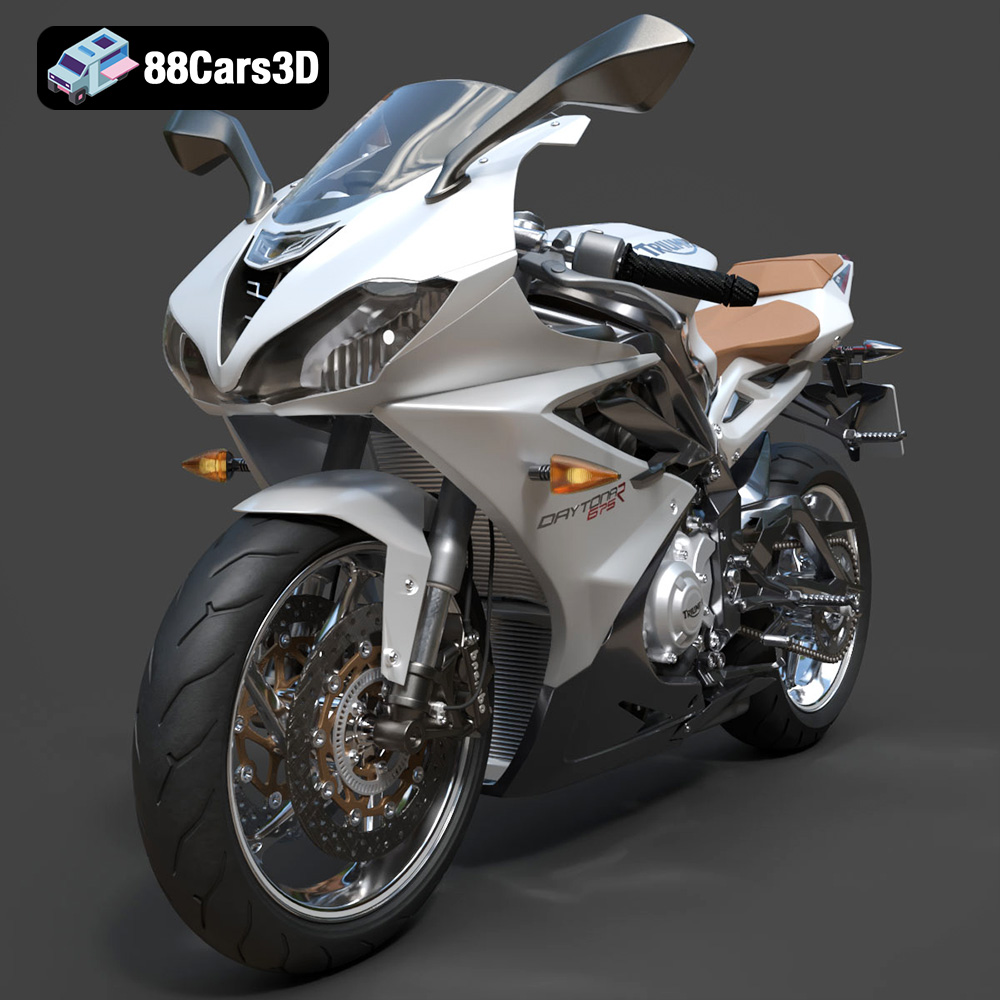
Texture: Yes | Material: Yes
Download the highly detailed, game-ready Triumph Daytona 675R ABS 2015 3D Model. Features aerodynamic sport fairings, a detailed inline-triple engine, and premium Öhlins suspension components. Includes .blend, .fbx, .obj, .glb, .stl, .ply, .unreal, and .max formats for game development, AR/VR, and rendering.
Price: $19.99

Texture: Yes | Material: Yes
Download the highly detailed, game-ready Toyota Tacoma TRD Off-Road 2016 3D Model. Features a rugged exterior, TRD off-road suspension details, and a meticulously crafted interior. Includes .blend, .fbx, .obj, .glb, .stl, .ply, .unreal, and .max formats for game development, AR/VR, and rendering.
Price: $19.99

Texture: Yes | Material: Yes
Download the highly detailed, game-ready Toyota Supra 2020 3D Model. Features aggressive aerodynamic styling, a distinctive double-bubble roof, and accurate B58 engine components. Includes .blend, .fbx, .obj, .glb, .stl, .ply, .unreal, and .max formats for game development, AR/VR, and rendering.
Price: $19.99
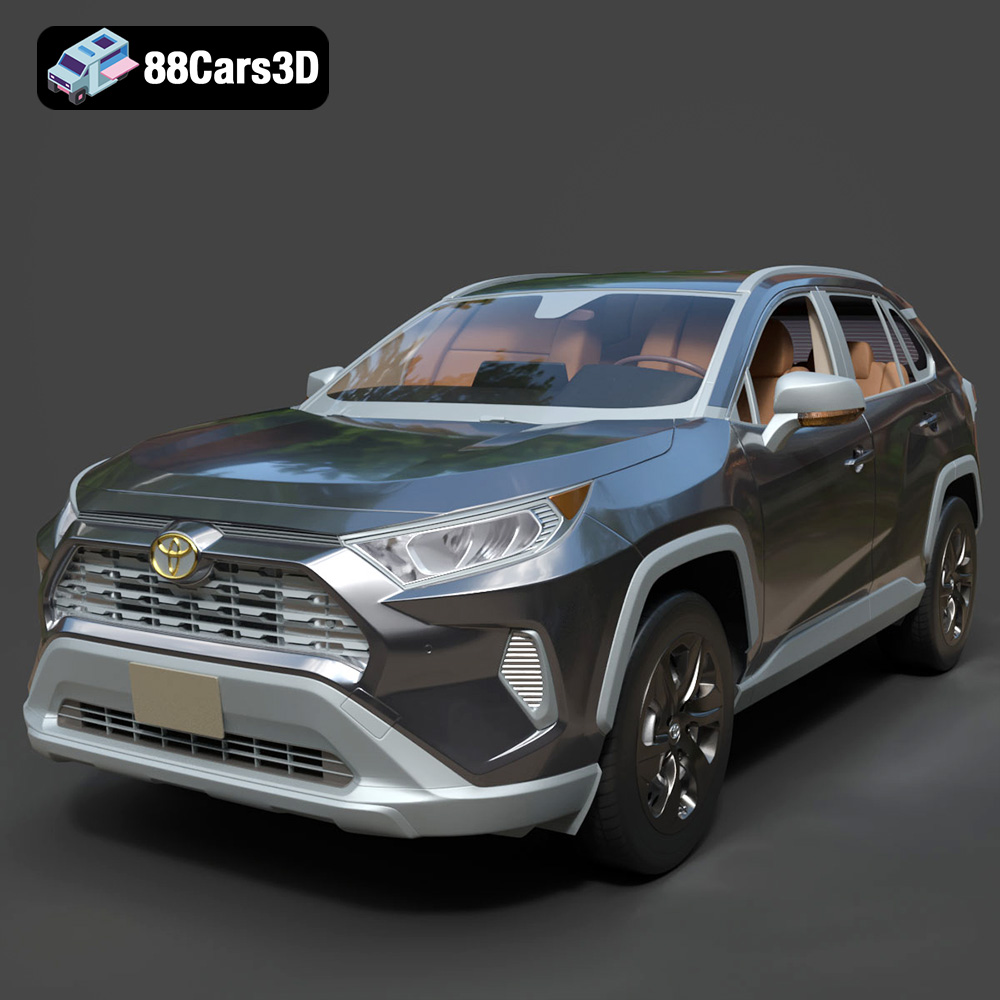
Texture: Yes | Material: Yes
Download the highly detailed, game-ready Toyota RAV4 LE 2019 3D Model. Features rugged exterior styling, signature polygonal motif, and a detailed interior. Includes .blend, .fbx, .obj, .glb, .stl, .ply, .unreal, and .max formats for game development, AR/VR, and rendering.
Price: $19.99

