Get 20% OFF All Premium 3D & STL Models!

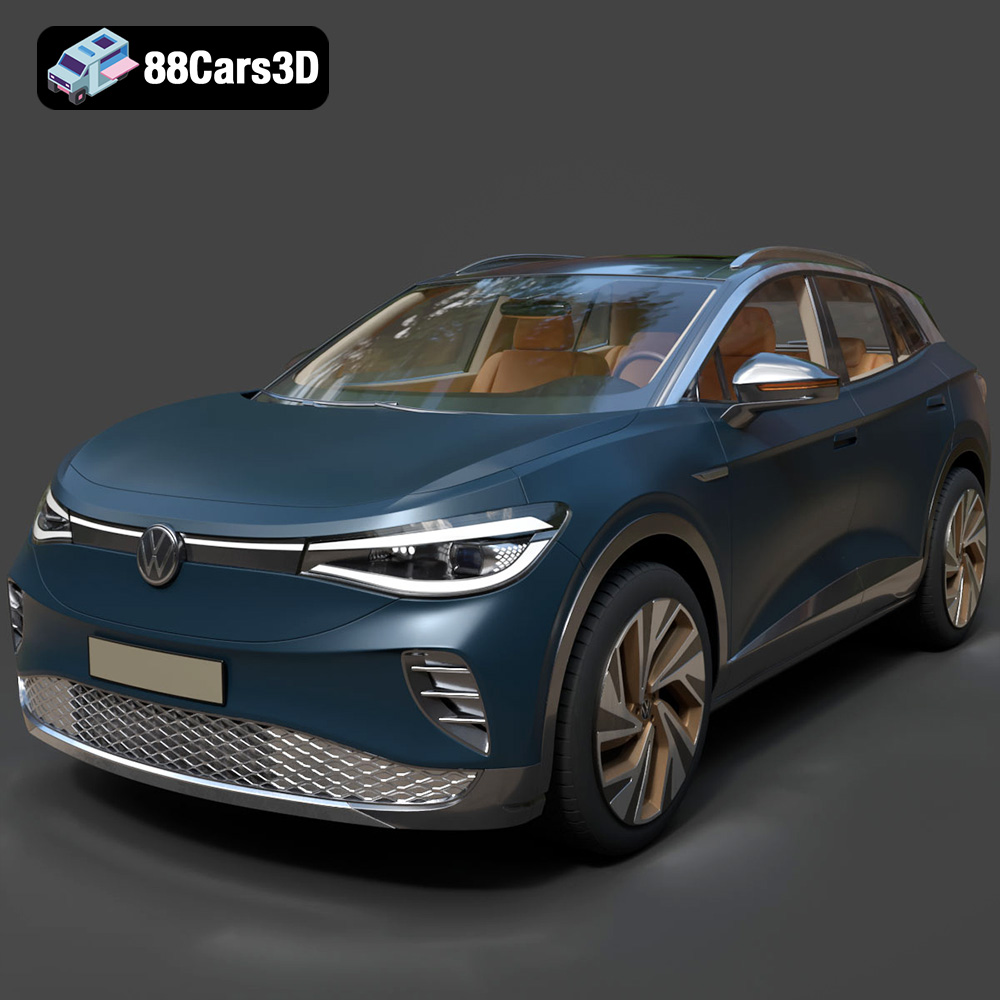
The Volkswagen ID4 has quickly become a recognizable sight on roads worldwide, and now you can bring this electric SUV to life with the power of 3D printing. This comprehensive guide will walk you through every step of 3D printing the Volkswagen ID4 2021 3D Model, focusing on optimal settings, material selection, pre- and post-processing techniques, and troubleshooting tips to ensure a successful and satisfying print. Whether you’re a seasoned 3D printing enthusiast or just starting out, this guide will help you create a stunning replica of this popular electric vehicle. You can find the detailed 3D model for this project on 88cars3d.com.
Before diving into the specifics of printing the Volkswagen ID4, it’s crucial to understand the different file formats available and how they impact the 3D printing process. 88cars3d.com provides a wide range of formats to suit various needs, but some are better suited for 3D printing than others.
The STL (Stereolithography) file format is the de facto standard for 3D printing. It represents the surface geometry of a 3D object as a collection of triangles. While it’s a simple format, only storing the surface geometry, it’s widely supported by virtually all 3D printing software and printers.
* **Benefits:** Universal compatibility, ease of use, smaller file sizes compared to some other formats.
* **Limitations:** Does not contain color or texture information, mesh-only format which can sometimes lead to faceted appearances if the model resolution is too low.
* **Best Use:** General 3D printing, prototyping, functional parts.
The OBJ (Object) file format is another common format used for 3D models. Unlike STL, OBJ files can store color and texture information, making them suitable for colored 3D printing (if your printer supports it) or for transferring models between different software applications.
* **Benefits:** Supports color and texture information.
* **Limitations:** Can result in larger file sizes, not always as widely supported as STL in some slicing software.
* **Best Use:** Colored 3D printing, importing models into rendering or animation software.
The PLY (Polygon) file format is designed for storing 3D data acquired from 3D scanners. It can store a wide range of data, including color, texture, and normal information. It is often used where high-detail and precision are important.
* **Benefits:** High precision, ability to store a variety of data types.
* **Limitations:** Larger file sizes, may require specific software for manipulation.
* **Best Use:** Capturing and reproducing high-detail scanned objects.
The BLEND file format is the native file format for Blender, a free and open-source 3D creation suite. This format contains the entire Blender scene, including the model geometry, materials, lighting, and animation data. This is useful if you want to customize the model before printing.
* **Benefits:** Allows full editing and customization of the model within Blender.
* **Limitations:** Requires Blender software, needs to be exported to a printable format (like STL) after editing.
* **Best Use:** Modifying and customizing the Volkswagen ID4 2021 3D model before 3D printing.
The FBX (Filmbox) file format is a proprietary format developed by Autodesk. It’s commonly used for exchanging 3D data between different software applications, particularly in game development and animation. While it can store material information, it’s not directly printable and needs to be converted.
* **Benefits:** Preserves material information when transferring between different software packages.
* **Limitations:** Not directly printable, needs conversion.
* **Best Use:** Importing the model into slicing software that supports FBX for material recognition (though this is not necessary for most standard 3D printing).
The GLB (GL Transmission Format Binary) file format is designed for efficient transmission and loading of 3D models, especially in web-based applications and AR/VR environments. It encapsulates the entire 3D scene, including geometry, textures, and animations, into a single binary file.
* **Benefits:** Optimized for web and AR/VR applications, efficient loading.
* **Limitations:** Not directly printable, primarily for previewing.
* **Best Use:** Previewing the Volkswagen ID4 2021 3D model in augmented reality before committing to a print.
The MAX file format is the native file format for 3ds Max, another professional 3D modeling, animation, and rendering software. Similar to BLEND, it contains the entire 3ds Max project, allowing for extensive customization before exporting for printing.
* **Benefits:** Allows for extensive editing and customization in 3ds Max.
* **Limitations:** Requires 3ds Max software, needs to be exported to a printable format (like STL) after editing.
* **Best Use:** Advanced modifications and customizations by users familiar with 3ds Max.
**Focus on STL for 3D Printing:**
For 3D printing, the **STL** format is the most practical and universally supported. When you download the Volkswagen ID4 2021 3D model from 88cars3d.com, ensure you use the STL file for printing. Slicing software readily accepts STL files, allowing you to prepare the model for your specific printer and material.
**Mesh Quality and STL:**
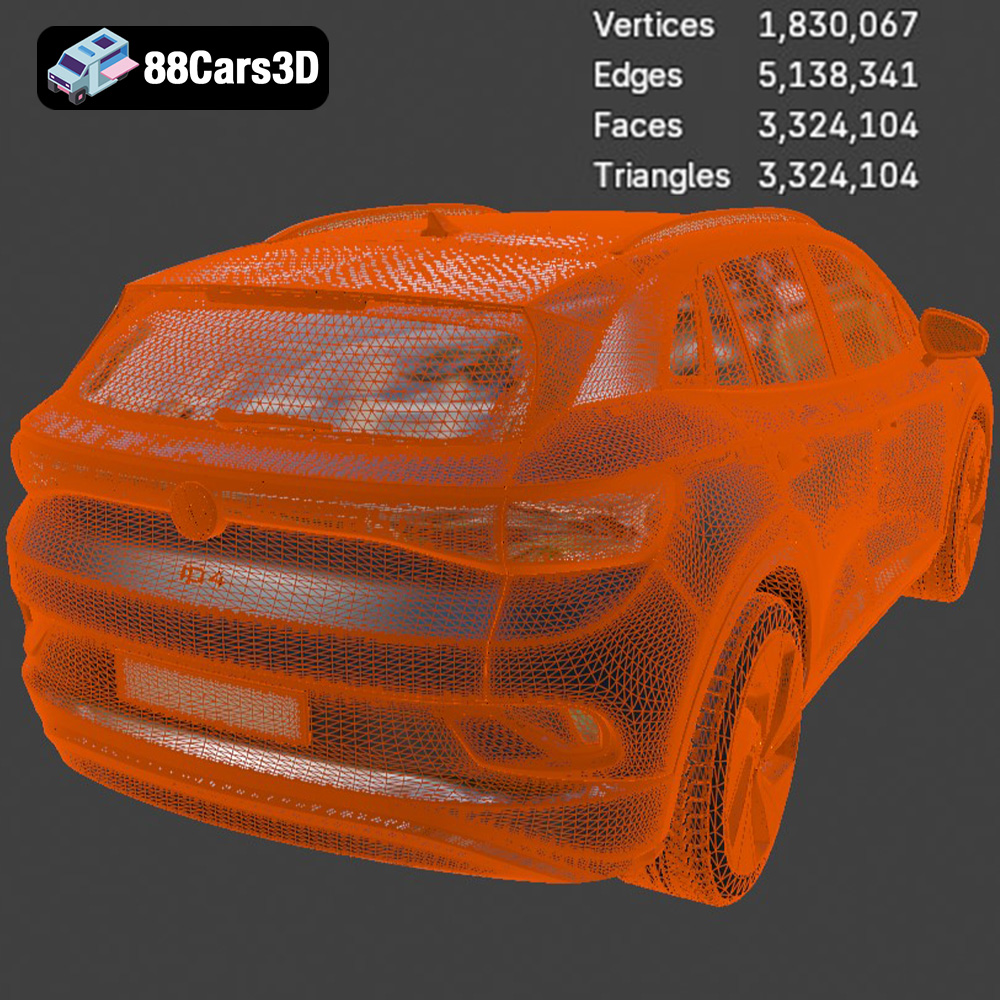
The quality of the STL file is paramount for a successful print. A high-resolution STL file will capture more details of the Volkswagen ID4’s design, resulting in a smoother and more accurate 3D printed model. However, higher resolution also means larger file sizes and potentially longer processing times in your slicing software.
Before sending the Volkswagen ID4 2021 3D model to your printer, careful preparation is essential. This involves using slicing software to convert the 3D model into a series of instructions (G-code) that your printer can understand. Additionally, optimizing the model for 3D printing will help improve the print quality and reduce the risk of errors.
Choosing the right slicing software is the first step. Popular options include:
* **Ultimaker Cura:** A free and user-friendly option, suitable for beginners and experienced users alike.
* **PrusaSlicer:** Known for its advanced features and excellent print profiles for Prusa printers.
* **Simplify3D:** A paid option with extensive customization options and advanced support generation capabilities.
Each software offers different features and user interfaces, so experiment to find one that suits your needs.
Model orientation is crucial for minimizing support material and maximizing print quality. Consider the following:
* **Minimize Overhangs:** Orient the model to reduce the amount of unsupported areas, as these require support structures.
* **Surface Detail:** Place surfaces with intricate details facing upwards to ensure they are printed with the highest possible resolution.
* **Flat Base:** For the Volkswagen ID4, orienting the model with the chassis flat on the build plate can provide a stable base and reduce the need for extensive supports.
Once the orientation is set, generate supports as needed. Slicing software offers various support types, such as linear, tree, and hybrid supports. Experiment with different support settings to find the optimal balance between support strength and ease of removal.
Depending on your desired final product, you might want to scale the Volkswagen ID4 2021 3D model. Be mindful of the limitations of your printer’s build volume. Additionally, use the slicing software’s built-in tools or a dedicated mesh repair tool like MeshMixer or Netfabb to identify and repair any errors in the STL file. These errors can include non-manifold edges, holes, and flipped normals, which can negatively impact print quality.
Choosing the right material and configuring your printer settings are critical for a successful 3D print. Different materials offer varying properties in terms of strength, flexibility, and temperature resistance.
* **PLA (Polylactic Acid):** An excellent choice for beginners due to its ease of printing, low warping, and biodegradability. PLA is suitable for creating visually appealing models but may not be ideal for parts subjected to high stress or temperature.
* **PETG (Polyethylene Terephthalate Glycol):** A more durable and heat-resistant alternative to PLA. PETG offers good layer adhesion and is less prone to warping. It’s a great option for parts that require higher strength and flexibility.
* **ABS (Acrylonitrile Butadiene Styrene):** A strong and heat-resistant material commonly used in automotive applications. ABS requires a heated bed and enclosure to prevent warping and cracking. It’s suitable for functional parts and prototypes that need to withstand higher temperatures.
* **Resin:** For those seeking incredibly high detail, resin printing is an option. SLA or DLP printers can produce stunning results, but require more involved post-processing.
* **Layer Height:** A lower layer height (e.g., 0.1mm – 0.2mm) will result in smoother surfaces and finer details but will increase print time. A higher layer height (e.g., 0.2mm – 0.3mm) will print faster but may sacrifice some detail.
* **Infill Density:** Infill density determines the internal structure of the 3D printed part. Higher infill density (e.g., 20% – 50%) will result in a stronger but heavier model. Lower infill density (e.g., 10% – 20%) will save material and print faster but may compromise structural integrity. For the Volkswagen ID4, a moderate infill density (15-25%) is usually sufficient.
* **Print Speed:** Print speed affects the quality of the print. A slower print speed (e.g., 40mm/s – 60mm/s) typically yields better results, especially for complex models with fine details. A faster print speed (e.g., 60mm/s – 80mm/s) can save time but may reduce print quality.
* **Temperature:** Set the nozzle and bed temperature according to the manufacturer’s recommendations for the chosen material. For PLA, a nozzle temperature of 200°C – 220°C and a bed temperature of 60°C – 70°C are typically recommended. For PETG, a nozzle temperature of 230°C – 250°C and a bed temperature of 70°C – 80°C are suitable. For ABS, a nozzle temperature of 230°C – 260°C and a bed temperature of 80°C – 110°C are needed.
Once the 3D printing process is complete, post-processing techniques can significantly enhance the appearance and functionality of your Volkswagen ID4 2021 3D model.
Carefully remove the support structures using pliers or a sharp knife. Take your time to avoid damaging the model. After removing the supports, use sandpaper with progressively finer grits (e.g., 220, 400, 600) to smooth out any rough edges or surface imperfections. Wet sanding can further improve the smoothness of the surface.
Apply a primer to the 3D printed model to create a smooth and uniform surface for painting. Choose a primer specifically designed for plastics. After the primer has dried, apply multiple thin coats of paint using spray paint or an airbrush. Allow each coat to dry completely before applying the next. Consider using automotive-grade paints for a durable and realistic finish.
If the Volkswagen ID4 2021 3D model consists of multiple parts, carefully assemble them using glue or screws. Add additional details, such as decals, lights, or interior elements, to enhance the realism of the model. You can find a wealth of resources online for detailing 3D printed models, including tutorials and aftermarket parts.
Even with careful preparation, 3D printing can sometimes present challenges. Here are some common issues and their solutions:
Warping occurs when the corners of the 3D printed part lift off the build plate due to uneven cooling. To prevent warping, ensure that the build plate is clean and level. Use a heated bed and enclosure to maintain a consistent temperature. Applying an adhesive like glue stick or hairspray to the build plate can also improve adhesion.
Stringing refers to thin strands of plastic that form between different parts of the 3D printed model. To reduce stringing, decrease the nozzle temperature and retraction settings in your slicing software. Ensure that the filament is dry, as moisture can exacerbate stringing issues.
Poor layer adhesion can result in weak or delaminated prints. Increase the nozzle temperature and decrease the print speed to improve layer adhesion. Ensure that the first layer is properly adhered to the build plate.
Over-extrusion happens when too much material is extruded, leading to blobs and uneven surfaces. Under-extrusion happens when not enough material is extruded, leading to gaps and weak structures. Calibrate your extruder and adjust the flow rate in your slicing software to address these issues.
Estimating the print time and material costs can help you plan your 3D printing project effectively. Print time depends on the model size, layer height, print speed, and infill density. Most slicing software provides an estimated print time based on your chosen settings. Material costs depend on the type of filament used and the amount of material consumed. You can weigh the finished print to determine material usage and calculate cost. The Volkswagen ID4 2021 3D model, depending on its scale and settings, could take anywhere from 8 to 24 hours to print and use between 50 to 200 grams of filament. The cost will depend on which filament you choose, but could range from $2 to $10.
3D printing the Volkswagen ID4 2021 3D model is a rewarding project that combines technical skills with creative expression. By understanding the nuances of 3D printing, from file formats to post-processing techniques, you can create a stunning replica of this iconic electric vehicle. With the detailed model available at 88cars3d.com, you have a great starting point. Remember to experiment with different settings and materials to achieve the best possible results. Happy printing!
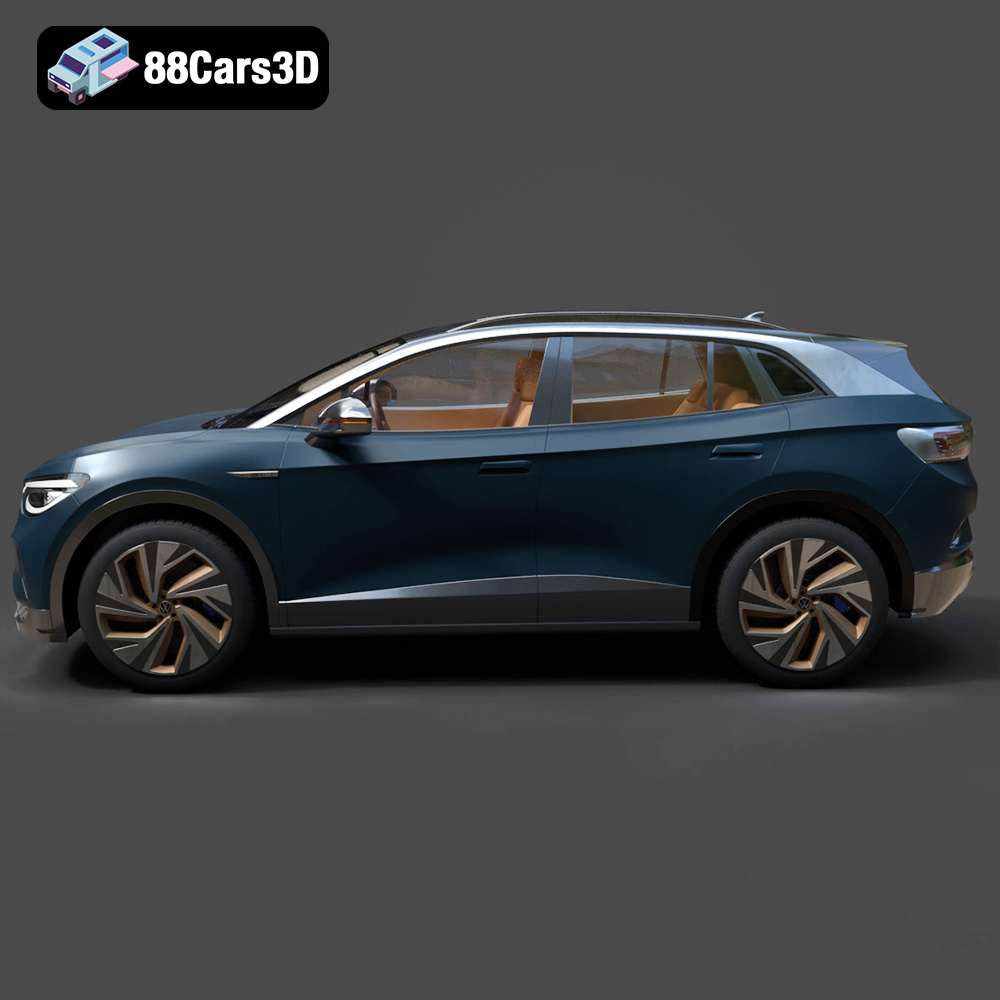
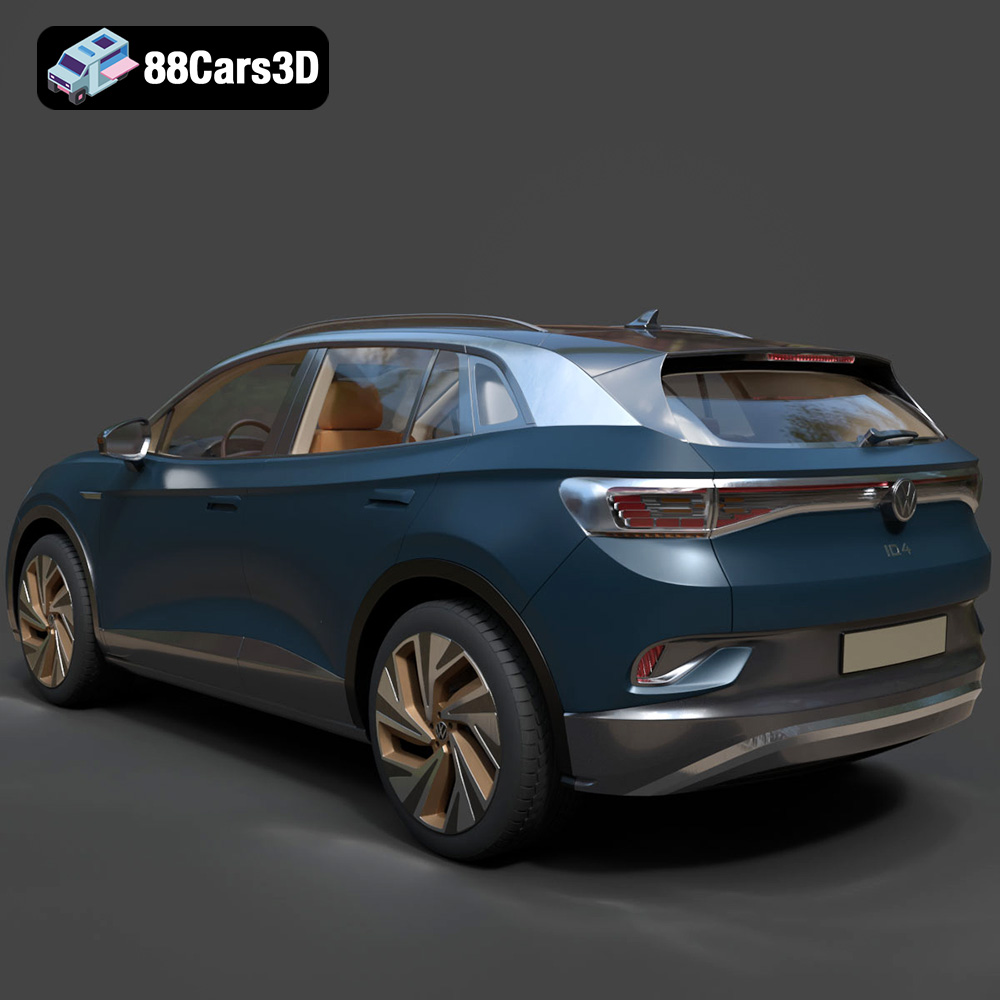
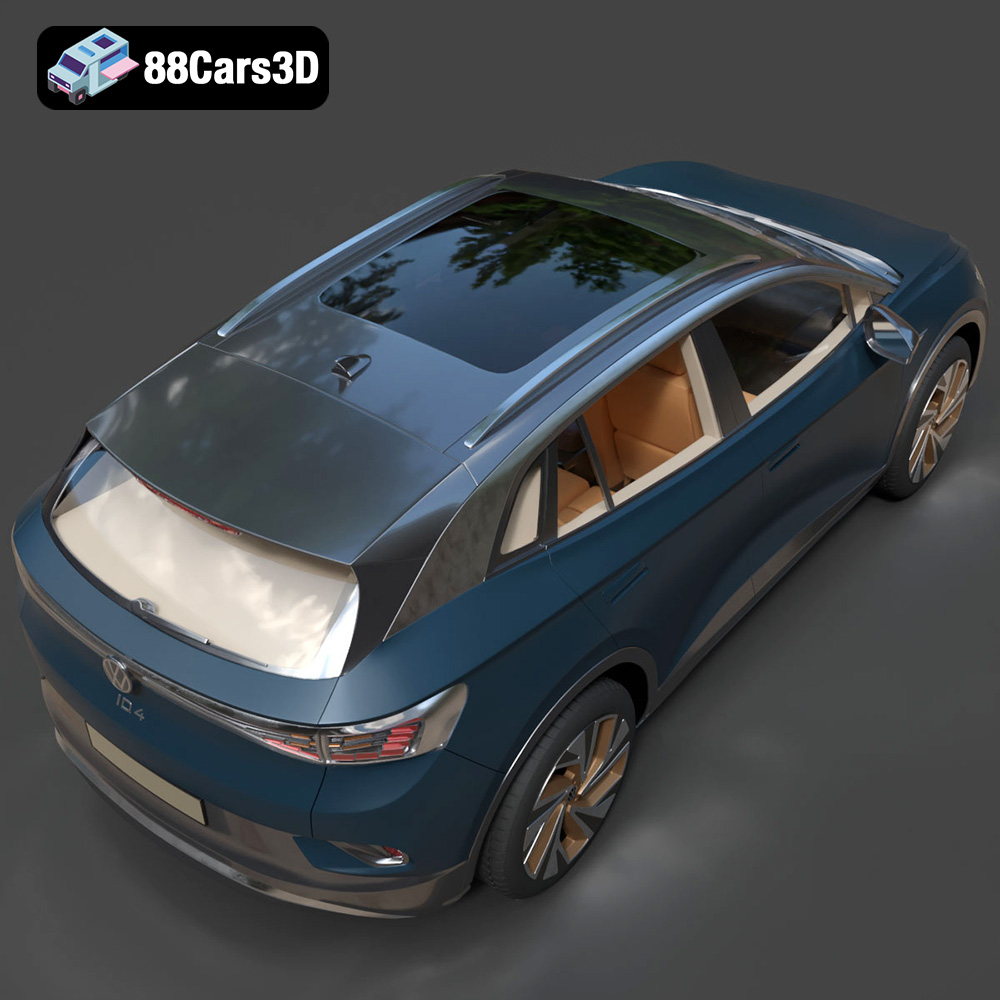
Experience exceptional realism with the Volkswagen ID4 2021 3D Model. This extensively detailed model perfectly captures the aerodynamic curves and modern design of the popular electric vehicle, providing an accurate representation suitable for professional digital environments.
Engineered with precision, this model features clean geometry, accurate proportions, and realistic materials. The intricately modeled interior and exterior elements ensure seamless integration into close-up shots and demanding digital scenes.
Ideal for a wide range of professional applications, this model is perfect for automotive visualization, game development, rendering, AR/VR experiences, and interactive simulations.
$19.99
.arvr
.blend
.car3dmodel
.crossover
.electricvehicle
.ev
.fbx
.gameasset
.glb
.id4
.max
.obj
.ply
.rendering
.simulation
.stl
.unreal
.volkswagen
SUV