Get 20% OFF All Premium 3D & STL Models!

In the dynamic world of 3D visualization, the quality of your assets dictates the success of your project. Whether you’re an automotive designer, a game developer, an architect visualizing a new development, or a creative crafting a cinematic masterpiece, photorealistic 3D car models are indispensable. They form the backbone of immersive experiences, precise simulations, and stunning visual renders that captivate audiences and convey critical information. The demand for highly detailed, accurately represented vehicles continues to grow, pushing the boundaries of what’s possible in digital artistry.
The journey from a concept sketch to a fully realized digital vehicle requires meticulous attention to detail, technical precision, and an understanding of diverse software pipelines. A well-crafted 3D car model not only looks visually appealing but also functions seamlessly across various platforms and applications. This article delves into the technical intricacies of utilizing premium 3D vehicle assets, highlighting key workflows, optimization strategies, and the pivotal role of file formats. As a prime example of excellence in this field, we’ll often refer to the Hyundai i40 Wagon 2015 3D Model – an asset designed for precision and versatility, available at 88cars3d.com.
The choice of file format is often the first critical decision in any 3D project, influencing compatibility, data integrity, and workflow efficiency. Different formats are optimized for specific purposes, from real-time game engines to high-fidelity rendering, AR/VR applications, and even 3D printing. Understanding their nuances is crucial for any professional working with 3D car models.
The .blend format is native to Blender, a powerful open-source 3D creation suite. When you acquire a .blend file, such as with the Hyundai i40 Wagon 2015 3D Model, you’re getting a fully editable Blender scene. This includes not just the mesh data, but also materials, textures, lighting setups, cameras, animations, modifiers, and even scene properties. For artists working primarily in Blender, this offers unparalleled convenience, allowing for immediate customization and rendering without tedious import/export procedures or material re-creation. It’s an excellent choice for detailed rendering, animation, and further asset development within the Blender environment, providing a complete and organized project file.
Developed by Autodesk, .fbx (Filmbox) has become the de facto standard for exchanging 3D data between various software applications and especially game engines. It supports geometry, materials, textures, animations, bones, and even camera data. Its strength lies in its ability to encapsulate complex scene information into a single, highly compatible file. For projects involving Unreal Engine, Unity, or cross-software workflows (e.g., modeling in 3ds Max, animating in Maya, and exporting to a game engine), .fbx is indispensable. It’s often optimized for real-time applications, making it ideal for game assets where efficient data transfer and accurate material translation are paramount.
.obj (Wavefront OBJ) is one of the oldest and most widely supported 3D file formats, making it a truly universal choice. It’s a simple, text-based format that primarily stores geometry (vertices, normals, texture coordinates, and faces) and can reference external material files (.mtl) for basic material properties and texture maps. While it doesn’t support advanced features like animation or rigging, its simplicity ensures maximum compatibility across virtually all 3D software. For foundational mesh data transfer or when you need a clean, unadorned model that can be easily imported into any program for further processing, .obj is a reliable option.
.glb (GL Transmission Format Binary) is the binary version of glTF, a royalty-free specification for the efficient transmission and loading of 3D scenes and models by applications. It’s specifically designed for web-based 3D, AR (Augmented Reality), and VR (Virtual Reality) applications, offering a compact, single-file solution that bundles geometry, materials, textures, and animation. Its optimization for rapid loading and runtime processing makes it perfect for displaying 3D car models in browsers, mobile AR apps, or integrated VR experiences, ensuring a smooth and responsive user experience.
.stl (STereoLithography) is the dominant file format for 3D printing. It represents a 3D model as a series of connected triangles (a tessellated surface) without any color, texture, or material information. While visually simplistic in a rendering context, its purpose is to define the external surface geometry of an object in a way that 3D printers can interpret to build physical models layer by layer. For rapid prototyping or creating physical replicas of 3D car models like the Hyundai i40 Wagon, an .stl export is essential to ensure manufacturing compatibility.
.ply (Polygon File Format) is another format for storing 3D data, particularly useful for scanned data, CAD, and scientific analysis. It supports geometry, color, and properties like normals, texture coordinates, and even scalar properties at each vertex. While less common for general-purpose rendering than .fbx or .obj, it excels in applications where precise mesh data, often originating from 3D scanners, needs to be preserved and analyzed. It can handle both triangular and polygonal faces, offering more flexibility than .stl for certain engineering or reverse-engineering workflows.
The .unreal format, or more accurately, assets pre-configured for Unreal Engine, signifies a model that has been specifically processed and structured to be imported and used directly within Unreal Engine. This often means the model comes with optimized meshes, properly set up materials using Unreal’s PBR system, LODs (Levels of Detail), collision meshes, and sometimes even basic animation or rigging if applicable. It minimizes the time and effort a developer needs to spend on integration, allowing for immediate deployment within a real-time environment.
Similar to .blend for Blender, .max is the native file format for Autodesk 3ds Max, a leading software for 3D modeling, animation, and rendering in professional visualization. A .max file contains all scene data—geometry, materials, textures, lighting, cameras, animations, and modifiers—making it a complete project file for 3ds Max users. For those deeply integrated into an Autodesk pipeline, starting with a .max file provides the most flexibility for detailed rendering, complex animation, and further refinement of high-fidelity automotive models.
Photorealistic automotive rendering is a highly specialized field that demands not only artistic vision but also profound technical understanding. The goal is to create images so convincing they are indistinguishable from photographs. This process relies heavily on the quality of the 3D car models, like those available at 88cars3d.com, and the meticulous application of rendering principles.
The realism of a 3D car model is largely determined by its materials and textures. Physically Based Rendering (PBR) workflows are now the industry standard, accurately simulating how light interacts with surfaces in the real world. A premium model like the Hyundai i40 Wagon 2015 3D Model comes with meticulously crafted PBR materials, including maps for albedo (color), roughness, metallic, normal, and ambient occlusion. These maps are crucial:
Proper UV mapping is equally vital. UVs are the 2D coordinates that tell the 3D software how to project 2D textures onto the 3D mesh. Clean, non-overlapping UVs are essential for distortion-free textures and allow for efficient texture baking and consistent material application across the entire model.
Even the most detailed 3D car model will fall flat without compelling lighting. Lighting is not just about illumination; it’s about shaping the model, highlighting its contours, and setting the mood. Professional automotive renders often utilize a combination of techniques:
Combining these elements with a premium asset like the Hyundai i40 Wagon 2015 3D Model, which features clean geometry and accurate proportions, allows artists to achieve breath-taking automotive visuals that stand up to commercial scrutiny.
The gaming industry constantly pushes the boundaries of real-time graphics, demanding highly optimized yet visually stunning assets. 3D car models are central to racing simulations, open-world adventures, and even mobile games. Integrating a complex vehicle into a game engine requires a different approach than cinematic rendering, prioritizing performance without sacrificing visual quality.
Game assets must be meticulously optimized to maintain high frame rates. Key optimization strategies for 3D car models include:
Assets from 88cars3d.com are developed with these considerations in mind, ensuring they are game-engine ready straight out of the box.
Bringing a 3D car model into a game engine like Unreal Engine or Unity involves several steps:
The Hyundai i40 Wagon 2015 3D Model, offered in formats like .fbx and .unreal, is designed to streamline this integration, allowing developers to focus on gameplay mechanics rather than asset preparation.
The utility of high-quality 3D car models extends far beyond traditional rendering and gaming. They are critical components in emerging technologies like Augmented Reality (AR) and Virtual Reality (VR), advanced simulations, and even practical applications like 3D printing for prototyping.
AR and VR are transforming how we interact with digital content, offering immersive experiences for automotive configurators, virtual showrooms, and training simulations. For these applications, 3D car models need to be:
Imagine seeing the Hyundai i40 Wagon 2015 3D Model appear in your driveway via AR on your phone, allowing you to walk around it, open doors, and even change its color in real-time. This level of interaction requires assets built with performance and versatility at their core, which is precisely what premium 3D car models deliver.
In engineering and design, 3D car models are used for much more than just visuals. They form the basis for:
The ability to provide a model in formats like .ply also opens doors for detailed geometric analysis, connecting the artistic representation with engineering-grade precision.
Navigating the complex landscape of 3D production demands reliable, high-quality assets that seamlessly integrate into diverse professional workflows. This is where dedicated marketplaces like 88cars3d.com shine, offering meticulously crafted 3D car models designed to meet rigorous industry standards.
Time is a critical resource in any creative or development pipeline. The value of a premium 3D asset lies not just in its visual quality, but also in how much time and effort it saves. Assets purchased from 88cars3d.com, such as the versatile Hyundai i40 Wagon 2015 3D Model, come pre-optimized, with clean topology, properly set up UVs, and often include PBR materials. This means:
This streamlined approach allows teams to allocate more resources to creative refinement and project execution rather than foundational asset creation and optimization.
88cars3d.com stands out as a premier destination for high-quality 3D car models because of its commitment to:
Investing in high-quality 3D car models from a reputable source like 88cars3d.com is an investment in efficiency, quality, and the ultimate success of your automotive visualization projects.
The journey through the world of 3D car models reveals a complex interplay of artistic vision, technical precision, and strategic workflow choices. From achieving the breathtaking photorealism of automotive rendering to delivering optimized game assets for fluid real-time experiences, and extending into the innovative realms of AR/VR and 3D printing, the quality of your digital vehicles is paramount.
Understanding the strengths of various file formats like .blend, .fbx, .obj, .glb, .stl, .ply, .unreal, and .max empowers professionals to select the right tool for each specific task, ensuring seamless integration and optimal performance across diverse pipelines. The meticulous craft of PBR materials, intelligent lighting, and rigorous optimization techniques are the pillars upon which truly compelling digital automotive experiences are built.
The Hyundai i40 Wagon 2015 3D Model stands as a testament to the level of quality and versatility available today. Its carefully crafted details, clean geometry, and comprehensive format support make it an ideal choice for any demanding project. By choosing premium 3D car models from trusted sources like 88cars3d.com, artists and developers gain access to production-ready assets that streamline workflows, accelerate creativity, and ultimately, drive their visions forward with unparalleled realism and efficiency.
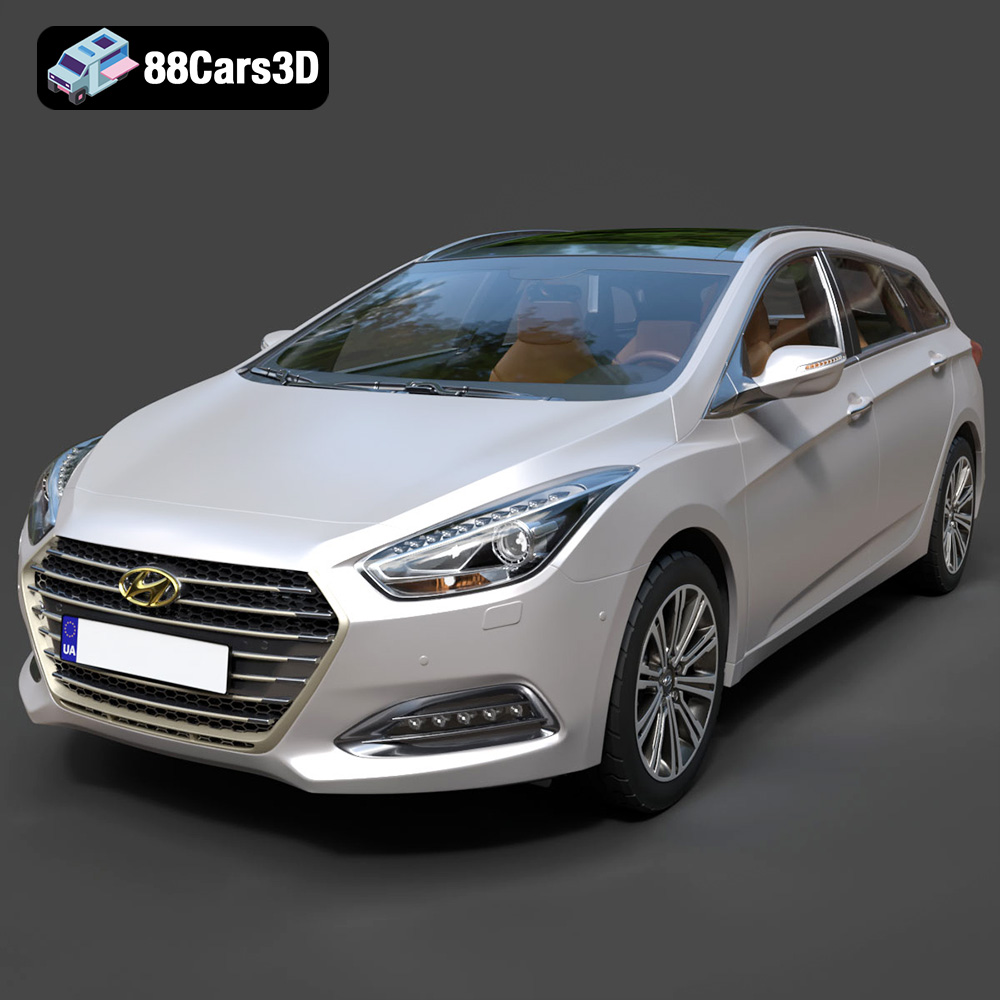
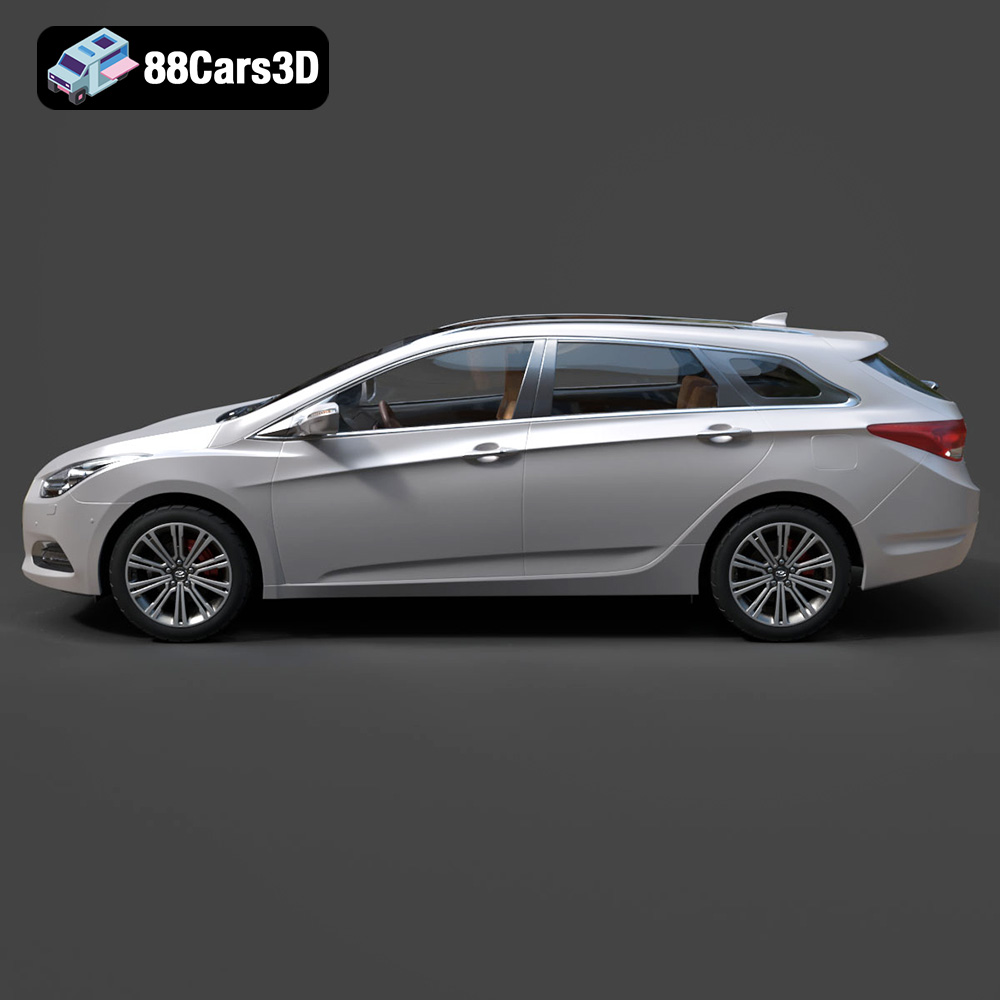
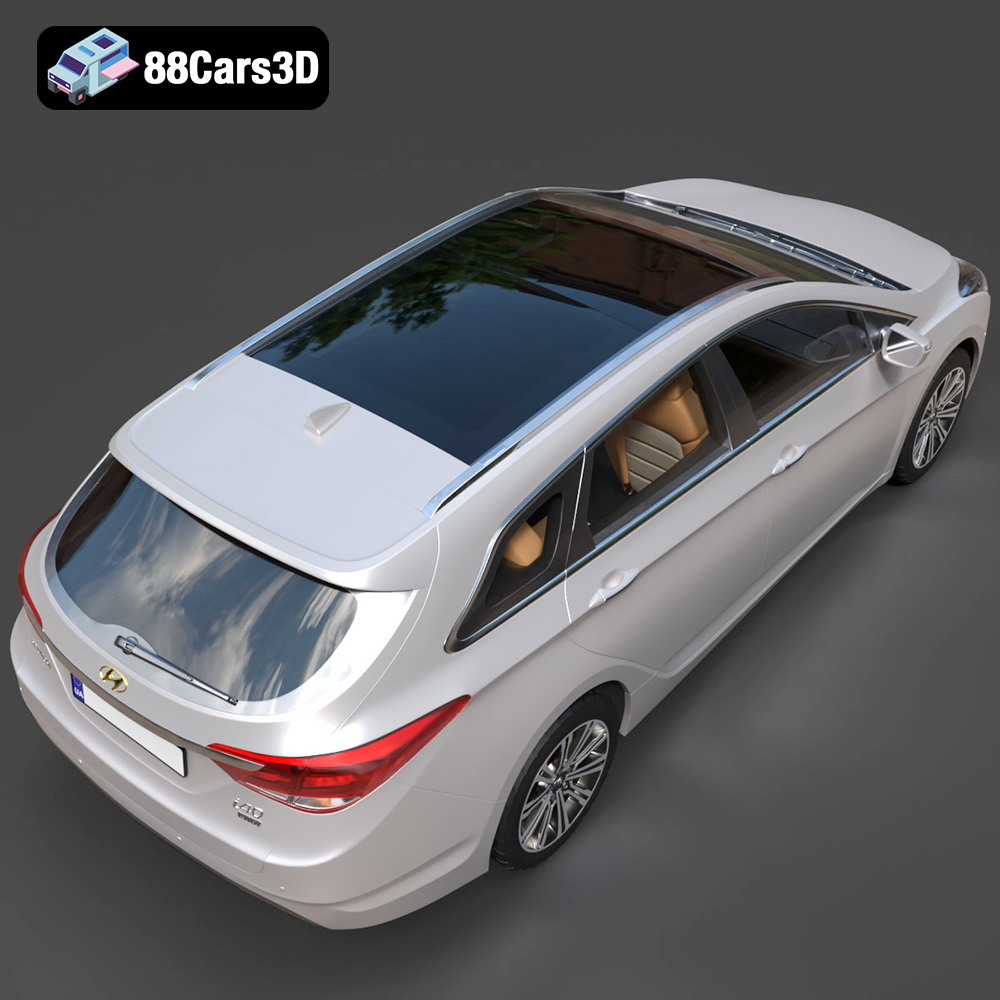
Experience true-to-life automotive design with the Hyundai i40 Wagon 2015 3D Model. Carefully crafted to represent the sleek contours and practical elegance of this popular estate vehicle, this digital asset delivers exceptional realism for any demanding project.
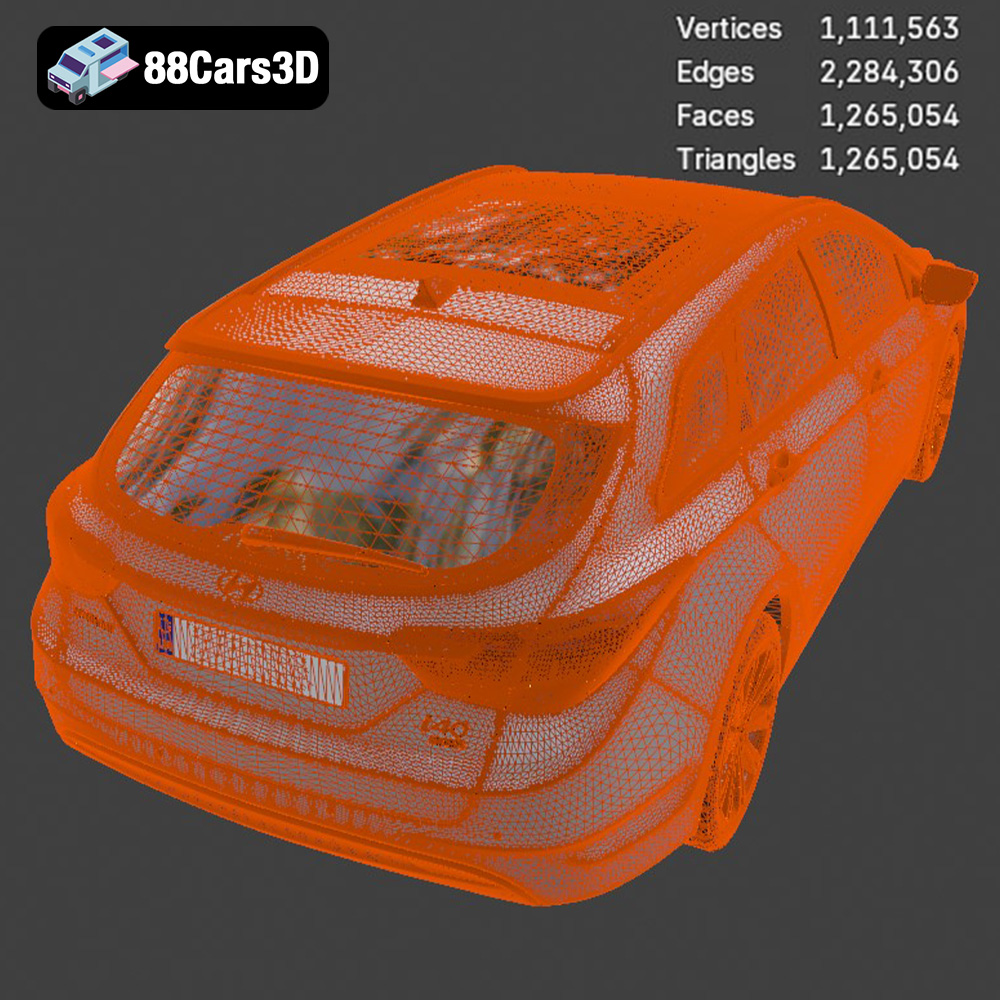
Constructed with professional precision, the model features clean geometry and realistic materials. The meticulously detailed exterior and well-proportioned dimensions ensure seamless integration into digital environments, offering an uncompromising visual experience while maintaining optimized performance.
Perfectly suited for a wide range of professional applications, this vehicle asset is ideal for game development, cinematic rendering, architectural visualization, and immersive AR/VR experiences. Whether deployed in dynamic interactive simulations or static professional renders, its versatile design meets the rigorous standards of 3D artists and developers.
Available in a comprehensive suite of file formats to guarantee compatibility across diverse software pipelines:
$19.99
.arvr
.blend
.car3dmodel
.estate
.familycar
.fbx
.gameasset
.glb
.hyundai
.i40
.max
.obj
.ply
.rendering
.simulation
.stationwagon
.stl
.unreal
.wagon