Get 20% OFF All Premium 3D & STL Models!

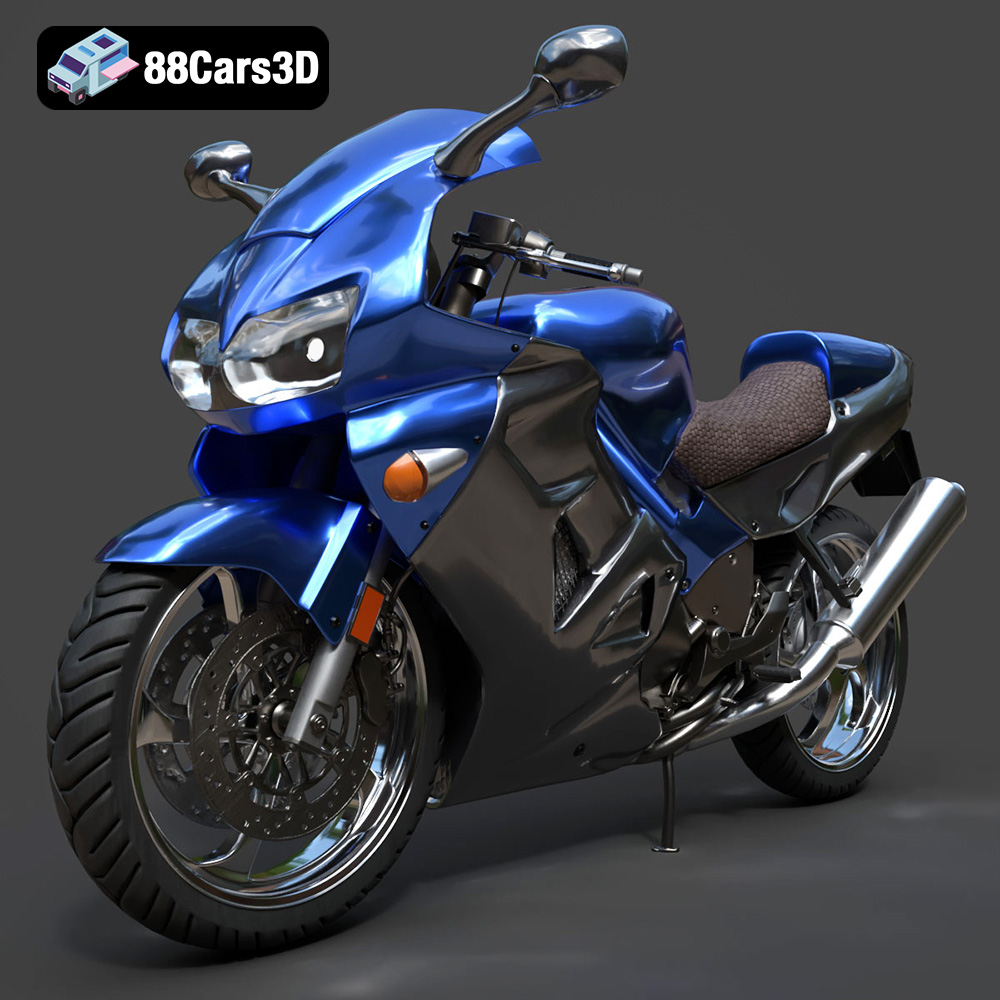
The Honda VFR 801 is an iconic motorcycle, known for its blend of sporty performance and comfortable ergonomics. Now, thanks to 88cars3d.com, you can bring this legendary bike to life in your own home with a detailed 3D printed model. This guide will walk you through the process, from preparing the STL files to post-processing your finished print, ensuring a rewarding additive manufacturing experience. Whether you’re a seasoned 3D printing enthusiast or a newcomer to the hobby, this comprehensive guide will provide the knowledge you need to create a stunning replica of the Honda VFR 801.
The first step in any 3D printing project is preparing the digital model for the printing process. This involves inspecting the STL files, making any necessary repairs, and orienting the model for optimal printing.
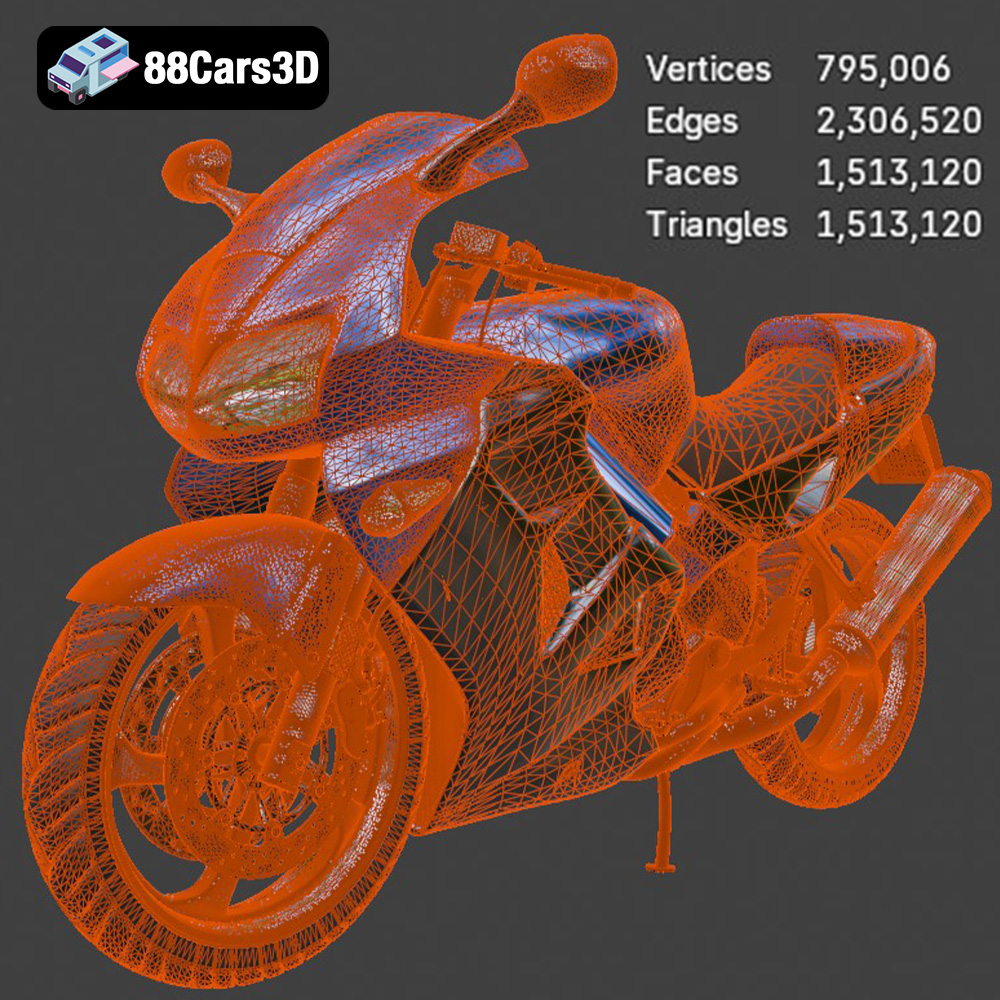
* **Mesh Analysis:** Before slicing, it’s crucial to inspect the STL files for errors. Use software like MeshLab, Netfabb Basic, or the built-in repair tools in your slicing software to identify and correct issues such as non-manifold edges, flipped normals, and holes in the mesh. These errors can lead to printing failures. A thorough check of the Honda VFR 801 model purchased from 88cars3d.com will typically show a well-prepared model, but it’s always a good practice to verify.
* **Watertight Geometry:** Ensure that the model is “watertight,” meaning it has no gaps or holes that would allow it to hold water. This is essential for proper slicing and accurate printing.
* **File Size Optimization:** Large STL files can be computationally intensive for your slicing software. While the Honda VFR 801 model is detailed, consider simplifying the mesh if necessary, particularly if you plan to print a smaller version. Software like Blender can be used to reduce the polygon count without significantly sacrificing detail.
* **Minimizing Support Material:** Orientation plays a critical role in minimizing the amount of support material required. Supports can be difficult to remove and can leave blemishes on the printed surface. Experiment with different orientations in your slicing software to find the position that requires the least amount of support. For the Honda VFR 801, consider printing the main body at an angle to minimize supports on the fairings.
* **Strength and Layer Adhesion:** Consider the direction of stress on the printed model. Orient parts so that the layers are aligned with the direction of force to maximize strength.
* **Surface Finish:** The orientation will also affect the surface finish of the final print. Surfaces that are parallel to the build plate will generally have a smoother finish than those that are printed at an angle. Choose an orientation that prioritizes the appearance of the most visible parts of the Honda VFR 801 model.
Choosing the right file format is crucial for a smooth 3D printing workflow. While several formats exist, some are better suited for 3D printing than others. Understanding the nuances of each format will help you optimize your models for the best possible results.
STL (Stereolithography) is the most widely used file format for 3D printing. It represents the surface geometry of a 3D object as a collection of triangles. STL files are simple and universally compatible with slicing software, making them the go-to choice for most 3D printing applications. However, STL files only store information about the shape of the object; they do not contain color, texture, or material data. When working with the Honda VFR 801 model, the .STL files from 88cars3d.com will provide the foundational geometry for printing. The quality of the mesh—the density and distribution of triangles—directly impacts the smoothness and accuracy of the printed model. A higher triangle count results in a more detailed and accurate representation of the original design, but it also increases the file size and processing time.
Slicing software interprets the STL file by dividing the 3D model into horizontal layers, generating toolpaths for the 3D printer to follow. Compatibility is almost guaranteed, making it an ideal format for sharing and printing models across different platforms and printers.
OBJ (Object) is another popular 3D model format that, unlike STL, can store color and texture information. This makes it suitable for printing multi-colored models using specialized 3D printers. OBJ files can also represent curved surfaces more accurately than STL files, but they are typically larger in size.
PLY (Polygon File Format) is designed to store 3D data acquired from 3D scanners. It supports a variety of data types, including color, normals, and texture coordinates, making it ideal for capturing and reproducing high-detail models.
BLEND is the native file format for Blender, a free and open-source 3D creation suite. It stores the entire Blender scene, including the model geometry, materials, textures, lighting, and animation data. While not directly used for 3D printing, it allows for extensive customization of the model before exporting it to a 3D printable format like STL. If you wish to modify the Honda VFR 801 model before printing, this would be the format to use.
FBX (Filmbox) is a proprietary file format developed by Autodesk. It is widely used in the game development and animation industries for exchanging 3D data between different software applications. FBX supports a wide range of features, including geometry, materials, textures, animation, and skeletal rigs. While it can be imported into some slicing software, it’s primarily useful for applications beyond 3D printing.
GLB (GL Transmission Format Binary) is a file format designed for efficient transmission and loading of 3D models in web and mobile applications. It is often used for AR (Augmented Reality) applications, allowing users to preview 3D models in their real-world environment before printing.
MAX is the native file format for 3ds Max, another professional 3D modeling and animation software package. Similar to Blender’s BLEND format, it stores the entire 3ds Max project, allowing for extensive customization of the model before exporting it to a 3D printable format like STL.
Selecting the appropriate 3D printing technology and material is crucial for achieving the desired results. Different technologies offer varying levels of precision, detail, and material properties.
* **Material Options:** FDM is the most common and affordable 3D printing technology. It uses a wide range of thermoplastic materials, including PLA, ABS, PETG, and nylon. PLA is a biodegradable material that is easy to print and offers good dimensional accuracy. PETG is stronger and more durable than PLA, with better temperature resistance. ABS is known for its high strength and impact resistance, but it requires a heated bed and enclosure to prevent warping.
* **Recommended Settings:** For the Honda VFR 801 model, PLA or PETG are excellent choices for FDM printing. Use a layer height of 0.1mm to 0.2mm for good detail resolution. An infill density of 15-20% is sufficient for most parts, but increase the infill for parts that require higher strength. Consider using a brim or raft to improve bed adhesion, especially for larger parts. Support structures will be necessary for overhanging features.
* **Resin Options:** SLA and DLP printers use liquid resin that is cured by a UV light source. These technologies offer significantly higher resolution and detail than FDM. There are various types of resins available, including standard resins, tough resins, and flexible resins.
* **Recommended Settings:** If you want to capture the finest details of the Honda VFR 801 model, consider using an SLA or DLP printer. Layer heights of 0.025mm to 0.05mm are common. Resin printing typically requires support structures, which can be more easily removed than FDM supports.
Slicing software is the bridge between your 3D model and your 3D printer. It converts the STL file into a series of instructions that the printer can understand. Choosing the right settings in your slicing software is crucial for a successful print.
* **Layer Height:** Smaller layer heights result in smoother surfaces and finer details, but they also increase print time. A layer height of 0.1mm to 0.2mm is a good starting point for the Honda VFR 801 model when using an FDM printer.
* **Infill Density:** Infill density determines the amount of material used inside the model. Higher infill densities increase strength but also increase print time and material consumption. An infill density of 15-20% is generally sufficient for non-functional parts.
* **Support Structures:** Support structures are necessary for printing overhanging features. Use the support generation tools in your slicing software to add supports to areas that require them. Experiment with different support types and densities to find the optimal balance between support strength and ease of removal.
* **Print Speed:** Print speed affects both print time and print quality. Slower print speeds generally result in better surface finish and dimensional accuracy. Start with a print speed of 40-60mm/s and adjust as needed.
* **Bed Adhesion:** Proper bed adhesion is essential to prevent warping and ensure that the print sticks to the build plate. Use a brim or raft to improve bed adhesion, especially for larger parts.
* **Temperature Settings:** Use the recommended temperature settings for your chosen material. PLA typically prints at around 200-220°C, while PETG prints at around 230-250°C. The bed temperature should be around 60°C for PLA and 70-80°C for PETG.
* **Cura:** A free and open-source slicing software that is popular for its ease of use and extensive features.
* **PrusaSlicer:** Another free and open-source slicing software that offers advanced features and precise control over print settings.
* **Simplify3D:** A commercial slicing software that is known for its advanced features and excellent support.
Once the 3D printing process is complete, post-processing can be used to further enhance the appearance and functionality of the Honda VFR 801 model.
* **Careful Removal:** Carefully remove support structures using pliers, cutters, or a sharp knife. Be gentle to avoid damaging the printed surface.
* **Sanding:** Sand the printed model to remove any blemishes or imperfections left by the support structures. Start with coarse sandpaper and gradually move to finer grits. Wet sanding can help to reduce dust and improve the surface finish.
* **Priming:** Apply a primer to the sanded model to create a smooth and uniform surface for painting.
* **Painting:** Paint the model with acrylic paints or spray paints. Use masking tape to create clean lines and separate different color areas. For a realistic finish, consider using automotive paints and clear coats.
* **Detailing:** Add details such as decals, stickers, or panel lines to enhance the realism of the model.
* **Joining Parts:** If the Honda VFR 801 model is printed in multiple parts, assemble them using glue or screws. Consider using epoxy glue for a strong and durable bond.
* **Fit and Finish:** Ensure that all parts fit together properly and that there are no gaps or misalignments. Sand or file parts as needed to achieve a perfect fit.
3D printing can be a challenging process, and it’s common to encounter issues along the way. Here are some tips for troubleshooting common problems:
* **Cause:** Warping occurs when the printed part detaches from the build plate due to uneven cooling.
* **Solution:** Improve bed adhesion by using a brim or raft, increasing the bed temperature, or using a different adhesive.
* **Cause:** Stringing occurs when the printer extrudes filament while moving between different parts of the model.
* **Solution:** Reduce the printing temperature, increase the retraction distance, or adjust the travel speed.
* **Cause:** Layer separation occurs when the layers of the printed model do not adhere to each other properly.
* **Solution:** Increase the printing temperature, decrease the layer height, or increase the extrusion multiplier.
* **Cause:** Under-extrusion occurs when the printer does not extrude enough filament.
* **Solution:** Increase the printing temperature, decrease the print speed, or increase the flow rate.
* **Cause:** Over-extrusion occurs when the printer extrudes too much filament.
* **Solution:** Decrease the printing temperature, increase the print speed, or decrease the flow rate.
By following these guidelines, you’ll be well-equipped to tackle common 3D printing challenges and create a stunning 3D printed replica of the Honda VFR 801. Remember to always experiment with different settings and techniques to find what works best for your printer and material. With patience and persistence, you can achieve professional-quality results and bring your favorite motorcycle to life! 88cars3d.com offers a wide array of 3D models, and with these tips, you’ll be able to bring them to life.
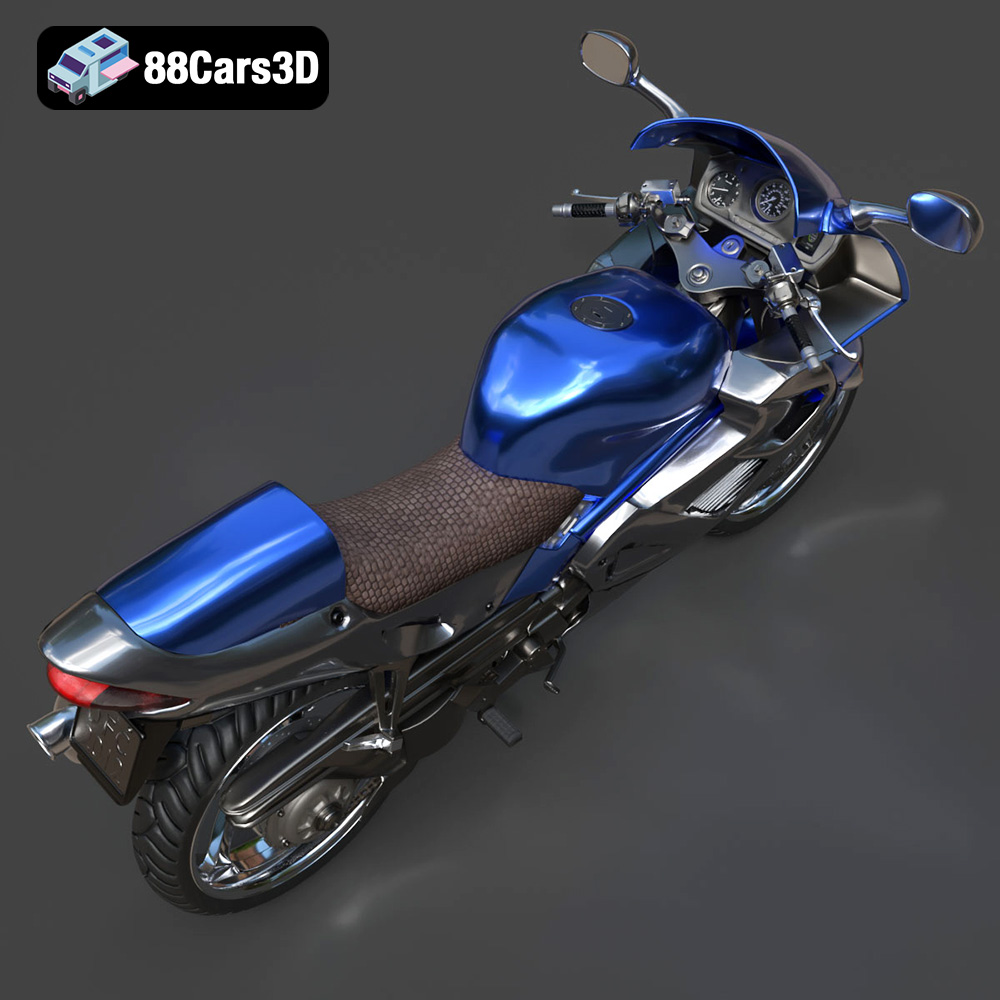
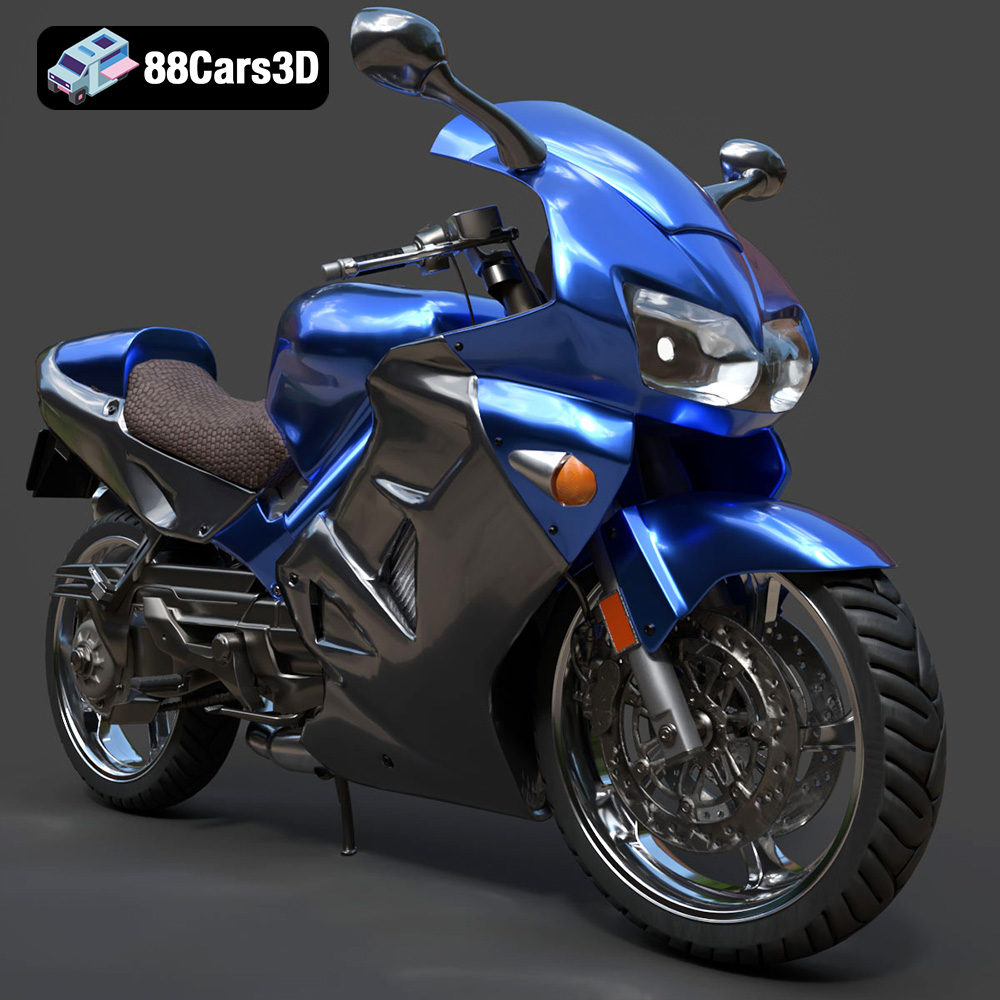
Experience unmatched realism with the Honda VFR 801-002 3D Model. Constructed with meticulous attention to detail, this professional 3D asset captures the dynamic essence and engineering precision of the iconic Honda VFR. It is designed to elevate your visual projects with accurate scaling and true-to-life aesthetics.
$39.99
.arvr
.blend
.car3dmodel
.fbx
.gameasset
.glb
.honda
.max
.motorcycle
.obj
.ply
.rendering
.simulation
.sportbike
.stl
.twowheeler
.unreal
.vfr