Get 20% OFF All Premium 3D & STL Models!

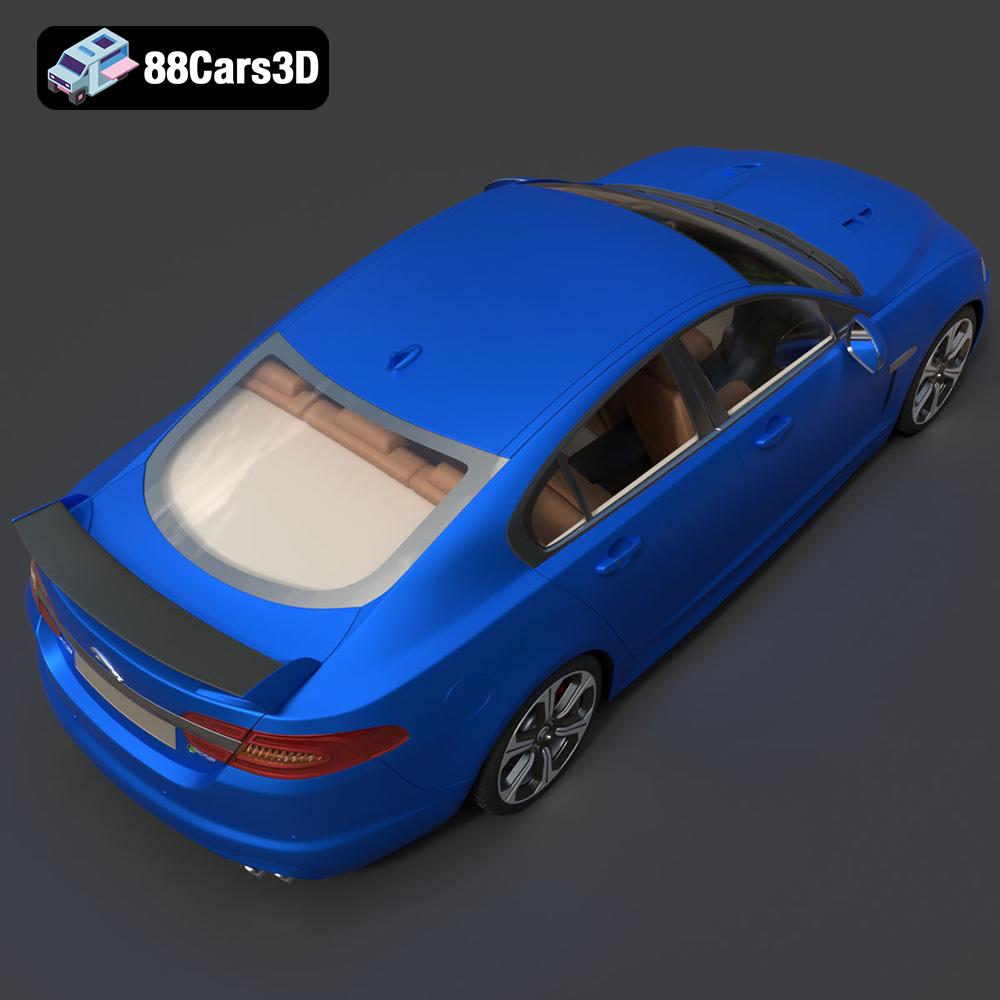
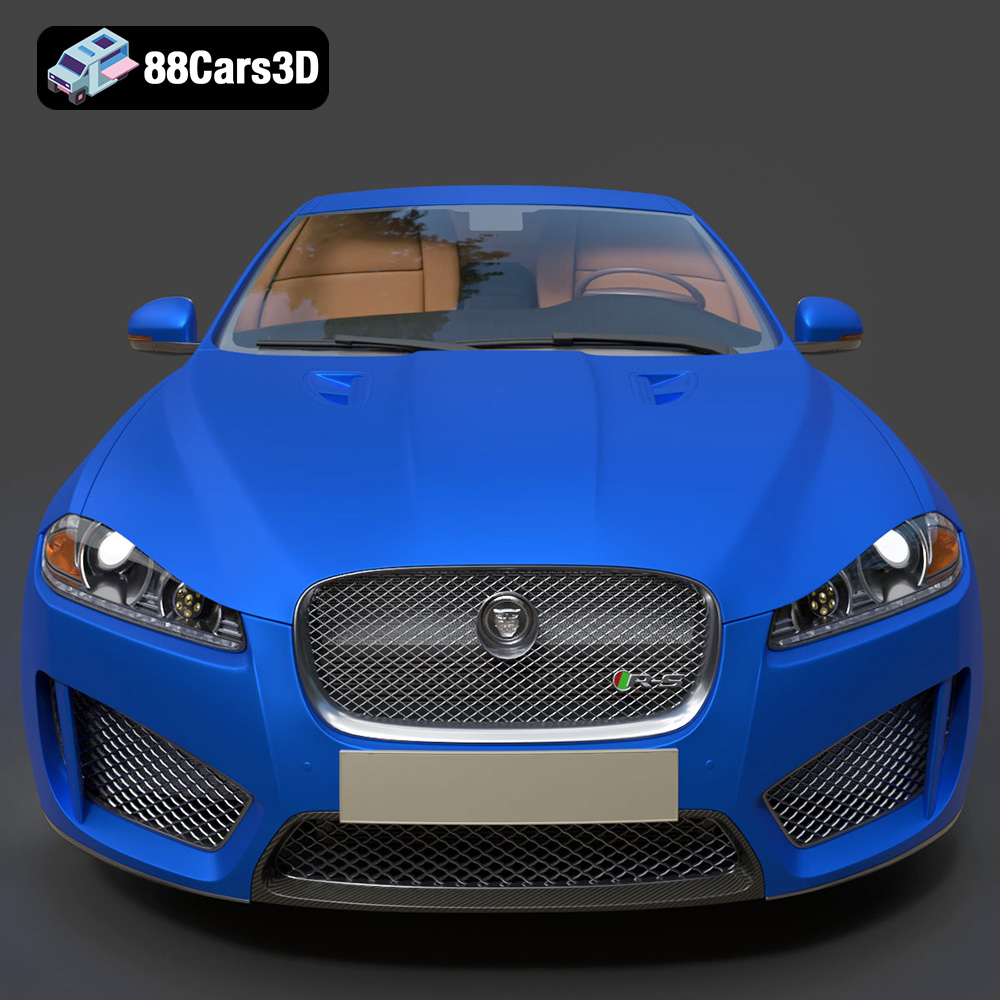
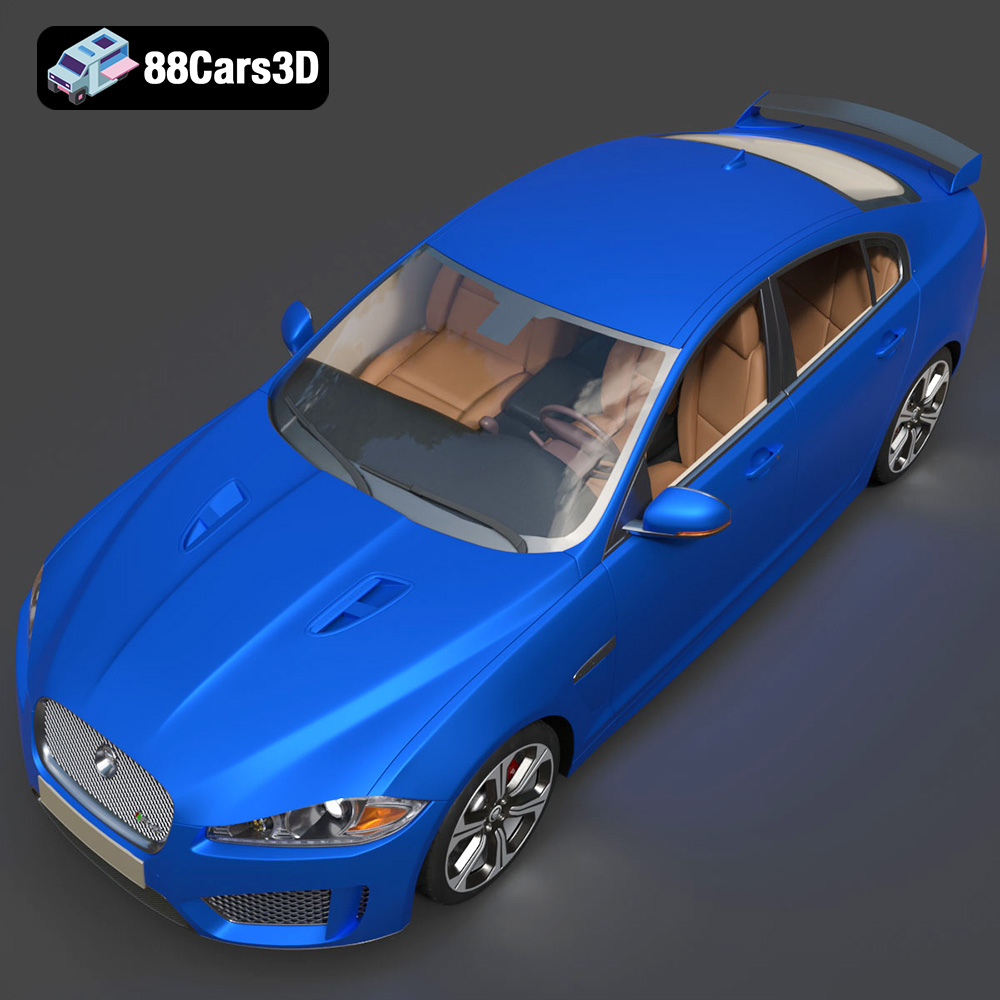
The Jaguar XFR-S 2014, with its aggressive styling and refined luxury, is a dream car for many. Thanks to 88cars3d.com, you can now bring a piece of that dream to life through the magic of 3D printing. This guide will walk you through the process of successfully 3D printing the Jaguar XFR-S 2014 3D model, covering everything from selecting the right materials and printer settings to post-processing and troubleshooting. Whether you’re a seasoned 3D printing enthusiast or a beginner looking for a rewarding project, this article will provide the knowledge you need to create a stunning replica of this iconic performance sedan. This model from 88cars3d.com is meticulously designed, optimized for 3D printing, and can be a showcase piece for your collection.
Before diving into the specifics of 3D printing the Jaguar XFR-S 2014, it’s crucial to understand the various file formats available and which ones are best suited for additive manufacturing. Different formats offer different levels of detail, compatibility, and suitability for specific applications.
* **.stl:** This is the industry standard for 3D printing. STL (Stereolithography) files represent the surface geometry of a 3D object as a collection of triangles. They are simple, widely supported by slicing software, and ideal for basic 3D printing needs. However, STL files only contain information about the object’s shape and do not include color or texture data.
* **.obj:** OBJ (Object) files are a more versatile format that can store color and texture information in addition to geometry. This makes them suitable for colored 3D prints (if your printer supports it) and rendering applications. While OBJ files are supported by many slicing software programs, they can sometimes be more complex to handle than STL files due to the additional texture data.
* **.ply:** PLY (Polygon File Format or Stanford Triangle Format) is another format that can store color and texture data, as well as other properties like surface normals. PLY files are often used for storing 3D data captured from scanning devices and are known for their ability to represent high-detail models accurately.
* **.blend:** BLEND files are native to Blender, a popular open-source 3D modeling software. These files contain the entire Blender scene, including the model’s geometry, materials, lighting, and animations. While you can’t directly 3D print a BLEND file, you can open it in Blender, make modifications, and then export it to a 3D printable format like STL.
* **.fbx:** FBX (Filmbox) is a proprietary file format developed by Autodesk. It’s commonly used for exchanging 3D data between different software applications, especially in game development and animation workflows. FBX files can contain geometry, textures, animations, and other scene data.
* **.glb:** GLB (GL Transmission Format Binary) is a binary file format that represents 3D models in a compact and efficient way. It’s designed to be easily transmitted over the internet and is often used for AR/VR applications and web-based visualization. GLB files can contain geometry, textures, and animations.
* **.max:** MAX files are native to 3ds Max, another popular 3D modeling software from Autodesk. Similar to BLEND files, MAX files contain the entire 3ds Max scene and can be used for creating and editing 3D models. To 3D print a model from a MAX file, you’ll need to export it to a 3D printable format like STL.
For 3D printing the Jaguar XFR-S 2014, the **STL file format is the most suitable and widely compatible option.** The STL format focuses solely on the geometry of the model, which is all that’s needed for most 3D printing processes. While other formats like OBJ and PLY can store color and texture information, these are typically not relevant for standard FDM or SLA 3D printing, which usually print in a single color at a time.
Slicing software is essential for preparing a 3D model for printing. It takes the 3D model file (usually an STL) and converts it into a series of instructions (G-code) that the 3D printer can understand. Most slicing software programs are designed to work seamlessly with STL files.
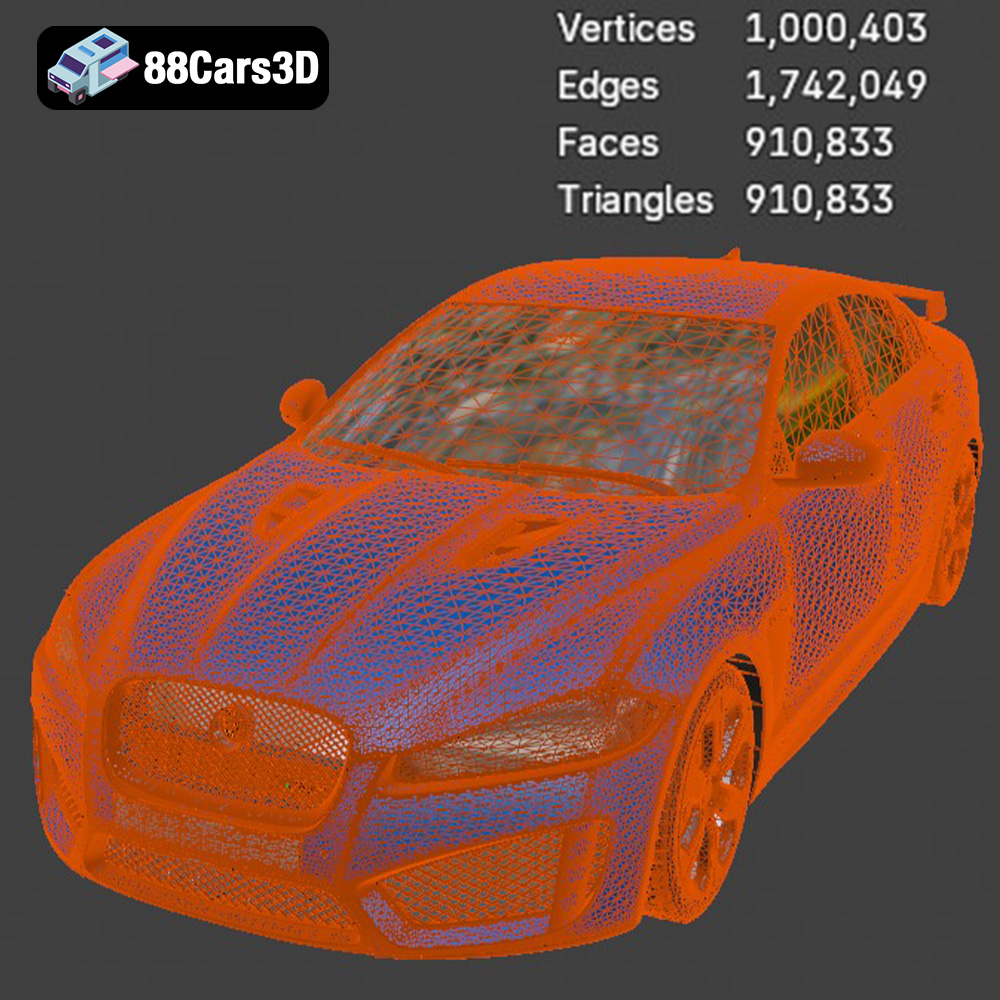
The quality of the STL mesh is crucial for a successful 3D print. A poorly constructed mesh with holes, non-manifold edges, or self-intersections can cause problems during slicing and printing. Before printing, it’s always a good idea to inspect the STL file in a mesh editing software like MeshLab or Netfabb to identify and repair any errors. Tools like “fill holes,” “remove duplicate vertices,” and “recalculate normals” can help to improve the mesh quality and ensure a smooth printing process.
The Jaguar XFR-S 2014 model available on 88cars3d.com includes an STL file specifically optimized for 3D printing. This means that the mesh has been carefully checked for errors and optimized for a balance between detail and printability. However, it’s still recommended to perform a quick inspection and repair any minor issues before slicing.
Proper pre-print preparation is essential for achieving high-quality 3D prints of the Jaguar XFR-S 2014. This stage involves several steps, including model inspection, orientation optimization, support structure generation, and slicing software configuration.
* **Mesh Analysis:** Before loading the STL file into your slicing software, use a mesh analysis tool (like MeshLab or the built-in tools in some slicers) to check for any potential issues, such as non-manifold edges, holes, or self-intersections. These errors can lead to printing failures or artifacts in the final print.
* **Repair Tools:** If any errors are detected, use the repair tools in your mesh analysis software to fix them. Common repair operations include filling holes, removing duplicate vertices, and recalculating normals. These tools can automatically correct many common mesh errors, ensuring a cleaner and more printable model.
* **Scaling Considerations:** The Jaguar XFR-S 2014 model may need to be scaled up or down depending on your printer’s build volume and desired level of detail. Keep in mind that scaling down the model too much can make fine details difficult to print, while scaling it up too much may exceed your printer’s capabilities.
* **Optimal Orientation:** The orientation of the model on the print bed can significantly impact print quality, support material usage, and print time. For the Jaguar XFR-S 2014, consider orienting the model with the roof facing upwards. This reduces the need for supports on the exterior body panels, resulting in a smoother surface finish. However, this orientation may require more supports inside the cabin.
* **Support Placement:** Use your slicing software to generate support structures for overhangs and unsupported areas. Pay close attention to the support settings, such as support density, support angle, and support interface. Too few supports can lead to sagging or warping, while too many supports can be difficult to remove and leave behind blemishes.
* **Support Type:** Experiment with different support types, such as tree supports or linear supports, to find the best balance between support strength and ease of removal. Tree supports can be particularly useful for complex geometries like the Jaguar XFR-S 2014, as they minimize the contact area with the model.
The choice of material plays a crucial role in the appearance, strength, and durability of your 3D printed Jaguar XFR-S 2014. Several materials are suitable for this project, each with its own advantages and disadvantages.
* **Pros:** PLA is a biodegradable thermoplastic derived from renewable resources like corn starch or sugarcane. It’s easy to print with, has low warping, and produces minimal odors. PLA is a great choice for beginners and for models where aesthetics are more important than strength.
* **Cons:** PLA has relatively low heat resistance and can become brittle over time, especially when exposed to sunlight or moisture. It’s not ideal for parts that will be subjected to high temperatures or significant stress.
* **Printing Settings:** PLA typically prints at temperatures between 180°C and 220°C, with a bed temperature of 60°C to 70°C.
* **Pros:** PETG combines the ease of printing of PLA with the strength and durability of ABS. It has good impact resistance, chemical resistance, and heat resistance. PETG is a versatile material suitable for a wide range of applications.
* **Cons:** PETG can be more prone to stringing than PLA, and it may require a slightly higher printing temperature. It’s also more sensitive to moisture, so it’s important to store PETG filament in a dry place.
* **Printing Settings:** PETG typically prints at temperatures between 220°C and 250°C, with a bed temperature of 70°C to 80°C.
* **Pros:** Resin printing (SLA or DLP) offers exceptional detail and surface finish, making it ideal for intricate models like the Jaguar XFR-S 2014. Resin prints are also typically stronger and more durable than PLA prints.
* **Cons:** Resin printing can be more expensive and messy than FDM printing. It also requires post-processing steps like washing and curing to fully harden the resin. Resin fumes can be harmful, so it’s important to work in a well-ventilated area.
* **Printing Settings:** Resin printing settings vary depending on the type of resin and the printer used. Consult your printer’s manual and the resin manufacturer’s recommendations for optimal settings.
Slicing software is the bridge between your 3D model and your 3D printer. Configuring the slicing software correctly is crucial for achieving high-quality prints. Here are some key settings to consider when slicing the Jaguar XFR-S 2014 model.
* **Impact:** Layer height determines the resolution of your print. Lower layer heights result in smoother surfaces and finer details but also increase print time. Higher layer heights print faster but may result in more noticeable layer lines.
* **Recommendation:** For the Jaguar XFR-S 2014, a layer height of 0.1mm to 0.2mm is recommended for a good balance between detail and print time. If you want to maximize detail, you can go as low as 0.05mm.
* **Impact:** Infill density determines the amount of material used inside the model. Higher infill densities increase strength and weight but also increase print time and material consumption.
* **Recommendation:** For a decorative model like the Jaguar XFR-S 2014, an infill density of 15% to 25% is usually sufficient. For functional parts that need to withstand stress, you may want to increase the infill density to 50% or higher.
* **Impact:** Print speed affects the quality and strength of your print. Slower print speeds generally result in better quality and stronger layer adhesion, while faster print speeds can reduce print time but may compromise quality.
* **Recommendation:** For the Jaguar XFR-S 2014, a print speed of 40mm/s to 60mm/s is recommended for most materials. You may need to adjust the print speed depending on the material and your printer’s capabilities.
* **Impact:** Correct temperature settings are crucial for proper material adhesion and layer bonding.
* **Recommendation:** Follow the material manufacturer’s recommendations for nozzle and bed temperatures. As a general guideline, PLA typically prints at 180-220°C, PETG at 220-250°C, and ABS at 230-260°C.
Post-processing is the final step in the 3D printing process and involves cleaning, sanding, painting, and assembling the printed parts to achieve a polished and professional look.
* **Careful Removal:** Carefully remove the support structures from the printed model using pliers, a hobby knife, or specialized support removal tools. Be patient and avoid damaging the model during this process.
* **Cleaning:** Clean the model with a soft brush and warm soapy water to remove any residual support material or debris.
* **Sanding:** Sand the model with progressively finer grits of sandpaper to smooth out any layer lines or imperfections. Start with a coarse grit (e.g., 220 grit) and gradually move to finer grits (e.g., 400 grit, 600 grit, 800 grit) until the surface is smooth to the touch.
* **Filling:** For larger gaps or imperfections, use a filler primer or epoxy putty to fill them in. Sand the filler after it has dried to create a smooth and even surface.
* **Priming:** Apply a primer coat to the model to create a uniform surface for painting. Primer also helps the paint adhere better to the plastic.
* **Painting:** Paint the model with your desired colors using acrylic paints, spray paints, or airbrush paints. Apply multiple thin coats for a smooth and even finish.
* **Clear Coating:** Apply a clear coat to protect the paint and give the model a glossy or matte finish.
* **Assembly:** If the Jaguar XFR-S 2014 model consists of multiple parts, assemble them using glue or screws.
Even with careful preparation and configuration, 3D printing can sometimes present challenges. Here are some common issues and their solutions.
* **Cause:** Warping occurs when the printed part detaches from the print bed due to uneven cooling.
* **Solution:** Increase the bed temperature, use a brim or raft, improve bed adhesion with hairspray or glue stick, and ensure the printing environment is free from drafts.
* **Cause:** Stringing occurs when the nozzle oozes filament while moving between different parts of the print.
* **Solution:** Decrease the printing temperature, increase retraction distance and speed, and enable travel moves that avoid open spaces.
* **Cause:** Layer separation occurs when the layers of the print do not adhere properly to each other.
* **Solution:** Increase the printing temperature, decrease the print speed, and ensure the filament is dry.
* **Cause:** Elephant’s foot occurs when the first layer of the print is squished too much, causing it to flare out.
* **Solution:** Reduce the bed temperature, increase the Z-offset, and adjust the flow rate for the first layer.
3D printing the Jaguar XFR-S 2014 model is a rewarding project that allows you to create a tangible representation of automotive excellence. By following the steps outlined in this guide, from selecting the right materials and printer settings to post-processing and troubleshooting, you can achieve high-quality prints that capture the essence of this iconic performance sedan. Remember to carefully inspect and repair the model, optimize the orientation and support structures, and fine-tune your slicing software settings for the best results. With patience and attention to detail, you can create a stunning 3D printed replica of the Jaguar XFR-S 2014 that you can proudly display or use in your creative projects. Head over to 88cars3d.com today and download the STL file to start your 3D printing journey!
The Jaguar XFR-S 2014 3D Model delivers an exceptionally realistic representation of the iconic performance sedan. Designed with precision, this asset captures the aggressive styling, aerodynamic profile, and distinct characteristics of the XFR-S. Featuring clean geometry, meticulously crafted realistic materials, and an optimized polygon count, this model ensures professional-grade performance. The fully modeled interior and detailed exterior make it versatile for close-up shots and expansive scenes. Perfectly suited for game development, architectural visualization, cinematic rendering, and AR/VR applications, it provides a seamless integration into any production pipeline.
$39.99
.arvr
.blend
.car3dmodel
.fbx
.gameasset
.glb
.jaguar
.luxurycar
.max
.obj
.ply
.rendering
.sedan
.simulation
.sportssedan
.stl
.unreal
.xfrs