Get 20% OFF All Premium 3D & STL Models!

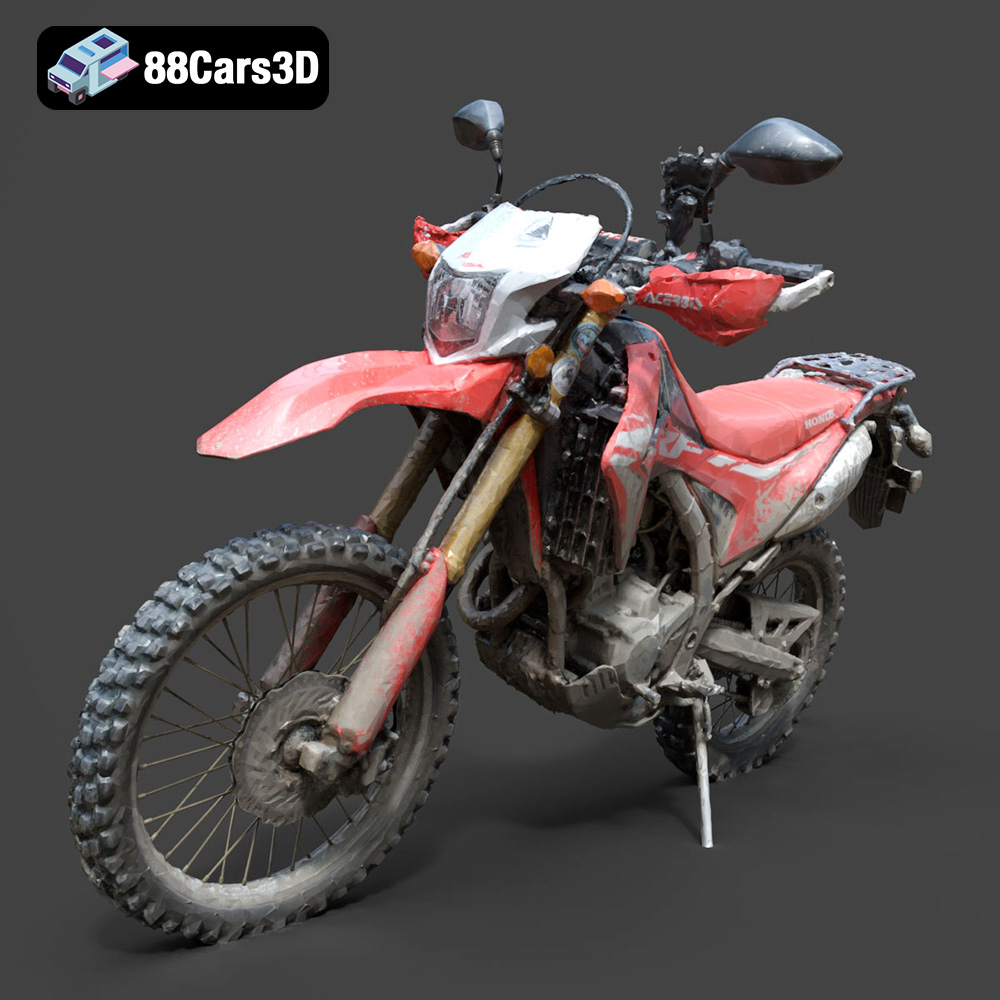
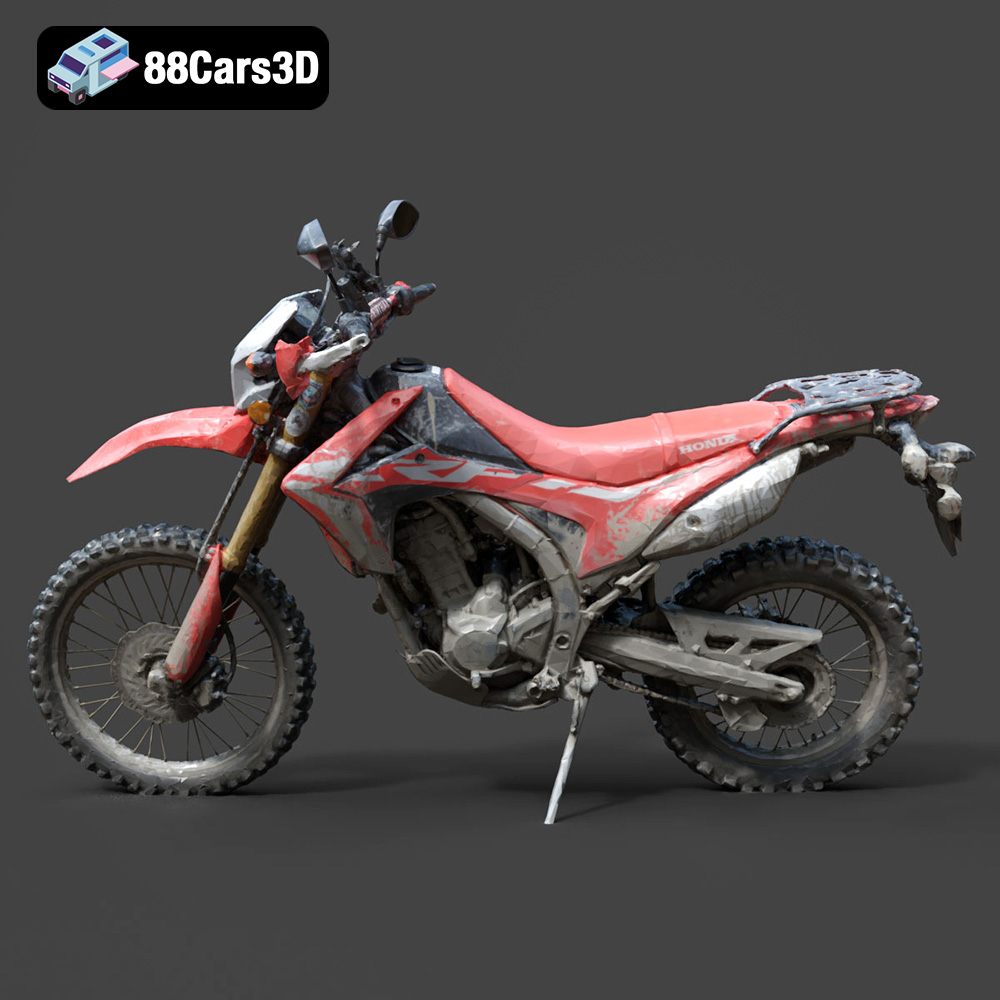
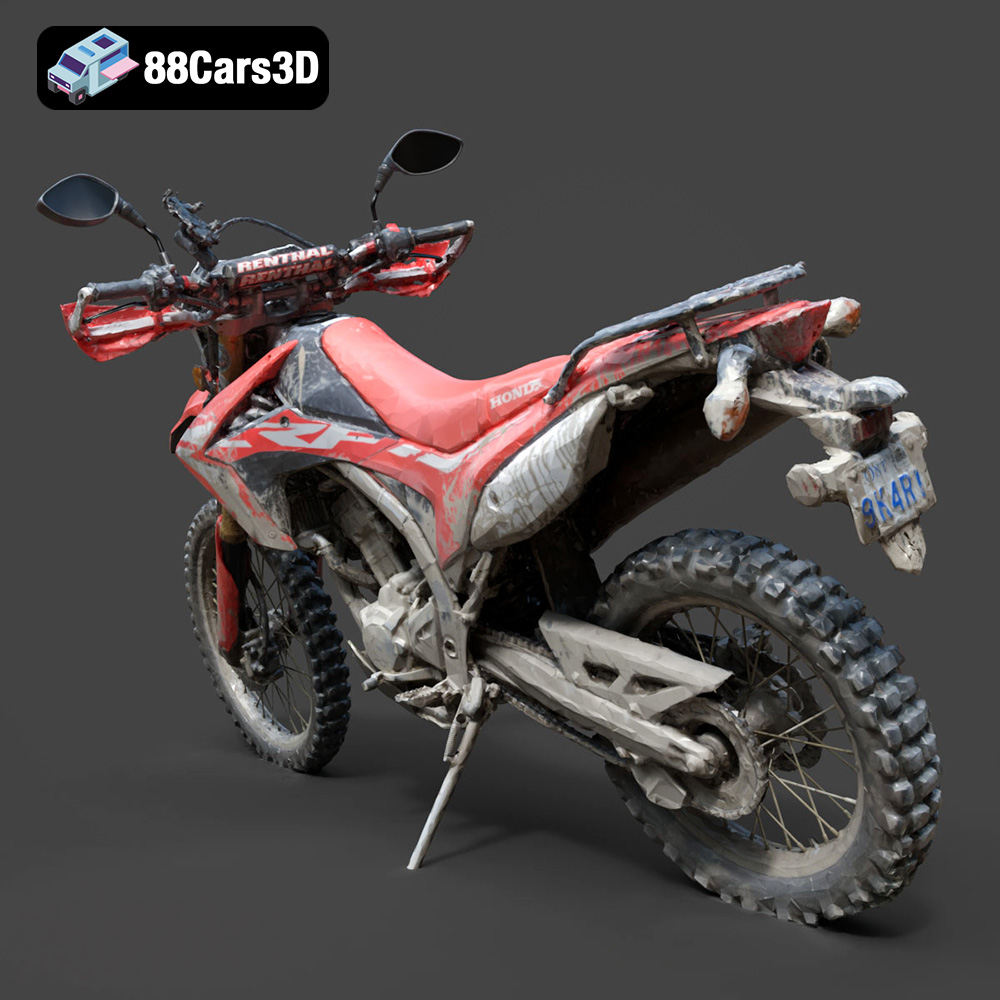
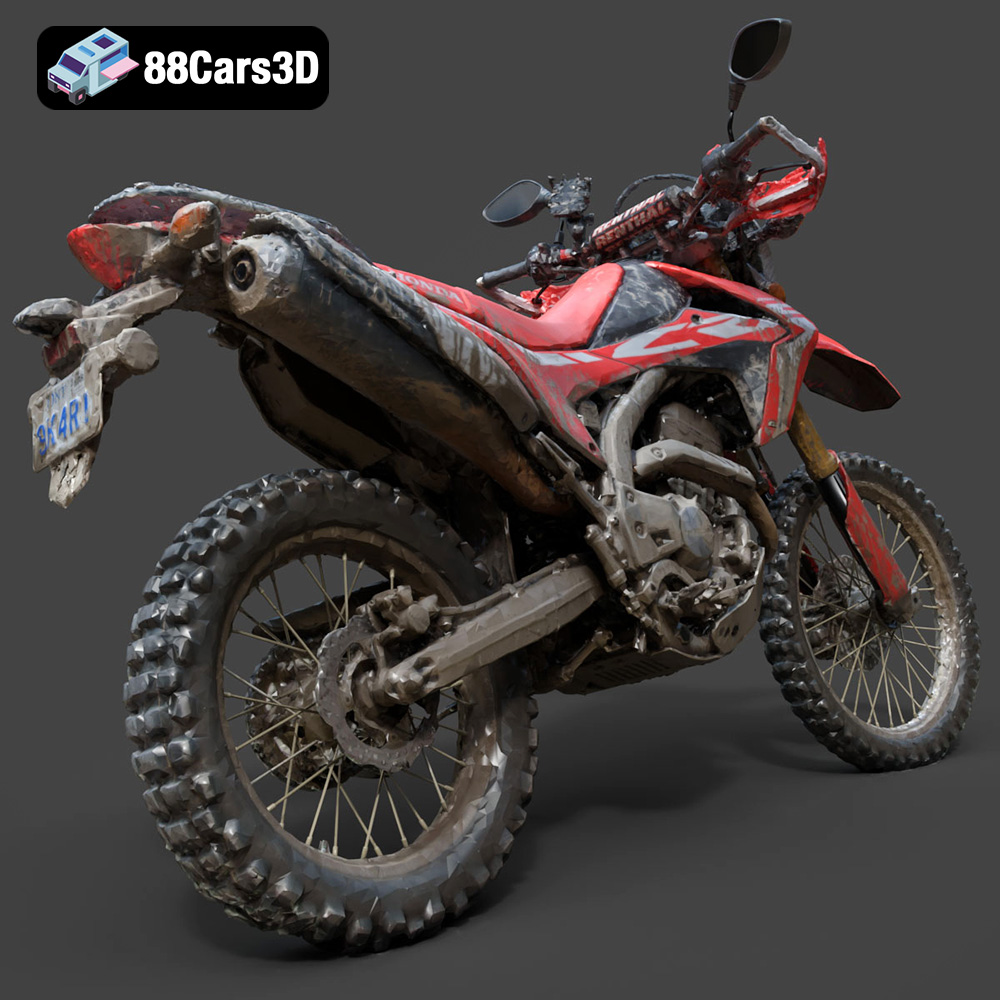
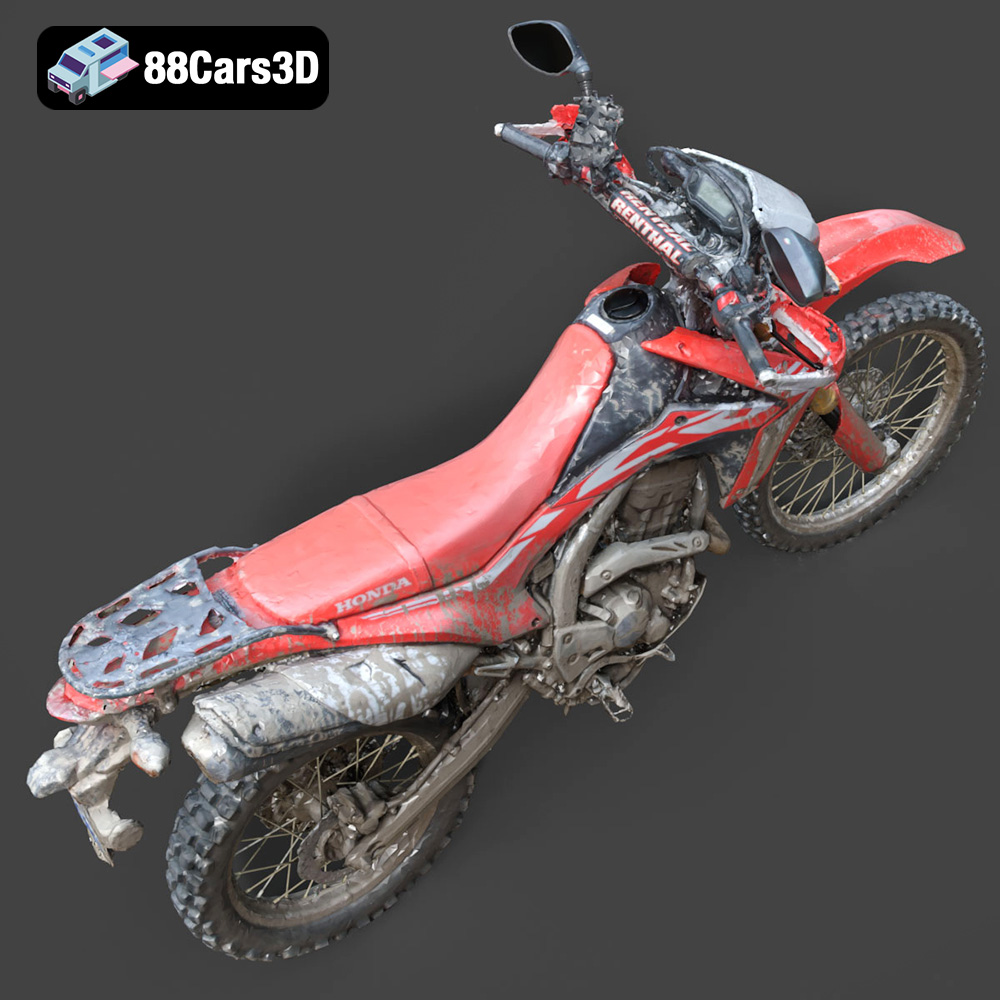
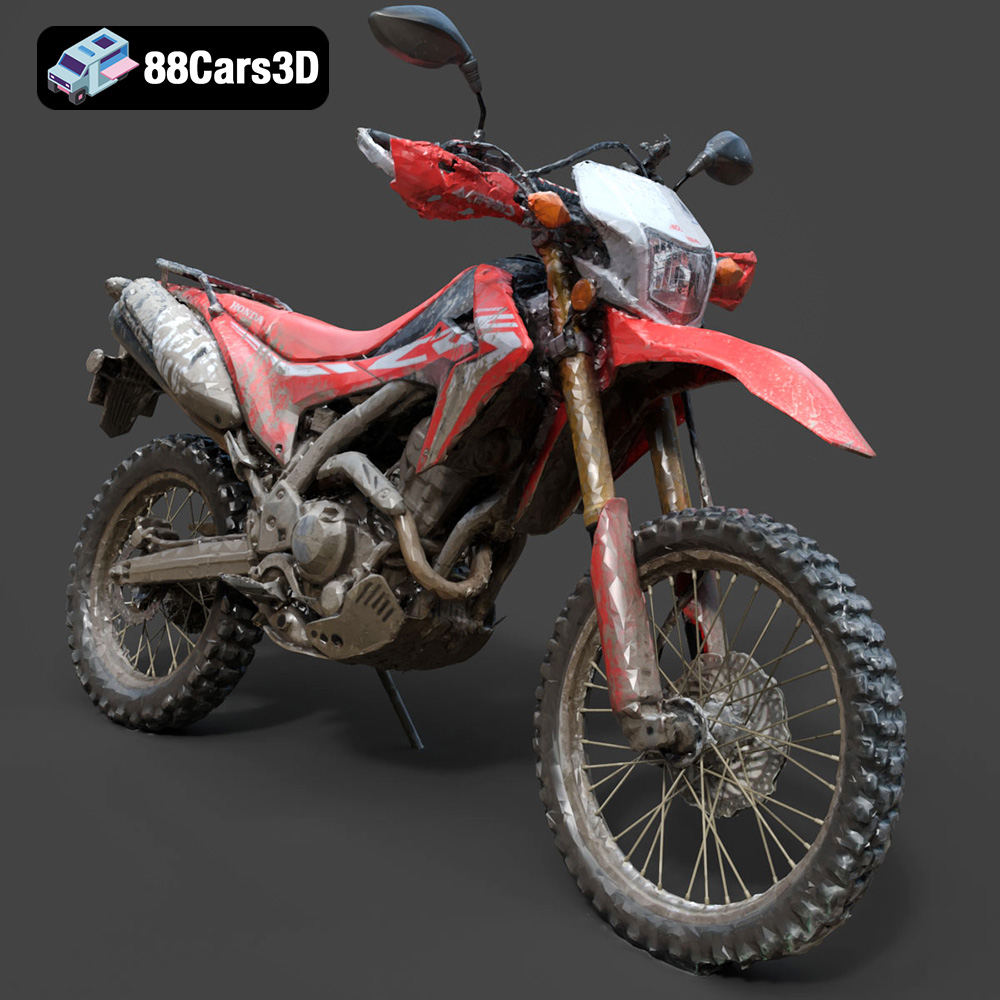
The Honda Motorcycle-001 3D model available at 88cars3d.com is an incredibly detailed and accurate representation of this iconic bike. While it’s designed for various applications like rendering and game development, its availability in STL format makes it perfectly suited for 3D printing. This article provides a comprehensive guide to successfully 3D printing this model, covering everything from pre-print preparation to post-processing techniques. Whether you’re a seasoned 3D printing enthusiast or just starting, this guide will help you create a stunning 3D printed replica of the Honda Motorcycle-001.
The first step in successfully 3D printing the Honda Motorcycle-001 is selecting the appropriate 3D printing technology. The two most common options for hobbyists and enthusiasts are Fused Deposition Modeling (FDM) and Stereolithography (SLA) printing.
FDM, or Fused Deposition Modeling, involves extruding a thermoplastic filament through a heated nozzle and depositing it layer by layer to build the model.
* Pros: FDM printers are generally more affordable and can handle a wider range of materials, including PLA, ABS, PETG, and more exotic filaments like carbon fiber-infused or flexible materials.
* Cons: FDM prints often have visible layer lines, which may require more post-processing to achieve a smooth surface finish. Fine details can be challenging to reproduce accurately, especially on smaller parts of the motorcycle model. Support structures are usually necessary for overhanging sections, which can leave marks on the printed surface after removal.
SLA, or Stereolithography, uses a UV laser to cure liquid resin layer by layer.
* Pros: SLA printing offers superior detail and a smoother surface finish compared to FDM. It’s ideal for capturing the intricate details of the Honda Motorcycle-001, such as the engine components and the bodywork. Support structures are still necessary, but they are generally finer and easier to remove than FDM supports.
* Cons: SLA printers and resins tend to be more expensive than FDM counterparts. The range of materials is also more limited, primarily consisting of various types of resins. Some resins can be brittle and require careful handling. The build volume of SLA printers can also be smaller, potentially requiring you to print the model in multiple parts.
For the Honda Motorcycle-001, given its detailed design, SLA printing is generally recommended for achieving the best possible results. However, with careful settings and post-processing, a respectable print can be achieved on an FDM printer as well.
When working with 3D models for printing, understanding the different file formats is crucial. The Honda Motorcycle-001 3D model from 88cars3d.com is available in a variety of formats, each designed for different purposes. While some formats are geared towards rendering or animation, others are specifically optimized for 3D printing.
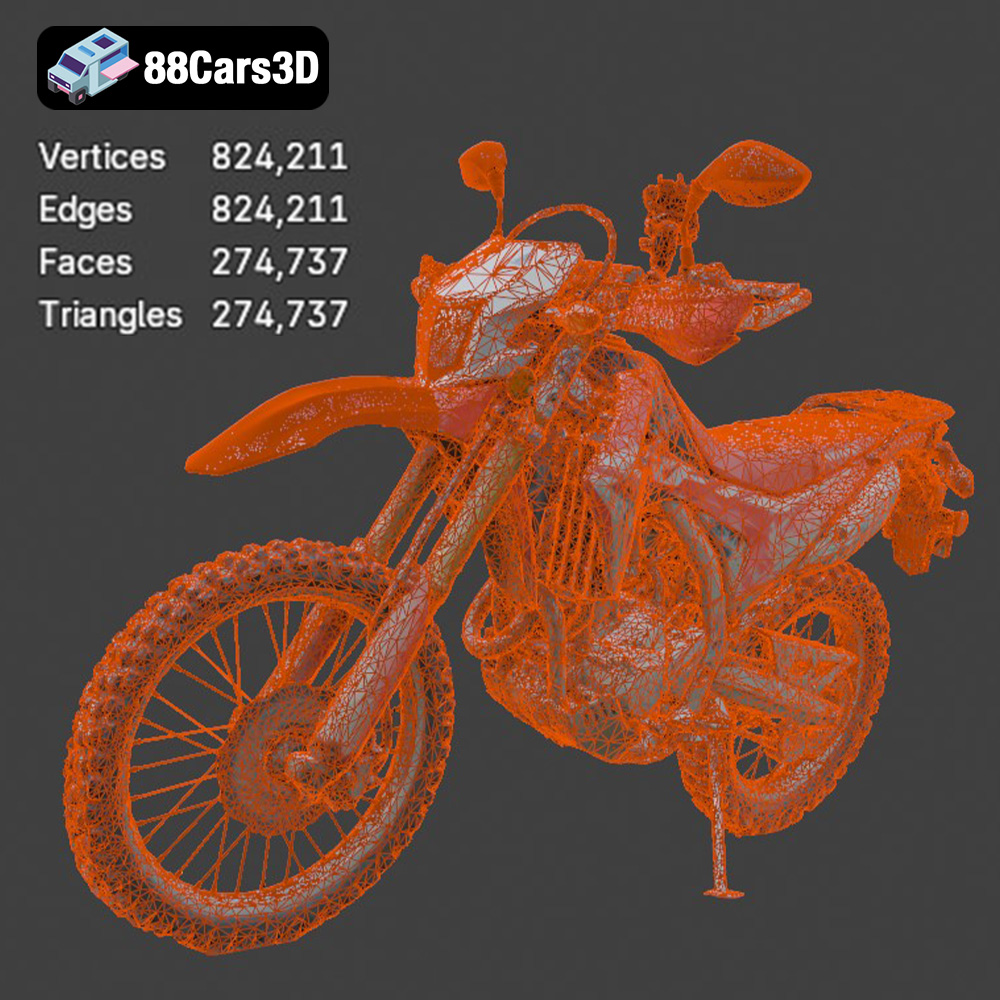
* .stl – Industry standard for 3D printing, mesh-only format: The STL (Stereolithography) format is the workhorse of 3D printing. It represents the surface geometry of a 3D object as a collection of triangles. STL files are simple, widely supported by slicing software, and generally small in size, making them ideal for 3D printing. However, STL files only store information about the shape of the object; they don’t contain any color or texture data. When preparing an STL file for printing, it’s essential to ensure the mesh is “watertight,” meaning it has no holes or gaps, as this can cause errors during slicing. The resolution of the STL mesh also matters; a low-resolution mesh will result in a faceted print, while a high-resolution mesh can lead to excessively large files and longer processing times. For the Honda Motorcycle-001, a medium-resolution STL file is usually sufficient to capture the details without overwhelming your printer.
* .obj – Universal format with texture support for colored prints: The OBJ format is another common 3D model format that supports both geometry and color/texture information. While STL files only store the shape of an object, OBJ files can store information about the surface properties, such as color, texture, and reflectivity. This makes OBJ files suitable for 3D printing in color, although this requires a specialized printer capable of handling multiple materials. However, for most standard 3D printing applications, the color information in an OBJ file is ignored.
* .ply – Precision mesh format for high-detail prints: The PLY (Polygon File Format) is designed for storing 3D data acquired from 3D scanners. It can store a variety of data, including color, normals, texture coordinates, and other properties. PLY files are often used for representing highly detailed models, such as those obtained from scanning real-world objects. While PLY files can be used for 3D printing, they are less common than STL files, and some slicing software may not fully support them.
* .blend – Editable Blender scene for customization before export: The BLEND file is the native format for Blender, a popular open-source 3D modeling software. BLEND files contain all the data associated with a Blender project, including the model geometry, materials, textures, lighting, and animation. If you want to modify the Honda Motorcycle-001 model before printing, the BLEND file is the way to go. You can use Blender to add details, make changes to the design, or optimize the model for printing. Once you’ve made your modifications, you can export the model as an STL file for printing.
* .fbx – For importing into slicing software with materials: The FBX (Filmbox) format is a proprietary file format developed by Autodesk. It’s commonly used for exchanging 3D data between different software applications, such as 3D modeling programs, game engines, and animation software. FBX files can store geometry, materials, textures, animations, and other data. While FBX files can be imported into some slicing software, they are not primarily designed for 3D printing. The material data may not be correctly interpreted by the slicing software.
* .glb – For previewing models in AR before printing: The GLB format is a binary file format that represents 3D models using the glTF (GL Transmission Format) standard. GLB files are designed for efficient transmission and loading of 3D models on the web and in AR/VR applications. They can store geometry, materials, textures, and animations. GLB files are not typically used for 3D printing directly. Instead, they are used for previewing the model in AR or VR before printing, giving you a sense of the scale and appearance of the printed object.
* .max – Editable 3ds Max project for modifications: The MAX file is the native format for 3ds Max, another popular 3D modeling software. Like BLEND files, MAX files contain all the data associated with a 3ds Max project. If you have access to 3ds Max, you can use the MAX file to modify the Honda Motorcycle-001 model before printing. After making your changes, you can export the model as an STL file for printing.
For 3D printing the Honda Motorcycle-001, the **STL** format is the most practical and widely supported choice. Ensure that the STL file you use is free of errors and has a suitable resolution for your printer. While other formats like OBJ and PLY may offer additional features, they are generally not necessary for standard 3D printing.
Once you’ve chosen your printing technology and have the STL file ready, the next step is pre-print preparation. This involves using slicing software to convert the 3D model into a set of instructions that the 3D printer can understand. Key aspects of pre-print preparation include model orientation, support generation, and setting the appropriate print parameters.
The orientation of the Honda Motorcycle-001 on the print bed significantly impacts the print quality, the amount of support material needed, and the overall print time.
* Consider overhangs: Minimize overhangs by orienting the model so that fewer parts require support structures. Overhangs are sections of the model that extend outwards without any underlying support.
* Surface finish: Orient the model to place the most visually important surfaces facing upwards. This will result in a smoother surface finish on those areas.
* Strength: If the printed model will be subjected to stress, orient it so that the strongest axis is aligned with the direction of the force. This is particularly important for parts like the motorcycle frame or suspension components.
* For FDM: Laying the motorcycle on its side might be a good starting point, requiring supports primarily underneath. This can minimize the support scarring on the more visible surfaces.
* For SLA: Angling the motorcycle at 45 degrees can reduce the surface area in contact with the build plate and minimize the risk of warping.
Support structures are essential for printing overhangs and bridging gaps in the Honda Motorcycle-001 model. Slicing software can automatically generate supports, but it’s often necessary to fine-tune the settings to optimize the support structure.
* Support density: Increase the support density for critical overhangs to ensure they are adequately supported. Reduce the support density in less critical areas to save material and reduce print time.
* Support type: Experiment with different support types, such as tree supports or linear supports, to find the best balance between support strength and ease of removal. Tree supports are often preferred for their minimal impact on the printed surface.
* Support placement: Manually add or remove supports in specific areas to optimize the support structure for the Honda Motorcycle-001 model.
* Consider the delicate parts: The handlebars, mirrors, and smaller details will need proper support to avoid them breaking or warping during the printing process.
The slicing software allows you to control various printing parameters, such as layer height, infill density, print speed, and temperature. These settings will significantly impact the print quality, strength, and print time.
* Layer height: A smaller layer height results in a smoother surface finish but increases the print time. A larger layer height results in a faster print but may sacrifice detail. For the Honda Motorcycle-001, a layer height of 0.1mm to 0.2mm is generally recommended for FDM printing, and 0.05mm to 0.1mm for SLA printing.
* Infill density: The infill density determines how much material is used inside the model. A higher infill density results in a stronger print but increases the print time and material cost. For a decorative model of the Honda Motorcycle-001, an infill density of 15% to 25% is usually sufficient. If you need a stronger model, you can increase the infill density to 50% or higher.
* Print speed: A slower print speed generally results in better print quality, especially for intricate details. However, it also increases the print time. Experiment with different print speeds to find the optimal balance between print quality and speed.
* Temperature: The optimal printing temperature depends on the material being used. Consult the manufacturer’s recommendations for the specific filament or resin you are using.
The choice of material is crucial for the final appearance and functionality of your 3D printed Honda Motorcycle-001. Different materials offer different properties, so selecting the right one depends on your specific needs and desired outcome.
PLA is a biodegradable thermoplastic derived from renewable resources.
* Pros: PLA is easy to print, has low warping, and comes in a wide range of colors. It’s a good choice for beginners and for models where strength and heat resistance are not critical.
* Cons: PLA is relatively brittle and has low heat resistance. It’s not suitable for parts that will be exposed to high temperatures or stress.
* Recommendation: PLA is a good option for a decorative model of the Honda Motorcycle-001 that will not be subjected to harsh conditions.
PETG is a thermoplastic that combines the ease of printing of PLA with the strength and heat resistance of ABS.
* Pros: PETG is stronger and more heat-resistant than PLA. It also has good chemical resistance.
* Cons: PETG can be more prone to stringing than PLA, and it may require higher printing temperatures.
* Recommendation: PETG is a good option for a more durable model of the Honda Motorcycle-001 that can withstand some stress and heat.
ABS is a strong and heat-resistant thermoplastic commonly used in engineering applications.
* Pros: ABS is very strong and heat-resistant. It’s a good choice for parts that will be subjected to high temperatures or stress.
* Cons: ABS is more difficult to print than PLA and PETG. It’s prone to warping and requires a heated bed and an enclosure to print successfully. ABS also emits fumes during printing, so good ventilation is essential.
* Recommendation: ABS is not generally recommended for beginners due to its printing challenges. However, if you need a very strong and heat-resistant model of the Honda Motorcycle-001, and you have the necessary equipment and experience, ABS can be a good choice.
Various types of resins are used in SLA printing.
* Standard Resin: Offers high detail and smooth surfaces but may be brittle.
* Tough Resin: Provides increased strength and impact resistance.
* Flexible Resin: Allows for printing flexible parts like tires or seats.
* Recommendation: For the Honda Motorcycle-001, a combination of standard resin for the body and tough resin for the frame might be a good approach. Flexible resin could be used for the tires.
After printing the Honda Motorcycle-001, some post-processing is usually necessary to improve the appearance and functionality of the model.
Carefully remove the support structures from the printed model. Use pliers, cutters, or a sharp knife to gently detach the supports. Be careful not to damage the model during support removal. For SLA prints, the supports are typically thinner and easier to remove.
Sanding can be used to smooth out the surface of the printed model and remove any imperfections. Start with a coarse grit sandpaper (e.g., 220 grit) and gradually move to finer grits (e.g., 400 grit, 600 grit, 800 grit) to achieve a smooth finish. Wet sanding can help to reduce dust and improve the sanding results.
Apply a primer coat to the sanded model to prepare it for painting. Primer helps to fill in any remaining imperfections and provides a good surface for the paint to adhere to.
Paint the model with the desired colors. Use acrylic paints or spray paints designed for plastic models. Apply multiple thin coats of paint for best results. Consider using stencils or masking tape to create intricate designs or patterns.
If the Honda Motorcycle-001 was printed in multiple parts, assemble the parts using glue or other fasteners. Ensure that the parts are properly aligned before gluing them together.
Even with careful planning and preparation, 3D printing can sometimes present challenges. Here are some common printing issues and their solutions:
* Warping: Warping occurs when the printed model lifts off the build plate during printing. This is more common with ABS and other materials that shrink as they cool. To prevent warping, use a heated bed, an enclosure, and apply an adhesive to the build plate.
* Stringing: Stringing occurs when thin strands of plastic are left between different parts of the model. This is more common with PETG and other materials that tend to ooze. To prevent stringing, adjust the retraction settings in your slicing software, reduce the printing temperature, and increase the travel speed.
* Layer adhesion problems: Poor layer adhesion can cause the printed model to split or delaminate. To improve layer adhesion, increase the printing temperature, reduce the printing speed, and ensure that the build plate is properly leveled.
* Support structure issues: If the support structures are too weak, they may collapse during printing. If the support structures are too strong, they may be difficult to remove without damaging the model. Experiment with different support settings to find the optimal balance between support strength and ease of removal.
By addressing these common issues, you can significantly improve the success rate of your 3D printing projects.
3D printing the Honda Motorcycle-001 from 88cars3d.com offers a rewarding experience. By carefully selecting the right printing technology, preparing the model with appropriate slicing settings, choosing suitable materials, and applying post-processing techniques, you can create a stunning replica of this iconic motorcycle. Remember to pay close attention to model orientation, support generation, and material selection to achieve the best possible results. With practice and patience, you can overcome common printing challenges and enjoy the satisfaction of bringing this detailed 3D model to life. The availability of the STL file at 88cars3d.com makes this project accessible to any 3D printing enthusiast.
Experience an exceptional level of realism with the Honda Motorcycle-001 3D model. Meticulously constructed to capture the exact engineering, sleek aesthetic, and dynamic profile of this renowned motorcycle, it serves as an authoritative digital twin for demanding professional projects.
$39.99
.arvr
.bike
.blend
.car3dmodel
.fbx
.gameasset
.glb
.honda
.max
.motorcycle
.motorcycle001
.obj
.ply
.rendering
.simulation
.stl
.streetbike
.twowheeler
.unreal