Get 20% OFF All Premium 3D & STL Models!

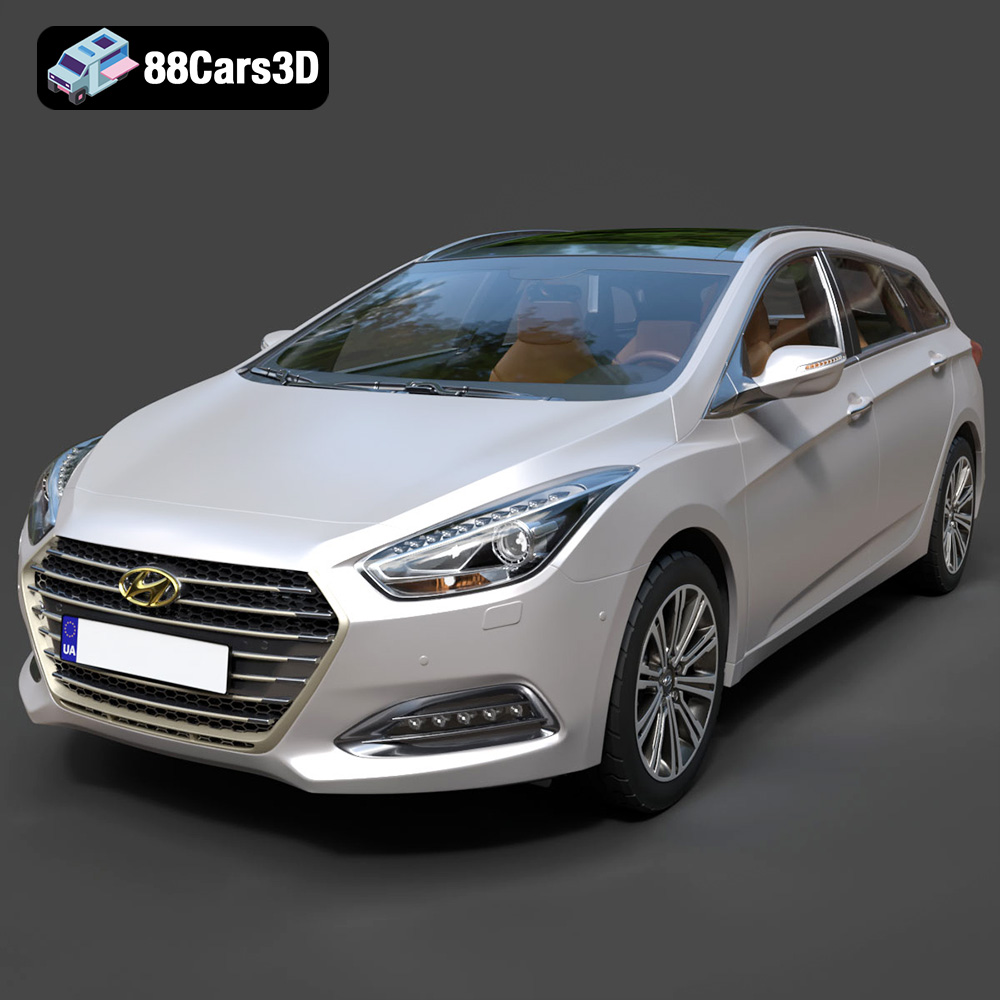
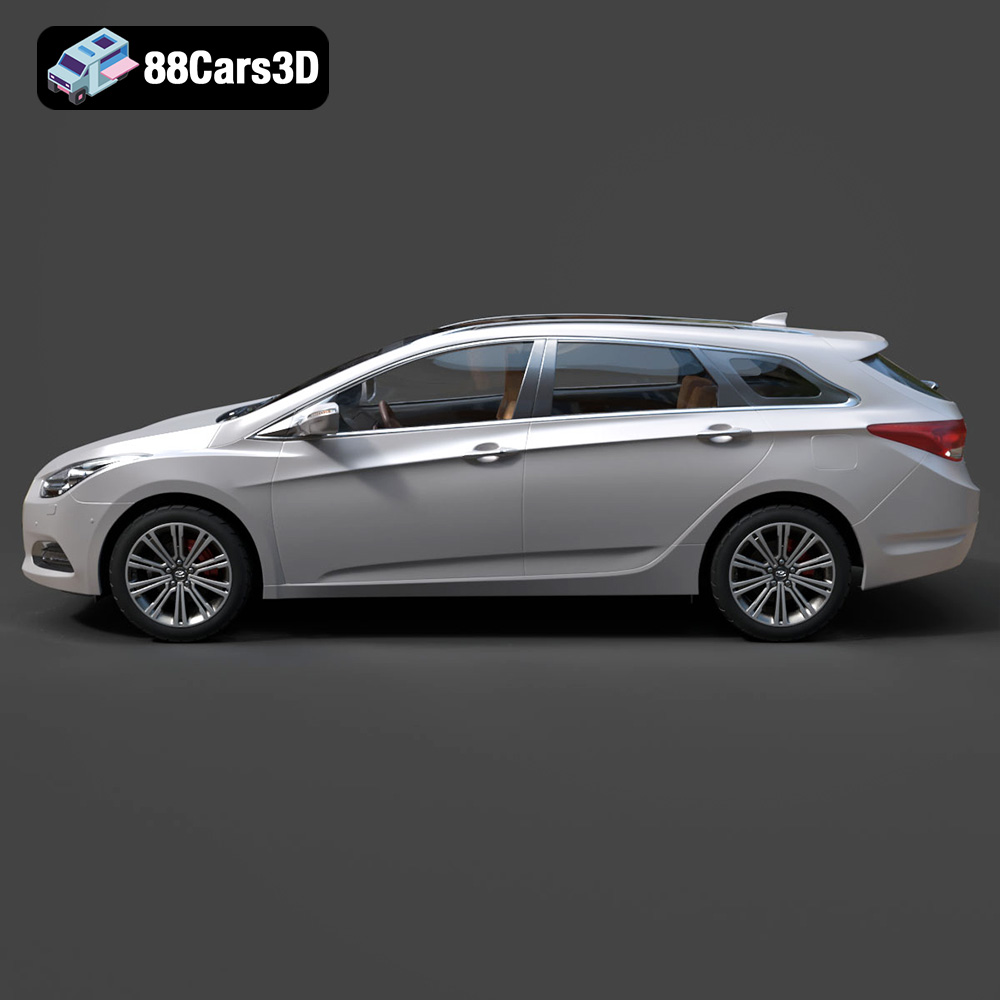
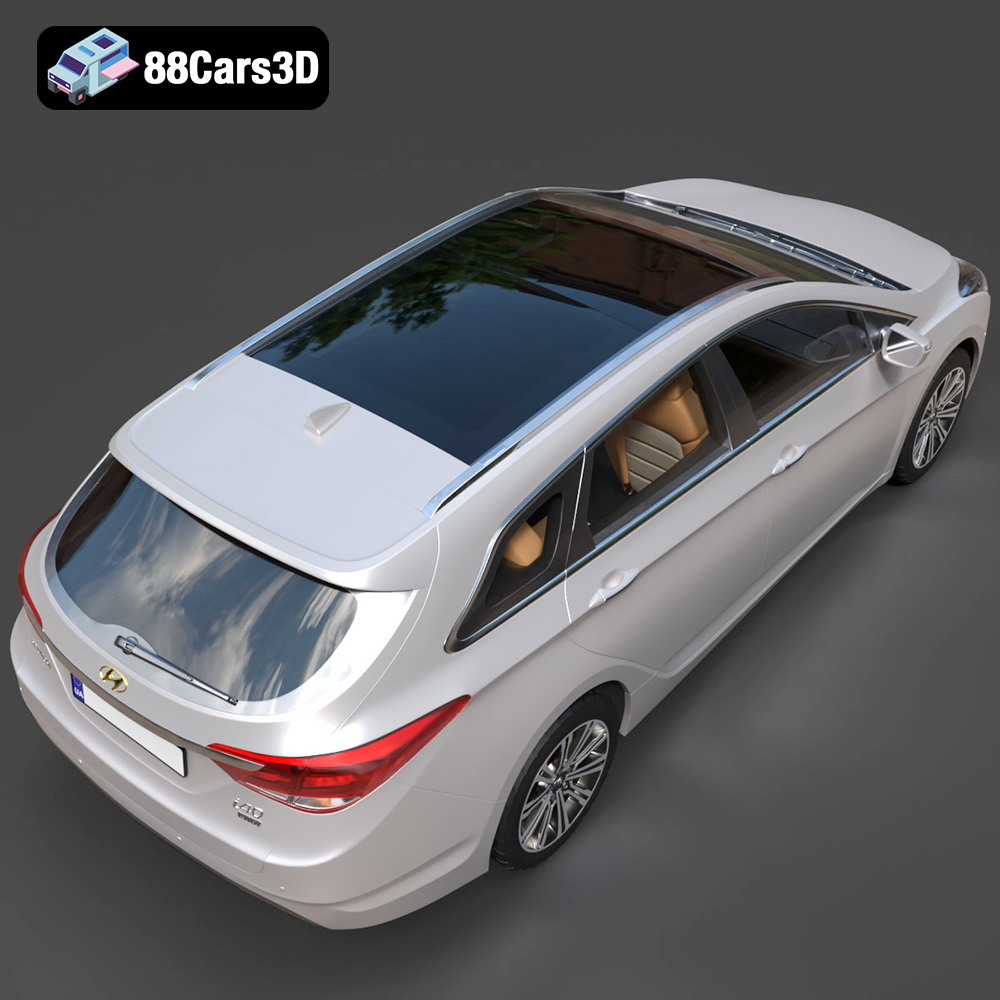
The Hyundai i40 Wagon 2015, with its sleek design and practical estate form, is a popular vehicle, and now you can bring it to life in miniature form through the power of 3D printing. This guide will walk you through the entire process, from preparing your STL files to post-processing your finished 3D printed model. Whether you’re a seasoned 3D printing enthusiast or just starting out, this guide provides the information you need to successfully 3D print the Hyundai i40 Wagon 2015 model available from 88cars3d.com.
The success of your 3D print hinges on selecting the right printer for the job. Several factors come into play, including print volume, resolution, and material compatibility.
* **FDM (Fused Deposition Modeling):** FDM printers are generally more affordable and user-friendly, making them a great choice for beginners. They work by extruding melted plastic filament layer by layer. For the Hyundai i40 Wagon 2015, an FDM printer with a build volume of at least 200x200x200mm is recommended, depending on the desired scale.
* **Resin (SLA/DLP/LCD):** Resin printers offer superior detail and smoother surfaces, ideal for showcasing the intricate design of the Hyundai i40 Wagon 2015. They use liquid resin cured by UV light. While resin printers produce higher quality prints, they often come with a steeper learning curve and require more post-processing.
Regardless of the printer type, proper calibration is crucial. Ensure your build plate is level and your Z-offset is correctly set. Regular maintenance, such as cleaning the nozzle (for FDM) or replacing the FEP film (for resin), will prevent print failures and maintain print quality.
Before you can print the Hyundai i40 Wagon 2015 3D model, it’s essential to understand the different file formats it’s available in and which ones are best suited for additive manufacturing. 88cars3d.com offers a variety of formats to cater to different needs, but some are more appropriate for 3D printing than others.
The `.stl` (Stereolithography) file format is the workhorse of 3D printing. It represents the surface geometry of a 3D object as a collection of triangles. This format is almost universally compatible with slicing software and 3D printers. When preparing your Hyundai i40 Wagon 2015 for printing, the `.stl` file is the format you’ll primarily use. Its simplicity and widespread support make it the most reliable choice. The `.stl` file from 88cars3d.com has been tested and prepared for optimal 3D printing.
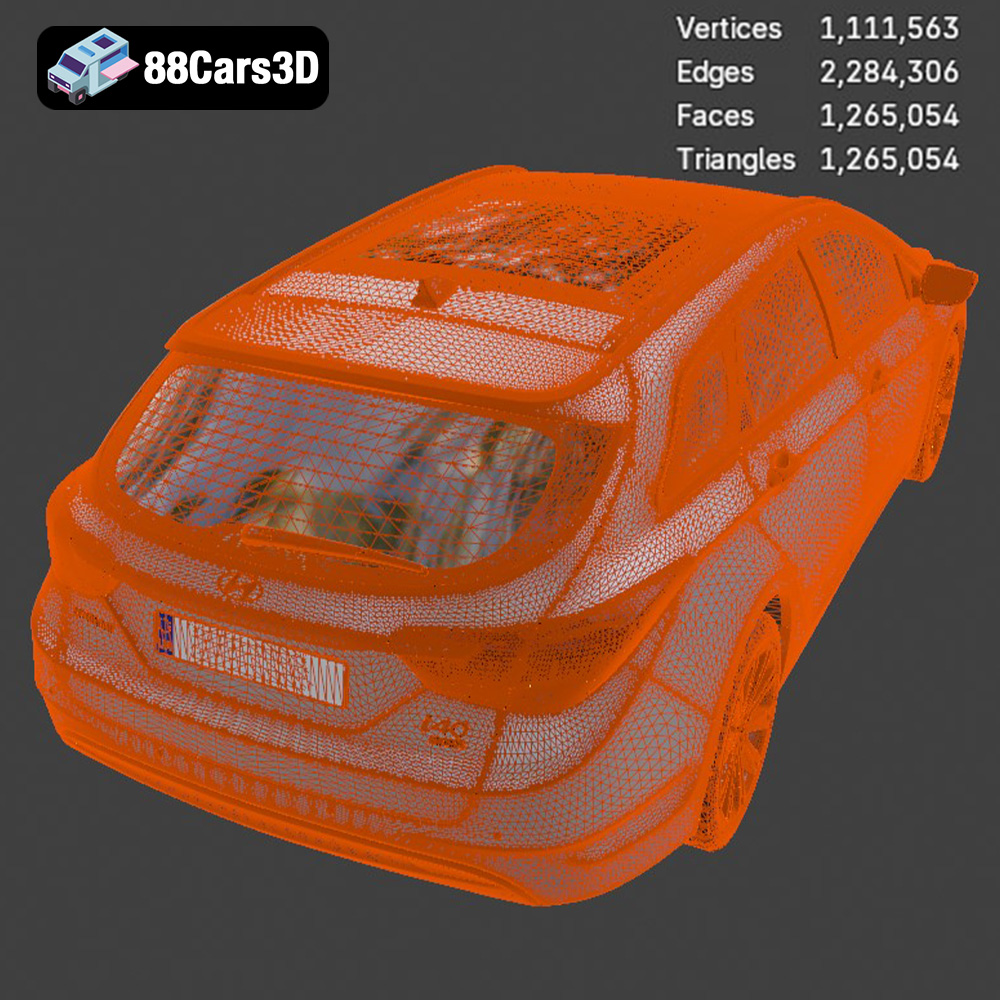
However, `.stl` files only contain mesh data; they do not store color or texture information. Therefore, prints will be single-color unless you apply post-processing techniques like painting. Ensure that the `.stl` file you download has sufficient resolution. Low-resolution `.stl` files can result in faceted surfaces, detracting from the model’s appearance. While some slicers can repair minor mesh issues, it’s always best to start with a well-constructed `.stl` file.
The `.obj` (Object) file format is another widely supported format that, unlike `.stl`, can store color and texture information. If you intend to paint your Hyundai i40 Wagon 2015 model, you might find the `.obj` format useful for referencing the original colors. However, `.obj` files can be larger than `.stl` files, and some slicers may have difficulty handling complex textures. For pure 3D printing purposes, the `.stl` format is generally preferred for its simplicity and efficiency.
The `.ply` (Polygon File Format) is designed for storing 3D data acquired from 3D scanners. It can represent color, normals, and other properties at each vertex of the mesh, leading to high-detail representations. While suitable for visualizing the Hyundai i40 Wagon 2015 in its most accurate form, `.ply` files are not always directly compatible with 3D printing workflows. You may need to convert the `.ply` file to `.stl` before slicing.
The `.blend` file is the native format for Blender, a popular open-source 3D modeling software. This format is incredibly useful if you want to customize the Hyundai i40 Wagon 2015 model before printing. You can modify the geometry, add details, or split the model into separate parts for easier printing and assembly. However, `.blend` files require Blender to open and edit, and you’ll need to export the modified model as an `.stl` file for printing.
The `.fbx` (Filmbox) format is commonly used for exchanging 3D data between different software packages, especially in game development. It can store geometry, textures, animations, and materials. While some advanced slicing software might be able to import `.fbx` files, the primary use case is for visualization and game engine integration, not directly for 3D printing.
The `.glb` (GL Transmission Format Binary) format is designed for efficient transmission and loading of 3D scenes, especially in web-based and AR/VR applications. It’s a self-contained format that includes geometry, textures, and animations. Before committing to a 3D print, you could use the `.glb` file to preview the Hyundai i40 Wagon 2015 model in augmented reality, giving you a sense of its scale and appearance in the real world. However, `.glb` files are not intended for 3D printing.
Similar to `.blend`, the `.max` file is the native format for 3ds Max, another professional 3D modeling and rendering software. It allows for extensive editing and customization of the Hyundai i40 Wagon 2015 model. Like `.blend`, you’ll need to export the modified model as an `.stl` file for 3D printing after making your desired changes.
In summary, for 3D printing the Hyundai i40 Wagon 2015 model from 88cars3d.com, prioritize the `.stl` file format. It offers the best combination of compatibility, simplicity, and efficiency for additive manufacturing.
Once you’ve chosen your printer and understand the file formats, it’s time to prepare the Hyundai i40 Wagon 2015 model for printing using slicing software. This step is critical for determining print quality, speed, and material usage.
Popular slicing software options include Cura, PrusaSlicer, Simplify3D, and Chitubox (for resin printers). Each offers a range of settings to fine-tune your print. Select the software that best suits your printer and experience level.
* **Orientation:** Orient the Hyundai i40 Wagon 2015 model to minimize the need for supports. Experiment with different angles to find the most stable position that also reduces overhangs. Consider printing the car body separately from smaller components like wheels and mirrors for better results.
* **Supports:** Supports are necessary for overhangs and bridging sections. Use automatic support generation in your slicing software, but manually adjust them for optimal placement and removal. Consider using tree supports for FDM printing, as they are easier to remove. For resin printing, use a raft and carefully position supports to avoid damaging delicate details.
* **Scaling:** Decide on the desired size of your 3D printed Hyundai i40 Wagon 2015. Scaling up the model reveals more detail but increases print time and material usage. Scaling down makes it more challenging to capture fine features.
* **Resolution:** Adjust the layer height in your slicing software to balance print quality and speed. Lower layer heights (e.g., 0.1mm for FDM, 0.05mm for resin) produce smoother surfaces but increase print time.
The choice of material significantly impacts the final look and feel of your 3D printed Hyundai i40 Wagon 2015.
PLA is a biodegradable thermoplastic known for its ease of use and wide availability. It’s a good choice for beginners due to its low printing temperature and minimal warping. PLA is suitable for the Hyundai i40 Wagon 2015 if aesthetics are prioritized over durability and heat resistance.
PETG offers a balance of strength, flexibility, and heat resistance. It’s more durable than PLA and less prone to warping than ABS. PETG is a solid choice for parts that need to withstand some stress or higher temperatures.
Resin offers the highest level of detail and surface finish. It’s ideal for intricate parts and showcasing fine details. However, resin prints are typically more brittle than FDM prints and require careful handling.
Other materials like ABS, Nylon, and Polycarbonate can be used, but they often require specialized printers and more advanced printing knowledge.
Achieving a successful 3D print of the Hyundai i40 Wagon 2015 requires careful adjustment of printer settings. These settings will vary depending on your printer and material.
* **Layer Height:** 0.1mm – 0.2mm (lower for finer details)
* **Infill Density:** 15-25% (adjust for strength and weight)
* **Print Speed:** 40-60mm/s (reduce for intricate details)
* **Nozzle Temperature:** Refer to the filament manufacturer’s recommendations
* **Bed Temperature:** Refer to the filament manufacturer’s recommendations
* **Supports:** Enable supports for overhangs greater than 45 degrees
* **Layer Height:** 0.025mm – 0.05mm (lower for finer details)
* **Exposure Time:** Refer to the resin manufacturer’s recommendations
* **Lift Speed:** Adjust for optimal adhesion and reduced suction
* **Supports:** Use a combination of light, medium, and heavy supports
Once your Hyundai i40 Wagon 2015 is printed, post-processing is essential to achieve a finished, professional look.
Carefully remove supports using pliers or cutters. Be gentle to avoid damaging the model. For resin prints, thoroughly clean the model with isopropyl alcohol to remove any uncured resin.
Sand the model to remove layer lines and imperfections. Start with coarse grit sandpaper (e.g., 220 grit) and gradually move to finer grits (e.g., 400, 600, 800 grit). Consider using filler primer to fill in gaps and create a smooth surface.
Prime the model with a suitable primer to improve paint adhesion. Apply multiple thin coats of paint for best results. Consider using masking tape to create clean lines and separate colors. Add details like windows, lights, and trim using fine brushes. Apply a clear coat to protect the paint and add shine.
If you printed the Hyundai i40 Wagon 2015 in multiple parts, carefully assemble them using glue or adhesive. Ensure proper alignment and allow the glue to dry completely before handling.
Even with careful preparation, 3D printing can sometimes present challenges. Here are some common issues and their solutions:
* **Cause:** Uneven cooling or insufficient bed adhesion.
* **Solution:** Use a heated bed, apply adhesive to the bed, or enclose the printer.
* **Cause:** Excessive nozzle temperature or retraction settings.
* **Solution:** Lower the nozzle temperature, increase retraction distance and speed.
* **Cause:** Insufficient layer adhesion.
* **Solution:** Increase nozzle temperature, reduce print speed, or increase layer height.
* **Cause:** Insufficient support density or inadequate adhesion.
* **Solution:** Increase support density, adjust support placement, or use a raft.
By understanding these common issues and their solutions, you can troubleshoot problems and improve your 3D printing success rate. Remember that finding the optimal settings often involves experimentation, so don’t be afraid to try different settings to find what works best for your printer and material. High quality models like the Hyundai i40 Wagon 2015 available at 88cars3d.com are created with 3D printing in mind.
Experience true-to-life automotive design with the Hyundai i40 Wagon 2015 3D Model. Carefully crafted to represent the sleek contours and practical elegance of this popular estate vehicle, this digital asset delivers exceptional realism for any demanding project. Constructed with professional precision, the model features clean geometry and realistic materials.
$39.99
.arvr
.blend
.car3dmodel
.estate
.familycar
.fbx
.gameasset
.glb
.hyundai
.i40
.max
.obj
.ply
.rendering
.simulation
.stationwagon
.stl
.unreal
.wagon