Get 20% OFF All Premium 3D & STL Models!

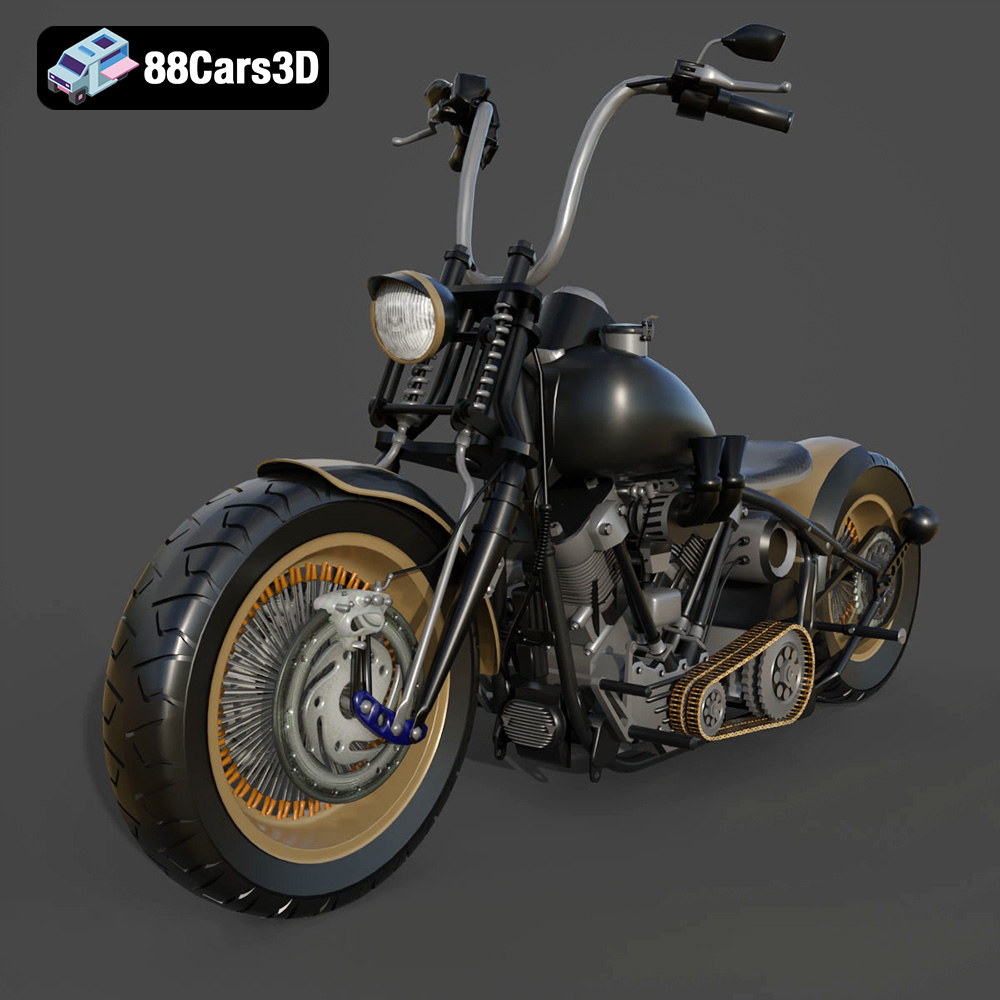
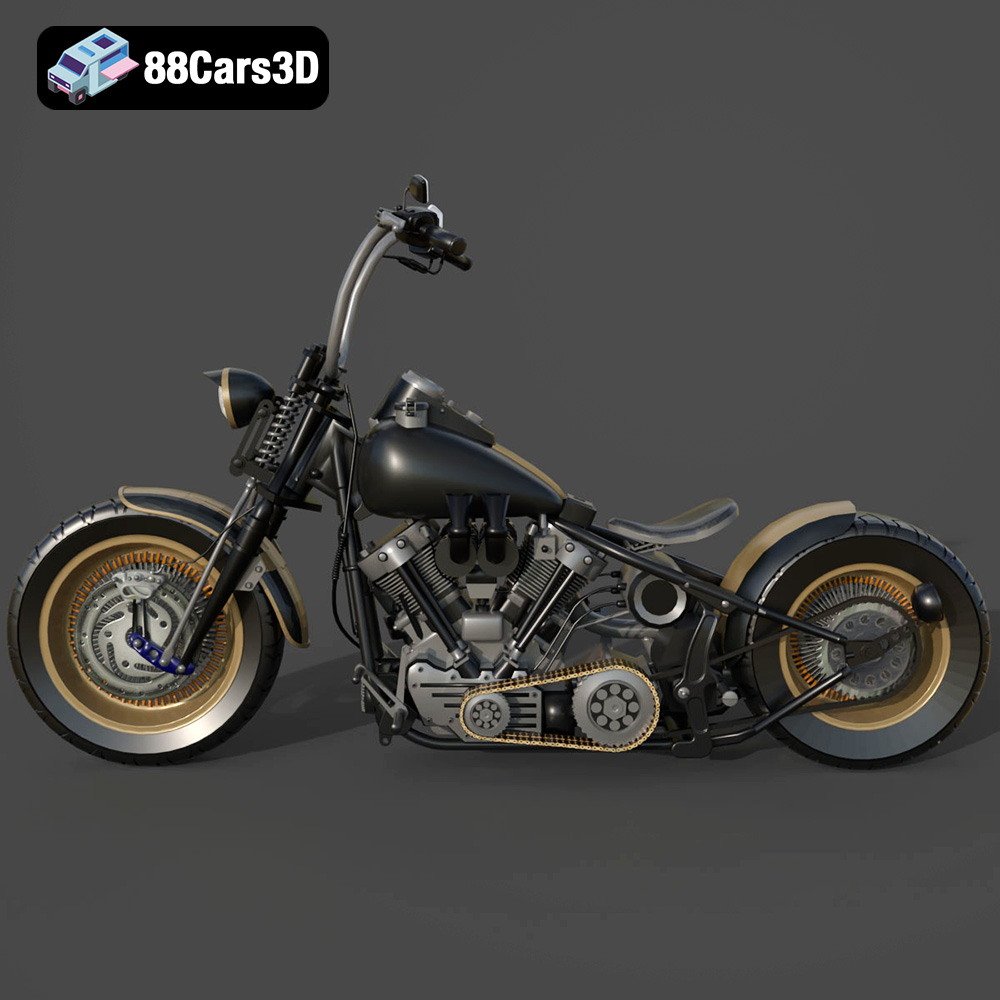
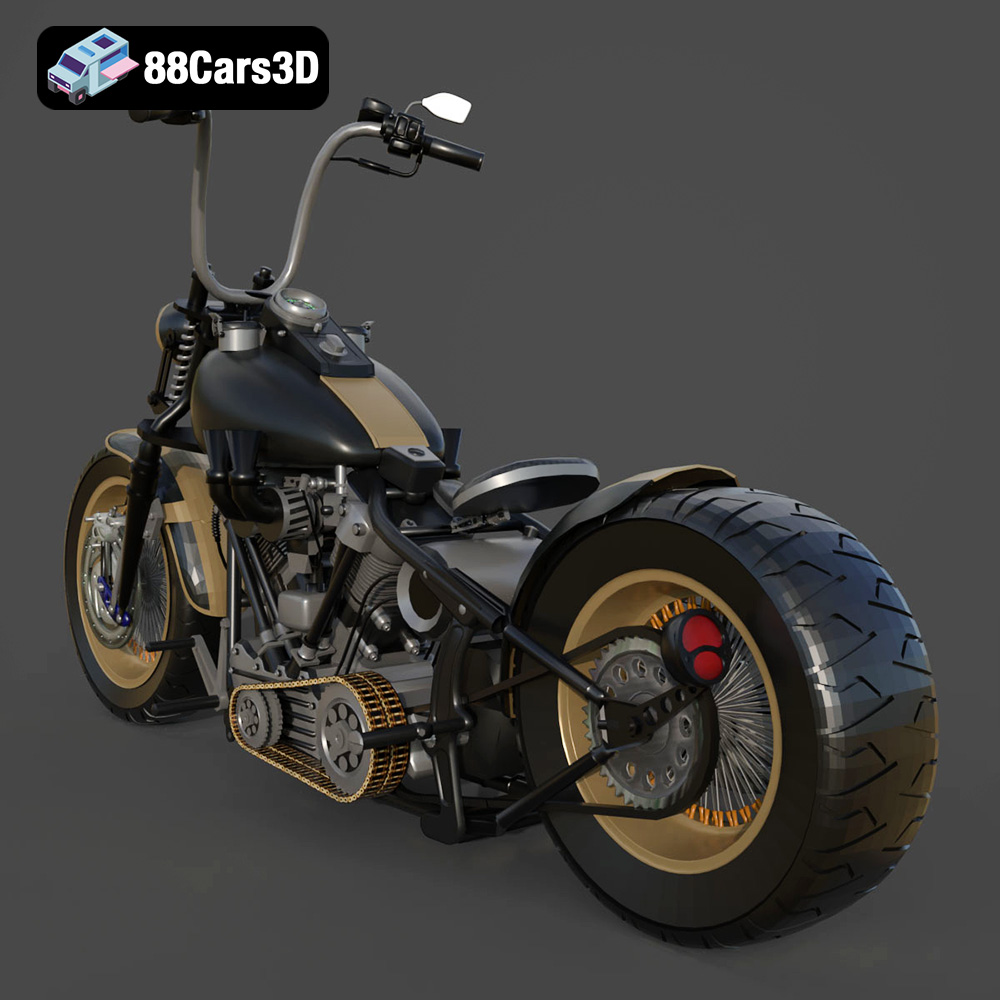
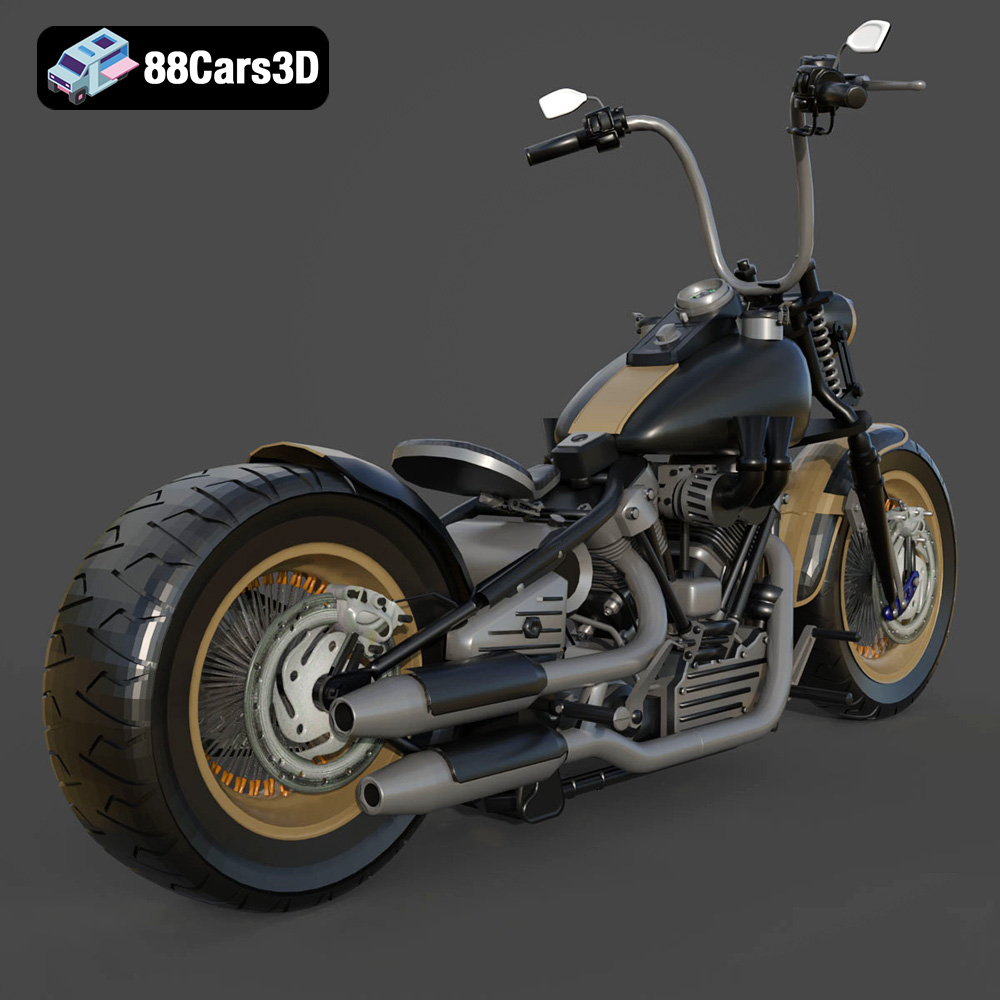
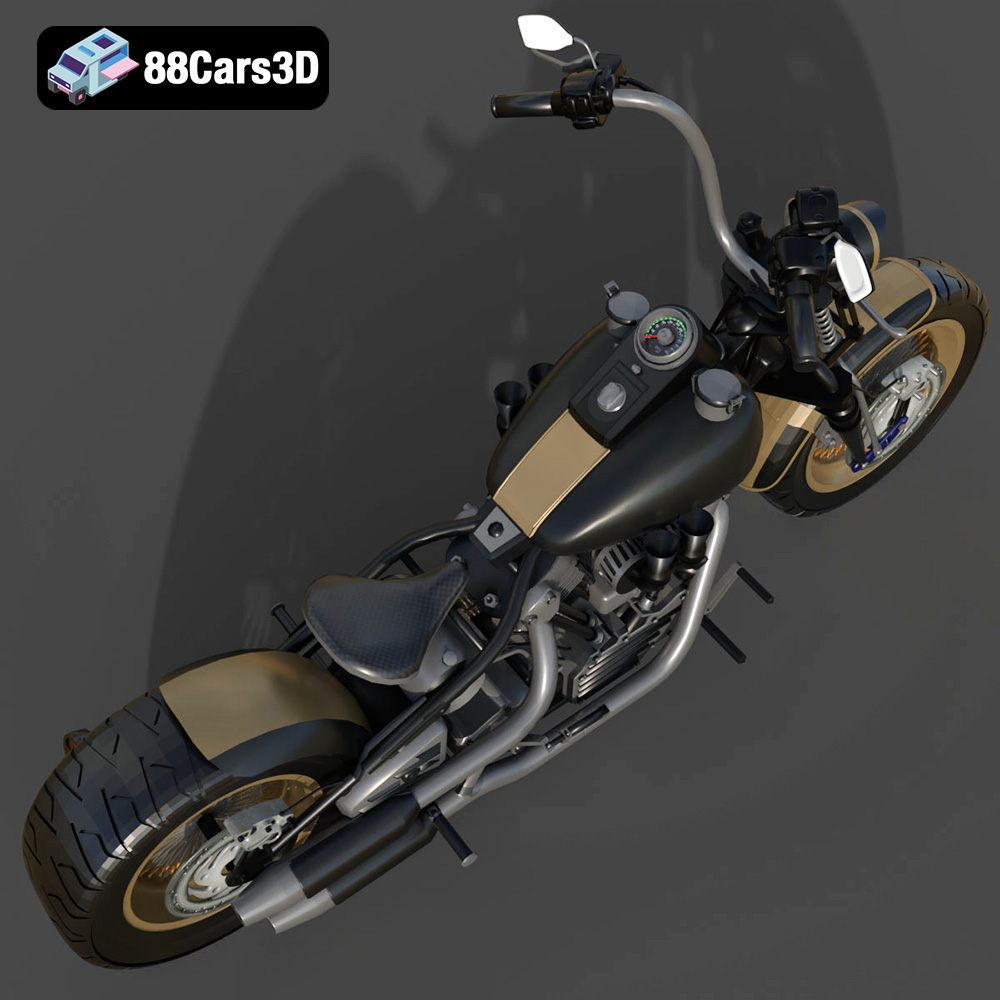
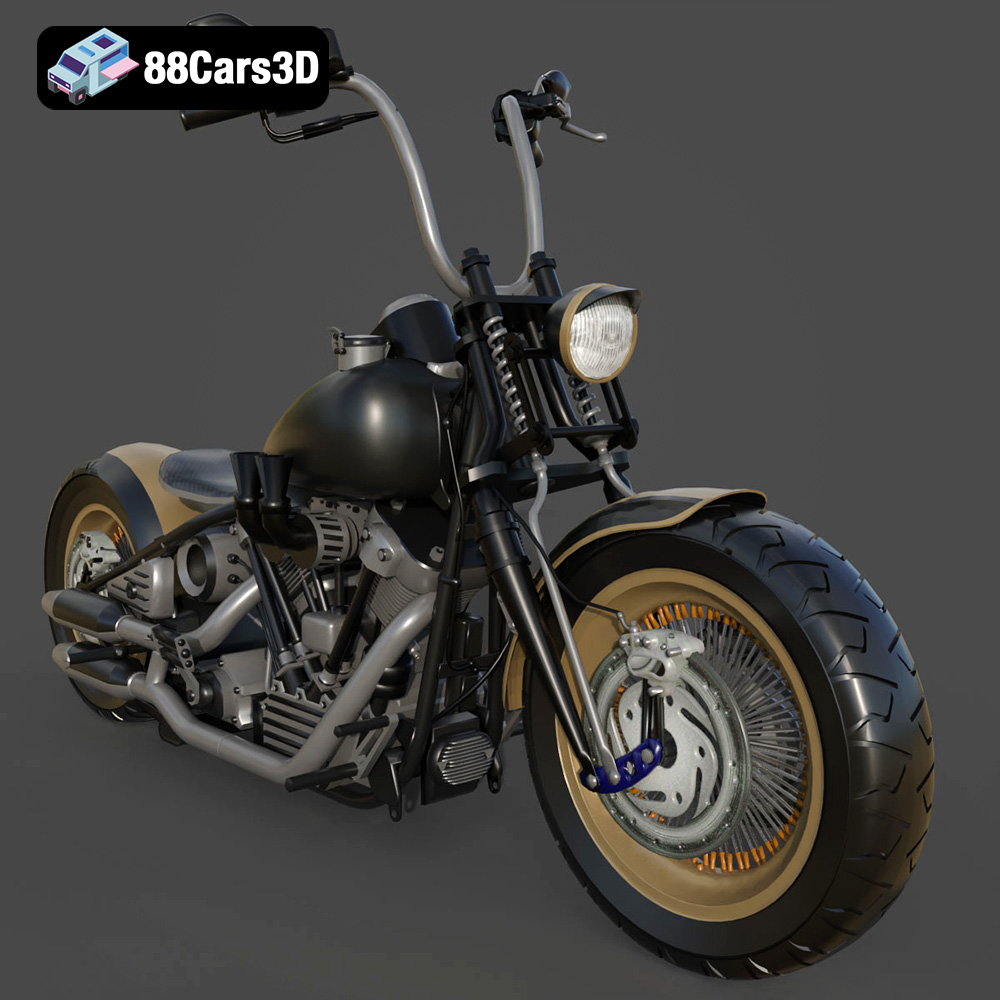
The Harley Davidson Knucklehead is a legendary motorcycle, representing a pinnacle of American engineering and design. Now, thanks to 3D printing, you can bring this iconic machine to life in miniature form. This guide will walk you through the process of 3D printing the Harley Davidson Knucklehead 3D model, focusing on achieving the best possible results for a stunning desktop replica. This model available on 88cars3d.com offers a fantastic opportunity for both beginner and experienced 3D printing enthusiasts to tackle a detailed and rewarding project.
The level of detail in the Harley Davidson Knucklehead 3D model demands a printer capable of capturing its intricacies. There are two primary types of 3D printers to consider: Fused Deposition Modeling (FDM) and Stereolithography (SLA).
FDM printers are popular due to their affordability and the wide range of materials they can use. For the Knucklehead, an FDM printer with a nozzle size of 0.4mm or smaller is recommended. This smaller nozzle will allow for finer details to be resolved, especially in areas like the engine and chassis.
* **Material Recommendations:** PLA is a good starting point for its ease of use and wide availability. PETG offers increased durability and heat resistance, making it suitable for parts that might experience stress. ABS provides even greater strength and temperature resistance but requires a heated bed and enclosure to prevent warping.
* **Considerations:** Layer lines will be visible on FDM prints. Post-processing techniques like sanding and painting can be used to minimize their appearance.
SLA printers use resin and offer significantly higher resolution than FDM printers. This makes them ideal for capturing the fine details of the Knucklehead model.
* **Resin Recommendations:** Standard resin is a good option for general-purpose printing. Tough resin provides increased strength and impact resistance. Flexible resin can be used for parts that require some give, like the tires.
* **Considerations:** SLA printers are typically more expensive than FDM printers, and resin can be more costly than filament. Post-processing involves washing and curing the printed parts.
Choosing the correct file format is essential for successful 3D printing. The Harley Davidson Knucklehead 3D model on 88cars3d.com is available in multiple formats, each designed for specific applications. Understanding these formats will help you optimize your workflow.
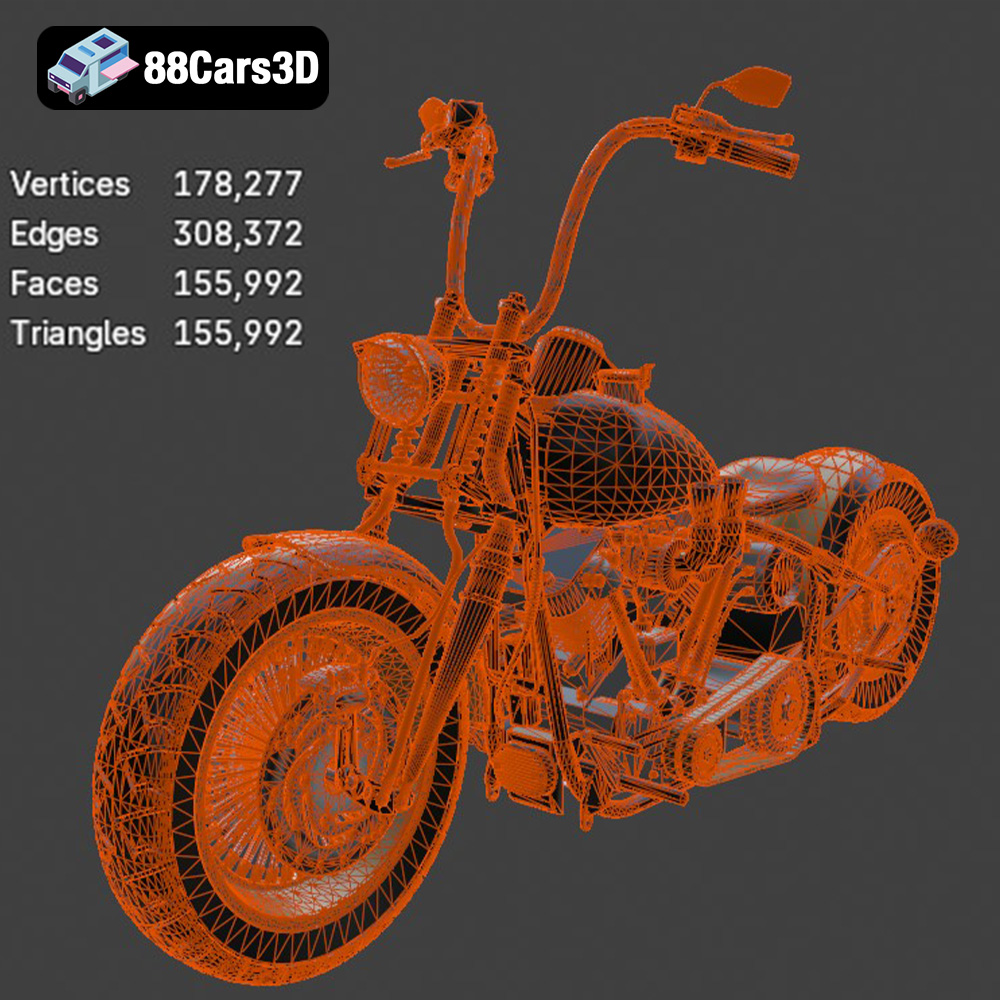
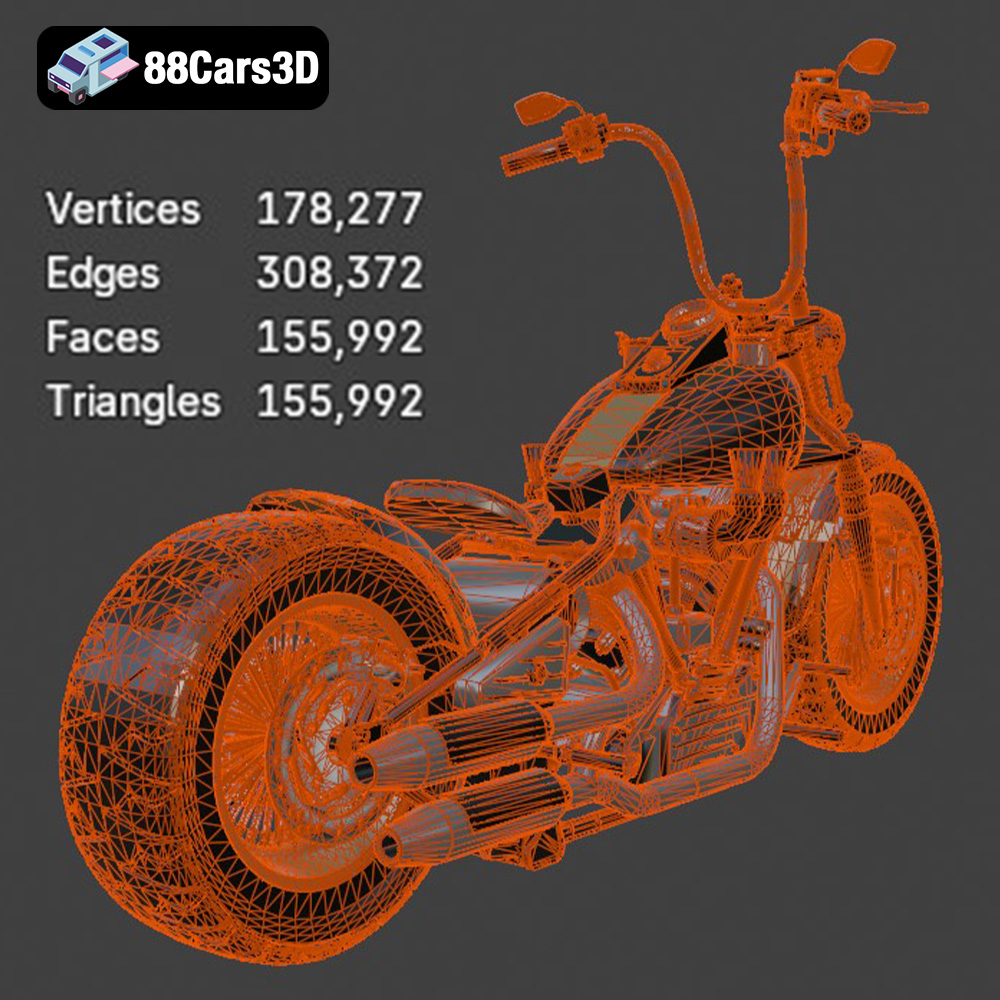
The STL (Stereolithography) format is the workhorse of 3D printing. It represents the surface geometry of a 3D object as a collection of triangles. This simplicity makes it universally compatible with slicing software. However, STL files only contain mesh data and no color or texture information. For the Harley Davidson Knucklehead, the STL file will be your primary choice for 3D printing. Ensure the STL file you use is optimized for printing; too many triangles can create unnecessarily large files and slow down slicing, while too few triangles can result in a faceted appearance on curved surfaces. Slicing software interprets the STL data to generate the toolpath for your 3D printer.
OBJ is a more versatile format than STL, as it can store color and texture information along with the mesh geometry. This makes it suitable for colored 3D printing, where available, or for transferring models between different software applications. While OBJ files can be used for 3D printing, they are more commonly used for rendering and visualization.
PLY (Polygon File Format) is designed to store 3D data acquired from scanning devices. It can handle complex mesh data with high precision, including color and texture information. PLY files are less common in 3D printing than STL or OBJ, but they can be useful for printing models derived from 3D scans.
The .blend file is the native format for Blender, a popular open-source 3D modeling software. This file contains the entire scene, including the model geometry, materials, textures, and lighting setup. If you want to customize the Harley Davidson Knucklehead model before printing, the .blend file provides the most flexibility. You can modify the design, add details, or create variations of the model. Once you’ve made your changes, you’ll need to export the model as an STL file for 3D printing.
FBX (Filmbox) is a proprietary format developed by Autodesk, commonly used for exchanging 3D data between different software applications, particularly in game development and animation. It supports complex data such as animations, skeletons, and materials. While some advanced slicing software may be able to import FBX files, they typically convert the data to a printable format like STL.
GLB (GL Transmission Format Binary) is a binary file format that represents 3D models in a compact and efficient way. It’s commonly used for displaying 3D models in web browsers and augmented reality (AR) applications. The GLB file allows you to preview the Harley Davidson Knucklehead model on your phone or tablet before printing it, giving you a better sense of its size and detail.
Similar to .blend, the .max file is the native format for Autodesk 3ds Max, another industry-standard 3D modeling software. It contains the complete scene data, allowing for extensive modifications and customization of the model. As with Blender, you’ll need to export the final model as an STL file for 3D printing.
For the best 3D printing results, focus on using the STL file provided with the Harley Davidson Knucklehead model. If customization is desired, use the .blend or .max file and export to STL after making adjustments. Ensure that the STL mesh is clean, watertight, and properly oriented for optimal printing.
Before you can start printing, you need to prepare the 3D model using slicing software. This software converts the 3D model into a series of instructions (G-code) that the 3D printer can understand.
Several excellent slicing software options are available, both free and paid. Cura, PrusaSlicer, and Simplify3D are popular choices. Each software offers different features and settings, so experiment to find the one that best suits your needs.
* **Importing the STL File:** Import the STL file of the Harley Davidson Knucklehead into your chosen slicing software.
* **Scaling the Model:** Determine the desired size of your printed model. Be mindful of the printer’s build volume and the level of detail you want to achieve. Scaling the model too small can result in a loss of fine features.
* **Orientation and Support Structures:** The orientation of the model on the print bed significantly affects the print quality and the need for support structures. Orient the model to minimize overhangs and areas that require support. Use support structures sparingly to avoid damaging the model during removal. Consider breaking the model into smaller parts that can be printed separately and assembled later to minimize support requirements.
The following print settings are recommended as a starting point. You may need to adjust them based on your specific printer and material.
* **Layer Height:** A layer height of 0.1mm to 0.2mm is recommended for FDM printers to capture the details of the Knucklehead model. For SLA printers, a layer height of 0.05mm or lower will provide even finer detail.
* **Infill Density:** An infill density of 15% to 20% is sufficient for most parts. Increase the infill density for parts that require greater strength, such as the chassis.
* **Print Speed:** A print speed of 40mm/s to 60mm/s is recommended for FDM printers. Reduce the speed for intricate details.
* **Support Settings:** Experiment with different support settings to find the optimal balance between support strength and ease of removal. Consider using tree supports, which are easier to remove than traditional linear supports.
The choice of material and print settings will impact the overall cost and time required to print the Harley Davidson Knucklehead.
* **PLA:** PLA is the most affordable and readily available material. A 1kg spool typically costs between $20 and $30.
* **PETG:** PETG is slightly more expensive than PLA, with a 1kg spool costing between $25 and $35.
* **Resin:** Resin prices vary depending on the type. Standard resin costs between $30 and $50 per liter. Tough and flexible resins can cost more.
Print time depends on the size of the model, the layer height, the infill density, and the print speed. A full-size model of the Knucklehead can take anywhere from 20 to 50 hours to print on an FDM printer and 10 to 30 hours on an SLA printer. Slicing software provides estimated print times after you configure the settings.
After printing, the Harley Davidson Knucklehead model will likely require some post-processing to achieve a polished look.
Carefully remove the support structures using pliers or a hobby knife. Be patient and avoid damaging the model. For SLA prints, wash the parts in isopropyl alcohol to remove any uncured resin.
Use sandpaper to smooth out any imperfections and layer lines. Start with a coarse grit sandpaper (e.g., 220 grit) and gradually move to finer grits (e.g., 400 grit, 600 grit, 800 grit). Wet sanding can help to reduce dust and improve the finish.
Painting is an essential step in bringing the Knucklehead model to life. Use primer to prepare the surface for paint. Apply multiple thin coats of paint for a smooth and even finish. Use masking tape to create clean lines and separate different colors. Consider using weathering techniques to add realism and depth to the model.
Even with careful preparation, you may encounter some issues during the 3D printing process. Here are some common problems and their solutions:
Warping occurs when the first layer of the print detaches from the build plate. Ensure the build plate is clean and level. Use a heated bed for materials like ABS. Apply an adhesive like glue stick or hairspray to the build plate.
Stringing occurs when the printer extrudes filament while moving between different parts of the model. Increase the retraction distance and speed. Lower the printing temperature.
Layer shifting occurs when the print head abruptly shifts position during printing. Check the belt tension and tighten if necessary. Reduce the print speed. Ensure the printer is stable and free from vibrations.
Under-extrusion occurs when the printer doesn’t extrude enough filament. Increase the printing temperature. Check the filament diameter setting in the slicing software. Clean or replace the nozzle.
By following these tips and techniques, you can successfully 3D print a stunning replica of the Harley Davidson Knucklehead. Remember to experiment with different settings and materials to find what works best for your printer and desired outcome. Enjoy the process of bringing this iconic motorcycle to life! This 3D model from 88cars3d.com provides a great foundation for this project.
Experience the iconic design of the classic American motorcycle with the Harley Davidson Knucklehead 3D model. Designed for exceptional realism, this asset perfectly replicates the legendary engine, sweeping lines, and mechanical intricacies that make this vintage bike a timeless masterpiece.
$39.99
.arvr
.blend
.car3dmodel
.classicmotorcycle
.cruiser
.fbx
.gameasset
.glb
.harleydavidson
.knucklehead
.max
.motorcycle
.obj
.ply
.rendering
.simulation
.stl
.unreal