Get 20% OFF All Premium 3D & STL Models!

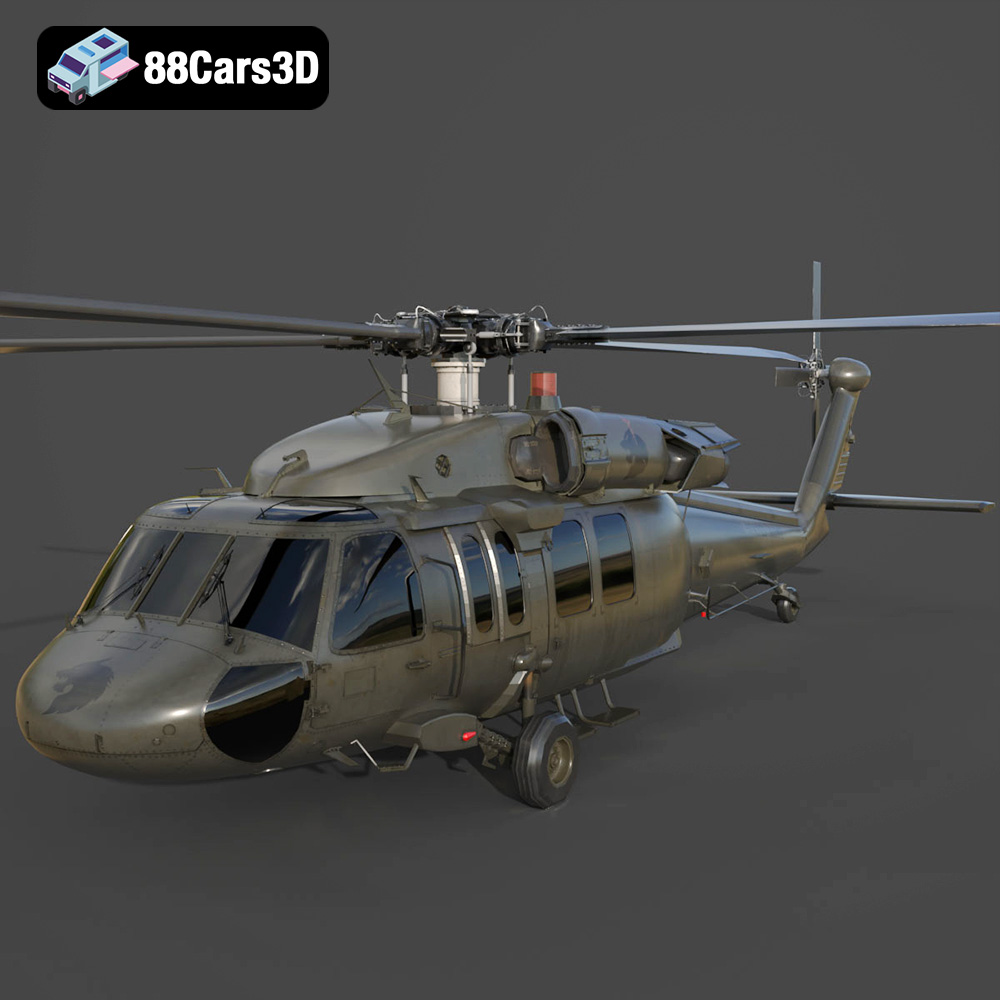
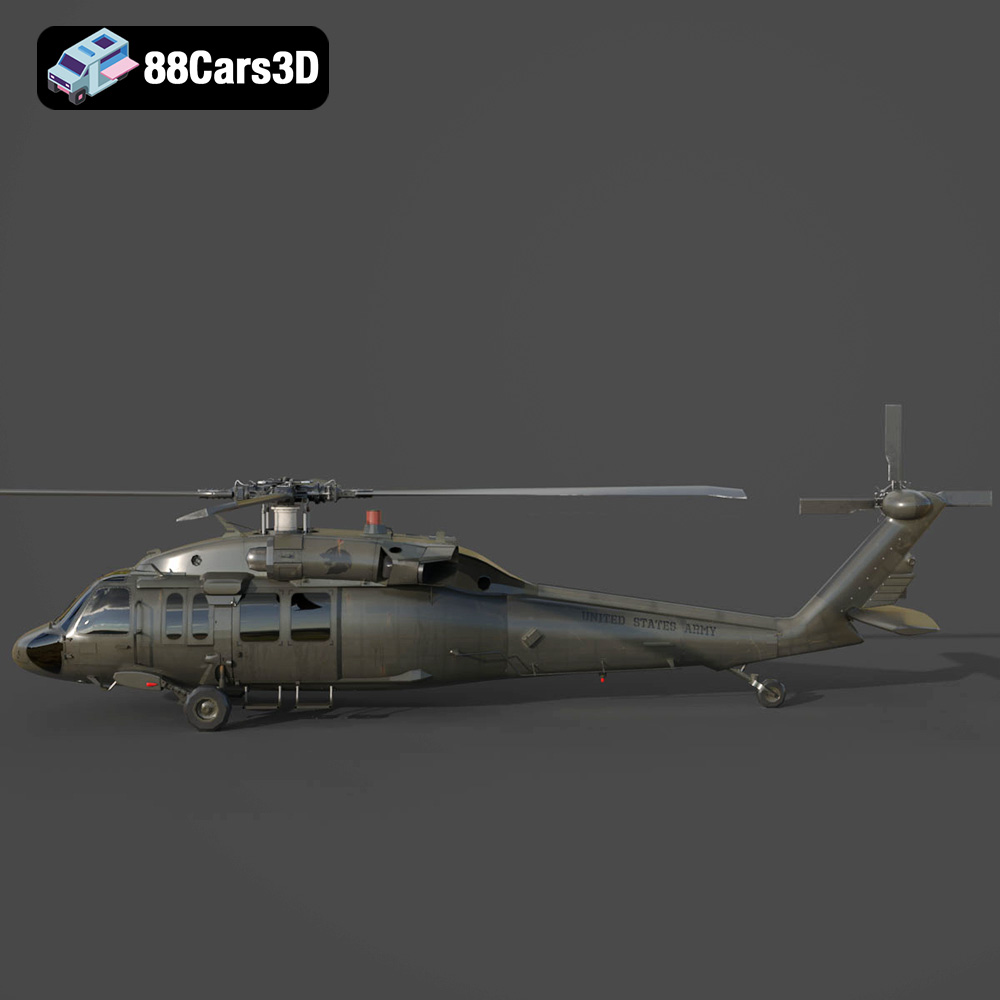
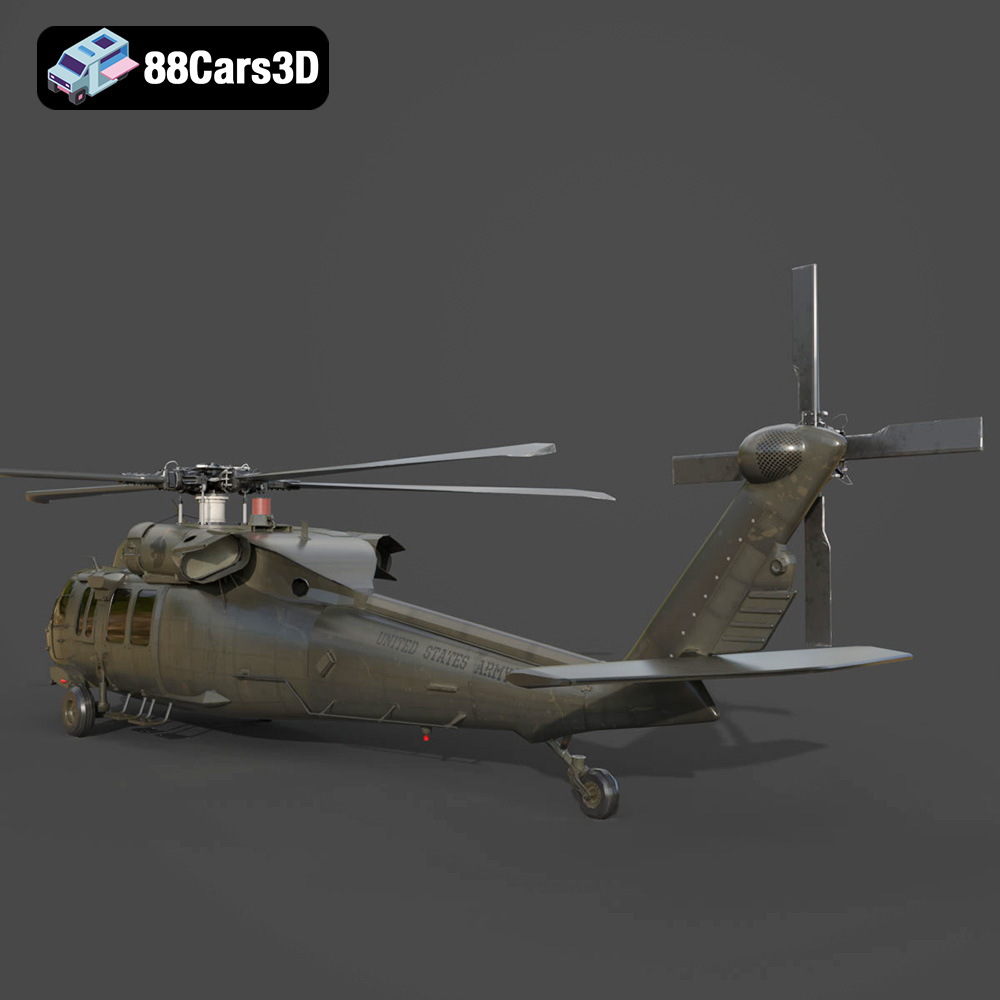
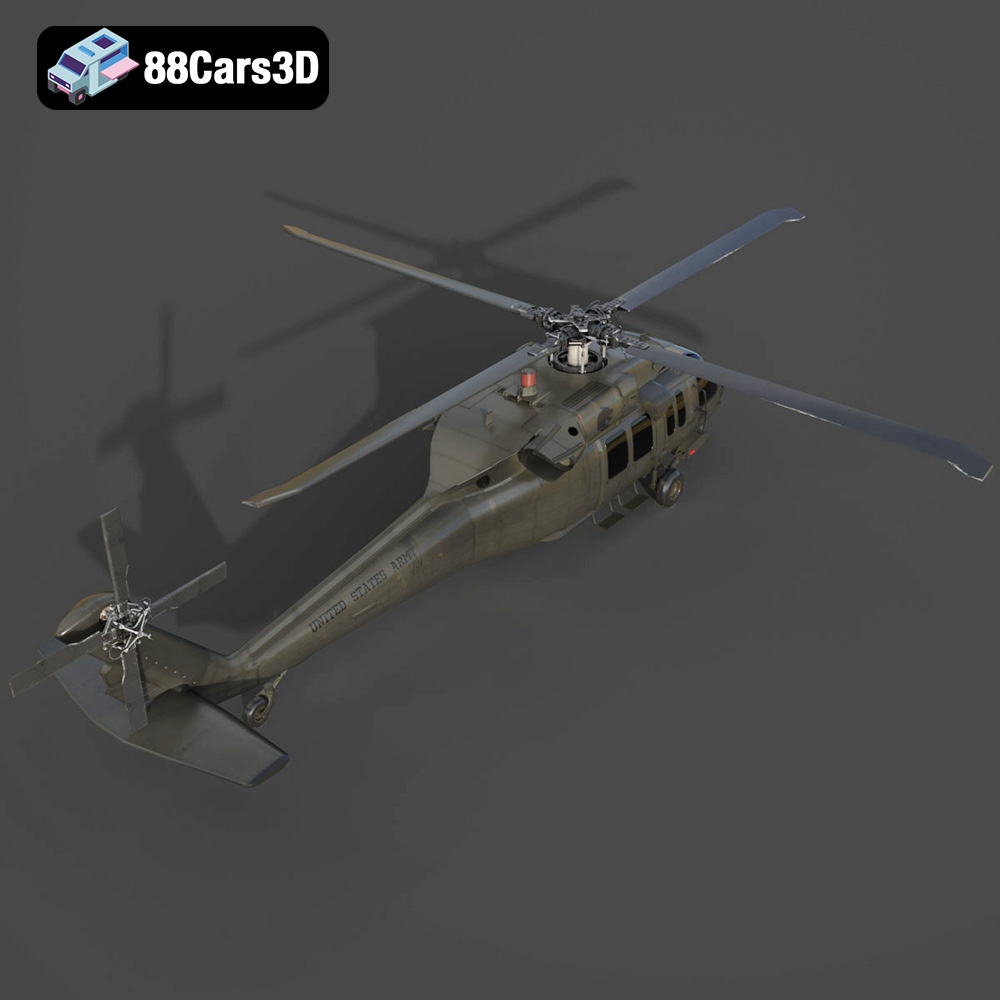
The Sikorsky UH-60 Black Hawk is a ubiquitous symbol of military aviation, and now, thanks to 88cars3d.com, you can bring this formidable helicopter to life with 3D printing. This guide will walk you through the process of successfully 3D printing the Sikorsky UH-60 Black Hawk US 3D Model, covering everything from pre-print preparation to post-processing techniques. Whether you’re a seasoned 3D printing enthusiast or a newcomer to additive manufacturing, this detailed walkthrough will provide the knowledge and insights needed to achieve a stunning, display-worthy replica. This model is available in multiple formats including STL files.
The Sikorsky UH-60 Black Hawk US 3D Model can be printed using various 3D printing technologies, each with its own strengths and weaknesses. The best choice depends on your desired level of detail, budget, and available equipment.
FDM 3D printing is a popular and affordable option, using filaments of thermoplastic materials like PLA, PETG, and ABS. While FDM printers can produce larger parts, they may struggle with the fine details present in the Black Hawk model, particularly the rotors and cockpit components.
SLA and DLP resin 3D printing offer superior detail and surface finish compared to FDM. These technologies use liquid resin cured by a laser or projector, resulting in smoother surfaces and finer features. Resin printing is highly recommended for capturing the intricate details of the Black Hawk, especially at smaller scales. The 88cars3d.com product description also suggests resin printing for its fine details.
Choosing the right file format is crucial for a successful 3D printing experience. The Sikorsky UH-60 Black Hawk US 3D Model is available in several formats, but not all are ideal for printing. Let’s break down each format and its suitability for additive manufacturing:
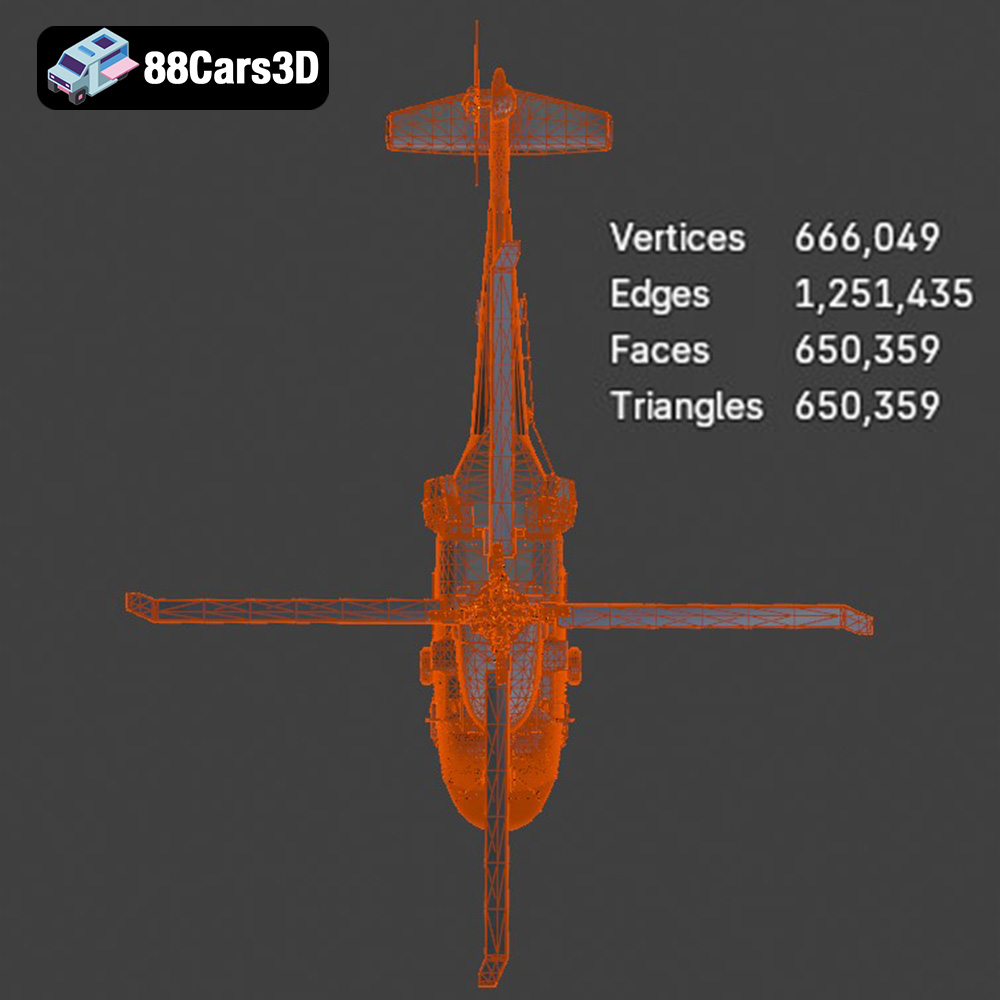
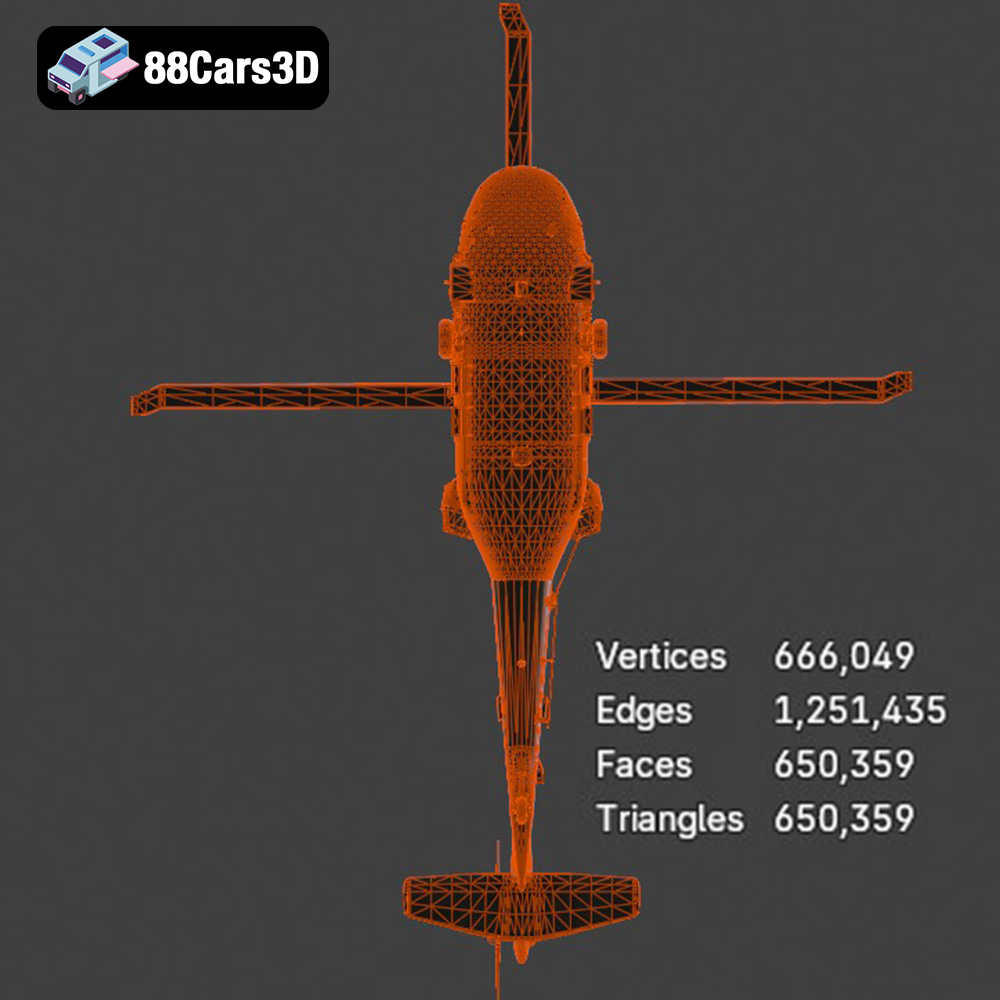
The .stl (stereolithography) format is the workhorse of 3D printing. It represents the 3D model as a mesh of triangles, approximating the surfaces of the object. This simplicity makes it universally compatible with slicing software, which prepares the model for printing. While .stl files don’t contain color or texture information, they are excellent for representing the geometry of the Black Hawk model. For optimal printing results, ensure the .stl file has a high enough resolution to capture the details of the fuselage, rotors, and other components. Insufficient resolution can lead to faceted surfaces and loss of detail. Most slicing software programs can repair minor issues with the mesh, ensuring a successful print.
The .obj format is more versatile than .stl, as it can store color and texture information along with the 3D geometry. This is particularly useful if you plan to paint or apply decals to your 3D printed Black Hawk. However, .obj files can be larger and may require more processing power during slicing.
The .ply format is designed for capturing highly detailed 3D scans and models. It can store a large amount of geometric and color data, making it suitable for representing complex shapes with intricate surfaces. However, .ply files can be very large, and some slicing software programs may not fully support them.
The .blend format is the native file format for Blender, a popular open-source 3D modeling software. This format is ideal if you want to customize the Black Hawk model before printing, such as adding modifications, adjusting details, or changing the overall design. Once you’ve made your changes, you can export the model as an .stl file for printing.
The .fbx format is commonly used for exchanging 3D models between different software applications. It can store geometric data, textures, and materials. While some slicing software programs can import .fbx files, it’s generally recommended to convert them to .stl for printing to ensure compatibility and optimal results.
The .glb format is a binary file format that is efficient for transmitting and displaying 3D models, particularly in AR (Augmented Reality) applications. It’s great for previewing the Black Hawk model on your phone or tablet before committing to a print, but it’s not directly used for 3D printing.
Similar to .blend, .max is the native file format for 3ds Max, another professional 3D modeling software. If you have access to 3ds Max, you can use the .max file to customize the Black Hawk model before exporting it as an .stl file for 3D printing.
For 3D printing the Sikorsky UH-60 Black Hawk US 3D Model, the .stl format is the most practical choice. It offers excellent compatibility with slicing software, efficient file sizes, and sufficient detail for most printing applications. If you plan to add color or textures, the .obj format can be used in conjunction with post-processing techniques.
Before sending the Sikorsky UH-60 Black Hawk US 3D Model to your printer, some pre-print preparation is essential. This involves using slicing software to configure print settings and ensure the model is properly oriented and supported.
Slicing software, such as Cura, Simplify3D, or PrusaSlicer, converts the 3D model into a series of instructions that the printer can understand. Key settings include:
* **Layer Height:** A smaller layer height (e.g., 0.04-0.12 mm, as suggested in the product description from 88cars3d.com) yields finer details but increases print time. Experiment to find the optimal balance for your printer and desired quality.
* **Infill Density:** Infill provides internal support for the model. A density of 20-30% is generally sufficient for most parts of the Black Hawk, balancing strength and material usage.
* **Wall Thickness:** A thicker wall thickness (1.2-2.0 mm) increases the model’s strength and rigidity.
* **Print Speed:** Adjust the print speed based on your printer and material. Slower speeds generally improve print quality, especially for intricate details.
* **Temperature:** Set the nozzle and bed temperature according to the material manufacturer’s recommendations.
The orientation of the model on the print bed significantly impacts print quality and the need for support structures. For the Black Hawk fuselage, printing horizontally or at an angle, as recommended, provides structural integrity and minimizes the need for extensive supports. Rotors and landing gear should be printed separately and may require more support due to their complex geometry.
Support structures are essential for printing overhanging features. Choose a support pattern that is easy to remove without damaging the model’s surface. Consider using tree supports or light supports for delicate areas.
The product description suggests scales of 1:35, 1:48, and 1:72. Choose a scale that suits your desired display size and printer’s build volume. Keep in mind that smaller scales will be more challenging to print and may require finer resolution settings. Ensure the model is scaled uniformly to maintain accurate proportions.
The choice of material greatly influences the final appearance, strength, and durability of your 3D printed Black Hawk.
PLA is a biodegradable thermoplastic known for its ease of printing and smooth surface finish. It’s a good option for beginners and for creating display models. However, PLA is not very heat-resistant and may warp or deform in high-temperature environments.
PETG offers a good balance of strength, flexibility, and heat resistance. It’s more durable than PLA and easier to print than ABS. PETG is a versatile choice for the Black Hawk model, suitable for both the fuselage and smaller, more delicate components.
ABS is a strong and durable thermoplastic commonly used in engineering applications. It’s more heat-resistant than PLA and PETG but requires higher printing temperatures and a heated bed. ABS is prone to warping and requires good ventilation during printing due to its fumes.
As mentioned earlier, resin printing is highly recommended for capturing the intricate details of the Black Hawk. Resin offers exceptional resolution and smooth surfaces but can be more brittle than FDM materials. Various resin types are available, including standard resin, tough resin, and flexible resin, each with its own properties.
After printing, the Sikorsky UH-60 Black Hawk US 3D Model may require some post-processing to achieve a professional-looking finish.
Carefully remove the support structures using pliers, cutters, or a hobby knife. Take your time to avoid damaging the model’s surface. Sand down any remaining support marks with fine-grit sandpaper.
Sanding is essential for smoothing out layer lines and imperfections. Start with coarse-grit sandpaper (e.g., 220-grit) and gradually work your way up to finer grits (e.g., 400-grit, 600-grit, 800-grit). For resin prints, wet sanding can help achieve an even smoother surface.
Apply a primer coat to the model to create a smooth and uniform surface for painting. Choose a primer that is compatible with your chosen material. Once the primer is dry, you can paint the Black Hawk with acrylic paints or airbrush paints. Consider using stencils for accurate markings and camouflage patterns. As suggested by the product description, authentic olive drab or matte black military finishes are classic choices.
Assemble the separately printed parts, such as the rotors, landing gear, and antennas. Use glue or epoxy to securely attach the components. Add fine details like decals, weathering effects, and panel lines to enhance the realism of the model.
Even with careful preparation, 3D printing can sometimes present challenges. Here are some common issues and their solutions:
* **Warping:** Warping occurs when the corners of the model lift off the print bed. To prevent warping, ensure the bed is properly leveled, use a heated bed, and apply an adhesive like glue stick or hairspray to the bed surface.
* **Stringing:** Stringing is caused by molten plastic oozing from the nozzle during travel moves. To reduce stringing, decrease the nozzle temperature, increase retraction settings, and adjust travel speed.
* **Layer Shifting:** Layer shifting occurs when the printer’s axes move out of alignment. Check the belts, pulleys, and stepper motors for tightness and proper function.
* **Under-Extrusion:** Under-extrusion happens when the printer doesn’t extrude enough plastic. Increase the extrusion multiplier, check the nozzle for clogs, and ensure the filament is feeding smoothly.
* **Over-Extrusion:** Over-extrusion is the opposite of under-extrusion, resulting in excess plastic being deposited. Decrease the extrusion multiplier and calibrate the flow rate.
The print time and material costs for the Sikorsky UH-60 Black Hawk US 3D Model will vary depending on the chosen scale, material, layer height, and infill density. A rough estimate for a 1:48 scale model printed with PLA at a 0.1 mm layer height and 20% infill would be:
* **Print Time:** 20-40 hours
* **Material Cost:** $10-20
Resin printing may take longer due to the curing process, but the material cost per volume is often comparable to FDM.
3D printing the Sikorsky UH-60 Black Hawk US 3D Model is a rewarding project that combines technical skill with artistic creativity. By carefully considering the 3D printing technology, file format, material, and settings, you can create a stunning replica of this iconic military helicopter. Remember to take your time during post-processing to achieve a professional finish. With patience and attention to detail, you’ll have a 3D printed Black Hawk that you can proudly display. You can find the Sikorsky UH-60 Black Hawk US 3D Model and many other high-quality models for 3D printing at 88cars3d.com.
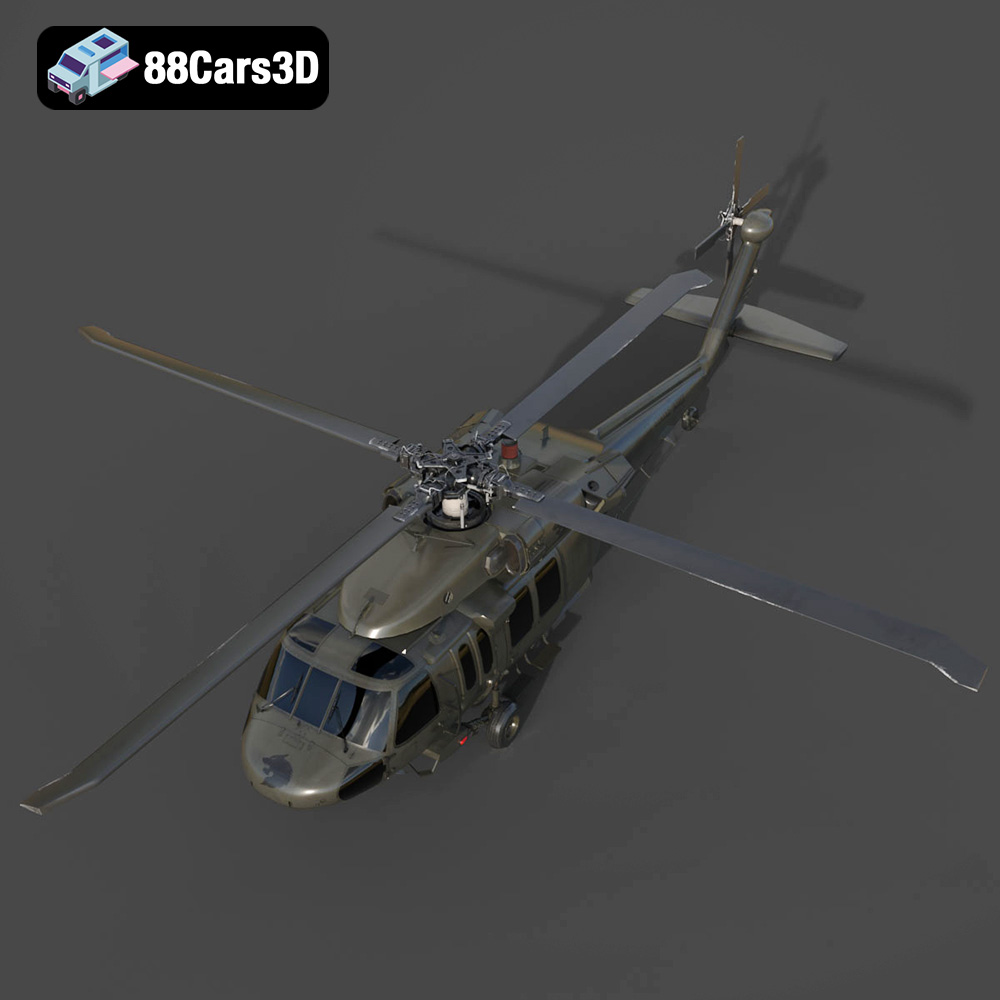
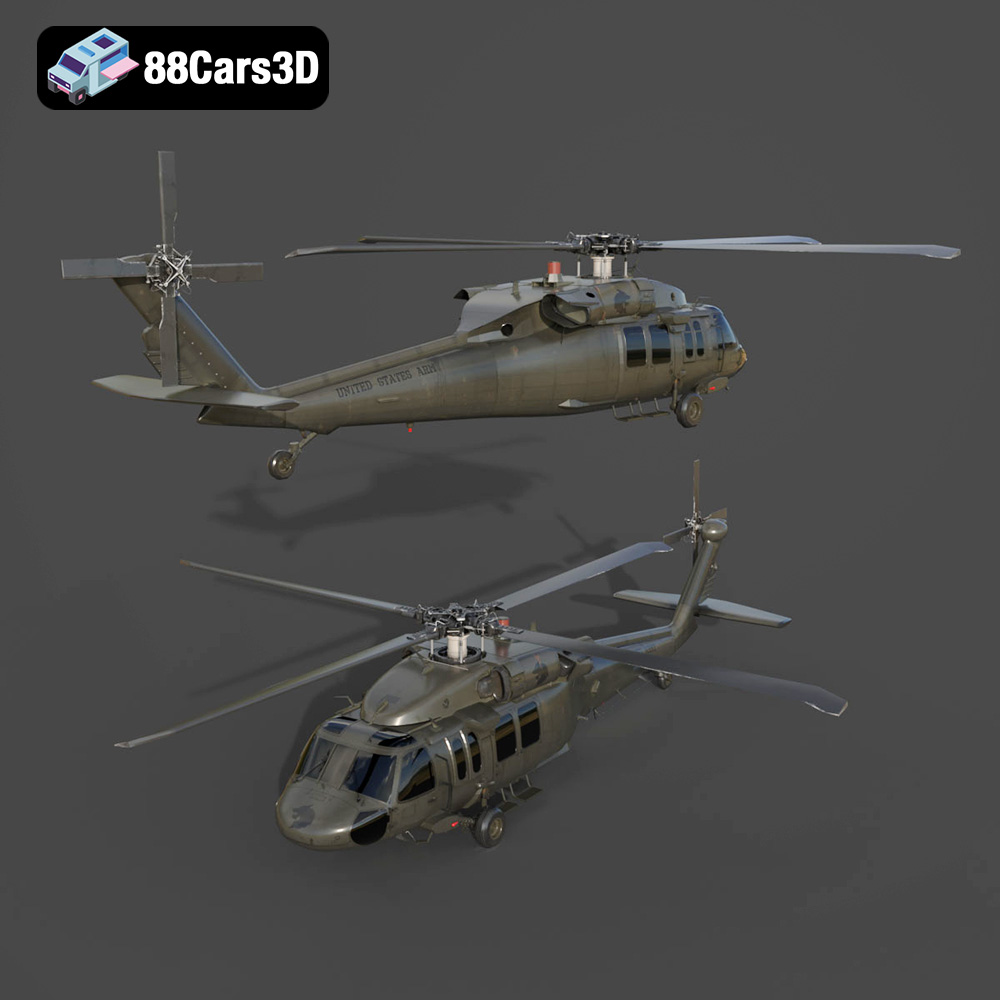
The Sikorsky UH-60 Black Hawk is the backbone of the U.S. Army’s tactical transport fleet, renowned for its versatility, ruggedness, and iconic silhouette. This 3D model meticulously captures the legendary military utility helicopter, featuring its distinct twin-engine housing, formidable four-blade main and tail rotors, and robust military fuselage. Built to reflect its real-world counterpart’s aggressive yet functional military styling, it embodies air assault, medevac, and troop transport readiness.
$39.99
.blend
.fbx
.glb
.max
.obj
.ply
.rendering
.sikorsky
.stl
.unreal
black-hawk
game asset
game-ready
helicopter-3d-model
low-poly
military-helicopter
optimized
uh-60
us-army
VR/AR