Get 20% OFF All Premium 3D & STL Models!

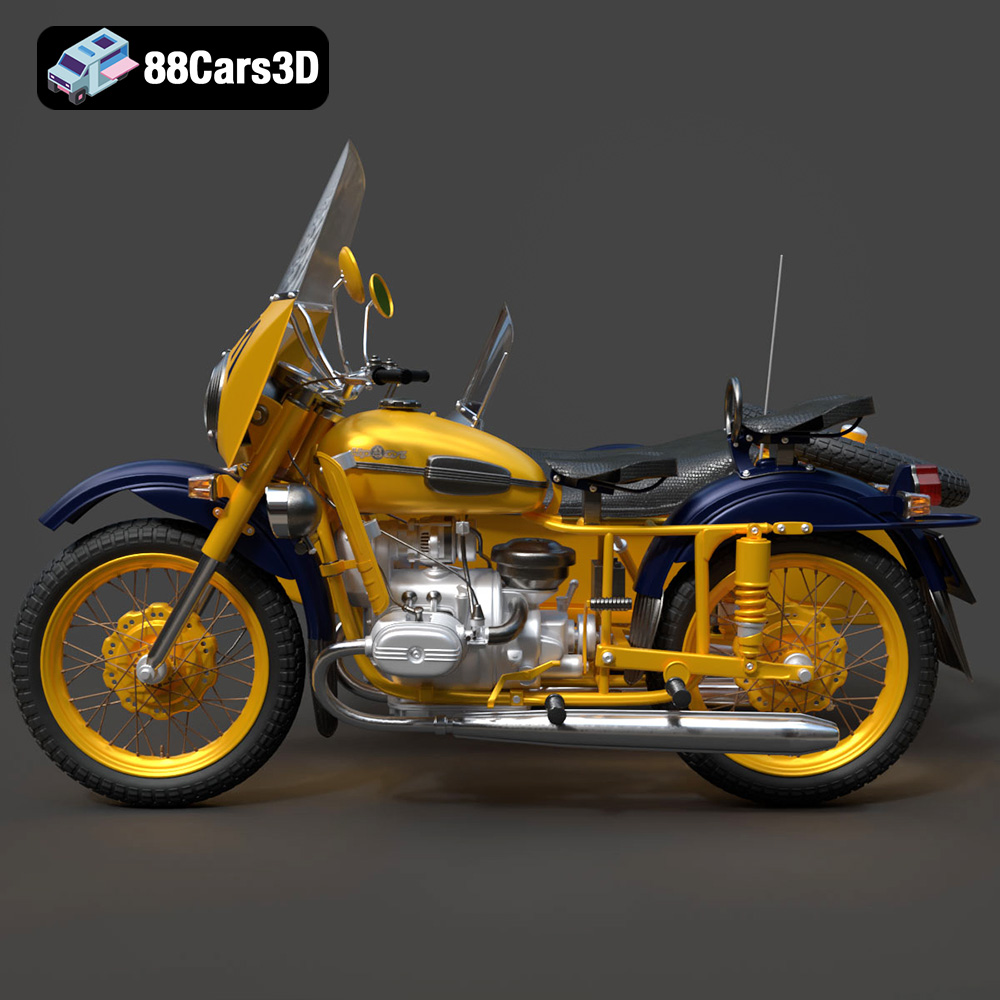
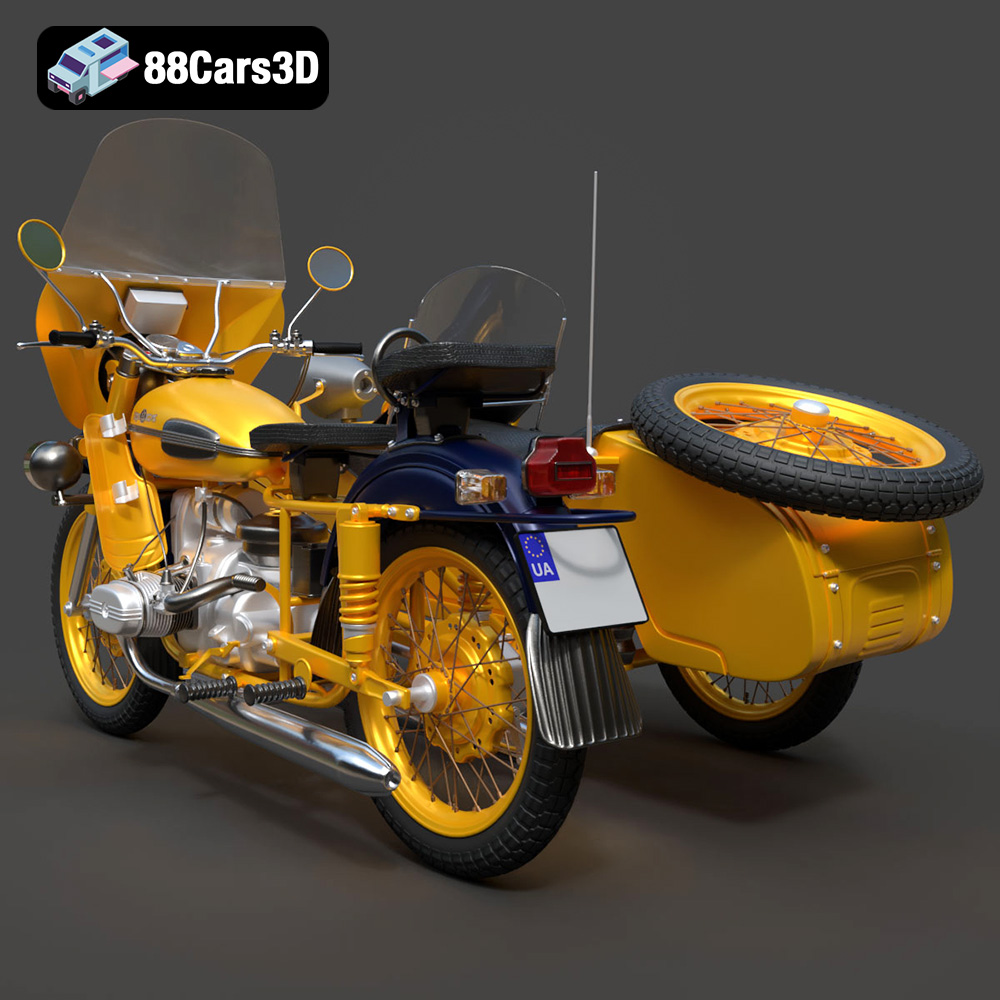
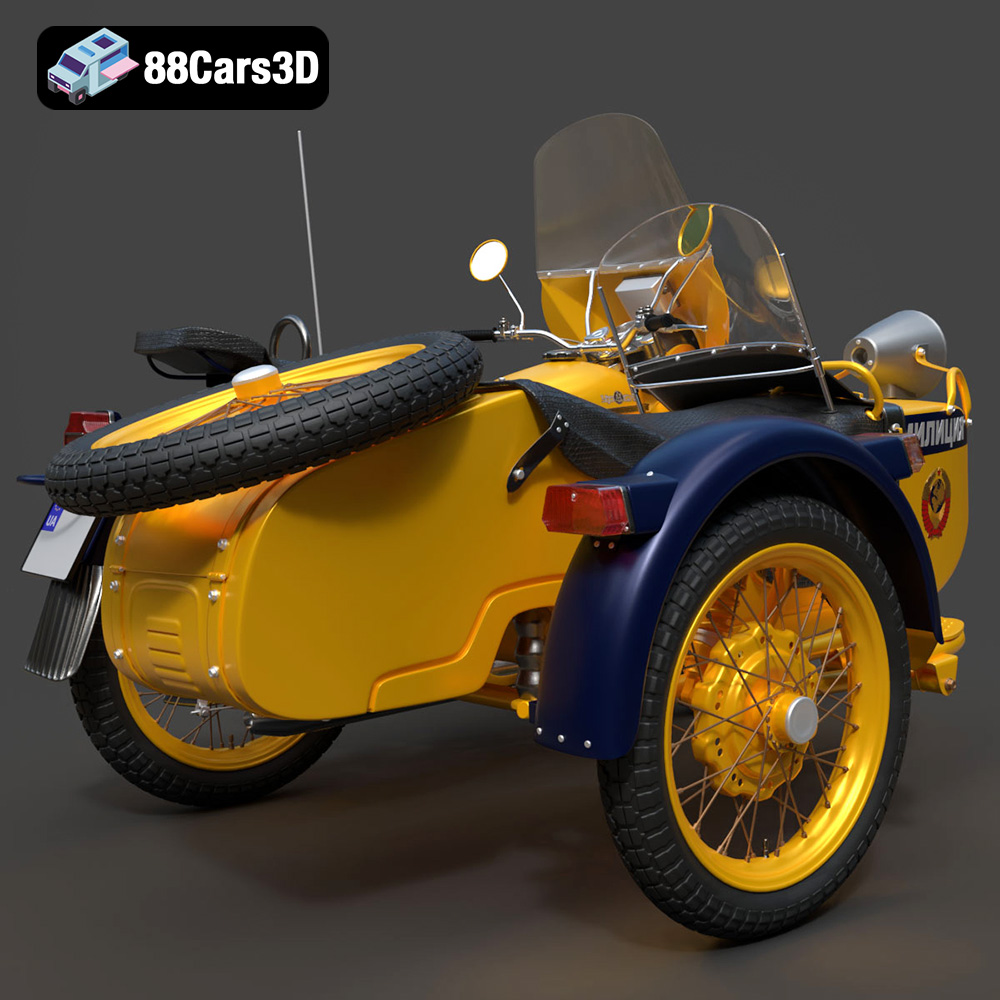
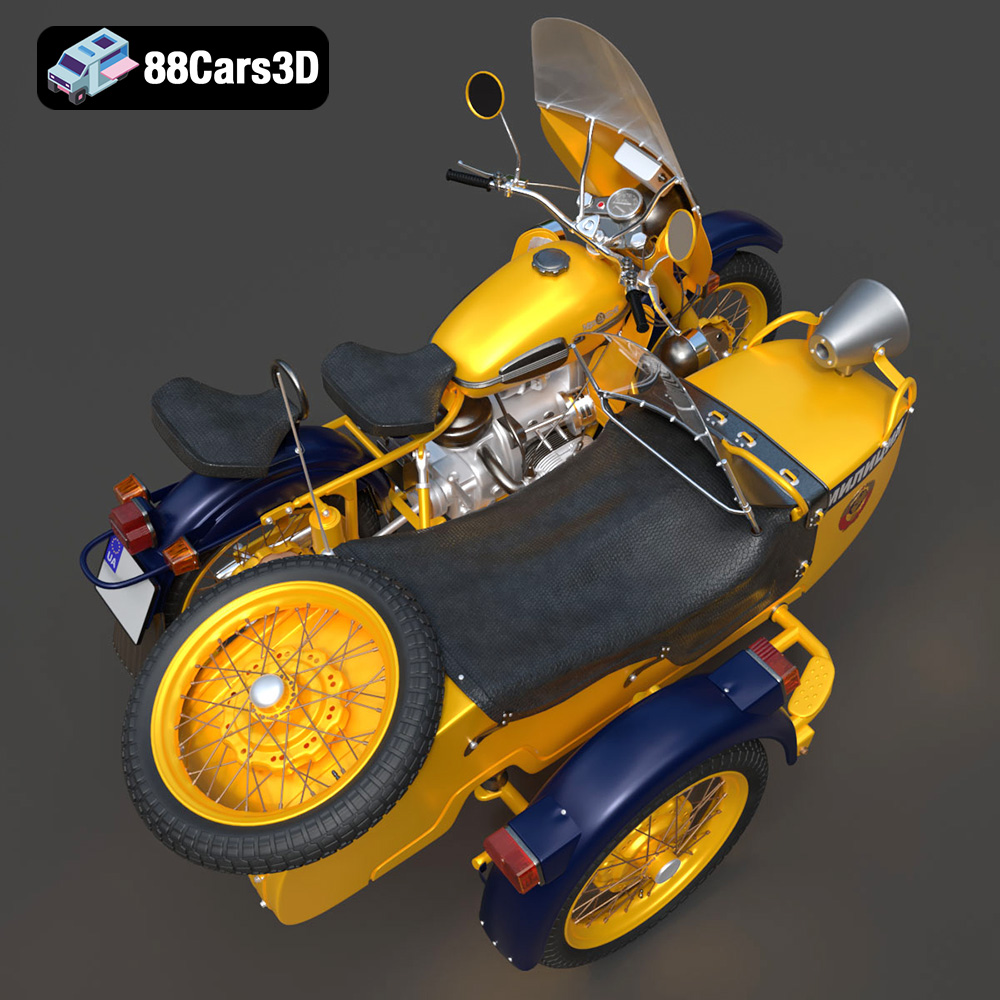
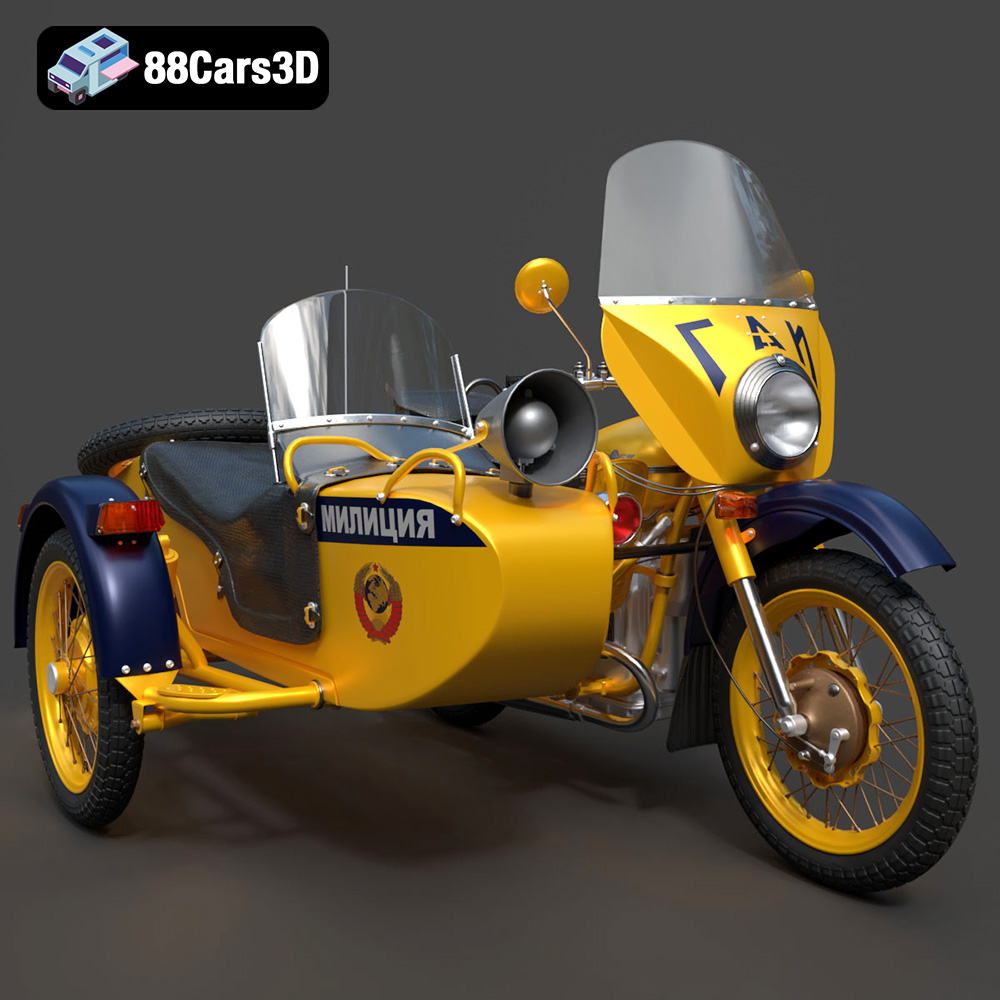
The 1976 Ural M67-36-P, a symbol of Soviet-era motorcycle engineering, is now within reach for 3D printing enthusiasts. Thanks to detailed 3D models available at online marketplaces like 88cars3d.com, you can bring this iconic motorcycle to life in miniature form. This article provides a comprehensive guide to successfully 3D printing the Ural M67-36-P model, covering everything from pre-print preparation to post-processing techniques. The digital model from 88cars3d.com is an excellent starting point, optimized for various applications including 3D printing, game development, and rendering.
Choosing the right file format is a crucial first step in the 3D printing process. While numerous formats exist, some are better suited for additive manufacturing than others. This section provides a detailed overview of the most common 3D model file formats and their compatibility with 3D printing.
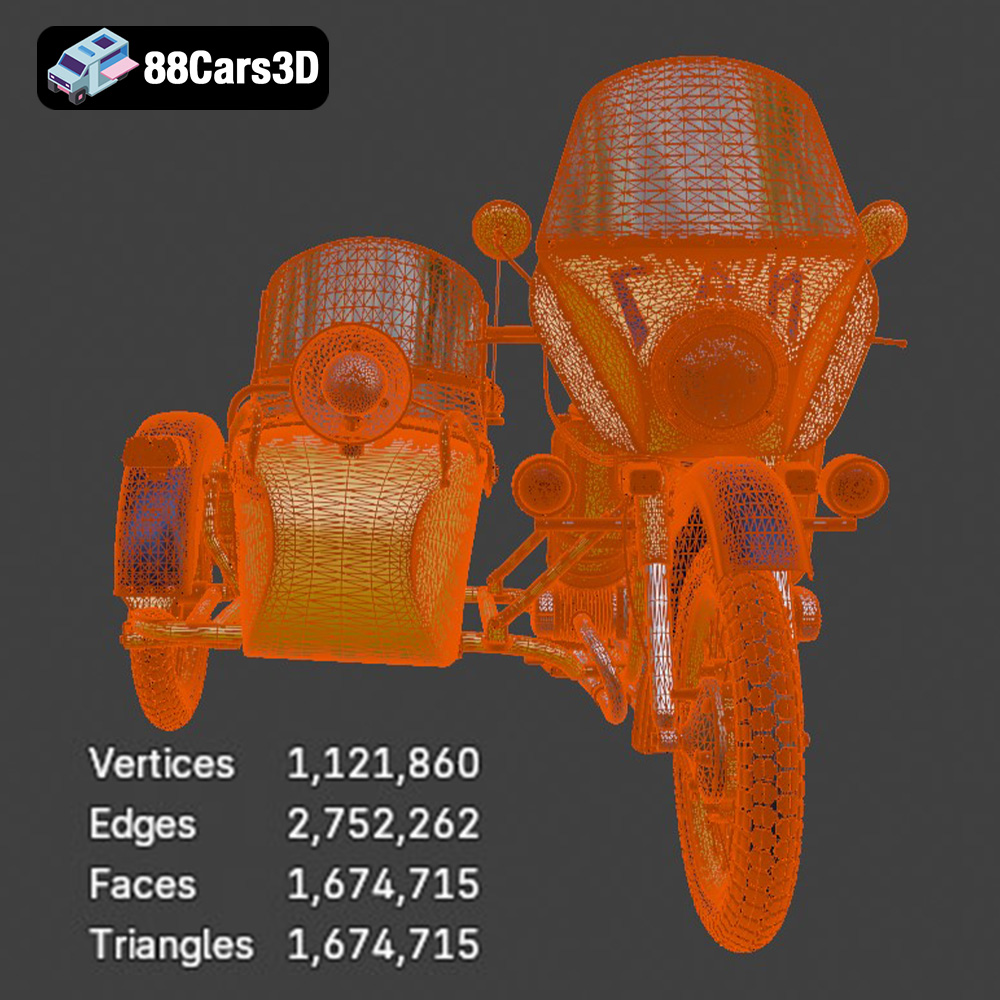
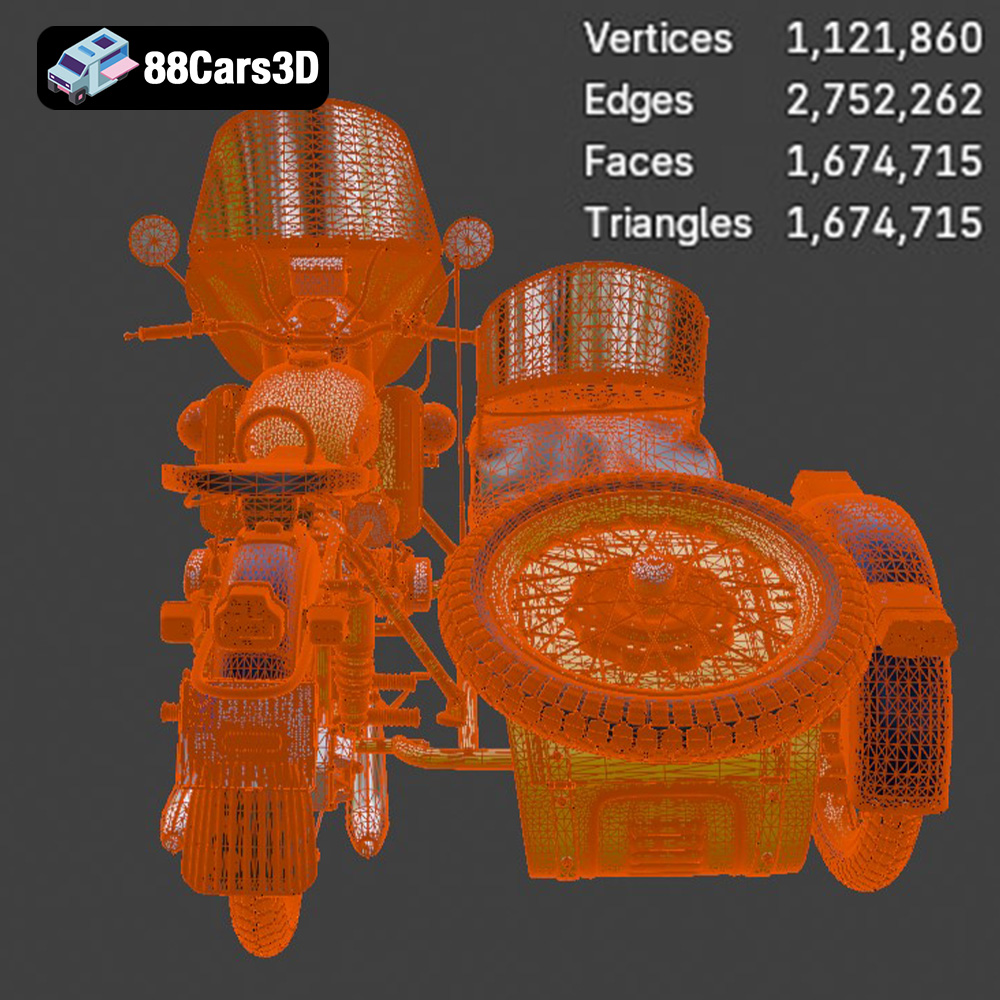
The STL (Stereolithography) file format is the undisputed industry standard for 3D printing. It represents the surface geometry of a 3D object using a mesh of triangles. This simplicity makes it universally compatible with slicing software and 3D printers. The Ural M67-36-P model available from 88cars3d.com includes an STL file, ensuring immediate usability for 3D printing. When working with STL files, it’s crucial to consider the mesh quality. A higher triangle count results in a smoother surface finish but increases file size and processing time. The optimal balance depends on the desired level of detail and the capabilities of your 3D printer. Slicing software utilizes the .stl file to determine where to print the support material for overhanging parts.
OBJ files are another widely supported format that, unlike STL, can store color and texture information. This makes them suitable for 3D printing models with multiple colors or applying textures after printing. While OBJ is compatible with most slicing software, ensure your printer supports multi-material or color printing if you intend to utilize its texture capabilities. This is a great option for the Ural if you want to add a red star somewhere on the bike.
PLY (Polygon File Format) is designed to store 3D data acquired from scanning devices. It can represent both surface geometry and color information with high precision. While less common than STL, PLY is a viable option for 3D printing highly detailed models where accuracy is paramount.
BLEND files are native to Blender, a popular open-source 3D modeling software. These files contain the entire Blender scene, including the model’s geometry, materials, textures, and lighting. While not directly printable, BLEND files offer the greatest flexibility for customization before exporting to a printable format like STL. This is fantastic for making modifications to the Ural M67-36-P before printing.
FBX (Filmbox) is a proprietary file format developed by Autodesk. It supports the transfer of 3D data between different software applications, including geometry, materials, textures, and animations. While some slicing software can import FBX files, compatibility can vary. Generally, it’s best to export to STL for 3D printing.
GLB (GL Transmission Format Binary) is a binary file format that represents 3D models in a compact and efficient manner. It is commonly used for displaying 3D models in web browsers and augmented reality (AR) applications. While not directly printable, GLB files can be useful for previewing the model before printing to ensure it meets your expectations.
MAX files are native to 3ds Max, another professional 3D modeling software. Similar to BLEND files, MAX files contain the entire project scene and offer extensive customization options. Export to STL for 3D printing after adjustments.
For 3D printing the Ural M67-36-P model, the STL format is the most practical choice due to its universal compatibility and simplicity. Ensure the STL file is properly prepared and optimized for your specific 3D printer and slicing software. Mesh repair tools might be needed to fix non-manifold geometry or other errors that can cause printing issues.
Before sending the Ural M67-36-P model to your 3D printer, careful preparation is essential to ensure a successful print. This involves using slicing software to convert the 3D model into a series of instructions for the printer, as well as optimizing the model for printability.
Slicing software is the bridge between your 3D model and your 3D printer. Popular options include Cura, PrusaSlicer, Simplify3D, and others. Each slicer offers a range of settings that can be adjusted to optimize print quality, speed, and material usage. Key settings to consider include:
* **Layer Height:** This determines the resolution of your print. Lower layer heights (e.g., 0.1mm or less) produce smoother surfaces but increase print time. For the Ural M67-36-P, a layer height of 0.04-0.12 mm is recommended for resin printing to capture fine details.
* **Infill Density:** Infill refers to the internal structure of the 3D print. Higher infill densities increase strength and weight but also increase print time and material consumption. A 20-30% infill is generally sufficient for models like the Ural M67-36-P.
* **Support Structures:** Support structures are necessary for printing overhanging parts of the model. The slicing software automatically generates these supports, which can be removed after printing. For the Ural M67-36-P, supports are particularly important for detailed parts like the exhaust, mirrors, and handlebars.
* **Print Speed:** Print speed affects both print quality and time. Slower speeds generally result in higher quality prints, especially for intricate details.
* **Bed Adhesion:** Ensuring the first layer adheres properly to the print bed is critical for a successful print. Techniques include using a heated bed, applying adhesive (e.g., glue stick or hairspray), and adjusting the Z-offset.
Before slicing, it’s important to inspect the 3D model for any errors or imperfections that could cause printing issues. Mesh repair tools like MeshMixer or Netfabb can be used to fix non-manifold geometry, holes, and other problems.
Scaling the model allows you to adjust its size to your desired dimensions. The recommended scales for the Ural M67-36-P are 1:12, 1:18, and 1:24. These scales offer a good balance between detail and print size.
The choice of material significantly impacts the final appearance, strength, and durability of your 3D printed Ural M67-36-P. Common options include PLA, PETG, and resin, each with its own advantages and disadvantages.
PLA is a biodegradable thermoplastic that is easy to print and widely available. It’s a good choice for beginners and offers a wide range of colors. However, PLA is not as strong or heat-resistant as other materials. It’s a great option for display models of the Ural M67-36-P that won’t be subjected to high temperatures or stress.
PETG offers a good balance of strength, flexibility, and ease of printing. It’s more durable and heat-resistant than PLA, making it suitable for functional parts or models that may be exposed to higher temperatures. PETG is a solid choice if you want a slightly more durable 3D printed Ural M67-36-P.
Resin printing (SLA/DLP) uses liquid resin that is cured by UV light. This technology allows for much higher resolution and detail than FDM printing (PLA/PETG). Resin is ideal for printing small, intricate parts with fine details, such as the Ural M67-36-P’s engine components or handlebars. However, resin prints tend to be more brittle than FDM prints. Also, resin printing requires more post-processing, including washing and curing. The 88cars3d.com product description specifically recommends resin printing for fine details.
The orientation of the model on the print bed and the placement of support structures are crucial for a successful 3D print.
The optimal print orientation depends on the geometry of the model and the type of 3D printer being used. For the Ural M67-36-P, the product description recommends printing the frame angled for structural integrity. This helps to distribute stress and minimize warping. Wheels should be printed separately, possibly laying flat on the print bed for maximum adhesion.
Support structures are essential for printing overhanging parts, but they can also leave blemishes on the surface of the model. Careful placement of supports can minimize these blemishes and make removal easier. Concentrate support structures on the underside of the fuel tank, the exhaust pipes, the handlebar grips and levers, and under the seat. Use a support interface to allow for easier removal and finer surface finish in these areas.
Once the 3D print is complete, post-processing is necessary to remove support structures, smooth the surface, and add finishing touches.
Carefully remove support structures using tools like pliers, flush cutters, or a sharp knife. Be patient and avoid damaging the model. After removing the supports, sand the surface of the model to smooth out any imperfections and remove any remaining support marks. Start with coarse sandpaper and gradually move to finer grits for a smooth finish.
Priming the model creates a smooth, uniform surface for painting. Apply several thin coats of primer, allowing each coat to dry completely before applying the next. Once the primer is dry, paint the model with your desired colors. The product description suggests using authentic factory colors with metallic finishes for a realistic look. You can use masking tape to create clean lines and sharp details.
The Ural M67-36-P model consists of multiple parts that need to be assembled after printing. Use glue or adhesive to attach the parts together, ensuring proper alignment and fit. Pay close attention to the assembly instructions (if provided) and take your time to ensure a clean and accurate assembly.
Even with careful preparation, 3D printing can sometimes present challenges. Here are some common issues and their solutions:
* **Warping:** Warping occurs when the first layer of the print lifts off the print bed. This can be caused by poor bed adhesion, insufficient heating, or drafts. Solutions include using a heated bed, applying adhesive, and enclosing the printer.
* **Stringing:** Stringing occurs when strands of filament are left between different parts of the print. This can be caused by excessive nozzle temperature, retraction settings, or moisture in the filament. Solutions include adjusting the temperature and retraction settings, drying the filament, and cleaning the nozzle.
* **Layer Shifting:** Layer shifting occurs when the print head shifts position during the print. This can be caused by loose belts, excessive print speed, or vibrations. Solutions include tightening the belts, reducing print speed, and stabilizing the printer.
* **Elephant’s Foot:** An elephant’s foot is when the initial layers of a print bulge outward. This is commonly caused by the nozzle being too close to the print bed. You can usually fix it by adjusting your Z-offset.
By understanding these common issues and their solutions, you can troubleshoot problems and improve your 3D printing results. And remember, models from platforms like 88cars3d.com are often tested to minimize such issues.
The 1976 Ural M67-36-P is a legendary Soviet-era motorcycle, renowned for its rugged durability, classic utilitarian styling, and historic patrol heritage. Featuring its iconic opposed-twin (boxer) engine, robust dual exhaust system, and sturdy frame design, this classic workhorse captures the absolute essence of 1970s Eastern Bloc engineering and heavy-duty performance.
$39.99
.blend
.fbx
.glb
.max
.obj
.ply
.rendering
.stl
.unreal
.ural
1976
classic-motorcycle
game asset
game-ready
low-poly
m67-36-p
motorcycle-3d-model
optimized
soviet-motorcycle
vintage-bike
VR/AR