Get 20% OFF All Premium 3D & STL Models!

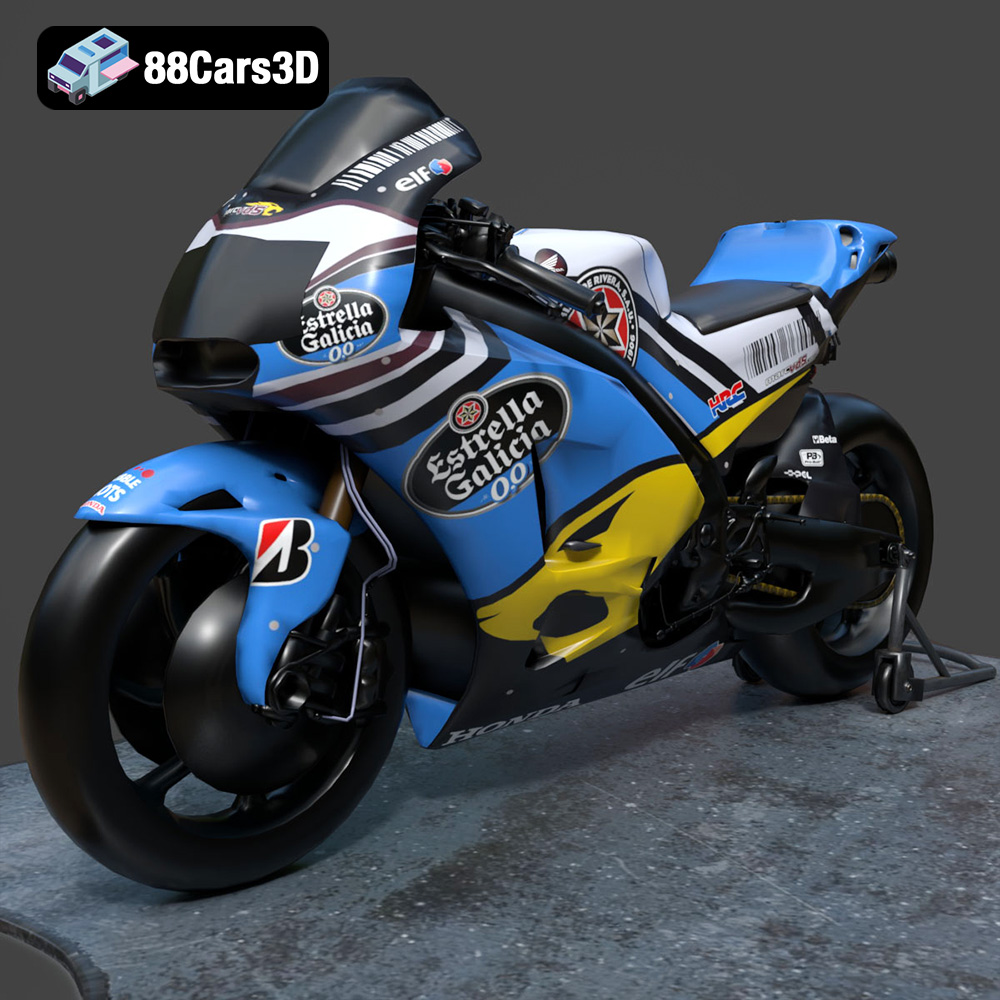
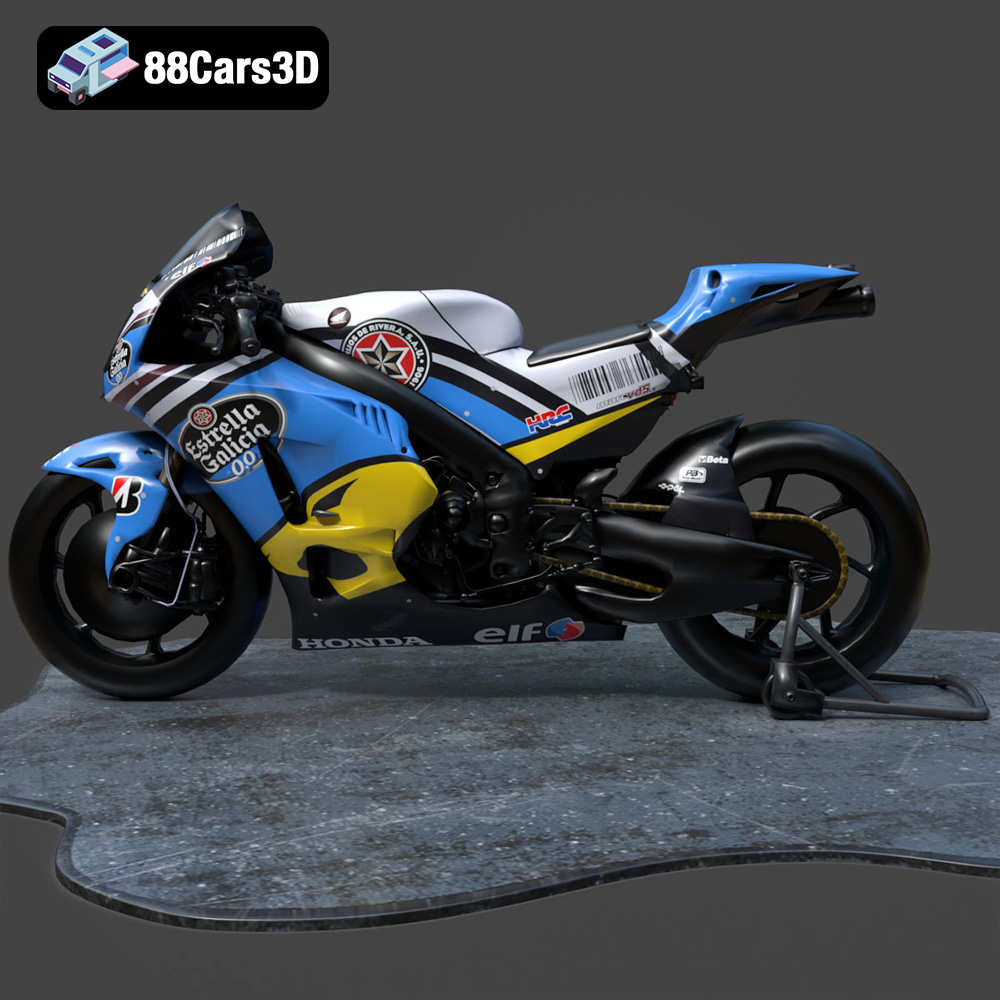
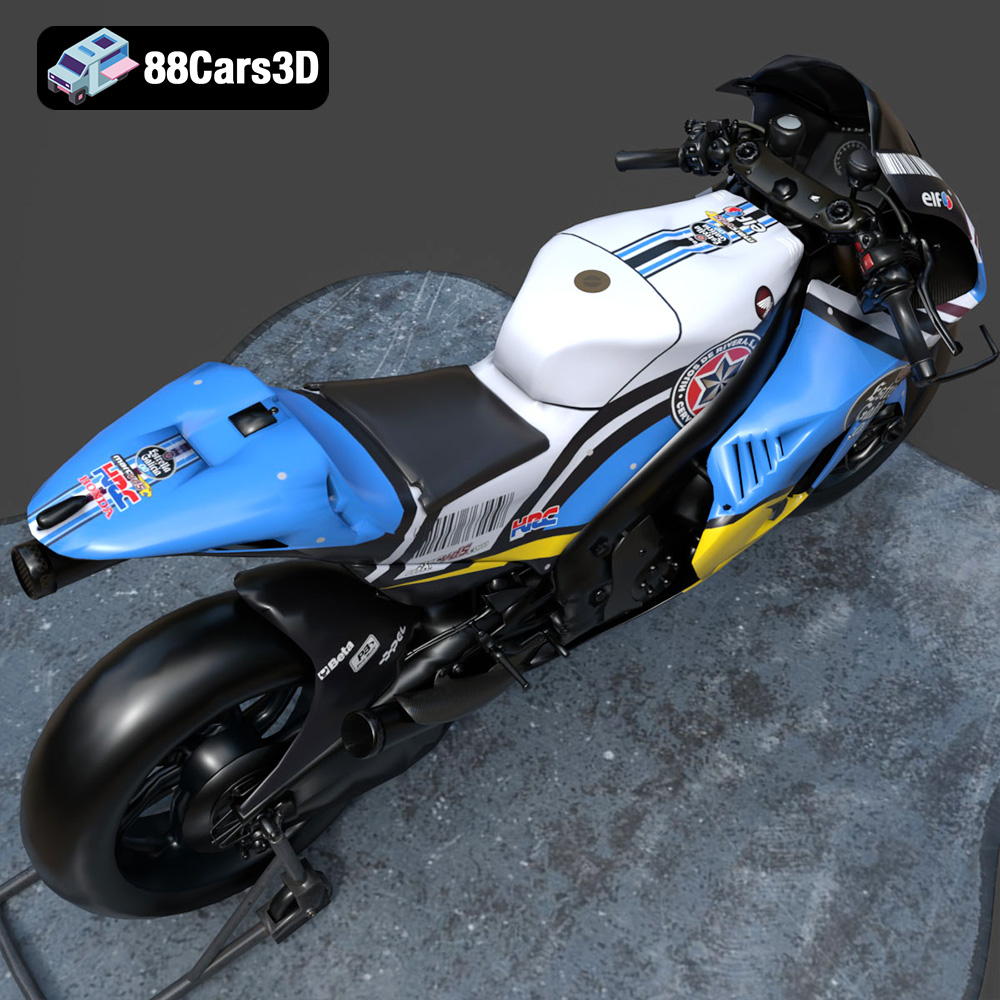
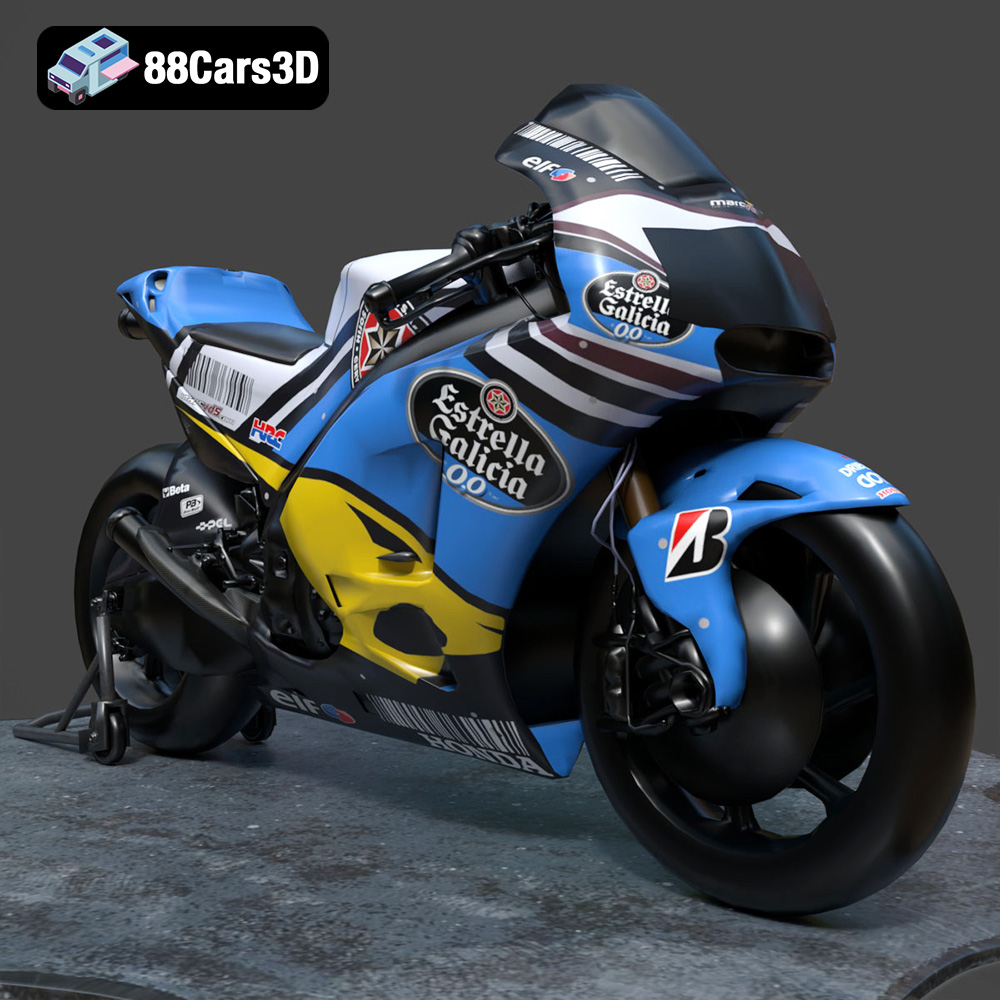
The Honda RCV-213-001 is an iconic racing motorcycle, and now you can bring it to life with the power of 3D printing. This guide will walk you through every step of the process, from preparing your STL files to post-processing your finished model. Whether you’re a seasoned 3D printing enthusiast or just starting out, this comprehensive guide will help you achieve stunning results with the Honda RCV-213-001 3D model available on 88cars3d.com. Let’s get started and turn this digital masterpiece into a tangible reality!
Before diving into the specifics of printing the Honda RCV-213-001, it’s crucial to understand the different file formats available and how they impact the 3D printing process. While the model from 88cars3d.com comes in a variety of formats optimized for different applications, certain formats are better suited for 3D printing than others.
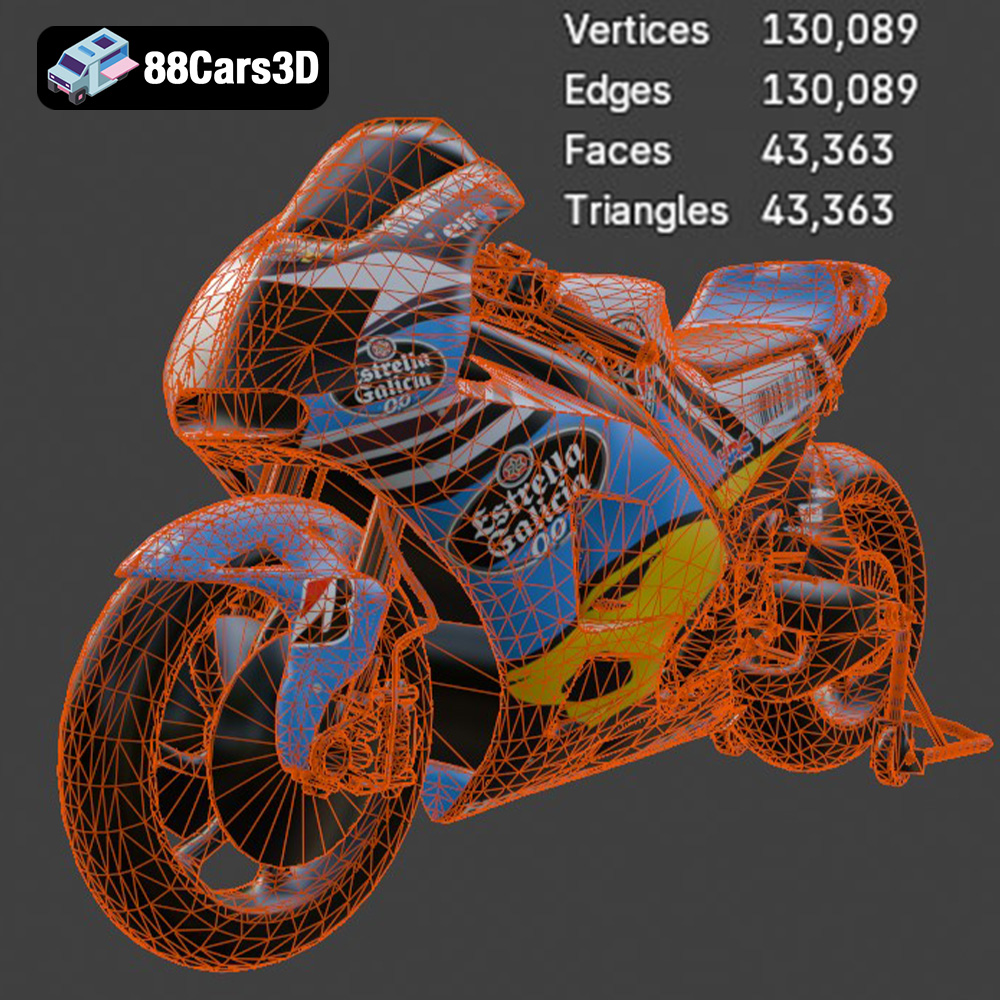
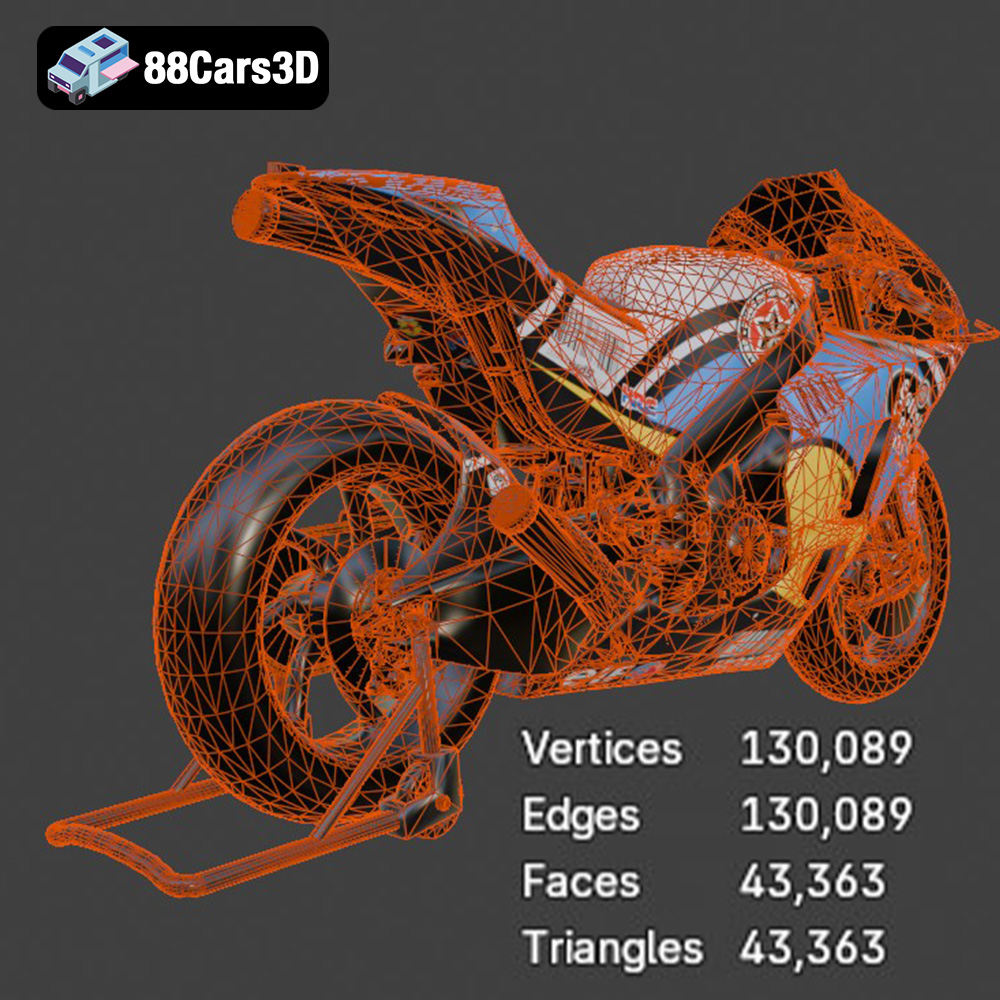
The .stl (Stereolithography) format is the workhorse of 3D printing. It represents a 3D object’s surface as a collection of triangles. This simplicity makes it universally compatible with virtually all slicing software and 3D printers. When preparing the Honda RCV-213-001 for printing, the .stl file will be your primary tool. However, remember that .stl files only contain geometric data – they lack information about color, texture, or materials. The quality of the .stl file, specifically the density of the triangular mesh, directly affects the final print’s resolution and surface smoothness. A higher triangle count results in a more detailed and accurate representation of the original model but increases file size and processing time.
While .stl is paramount for printing, other formats play valuable roles in the overall workflow:
Most slicing software readily accepts .stl files. Popular options include Ultimaker Cura, PrusaSlicer, Simplify3D, and IdeaMaker. Ensure that your chosen software is up-to-date to benefit from the latest features and bug fixes. Before slicing, always inspect the .stl file for errors such as non-manifold geometry (holes or gaps in the mesh) or self-intersecting faces. These errors can lead to printing failures. Several free tools like MeshLab or Netfabb Basic can help repair these issues. Aim for a balanced mesh density – too low, and you’ll lose detail; too high, and you’ll bog down your printer and slicing software.
Once you have your .stl file of the Honda RCV-213-001, the next step is to prepare it for 3D printing using slicing software. This crucial process involves converting the 3D model into a series of instructions (G-code) that your 3D printer can understand.
Choosing the right slicing software is essential for achieving optimal print quality. Popular choices include Ultimaker Cura, PrusaSlicer, Simplify3D, and IdeaMaker. Each software offers a range of features and settings that can be customized to suit your specific printer and material. Begin by importing the Honda RCV-213-001 .stl file into your chosen slicing software. Then, configure the software with your printer’s specifications, including build volume, nozzle diameter, and bed temperature capabilities.
The orientation of the Honda RCV-213-001 model on the print bed significantly affects the print’s success and the amount of support material required. Analyze the model’s geometry and identify areas that may require support. Minimize overhangs to reduce the need for supports, which can be challenging to remove and can leave blemishes on the printed surface. Orient the model in a way that maximizes the number of parts directly on the build plate. Consider printing the motorcycle in multiple parts to optimize orientation and detail. For example, printing the fairings separately can allow for better surface finish. When generating support structures, experiment with different patterns (e.g., tree supports, linear supports) and densities to find the best balance between support strength and ease of removal.
Depending on your desired final product, you may need to scale the Honda RCV-213-001 model. Ensure uniform scaling across all axes to maintain the model’s proportions. Before slicing, inspect the model for any errors, such as non-manifold geometry or inverted faces. Use the slicing software’s built-in repair tools or dedicated mesh repair software like MeshLab or Netfabb Basic to fix any identified issues. A clean, error-free model is essential for a successful 3D print.
The choice of material is paramount to the final look, feel, and functionality of your 3D printed Honda RCV-213-001. Different materials offer varying properties in terms of strength, flexibility, heat resistance, and aesthetic appeal.
PLA (Polylactic Acid) is a popular choice for 3D printing due to its ease of use and biodegradability. It’s an excellent option for the Honda RCV-213-001 if you prioritize ease of printing and a smooth surface finish. PLA prints at relatively low temperatures (around 200°C) and doesn’t require a heated bed in many cases. However, PLA is not very heat-resistant and can become brittle over time, so it may not be suitable for parts that will be exposed to high temperatures or stress.
PETG (Polyethylene Terephthalate Glycol-modified) offers a good balance of strength, flexibility, and heat resistance. It’s more durable than PLA and can withstand higher temperatures, making it a suitable choice for parts that need to be more robust. PETG is also relatively easy to print, although it may require a slightly higher printing temperature (around 230-250°C) and a heated bed (around 70-80°C). Consider using PETG for the motorcycle’s chassis or other structural components.
Resin printing (SLA or DLP) offers the highest level of detail and surface finish. If you’re aiming for a display-quality model of the Honda RCV-213-001, resin printing is an excellent choice. Resin printers use liquid resin that is cured by UV light, resulting in incredibly fine details. However, resin printing requires more post-processing than FDM printing, including washing and curing the parts. Resin materials can also be more expensive and require careful handling due to their toxicity. Consider using resin printing for intricate parts like the engine or exhaust system.
Fine-tuning your printer settings is essential for achieving a high-quality 3D print of the Honda RCV-213-001. These settings will vary depending on your printer, material, and desired level of detail.
Layer height directly affects the print’s resolution and surface finish. A lower layer height (e.g., 0.1mm) will result in a smoother surface and more detail but will also increase print time. A higher layer height (e.g., 0.2mm) will print faster but may sacrifice some detail. Experiment to find the best balance for your needs. Print speed also affects print quality. A slower print speed (e.g., 40-50 mm/s) generally results in better detail and fewer errors. Higher speeds can be used for less critical areas of the model.
Infill density determines the internal structure of the printed part. A higher infill density (e.g., 20-30%) will make the part stronger but will also increase print time and material consumption. A lower infill density (e.g., 10-15%) will print faster and use less material but may make the part more fragile. Choose an infill pattern that provides adequate strength while minimizing print time and material usage. Common infill patterns include grid, honeycomb, and gyroid.
Setting the correct printing temperature is crucial for proper adhesion and layer bonding. Consult your material manufacturer’s recommendations for optimal temperature settings. Proper cooling is also essential, especially for materials like PLA. Use a part cooling fan to prevent warping and ensure sharp edges. However, avoid over-cooling, which can lead to layer delamination.
Once the Honda RCV-213-001 is printed, post-processing is essential to achieve a polished and professional finish. This involves removing supports, sanding, painting, and assembling the various parts.
Carefully remove support structures using pliers, cutters, or a sharp knife. Be patient and avoid damaging the printed part. After removing supports, use sandpaper to smooth any rough edges or blemishes. Start with a coarse grit sandpaper (e.g., 220 grit) and gradually move to finer grits (e.g., 400, 600, 800 grit) to achieve a smooth surface. Wet sanding can help to minimize dust and achieve a smoother finish.
Painting can greatly enhance the appearance of your 3D printed Honda RCV-213-001. Start by applying a primer to the entire model to create a uniform surface for the paint to adhere to. Then, apply multiple thin coats of paint, allowing each coat to dry completely before applying the next. Use masking tape to create clean lines and separate different colored areas. Consider using an airbrush for a smoother and more professional finish. After painting, apply a clear coat to protect the paint and add a glossy or matte finish.
If you printed the Honda RCV-213-001 in multiple parts, carefully assemble them using glue or other appropriate adhesives. Pay attention to the alignment and fit of each part. Add any final details, such as decals or small accessories, to complete the model. Consider using reference images of the real Honda RCV-213-001 to ensure accuracy and realism.
3D printing can sometimes be challenging, and it’s important to be prepared to troubleshoot common issues. Here are some tips for resolving common problems you might encounter when printing the Honda RCV-213-001.
Warping occurs when the printed part lifts from the build plate during printing. This is often caused by temperature differences between the printed part and the surrounding environment. To prevent warping, ensure that your build plate is properly leveled and heated. Use a bed adhesive, such as glue stick or painter’s tape, to improve adhesion. Enclosing your printer can also help to maintain a consistent temperature and prevent warping.
Layer delamination occurs when the layers of the printed part do not properly adhere to each other. This can be caused by low printing temperature, inadequate cooling, or insufficient extrusion. Increase the printing temperature, reduce cooling, and ensure that your extruder is properly calibrated. Also, make sure your filament is dry, as moisture can cause delamination.
Stringing occurs when the extruder leaks filament while moving between different parts of the print. Blobs are small deposits of excess filament on the printed surface. To prevent stringing and blobs, reduce the printing temperature, increase retraction distance, and decrease travel speed. Also, ensure that your filament is dry.
3D printing the Honda RCV-213-001 is a rewarding project that combines technical skill with artistic expression. By carefully selecting your materials, fine-tuning your printer settings, and mastering post-processing techniques, you can create a stunning replica of this iconic racing motorcycle. Remember to leverage the wealth of resources available online and to experiment with different settings and techniques to find what works best for your printer and materials. And don’t forget to check out 88cars3d.com for more amazing 3D models!
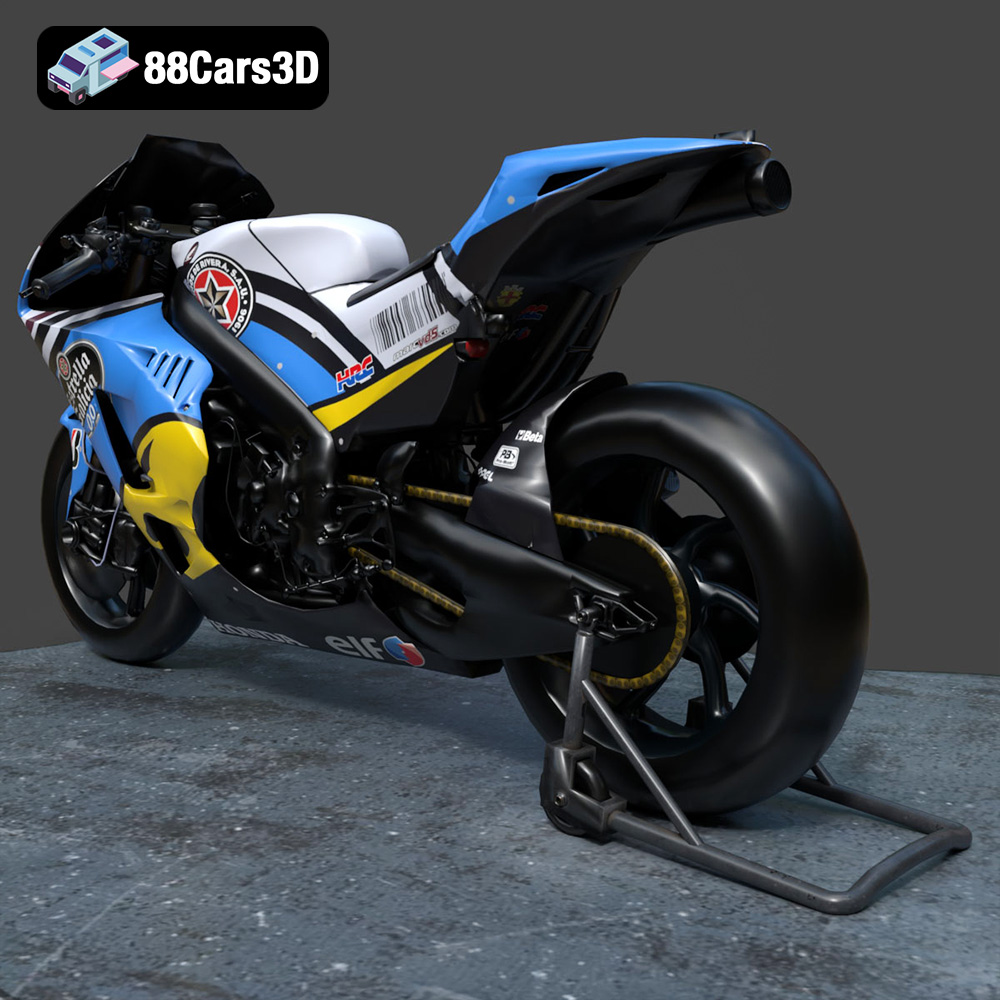
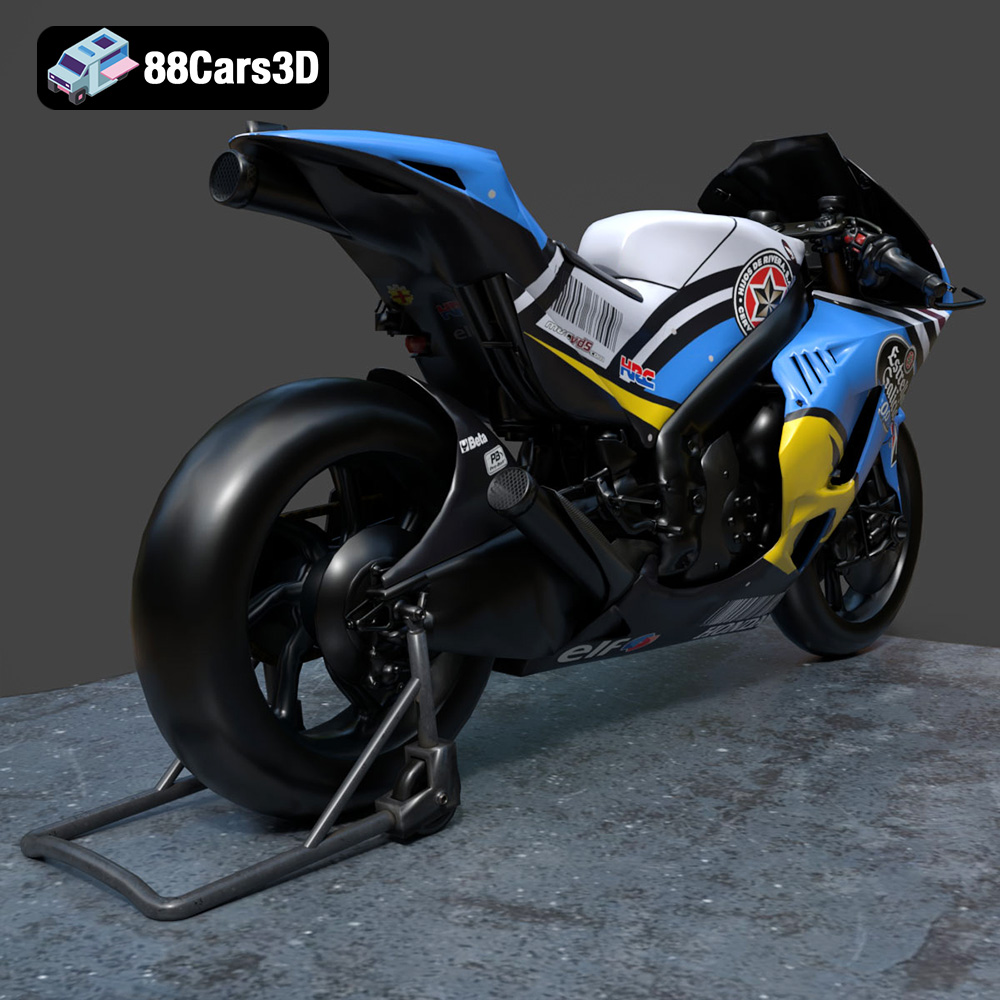
Experience true realism with the Honda RCV-213-001 3D Model, meticulously crafted to represent the iconic racing motorcycle. This model is engineered to provide stunning visual fidelity, making it an exceptional choice for automotive enthusiasts and digital creators.
$39.99
.arvr
.blend
.car3dmodel
.fbx
.gameasset
.glb
.honda
.max
.motorcycle
.obj
.ply
.racingbike
.rcv213001
.rendering
.simulation
.stl
.unreal