Get 20% OFF All Premium 3D & STL Models!

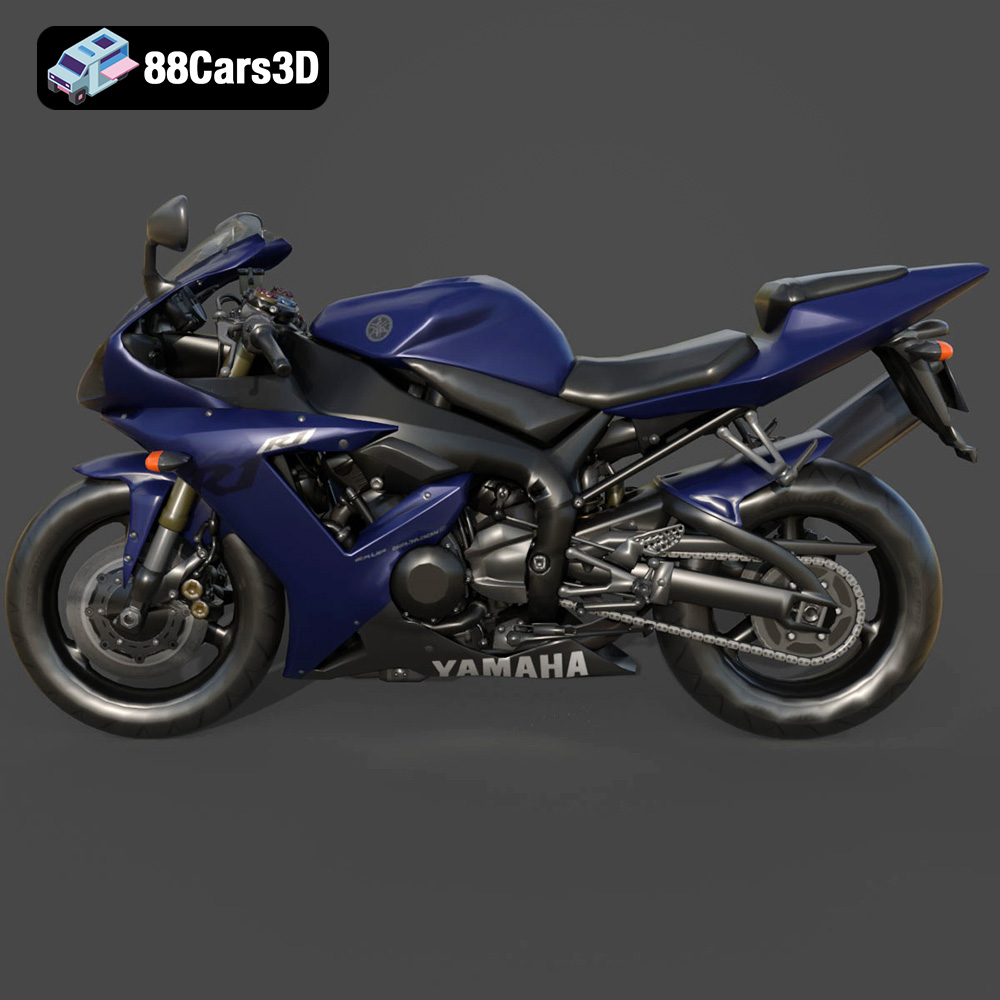
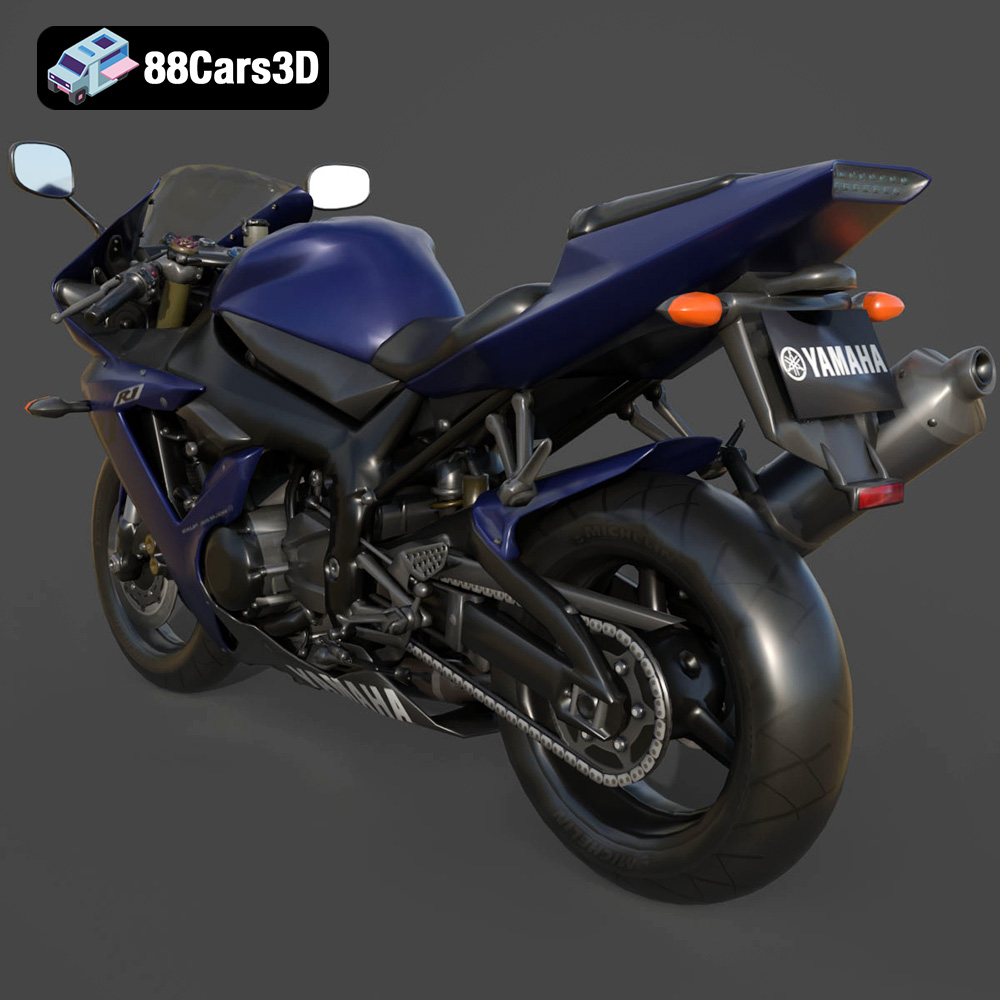
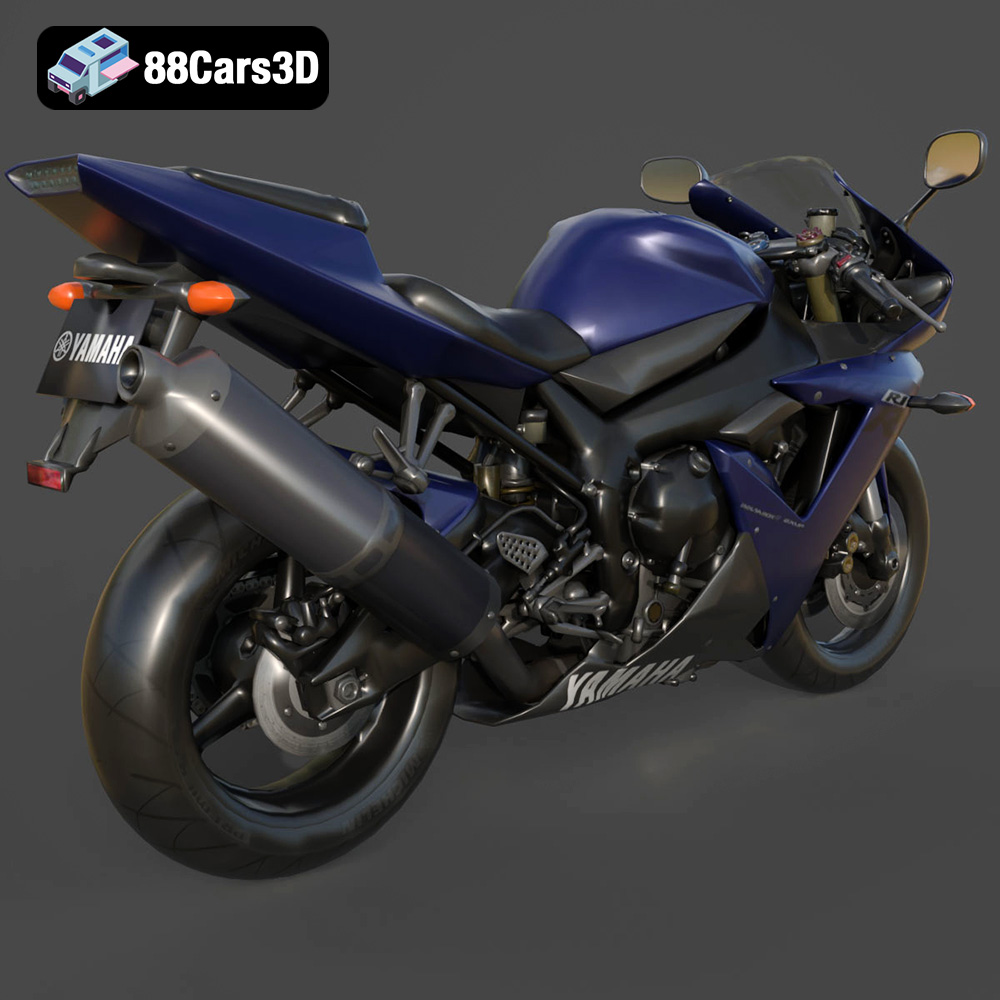
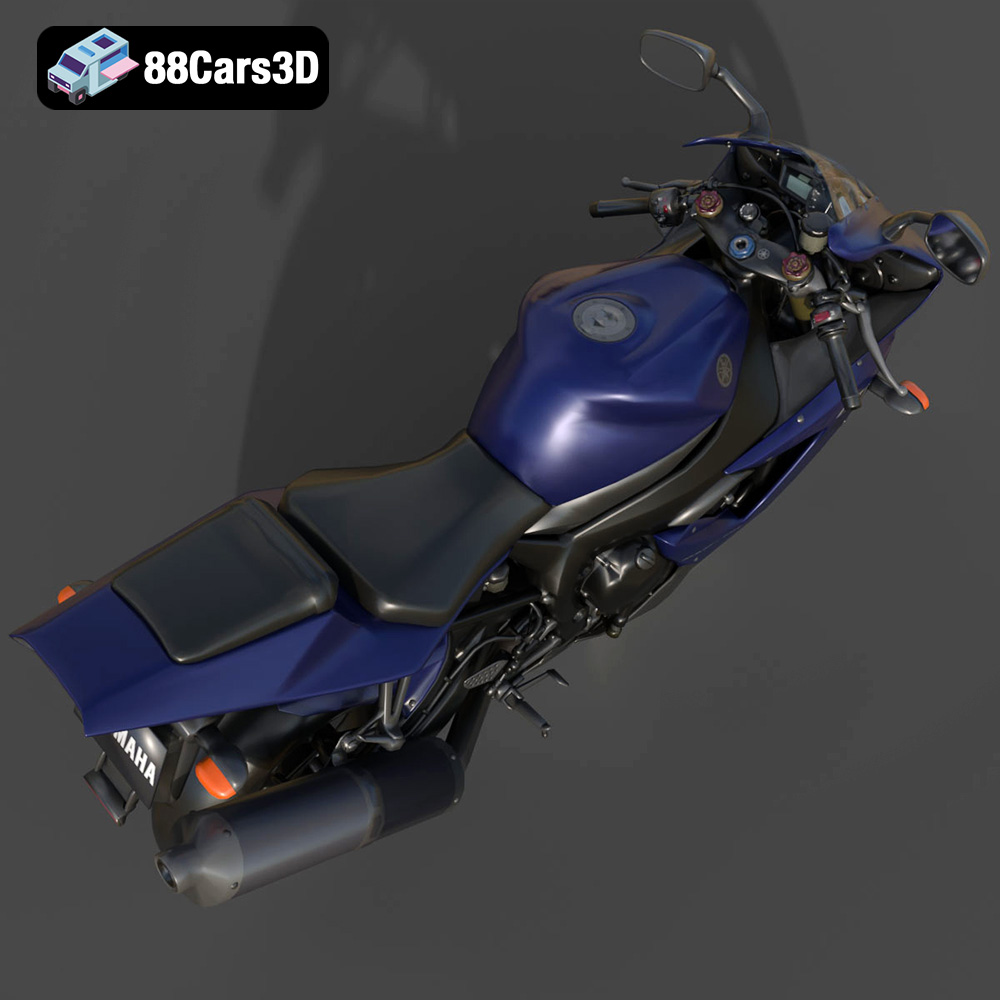
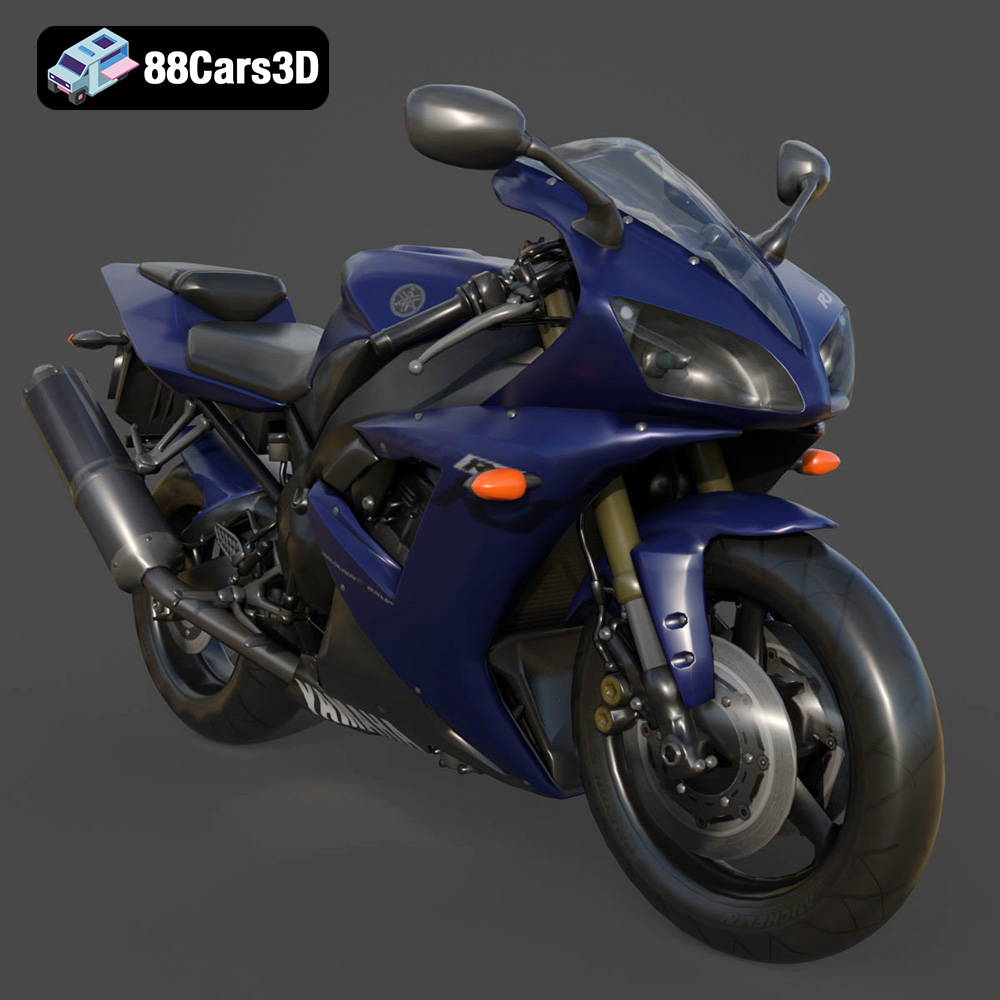
The Yamaha R1. A name synonymous with speed, precision, and iconic superbike design. Now, thanks to the power of 3D printing and the detailed model available at 88cars3d.com, you can bring this legendary machine to life on your desktop. This article will guide you through the entire process, from initial file selection to final paint job, ensuring you create a stunning 3D printed replica. We’ll cover everything from choosing the right material and printer settings to mastering post-processing techniques for a truly professional finish.
Before diving into the printing process, it’s crucial to understand the different file formats available for the Yamaha R1 model. Each format serves a specific purpose, and choosing the right one will significantly impact your 3D printing success.
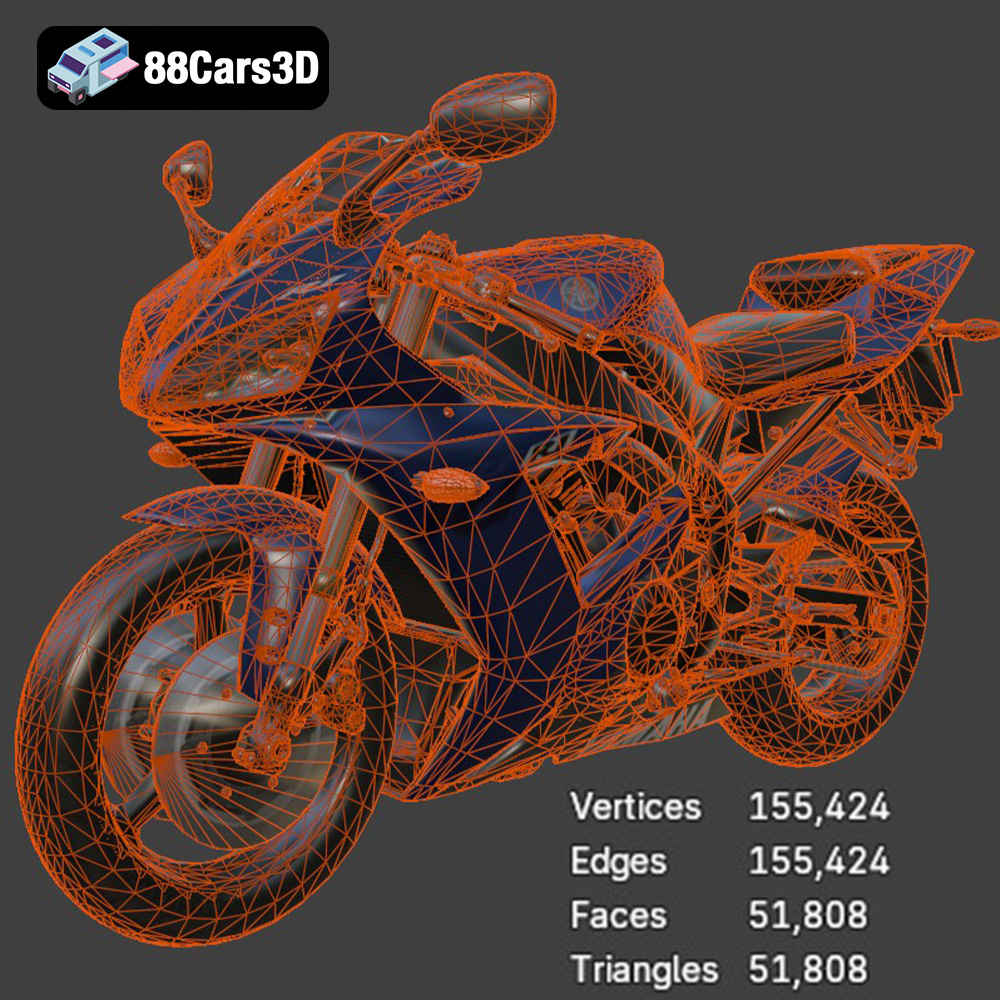
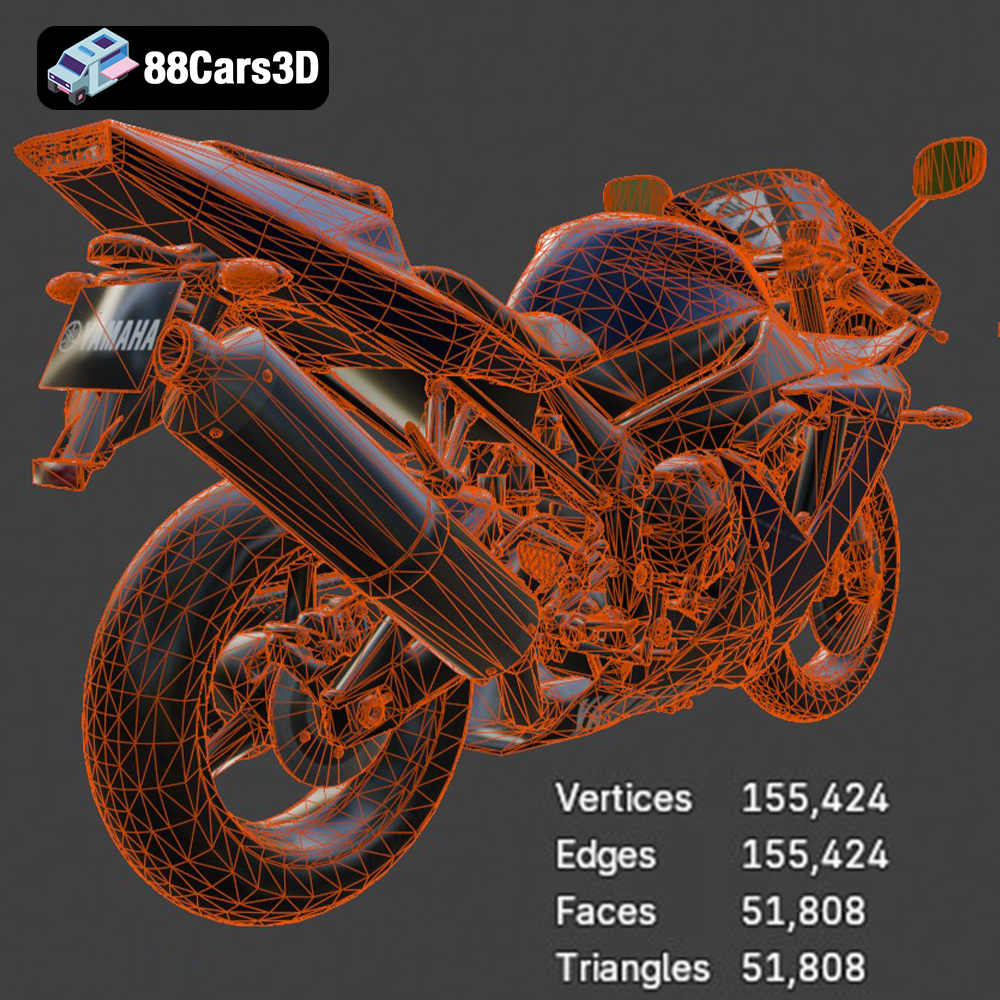
The .stl (Stereolithography) format is the industry standard for 3D printing. It represents the 3D model’s surface geometry using a mesh of triangles. This simplicity makes it universally compatible with almost all 3D printers and slicing software. However, .stl files only contain information about the shape of the object; they lack color or texture data. For 3D printing, the .stl file is typically the go-to choice. It offers a balance between file size and detail, making it ideal for creating physical objects. Most slicing software readily accepts .stl files, allowing you to easily prepare the model for printing. When working with .stl files, it’s important to ensure the mesh quality is sufficient for your desired print resolution. A low-resolution mesh can result in a blocky or faceted appearance, while an excessively high-resolution mesh can create extremely large files that are difficult to process.
The .obj (Object) format is a more versatile file type that, unlike .stl, supports color and texture information. This makes it suitable for applications beyond simple 3D printing, such as rendering and game development. However, while some advanced 3D printers can print in multiple colors using .obj data, its primary use in 3D printing is for visual reference during the design and post-processing phases.
The .ply (Polygon File Format) is designed for storing data from 3D scanners. It’s capable of capturing highly detailed mesh information, often exceeding the resolution of .stl files. While this makes it useful for replicating scanned objects, it can also lead to very large file sizes that are challenging to handle in 3D printing. The Yamaha R1 model in .ply format is likely included for users who want to inspect the intricate details of the mesh, rather than directly printing from it.
The .blend file is the native file format for Blender, a popular open-source 3D modeling software. This is where you can directly edit the Yamaha R1 model and make customizations before exporting it to a printable format like .stl. If you want to modify the model, add details, or split it into separate parts for easier printing, working with the .blend file is the best approach.
The .fbx (Filmbox) format is commonly used for exchanging 3D models between different software packages. It supports complex data such as animations, materials, and textures. While not directly used for 3D printing, the .fbx version of the Yamaha R1 model can be helpful for importing the model into slicing software that supports material definitions, allowing for more realistic print previews.
The .glb (GL Transmission Format Binary) is a compact and efficient format for displaying 3D models in augmented reality (AR) applications. This format is excellent for previewing the Yamaha R1 model in a real-world environment using your smartphone or tablet before committing to the 3D printing process.
Similar to .blend, the .max file is the native project file for Autodesk 3ds Max, another industry-standard 3D modeling software. If you are a 3ds Max user, this file allows you to fully customize the Yamaha R1 model before exporting it for 3D printing.
For 3D printing the Yamaha R1 model, the .stl format will be your primary choice due to its widespread compatibility and efficiency. However, the other formats provide valuable resources for customization, previewing, and understanding the model’s intricacies before you hit the “print” button.
The quality and success of your 3D printed Yamaha R1 will depend heavily on your choice of 3D printing technology and material. Considering the model’s intricate details, certain technologies and materials will be better suited than others.
FDM is the most common and affordable 3D printing technology. It works by extruding molten plastic filament layer by layer to build the object. For the Yamaha R1, FDM is suitable for printing larger parts like the frame, body panels, and wheels, especially if you plan to print at a larger scale.
* Material Recommendations: PLA (Polylactic Acid) is a biodegradable and easy-to-print material, ideal for beginners. It offers good strength and stiffness. PETG (Polyethylene Terephthalate Glycol) is another excellent choice, offering improved durability, flexibility, and temperature resistance compared to PLA. ABS (Acrylonitrile Butadiene Styrene) is a more challenging material to print with, requiring a heated bed and enclosure to prevent warping, but it offers superior strength and heat resistance.
* Printer Settings: Layer height should be between 0.1mm and 0.2mm for a good balance of detail and print time. Infill density should be between 15% and 25% for structural integrity. Consider using support structures for overhanging features like the handlebars, exhaust, and mirrors.
* Estimated Print Time and Material Cost: Print time can vary significantly depending on the size of the parts and the printer settings, but expect several hours for each major component. Material cost is relatively low with FDM, typically ranging from $20 to $50 per kilogram of filament.
SLA and DLP are resin-based 3D printing technologies that use a light source to cure liquid resin layer by layer. These technologies offer significantly higher resolution and precision than FDM, making them ideal for printing small, intricate parts of the Yamaha R1, such as the engine components, suspension details, and dashboard instruments.
* Material Recommendations: Standard resin is a good starting point, offering good detail and surface finish. Tough resin is more durable and impact-resistant, ideal for functional parts. Flexible resin can be used for parts that require some flexibility, such as the tires or seat.
* Printer Settings: Layer height should be between 0.025mm and 0.05mm for optimal detail. Support structures are essential for resin printing, and you’ll need to carefully remove them after printing.
* Estimated Print Time and Material Cost: Print time for resin printing can also vary, but it’s often faster than FDM for smaller parts. Material cost is generally higher than FDM, ranging from $40 to $100 per liter of resin.
Consider the intended use of your 3D printed Yamaha R1. If it’s primarily for display, PLA or standard resin will suffice. If you plan to handle it frequently or want it to withstand some wear and tear, PETG or tough resin would be better choices. For functional parts that need to flex, consider using flexible resin.
Once you’ve chosen your 3D printing technology and material, the next step is to prepare the Yamaha R1 model for printing using slicing software. This involves importing the .stl file, orienting it for optimal printing, generating support structures, and setting the appropriate printer settings.
Popular slicing software options include Cura, PrusaSlicer, Simplify3D, and Chitubox (for resin printing). Each software has its own strengths and weaknesses, so experiment to find the one that best suits your needs.
* Importing the Model: Import the .stl file of the Yamaha R1 model into your chosen slicing software.
* Scaling the Model: Determine the desired scale of your 3D printed replica. The product description on 88cars3d.com suggests scales of 1:12, 1:18, or 1:24. Scale the model accordingly in the slicing software.
* Orientation: Optimizing the model’s orientation is crucial for minimizing support structures and maximizing print quality. For the frame, consider printing it at an angle to improve its structural integrity. Print the wheels separately for easier post-processing.
* Support Generation: Generate support structures for overhanging features like the handlebars, exhaust, mirrors, and any other parts that don’t directly connect to the build plate. Experiment with different support settings to find the optimal balance between support strength and ease of removal.
* Setting Printer Parameters: Configure the printer settings based on your chosen material and 3D printing technology. This includes layer height, infill density, print speed, temperature, and retraction settings.
* Model Repair: Use the slicer’s repair function or a dedicated mesh repair tool (like Meshmixer) to fix any errors in the .STL file before printing.
Consider splitting the Yamaha R1 model into separate parts for easier printing and painting. This can be done in Blender or other 3D modeling software. For example, you could separate the frame, body panels, wheels, engine components, and other details into individual parts. This allows you to print each part in the optimal orientation and with the appropriate settings for its specific geometry. It also simplifies the painting process, as you can paint each part separately before assembling the final model.
If you’re printing the Yamaha R1 at a larger scale, consider hollowing out the model to reduce material consumption and print time. This involves creating a shell-like structure with an internal cavity. You can do this in Blender or other 3D modeling software. Be sure to leave a small hole for draining any resin if you are resin printing.
Now that you’ve prepared the model, it’s time to start printing! Follow these steps for a successful 3D printing experience.
Before printing, ensure your 3D printer is properly calibrated. This includes leveling the build plate, setting the correct Z-offset, and tuning the temperature and retraction settings for your chosen material. A properly calibrated printer is essential for achieving good print quality and preventing print failures.
During the print process, closely monitor the first few layers to ensure the model is adhering properly to the build plate. If you notice any issues, such as warping or detachment, stop the print immediately and troubleshoot the problem. Use a webcam or remote monitoring system to keep an eye on the print progress remotely.
Be prepared to troubleshoot common 3D printing issues, such as warping, stringing, elephant’s foot, and layer shifting. There are many online resources and communities that can help you diagnose and resolve these problems. The 3D printing community is full of helpful tips and tricks!
Once the 3D printing is complete, the real fun begins! Post-processing is the key to transforming your raw 3D printed parts into a stunning replica of the Yamaha R1.
Carefully remove the support structures from the 3D printed parts using pliers, cutters, or a sharp knife. Take your time and avoid damaging the model. For resin prints, you may need to soak the parts in warm water to soften the support structures.
Sand the surface of the 3D printed parts to remove any layer lines and imperfections. Start with coarse sandpaper (e.g., 220 grit) and gradually work your way up to finer grits (e.g., 400, 600, 800 grit) for a smooth finish. Consider using wet sanding for even better results.
Apply a primer coat to the sanded parts to prepare them for painting. Primer helps to fill in any remaining imperfections and provides a uniform surface for the paint to adhere to. Use multiple thin coats of primer for best results.
Paint the parts with the desired colors and details. Refer to images of the real Yamaha R1 for accurate color schemes. Use masking tape to create clean lines and sharp edges. Consider using an airbrush for a professional-looking finish. Add details like decals, panel lines, and weathering effects to enhance the realism of the model.
Carefully assemble the painted parts using glue or screws. Test-fit the parts before applying glue to ensure a proper fit. Use clamps or tape to hold the parts together while the glue dries.
* Use high-quality paints and primers: Invest in good quality paints and primers for a professional-looking finish.
* Apply multiple thin coats: Apply multiple thin coats of paint instead of one thick coat to avoid runs and drips.
* Use masking tape for clean lines: Use high-quality masking tape to create clean lines and sharp edges.
* Add weathering effects: Add weathering effects like washes and dry brushing to enhance the realism of the model.
* Apply a clear coat: Apply a clear coat to protect the paint and add a glossy or matte finish.
Once you’ve completed the 3D printing and post-processing, it’s time to showcase your creation! Share photos of your 3D printed Yamaha R1 on social media, online forums, and 3D printing communities. You can even create a display case to protect your model and show it off to your friends and family. Don’t forget to tag 88cars3d.com when you share your photos!
3D printing the Yamaha R1 model from 88cars3d.com is a rewarding project that combines technical skill with artistic creativity. By carefully selecting the right 3D printing technology and material, preparing the model meticulously, and mastering post-processing techniques, you can create a stunning replica of this iconic superbike. Remember to experiment with different settings and techniques to find what works best for you. The possibilities are endless!
Experience the thrill of the track with this meticulously crafted 3D model of the legendary Yamaha R1. Known for its superbike heritage and uncompromising performance, the R1 features aggressive aerodynamic styling, a commanding Deltabox frame, and the iconic 998cc inline-4 crossplane engine. Perfect for next-gen racing games, mobile AR configurators, brand visualizations, and high-fidelity studio rendering, this model is also convertible to .stl format for display-scale hobbyists.
$19.99
.blend
.fbx
.glb
.max
.motorcycle
.obj
.ply
.rendering
.sportbike
.stl
.superbike
.unreal
.yamaha
game asset
game-ready
low-poly
motorcycle-3d-model
optimized
r1
VR/AR
yamaha-r1