Get 20% OFF All Premium 3D & STL Models!

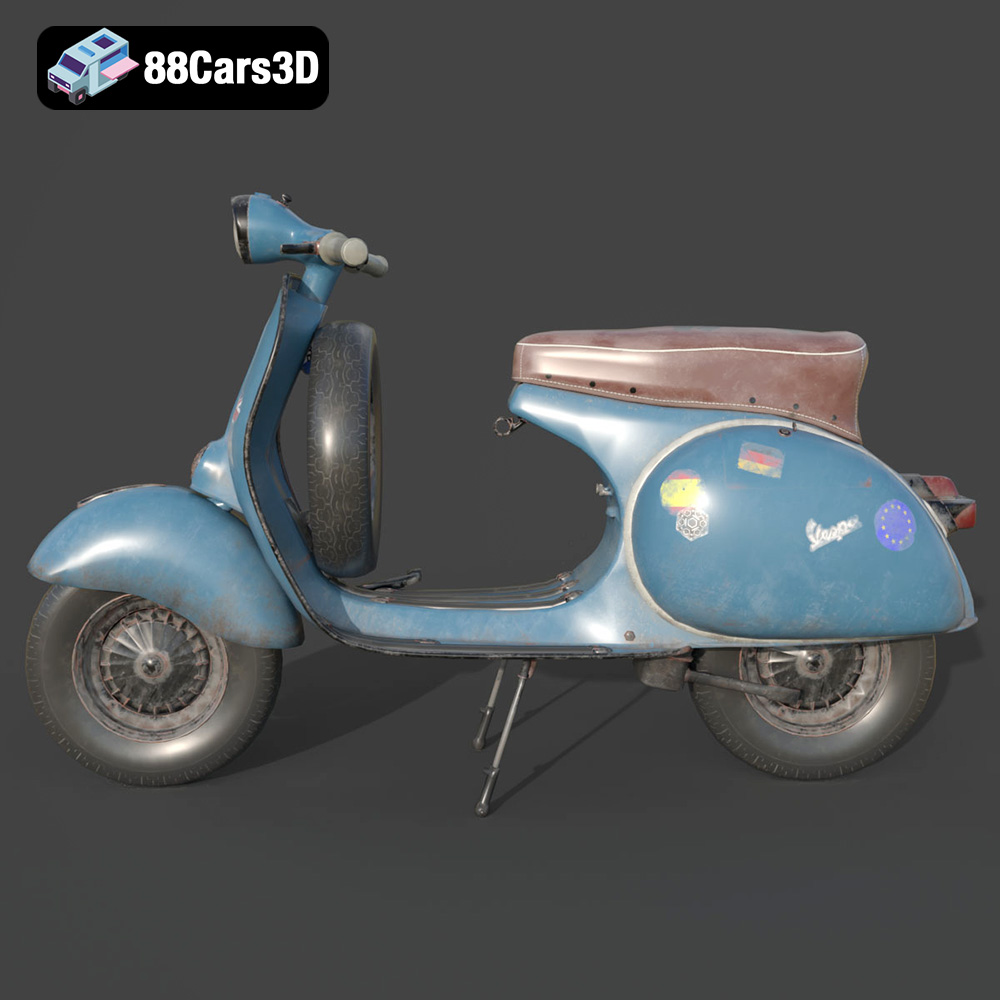
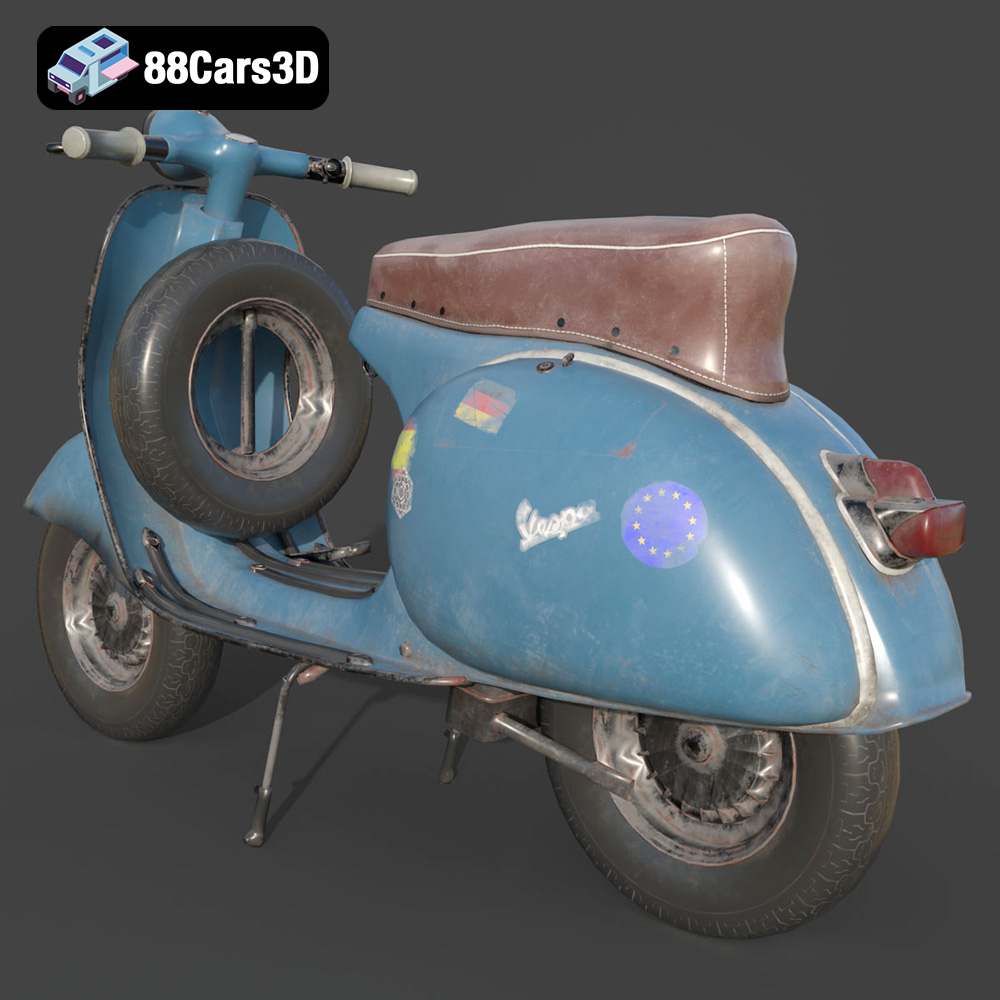
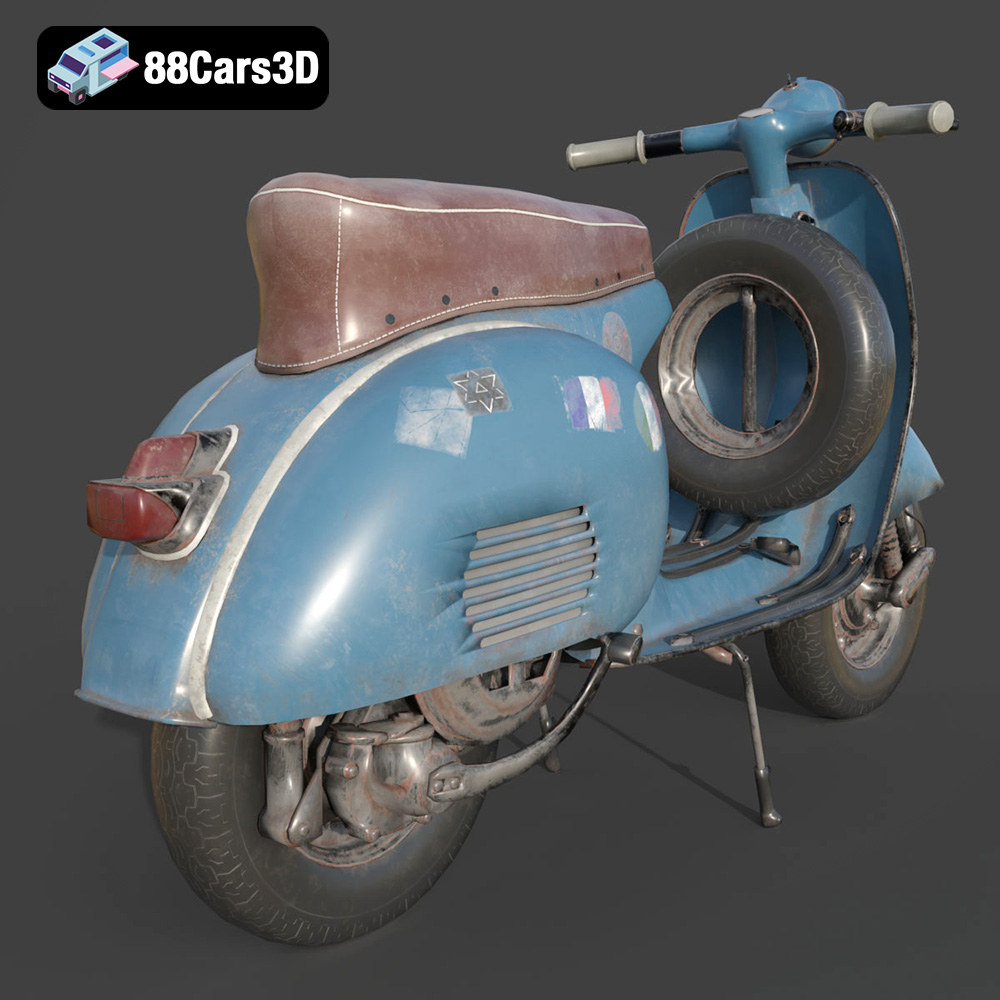
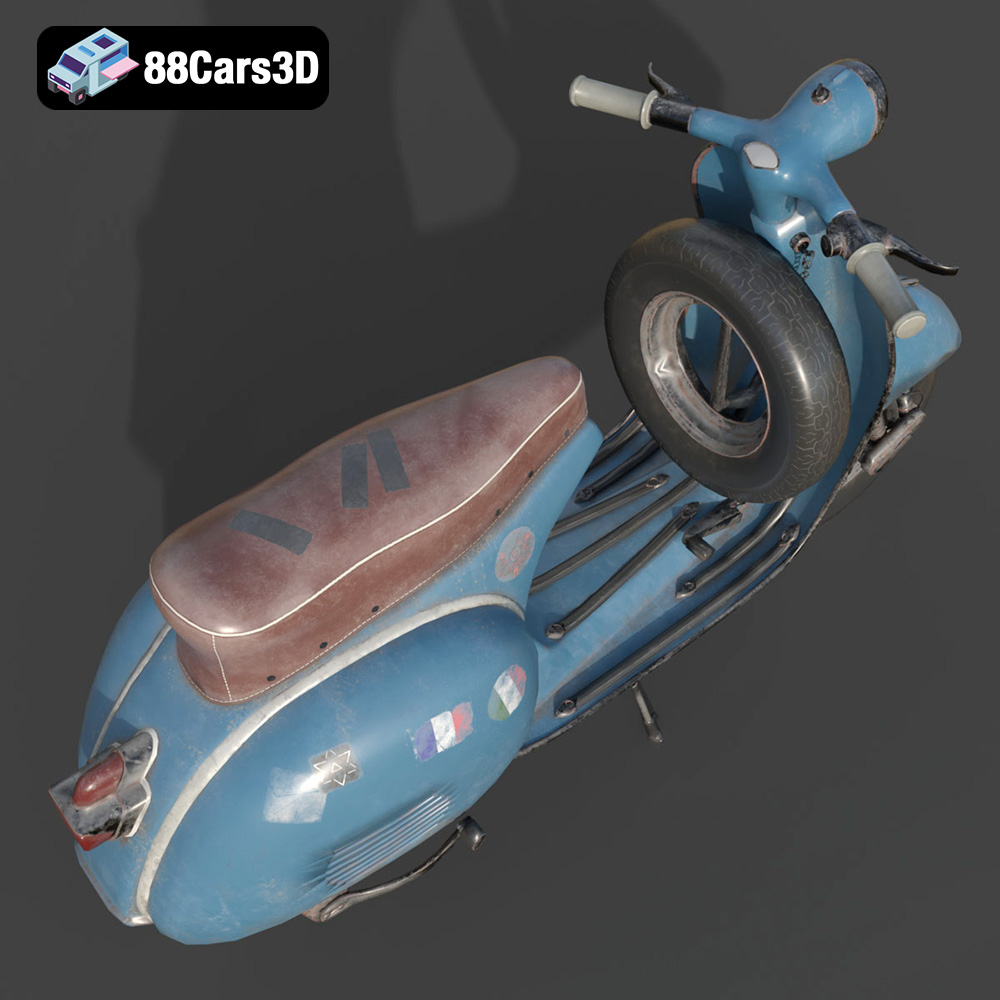
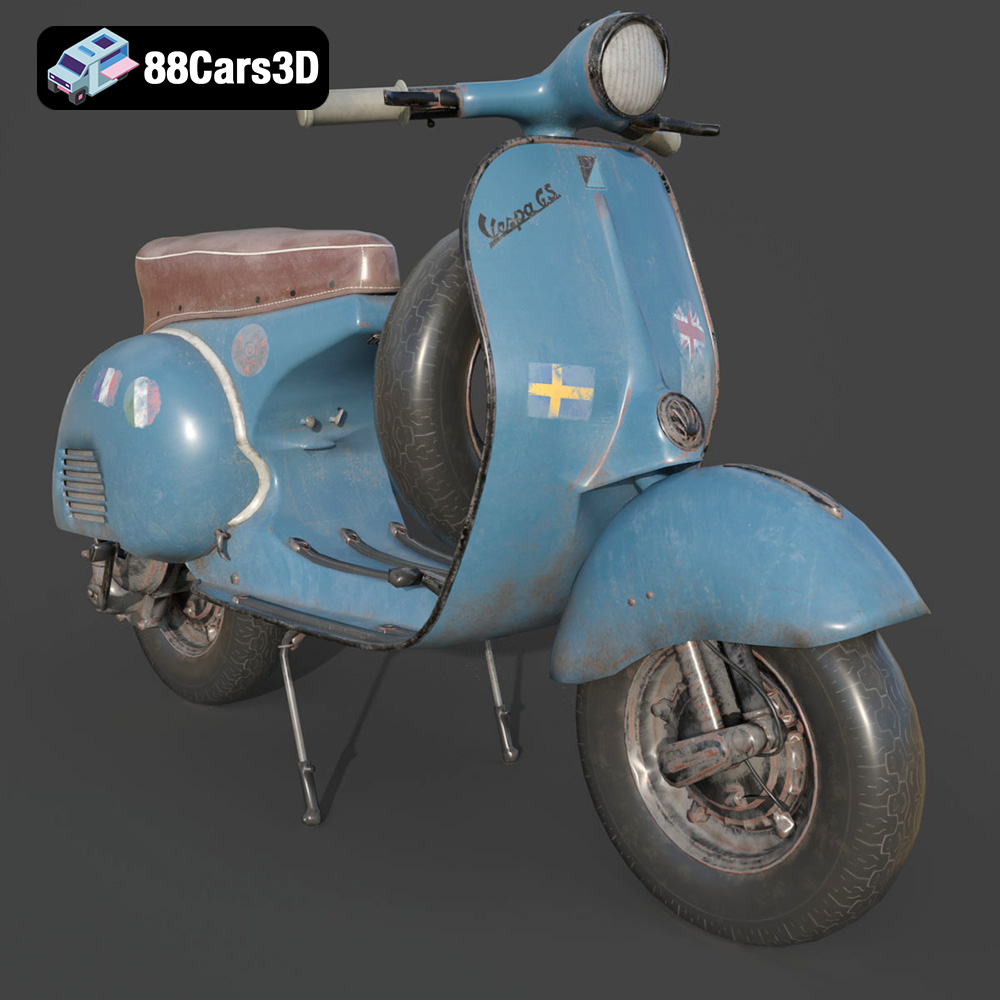
The Vespa GS 150 is a true icon of Italian design, and now you can bring this classic scooter to life with 3D printing. The stunning level of detail captured in the 3D model available at 88cars3d.com makes it a fantastic project for both seasoned 3D printing enthusiasts and those looking to tackle a slightly more complex build. This guide will walk you through everything you need to know to successfully 3D print your own Vespa GS 150 model, from pre-print preparation to post-processing and finishing.
The 3D model of the Vespa GS 150 can be successfully printed using both Fused Deposition Modeling (FDM) and Stereolithography (SLA) printing technologies. However, the optimal choice depends on the desired level of detail and the intended use of the final model.
FDM printing, which extrudes melted plastic filament layer by layer, is a widely accessible and affordable option. For the Vespa GS 150, FDM is well-suited for larger scale models (1:12 or larger) where layer lines are less noticeable. Consider using a nozzle size of 0.4mm or smaller to improve detail. PLA is a good starting point, being easy to print and readily available. However, PETG offers greater durability and heat resistance, making it a superior choice if the model will be exposed to sunlight or higher temperatures.
SLA printing, using a laser or projector to cure liquid resin, offers significantly higher resolution and is ideal for smaller scale models (1:18 or 1:24) of the Vespa GS 150 where fine details are paramount. Resin printing excels at capturing the intricate curves, small features, and surface details of the scooter. Standard resin is a good option for display models, but tougher resins are recommended for models that will be handled frequently or subjected to stress. When working with resin, remember to take proper safety precautions like using gloves and working in a well-ventilated area.
Selecting the correct file format for your 3D printing project is crucial for ensuring compatibility with your slicing software and achieving the desired print quality. Different file formats cater to various applications, from 3D printing to rendering and game development. The 3D models on 88cars3d.com are available in multiple formats, including .stl, .obj, .ply, .blend, .fbx, .glb, and .max.
The .stl (Stereolithography) file format has become the de facto standard for 3D printing. It represents the surface geometry of a 3D object as a collection of triangles. This format is universally supported by slicing software, making it highly compatible across different 3D printers and platforms. The .stl format stores only the mesh data, meaning it does not contain information about color, texture, or materials. When preparing an .stl file for printing, it’s important to ensure that the mesh is watertight (i.e., has no holes) and that the triangles are correctly oriented to avoid printing errors. The resolution of the .stl file, determined by the size and number of triangles, affects the smoothness and accuracy of the printed model. Higher resolution .stl files result in more detailed prints but can also increase file size and processing time. Slicing software interprets the .stl file and generates the G-code instructions that guide the 3D printer’s movements.
While .stl is the primary format for 3D printing, understanding other available formats can be beneficial for customization and integration with other workflows:
Regardless of the file format you choose, the quality of the 3D mesh is paramount for successful 3D printing. A well-designed mesh should be free of errors such as non-manifold edges, flipped normals, and intersecting faces. Slicing software like Cura, PrusaSlicer, Simplify3D, and Chitubox are essential tools for converting the 3D model into printable instructions. These programs allow you to adjust various settings, including layer height, infill density, support structures, and print speed, to optimize the printing process. It’s crucial to select a slicing software that is compatible with your 3D printer and that offers the necessary features for fine-tuning the print parameters.
Before sending the Vespa GS 150 model to your 3D printer, thorough preparation is essential for ensuring a successful print. This includes model repair, orientation, and support generation.
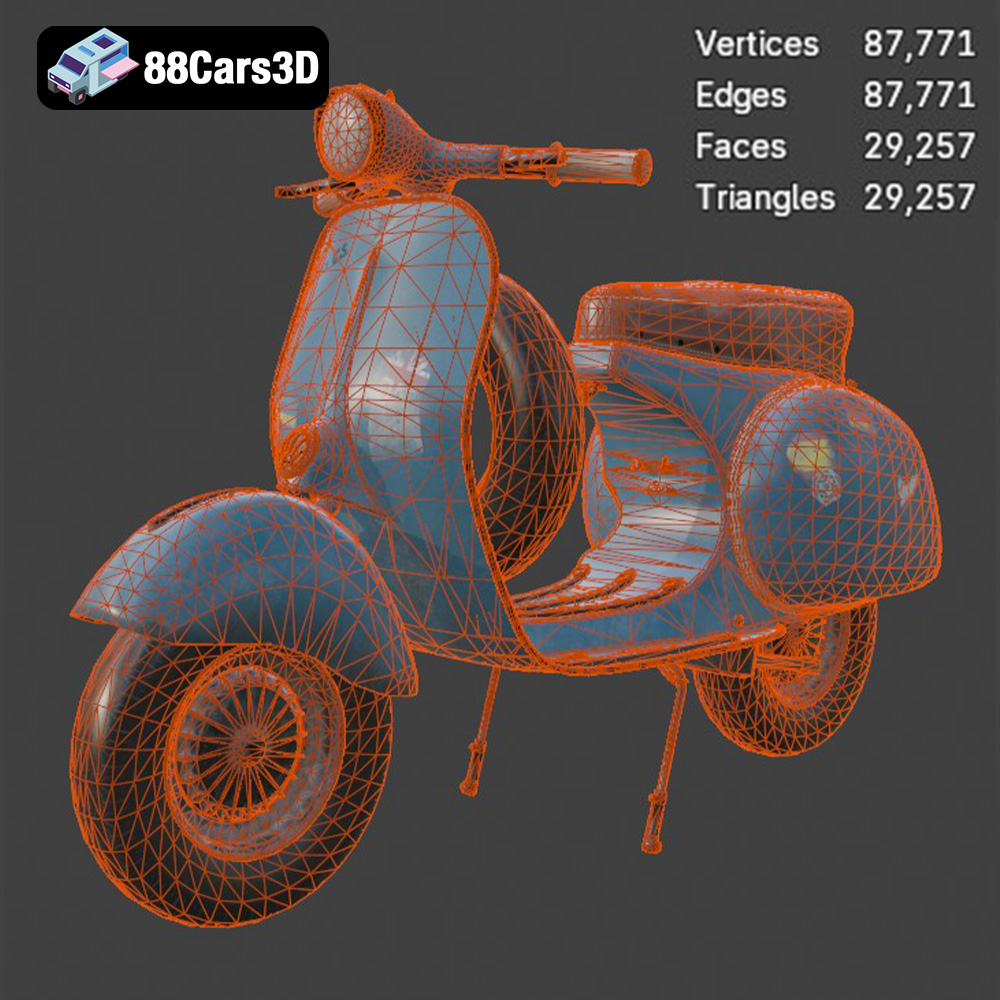
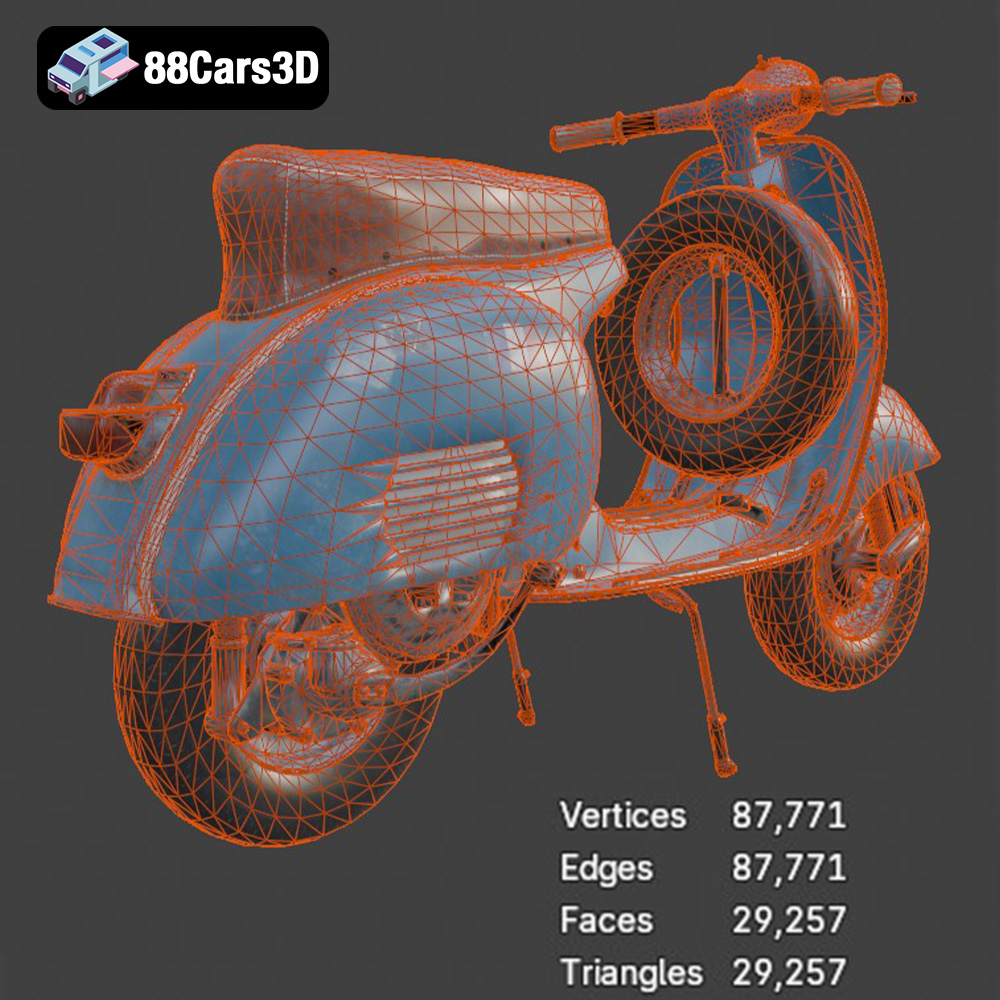
Even high-quality 3D models can sometimes contain minor imperfections that can lead to printing errors. Use software like MeshMixer or Netfabb to check for and repair any issues such as non-manifold edges, holes in the mesh, or flipped normals. Optimizing the mesh involves reducing the polygon count without sacrificing detail, which can improve slicing performance and reduce file size. This is especially useful for complex models like the Vespa GS 150.
The orientation of the model on the build plate significantly impacts print quality, strength, and the amount of support material required. For the Vespa GS 150, orienting the frame at an angle (approximately 45 degrees) can improve structural integrity and minimize the need for supports on critical surfaces. Separating the wheels, handlebars, and other smaller parts and printing them separately can also yield better results. Use your slicing software to generate appropriate support structures for overhanging features like the exhaust, mirrors, and handlebars. Carefully consider the support placement to minimize the impact on the final surface finish.
The right printer settings and material choice are critical for achieving a high-quality 3D printed Vespa GS 150 model. These settings should be adjusted based on the type of 3D printer (FDM or SLA) and the desired outcome.
For FDM printing, start with these recommended settings:
For resin printing, use these settings as a starting point:
Post-processing is essential for achieving a polished and professional finish on your 3D printed Vespa GS 150 model. This includes removing supports, sanding, priming, and painting.
Carefully remove the support structures using clippers or pliers. Take your time to avoid damaging the model. Sand down any remaining support marks or imperfections using progressively finer grits of sandpaper (e.g., 220, 400, 600 grit). Focus on smoothing out layer lines and creating a uniform surface. For resin prints, clean the model with isopropyl alcohol to remove any uncured resin.
Apply a thin coat of primer to the entire model. This will help to smooth out any remaining imperfections and provide a better surface for the paint to adhere to. Allow the primer to dry completely before sanding it lightly with fine-grit sandpaper. Apply several thin coats of your chosen paint colors, allowing each coat to dry thoroughly before applying the next. Consider using an airbrush for a more even and professional finish. Recreate the iconic colors of the Vespa GS 150, using photos and references for accuracy. Apply a clear coat to protect the paint and add a glossy or matte finish.
The Vespa GS 150 model may consist of several separate parts that need to be assembled. Use adhesive to join the parts together, ensuring proper alignment. Add fine details such as painting the instrument panel, adding small decals, or creating custom license plates to enhance the realism of the model.
The print time for the Vespa GS 150 model can vary significantly depending on the size, complexity, printer settings, and chosen 3D printing technology. A 1:12 scale model printed on an FDM printer may take 20-30 hours, while a smaller 1:24 scale model printed on a resin printer could take 10-15 hours. The material cost will also vary depending on the chosen filament or resin and the size of the model. A rough estimate for an FDM print is $10-$20 in filament, while a resin print might cost $15-$30 in resin.
Even with careful preparation, you may encounter some common 3D printing issues. Here are a few tips for troubleshooting:
By following this comprehensive guide, you can successfully 3D print your own Vespa GS 150 model and create a stunning replica of this iconic scooter. Remember to visit 88cars3d.com for high-quality STL files and other amazing 3D models.
The Vespa GS 150 (Gran Sport) is widely regarded as one of the most beautiful and iconic scooters ever produced. Known for its elegant aerodynamic curves, historical significance as the first mass-market sports Vespa, and unparalleled Italian styling, this classic masterpiece defined a generation. It features the signature swept-back leg shield, rounded side panels, and the distinctive 150cc two-stroke engine layout.
$39.99
.blend
.fbx
.glb
.max
.obj
.ply
.rendering
.scooter
.stl
.unreal
.vespa
classic-scooter
game asset
game-ready
gs-150
low-poly
motorcycle-3d-model
optimized
retro-scooter
scooter-3d-model
VR/AR