Get 20% OFF All Premium 3D & STL Models!

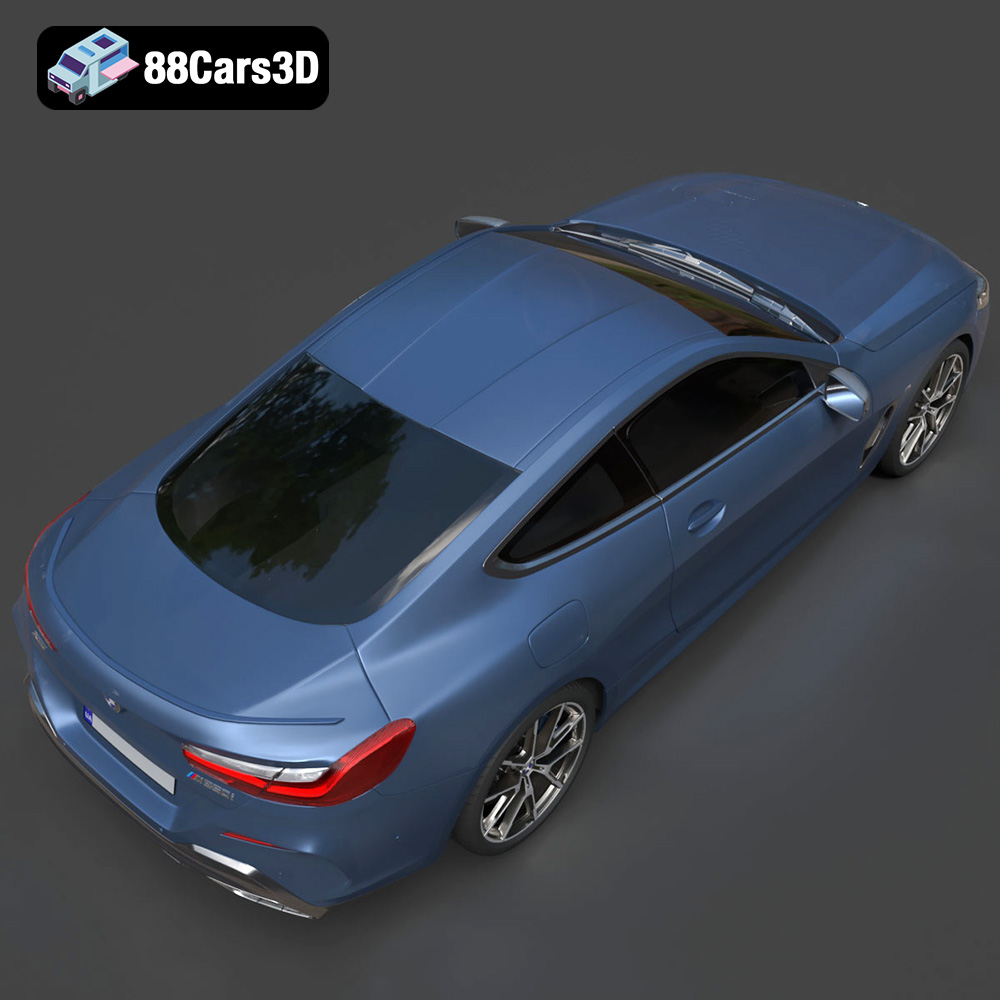
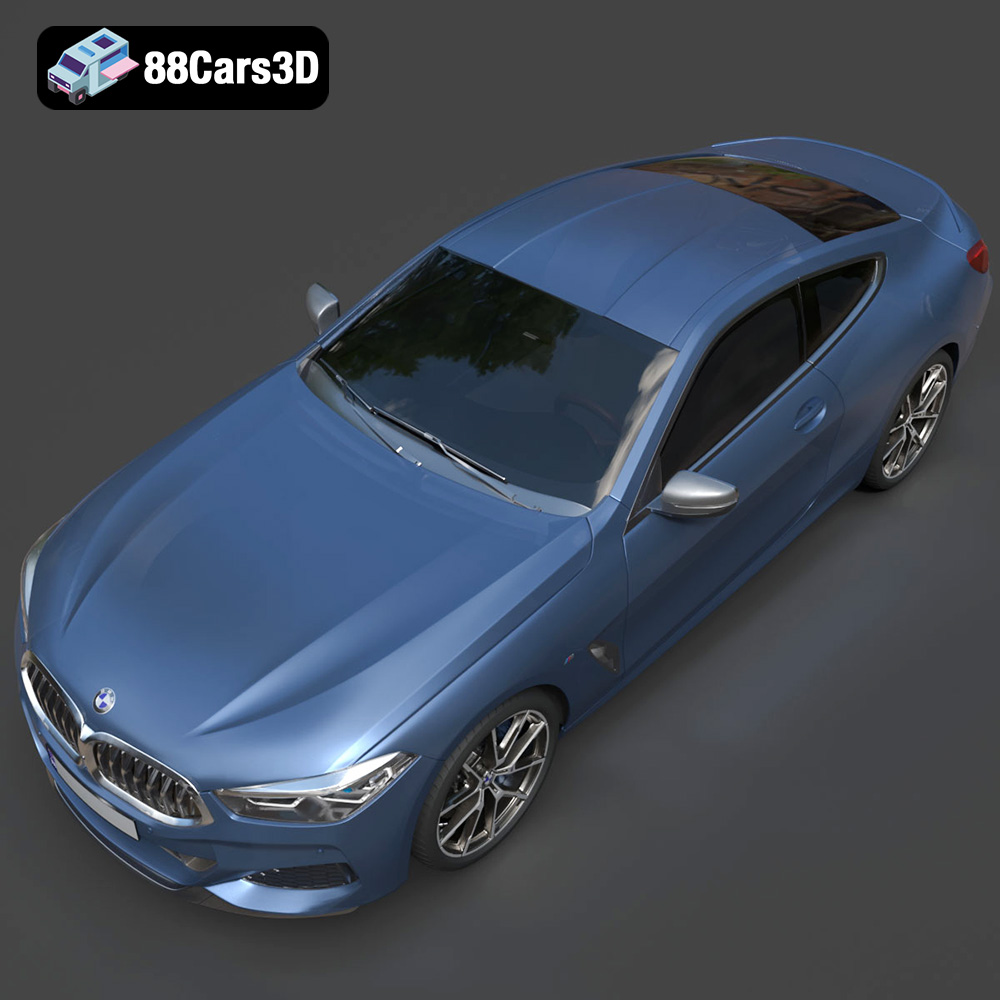
The BMW 8-Series M850i G15 Coupe is a stunning vehicle, a perfect blend of luxury and performance. Now, thanks to detailed 3D models available at places like 88cars3d.com, you can bring this iconic car to life through 3D printing. This guide will walk you through every step of the process, from preparing the STL files to post-processing your finished 3D printed model. Whether you’re a seasoned 3D printing enthusiast or just starting out, this guide will provide the technical insights needed for a successful print.
Selecting the right 3D printer is crucial for achieving a high-quality result when printing the BMW 8-Series M850i G15 Coupe 3D model. There are two primary types of 3D printers to consider: Fused Deposition Modeling (FDM) and Stereolithography (SLA).
FDM printers are generally more affordable and better suited for printing larger objects. They work by melting and extruding a thermoplastic filament, such as PLA or PETG, layer by layer. For the BMW M850i model, an FDM printer with a build volume of at least 200x200x200mm is recommended, especially if you plan to print the model in one piece. Key considerations for FDM printing include:
* **Nozzle Size:** A 0.4mm nozzle is a good starting point, but smaller nozzles (0.25mm or 0.3mm) can provide finer details at the expense of longer print times.
* **Heated Bed:** A heated bed is essential for ensuring proper adhesion of the first layer and preventing warping, particularly with materials like ABS or PETG.
* **Enclosure:** An enclosure helps maintain a consistent temperature during printing, which can improve the quality of prints with temperature-sensitive materials.
SLA printers use a laser or projector to cure liquid resin, creating highly detailed and accurate parts. SLA printing is ideal for smaller, intricate components of the BMW M850i model, such as the wheels, mirrors, or interior details. Key considerations for SLA printing include:
* **Resin Type:** Standard resin is a good starting point, but tougher resins can provide greater durability.
* **Layer Height:** Lower layer heights (e.g., 0.05mm or 0.025mm) will result in smoother surfaces and finer details.
* **Support Removal:** SLA prints require supports, which can be more challenging to remove than FDM supports.
Choosing the right file format is essential for ensuring a smooth 3D printing process. The BMW 8-Series M850i G15 Coupe 3D model from 88cars3d.com is available in several formats, each with its own strengths and weaknesses. Understanding these formats will help you optimize the model for printing.
* **.stl:** The industry standard for 3D printing. STL (Stereolithography) files represent the surface geometry of a 3D object as a collection of triangles. This format is widely supported by slicing software and 3D printers, making it a reliable choice. However, STL files only contain mesh data, meaning they don’t include color, texture, or material information.
* **.obj:** A more versatile format that supports color and texture information, in addition to the mesh geometry. OBJ files are often used in rendering and game development. While some slicing software can import OBJ files, they are not as universally supported as STL files. The compatibility depends greatly on the slicer being used.
* **.ply:** A precision mesh format that can store high-detail information, including color and texture. PLY (Polygon File Format) files are often used for 3D scanning and reverse engineering. Similar to OBJ, PLY files are not as widely supported as STL files for 3D printing.
* **.blend:** The native file format for Blender, a popular open-source 3D modeling software. BLEND files contain the entire Blender scene, including the model geometry, materials, lighting, and animations. Before printing, you need to export the model from Blender to a 3D printing-friendly format like STL. This allows you to make any modifications to the model before sending it to a slicer.
* **.fbx:** A proprietary file format developed by Autodesk. FBX (Filmbox) is commonly used for exchanging 3D data between different software applications, such as 3D modeling programs and game engines. It supports mesh geometry, materials, textures, and animations. While FBX files can be imported into some slicing software, they are primarily intended for rendering and animation.
* **.glb:** GLB (Binary glTF) is a file format designed for efficient transmission and loading of 3D models on the web. It’s often used for AR/VR applications and web-based visualization. GLB files can contain mesh geometry, materials, textures, and animations. For 3D printing, it’s best to convert GLB files to STL files.
* **.max:** The native file format for 3ds Max, a professional 3D modeling and animation software. MAX files contain the entire 3ds Max project, including the model geometry, materials, lighting, and animations. Similar to BLEND files, you need to export the model from 3ds Max to a 3D printing-friendly format like STL before printing.
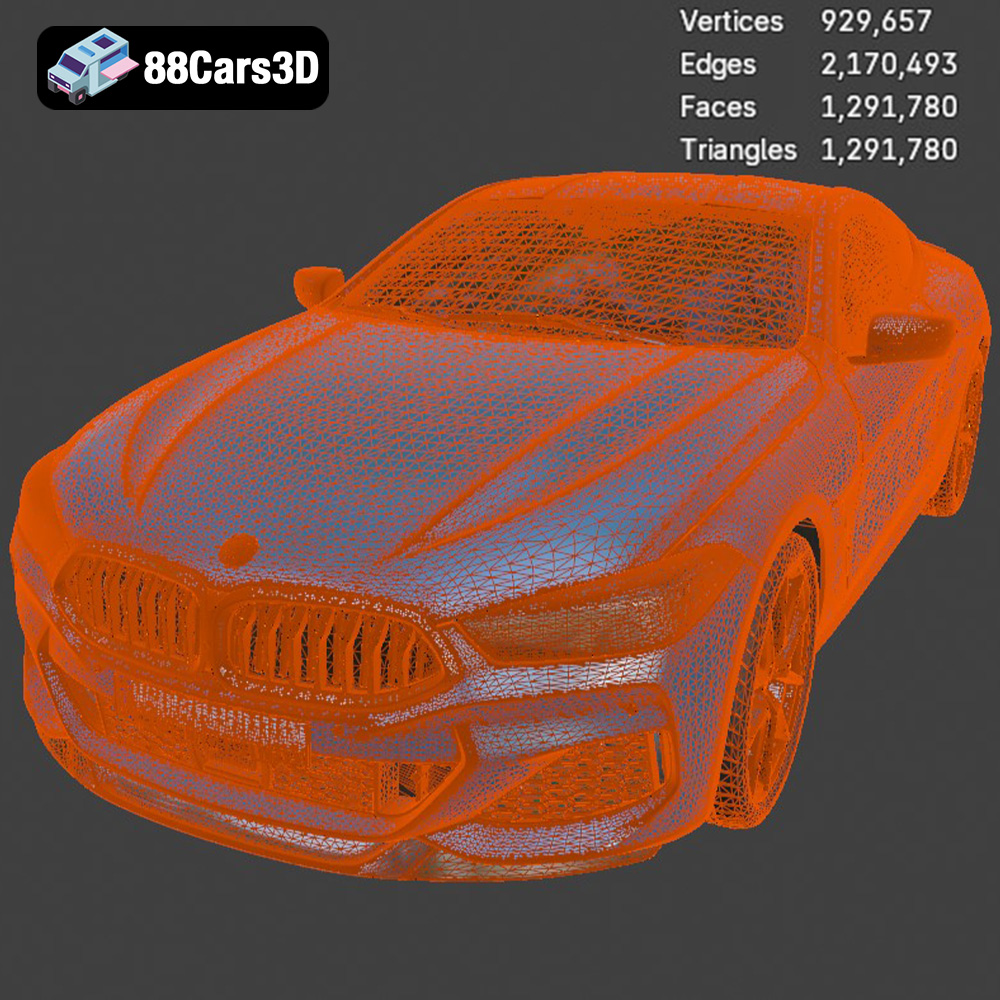
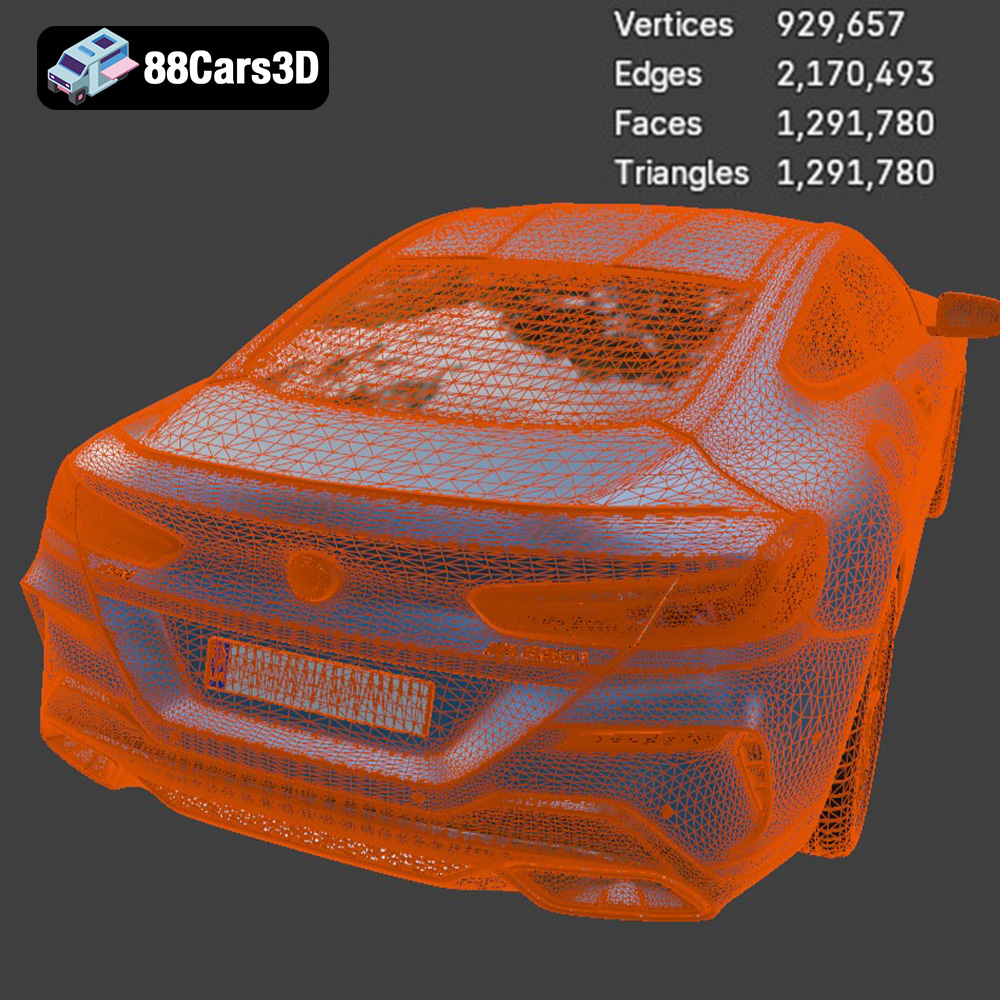
For 3D printing, the **STL** format is the most reliable choice. It’s universally compatible with slicing software, and its mesh-only structure ensures that the model geometry is accurately translated to the printer. Before exporting the STL file, ensure that the mesh quality is sufficient for your desired print resolution. A higher mesh density will result in a smoother surface, but it will also increase the file size and processing time. It’s crucial to balance detail with practicality. Most slicing software allows you to adjust the mesh resolution during import, so you can fine-tune the settings to achieve the best results.
Before you can start printing, you need to prepare the 3D model using slicing software. This process involves converting the 3D model into a series of instructions that the 3D printer can understand. Popular slicing software options include Cura, PrusaSlicer, Simplify3D, and Chitubox (for resin printers).
The orientation of the BMW M850i model on the print bed can significantly impact the print quality and the amount of support material required. Consider these factors when choosing the orientation:
* **Minimizing Support:** Orient the model to minimize the amount of overhanging features that require support. For example, printing the car body with the roof facing up may reduce the need for supports inside the cabin.
* **Surface Finish:** Choose an orientation that places the most important surfaces (e.g., the exterior body panels) facing upwards, as these will typically have the smoothest finish.
* **Adhesion:** Ensure that the model has a stable base for adhesion to the print bed. You may need to add a brim or raft to improve adhesion, especially for larger models or materials that are prone to warping.
Support structures are necessary for printing overhanging features. Slicing software can automatically generate supports, but you may need to manually adjust their placement and density to optimize their effectiveness and ease of removal. Consider these support settings:
* **Support Density:** A higher support density provides more stability but can be more difficult to remove.
* **Support Pattern:** Choose a support pattern that is easy to break away, such as a zigzag or tree-like structure.
* **Support Interface:** A support interface creates a thin layer between the support and the model, making it easier to remove the supports without damaging the surface.
The following print settings are recommended as a starting point for printing the BMW M850i model. You may need to adjust these settings based on your specific printer, material, and desired print quality:
* **Layer Height:** 0.1mm to 0.2mm for FDM, 0.025mm to 0.05mm for SLA.
* **Infill Density:** 15% to 25% for FDM (adjust based on desired strength and weight).
* **Print Speed:** 40mm/s to 60mm/s for FDM.
* **Temperature:** Adjust based on the material manufacturer’s recommendations.
* **Bed Adhesion:** Use a brim or raft if necessary.
The choice of material will impact the final look and feel of your 3D printed BMW M850i model. Here are some common materials and their respective advantages:
PLA (Polylactic Acid) is a biodegradable thermoplastic that is easy to print and widely available. It’s a good choice for beginners due to its low printing temperature and minimal warping. PLA is suitable for creating display models but may not be durable enough for functional parts.
PETG (Polyethylene Terephthalate Glycol-modified) offers a good balance of strength, flexibility, and ease of printing. It’s more durable than PLA and has better temperature resistance. PETG is a good option for creating parts that need to withstand some stress.
ABS (Acrylonitrile Butadiene Styrene) is a strong and durable thermoplastic that is commonly used in automotive and engineering applications. However, ABS is more difficult to print than PLA or PETG due to its high printing temperature and tendency to warp. An enclosed printer is highly recommended for printing ABS.
Resin offers the highest level of detail and is ideal for small, intricate parts. However, resin prints tend to be more brittle than FDM prints and require post-curing under UV light.
Once the printing is complete, post-processing is necessary to achieve a polished finish. This may involve removing supports, sanding, filling, and painting.
Carefully remove the support structures using pliers or a sharp knife. Be patient and avoid applying excessive force, as this could damage the model. Once the supports are removed, use sandpaper to smooth out any rough edges or imperfections. Start with a coarse grit sandpaper (e.g., 220 grit) and gradually move to finer grits (e.g., 400 grit, 600 grit, 800 grit) for a smoother finish.
If there are any gaps or imperfections in the model, use a filler to fill them in. Epoxy putty or spot putty are good options. Once the filler is dry, sand it smooth. Apply a primer to the model to create a uniform surface for painting.
Use acrylic paints or automotive paints to paint the BMW M850i model. Apply multiple thin coats of paint for a smooth, even finish. Consider using masking tape to create intricate details, such as the window trim or badges. Applying a clear coat will protect the paint and give the model a glossy finish.
Even with careful preparation, 3D printing can sometimes be challenging. Here are some common issues and their solutions:
* **Warping:** Ensure that the bed is properly leveled and heated. Use a brim or raft to improve adhesion.
* **Layer Separation:** Increase the printing temperature or reduce the print speed.
* **Stringing:** Reduce the retraction distance or increase the travel speed.
* **Poor Bed Adhesion:** Clean the bed with isopropyl alcohol or apply a bed adhesive.
* **Over-Extrusion/Under-Extrusion:** Calibrate the extruder and adjust the flow rate.
By understanding these common issues and their solutions, you can troubleshoot problems and improve the quality of your 3D prints. Remember, 3D printing is a process of experimentation and refinement, so don’t be afraid to try different settings and techniques to achieve the best results. And remember, 88cars3d.com provides high-quality models, which minimizes potential printing issues.
Experience unparalleled realism with the BMW 8-Series M850i G15 Coupe 2019 3D Model. Designed to meet professional standards, this model captures the sleek proportions and aggressive styling of the iconic luxury sports coupe, ensuring exceptional visual fidelity for any digital project.
$39.99
.8series
.arvr
.blend
.bmw
.car3dmodel
.coupe
.fbx
.g15
.gameasset
.glb
.luxurycar
.m850i
.max
.obj
.ply
.rendering
.simulation
.sportsCar
.stl
.unreal