Get 20% OFF All Premium 3D & STL Models!

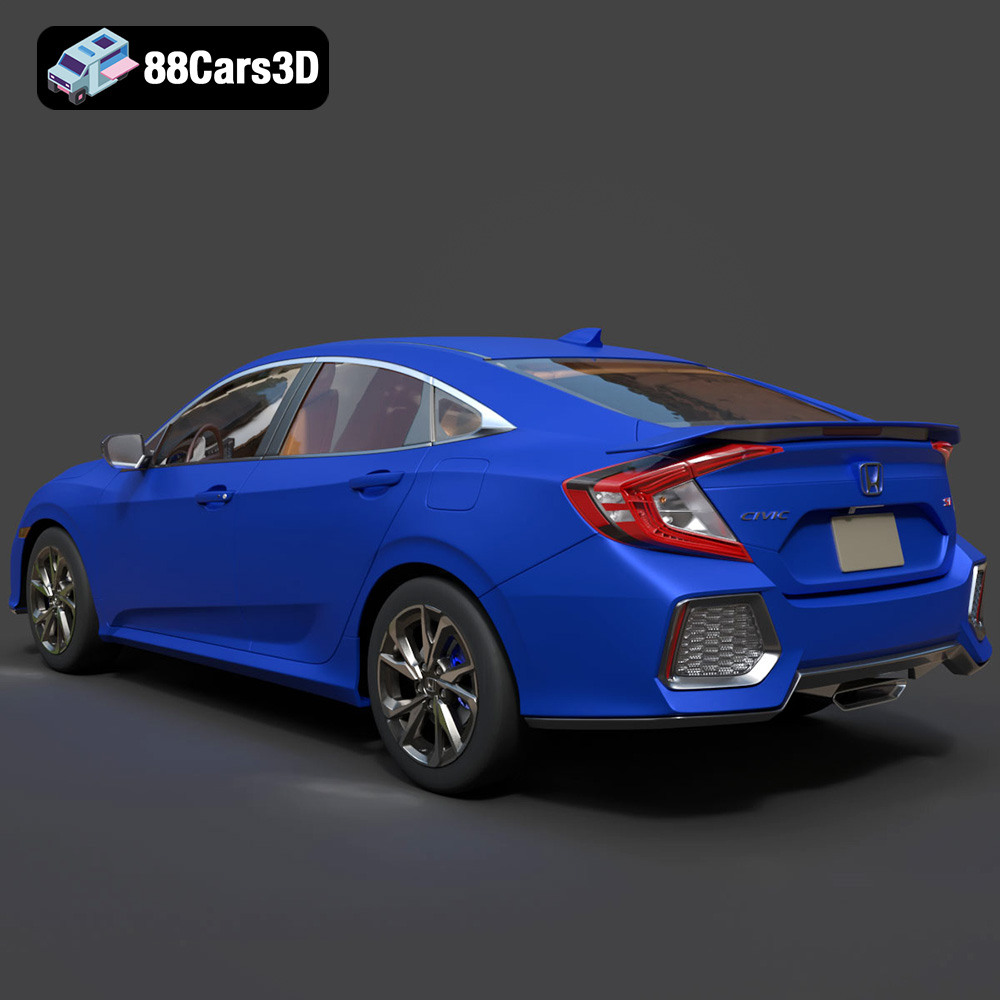
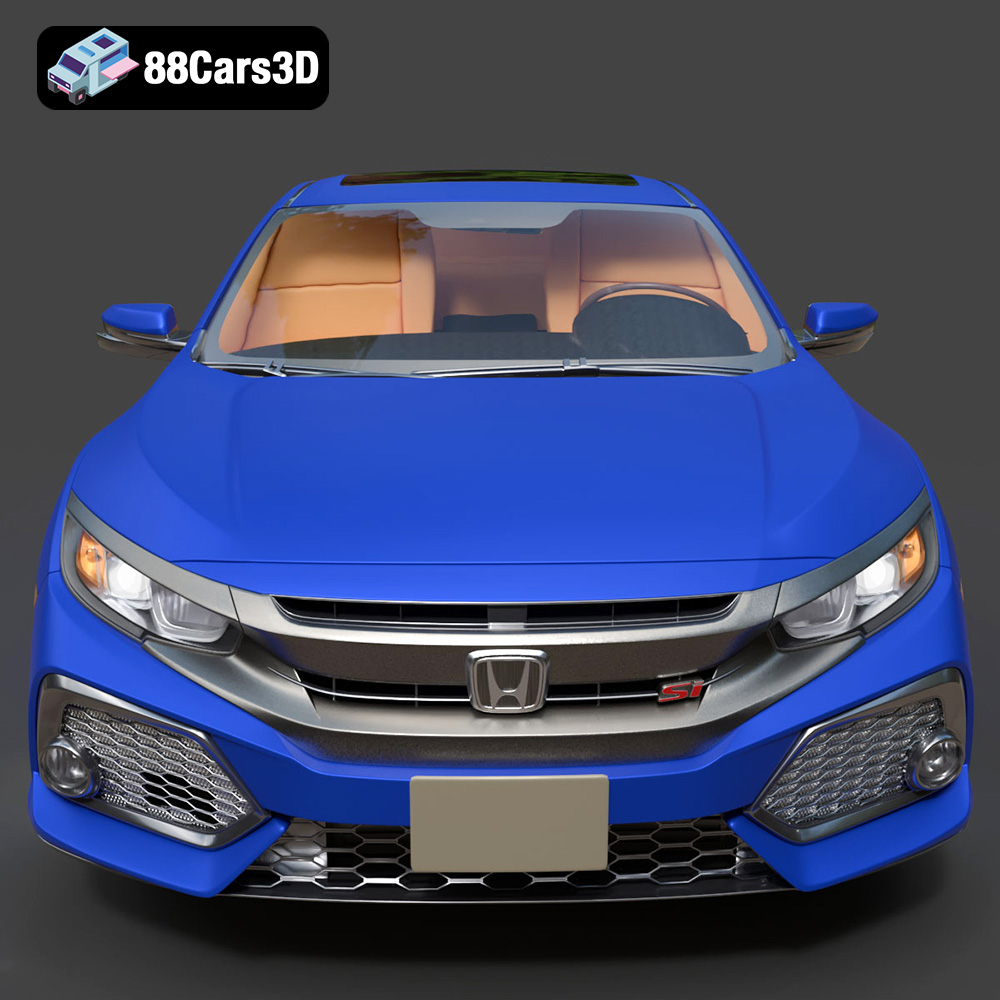
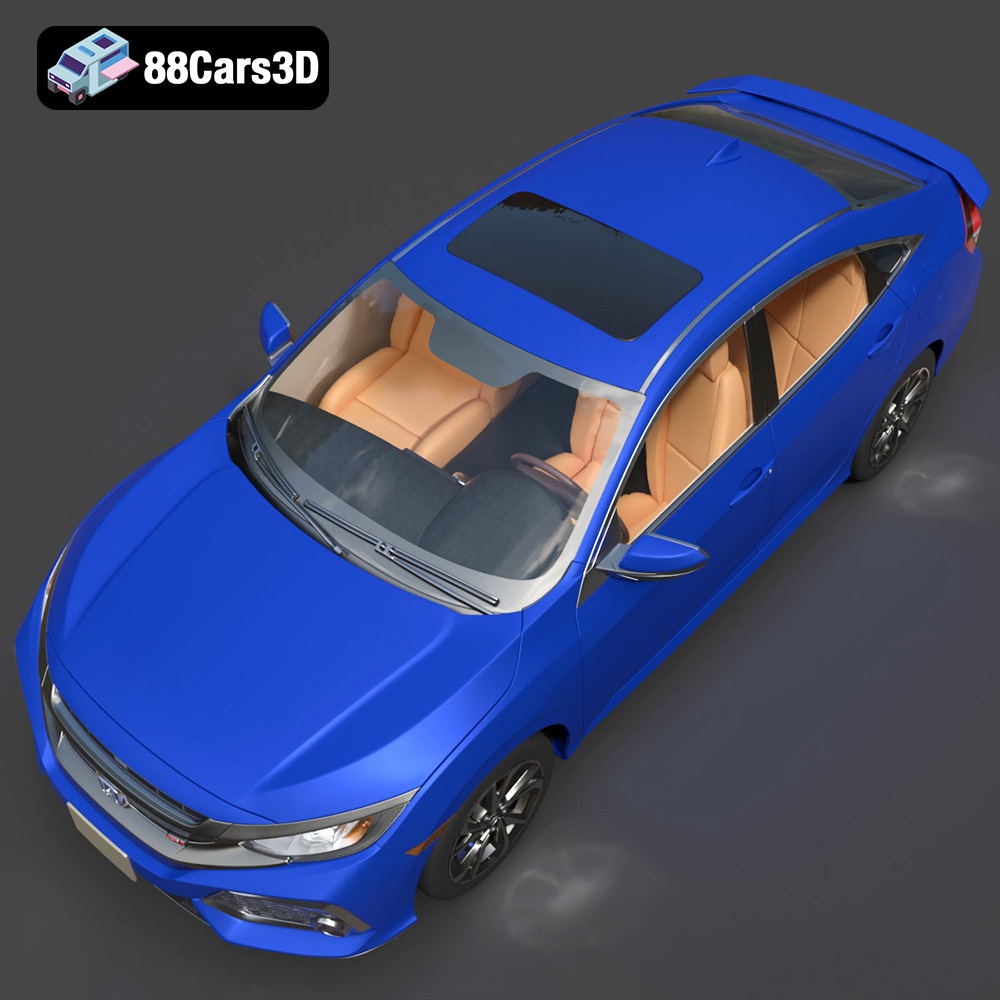
The Honda Civic Si Sedan 2017, a car known for its sporty handling and iconic design, is now within reach in the physical world, thanks to the magic of 3D printing. With a high-quality 3D model, like the one available at 88cars3d.com, you can create your own miniature replica of this beloved vehicle. This article delves into the intricacies of 3D printing this model, covering everything from pre-print preparation to post-processing techniques, ensuring a successful and satisfying project.
The success of your 3D printed Honda Civic Si Sedan 2017 hinges on selecting the appropriate 3D printing technology and printer.
FDM is the most common and affordable 3D printing technology. It works by extruding melted plastic filament layer by layer to build the object.
* **Pros:** Affordable, wide range of materials (PLA, PETG, ABS), relatively easy to use.
* **Cons:** Lower resolution compared to resin printing, visible layer lines, may require more post-processing.
For the Honda Civic Si Sedan 2017 model, FDM is a viable option, especially for larger prints where fine details are less critical. PLA is a good starting point due to its ease of use and biodegradability. PETG offers increased strength and temperature resistance, making it suitable for parts that might be subjected to heat or stress.
SLA and DLP printers use resin and UV light to create objects. They offer higher resolution and finer details compared to FDM.
* **Pros:** Excellent detail, smooth surface finish, ideal for intricate designs.
* **Cons:** More expensive than FDM, limited material choices, requires post-curing process, resin can be messy and requires careful handling.
If you prioritize detail and a smooth finish for your Honda Civic Si Sedan 2017 model, SLA or DLP is the better choice. Resin printing is particularly well-suited for smaller-scale models where capturing the car’s fine lines and features is crucial.
Choosing the right file format is crucial for successful 3D printing. Different formats offer varying levels of detail, compatibility, and support for textures and colors.
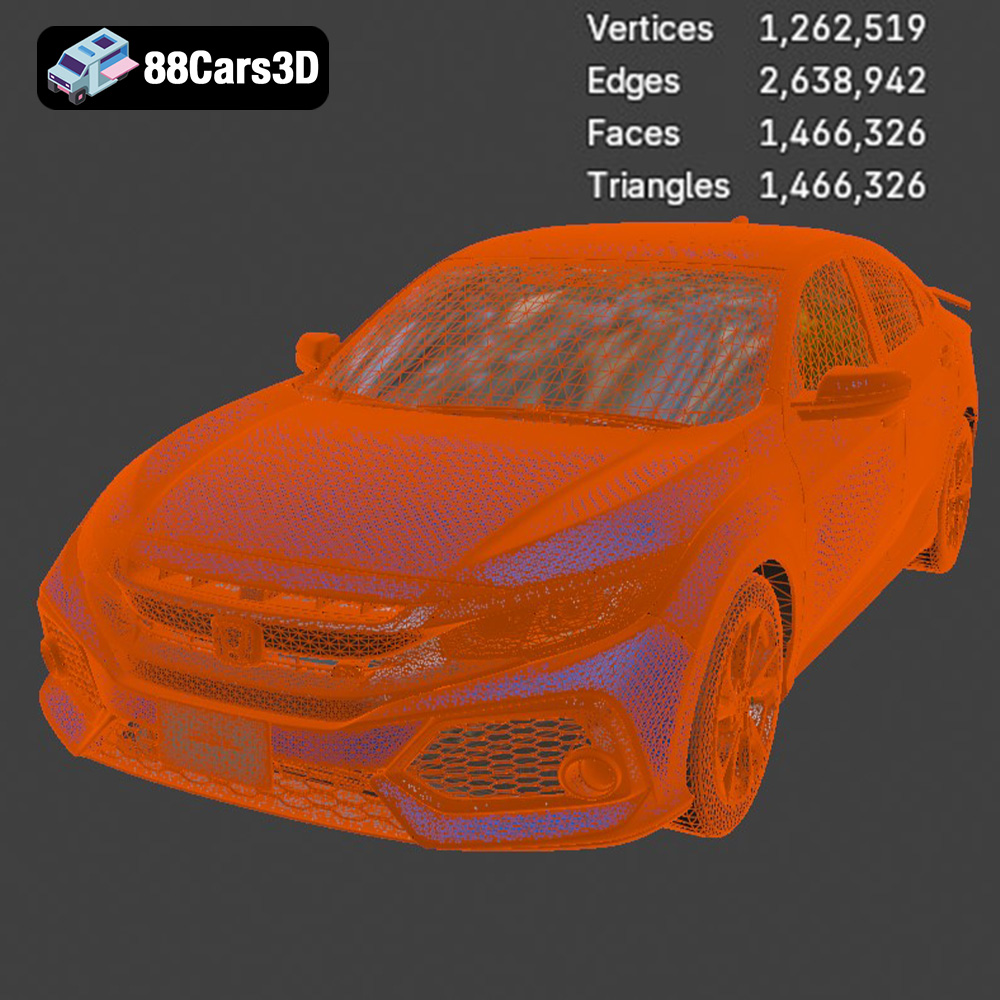
The STL (Stereolithography) format is the workhorse of 3D printing. It represents the surface geometry of a 3D object using a mesh of triangles. This simplicity makes it universally compatible with almost all 3D printers and slicing software. However, STL files only store geometric data; they do not contain information about color, texture, or materials. When exporting to STL, it’s crucial to consider the resolution or “fineness” of the mesh. A higher resolution will result in a more accurate representation of the original model but will also increase the file size and processing time. For the Honda Civic Si Sedan 2017 model, using a reasonable resolution STL ensures that the car’s curves and details are captured without creating an excessively large file. Slicing software converts the STL file into machine-readable instructions (G-code) that the 3D printer can understand. Therefore, STL is the primary format to focus on for 3D printing the Honda Civic Si Sedan 2017 model obtained from 88cars3d.com.
OBJ (or .OBJ) files are another common 3D model format, offering a significant advantage over STL: support for color and texture information. This makes OBJ suitable for colored 3D prints or for projects where the model’s surface appearance is important. However, not all 3D printers support color printing directly, and even fewer support OBJ textures directly. When printing with an OBJ file, the slicing software needs to be able to interpret the texture information and translate it into printer instructions.
PLY (Polygon File Format) is designed for storing 3D data acquired from 3D scanners. It supports color, texture, and other properties associated with each vertex. While it offers excellent precision, it’s less commonly used in general 3D printing compared to STL and OBJ.
BLEND files are the native format for Blender, a free and open-source 3D creation suite. They contain the entire Blender scene, including the model, materials, lighting, and other settings. While you can’t directly 3D print a BLEND file, it provides the greatest flexibility for modifying the model before exporting it to a printable format like STL.
FBX (Filmbox) is a proprietary format developed by Autodesk for interoperability between different 3D applications. It supports complex data such as animations, materials, and textures. While FBX can be imported into some slicing software, it is more commonly used for transferring models between different 3D programs rather than direct 3D printing.
GLB is a binary file format for representing 3D models. It is optimized for web and mobile applications, particularly for Augmented Reality (AR) experiences. You can use GLB files to preview how the Honda Civic Si Sedan 2017 model would look in the real world before committing to a 3D print.
MAX files are the native format for 3ds Max, another popular 3D modeling software. Like BLEND files, MAX files allow for extensive modification of the 3D model before exporting it to a printable format.
For 3D printing, STL remains the dominant format due to its simplicity and universal compatibility. However, understanding the other formats available, especially if you intend to modify the model or explore colored printing, is essential.
Before you can send the Honda Civic Si Sedan 2017 model to your 3D printer, you need to prepare it using slicing software. This software converts the 3D model into a series of layers that the printer can understand and creates the necessary support structures.
Several excellent slicing software options are available, both free and paid. Popular choices include:
* **Cura:** A free, open-source slicer with a user-friendly interface and a wide range of settings.
* **PrusaSlicer:** Another excellent free slicer, known for its advanced features and accurate print estimations.
* **Simplify3D:** A paid slicer offering advanced control and customization options.
For beginners, Cura and PrusaSlicer are excellent choices. Simplify3D is a good option for more experienced users who want greater control over the printing process.
The orientation of the model on the print bed significantly impacts print quality and the need for support structures.
* **Orientation:** Experiment with different orientations to minimize overhangs and the amount of support material required. For the Honda Civic Si Sedan 2017 model, printing it with the roof facing upwards might be a good starting point, as it reduces the need for supports on the car’s body.
* **Supports:** Use support structures to prevent overhangs from collapsing during printing. Choose support settings carefully to balance support strength with ease of removal. Consider using tree supports, which use less material and are easier to remove than traditional linear supports.
Consider the desired size and strength of the printed model.
* **Scaling:** Adjust the model’s scale in the slicing software to achieve the desired size. Be mindful of the printer’s build volume limitations.
* **Infill Density:** Infill refers to the internal structure of the printed object. A higher infill density results in a stronger but heavier and more material-intensive print. For a display model, 15-20% infill is usually sufficient. For a functional model that needs to withstand stress, consider increasing the infill density to 50% or higher.
Achieving a high-quality 3D print requires careful adjustment of printer settings. These settings will vary depending on the chosen 3D printing technology and material.
* **Layer Height:** 0.1mm – 0.2mm (lower layer height for finer details)
* **Infill Density:** 15-20% (adjust based on desired strength)
* **Print Speed:** 40-60mm/s (slower speeds for better detail)
* **Support Type:** Tree supports or linear supports
* **Support Density:** 15-20%
* **Bed Adhesion:** Brim or raft (for better adhesion to the print bed)
* **Material:** PLA or PETG (PLA for ease of use, PETG for increased strength)
* **Layer Height:** 0.025mm – 0.05mm (lower layer height for finer details)
* **Exposure Time:** Adjust based on resin manufacturer’s recommendations (usually 6-12 seconds)
* **Lift Speed:** Moderate (to avoid warping)
* **Support Type:** Light supports (to minimize surface damage)
* **Support Density:** Adjust based on model complexity
* **Material:** Standard resin or tough resin (tough resin for increased durability)
Once the 3D printing process is complete, post-processing is essential to achieve a polished and professional-looking final product.
Carefully remove the support structures using pliers or a sharp knife. Be patient and avoid damaging the model’s surface. Sand the model using progressively finer grits of sandpaper to smooth out any imperfections and layer lines. Start with a coarse grit (e.g., 220) and gradually move to finer grits (e.g., 400, 600, 800).
Apply a primer to the model to create a smooth surface for painting. Use spray paint or an airbrush to apply the desired colors. Multiple thin coats are better than one thick coat to avoid drips and uneven coverage. Consider using automotive paints for a more realistic finish.
If the Honda Civic Si Sedan 2017 model consists of multiple parts, assemble them using glue or fasteners. Add details such as decals, mirrors, and lights to enhance the realism of the model.
Even with careful preparation, 3D printing can sometimes present challenges. Here are some common issues and their solutions:
* **Warping:** This occurs when the printed object detaches from the print bed during printing. Ensure the print bed is properly leveled and heated, and use a brim or raft for better adhesion.
* **Stringing:** This is caused by excessive oozing of filament during printing. Reduce the printing temperature and retraction settings.
* **Layer Shifting:** This can be caused by loose belts or stepper motors. Tighten the belts and check the stepper motor drivers.
* **Elephant’s Foot:** This is a widening of the first layer due to excessive bed adhesion. Adjust the Z-offset or reduce the bed temperature.
With patience and experimentation, you can overcome these challenges and achieve a successful 3D print of the Honda Civic Si Sedan 2017 model. Remember that the STL files from 88cars3d.com are designed to minimize these issues from the start.
The cost and time required to 3D print the Honda Civic Si Sedan 2017 model will vary depending on the printer, material, and settings used.
* **Material Cost:** A small-scale model printed in PLA could cost as little as $5-10 in material. A larger model printed in resin could cost $20-50 or more.
* **Print Time:** A small-scale FDM print could take 5-10 hours. A larger resin print with fine details could take 12-24 hours or more.
Keep in mind that these are just estimates. The actual cost and time may vary.
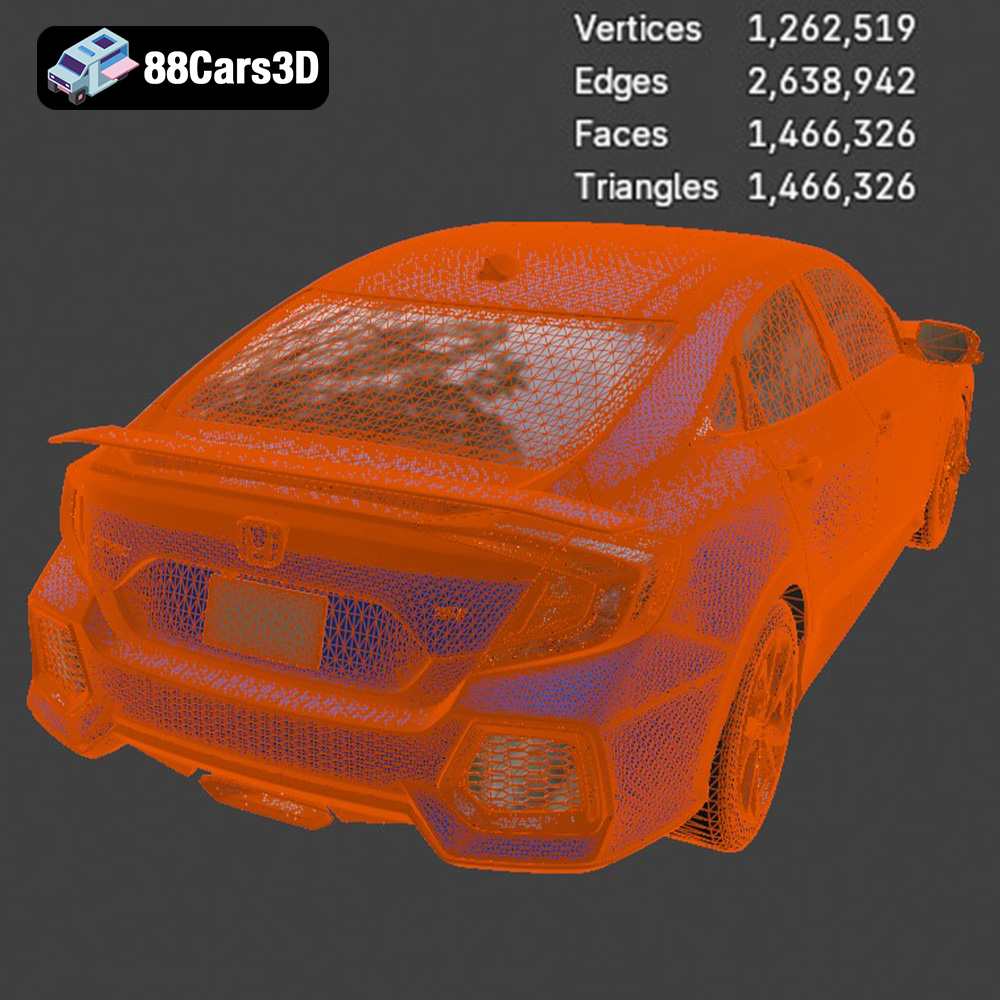
Experience unparalleled realism with the Honda Civic Si Sedan 2017 3D Model. This exceptionally detailed asset has been accurately modeled to represent the iconic exterior styling, dynamic lines, and precise proportions of the original vehicle. Engineered with clean geometry, professional topology, and realistic materials, this model delivers outstanding performance across various digital environments. Whether you are working on advanced game development, automotive rendering, AR/VR experiences, or technical visualization, this model provides the accuracy and fidelity required for top-tier digital productions.
$39.99
3D printing the Honda Civic Si Sedan 2017 model is a rewarding project that combines technology and creativity. By carefully selecting your printer, preparing the model, adjusting the settings, and applying post-processing techniques, you can create a stunning replica of this iconic car. Remember to leverage the high-quality STL files available at 88cars3d.com for optimal printing results. Embrace the challenge, experiment with different materials and techniques, and enjoy the satisfaction of bringing this virtual model to life in the real world. Happy printing!
.arvr
.blend
.car3dmodel
.civic
.compactcar
.fbx
.gameasset
.glb
.honda
.max
.obj
.ply
.rendering
.sedan
.si
.simulation
.stl
.unreal