Get 20% OFF All Premium 3D & STL Models!

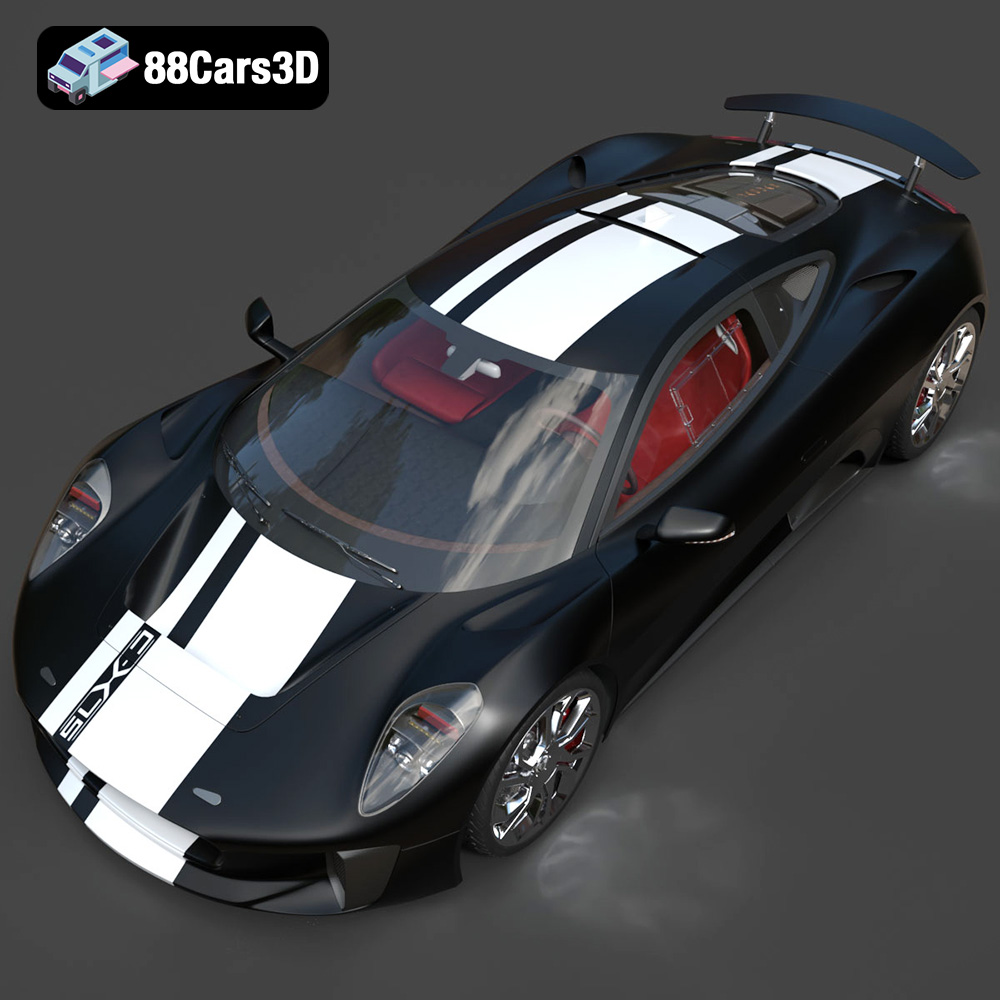
The Jaguar C-X75, a marvel of hybrid-electric engineering and stunning design, captured the imagination of automotive enthusiasts worldwide. Now, thanks to advancements in 3D printing technology, you can bring this iconic concept car to life. This guide will provide you with a detailed walkthrough on how to successfully 3D print the Jaguar C-X75 2014 3D Model available at 88cars3d.com, covering everything from pre-print preparation to post-processing techniques.
The complexity and detail of the Jaguar C-X75 3D model necessitate careful consideration when selecting a 3D printer. Both Fused Deposition Modeling (FDM) and Stereolithography (SLA) printers can be used, but each offers distinct advantages and disadvantages.
FDM printers, known for their versatility and affordability, are a popular choice for hobbyists and professionals alike. They work by extruding melted plastic filament layer by layer to build the object.
* **Advantages:** Lower initial cost, wider range of materials (PLA, PETG, ABS, etc.), larger build volumes.
* **Disadvantages:** Lower resolution compared to SLA, visible layer lines, potentially requiring more post-processing.
For the Jaguar C-X75, an FDM printer with a nozzle size of 0.4mm or smaller is recommended to capture finer details. Consider printers like the Creality Ender 3 S1 Pro or the Prusa i3 MK3S+ for their reliability and print quality.
SLA printers use a laser or projector to cure liquid resin layer by layer. This process results in parts with exceptional detail and smooth surfaces.
* **Advantages:** High resolution, smooth surface finish, ideal for intricate details.
* **Disadvantages:** Higher initial cost, limited material options (resin), smaller build volumes, requires more post-processing for resin removal and curing.
If you prioritize detail and surface finish, an SLA printer is an excellent choice. Consider printers like the Elegoo Mars 3 Pro or the Anycubic Photon Mono X for their high resolution and ease of use. The increased detail possible with SLA will truly make the C-X75’s lines pop.
Choosing the correct file format is paramount for a successful 3D printing experience. Several file formats exist for 3D models, each with its strengths and weaknesses regarding compatibility, detail retention, and ease of use with slicing software. For printing the Jaguar C-X75 model, understanding these nuances is crucial.
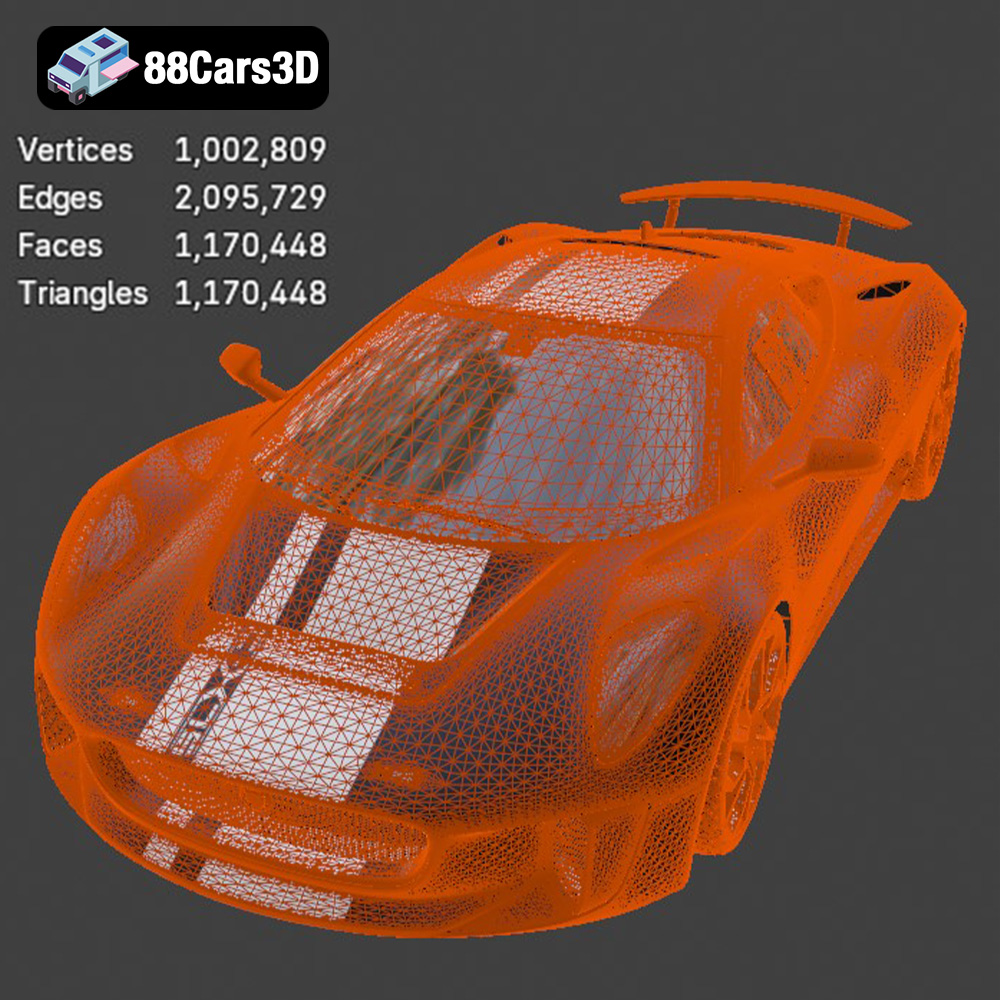
The STL (Stereolithography) format is the workhorse of 3D printing. It represents the surface geometry of a 3D object using a collection of triangles. This simplicity makes it universally compatible with virtually all slicing software and 3D printers. However, STL files only contain mesh data – they do not store information about color, texture, or materials. This means that any color or material assignments must be applied during the post-processing phase, after printing. For the Jaguar C-X75, the STL format is the primary choice for 3D printing due to its widespread support and ease of use. However, the resolution of the STL file is crucial. A low-resolution STL can result in a faceted or blocky print, especially on curved surfaces. Ensure that the STL file you use from 88cars3d.com is of high resolution to preserve the smooth, aerodynamic lines of the C-X75. Many slicing programs offer options for importing and repairing STL files, addressing common issues like holes, non-manifold edges, and self-intersections. These features are essential for ensuring a watertight model that will print successfully.
The OBJ (Object) format is another widely supported 3D model format. Unlike STL, OBJ files can store color and texture information, making them suitable for colored 3D prints (though not all 3D printers support multi-color printing). OBJ files also represent geometry as a mesh, but they can handle more complex geometry than STL files.
PLY (Polygon File Format) is designed for storing 3D data acquired from 3D scanners. It can represent color, texture, and other properties, but its primary strength lies in its ability to store highly detailed mesh data. While suitable for 3D printing, PLY files are less commonly used than STL or OBJ due to their larger file sizes and potential compatibility issues with some slicing software.
The BLEND file format is the native format for Blender, a free and open-source 3D creation suite. It contains the entire Blender scene, including the model, materials, textures, lighting, and animations. While not directly printable, the BLEND file allows you to customize the Jaguar C-X75 model before exporting it to a printable format like STL. This is particularly useful if you want to modify the model, add details, or split it into multiple parts for easier printing.
FBX (Filmbox) is a proprietary file format developed by Autodesk. It’s primarily used for exchanging 3D data between different software applications, particularly in the game development and animation industries. FBX files can store geometry, materials, textures, animations, and other scene data. While some slicing software can import FBX files, it’s less commonly used for direct 3D printing compared to STL or OBJ.
GLB (GL Transmission Format Binary) is a file format designed for efficient delivery and loading of 3D models, particularly in web-based and AR/VR applications. It’s a binary format that includes geometry, textures, and animations. While GLB is excellent for previewing the Jaguar C-X75 model in augmented reality before printing, it’s not directly used for 3D printing.
MAX is the native file format for 3ds Max, another professional 3D modeling and animation software package. Similar to BLEND files, MAX files contain the entire scene data, including the model, materials, textures, lighting, and animations. You can use the MAX file to customize the Jaguar C-X75 model before exporting it to a printable format like STL.
Once you’ve chosen your 3D printer and understand the file formats, the next step is to prepare the Jaguar C-X75 3D model for printing. This involves using slicing software to convert the 3D model into instructions that the printer can understand and optimizing the model for printability.
Slicing software takes the 3D model (typically in STL format) and slices it into layers, generating G-code instructions that control the printer’s movements, temperature, and material extrusion. Popular slicing software options include:
* **Cura:** Free and user-friendly, with a wide range of customizable settings.
* **PrusaSlicer:** Known for its advanced features and accurate print predictions.
* **Simplify3D:** A paid option with excellent support and advanced control.
For the Jaguar C-X75, start with these recommended settings:
* **Layer Height:** 0.1mm – 0.2mm (smaller layer heights for finer details)
* **Infill Density:** 15% – 20% (adjust based on desired strength and weight)
* **Print Speed:** 40mm/s – 60mm/s (slower speeds for better accuracy)
* **Support Structures:** Enabled (more on this below)
* **Bed Adhesion:** Brim or Raft (to prevent warping)
The orientation of the Jaguar C-X75 on the print bed significantly impacts print quality and support requirements. Consider the following:
* **Minimize Overhangs:** Orient the model to reduce the number of overhanging features, which require support structures.
* **Hide Layer Lines:** Position the model so that layer lines are less visible on prominent surfaces.
* **Strength:** Orient the model to align the strongest axis with the direction of stress.
Support structures are essential for printing overhanging features. Use the slicing software to automatically generate supports, paying attention to the following:
* **Support Density:** Adjust the support density to balance support strength with ease of removal.
* **Support Placement:** Manually adjust support placement to ensure critical areas are supported without damaging the model.
* **Support Interface:** Use a smaller layer height for the support interface to improve surface finish.
Before slicing, it’s crucial to ensure that the 3D model is free of errors. Use the slicing software’s built-in repair tools or dedicated software like MeshMixer or Netfabb to fix any issues, such as:
* **Non-Manifold Geometry:** Edges that are not connected to exactly two faces.
* **Holes:** Gaps in the surface of the model.
* **Self-Intersections:** Parts of the model intersecting with themselves.
The Jaguar C-X75 3D model from 88cars3d.com can be scaled to your desired size. However, keep in mind that scaling affects the level of detail and print time. Larger models will take longer to print but will showcase more details. Smaller models will print faster but may lose some of the finer features.
The choice of material is crucial for the final appearance and functionality of the 3D printed Jaguar C-X75.
PLA (Polylactic Acid) is a biodegradable thermoplastic known for its ease of use and low printing temperature. It’s an excellent choice for beginners and for printing models where strength is not a primary concern.
* **Pros:** Easy to print, low odor, biodegradable.
* **Cons:** Lower strength and heat resistance compared to other materials.
PETG (Polyethylene Terephthalate Glycol-modified) offers a good balance of strength, flexibility, and heat resistance. It’s a popular choice for functional parts and models that need to withstand some stress.
* **Pros:** Stronger than PLA, good heat resistance, relatively easy to print.
* **Cons:** Can be stringy during printing, requires careful temperature control.
ABS (Acrylonitrile Butadiene Styrene) is a strong and heat-resistant thermoplastic commonly used in automotive and industrial applications.
* **Pros:** High strength and heat resistance, good for functional parts.
* **Cons:** More difficult to print than PLA and PETG, requires a heated bed and enclosure to prevent warping.
For SLA printers, resin is the only option. Different types of resin are available, each with its own properties. Standard resin is suitable for general-purpose printing, while tough resin offers increased strength and impact resistance.
* **Pros:** Exceptional detail, smooth surface finish.
* **Cons:** Limited material options, requires post-processing (washing and curing), can be brittle.
For the Jaguar C-X75, PETG is a good all-around choice for FDM printers, offering a balance of strength and ease of printing. If you’re using an SLA printer, consider using a tough resin to improve the model’s durability.
Once the 3D printing process is complete, post-processing is essential to refine the appearance and functionality of the Jaguar C-X75.
Carefully remove the support structures using pliers, cutters, or a deburring tool. Take your time to avoid damaging the model. Sanding is crucial for achieving a smooth surface finish, especially on FDM-printed models. Start with coarse sandpaper (e.g., 220 grit) and gradually move to finer grits (e.g., 400, 600, 800 grit) to remove layer lines and imperfections.
Apply a primer to the model to create a uniform surface for painting. Choose a primer that is compatible with the chosen material. Use multiple thin coats for best results. Once the primer is dry, paint the model using acrylic paints, spray paints, or airbrush paints. Apply multiple thin coats for even coverage and allow each coat to dry completely before applying the next.
If the Jaguar C-X75 3D model consists of multiple parts, assemble them using glue, screws, or other fasteners. Ensure that the parts fit together properly and that the assembly is strong and secure.
Add any finishing touches, such as decals, clear coats, or polishing, to enhance the appearance of the model. A clear coat will protect the paint and give the model a glossy finish.
Even with careful preparation, 3D printing can sometimes present challenges. Here are some common issues and their solutions:
* **Warping:** Caused by uneven cooling of the plastic. Use a heated bed, brim or raft, and enclosure to prevent warping.
* **Stringing:** Caused by excess plastic oozing from the nozzle. Adjust retraction settings and temperature.
* **Layer Shifting:** Caused by loose belts or stepper motor issues. Tighten belts and check motor connections.
* **Poor Bed Adhesion:** Caused by an uneven bed or insufficient bed adhesion. Level the bed and use a bed adhesion aid like hairspray or glue stick.
* **Support Issues:** Supports that are too weak or difficult to remove. Adjust support density and placement.
* **Elephant’s Foot:** Caused by the first layer being too squished. Adjust the Z-offset or first layer height.
By understanding these common issues and their solutions, you can overcome challenges and achieve successful 3D prints.
Experience unparalleled realism with the Jaguar C-X75 2014 3D Model. This exceptionally detailed digital replica captures the essence of the renowned hybrid-electric concept car, offering automotive enthusiasts and professionals an immaculate asset for their digital projects. Engineered with precision, this model brings the stunning aerodynamics and aggressive styling of the C-X75 to your virtual environments.
$39.99
.arvr
.blend
.c-x75
.car3dmodel
.conceptcar
.cx75
.fbx
.gameasset
.glb
.hybrid
.hypercar
.jaguar
.max
.obj
.ply
.rendering
.simulation
.sportsCar
.stl
.unreal