Get 20% OFF All Premium 3D & STL Models!

The Porsche Cayenne Turbo Coupe 2020 embodies a thrilling blend of performance and practicality, and now you can bring that iconic design to your desk with a 3D printed model. This guide will walk you through the entire process, from choosing the right materials and preparing the STL files to post-processing techniques that will bring your 3D printed Cayenne Turbo Coupe to life. Whether you’re a seasoned 3D printing enthusiast or just starting out, this guide will provide you with the knowledge and tips necessary to achieve a stunning replica. This model, available on 88cars3d.com, is specifically designed with 3D printing in mind, so let’s dive into how to make the most of it.
The success of your 3D printed Porsche Cayenne Turbo Coupe depends heavily on the 3D printer you use and the material you select. Each has its strengths and weaknesses, so it’s important to choose wisely.
* **FDM (Fused Deposition Modeling):** FDM printers are a popular choice due to their affordability and versatility. They work by melting and extruding plastic filament layer by layer. For the Cayenne Turbo Coupe, FDM printers can be used, but achieving the intricate details of the body and interior might be challenging at smaller scales. PLA and PETG are common materials for FDM printing.
* **Resin (Stereolithography or SLA/DLP):** Resin printers offer significantly higher resolution and are ideal for capturing fine details. They use a liquid resin that is cured by UV light. For a model like the Cayenne Turbo Coupe, especially at smaller scales (1:24 or smaller), resin printing is highly recommended to accurately reproduce the complex curves, intricate grilles, and detailed interior components.
* **PLA (Polylactic Acid):** PLA is a biodegradable thermoplastic known for its ease of use and relatively low printing temperature. It’s a good option for FDM printing, especially for beginners. However, PLA can be brittle and may not be the best choice for parts that require high strength or heat resistance.
* **PETG (Polyethylene Terephthalate Glycol-modified):** PETG offers a good balance of strength, flexibility, and heat resistance. It’s also relatively easy to print with and is a great alternative to PLA for FDM printing. PETG can handle more stress and is less prone to warping than PLA.
* **Resin (Various Types):** Resin options are vast, ranging from standard resins to tough resins and even flexible resins. Standard resins are suitable for most display models, providing high detail and a smooth surface finish. Tough resins offer increased durability, which is useful for parts that might be handled frequently. Flexible resins can be used for tires or suspension components, adding a touch of realism. For the Porsche Cayenne Turbo Coupe, a high-quality standard resin is recommended to capture all the intricate details.
The digital representation of your Porsche Cayenne Turbo Coupe is just as important as the printer and material you choose. Different file formats offer different capabilities, and understanding these differences is crucial for a successful 3D printing experience.
STL (Stereolithography) is the most common file format for 3D printing. It represents the surface geometry of a 3D object as a collection of triangles. This simplicity makes it universally compatible with slicing software and 3D printers. However, STL files only contain information about the shape of the object; they do not store color, texture, or material properties.
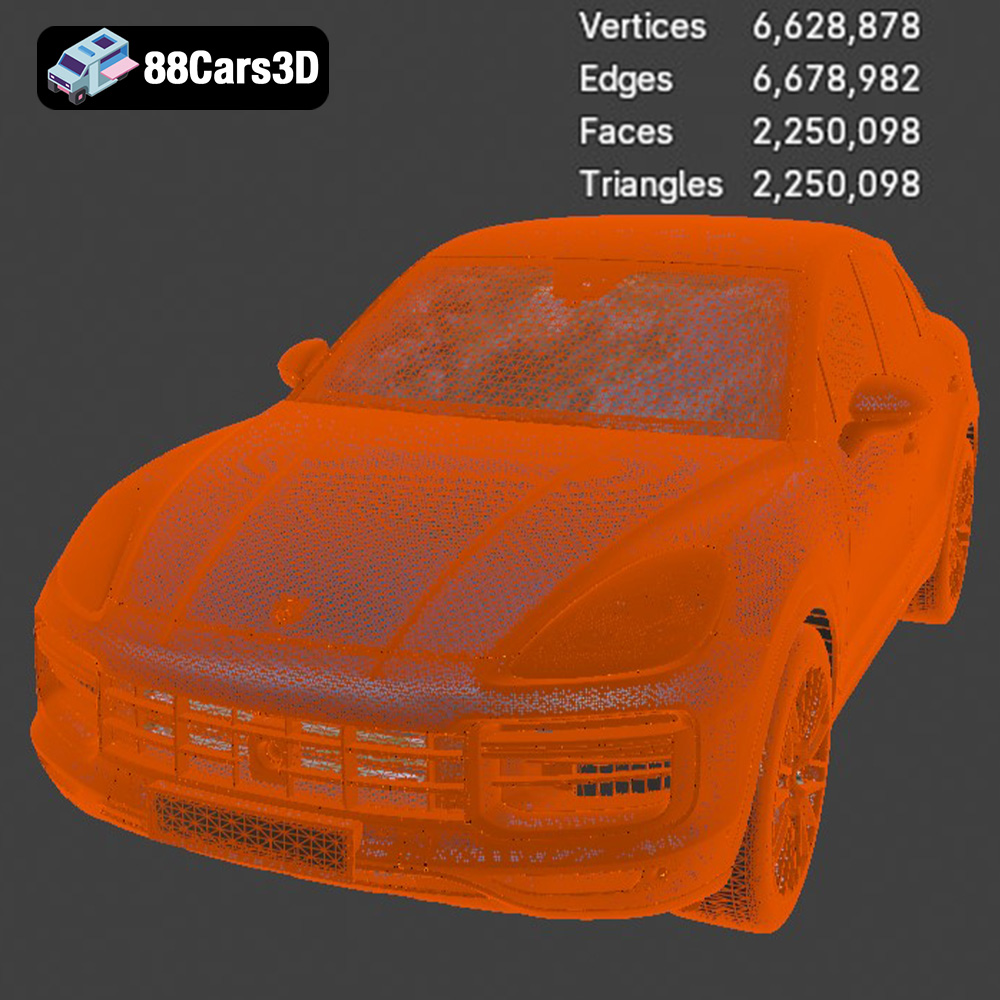
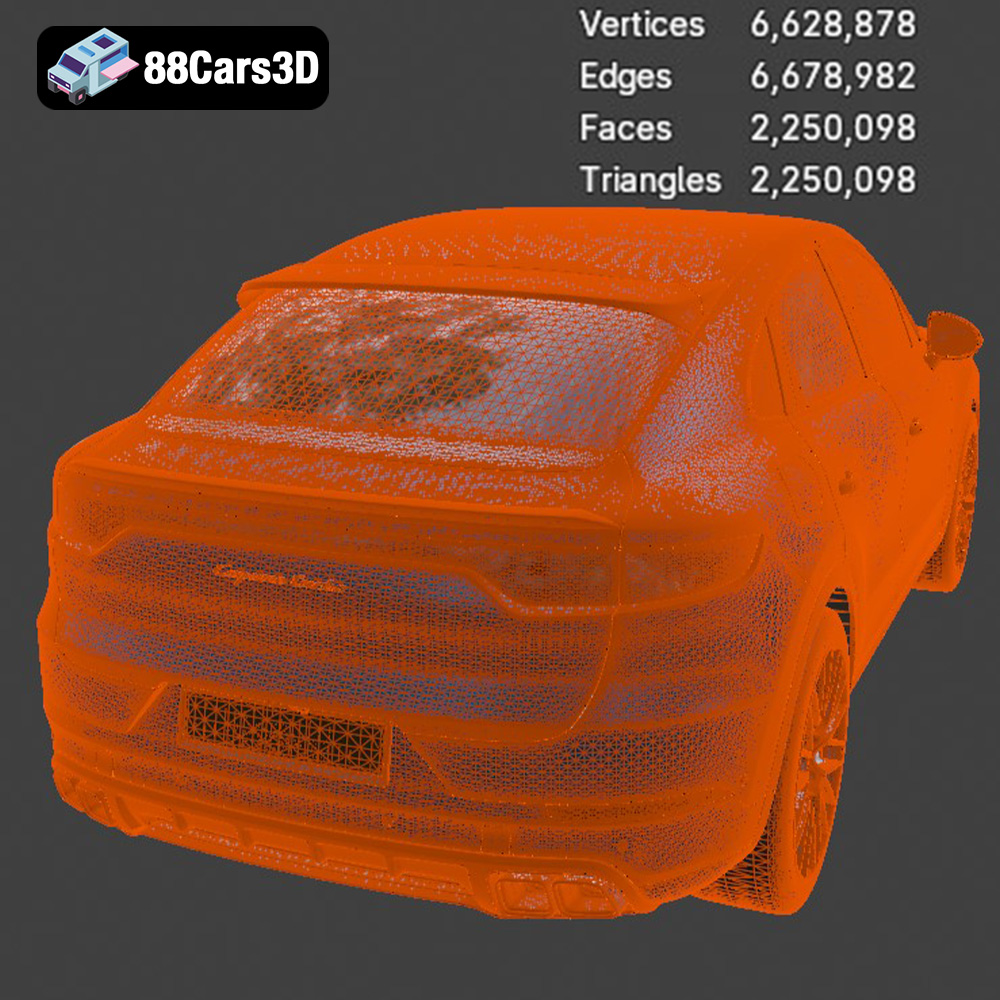
The quality of an STL file is determined by the number of triangles used to represent the surface. A higher triangle count results in a smoother, more detailed model, but it also increases the file size and processing time. When preparing an STL file for 3D printing, it’s important to strike a balance between detail and file size. Most slicing software allows you to adjust the mesh resolution to optimize the file for your specific printer and desired level of detail. The STL files available from 88cars3d.com are optimized for 3D printing, ensuring a good balance of detail and printability. This format is the primary choice for achieving accurate prints.
OBJ (Object) is a more versatile file format than STL. In addition to geometry, OBJ files can also store color and texture information. This makes them suitable for creating multi-colored 3D prints or models with complex surface textures. However, OBJ files are generally larger than STL files, and not all slicing software fully supports their color and texture capabilities.
PLY (Polygon File Format) is another format that can store color and texture information, as well as other properties such as vertex normals and transparency. PLY files are often used for storing 3D scan data and are capable of representing highly detailed and complex geometries.
BLEND files are native to Blender, a popular open-source 3D modeling software. They contain the entire Blender scene, including the object’s geometry, materials, textures, lighting, and camera settings. While BLEND files are not directly compatible with 3D printers, they allow you to fully customize the Porsche Cayenne Turbo Coupe model before exporting it to a printable format like STL.
FBX (Filmbox) is a proprietary file format developed by Autodesk. It is commonly used for exchanging 3D models between different software applications. FBX files can store geometry, materials, textures, animations, and other scene data. While some slicing software can import FBX files, they are not always fully supported, and it’s often necessary to convert them to STL for 3D printing.
GLB (GL Transmission Format Binary) is a file format designed for efficient transmission and loading of 3D models. It is commonly used for displaying 3D models on the web and in augmented reality (AR) applications. GLB files can store geometry, textures, and animations. While GLB files are not directly printable, they are useful for previewing the Porsche Cayenne Turbo Coupe model in AR to get a sense of its size and appearance before printing.
MAX files are native to 3ds Max, another popular professional 3D modeling software. Like BLEND files, MAX files contain the entire scene data and allow for extensive customization of the model before exporting it to a printable format.
Once you have chosen your printer and material, the next step is to prepare the 3D model for printing. This involves using slicing software to convert the 3D model into a series of instructions that the printer can understand.
* **Cura:** A free and open-source slicing software that is popular for its ease of use and extensive features. Cura offers a wide range of settings for customizing the printing process and supports a variety of 3D printers.
* **PrusaSlicer:** Another free and open-source slicing software that is known for its advanced features and accurate print predictions. PrusaSlicer is developed by Prusa Research, a leading 3D printer manufacturer, and is optimized for their printers.
* **Simplify3D:** A paid slicing software that offers a high level of control over the printing process. Simplify3D is known for its advanced support generation and multi-material printing capabilities.
* **Orientation:** The orientation of the model on the build plate can significantly impact the print quality and the amount of support material required. For the Porsche Cayenne Turbo Coupe, consider printing the body at an angle to minimize the need for supports on the curved surfaces. Experiment with different orientations to find the one that yields the best results.
* **Support Structures:** Support structures are necessary to support overhanging features during printing. Use the slicing software to generate support structures that are appropriate for the model’s geometry. For FDM printing, consider using tree-like supports, which are easier to remove than traditional linear supports. For resin printing, use light supports to minimize the risk of damage during removal. The product description for the Cayenne Turbo Coupe on 88cars3d.com recommends supports for the exhaust, side mirrors, wheels, and aerodynamic features.
* **Scaling:** The Porsche Cayenne Turbo Coupe model can be scaled to different sizes depending on your preferences and the capabilities of your printer. The product description recommends scales of 1:12, 1:18, and 1:24. Keep in mind that scaling the model down too much can make it difficult to print fine details.
* **Model Repair:** Before slicing the model, it’s important to check for any errors or imperfections in the 3D geometry. Use the slicing software or a dedicated mesh repair tool to fix any issues, such as holes, non-manifold edges, or flipped normals.
Achieving a high-quality 3D print requires careful adjustment of the printer settings. Here are some recommended settings for printing the Porsche Cayenne Turbo Coupe:
* **Layer Height:** Layer height determines the resolution of the print. A lower layer height results in a smoother surface finish but increases the printing time. For resin printing, layer heights between 0.04 mm and 0.08 mm are recommended for capturing fine details. For FDM printing, layer heights between 0.1 mm and 0.2 mm are suitable.
* **Infill Density:** Infill density determines the internal structure of the print. A higher infill density increases the strength and weight of the print but also increases the printing time and material consumption. For a display model like the Porsche Cayenne Turbo Coupe, an infill density of 20-30% is sufficient.
* **Print Speed:** Print speed affects the print quality and the risk of printing errors. A slower print speed generally results in a higher quality print but increases the printing time. For FDM printing, a print speed of 40-60 mm/s is recommended. For resin printing, the optimal print speed depends on the resin type and printer settings.
* **Temperature Settings:** The optimal temperature settings depend on the material being used. Refer to the material manufacturer’s recommendations for the appropriate nozzle and bed temperatures for FDM printing, and the exposure time for resin printing.
* **Bed Adhesion:** Ensuring good bed adhesion is crucial for preventing warping and print failures. Use a brim or raft to increase the surface area of the first layer and improve adhesion to the build plate.
* **Brim Settings:** Adjust brim width according to the size of the model and the bed adhesion properties of the material.
Once the 3D printing is complete, some post-processing is usually necessary to achieve a polished and professional-looking result.
* **Support Removal:** Carefully remove the support structures using pliers or a sharp knife. Take care not to damage the model’s surface during support removal.
* **Sanding:** Sand the model’s surface to remove any imperfections and smooth out the layer lines. Start with a coarse grit sandpaper and gradually move to finer grits.
* **Priming:** Apply a primer coat to the model’s surface to create a smooth and uniform base for painting.
* **Painting:** Paint the model using acrylic paints or spray paints. Apply multiple thin coats of paint for a smooth and even finish. Consider using an airbrush for more precise and detailed painting. The product description for the Porsche Cayenne Turbo Coupe on 88cars3d.com suggests using authentic Porsche factory colors with gloss or metallic finishes for maximum realism.
* **Assembly:** Assemble the various parts of the model, such as the wheels, suspension, and active spoiler. Use glue or epoxy to bond the parts together securely.
* **Detailing:** Add final details to the model, such as decals, badges, and other accessories.
Even with careful preparation, 3D printing can sometimes be challenging. Here are some common issues and their solutions:
* **Problem:** The model is warping or not sticking to the build plate.
* **Solution:** Ensure that the build plate is clean and level. Use a brim or raft to increase bed adhesion. Adjust the bed temperature and print speed.
* **Problem:** The print has stringing or blobs of plastic.
* **Solution:** Adjust the retraction settings in the slicing software. Lower the nozzle temperature and increase the travel speed.
* **Problem:** The layers are shifting or the print is failing mid-print.
* **Solution:** Check the printer’s belts and pulleys to ensure they are properly tightened. Reduce the print speed and increase the layer height.
* **Problem:** Infill is weak or has gaps.
* **Solution:** Increase the infill percentage and check infill overlap settings.
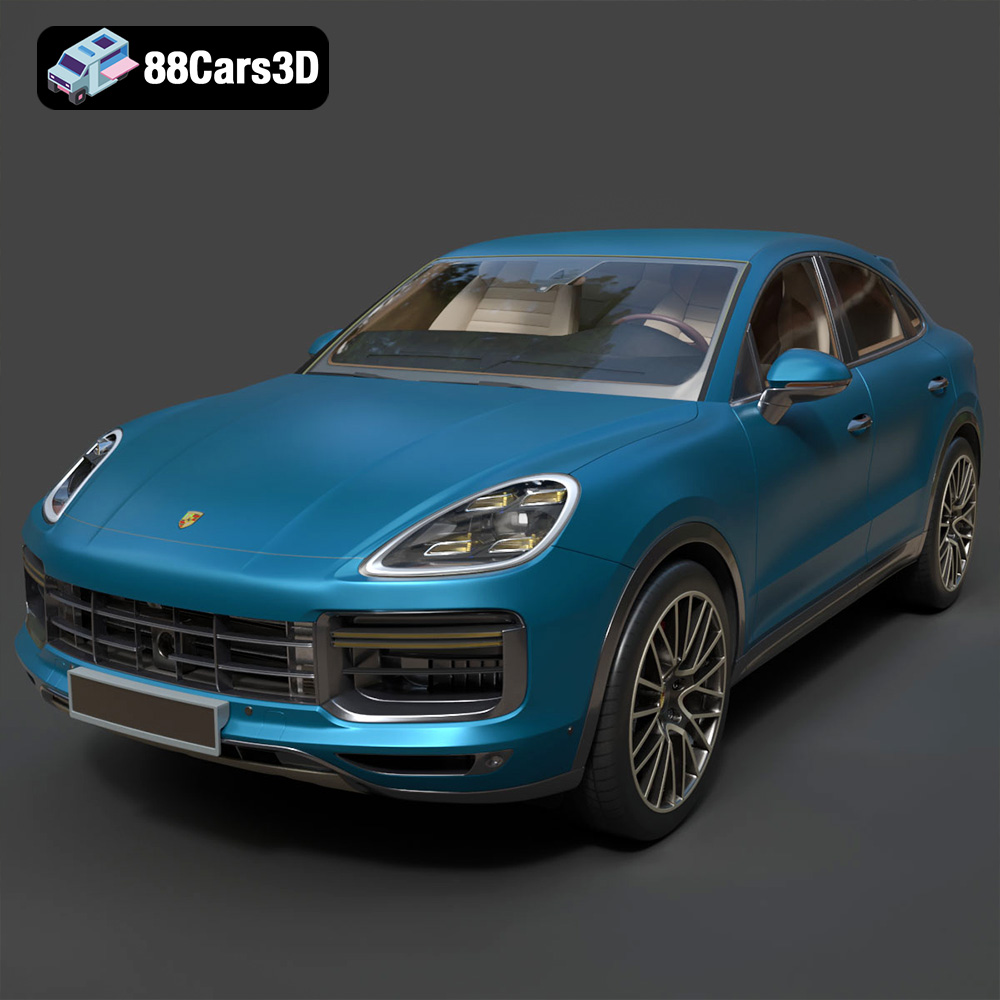
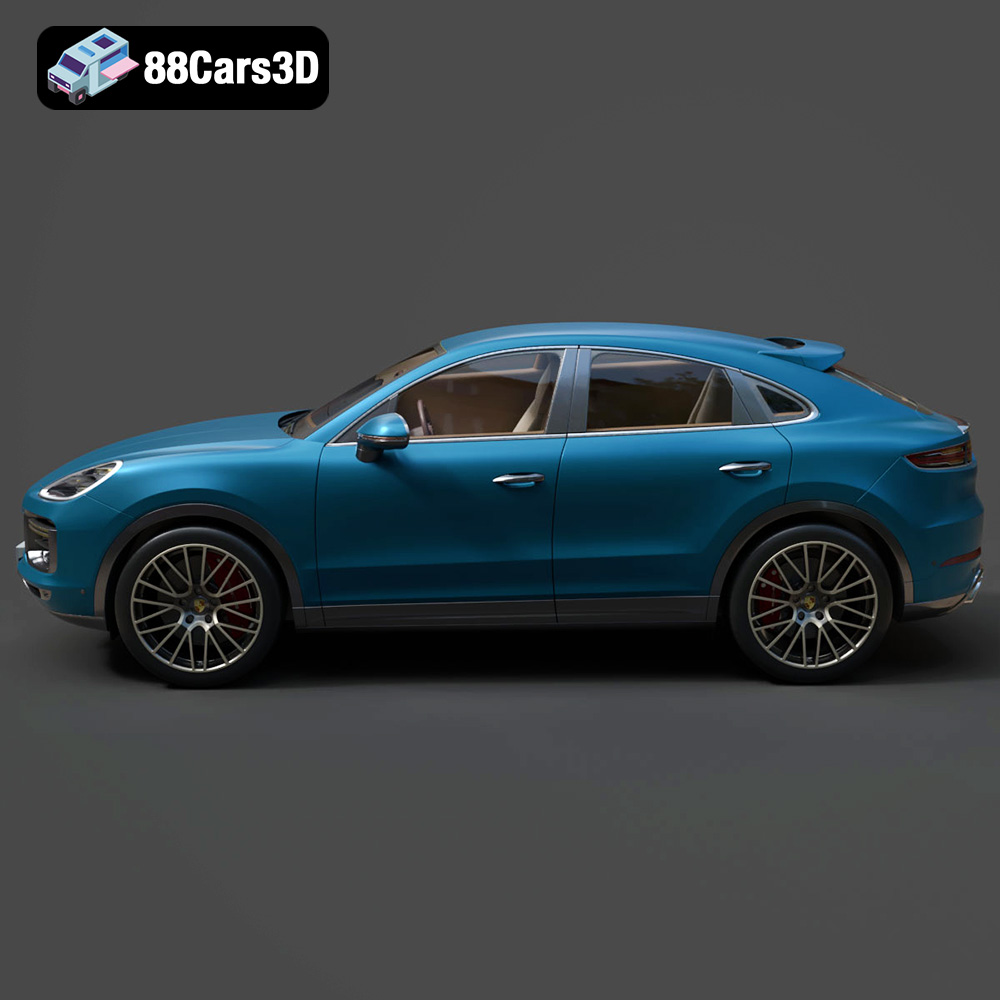
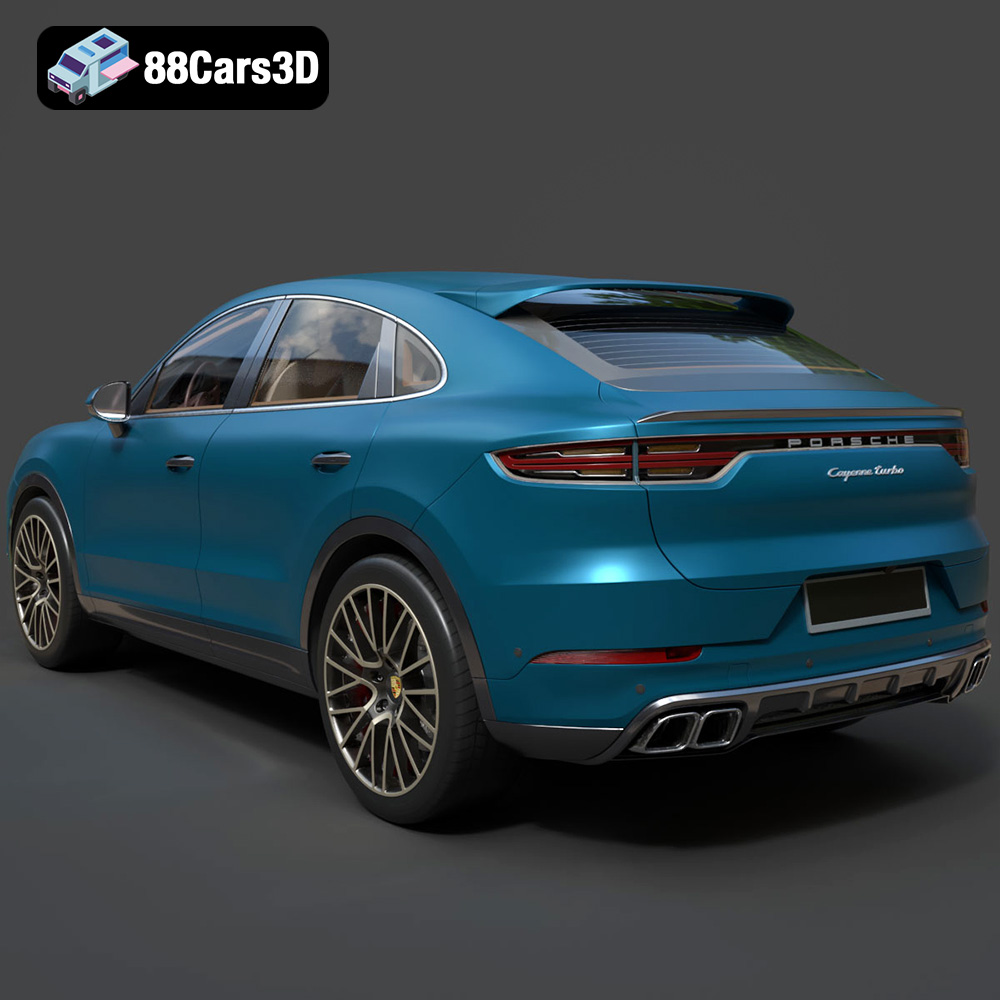
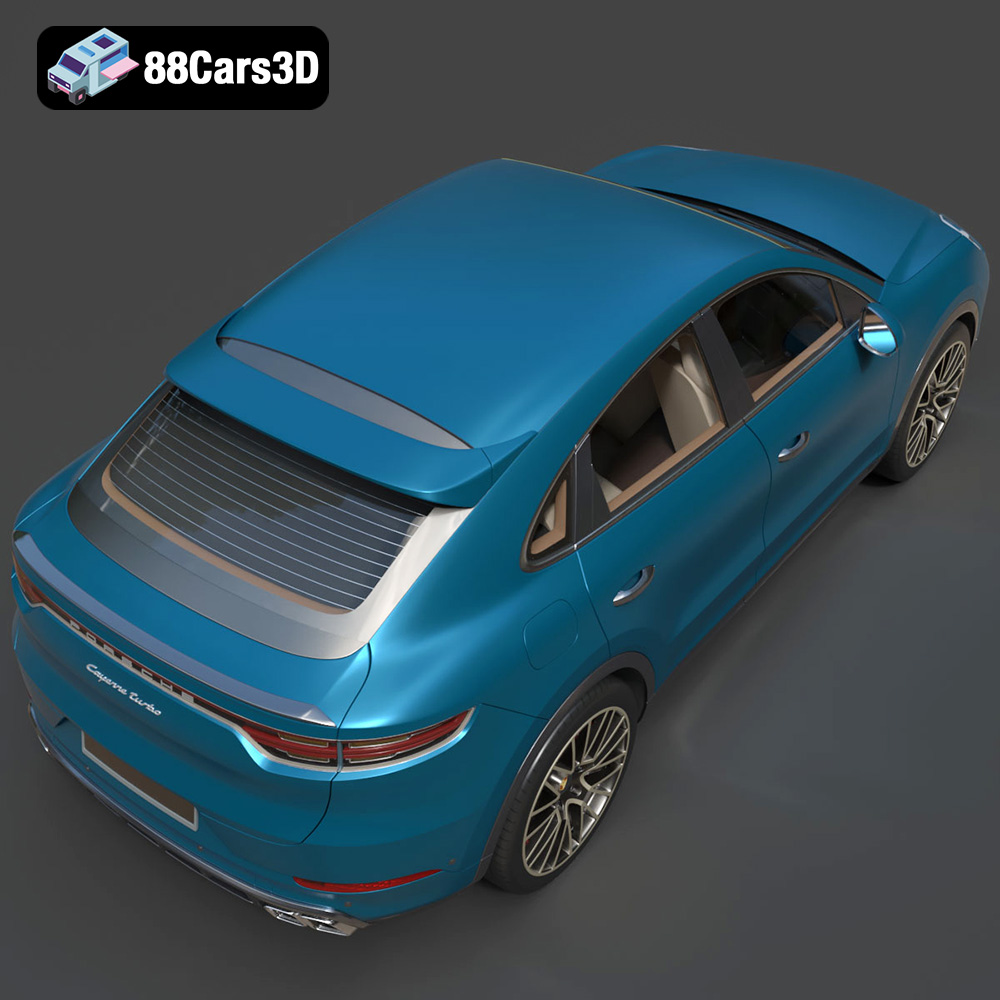
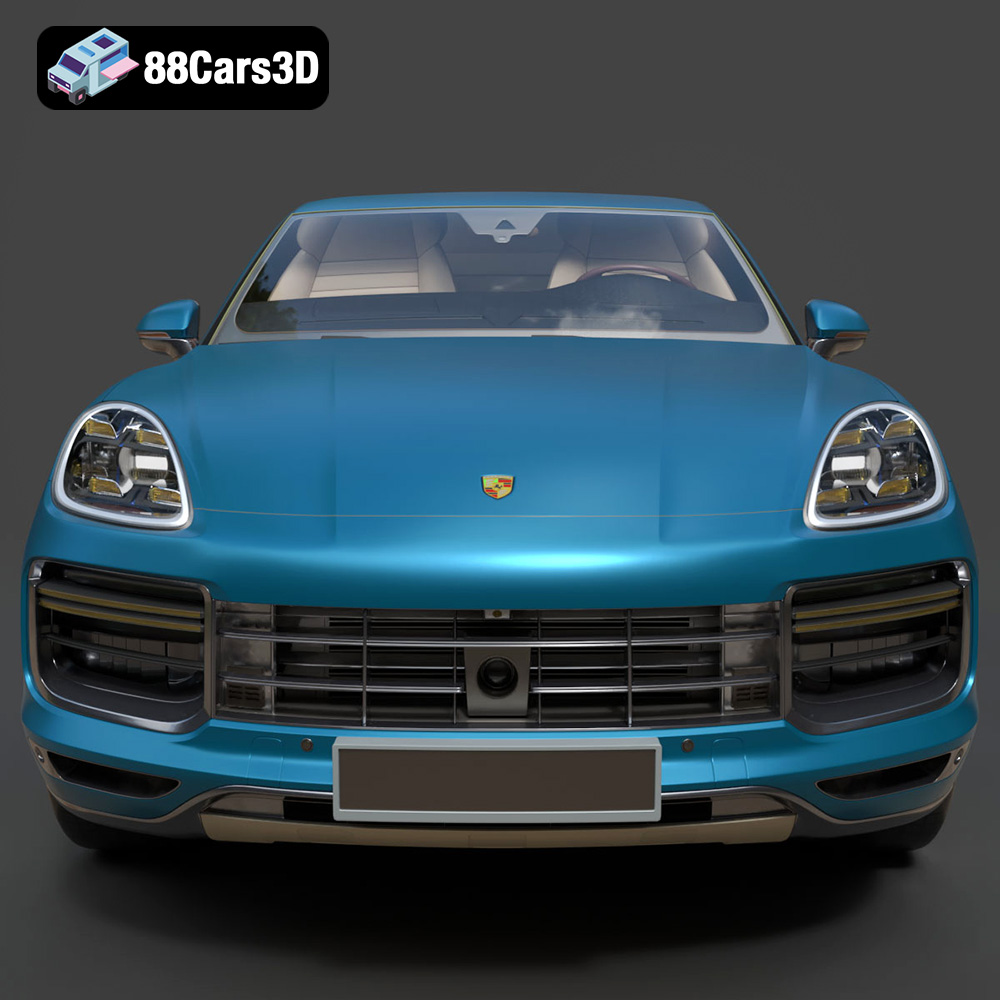
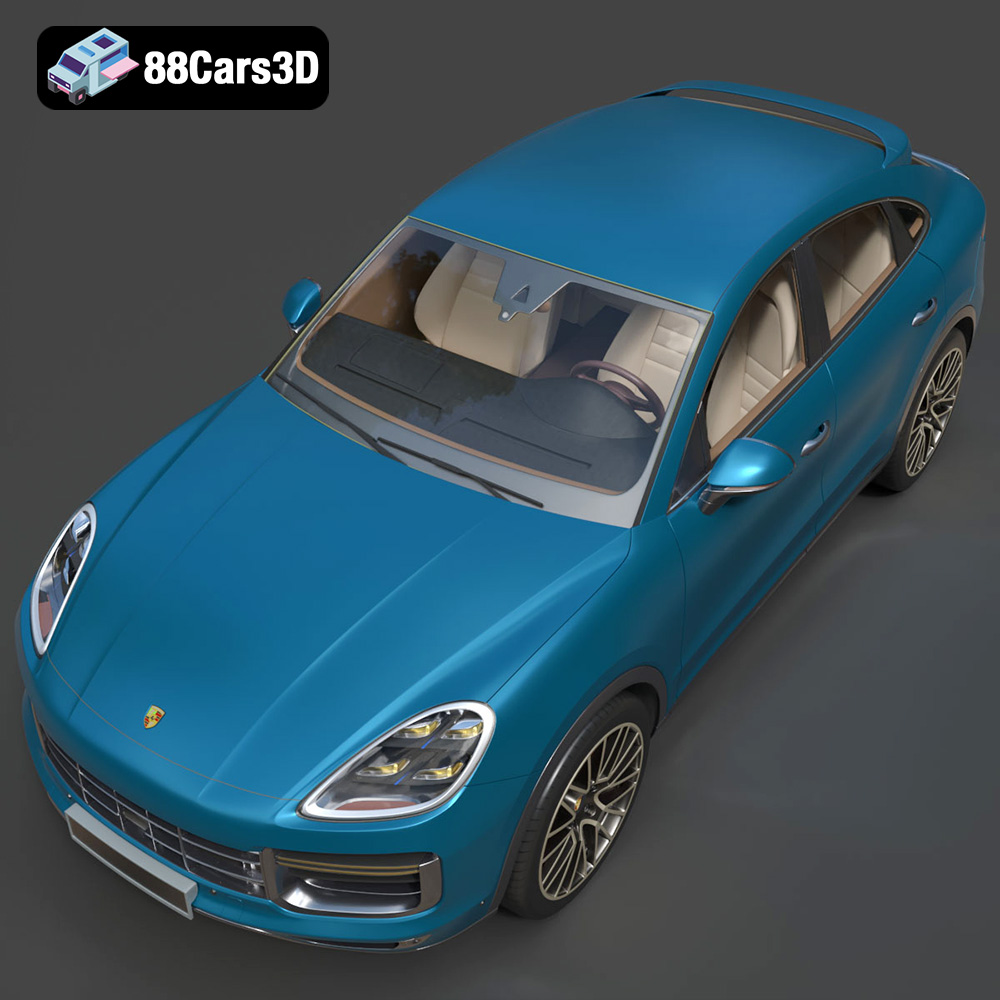
Experience the ultimate fusion of sports car performance and SUV versatility with the Porsche Cayenne Turbo Coupe 2020. This exceptional 3D model captures the striking athletic stance, the dramatically sloping coupe-style roofline, and the legendary Porsche design DNA. From its prominent front air intakes to the dynamic active rear spoiler and signature continuous LED taillight strip, every iconic visual element has been meticulously recreated to honor this high-performance luxury powerhouse.
$39.99
3D printing the Porsche Cayenne Turbo Coupe 2020 is a rewarding project that allows you to create a stunning replica of this iconic vehicle. By carefully choosing the right printer and materials, preparing the model with slicing software, adjusting the printer settings, and applying post-processing techniques, you can achieve a high-quality print that captures all the details of the original design. Remember to check out 88cars3d.com for more high-quality 3D car models optimized for 3D printing and other applications. With patience and attention to detail, you can bring the Porsche Cayenne Turbo Coupe to life and showcase your 3D printing skills.
.blend
.fbx
.glb
.luxury suv
.max
.obj
.ply
.porsche
.rendering
.stl
.unreal
car-3d-model
cayenne-turbo-coupe-2020
game asset
game-ready
low-poly
optimized
performance suv
VR/AR