Get 20% OFF All Premium 3D & STL Models!

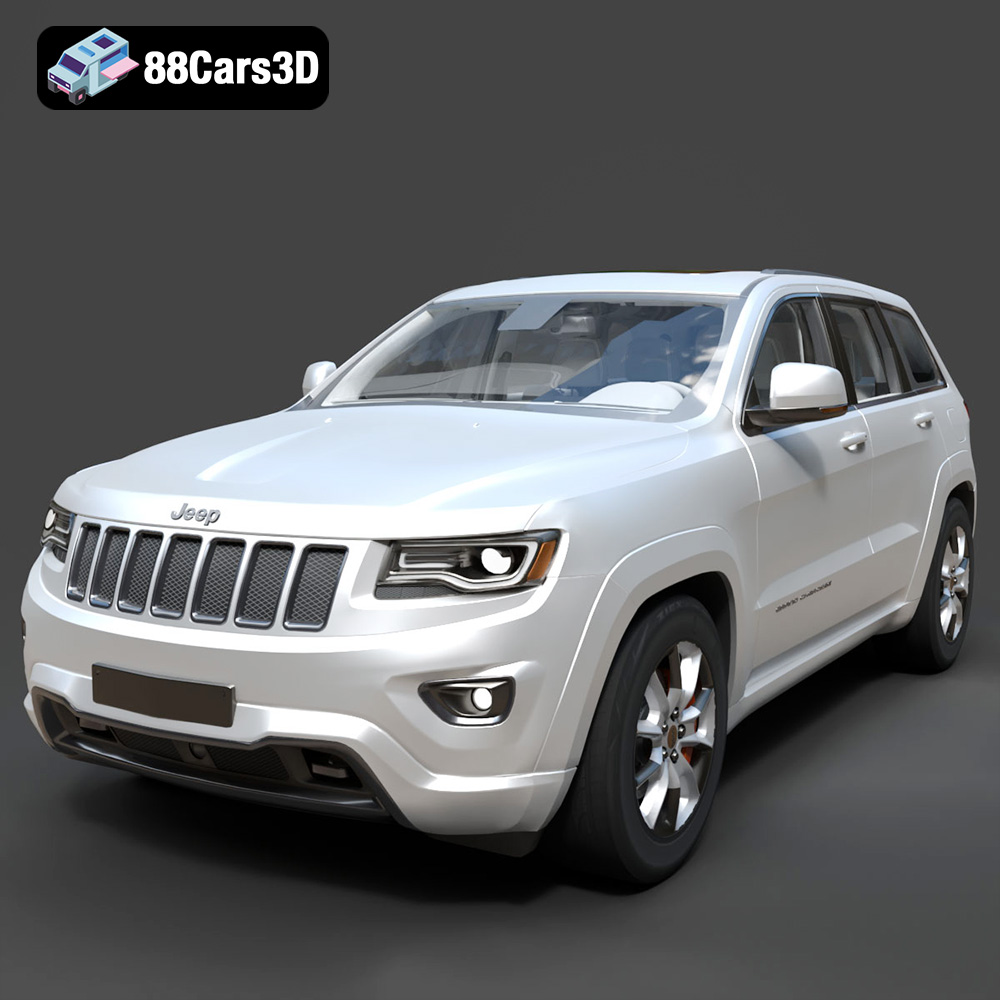
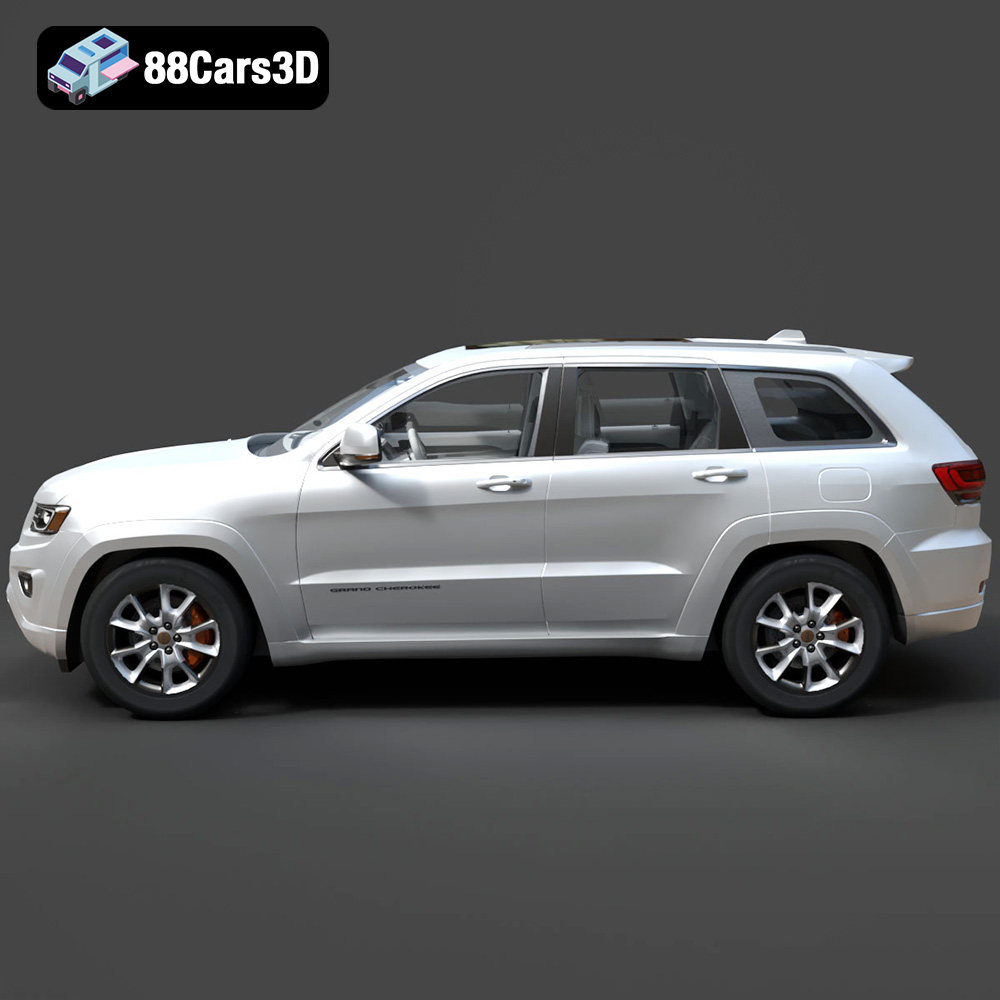
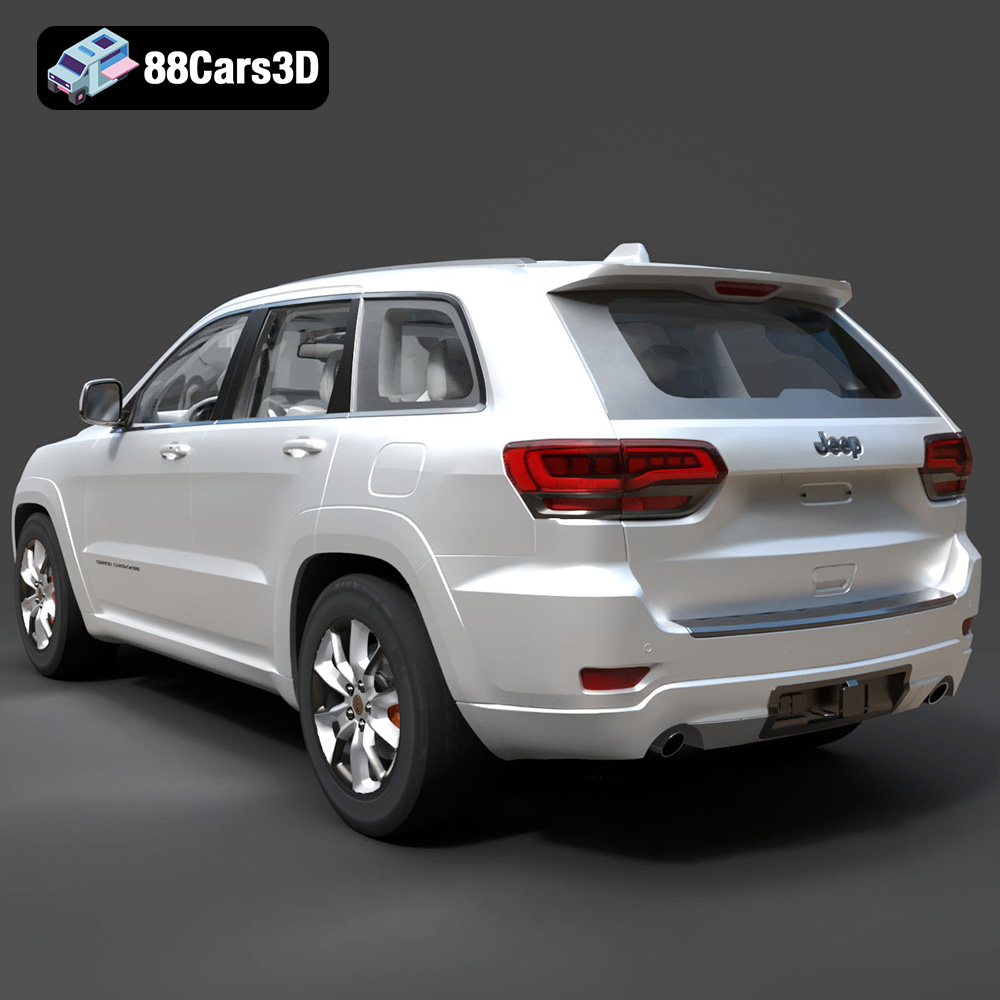
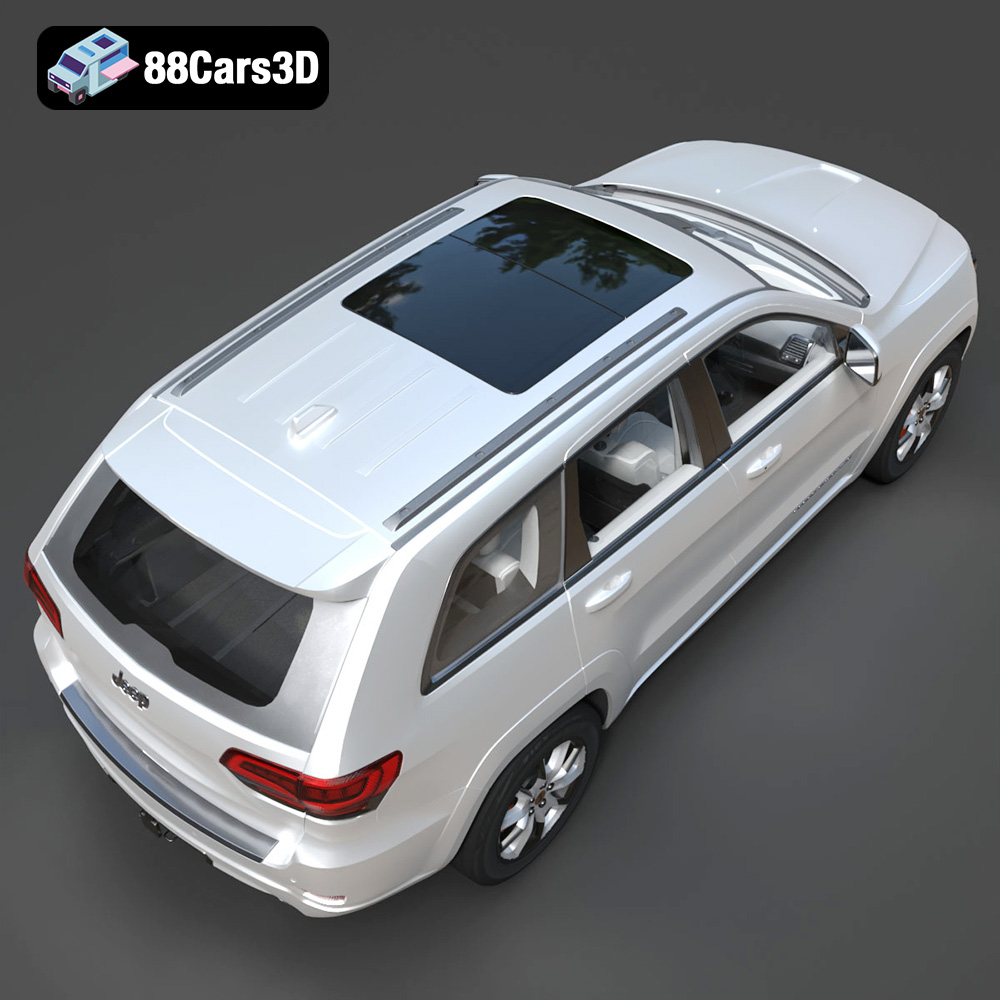
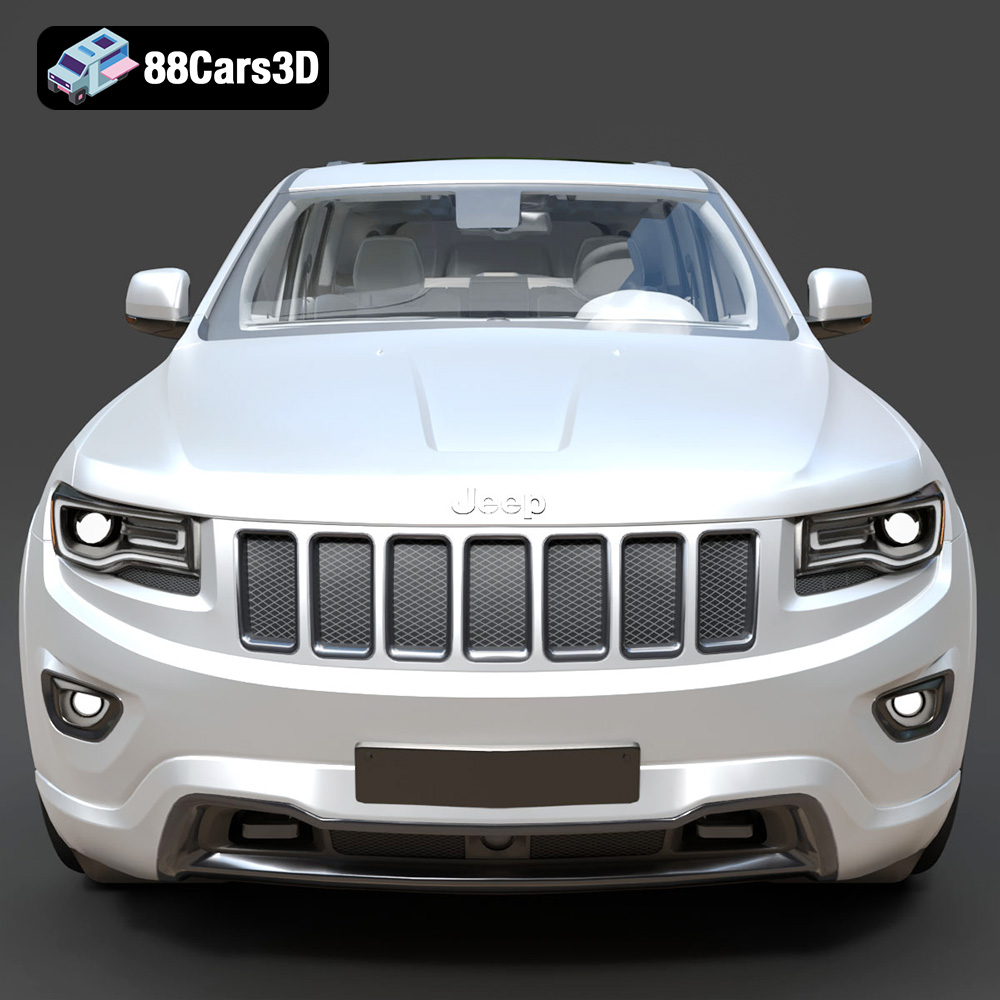
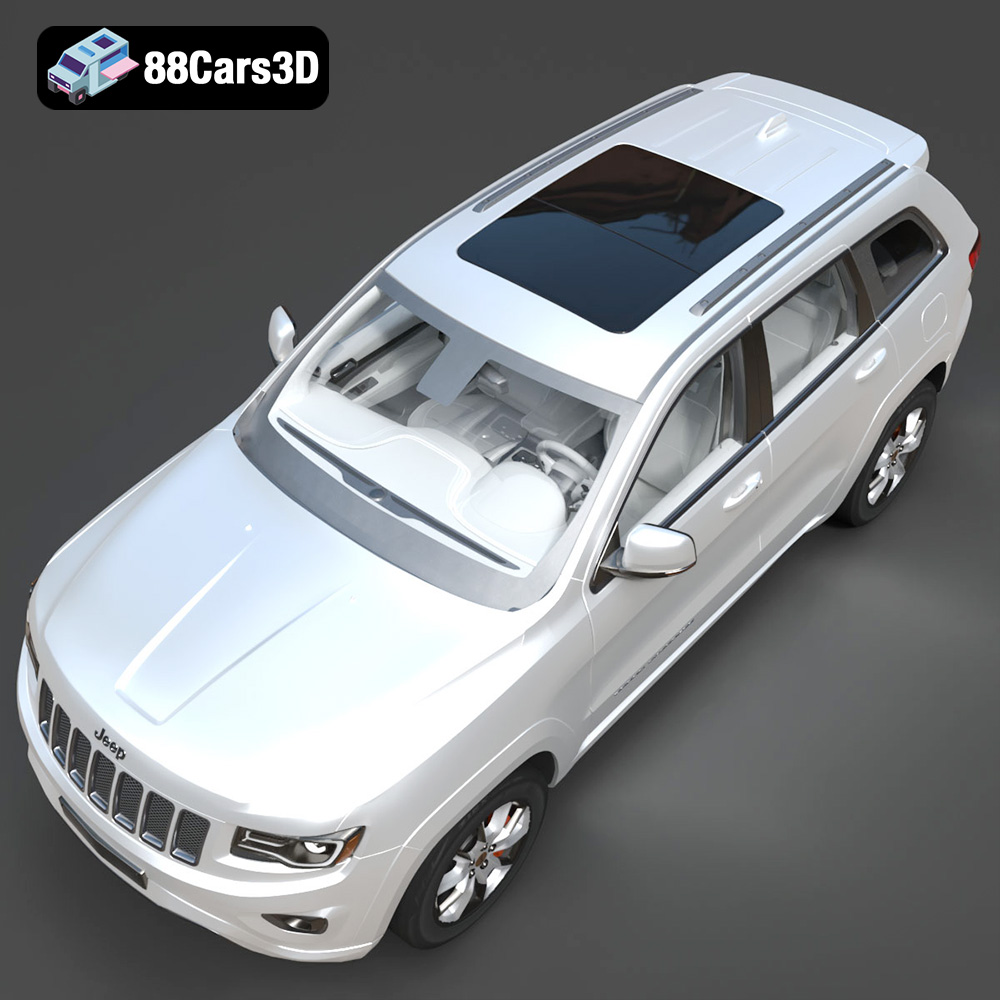
The Jeep Grand Cherokee Limited 2017 is a stunning SUV, and now you can bring a piece of that automotive excellence into your home with a 3D printed model. Thanks to websites like 88cars3d.com, high-quality 3D models of iconic vehicles are readily available. This article provides a comprehensive guide to 3D printing the Jeep Grand Cherokee Limited 2017 model, covering everything from pre-print preparation to post-processing techniques. We’ll delve into the specifics of printer settings, material choices, and troubleshooting common issues to help you achieve a flawless print. Whether you’re a seasoned 3D printing enthusiast or just starting out, this guide will equip you with the knowledge to create a beautiful and detailed replica of this classic SUV.
Before you even think about hitting that print button, careful preparation is key to a successful outcome. This involves inspecting the 3D model, choosing the right orientation, and understanding the intricacies of slicing.
* **Why Inspect?** STL files, while the industry standard, can sometimes contain errors such as non-manifold edges, holes, or flipped normals. These issues can cause problems during slicing and result in a failed or flawed print.
* **Tools of the Trade:** Use software like MeshLab, Netfabb Basic (free version), or Meshmixer to inspect the STL file of the Jeep Grand Cherokee. These tools can identify and automatically repair common errors.
* **The Repair Process:** Load the STL file into your chosen software and run the repair functions. Pay close attention to any warnings or errors that the software flags. For complex issues, manual repair might be necessary, which involves deleting problematic faces and rebuilding the mesh.
* **The Importance of Orientation:** The orientation of the model on the print bed significantly impacts print time, support requirements, and the overall quality of the finished product.
* **Minimizing Support Structures:** Orient the Jeep Grand Cherokee to minimize the need for support structures. Overhangs greater than 45 degrees typically require supports, which can be time-consuming to remove and may leave blemishes on the printed surface. Placing the model on its wheels might be a good starting point, though roof overhangs will need to be addressed.
* **Considering Layer Lines:** Think about the direction of the layer lines. Horizontal surfaces will be smooth, while vertical surfaces will show the layer lines more prominently. Orient the model to strategically place these lines for the best aesthetic effect.
* **Purpose of Scaling:** Scaling allows you to create a model that fits your specific needs, whether it’s a small desktop replica or a larger, more detailed display piece.
* **Scaling Considerations:** Keep in mind the limitations of your printer’s build volume. Also, scaling down too much can result in the loss of fine details.
* **Scaling Process:** Most slicing software allows you to easily scale the model by entering a percentage or specifying the desired dimensions. Uniform scaling (scaling all axes equally) is usually preferred to maintain the proportions of the Jeep Grand Cherokee.
The world of 3D models comes with a variety of file formats, each with its own strengths and weaknesses. Understanding these formats is crucial for ensuring compatibility with your slicing software and achieving the best possible print quality. When purchasing a 3D model from a marketplace like 88cars3d.com, you’ll likely encounter several options.
* **.stl – Industry Standard for 3D Printing, Mesh-Only Format**
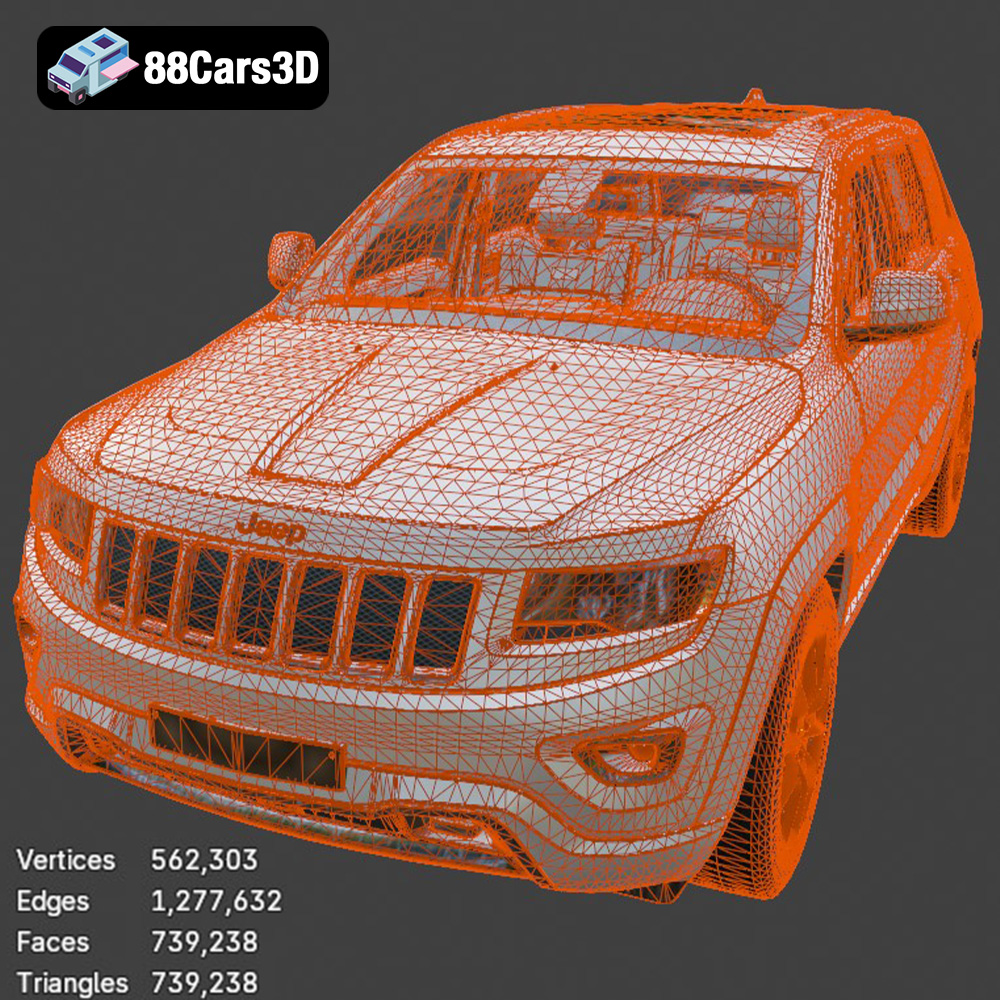
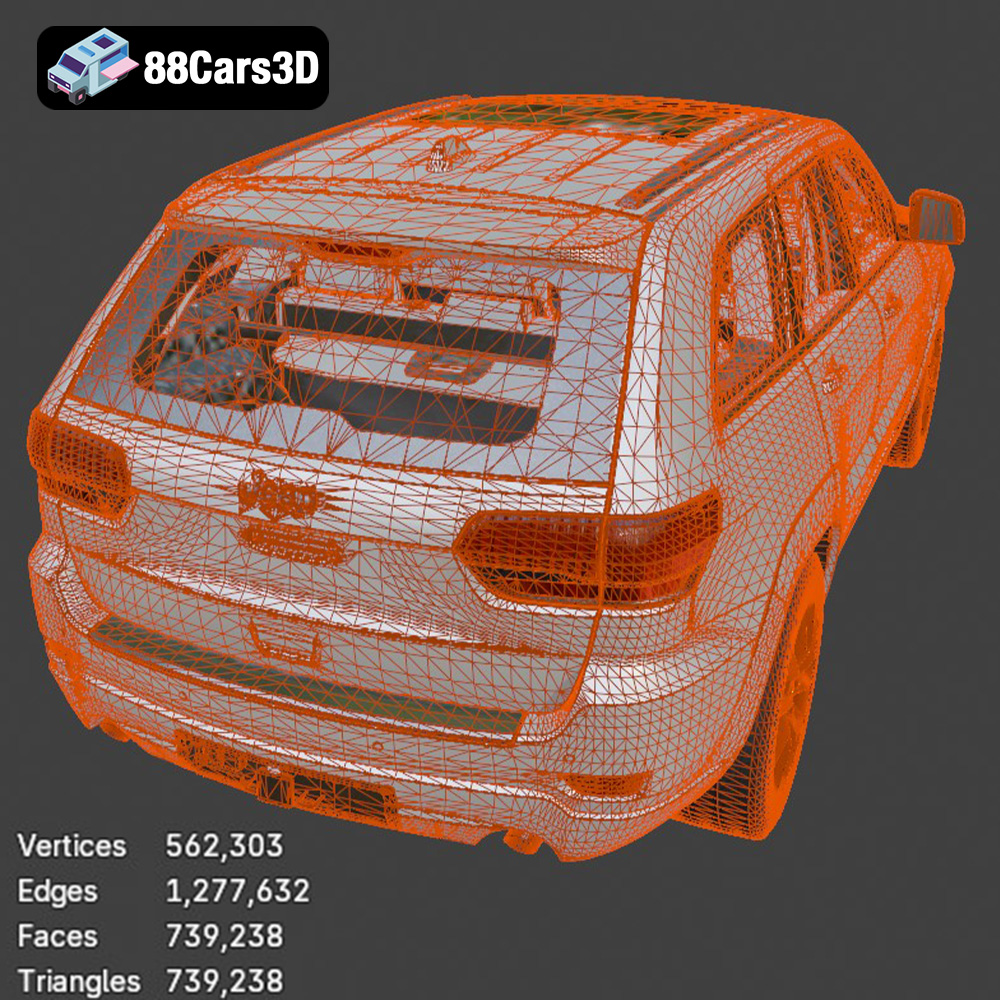
* STL (Stereolithography) is the most widely used file format in 3D printing. It represents the surface geometry of a 3D object as a collection of triangles. This simplicity makes it universally compatible with slicing software and 3D printers. However, STL files only store the shape of the object, lacking information about color, texture, or materials. For 3D printing the Jeep Grand Cherokee, the STL format from 88cars3d.com will be the primary choice for compatibility and ease of use. A high triangle count in the STL will result in a smoother, more detailed print, but also a larger file size and longer slicing time.
* **Slicing Software Compatibility:** Virtually all slicing software supports STL files.
* **Mesh Quality:** The quality of the mesh in the STL file is critical. A poorly designed mesh with gaps or overlaps will lead to printing errors. Ensure the STL file from 88cars3d.com has been properly optimized for 3D printing.
* **.obj – Universal Format with Texture Support for Colored Prints**
* OBJ is another popular 3D model format that, unlike STL, can store color and texture information. This makes it suitable for printers that support multi-material or color printing. The OBJ format can represent geometry using polygons, which can offer a more efficient representation of curved surfaces compared to STL’s triangles.
* **Slicing Software Compatibility:** Most slicing software supports OBJ, but color and texture information may not always be fully utilized.
* **Mesh Quality:** Similar to STL, the mesh quality in an OBJ file is crucial for successful printing.
* **.ply – Precision Mesh Format for High-Detail Prints**
* PLY (Polygon File Format) is designed to store 3D data acquired from 3D scanners. It can store not only geometric data but also color, texture, and other properties associated with each vertex in the mesh.
* **.blend – Editable Blender Scene for Customization Before Export**
* BLEND files are the native format for Blender, a free and open-source 3D creation suite. If you want to modify the Jeep Grand Cherokee model before printing, the BLEND file provides the most flexibility. You can adjust the design, add details, or split the model into smaller parts for easier printing.
* **.fbx – For Importing into Slicing Software with Materials**
* FBX (Filmbox) is a proprietary format developed by Autodesk. It’s widely used in the gaming and film industries for exchanging 3D models between different software applications. While FBX can store material information, it’s not typically used directly for 3D printing.
* **.glb – For Previewing Models in AR Before Printing**
* GLB is a binary file format representing 3D models using the glTF (GL Transmission Format) standard. It’s designed for efficient transmission and loading of 3D scenes and models in applications, particularly in web-based and mobile contexts. It also allows for AR previewing, so you can visualize the printed Jeep Grand Cherokee in real space.
* **.max – Editable 3ds Max Project for Modifications**
* MAX files are the native format for 3ds Max, another popular 3D modeling and rendering software. Similar to BLEND files, MAX files allow for extensive customization of the model before exporting it for 3D printing.
For 3D printing, **STL is generally the best format**. It’s universally supported, and the focus is on the geometry, which is what most 3D printers need. If you need to modify the Jeep Grand Cherokee model before printing, start with the BLEND or MAX file (if you have the corresponding software) and then export to STL for printing. Always check the mesh quality of the STL file to ensure a successful print.
The material you choose will greatly influence the appearance, strength, and durability of your 3D printed Jeep Grand Cherokee Limited 2017. Here’s a breakdown of common materials and their suitability for this project:
* **Pros:** PLA is biodegradable, easy to print, and comes in a wide range of colors. It’s a great choice for beginners and for models that don’t require high strength or heat resistance.
* **Cons:** PLA is brittle and can warp or deform under high temperatures. It’s not suitable for parts that will be exposed to direct sunlight or high heat.
* **Recommended Settings:**
* Nozzle Temperature: 190-220°C
* Bed Temperature: 60-70°C
* Print Speed: 40-60 mm/s
* Layer Height: 0.1-0.2 mm
* Infill: 15-25%
* **Cost:** Relatively inexpensive
* **Pros:** PETG is stronger and more flexible than PLA, and it offers better heat resistance. It’s also food-safe and recyclable.
* **Cons:** PETG can be more challenging to print than PLA, as it’s prone to stringing. It may also require a higher bed temperature.
* **Recommended Settings:**
* Nozzle Temperature: 220-250°C
* Bed Temperature: 70-80°C
* Print Speed: 40-60 mm/s
* Layer Height: 0.1-0.2 mm
* Infill: 15-25%
* **Cost:** Moderately priced
* **Pros:** Resin printing offers incredible detail and smooth surfaces, making it ideal for highly detailed models like the Jeep Grand Cherokee.
* **Cons:** Resin printers are more expensive than FDM printers, and the resin itself is also more costly. Resin printing also requires post-processing, including washing and curing. Resin parts are typically more brittle than FDM printed parts.
* **Recommended Settings:** (Varies greatly depending on the resin and printer)
* Layer Height: 0.025-0.05 mm
* Exposure Time: Varies based on resin
* Lift Speed: Varies based on resin
* **Cost:** More expensive
* **ABS (Acrylonitrile Butadiene Styrene):** ABS is a strong and heat-resistant material, but it’s more difficult to print than PLA or PETG and requires a heated enclosure to prevent warping.
* **TPU (Thermoplastic Polyurethane):** TPU is a flexible material that can be used for tires or other parts that require flexibility.
For the Jeep Grand Cherokee Limited 2017 model, **PETG is a good balance of strength, ease of printing, and cost**. If you’re looking for the highest level of detail, resin is the way to go.
Achieving a high-quality 3D print requires careful attention to printer settings. These settings control everything from layer height to print speed, and they can significantly impact the final result.
* **The Trade-Off:** Lower layer heights result in smoother surfaces and finer details but increase print time. Higher layer heights print faster but sacrifice detail.
* **Recommended Layer Height:** For the Jeep Grand Cherokee, a layer height of 0.1-0.15 mm is a good balance between detail and print time. If you’re using a resin printer, you can go even lower, down to 0.025 mm for exceptional detail.
* **First Layer Height:** Ensure the first layer height is slightly higher than the subsequent layers to improve adhesion to the build plate.
* **Infill’s Role:** Infill provides internal support and strength to the model. Higher infill densities result in stronger but heavier and more material-intensive prints.
* **Recommended Infill:** For a display model of the Jeep Grand Cherokee, an infill density of 15-25% is usually sufficient. Choose an infill pattern that provides good support, such as gyroid or honeycomb.
* **Infill Modifiers:** Use infill modifiers to increase the infill density in specific areas that require more strength, such as the chassis or wheels.
* **Necessity of Supports:** As mentioned earlier, support structures are necessary for overhangs greater than 45 degrees.
* **Support Placement:** Carefully consider the placement of support structures to minimize their impact on the visible surfaces of the model. Use support blockers to prevent supports from generating in areas where they are not needed.
* **Support Settings:** Adjust the support density, overhang angle, and support interface settings to optimize support removal and surface quality.
Once the 3D printing process is complete, post-processing is essential to refine the model and achieve a professional finish.
* **Gentle Removal:** Carefully remove support structures using pliers, tweezers, or a sharp knife. Be patient and avoid damaging the model.
* **Sanding and Filing:** Use sandpaper and files to smooth out any rough edges or blemishes left by the support structures. Start with coarse sandpaper and gradually move to finer grits for a smooth finish.
* **Gap Filling:** Use filler or putty to fill any gaps or imperfections in the model. Sand the filler smooth once it has dried.
* **Priming:** Apply a coat of primer to the model to create a smooth surface for painting.
* **Painting:** Use acrylic paints or spray paints to paint the model. Apply multiple thin coats for the best results.
* **Detailing:** Use fine brushes and detailing paints to add intricate details, such as the Jeep logo, headlights, and taillights.
* **Clear Coating:** Apply a clear coat to protect the paint and give the model a glossy or matte finish.
* **Multi-Part Prints:** If the Jeep Grand Cherokee model was printed in multiple parts, carefully assemble them using glue or epoxy.
* **Alignment:** Ensure that all parts are properly aligned before the glue dries.
* **Finishing Touches:** Fill any gaps between the parts with filler and sand smooth.
Even with careful preparation and the right settings, 3D printing can sometimes present challenges. Here are some common issues and their solutions:
* **Cause:** Warping occurs when the corners of the model lift off the build plate due to uneven cooling.
* **Solutions:**
* Increase the bed temperature.
* Use a heated enclosure.
* Apply a bed adhesive, such as glue stick or hairspray.
* Add a brim or raft to the model.
* **Cause:** Stringing occurs when the printer nozzle oozes filament while traveling between different parts of the model.
* **Solutions:**
* Increase retraction distance and speed.
* Lower the nozzle temperature.
* Increase travel speed.
* Ensure the filament is dry.
* **Cause:** Layer adhesion issues occur when the layers of the model do not properly bond together.
* **Solutions:**
* Increase the nozzle temperature.
* Lower the print speed.
* Increase the layer height.
* Ensure the build plate is level.
* **Cause:** Elephant’s foot is when the first layer of the print is wider than the rest.
* **Solutions:**
* Reduce the initial layer flow rate.
* Increase the bed temperature slightly.
* Adjust the Z-offset.
By understanding these common issues and their solutions, you can troubleshoot problems and improve the quality of your 3D prints. Remember that experience and experimentation are key to mastering the art of 3D printing. Websites like 88cars3d.com provide the models, but the successful printing of those models relies on your knowledge and skill.
Experience unparalleled digital realism with the Jeep Grand Cherokee Limited 2017 3D Model. Carefully crafted to mirror the exact proportions, design elements, and robust aesthetic of the real-world SUV, this digital asset is the perfect choice for automotive visualization professionals, game developers, and 3D artists. The model delivers an accurate exterior and interior representation, complete with meticulously detailed fixtures, making it ideal for close-up shots and cinematic rendering.
$39.99
.arvr
.blend
.car3dmodel
.fbx
.gameasset
.glb
.grandcherokee
.jeep
.limited
.max
.obj
.offroad
.ply
.rendering
.simulation
.stl
.unreal
SUV