Get 20% OFF All Premium 3D & STL Models!

The Vespa P200E is more than just a scooter; it’s a symbol of Italian design and a cultural icon. Thanks to advancements in 3D printing, you can now bring this classic machine to life in your own home. This guide will walk you through every step of the process, from preparing the 3D model to applying the final touches. Whether you’re a seasoned 3D printing enthusiast or a beginner, you’ll find valuable information here to help you achieve a stunning 3D printed replica of the Vespa P200E. You can find high-quality models optimized for 3D printing at marketplaces like 88cars3d.com.
Before you even think about loading filament or resin, careful preparation of the 3D model is crucial. The downloadable Vespa P200E model from 88cars3d.com comes in various formats, offering flexibility but also demanding attention to detail.
* **Mesh Analysis:** Use software like MeshMixer or Netfabb to analyze the STL file for errors such as non-manifold edges, holes, or flipped normals. These imperfections can lead to printing failures.
* **Error Correction:** Repair any identified errors using the automatic repair tools within the software. For more complex issues, manual editing may be necessary to ensure a watertight and printable mesh.
* **Detail Level Assessment:** Evaluate the level of detail in the model. For extremely fine details, consider resin printing for superior resolution. For larger FDM prints, simplify very small details that might not translate well.
* **Choosing a Scale:** The product description suggests scales of 1:12, 1:18, or 1:24. Select a scale that suits your printer’s build volume and desired level of detail. Smaller scales are more challenging but can be rewarding.
* **Optimal Orientation:** Experiment with different orientations in your slicing software. The frame is best printed angled to maximize structural integrity and minimize the need for extensive support structures. Separate components like the wheels should be oriented for optimal layer adhesion and surface finish.
* **Consider Support Placement:** Think about where supports will be generated. Orient the model to minimize support usage on visible surfaces. Use support blockers in your slicer to prevent supports from forming in hard-to-reach areas.
The Vespa P200E 3D model from 88cars3d.com is available in multiple file formats, each with its own strengths and weaknesses. Choosing the right format and understanding its properties is crucial for a successful 3D printing experience.
The .stl (Stereolithography) format is the most common and widely supported file type for 3D printing. It represents the surface geometry of a 3D object as a collection of triangles. While simple, this format is universally compatible with slicing software and 3D printers. The .stl format stores only the mesh data, meaning it does not include information about color, texture, or materials.
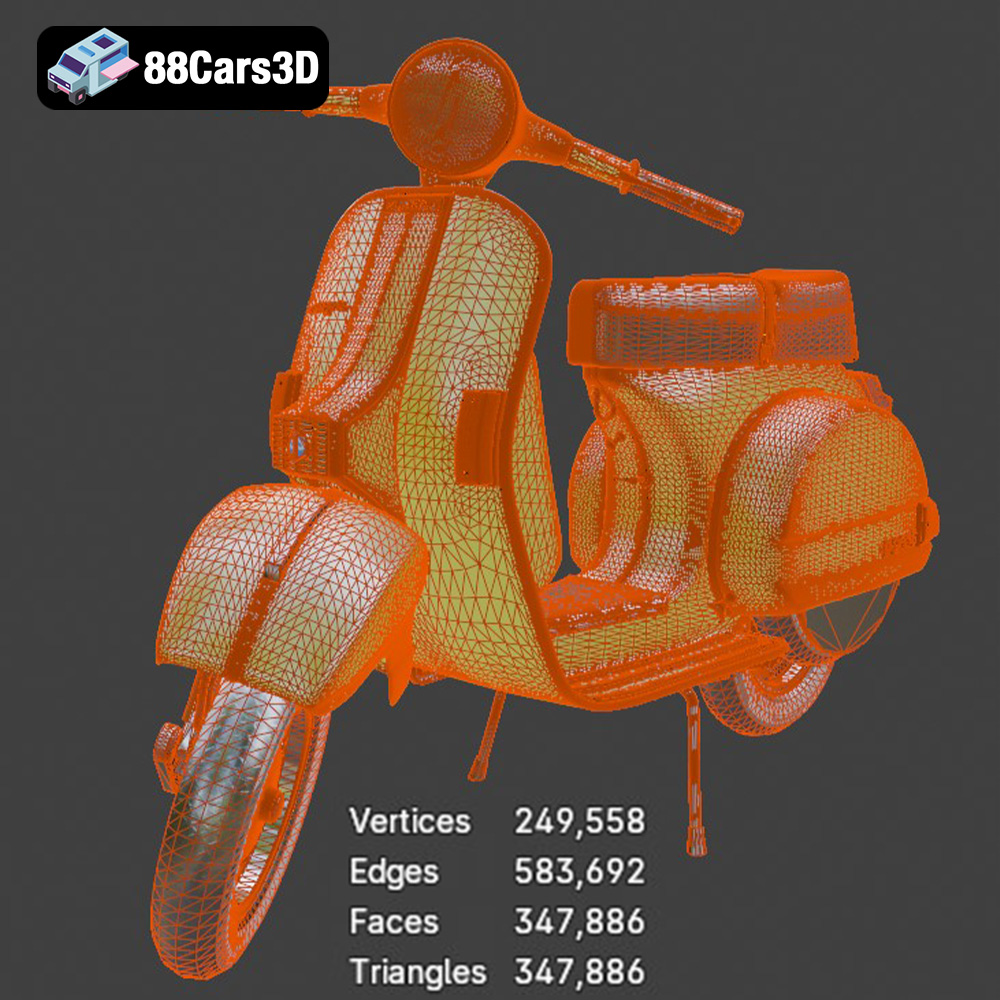
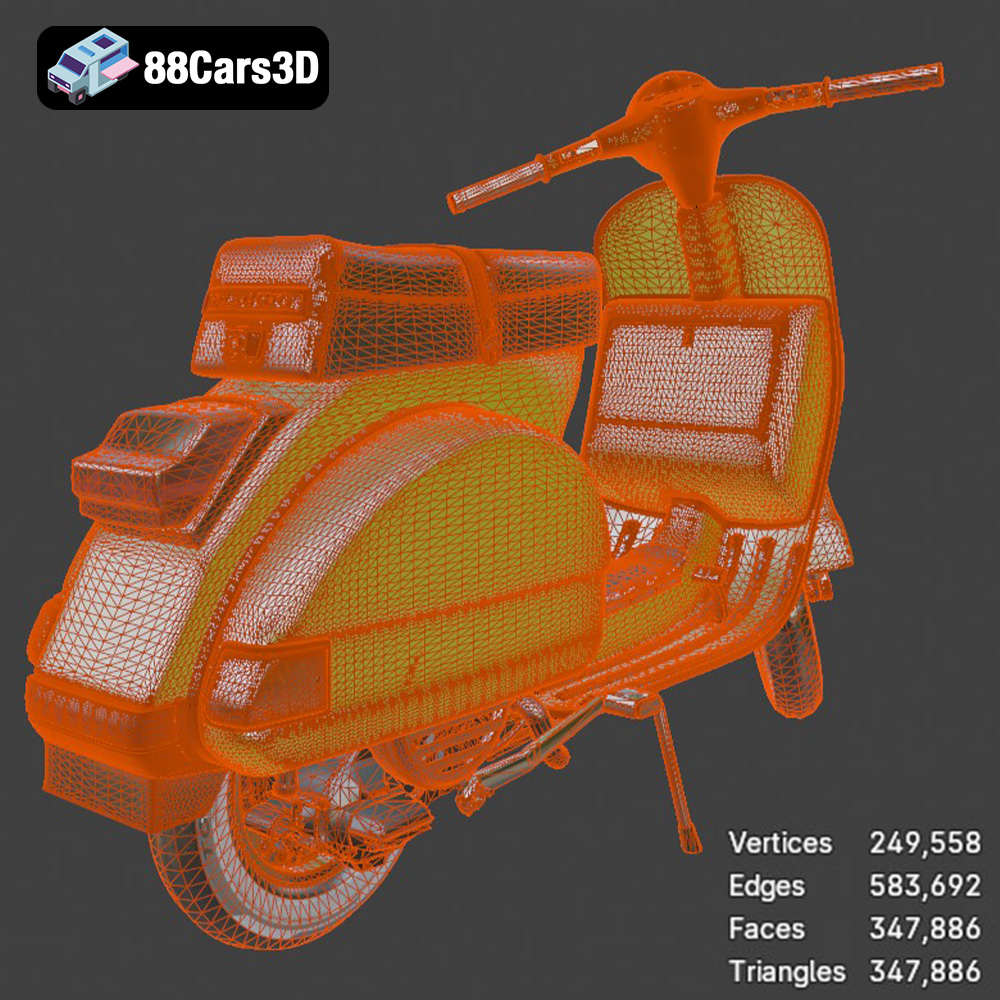
When working with STL files, it’s essential to ensure the mesh quality is adequate. A higher number of triangles results in a smoother surface but also increases file size and processing time. Conversely, a low triangle count can lead to a faceted appearance, especially on curved surfaces. Aim for a balance that provides sufficient detail without overwhelming your slicing software or printer. Most slicers allow you to adjust the mesh resolution during import, allowing you to refine the model’s appearance. Since .STL only uses mesh data, it’s the optimal starting point for preparing a model for 3D printing.
The .obj (Wavefront Object) format is another popular choice, particularly when color or texture information is important. Unlike .stl, .obj can store vertex colors, texture coordinates, and material properties. This makes it suitable for 3D printed models that incorporate multiple colors or require a more visually rich representation.
However, .obj files can be larger and more complex than .stl files, which can impact slicing performance. Not all 3D printers support color printing, so it’s important to verify your printer’s capabilities before using an .obj file with color data. Slicing software compatibility is generally good, but it’s advisable to test the file in your chosen slicer to ensure it’s correctly interpreted.
The .ply (Polygon File Format) format is designed for storing 3D data acquired from scanning technologies. It can represent surface geometry, color, texture, and even point cloud data. .ply is known for its ability to capture high levels of detail, making it a suitable option for 3D printing complex and intricate models.
Like .obj, .ply files can be large and resource-intensive. Slicing software support is generally good, but it’s crucial to ensure your software can handle the file size and complexity. Due to its precision, .ply is best suited for high-resolution resin printing where the fine details can be accurately reproduced.
The .blend format is the native file format for Blender, a free and open-source 3D creation suite. This format contains the entire Blender scene, including the model geometry, materials, textures, lighting, and animation data. The .blend format is ideal for users who want to modify or customize the Vespa P200E model before 3D printing.
With Blender, you can adjust the model’s scale, add details, or even create variations of the design. However, to 3D print a .blend file, you must first export it to a compatible format like .stl. Blender allows you to control the export settings, such as mesh resolution and coordinate system, ensuring the exported file is optimized for 3D printing.
The .fbx (Filmbox) format is a proprietary file format developed by Autodesk. It’s widely used for exchanging 3D data between different software applications, including 3D modeling tools, game engines, and animation software. The .fbx format can store geometry, materials, textures, animation, and other scene data.
While .fbx is primarily used for animation and game development, it can also be used for 3D printing. However, it’s important to ensure that your slicing software supports the .fbx format and can correctly interpret the geometry data. Before exporting from .fbx to .stl, check that all of the meshes are watertight and properly oriented.
The .glb (GL Transmission Format Binary) format is a file format for 3D models that is designed to be compact, efficient, and easily transmitted over the internet. It’s often used for displaying 3D models in web browsers, mobile apps, and augmented reality (AR) applications. The .glb format can store geometry, textures, materials, and animations in a single binary file.
While .glb is excellent for previewing and sharing 3D models, it’s not typically used directly for 3D printing. To print a .glb file, you’ll need to convert it to a compatible format like .stl using a 3D modeling or conversion tool. The .glb format can be useful for visualizing the model in AR before committing to a print, allowing you to assess the size and appearance in a real-world context.
The choice of 3D printing technology and material significantly impacts the final result. For the Vespa P200E, both Fused Deposition Modeling (FDM) and Stereolithography (SLA) are viable options, each with its own set of considerations.
* **Material Selection:** PLA is a good starting point for FDM printing due to its ease of use and biodegradability. PETG offers greater strength and temperature resistance. ABS is another option, but requires a heated bed and enclosed printer to prevent warping.
* **Nozzle Size:** A smaller nozzle (0.4mm or 0.25mm) will produce finer details but increase print time. A larger nozzle (0.6mm or 0.8mm) is faster but sacrifices detail.
* **Layer Height:** Aim for a layer height between 0.1mm and 0.2mm for a balance of detail and print speed. Smaller layer heights (e.g., 0.05mm) can be used for critical areas, but will significantly increase print time.
* **Infill Density:** Use an infill density of 20-30% for most parts. Increase infill for areas that require greater strength, such as the frame and suspension components.
* **Support Structures:** Employ support structures to prevent overhangs from collapsing. Consider using tree supports or lightweight supports to minimize material usage and simplify removal.
* **Resin Selection:** Standard resin is suitable for most applications, but tough or engineering resins offer increased strength and impact resistance. Flexible resins can be used for tires or other components that require elasticity.
* **Layer Height:** Use a layer height between 0.04mm and 0.08mm for optimal detail. Smaller layer heights are possible but may not be necessary for most parts of the Vespa P200E.
* **Exposure Time:** Calibrate your resin printer to determine the optimal exposure time for your chosen resin. Insufficient exposure leads to weak parts, while overexposure can blur fine details.
* **Support Structures:** Generate support structures to hold the model in place during printing. Resin printing requires more support than FDM printing due to the nature of the process.
* **Hollowing:** Hollow out larger parts to reduce resin consumption and prevent cracking. Ensure that you include drainage holes to allow resin to escape during printing.
Fine-tuning your printer settings is essential for achieving a successful print. Here’s a breakdown of the key parameters:
* **FDM Printing:** Set the nozzle temperature according to the manufacturer’s recommendations for your chosen filament. A bed temperature of 60°C is typically sufficient for PLA and PETG. Adjust print speed based on the complexity of the model; slower speeds generally produce better results.
* **Resin Printing:** Ensure your resin is at the recommended temperature for printing. Lower temperatures can increase viscosity and lead to printing failures. Adjust lift speed and retraction speed to minimize stress on the model during printing.
* **FDM Printing:** Experiment with different support patterns to find the optimal balance between support strength and ease of removal. Tree supports are a good option for complex geometries. Adjust support density and overhang angle to minimize material usage.
* **Resin Printing:** Use a combination of light, medium, and heavy supports to provide adequate support without over-constraining the model. Place supports strategically to minimize scarring on visible surfaces.
* **FDM Printing:** Use a brim or raft to improve adhesion to the build plate. Ensure the bed is level and clean. An enclosure can help maintain a consistent temperature and prevent warping, especially when printing with ABS.
* **Resin Printing:** Ensure the build plate is level and clean. Increase the initial layer exposure time to improve adhesion. A flexible build plate can make it easier to remove prints without damaging them.
Once the 3D printing is complete, the real artistry begins. Post-processing transforms a raw print into a polished masterpiece.
* **Careful Removal:** Carefully remove support structures using pliers, cutters, or a deburring tool. Take your time to avoid damaging the model.
* **Sanding:** Start with coarse sandpaper (e.g., 220 grit) to remove larger imperfections, then gradually move to finer grits (e.g., 400, 600, 800 grit) to achieve a smooth surface. Wet sanding can help reduce dust and improve the finish.
* **Filling:** Use filler primer or spot putty to fill in any remaining imperfections. Sand the filler smooth before moving on to painting.
* **Priming:** Apply a coat of primer to the model to create a uniform surface for painting. Primer also helps the paint adhere better.
* **Painting:** Use spray paint or airbrush to apply the desired colors. Multiple thin coats are better than one thick coat. Consider using masking tape to create clean lines and prevent overspray.
* **Detailing:** Add fine details using paint brushes, markers, or decals. Refer to reference images of the real Vespa P200E to ensure accuracy.
* **Assembly:** Carefully assemble the printed parts using glue or screws. Ensure proper alignment and fit.
* **Clear Coat:** Apply a clear coat to protect the paint and add a glossy or matte finish.
* **Polishing:** Polish the model with a soft cloth to enhance the shine and remove any remaining imperfections.
Even with careful preparation, 3D printing can sometimes be challenging. Here are some common issues and their solutions:
* **Cause:** Uneven cooling or poor bed adhesion.
* **Solution:** Use a heated bed, enclosure, brim or raft. Ensure the bed is level and clean. Adjust print settings to reduce stress on the model.
* **Cause:** Insufficient layer adhesion.
* **Solution:** Increase nozzle temperature, reduce print speed, increase extrusion multiplier. Ensure proper ventilation to prevent drafts.
* **Cause:** Excessive oozing of filament from the nozzle.
* **Solution:** Reduce nozzle temperature, increase retraction distance and speed, enable coasting or wiping.
* **Cause:** Weak or insufficient support structures.
* **Solution:** Increase support density, adjust support placement, use a stronger support material.
* **Cause:** Insufficient exposure, poor support placement, resin contamination.
* **Solution:** Calibrate exposure settings, add more supports, filter or replace resin, ensure proper ventilation.
By following this comprehensive guide, you’ll be well-equipped to 3D print a stunning replica of the Vespa P200E. Remember to take your time, experiment with different settings and techniques, and don’t be afraid to learn from your mistakes. The result will be a unique and eye-catching piece that you can be proud of. Models available at 88cars3d.com can provide excellent starting points for your 3D printing journey.
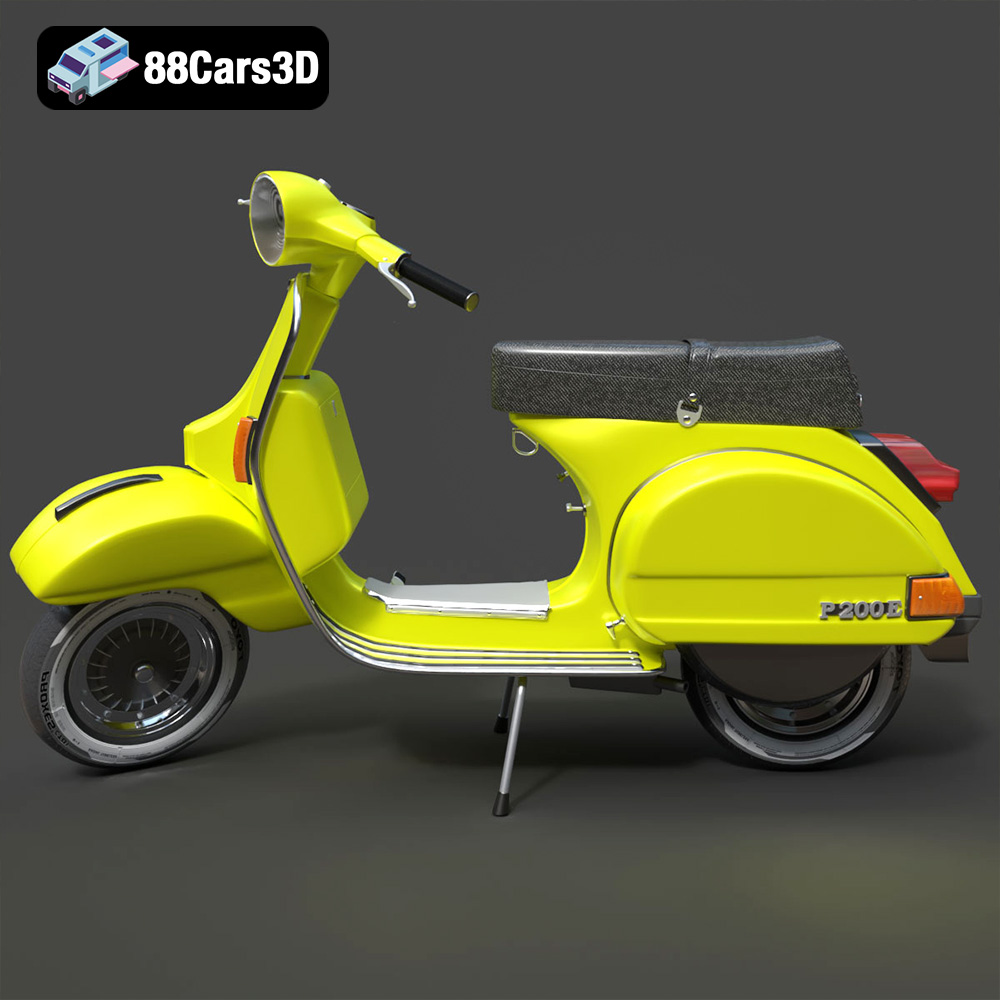
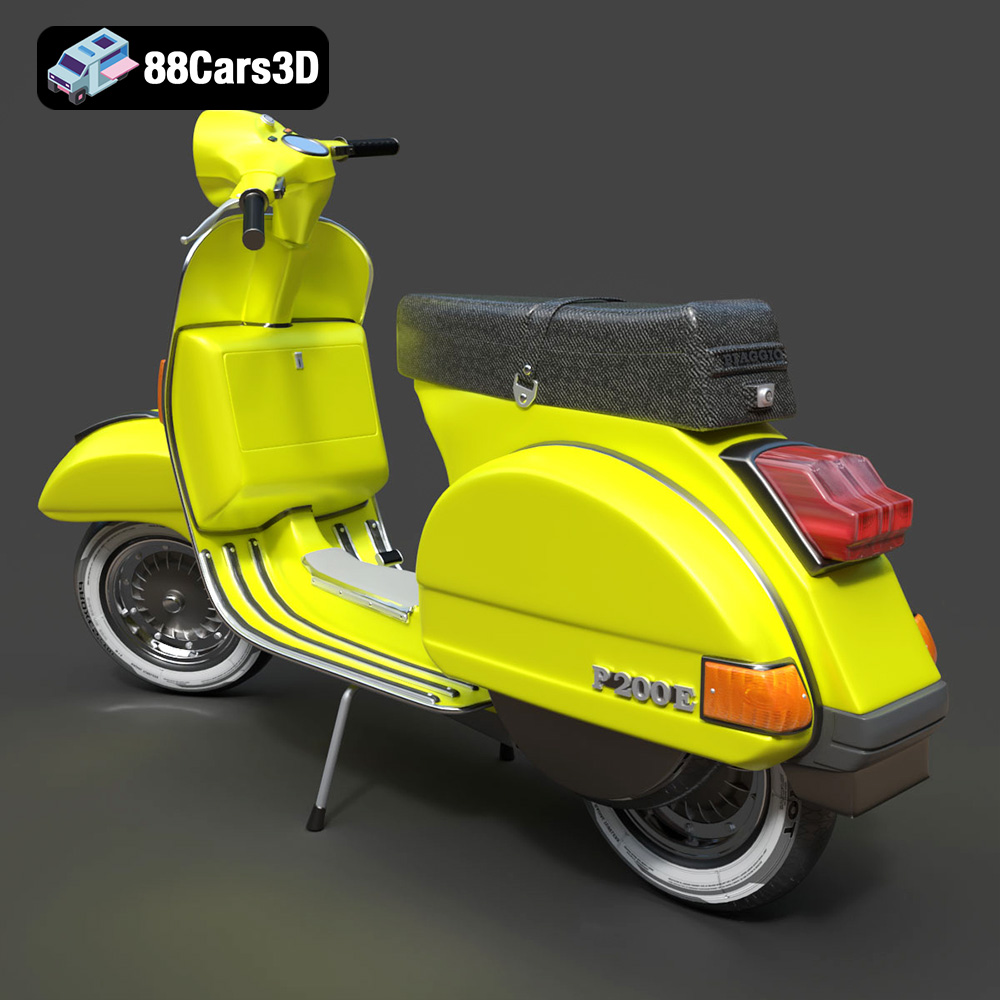
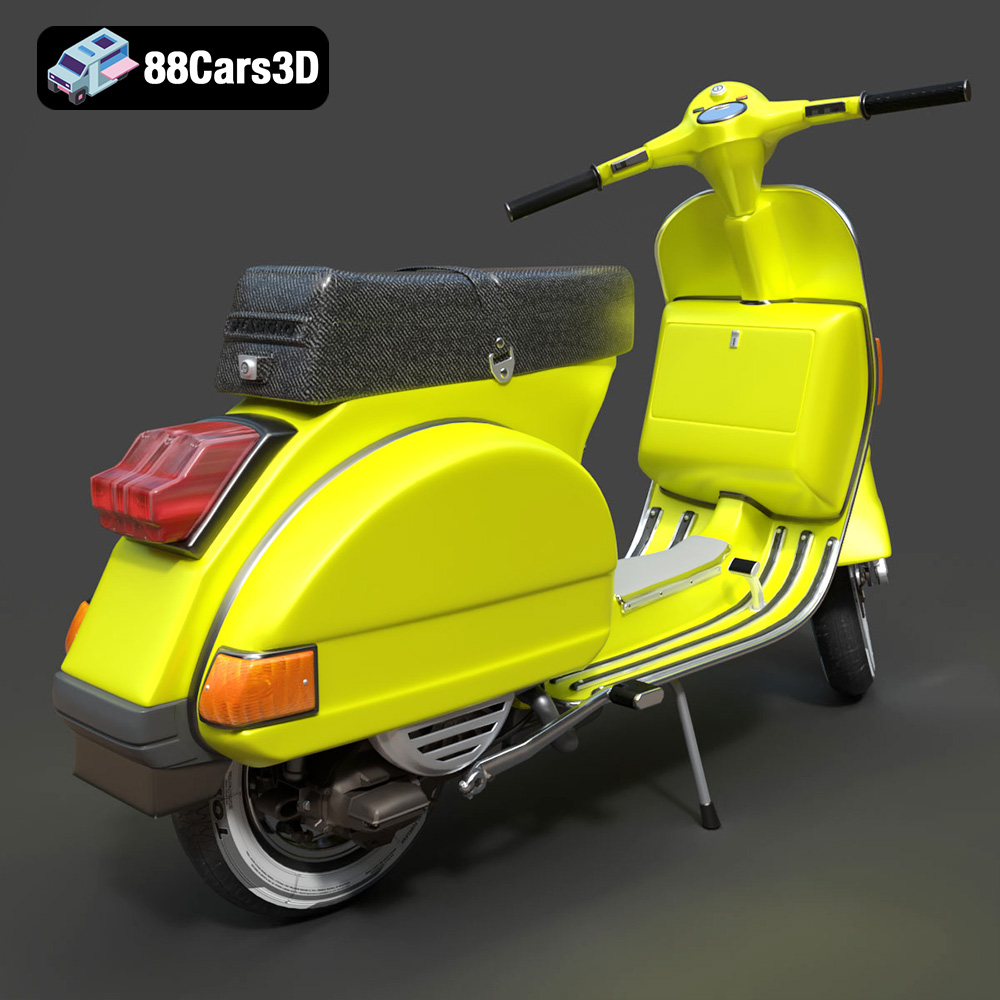
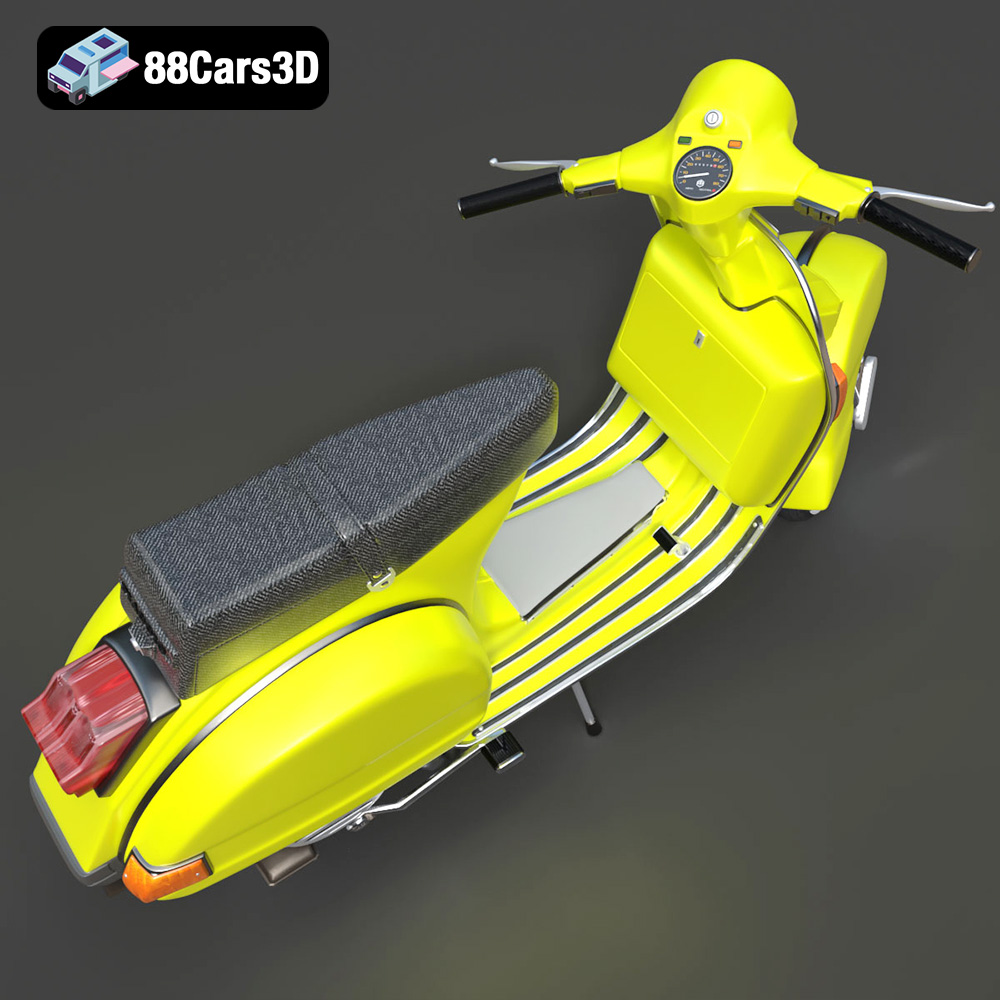
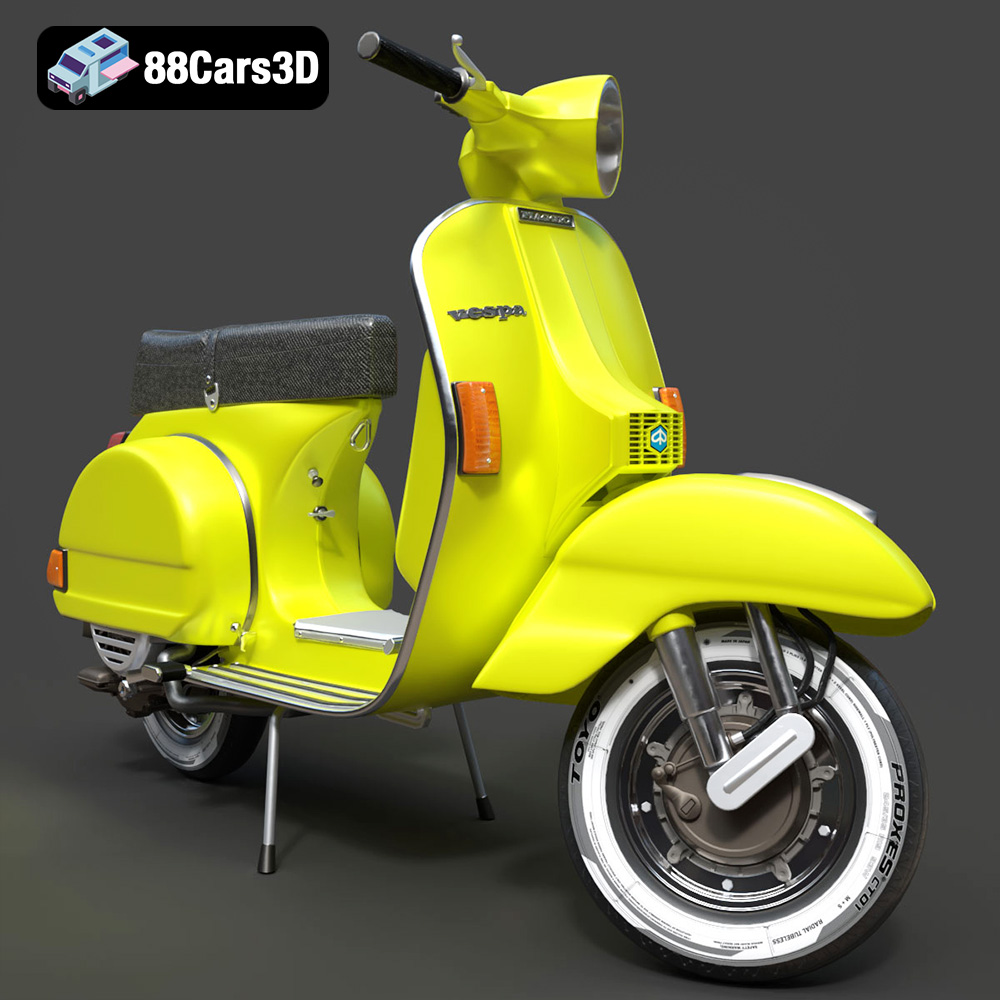
The Vespa P200E is a true icon of Italian design, celebrated for its timeless styling and reliable 2-stroke engine. This 3D model perfectly captures the scooter’s distinctive step-through frame, signature rear engine cowlings, and classic vintage aesthetic that made it a cultural phenomenon. From the rounded headlamp to the unmistakable tail section, every curve has been meticulously recreated to offer an authentic representation of this legendary two-wheeler.
$39.99
.blend
.fbx
.glb
.max
.obj
.ply
.rendering
.scooter
.stl
.unreal
.vespa
.vintage
classic-scooter
game asset
game-ready
low-poly
motorcycle-3d-model
optimized
p200e
VR/AR